
To balance drone propellers at home, inspect each blade first, then use a low-friction propeller balancer to find the heavy side. Make small corrections with tape, clear nail polish, glue, or light sanding, then retest until the propeller stays level. A properly balanced propeller helps reduce vibration, improve control, protect motors, and keep aerial footage smoother.
Quick Answer
Balance a drone propeller by placing it on a low-friction balancer, letting the heavier blade dip, then correcting the imbalance with tiny adjustments. Add a small amount of tape or coating to the lighter blade, or lightly sand the heavier blade. Retest until the propeller remains level.
Key Takeaways
- Always inspect propellers for cracks, chips, warping, or loose hubs before balancing.
- Static balancing works well for most home drone users because it is simple, affordable, and repeatable.
- Make very small corrections, then retest. Large changes can create a new imbalance.
- Dynamic balancing is more advanced and helps serious pilots diagnose vibration while the propeller spins.
- Replace damaged propellers instead of trying to repair them for flight.
At a Glance
| Time Required | 10 to 20 minutes per propeller |
| Difficulty | Beginner-friendly with careful testing |
| Tools Needed | Propeller balancer, clean cloth, small tape, clear nail polish or glue, fine sandpaper, and good lighting |
| Cost | Low, if you already own a basic propeller balancer |
Importance of Balancing Drone Propellers
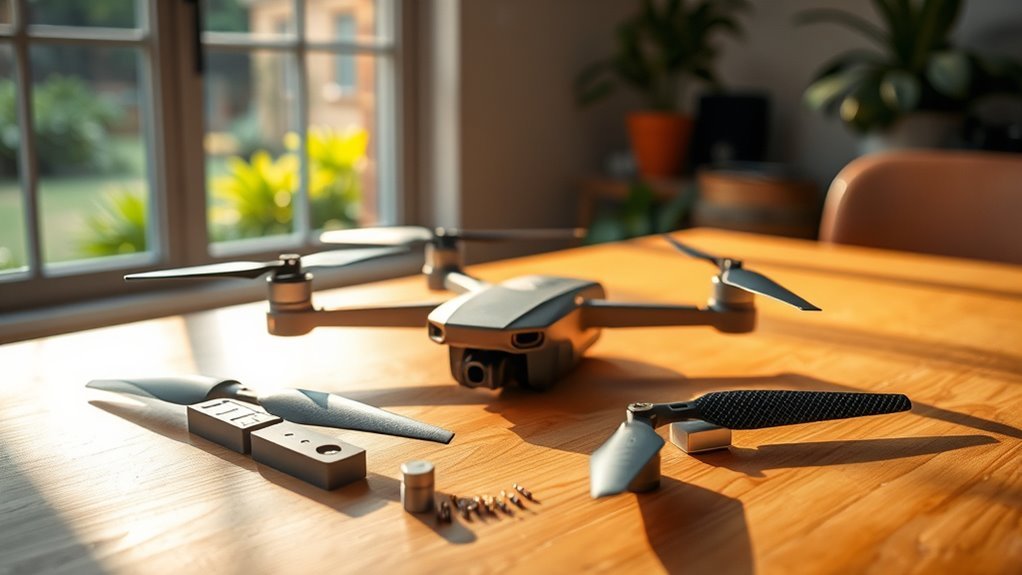
Balancing drone propellers matters because even a small blade imbalance can create vibration. That vibration can travel through the motor, frame, gimbal, camera, and flight controller.
Proper balancing helps reduce unwanted vibrations, which can lower stress on motors, bearings, screws, mounts, and electronic components over time. You may also notice smoother throttle response and steadier hovering after fixing a badly imbalanced propeller.
An imbalanced propeller can affect flight stability and cause shaky footage. That matters most if you use your drone for aerial photography and videography, where vibration can show up as blur, jello effect, or unstable clips.
When you achieve a well-balanced propeller, you can improve control responsiveness and thrust consistency. That does not guarantee longer flight times in every case, but it can help the drone use power more efficiently when vibration was previously high.
Regular propeller balancing also supports safer maintenance habits. You are more likely to catch cracks, chips, warping, or worn mounting holes before they become a flight problem.
Many ready-to-fly drones ship with usable propellers, but replacement props, custom builds, repaired props, larger blades, and low-cost aftermarket props may still need a balance check before serious flying.
Warning: Do not fly with a cracked, split, warped, or deeply chipped propeller. Balancing can reduce vibration, but it cannot make damaged plastic or carbon fiber safe again.
Understanding Propeller Types
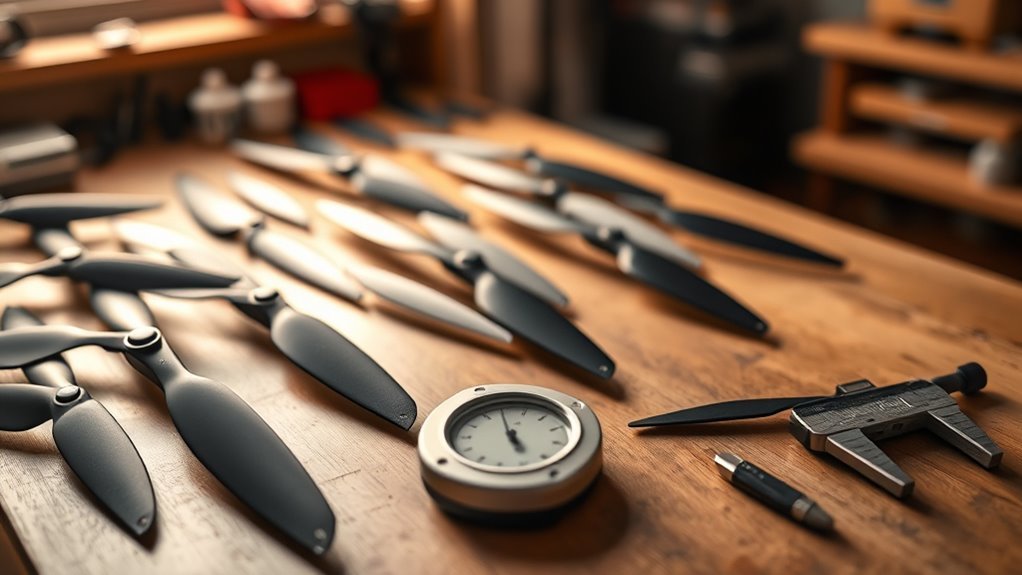
Understanding the main types of drone propellers helps you choose the right balancing method. Each design behaves differently on a balancer, so your approach should match the propeller style.
Understanding different drone propellers is essential for enhancing UAV performance and ensuring stable flights. Knowing your options can significantly improve your flying experience.
- Fixed Propellers: These have a rigid one-piece shape with no folding hinge. They are often easier to check on a static balancer and are common on many beginner and hobby drones.
- Foldable Props: These are convenient for travel because the blades fold inward. However, hinge wear, uneven blade movement, or dirt around the pivot can make balance harder to judge.
- Multi-Blade Propellers: These can provide more thrust or a different sound profile, but they create more surfaces to inspect. Three-blade and four-blade props need patient testing because each blade can affect the final balance.
Material also matters. Lightweight plastic props are affordable and common, while carbon fiber props are stiffer and often used on higher-performance builds. Carbon fiber can still become unsafe if cracked, so inspect it carefully before balancing.
Pitch plays a major role in flight feel. Higher-pitch propellers can support more speed, while lower-pitch propellers often feel smoother and easier to control. Balance does not change the pitch, but it helps the propeller deliver its intended performance with less vibration.
You should also confirm that the propeller matches your drone’s motor, mounting style, and manufacturer guidance. A perfectly balanced propeller can still be unsafe if it is the wrong size or mounting type.
Static Balancing Technique
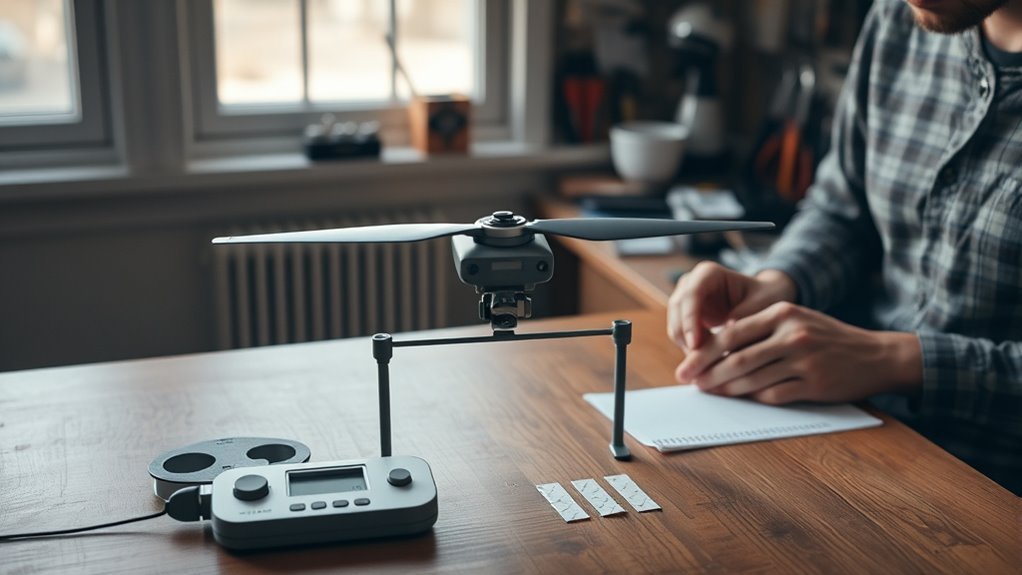
Achieving a well-balanced drone propeller is essential for smooth flight, and the static balancing technique is one of the simplest ways to do it at home.
Static balancing checks how the propeller rests when mounted on a low-friction shaft or magnetic balancer. If one blade keeps dropping, that side is heavier than the other side.
To correct the imbalance, you can add a tiny amount of material to the lighter blade. Small pieces of clear tape, a thin layer of clear nail polish, or a very small amount of glue can work when applied carefully.
You can also remove material from the heavier blade through gentle sanding. Sand only the underside or back side of the blade when possible, and make very small changes. Avoid changing the leading edge, blade shape, or airfoil more than necessary.
This static balancing method is cost-effective and beginner-friendly, making it a popular choice for hobbyists. It does not provide a measured balance grade, but it can reduce obvious vibration that affects flight quality.
Regular checks and adjustments using static balancing can enhance flight stability and help extend the lifespan of drone components. It also gives you a clear routine for inspecting props before an important flight.
Pro Tip: Clean the propeller before balancing it. Dust, grass stains, dried mud, or adhesive residue can make one side look heavier than it really is.
Dynamic Balancing Method

While static balancing works well for many hobbyists, dynamic balancing goes further by evaluating propeller performance while the system is in motion.
This method checks vibration as the propeller spins on the motor. It can reveal imbalance that does not show clearly on a static balancer, especially when the motor bell, prop adapter, hub, screws, or mounting surface also contributes to vibration.
Dynamic balancing often uses advanced sensors, vibration meters, smartphone-based tools, or software to analyze vibration. The goal is to identify where the correction should happen and whether the issue comes from the propeller, motor, mount, or frame.
Consider the advantages of this dynamic method:
- Enhanced Performance: It can reduce vibration under real operating conditions, which may improve aircraft efficiency and camera stability.
- Longevity: It can minimize vibration-related wear on drone components, helping motors, bearings, mounts, and frames last longer.
- Professional Standards: It supports the higher precision often needed for commercial UAV applications, larger props, mapping drones, and camera platforms.
Dynamic balancing can be more complex and costly than static balancing. It may also require safety guards, a secure test stand, and experience with spinning propellers.
For most casual pilots, static balancing is the best starting point. For serious builds, heavy-lift drones, or persistent vibration problems, dynamic balancing can help you find issues that a simple prop balancer misses.
Note: Dynamic balancing should be done with extreme care because the propeller spins under power. Keep hands, loose clothing, wires, and tools away from the propeller arc.
Step-by-Step Balancing Process
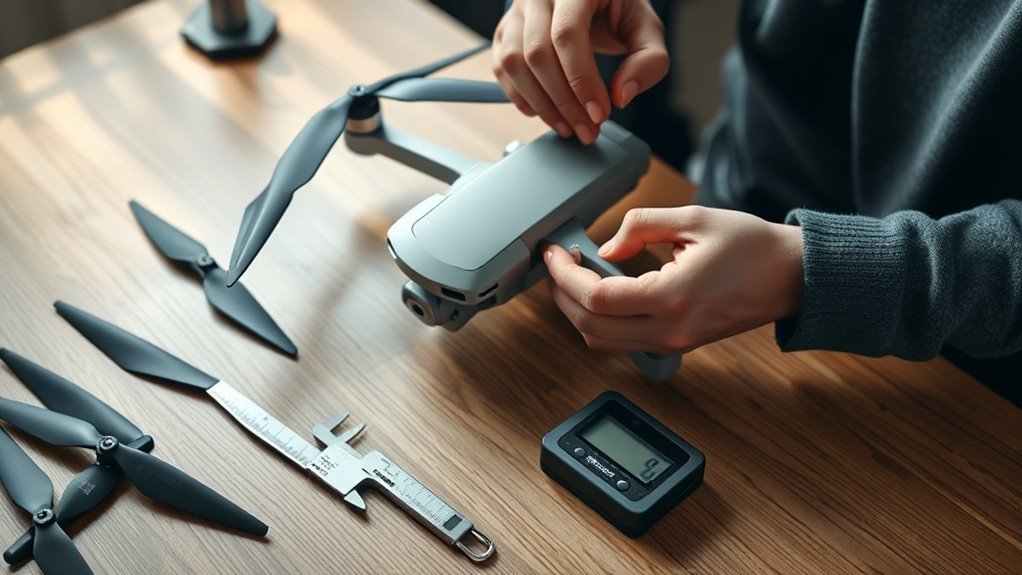
Balancing drone propellers requires a careful, repeatable process. Take your time, work in good lighting, and make small corrections instead of rushing.
- Remove the propeller from the drone. Never balance a propeller while it is still mounted on a powered drone. Remove the battery first so the motors cannot start by accident.
- Inspect the propeller for damage. Look for cracks, chips, bends, warping, delamination, rough edges, and worn mounting holes. Replace any damaged propeller before flight.
- Clean the propeller. Wipe away dust, dirt, grass, and residue. Let it dry before placing it on the balancer.
- Mount the propeller on a prop balancer. Make sure the shaft, cones, or adapters fit correctly. A loose or crooked setup can give false results.
- Find the heavy side. Let the propeller settle naturally. If one blade consistently dips, that side is heavier.
- Correct the imbalance. Add a small amount of tape, clear nail polish, or glue to the lighter blade. Or lightly sand the heavier blade if the propeller material allows it.
- Retest after every adjustment. Spin the propeller gently and let it stop. It should stay level in different positions instead of always dropping to the same side.
- Check the hub balance. If the same side drops even after blade corrections, the hub may be uneven. Replace the propeller if the hub appears damaged or poorly molded.
- Reinstall and test carefully. After balancing, reinstall the propeller in the correct direction and perform a low hover test in a safe open area.
To balance a drone propeller well, use balancing techniques that make gradual changes. Adding too much tape or sanding too much material can make the opposite blade heavy and force you to start over.
After adjustments, conduct a test spin on the balancer. The propeller should remain level or stop in random positions. If it repeatedly tilts to the same side, further adjustment is necessary.
Achieving equilibrium between the heavy and light sides confirms effective static balancing. If vibration remains after static balancing, inspect the motor shaft, mounting screws, prop adapter, and frame for other issues.
Common Mistakes and Maintenance Tips
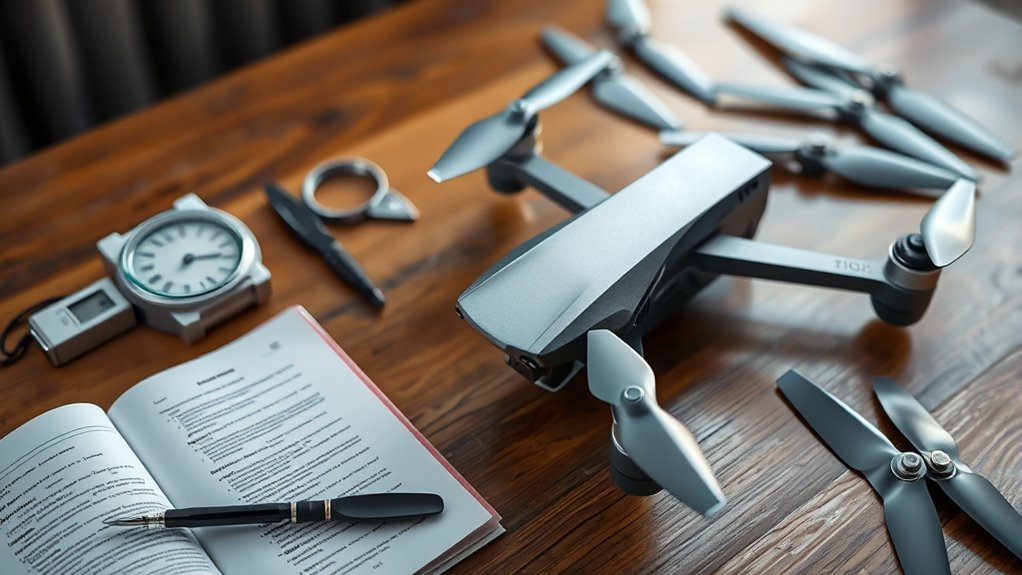
Neglecting proper inspection and maintenance of drone propellers can lead to performance issues and safety risks. A propeller is a small part, but it carries a major load during flight.
To support better flight safety, avoid these common mistakes:
- Failing to inspect propellers: Always check for chips, cracks, warping, and loose hubs before balancing. Damaged propellers can cause severe vibrations and compromise performance.
- Over-sanding heavier blades: Making large adjustments can destabilize your propellers. Stick to small adjustments and frequently retest balance to maintain accuracy.
- Ignoring post-landing checks: After hard landings or crashes, inspect your propellers. Minor impacts can affect balance and performance, leading to potential flight failure.
- Balancing dirty propellers: Dirt and residue can hide the true balance point. Clean the propeller before judging which side is heavy.
- Mixing worn and new propellers: Uneven wear across a set can affect flight feel. Replace propellers in matched sets when your drone manufacturer recommends it.
- Using the wrong propeller direction: Clockwise and counterclockwise propellers are not interchangeable. Install each propeller in the correct position before testing flight performance.
Follow manufacturer guidelines for balancing techniques, propeller replacement, torque, and maintenance. Drone makers may also recommend replacing props after a crash, even if the damage looks minor.
Store propellers flat or in a protective case. Heat, pressure, and poor storage can bend plastic blades and create a balance problem before the propeller ever reaches the drone.
Regularly replacing worn-out props and following these practices will help improve your drone’s lifespan and flight quality.
Troubleshooting After Balancing
If your drone still vibrates after you balance the propellers, the propeller may not be the only problem. Check the full rotating system before assuming the balancing process failed.
- Motor shaft: A bent shaft can cause vibration even with a balanced propeller.
- Prop adapter: A loose, uneven, or damaged adapter can make the propeller spin off-center.
- Motor screws: Loose screws can transfer vibration into the arm or frame.
- Frame arms: Cracks or flex in the frame can amplify small vibrations.
- Gimbal or camera mount: A loose mount can make footage look shaky even when the drone flies normally.
- Firmware and calibration: Poor calibration can cause unstable flight that may feel like propeller vibration.
Test one change at a time. Replace a suspect propeller, test hover, then check the motor and mount if vibration remains.
When to Replace Instead of Balance
Balancing is useful for minor weight differences, but it is not a repair method for unsafe propellers. Replace the propeller if you see structural damage or if it no longer fits securely.
Replace instead of balance when the propeller has cracks, deep chips, stress marks, loose folding hinges, damaged hubs, delamination, or a blade that looks twisted. Also replace it if the propeller makes unusual noise after installation or if the drone shows strong vibration during a low hover test.
For camera drones, replacing questionable props is usually cheaper than risking a crash, damaged gimbal, broken motor, or ruined footage.
Frequently Asked Questions
How do you balance drone propellers?
To balance drone propellers, inspect them for damage, clean them, and place one propeller on a low-friction balancer. Identify the heavier side, then add a tiny amount of material to the lighter blade or lightly sand the heavier blade. Retest until the propeller stays level.
What are the methods of propeller balancing?
The two main methods are static balancing and dynamic balancing. Static balancing checks how the propeller rests on a balancer. Dynamic balancing checks vibration while the propeller spins on the motor or test setup.
How would you know if the propeller is out of balance?
A propeller may be out of balance if one blade consistently dips on a balancer. During flight, you may notice strong vibration, extra noise, unstable hovering, blurry footage, or a jello effect in video.
How do you balance a two-blade propeller?
To balance a two-blade propeller, place it on a low-friction balancer and let it settle. The blade that drops is heavier. Add a small amount of material to the lighter blade or remove a tiny amount from the heavier blade, then retest until it stays level.
Can you use tape to balance drone propellers?
Yes, small pieces of lightweight tape can help balance a propeller when placed on the lighter blade. Use very small pieces, press them down firmly, and retest often. Do not use tape if it can peel off during flight.
Should you sand drone propellers to balance them?
You can lightly sand the heavier blade, but only in tiny amounts. Avoid changing the blade shape, leading edge, or airfoil. If the propeller needs heavy sanding to balance, replacing it is usually safer.
Conclusion
By balancing your drone propellers at home, you help your drone fly smoother, respond better, and protect important parts from excess vibration. The process is simple: inspect, clean, mount, identify the heavy side, adjust carefully, and retest.
Static balancing is enough for many home pilots, while dynamic balancing helps with more advanced vibration problems. Either way, the key is patience. Small corrections produce better results than aggressive sanding or oversized tape patches.
Most importantly, never use balancing to hide real damage. Replace unsafe propellers, follow your drone maker’s instructions, and test every change in a safe open area before normal flight.

