
When you push a stroller, your Fitbit may not count every step because many Fitbit devices use wrist movement to help detect walking. If your hand stays steady on the stroller handle, the device can miss steps, undercount your walk, or sometimes classify the movement incorrectly. The good news is that a few simple changes, such as pushing with one hand or changing where you wear the device, can make your stroller walks track more accurately.
Quick Answer
A Fitbit can count steps while you push a stroller, but wrist-worn models often undercount because your arm does not swing naturally. For better results, try pushing with one hand, wearing the Fitbit on your ankle, or placing it securely in a pocket or belt loop.
Key Takeaways
- Fitbit step counts can be lower during stroller walks because wrist motion is limited.
- Pushing with one hand may improve tracking because your Fitbit arm can swing more naturally.
- Pocket, belt-loop, clip, or ankle placement may work better than wrist placement for some users.
- GPS-equipped models can help with distance tracking, but GPS does not always fix step-count issues.
- The best method depends on your Fitbit model, stroller type, walking style, and how securely the device is worn.
At a Glance
| Main Issue | Limited wrist movement while holding the stroller handle |
| Best Quick Fix | Push with one hand and let the Fitbit arm swing naturally |
| Alternative Placement | Pocket, belt loop, clip holder, or ankle placement |
| Accuracy Level | Varies by model, placement, stride, stroller handle height, and walking speed |
Understanding Uncounted Steps
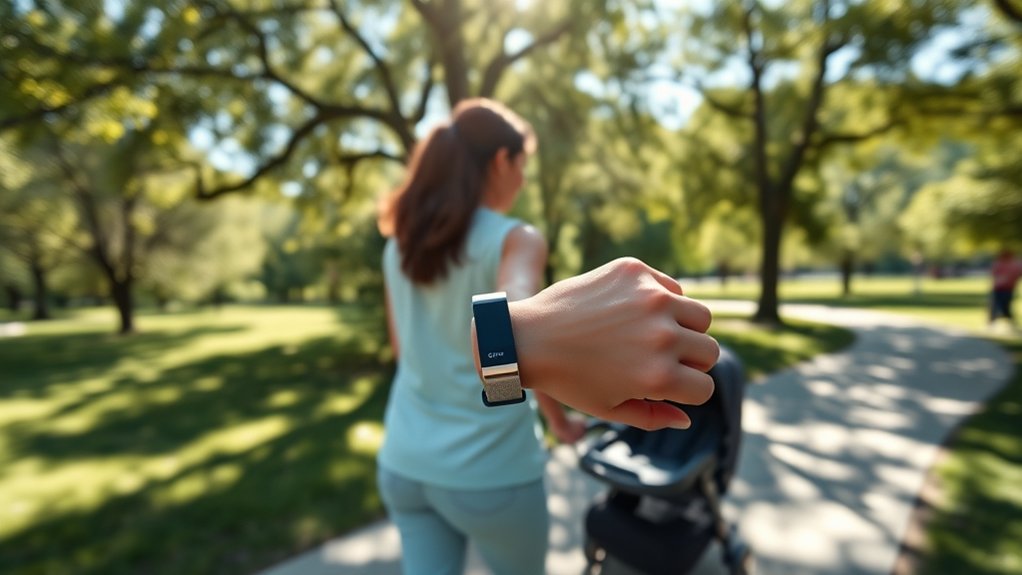
When you’re out pushing a stroller, you might not realize that your Fitbit is missing some of your steps. This usually happens because many wrist-worn fitness trackers rely partly on the rhythm of your arm movement to estimate walking activity. When both hands stay fixed on the stroller handle, your wrist movement becomes much smaller, so the Fitbit may not detect each step as clearly.
Stroller usage often restricts your wrist motion, leading to noticeable inaccuracies in step counting. Some users report missing a large number of steps during longer walks or busy weekends. Your device may also misread the movement pattern and classify the activity differently, such as biking instead of walking. This does not mean your walk did not count physically. It simply means the tracker did not capture it perfectly.
To improve your step accuracy while pushing a stroller, consider using one hand to push, switching the device to your non-stroller hand, or placing your Fitbit in a secure pocket. These methods help the tracker sense more natural body movement, allowing your efforts to be more accurately counted as part of your active lifestyle.
Note: A lower Fitbit step count during stroller walks does not mean you burned no energy. It usually means the device had trouble detecting the movement pattern from your wrist.
Why Fitbit Misses Steps When Pushing a Stroller
Fitbit devices use motion sensors to detect patterns that look like walking. During normal walking, your arms usually swing in a steady rhythm. That motion helps the device estimate steps. When you push a stroller, your wrist may stay almost still, especially if you grip the handle with both hands. Because the tracker sees less arm movement, it may count fewer steps than you actually take.
Several factors can affect how many steps your Fitbit records during stroller walks:
- Grip style: Holding the stroller with both hands limits arm movement more than pushing with one hand.
- Stroller handle height: A handle that keeps your wrist stiff can make tracking less accurate.
- Walking speed: Slow, stop-and-go walking may be harder to detect than a steady pace.
- Surface type: Smooth sidewalks, gravel paths, grass, and curbs can create different motion patterns.
- Fitbit placement: Wrist, pocket, belt loop, clip, and ankle placements can all produce different results.
This is why two people can push similar strollers and get very different Fitbit results. The issue is not only the device. It is the combination of the device, your body movement, and the stroller.
Fitbit Models and Features
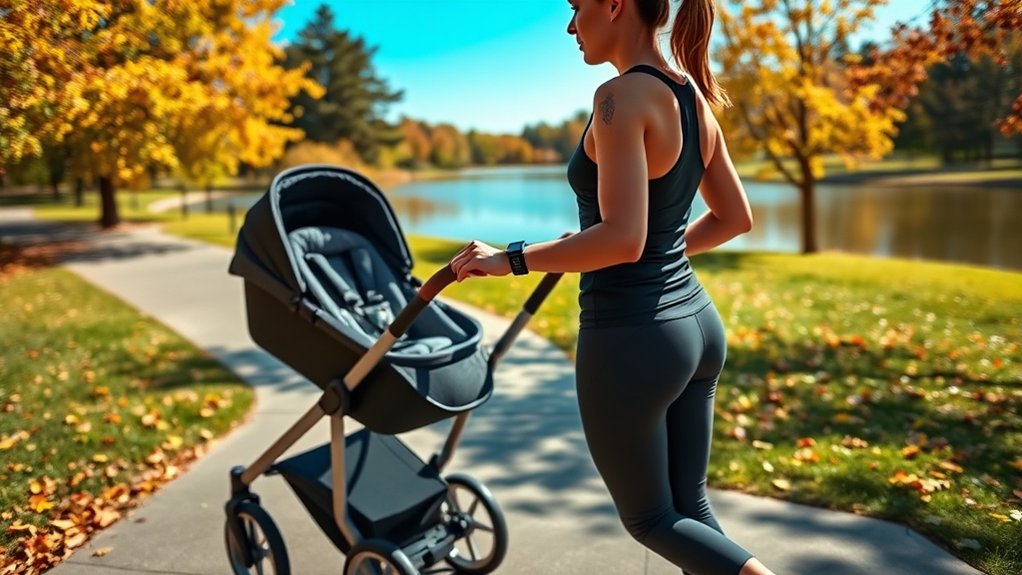
When you’re choosing a Fitbit, it’s important to reflect on how different models track your steps, especially while pushing a stroller. Models worn on the wrist may not count every step when your arms stay still, while clip-style or clothing-based options can sometimes perform better because they move with your body instead of depending on arm swing. Features like built-in GPS can also help with distance tracking, although GPS does not always solve the step-count problem by itself.
Step Counting Mechanism
Although Fitbit devices are designed to help you track your steps, the way they detect movement can create challenges when you’re pushing a stroller. These devices primarily read motion from where they are worn. If your Fitbit is on your wrist and your hand is fixed on the stroller handle, the device may not see the same walking rhythm it sees during a normal walk.
This may cause your Fitbit to misinterpret your activity, count fewer steps, or log the movement as a different exercise type. Clip-style models, older clothing-based trackers, or wrist models placed in a pocket may reduce this issue because they can detect body movement more directly. If you’re looking for reliable tracking, try alternative placements like your pocket, belt loop, or ankle. Advanced models with GPS can help estimate route and distance during stroller walks, but you may still need to test placement for the most accurate step count.
Model Variability in Tracking
Pushing a stroller can greatly impact how well different Fitbit models track your steps. The variability in model accuracy means you might notice differences based on the device you choose and how you wear it. Here are some key points to evaluate:
- Wrist Models: These rely heavily on wrist movement, so stationary arms may lead to underreported steps.
- Basic or Clip-Style Models: Devices that attach to clothing can provide more consistent step counting during stroller walks.
- GPS Features: Models with GPS may better track route and distance, even when your arms are still.
- Exercise Modes: Some models let you manually start a walk, which may help organize your activity data.
- User Feedback: Newer models may improve tracking over time through updated algorithms and user-reported activity patterns.
- Older Models: Some older models may lack GPS or advanced activity recognition, which can affect stroller-walk accuracy.
Choosing the right model can support your fitness journey, but placement and walking style still matter. Even a newer Fitbit can undercount if it is worn on a wrist that barely moves.
Activity Differences in Step Counting
While you might expect your Fitbit to accurately track every step, the activity you’re engaged in can greatly impact its performance. When pushing a stroller, the device often struggles due to reduced arm movement, which is important for detecting step frequency. Your stroller dynamics also play a role. Using one hand allows some arm movement, which can improve tracking accuracy.
Other daily activities can create similar tracking problems. Grocery shopping with both hands on a cart, carrying a baby, holding a leash tightly, or walking while carrying bags may reduce wrist motion. In those cases, your Fitbit may record fewer steps than you actually take. On the other hand, brisk walking with a natural arm swing usually gives the tracker a clearer pattern.
Some users find success by attaching their Fitbit to a belt loop or storing it in a pocket, which can enhance accuracy while pushing a stroller. Remember, your individual experience may vary, and some devices may misinterpret stroller pushing as a different activity.
Strategies for Counting Steps
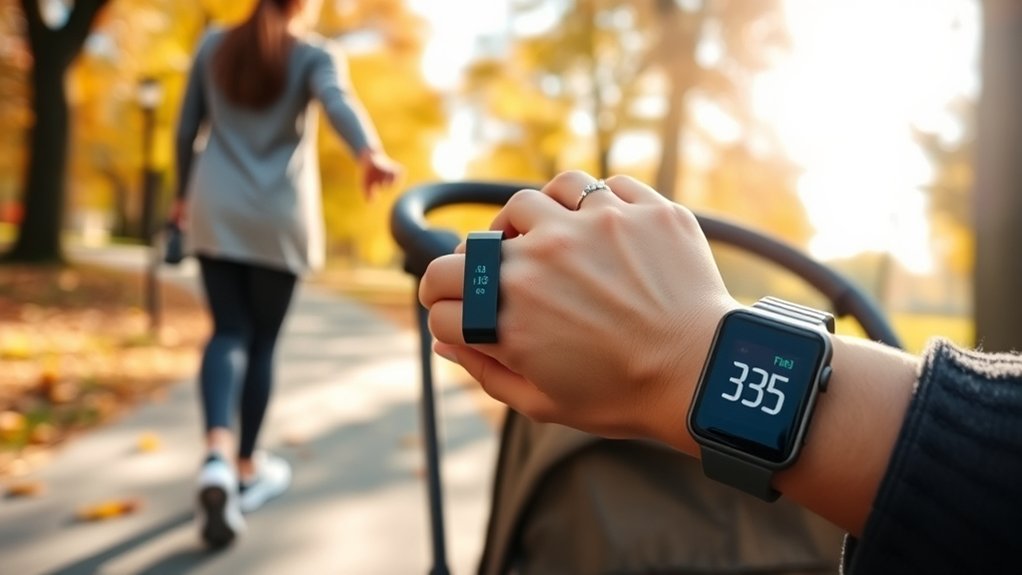
Finding effective strategies for counting steps while pushing a stroller can make a significant difference in your activity tracking. You do not need a complicated setup. Start with the easiest changes first, then test other methods if your step count still seems too low.
Try these stroller techniques to boost your step accuracy:
- Use one hand to push the stroller, allowing your Fitbit wrist to move freely.
- Switch the Fitbit to the wrist that is not holding the stroller handle.
- Place your Fitbit in a secure pocket, on a belt loop, or attach it to your clothing.
- Consider wearing the Fitbit on your ankle for better lower-body movement detection.
- Start a walking exercise manually if your model supports it.
- Walk at a steady pace when possible, since stop-and-go movement can be harder to track.
- Experiment with different carrying methods to see what works best for your body and stroller.
- Observe your walking patterns to identify which strategy gives the closest count.
Pro Tip: Test one change at a time. For example, compare a 10-minute walk with wrist placement, then repeat the same route with pocket placement. This makes it easier to see which method actually improves your count.
Best Step-Tracking Methods for Stroller Walks
The best method depends on your Fitbit model and comfort level, but these options are usually worth trying first:
A GPS-based watch sidesteps the problem entirely. Because it measures distance by satellite rather than by arm swing, pushing a stroller does not undercount the walk the way a wrist-worn step counter does. Our guide to GPS fitness watches worth comparing covers the models that handle this well.
- Push with one hand: This is the simplest option because it keeps your Fitbit on your wrist while restoring some arm swing.
- Use a secure pocket: A front pocket or zippered pocket can help the Fitbit detect body movement without depending on wrist swing.
- Attach it to a belt loop: This keeps the device close to your hip movement and may improve step registration.
- Try ankle placement: Since your ankle moves with every step, this can produce better step detection for some users.
- Use GPS for distance: If your Fitbit has GPS, start a walk activity so you can still review distance and route even if steps are slightly off.
If you care most about step totals, pocket, belt-loop, or ankle placement may be more useful. If you care most about heart rate, wrist placement may be better, since many Fitbit models are designed to read heart rate from the wrist.
Warning: If you wear your Fitbit somewhere other than your wrist, secure it carefully. Loose ankle placement, shallow pockets, or open belt loops can increase the risk of dropping or losing the device during a stroller walk.
Alternative Wearing Methods
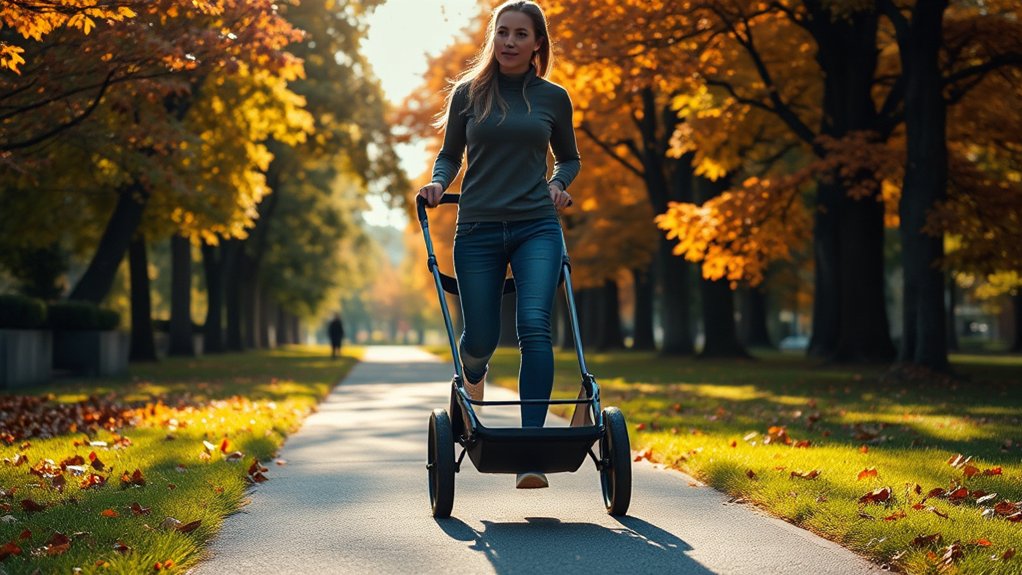
If you’re looking for ways to improve accurate step tracking while pushing a stroller, consider wearing your Fitbit on your ankle or placing it in a pocket or belt loop. These alternative methods can enhance step registration without relying only on arm movement, making it easier to keep track of your activity. Just make certain the device is securely fastened to avoid losing it during your strolls.
Ankle Placement Benefits
Ankle placement of your Fitbit can greatly enhance the accuracy of step tracking, especially during activities like pushing a stroller. By wearing it on your ankle, you may experience several benefits:
- Improved step accuracy because the device moves with your lower body.
- More consistent step registration when your hands stay on the stroller.
- Better tracking during steady walking routes.
- Possible heart rate monitoring if the device maintains proper skin contact and supports it.
- Opportunity for individual testing to find your most reliable fit.
This alternative wearing method can keep your Fitbit moving with each step, but comfort and security matter. Use a snug strap, soft band, or secure sock placement so the device does not slide around. If you’re seeking a more accurate way to monitor your activity while enjoying your stroll, consider giving ankle placement a careful test.
Pocket or Belt Loop
Exploring alternative wearing methods like placing your Fitbit in a pocket or attaching it to a belt loop can enhance your step tracking, especially while pushing a stroller. Pocket placement, particularly in a secured zippered pocket, allows your Fitbit to register movement from your body instead of relying only on arm swing.
Similarly, when you attach the Fitbit to a belt loop, it stays close to your body, helping it detect movement even when your arms are stationary. Many users have found success with these methods, including placing their devices on shoelaces or under clothing. Just remember to secure your Fitbit properly to prevent loss, leading to more reliable tracking results as you enjoy your stroll.
Testing and Experimentation
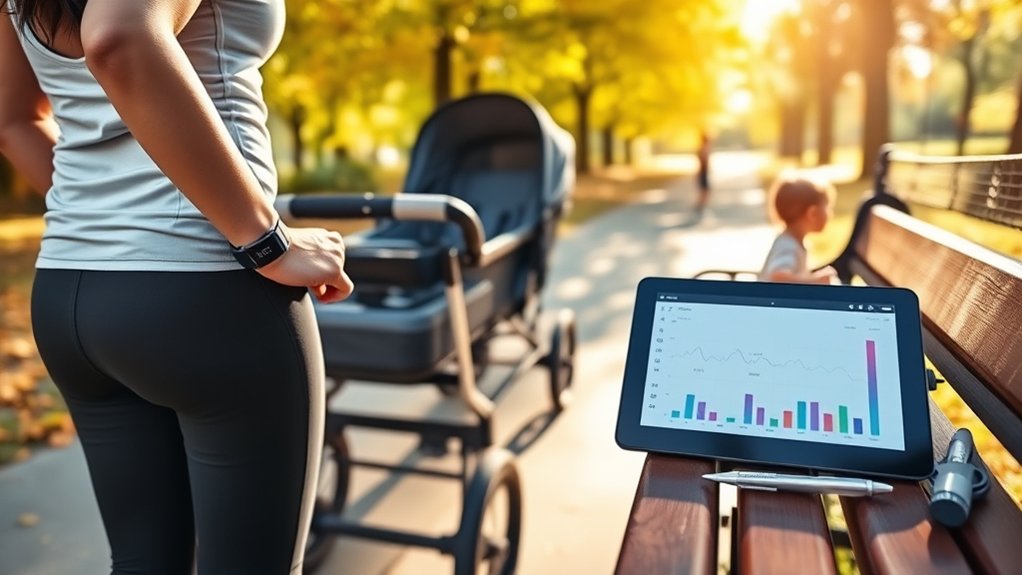
While testing different methods for pushing a stroller, you can discover how to optimize your Fitbit’s step tracking. Your results may vary based on stroller types, your stride, handle height, and walking route, so experimenting is key.
Here are some effective strategies to evaluate:
- Try pushing with one hand to increase arm movement.
- Place your Fitbit on your wrist, in your pocket, or on your ankle to see which gives the best results.
- Attach the Fitbit to a belt loop for a different tracking perspective.
- Use the same route and walking pace for each test.
- Document and compare your manual step counts against the Fitbit data.
- Observe your walking patterns to refine your technique.
Through these experiments, you’ll enhance your step counting accuracy, making every stroller walk count.
Simple Test for Fitbit Stroller Accuracy
If you are not sure whether your Fitbit is missing stroller steps, run a quick test on a short, safe route. This gives you a clear comparison instead of guessing.
- Choose a short route: Pick a sidewalk, driveway, or path where you can safely walk about 200 to 500 steps.
- Count manually once: Walk the route without the stroller and count your steps or use a known step-count route.
- Walk with the stroller: Push the stroller normally with your Fitbit on your wrist.
- Repeat with a new placement: Try the same route with the Fitbit in your pocket, on your belt loop, or on your ankle.
- Compare the results: Choose the placement that comes closest to your manual count while still feeling comfortable and secure.
This test does not need to be perfect. It simply helps you find the most reliable setup for your own walking style.
User Experiences and Observations

Many users have found that their Fitbit devices struggle to accurately count steps when pushing a stroller, mainly due to the limited arm movement that’s important for step detection. This can lead to significant discrepancies in step counts, especially on longer walks or during full weekends of errands and outdoor time.
The frustration is understandable, especially for parents and caregivers who rely on stroller walks as a major part of their daily activity. If your Fitbit undercounts those walks, your dashboard may not reflect the effort you actually put in. To combat this issue, some users suggest alternative methods, such as wearing the Fitbit on their ankle or belt loop, to help the device register movement. Additionally, some Fitbit models perform better than others for this activity, resulting in varied experiences and prompting some users to rely on manual tracking methods for comparison.
When to Use Fitbit GPS or Manual Workout Mode
If your Fitbit supports GPS or connected GPS, it may help you record distance, route, pace, and active time during stroller walks. This is especially useful when step count is not perfect but you still want credit for the walk. Starting a walking exercise manually can also make the activity easier to find later in your app history.
However, GPS and manual workout mode do not guarantee perfect step counting. GPS tracks where you go, while steps still depend on movement detection. For the best results, combine GPS or walking mode with a better placement method, such as one-hand pushing, pocket placement, or ankle placement.
Common Mistakes That Lower Fitbit Step Counts
If your Fitbit keeps missing stroller steps, check for these common mistakes:
- Holding the stroller with both hands the whole time: This greatly reduces wrist movement.
- Wearing the band too loosely: A loose device can move unpredictably and reduce tracking quality.
- Using a shallow pocket: The Fitbit may shift, fall out, or fail to move consistently with your body.
- Changing several things at once: If you change placement, route, and pace together, it is harder to know what helped.
- Expecting exact numbers: Fitness trackers estimate activity. Even in normal walking, step counts can vary slightly.
A steady setup usually gives better results than constantly switching methods. Once you find a placement that works, use it consistently for stroller walks.
Frequently Asked Questions
Can I connect my Fitbit to a stroller for better tracking?
You cannot directly connect most Fitbit devices to a stroller for step tracking. Instead, wear the Fitbit in a way that captures body movement better, such as on your free wrist, in a secure pocket, on a belt loop, or on your ankle.
Does Fitbit offer any solutions for inaccurate step counting?
Fitbit does not provide a stroller-specific step-count setting for every model, but you can improve results by wearing the device securely, syncing it regularly, updating the app and device software, manually starting a walking activity, and testing different placement methods.
How does Fitbit determine what counts as a step?
Fitbit devices use motion sensors to detect movement patterns that look like walking. Wrist-worn models often read arm motion as part of that pattern, which is why steps can be missed when your hand stays steady on a stroller handle.
Will future Fitbit updates improve stroller step tracking?
Future updates may improve activity detection, but there is no guaranteed stroller-specific fix for every Fitbit model. For now, the most practical solution is to test different wearing positions and use walking mode or GPS features when available.
Are there specific strollers that work better with Fitbit?
A stroller that allows a relaxed grip and smoother walking may help, but the Fitbit placement matters more than the stroller brand. Lightweight strollers with smooth wheels and comfortable handle height can make it easier to push with one hand and keep a natural stride.
Is ankle placement safe for Fitbit step tracking?
Ankle placement can work for step tracking, but the device must be secure and comfortable. Use a snug strap or protected placement so it does not slide, rub, or fall off during your walk.
Should I put my Fitbit in my pocket while pushing a stroller?
Pocket placement can be a good option because the Fitbit moves with your body instead of your wrist. A zippered or deep pocket is best because it keeps the device secure while you walk.
Conclusion
While pushing a stroller can lead to uncounted steps, understanding how your Fitbit works can help you reduce the gap. Instead of letting missed steps frustrate you, try experimenting with different placement methods. Push with one hand when safe, place the device in a secure pocket, attach it to a belt loop, or test ankle placement.
Your best setup may depend on your Fitbit model, stroller, walking speed, and comfort. By actively seeking ways to enhance accuracy, you can transform your strolls into more reliable workouts and make sure more of your effort counts toward your fitness goals.

