
The U.S.-spec 2023 Toyota RAV4 offers Toyota’s own built-in Cloud Navigation, but it is not automatically standard on every individual vehicle. Drive Connect is standard on select grades and listed as optional on the others. Every 2023 RAV4 does include Toyota Audio Multimedia with standard wireless Apple CarPlay and Android Auto, so all trims can display compatible phone navigation apps.
Quick Answer
For U.S.-spec 2023 RAV4s, Toyota Cloud Navigation is standard on select grades and optional on the rest—not automatically included on every vehicle. Every trim does, however, receive Toyota Audio Multimedia with standard wireless Apple CarPlay and Android Auto. Equipped vehicles include a one-year Drive Connect trial, followed by a paid subscription.
Key Takeaways
- Toyota’s Cloud Navigation is part of the subscription-based Drive Connect service.
- Drive Connect is standard on the TRD Off-Road, Limited, Hybrid XSE, Hybrid Limited, and Prime XSE grades and optional on the other 2023 grades.
- An equipped vehicle includes a one-year Drive Connect trial that begins with the original purchase or lease.
- Wireless Apple CarPlay and Android Auto are standard across the 2023 RAV4 lineup, so no wireless adapter is required.
- Toyota Cloud Navigation and phone apps can both provide traffic-aware routing, but their subscriptions, data use, and offline limitations differ.
Does Every 2023 Toyota RAV4 Have Built-In Navigation?
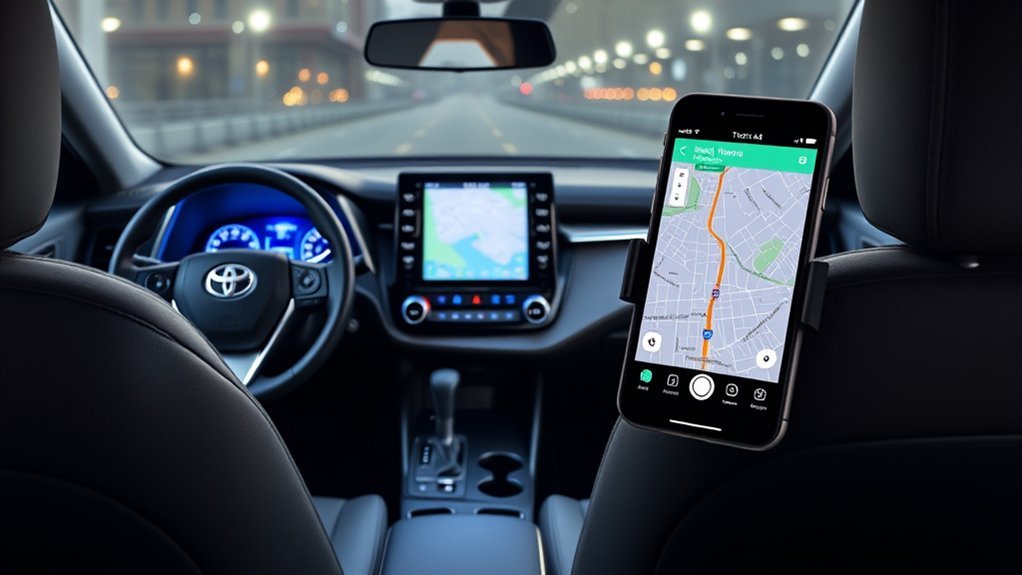
Not every 2023 RAV4 has Toyota Cloud Navigation as standard equipment. According to Toyota’s official 2023 RAV4 brochure, Drive Connect with Cloud Navigation is standard on several higher grades and listed as optional on the remaining gas, hybrid, and Prime grades.
| 2023 RAV4 type | Drive Connect standard | Drive Connect optional |
| Gas | TRD Off-Road, Limited | LE, XLE, XLE Premium, Adventure |
| Hybrid | XSE, Limited | LE, XLE, Woodland Edition, XLE Premium, SE |
| Prime | XSE | SE |
“Optional” means that availability depends on the vehicle’s factory configuration or selected equipment. Two RAV4s with the same model year can therefore have different Toyota navigation capabilities.
Note: When shopping for a used 2023 RAV4, do not rely only on the trim name or the presence of a map-style screen. Check the original window sticker, enter the VIN in the Toyota app, or open the multimedia system’s connected-services menu to confirm whether Drive Connect is supported.
What’s New in the 2023 RAV4 Navigation System?
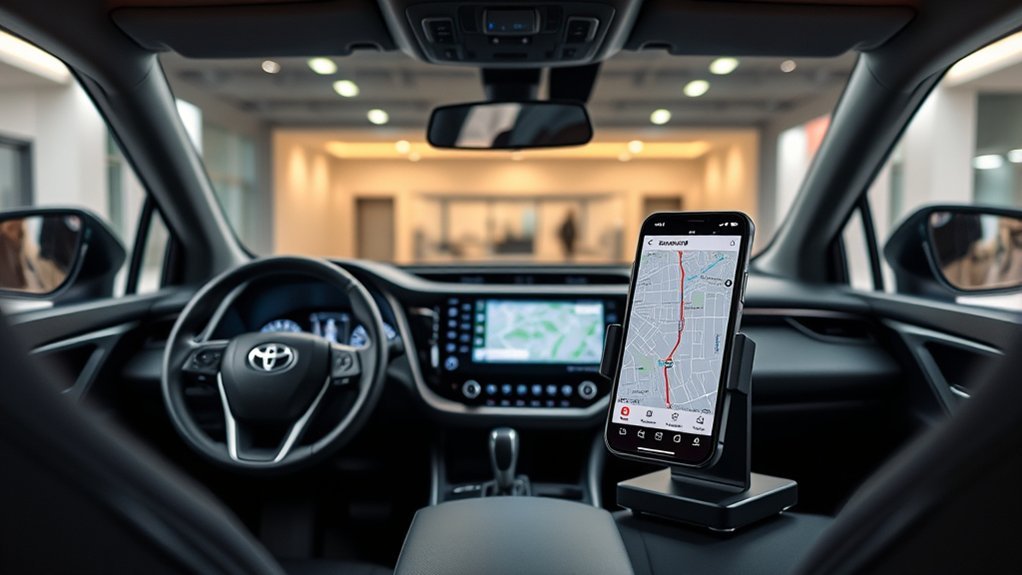
The major 2023 change was the introduction of the newer Toyota Audio Multimedia platform across the RAV4 lineup. Toyota’s 2023 model announcement confirms that the system is capable of over-the-air updates and includes standard wireless Apple CarPlay and Android Auto.
Toyota Audio Multimedia Screen Sizes
Most 2023 grades use an 8-inch multimedia screen. A 10.5-inch screen is standard on the TRD Off-Road, Hybrid XSE, Limited, Hybrid Limited, and Prime XSE, and it is available through packages on certain other grades.
The screen itself does not prove that an active Toyota navigation service is included. The multimedia display can show Toyota Cloud Navigation when the vehicle is equipped and subscribed, or it can show phone navigation through CarPlay or Android Auto.
What Drive Connect Includes
Toyota Drive Connect combines three main services:
- Cloud Navigation: Uses current map, routing, traffic, and Google Points-of-Interest data.
- Intelligent Assistant: Responds to natural-language commands such as “Hey Toyota” for directions and supported vehicle functions.
- Destination Assist: Connects the driver with a live agent who can find a destination and send it to the vehicle.
This means the original claim that Toyota’s built-in system lacks real-time traffic is incorrect. Cloud Navigation is specifically designed to use current traffic and routing information when the required services and network connection are available.
Drive Connect Trial and Subscription
Equipped 2023 RAV4s include a one-year Drive Connect trial. The trial begins on the original date of purchase or lease, not when a later owner first discovers or activates the feature. A paid subscription is required after the trial to continue using Cloud Navigation, Intelligent Assistant, and Destination Assist.
This distinction matters for used vehicles. By the time a 2023 RAV4 is sold to its second owner, the original trial may already have ended. Current plan availability and pricing should be checked in the Toyota app because connected-service bundles can change.
Toyota Cloud Navigation vs. Phone Navigation Apps
Toyota Cloud Navigation, Apple Maps, Google Maps, and other compatible phone apps can all provide turn-by-turn directions. The better option depends on whether you value vehicle integration, app familiarity, subscription cost, or prepared offline maps.
| Feature | Toyota Cloud Navigation | CarPlay or Android Auto apps |
| Cost | One-year trial on equipped vehicles; paid Drive Connect plan afterward | No Toyota navigation subscription; normal phone, app, and data costs may apply |
| Traffic-aware routing | Yes, when Drive Connect and required connectivity are available | Yes, when the phone has an internet connection |
| Offline preparation | Some information may remain available with limited connectivity, but full offline operation is not guaranteed | Supported apps can store downloaded map areas; offline features are more limited |
| Voice control | “Hey Toyota” and Destination Assist | Siri, Google Assistant, or other supported phone controls |
| Best for | Drivers who prefer an integrated Toyota interface and live-agent assistance | Drivers who prefer familiar apps, saved places, and phone-based accounts |
The 2023 RAV4 does not force you to choose one navigation system permanently. You can use Toyota Cloud Navigation for one trip and switch to a compatible phone app for the next.
Advantages of Google Maps, Apple Maps, and Android Auto
Phone navigation is appealing because your favorites, recent destinations, calendar locations, and app preferences can follow you between vehicles. Wireless projection also lets you use the RAV4 display without plugging in a cable.
Google Maps and other supported apps may provide frequent map changes, traffic-based alternatives, lane guidance, and familiar search tools. Their performance still depends on the phone, app, account settings, and data connection.
Google Maps allows users to download selected areas before a trip. Once downloaded, driving directions can continue when the connection is slow or unavailable, provided the entire route is inside the saved area. Traffic information and alternate routes are not available while Google Maps is offline.
Pro Tip: Before driving through a rural area, national park, or known coverage gap, download the relevant map area to your phone and enter the destination while you still have service. Do not assume either cloud-based system will provide every feature without a connection.
Setting Up Wireless Apple CarPlay
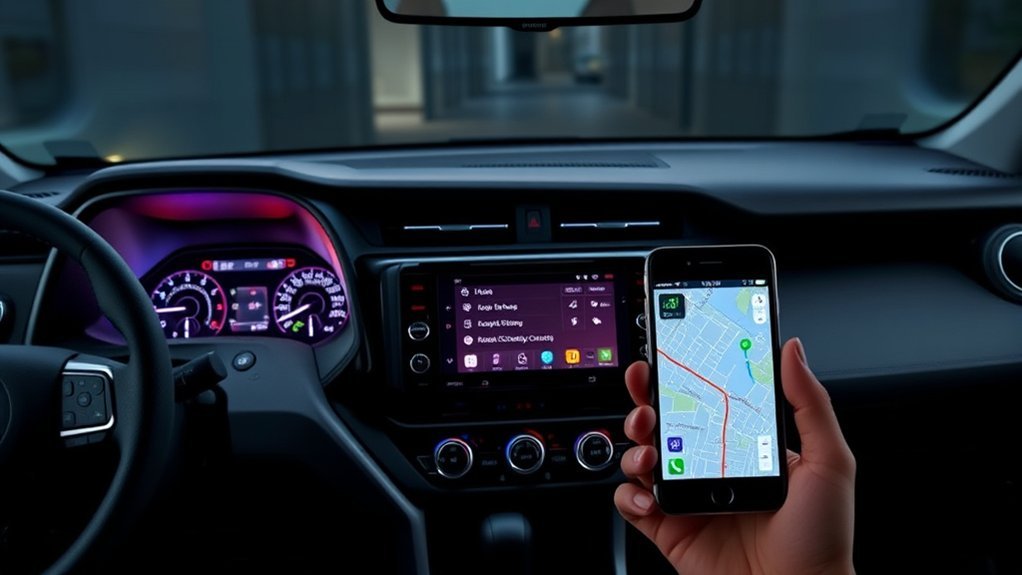
The 2023 RAV4 supports wireless Apple CarPlay from the factory. You do not need an aftermarket wireless adapter.
Warning: Park the vehicle before pairing a phone, accepting connection prompts, entering account information, or troubleshooting the multimedia system.
- Start the RAV4 and leave it in Park.
- On the iPhone, turn on Bluetooth and Wi-Fi and confirm that Siri is enabled.
- Open the device or Bluetooth menu on the Toyota multimedia screen and choose the option to add a device.
- Select the RAV4 on the iPhone and confirm that the pairing code matches on both screens.
- Accept the Apple CarPlay and contact-permission prompts when they appear.
- Select Apple CarPlay on the vehicle screen. The phone should reconnect automatically on later drives.
If wireless pairing does not appear, connect the phone temporarily to the front media USB port with a suitable data cable. Apple notes that vehicles supporting wired and wireless CarPlay may offer to use wireless CarPlay on future drives after the initial cable connection. Additional current guidance is available from Apple Support.
Do You Need a Wireless CarPlay Adapter?
No. An adapter is unnecessary for a properly functioning 2023 RAV4 because wireless CarPlay is standard. Adapter advice may apply to certain older vehicles that support only wired CarPlay, but it should not be presented as a requirement for this model year.
Setting Up Wireless Android Auto
- Confirm that the phone meets current wireless Android Auto requirements and has Bluetooth, Wi-Fi, and mobile data enabled.
- Place the RAV4 in Park and open the multimedia system’s device-pairing menu.
- Select the vehicle on the phone and confirm the matching pairing code.
- Approve the Android Auto, contact, message, and notification permissions you want to use.
- Open Android Auto on the RAV4 display and complete any remaining prompts.
Google’s current Android Auto requirements explain phone, operating-system, data-plan, and 5 GHz Wi-Fi compatibility. A high-quality USB cable can be used as a fallback when wireless pairing is unreliable.
How to Activate Toyota Cloud Navigation
The following steps apply only if the vehicle supports Drive Connect:
- Download the Toyota app and sign in or create a Toyota account.
- Add the RAV4 using its VIN and complete the ownership-verification steps.
- Open the vehicle’s Connected Services area and activate the available Drive Connect trial or a paid plan.
- Sign in to the same Toyota profile on the vehicle’s multimedia system.
- Accept the connected-service and data permissions required for the features you plan to use.
- Open the map screen or say “Hey Toyota” followed by a destination request.
If Drive Connect does not appear in the Toyota app, the vehicle may not have the required configuration, the service may not be offered for that VIN or region, or the account may not yet be verified.
Navigation Updates, Voice Commands, and Offline Use
How Map and System Updates Work
The 2023 Toyota Audio Multimedia system is over-the-air update capable. Cloud Navigation downloads current map and routing information as the service operates, so owners generally do not manage a traditional map disc or SD card.
Leave automatic software updates enabled when available. If an update repeatedly fails, record the displayed error and contact a Toyota dealer rather than attempting to install unofficial firmware.
Using Voice Commands
With an active Drive Connect service, “Hey Toyota” can be used for supported destination searches and navigation commands. Destination Assist can connect the driver to a live agent for help locating an address or point of interest.
When using phone projection, press and hold the steering-wheel voice button or use the phone platform’s supported wake command to reach Siri or Google Assistant. Available commands depend on the connected phone, permissions, and app.
Does Toyota Navigation Work Offline?
Toyota Cloud Navigation should not be treated as a fully offline navigation system. Toyota states that routing and traffic map information may remain available in situations with limited connectivity, but Drive Connect still depends on a working telematics device, GPS reception, cellular service, and a compatible network. Functionality may be limited or unavailable when those requirements are not met.
For travel through areas with unreliable coverage, prepare a downloaded phone map and carry any directions, addresses, or access instructions that are essential to the trip.
Troubleshooting 2023 RAV4 Navigation
The Toyota Navigation Option Is Missing
- Confirm that the vehicle is equipped with Drive Connect rather than assuming the trim guarantees it.
- Check the Toyota app for connected-service eligibility and account-verification messages.
- Confirm that the Drive Connect trial or subscription is active.
- Sign in to the same Toyota account on the app and the multimedia system.
Cloud Navigation Says It Is Unavailable
- Move to an area with stronger cellular and GPS reception.
- Check whether other connected services are functioning.
- Turn the vehicle off, exit, lock it, wait briefly, and restart it before trying again.
- Review the Toyota app for an expired plan, required agreement, or service notice.
Wireless CarPlay Will Not Connect
- Make sure Bluetooth, Wi-Fi, and Siri are enabled on the iPhone.
- On the iPhone, open Settings, General, and CarPlay to confirm the RAV4 is allowed.
- Remove the phone from the vehicle and remove the vehicle from the phone, then pair them again while parked.
- Restart the phone and multimedia system.
- Install current phone and vehicle software updates.
- Test a wired connection through the front media USB port.
Wireless Android Auto Will Not Connect
- Confirm that the phone supports wireless Android Auto and 5 GHz Wi-Fi.
- Enable Bluetooth, Wi-Fi, mobile data, and Android Auto permissions.
- Delete the old vehicle pairing from the phone and the old phone profile from the RAV4 before reconnecting.
- Try a high-quality data cable to determine whether the problem is limited to wireless projection.
The Multimedia Screen Is Frozen or Restarts
Wait until the vehicle is safely parked, restart the vehicle and phone, disconnect unnecessary USB devices, and check for pending software updates. Persistent freezing, repeated reboots, or loss of multiple multimedia functions should be diagnosed by a Toyota dealer.
2022 vs. 2023 RAV4 Navigation Systems
The 2023 model year introduced the newer Toyota Audio Multimedia platform across all RAV4 grades. That change brought standard wireless Apple CarPlay and Android Auto, over-the-air update capability, and the newer Drive Connect service structure.
A 2022 RAV4 uses the previous multimedia generation, and navigation availability varies by its installed audio package and trim. It is inaccurate to say that every 2021 or 2022 RAV4 required a phone for navigation, because some configurations offered Toyota’s earlier factory navigation services.
Owners comparing model years should inspect the specific vehicle rather than applying 2023 setup instructions to a 2022 system. Menu names, screen sizes, subscriptions, and pairing procedures can differ.
Which Navigation Option Is Best for You?
Choose Toyota Cloud Navigation when you prefer a vehicle-integrated interface, “Hey Toyota” commands, Google Points-of-Interest search, and access to Destination Assist. Remember to account for the subscription after the trial.
Choose Apple CarPlay or Android Auto when you prefer your existing map app, saved places, phone contacts, calendar integration, and no separate Toyota navigation subscription.
Prepare offline phone maps when you regularly drive in areas with weak coverage. Download the full route area before leaving and remember that offline traffic information and alternate routing may be unavailable.
Many drivers will get the best result by keeping both options available: Toyota navigation for integrated operation and a phone app for familiar searches, account-based destinations, or downloaded map areas.
Related Guides
Frequently Asked Questions
Does every 2023 Toyota RAV4 have built-in navigation?
No. Toyota Drive Connect with Cloud Navigation is standard on select grades and optional on the others. Every 2023 RAV4 does have Toyota Audio Multimedia with wireless Apple CarPlay and Android Auto.
Which 2023 RAV4 trims have Drive Connect as standard?
Toyota’s U.S. brochure lists Drive Connect as standard on the gas TRD Off-Road and Limited, Hybrid XSE and Hybrid Limited, and Prime XSE. It is listed as optional on the remaining 2023 grades.
How long is the 2023 RAV4 Drive Connect trial?
An equipped 2023 RAV4 includes a one-year Drive Connect trial. It begins on the original purchase or lease date, so the trial may already be expired on a used vehicle.
What happens when the Drive Connect trial expires?
A paid subscription is required to continue using Cloud Navigation, Intelligent Assistant, and Destination Assist. Current plan options should be checked in the Toyota app.
Does the RAV4 Cloud Navigation system work without cell service?
Some routing or map information may remain available with limited connectivity, but complete operation is not guaranteed. Drive Connect depends on cellular service, GPS reception, and a compatible network.
Are wireless Apple CarPlay and Android Auto standard?
Yes. Wireless Apple CarPlay and Android Auto are standard with the Toyota Audio Multimedia system across the U.S.-spec 2023 RAV4 lineup.
Do I need a wireless CarPlay adapter for a 2023 RAV4?
No. The 2023 RAV4 supports wireless CarPlay natively. If it does not connect, troubleshoot the phone and vehicle pairing or use the front media USB port as a temporary wired fallback.
Can I update the built-in navigation maps?
Cloud Navigation downloads current map and routing information through Toyota’s connected services. The multimedia system is also over-the-air update capable. Check the vehicle settings and Toyota app for pending updates.
Can I use voice commands with navigation?
Yes. An active Drive Connect service supports “Hey Toyota” commands. When using CarPlay or Android Auto, you can use Siri or Google Assistant through the supported phone and steering-wheel controls.
How can I tell whether a used 2023 RAV4 supports Toyota navigation?
Check the original window sticker, add the VIN to the Toyota app, inspect the connected-services menu, and confirm Drive Connect eligibility. A map displayed through CarPlay or Android Auto does not by itself prove that Toyota Cloud Navigation is equipped.
Conclusion
The 2023 Toyota RAV4 has more navigation flexibility than the original yes-or-no answer suggests. Toyota Cloud Navigation is standard on select trims and optional on the others, while wireless Apple CarPlay and Android Auto are standard across the lineup.
Choose Toyota navigation for its integrated interface, “Hey Toyota” commands, and Destination Assist. Choose phone navigation for familiar apps, account-based destinations, and downloadable map areas. Before buying a used RAV4, verify Drive Connect support and subscription status by VIN rather than assuming every 2023 vehicle has the same equipment.
Sources
- Toyota 2023 RAV4 Brochure — trim availability, one-year Drive Connect trial, screen sizes, and connected-service limitations.
- Toyota USA Newsroom: 2023 RAV4 Updates — Toyota Audio Multimedia, Cloud Navigation, traffic information, and standard wireless phone projection.
- Toyota Drive Connect — Cloud Navigation, Intelligent Assistant, Destination Assist, activation, and connectivity information.
- Apple Support: Use CarPlay With Your iPhone — current wired and wireless CarPlay setup guidance.
- Google Android Auto Help — current wireless Android Auto phone and connectivity requirements.
- Google Maps Help: Download Areas and Navigate Offline — offline-map setup and limitations.

