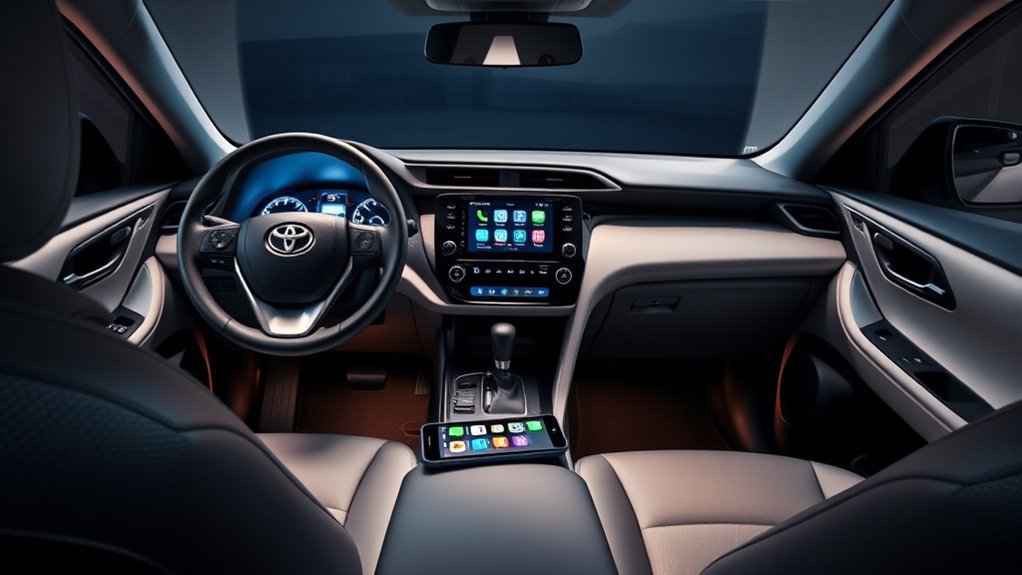
Yes. Wireless Apple CarPlay is standard across the U.S.-market 2025 Toyota RAV4 lineup, including gas, hybrid, and plug-in-hybrid models. Toyota’s official 2025 Audio Multimedia and Connected Services applicability chart lists wireless Apple CarPlay as standard across every 8-inch and 10.5-inch RAV4 multimedia configuration. After initial pairing, a compatible iPhone can reconnect without a cable.
Last updated: September 19, 2026 — availability, setup guidance, subscriptions, and troubleshooting rechecked against Toyota and Apple sources.
2025 scope: This guide is specifically for U.S.-market 2025 RAV4 models. For a model-year timeline, see which Toyota RAV4 years have wireless Apple CarPlay.
Quick Answer
Yes. Toyota lists wireless Apple CarPlay as standard for every U.S.-market 2025 RAV4 multimedia configuration, including gas, hybrid, and plug-in hybrid models. Pair a compatible iPhone through the Toyota Bluetooth & Devices menu, approve CarPlay, and keep Bluetooth and Wi-Fi enabled. Apple CarPlay itself needs no Toyota subscription, although cellular data and paid-app fees may apply.
Key Takeaways
- Wireless Apple CarPlay is standard with every 8-inch and 10.5-inch Toyota Audio Multimedia configuration listed for the 2025 RAV4 family.
- Your iPhone needs Siri, Bluetooth, and Wi-Fi enabled; complete the first pairing while the RAV4 is safely parked.
- Apple CarPlay itself does not require a Toyota subscription, but online apps use your phone’s cellular data and some apps require paid plans.
- If wireless CarPlay will not connect, you can restart both systems, re-enable CarPlay for the saved phone, forget and re-pair the vehicle, or use a wired connection through the multimedia USB port.
At a Glance
| Time Required | Toyota does not publish a fixed pairing time |
| Difficulty | Easy |
| Tools Needed | A compatible iPhone; no cable is required for wireless use |
| Cost | No Toyota CarPlay fee; cellular data and optional app subscriptions may cost extra |
What Is Wireless Apple CarPlay and How Does It Work?
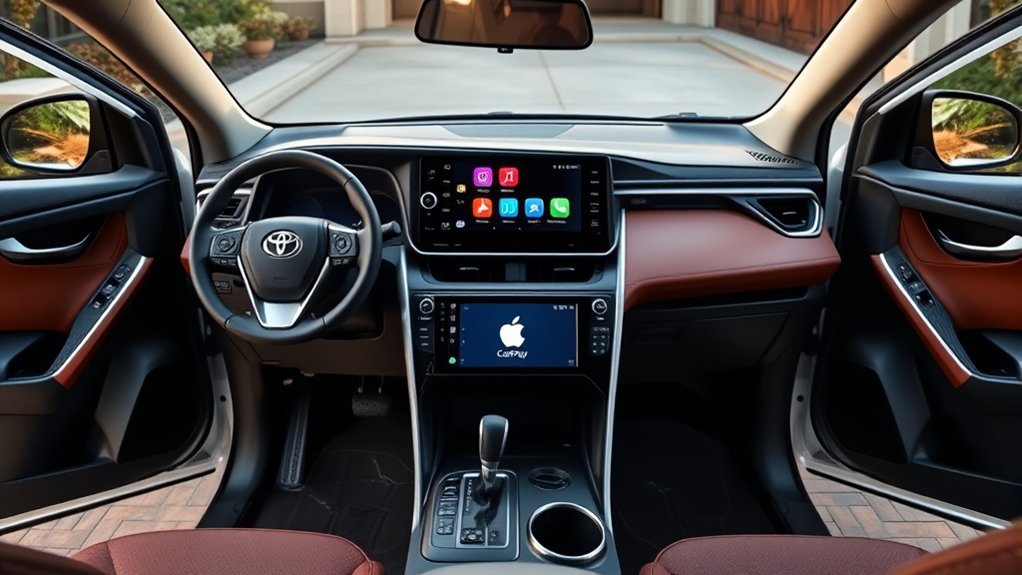
Wireless Apple CarPlay places a driving-focused version of supported iPhone apps on the RAV4’s multimedia display. You can use it for turn-by-turn directions, calls, music, podcasts, calendars, and compatible messaging functions without handling the phone for each task.
Bluetooth is used during device discovery and pairing, but it is not the only wireless setting involved. Apple’s current CarPlay setup guidance says wireless users should keep Bluetooth and Wi-Fi enabled, and Siri must be active for setup and voice control.
After the first successful connection, the RAV4 can recognize the registered iPhone and launch CarPlay on later drives. The phone may remain in a pocket, bag, console, or charging area, although wireless use can consume more battery than a basic Bluetooth audio connection.
Note: Wireless CarPlay is not ordinary screen mirroring. Only apps and functions designed for CarPlay appear on the vehicle display, and available features can vary by app, iPhone software, country, and vehicle configuration.
Does the 2025 Toyota RAV4 Support Wireless Apple CarPlay?
Yes. Toyota’s official 2025 Audio Multimedia and Connected Services applicability chart marks wireless Apple CarPlay as standard for every listed 2025 RAV4 multimedia configuration.
| 2025 RAV4 family | Grades listed by Toyota | Wireless Apple CarPlay |
|---|---|---|
| Gas RAV4 | LE, XLE, XLE Premium, Limited | Standard |
| RAV4 Hybrid | LE, XLE, SE, Woodland Edition, XLE Premium, XSE, Limited | Standard |
| RAV4 Plug-in Hybrid | SE, XSE | Standard |
Toyota lists wireless Apple CarPlay as standard on both the 8-inch and 10.5-inch Toyota Audio Multimedia systems. The 8-inch system is standard on LE, XLE, XLE Premium, Hybrid LE, Hybrid XLE, Hybrid SE, Hybrid Woodland Edition, and Hybrid XLE Premium. A 10.5-inch system is standard on Hybrid XSE, Limited, Hybrid Limited, and the RAV4 Plug-in Hybrid XSE; Toyota also lists the 10.5-inch JBL system as available on selected XLE Premium, Hybrid XLE Premium, and Hybrid XSE configurations. Screen or JBL upgrades are therefore not required to get wireless CarPlay.
Note: These details come from Toyota’s U.S. model-year documentation. Equipment can differ in Canada and other markets, so owners outside the United States should check their regional specification sheet or multimedia manual.
How to Connect Your iPhone to Wireless Apple CarPlay
Warning: Park the RAV4, apply the parking brake, and complete pairing before driving. CarPlay can reduce the need to handle your phone, but menus, messages, and apps can still distract you from the road.
The following sequence matches Toyota Audio Multimedia’s documented Bluetooth-and-CarPlay workflow and the 2025 RAV4 Quick Reference Guide:
- Prepare the iPhone. Turn on Siri, Bluetooth, and Wi-Fi. Unlock the phone and keep it near the multimedia display.
- Start the RAV4. Keep the transmission in Park while completing setup.
- Open the vehicle settings. On the multimedia display, select the gear-shaped Settings icon.
- Open the device menu. Select Bluetooth & Devices, followed by Manage devices.
- Add the iPhone. Select Search for devices. If another phone is already registered, select Add another device first.
- Select your phone. Choose the iPhone from the discovered-device list.
- Verify the PIN. Confirm that the code shown on the RAV4 display matches the code on the iPhone, and approve the pairing prompts.
- Enable CarPlay. When the Toyota display asks whether to activate Apple CarPlay, select Yes. Approve any matching prompt on the iPhone.
- Wait for CarPlay to open. The CarPlay Home screen should appear. Toyota notes that the display may need a few seconds to complete the transition.
If the phone was previously paired only for calls or audio, open Settings > Bluetooth & Devices > Manage devices, select the iPhone, and enable Use for Apple CarPlay.
Pro Tip: Accept the CarPlay option during the initial Bluetooth pairing. Choosing No creates a normal hands-free phone connection, which means you must return to the device settings later to activate CarPlay.
How to Switch Between Paired iPhones
Toyota documents dual Bluetooth phone connectivity on the 2025 RAV4, but CarPlay still uses one selected iPhone session on the main display. To switch the phone used for Apple CarPlay:
- Open Settings on the Toyota multimedia display.
- Select Bluetooth & Devices.
- Select Manage devices.
- Choose the Apple CarPlay Switch option.
- Select the iPhone you want to use.
If the wrong phone connects automatically, select the preferred device through Toyota’s Manage devices menu. Temporarily disabling Bluetooth on the competing phone can also help during troubleshooting, but deleting both saved phones is not normally necessary just to switch drivers.
How to Troubleshoot Connection Issues
If wireless CarPlay does not connect, check the iPhone’s Bluetooth, Wi-Fi, Siri, and CarPlay permissions first. Then restart the phone and vehicle, verify the saved Toyota device profile, and re-pair only if the simpler checks fail. Apple recommends checking each item separately while the vehicle is parked.
| Problem | What to check |
|---|---|
| The RAV4 does not find the iPhone | Unlock the iPhone, enable Bluetooth and Wi-Fi, keep it near the display, and run Search for devices again. |
| The phone pairs, but CarPlay does not open | Open the saved device in Toyota’s Bluetooth & Devices menu and turn on Use for Apple CarPlay. Also confirm that Siri is enabled. |
| CarPlay worked before but no longer reconnects | Restart the iPhone and the vehicle. If that fails, go to Settings > General > CarPlay on the iPhone, select the RAV4, choose Forget This Car, and pair it again. |
| CarPlay is restricted on the iPhone | Check Settings > Screen Time > Content & Privacy Restrictions > Allowed Apps and make sure CarPlay is permitted. |
| The wrong phone connects | Use Toyota’s Manage devices menu to switch the active CarPlay phone. |
| Wired CarPlay also fails | Use the multimedia/data USB port, not a charge-only port. Connect the phone directly with a data-capable cable and do not use a USB hub. |
| The problem continues | Install the latest software available for the iPhone and check the RAV4 for an eligible multimedia update. A Toyota dealer can also inspect the system. |
Apple’s current CarPlay troubleshooting guidance also recommends confirming Wi-Fi Auto-Join, restarting both devices, checking Siri and restrictions, forgetting the vehicle, and verifying that the vehicle firmware is current.
Note: A wireless charging pad does not perform CarPlay pairing. Pair the iPhone through the multimedia device menu first; the pad can then be used separately to charge a compatible phone.
Benefits of Using Wireless Apple CarPlay in Your RAV4
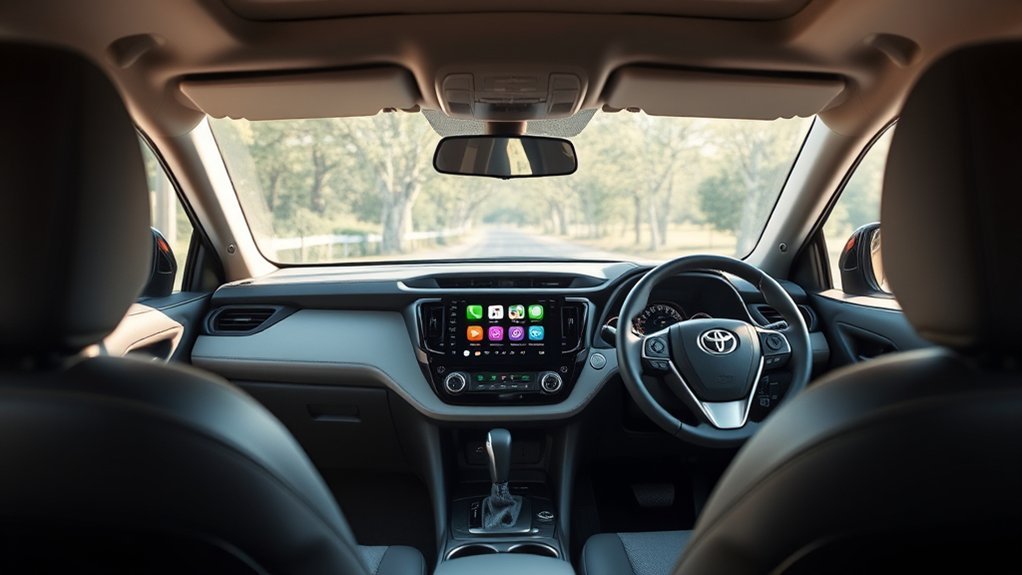
Wireless Apple CarPlay is most useful on frequent short drives because it can reconnect without asking you to plug in the phone each time. It also brings familiar iPhone controls to a larger, vehicle-mounted display.
| Benefit | What it means in daily use | Limitation to remember |
|---|---|---|
| Cable-free connection | The phone can remain in your pocket or bag after initial setup. | Wireless operation can consume more battery. |
| Familiar apps | Use compatible navigation, audio, phone, calendar, and messaging functions on the RAV4 display. | Not every iPhone app supports CarPlay. |
| Siri voice control | Request directions, place calls, choose audio, and dictate supported messages. | Voice control can still misunderstand names or commands. |
| No Toyota CarPlay fee | Apple CarPlay does not require a separate Toyota subscription or registration. | Phone data and third-party app subscriptions may still apply. |
| Automatic reconnection | A saved phone can reconnect on later drives. | Connection time and online functions depend on the phone, signal, permissions, and software. |
CarPlay can reduce the need to pick up your phone, but it does not remove driver distraction. Set the destination and choose audio before moving whenever possible, and rely on brief voice commands rather than extended touchscreen use.
Does Wireless Apple CarPlay Require a Subscription or Toyota Wi-Fi?
No Toyota subscription is required to use Apple CarPlay. Toyota’s Connected Services information identifies Apple CarPlay as requiring no subscription or registration.
However, three separate costs can be confused with CarPlay:
- Cellular data: Online maps, traffic, streaming, and internet-based messaging use your iPhone’s data plan.
- App subscriptions: Services such as premium music, audiobook, or navigation apps may require their own subscription.
- Toyota Connected Services: Wi-Fi Connect, Drive Connect, Remote Connect, and Integrated Streaming are separate Toyota services. You do not need to buy them to use standard Apple CarPlay.
Downloaded music, podcasts, and offline-map content may continue to work with limited cellular coverage, depending on the app and what was stored on the phone beforehand.
Privacy Note: CarPlay and its apps can use information such as your location, contacts, route, media choices, and vehicle-related data needed to provide their functions. Review the iPhone’s privacy permissions and the policies of the apps you use.
Which Apps Work With Apple CarPlay in the 2025 RAV4?
Only apps that currently support Apple CarPlay can appear on the RAV4 display. Apple’s CarPlay guide confirms that supported apps can be added, removed, or rearranged from Settings > General > CarPlay on the iPhone. The available list depends on the apps installed on your phone, the app developer’s CarPlay support, your region, and current software.
Navigation
CarPlay supports compatible navigation apps for turn-by-turn directions and traffic information. Set the destination before driving whenever possible, and download offline maps before entering areas with weak cellular service if your chosen app supports that feature.
Audio
Compatible music, podcast, and audiobook apps can play through CarPlay. Streaming uses the iPhone’s cellular connection unless the content has already been downloaded. Paid subscriptions are controlled by the individual app provider, not by Toyota or CarPlay.
Calls and Messages
CarPlay supports phone calls and compatible voice-based messaging. Siri can place calls, read supported messages aloud, and dictate replies so you can avoid typing on the phone while driving.
Pro Tip: Keep the first CarPlay screen limited to the apps you actually use while driving. On the iPhone, open Settings > General > CarPlay, select the RAV4, and use Customize to rearrange supported apps.
Getting Your iPhone Ready for Wireless Apple CarPlay
There is no useful one-size-fits-all requirement such as “iOS 9 or later” for a current setup guide. Use an iPhone that Apple identifies as CarPlay-compatible and install the newest software version available for that device. Apple’s current CarPlay setup instructions also require Siri to be active.
Confirm CarPlay Activation
Before pairing:
- Make sure the RAV4 is started and safely parked.
- Unlock the iPhone.
- Enable Siri.
- Check that CarPlay has not been blocked by Screen Time restrictions.
- After pairing, open Settings > General > CarPlay on the iPhone to confirm that the RAV4 appears as a saved vehicle.
Enable Bluetooth and Wi-Fi Settings
Open the iPhone’s Settings app and turn on both Bluetooth and Wi-Fi. Bluetooth allows the RAV4 and iPhone to discover and pair with each other, while Wi-Fi must remain available for the wireless CarPlay connection.
On the vehicle display, use Settings > Bluetooth & Devices > Manage devices. Add the phone, confirm the matching PIN, and accept the Apple CarPlay prompt.
Update iPhone Software
Go to Settings > General > Software Update and install the latest version available for the iPhone. Updating can resolve compatibility problems, but it is still wise to test CarPlay before a long trip because app permissions or saved connections may need to be approved again after a major software change.
Wired vs. Wireless Apple CarPlay: Which Is Better?
The 2025 RAV4 supports both approaches. Neither is automatically best for every drive.
| Connection | Best for | Main trade-off |
|---|---|---|
| Wireless CarPlay | Short trips, frequent stops, and drivers who do not want to connect a cable each time | Uses more phone battery and can occasionally need reconnection |
| Wired CarPlay | Long drives, simultaneous charging, or a fallback when the wireless connection is unstable | Requires a compatible data cable and the correct multimedia USB port |
Both connections provide the core CarPlay interface and compatible apps. Wired CarPlay has the practical advantage of charging the phone during use. For reliable wired operation, connect directly to the RAV4’s multimedia/data USB port with a good-quality data cable; a charge-only port or USB hub will not work.
Frequently Asked Questions
Can I use wireless Apple CarPlay with an Android phone?
No. Apple CarPlay is designed for compatible iPhones. Android-phone owners should use Android Auto, which Toyota also lists as standard wireless compatibility on the 2025 RAV4.
Does wireless Apple CarPlay drain the iPhone battery faster?
It can. Wireless connectivity, navigation, GPS, streaming, and cellular data all use power. Charge the phone through USB or a compatible wireless charging pad during longer drives. The charging pad does not initiate CarPlay pairing by itself.
Is there a subscription fee for wireless Apple CarPlay?
No Toyota subscription or registration is required for Apple CarPlay. Your cellular plan still supplies data for online maps, traffic, streaming, and messaging, and individual apps may charge their own subscription fees.
Do I need Toyota Wi-Fi Connect for wireless Apple CarPlay?
No. Toyota lists Apple CarPlay as requiring no subscription or registration. Wi-Fi Connect is a separate Toyota Connected Service. Wireless CarPlay uses the vehicle’s wireless connection with the iPhone, while online apps still depend on the phone’s data connection unless the app content is available offline.
Will my 2025 RAV4 receive future Apple CarPlay features?
Toyota may release eligible multimedia updates, and iPhone updates can change the CarPlay interface and apps. However, neither type of update guarantees that every future feature will work with the 2025 RAV4’s existing hardware.
Can I connect multiple iPhones to wireless Apple CarPlay?
You can register multiple phones in the Toyota multimedia system, but only one iPhone can run an active CarPlay session at a time. Switch phones through Settings > Bluetooth & Devices > Manage devices.
Why do some iPhone apps not appear in CarPlay?
Only apps that support Apple’s CarPlay system can appear on the vehicle display. Availability can also depend on the app version, your country, account settings, and iPhone permissions.
Can I use wired CarPlay if the wireless connection stops working?
Yes. Connect the iPhone directly to the RAV4’s multimedia/data USB port with a compatible data cable. Do not use a charge-only USB port or a USB hub.
Conclusion
The 2025 Toyota RAV4 does have wireless Apple CarPlay, and Toyota lists it as standard across the gas, hybrid, and plug-in-hybrid multimedia configurations sold in the United States. For a successful first connection, park the vehicle, enable Siri, Bluetooth, and Wi-Fi, and pair the iPhone through the Toyota Bluetooth & Devices menu.
Once registered, the phone should reconnect automatically on later drives. Keep wired CarPlay available as a charging option and troubleshooting fallback, and remember that Toyota subscriptions are separate from CarPlay. With the correct setup, the system provides convenient access to compatible navigation, audio, phone, and messaging functions without requiring a cable on every trip.
Sources
- Toyota 2025 Audio Multimedia & Connected Services Feature Applicability — confirms wireless Apple CarPlay across the 2025 RAV4 multimedia configurations.
- Toyota 2025 RAV4 Quick Reference Guide — confirms wireless CarPlay support and the basic CarPlay setup flow.
- Toyota Connected Services and Apple CarPlay Information — explains CarPlay functions and the lack of a separate CarPlay subscription requirement.
- Toyota Audio Multimedia System Updates — outlines over-the-air, USB, and dealer update options for eligible vehicles.
- Apple: Use CarPlay With Your iPhone — provides current setup requirements and wireless connection guidance.
- Apple: If You Need Help With CarPlay — provides current troubleshooting steps for Wi-Fi, Bluetooth, Siri, restrictions, and saved vehicles.

