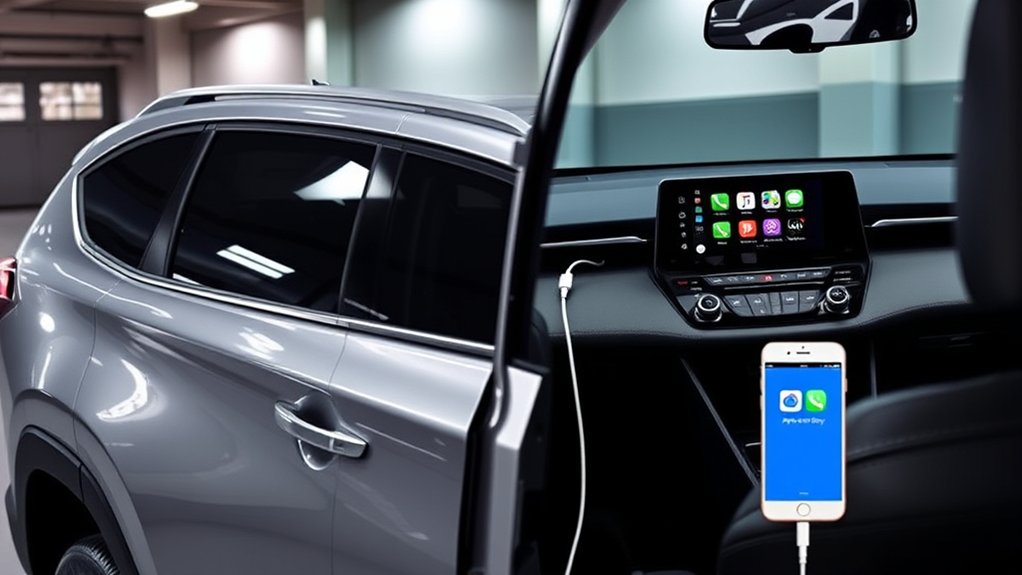
Yes. Every U.S.-market Toyota RAV4 XLE Premium from 2019 through 2026 supports Apple CarPlay, but the factory connection changed by model year. The 2019–2022 models use wired CarPlay through the USB media port. Toyota made wireless Apple CarPlay standard across the RAV4 lineup for 2023, and the redesigned 2026 RAV4 continues with standard wireless CarPlay.
Last updated: September 19, 2026 — model-year compatibility rechecked against Toyota’s 2022, 2023, and 2026 materials and current Apple Support guidance.
Quick Answer
Yes. U.S.-market RAV4 XLE Premium models from 2019 through 2026 have Apple CarPlay. The 2019–2022 models use factory wired CarPlay. The 2023–2025 models add factory wireless CarPlay and also support a direct USB connection. The redesigned 2026 XLE Premium continues with standard wireless CarPlay and includes a center-console media USB-C port.
Key Takeaways
- 2019–2022 RAV4 XLE Premium: Factory Apple CarPlay works through a wired USB data connection.
- 2023–2025: Factory wireless Apple CarPlay is standard, with USB connectivity also available.
- 2026: The redesigned RAV4 keeps standard wireless Apple CarPlay and uses a new Toyota Audio Multimedia system; the XLE Premium also has a center-console media USB-C port.
- Use the vehicle’s USB media port, not a charge-only port, for wired CarPlay.
- Use a data-capable cable that matches your iPhone, whether it has a Lightning or USB-C connector.
- Equipment can differ outside the United States, so check the Toyota manual supplied with the vehicle when the market or multimedia system is uncertain.
- Wireless CarPlay and wireless phone charging are separate features; one does not imply the other.
At a Glance
| Time Required | Usually a few minutes for initial setup; troubleshooting can take longer |
| Difficulty | Easy |
| Tools Needed | Compatible iPhone; Siri enabled; Bluetooth and Wi-Fi for wireless setup; a direct data-capable USB cable for wired setup |
| Cost | No separate CarPlay fee; cellular data, paid apps, cables, or third-party adapters may cost extra |
RAV4 XLE Premium Apple CarPlay Compatibility by Model Year
The trim name alone does not tell you whether the connection is wired or wireless. The model year is the key factor for factory-equipped U.S. vehicles. Toyota’s 2019 RAV4 launch information confirms Apple CarPlay across the lineup; the 2022 brochure specifies a USB data cable, and Toyota’s 2023 update says wireless Apple CarPlay became standard on all RAV4 grades.
| Model year | Factory CarPlay connection | What to know |
|---|---|---|
| 2019–2022 | Wired | Connect a compatible iPhone to the USB media port with a data-capable cable. These years do not include factory wireless CarPlay. |
| 2023–2025 | Wireless or USB | Toyota Audio Multimedia added factory wireless Apple CarPlay. A direct USB data connection can also be used. |
| 2026 | Wireless (standard) | The all-new sixth-generation RAV4 keeps standard wireless Apple CarPlay. XLE Premium uses a 10.5-in. Toyota Audio Multimedia system and has a center-console media USB-C port. |
Note: This model-year guide covers U.S.-market RAV4 XLE Premium vehicles. Features, multimedia names, and introduction dates may differ in Canada and other regions. Check the vehicle’s original Toyota manual or build information when confirming an imported vehicle.
For other RAV4 trims and Android Auto availability, see our RAV4 Apple CarPlay and Android Auto year-by-year guide.
What Is Apple CarPlay and How Does It Work?
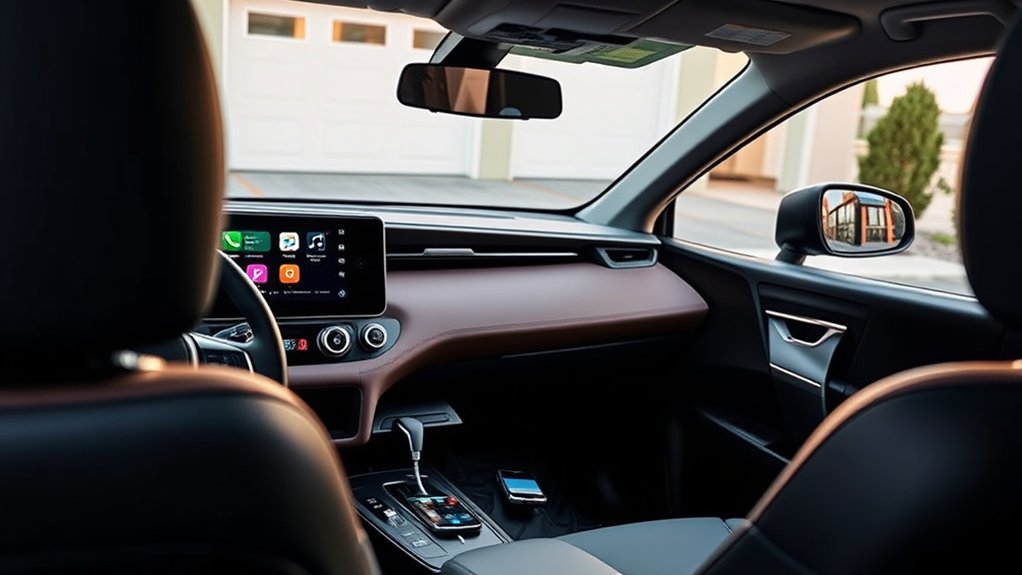
Apple CarPlay places supported iPhone functions on the RAV4’s multimedia display. Depending on the apps installed on your phone, you can use turn-by-turn navigation, make calls, send or hear messages, play music and podcasts, view calendar information, and use Siri.
You can control CarPlay through the touchscreen, Siri, the steering-wheel voice button, and other built-in vehicle controls. Available apps are limited to those designed to work with CarPlay.
CarPlay is intended to reduce the need to handle your phone, but it does not remove the risk of distraction. Enter destinations, arrange apps, and complete pairing while the vehicle is safely parked.
Does the RAV4 XLE Premium Support Wired CarPlay?
Yes. The U.S.-market RAV4 introduced Apple CarPlay for the 2019 model year, and the 2019–2022 XLE Premium uses a wired factory connection. Toyota’s 2022 documentation specifies that a compatible iPhone must be connected with an approved data cable through the USB media port.
On 2023–2025 RAV4 XLE Premium models, a direct USB data connection can also be used. That can be useful when you want to charge the phone or isolate a wireless-pairing problem. For 2026, Toyota documents standard wireless CarPlay and a center-console media USB-C port; follow the 2026 multimedia manual for the exact wired-projection behavior of that new system.
For wired CarPlay, the correct data port and cable matter more than whether the phone begins charging.
Which USB Port Works With CarPlay?
Use the USB media or data port identified in the vehicle manual or by a smartphone or CarPlay symbol. Additional ports in the center console or rear seating area may provide charging only.
A charge-only port can power the iPhone without transferring the data CarPlay needs. Therefore, a charging icon on the phone does not prove that you are using the correct port.
Which Cable Should You Use?
Use a short, direct, data-capable cable that fits both the iPhone and the vehicle’s USB port. Depending on the phone, that may be a Lightning cable or a USB-C cable. Avoid unnecessary hubs, extension cables, or chains of adapters.
Apple notes that some combinations of adapters, cables, and vehicle systems can interrupt wired CarPlay. When troubleshooting, use a direct cable whenever possible.
Pro Tip: If the phone charges but CarPlay does not appear, try the front USB media port and a different data-capable cable before changing vehicle settings.
Is Wireless CarPlay Available for the RAV4 XLE Premium?
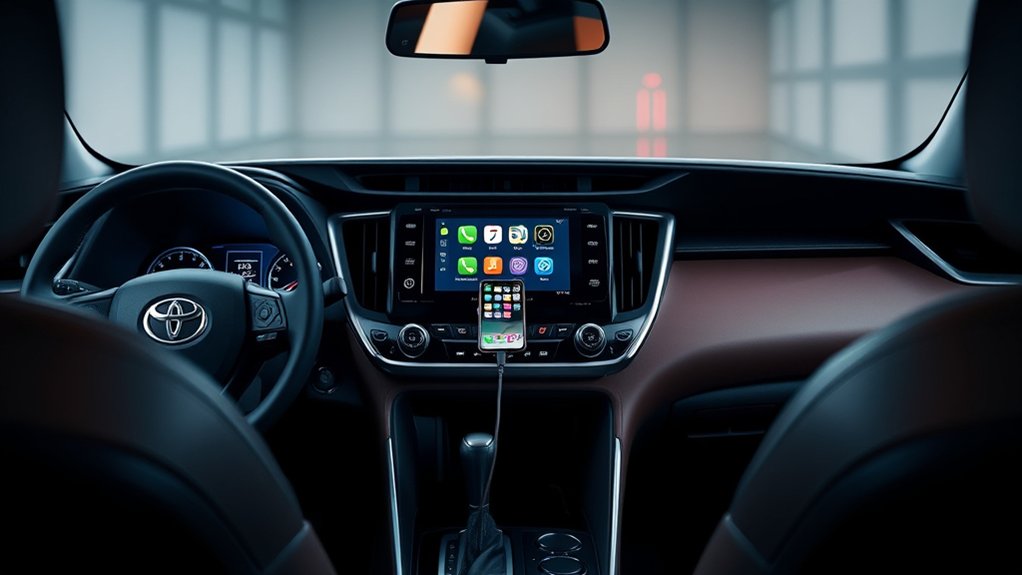
Factory wireless Apple CarPlay depends on the model year, and 2026 is a separate generation rather than just a carryover:
- 2019–2022: No factory wireless CarPlay. Use the USB media port or a compatible aftermarket wireless adapter.
- 2023–2025: Factory wireless Apple CarPlay is standard with Toyota Audio Multimedia.
- 2026: The redesigned RAV4 continues with standard wireless Apple CarPlay on the new Toyota Audio Multimedia system.
The 2022 limitation is not caused by a setting that can be unlocked through Bluetooth. Its original factory system was designed for a wired Apple CarPlay data connection.
For models with factory wireless CarPlay, keep both Bluetooth and Wi-Fi enabled during setup. Apple’s current guidance requires both wireless connections to be available, and Toyota’s device menu handles the vehicle-side pairing.
Note: Wireless CarPlay and wireless phone charging are separate features. A RAV4 can support wireless CarPlay without having a Qi charging pad, and placing a phone on a charging pad does not pair it with CarPlay.
Can a Wireless Adapter Be Used in a 2019–2022 RAV4?
A third-party wireless CarPlay adapter may work by plugging into the vehicle’s wired CarPlay USB media port. The adapter creates a wireless link between the iPhone and the factory wired system.
This is not the same as factory wireless CarPlay. Startup time, call quality, audio behavior, compatibility, and reconnection reliability depend on the adapter, phone, cable, and vehicle software. Confirm that the adapter specifically supports the RAV4’s model year and original wired CarPlay system.
Wired vs. Wireless CarPlay: What Is the Difference?
| Factor | Wired CarPlay | Wireless CarPlay |
|---|---|---|
| Connection | USB data cable | Bluetooth-assisted pairing followed by a Wi-Fi connection |
| Charging | The phone normally receives power through the cable | The phone must use its battery unless connected to a separate charger |
| Convenience | Requires plugging in for each drive | Can reconnect automatically after the initial pairing |
| Possible trouble points | Damaged cable, dirty phone port, wrong USB port, or charge-only cable | Saved pairing errors, Wi-Fi Auto-Join settings, connection priority, or wireless interference |
| Best suited to | Long trips, simultaneous charging, and direct troubleshooting | Frequent short trips and cable-free daily use |
Neither connection is automatically best for every driver. A cable is practical for charging and troubleshooting, while factory wireless CarPlay is convenient for short trips and automatic reconnection.
Setting Up Apple CarPlay in Your RAV4 XLE Premium
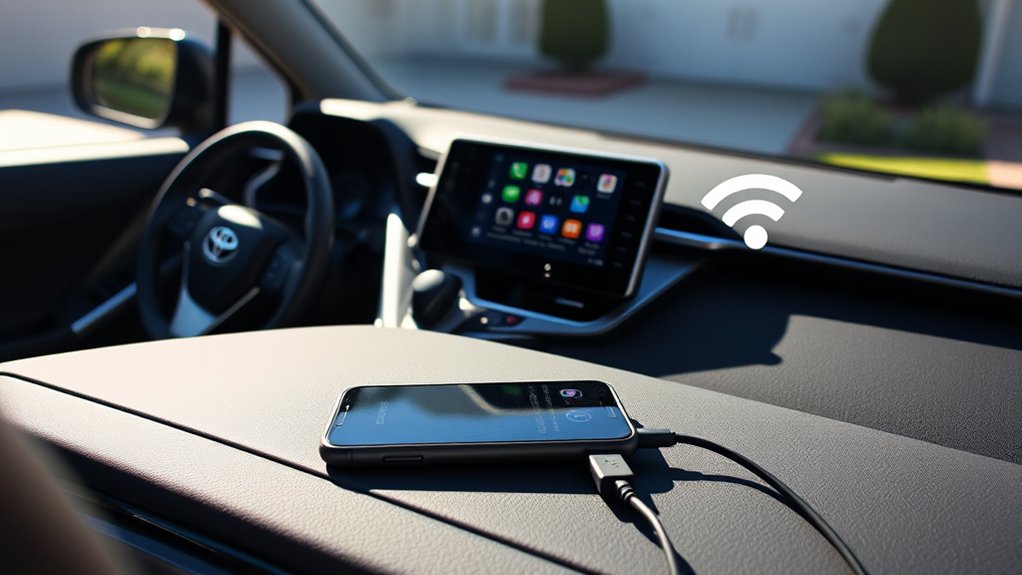
Warning: Park the RAV4 in a safe location before connecting a phone, approving prompts, changing multimedia settings, or entering account information. Do not perform setup while driving.
Before You Start
- Confirm the RAV4’s model year and whether it supports factory wired or wireless CarPlay.
- Install the latest iOS version available for the compatible iPhone.
- Turn on Siri.
- Make sure CarPlay is not blocked by Screen Time restrictions.
- Start the vehicle and allow the multimedia system to finish loading.
How to Set Up Wired Apple CarPlay
- Start the RAV4 and leave it parked.
- Unlock the iPhone and make sure Siri is enabled.
- Connect the iPhone directly to the RAV4’s USB media port with a data-capable cable.
- Approve the CarPlay prompt on the iPhone and the Toyota display. Allow CarPlay while the phone is locked when prompted.
- Select the Apple CarPlay icon on the multimedia display if the CarPlay home screen does not open automatically.
The first connection may take a few seconds. After setup, wired CarPlay should launch when the phone is connected to the correct data port.
How to Set Up Factory Wireless Apple CarPlay
These steps apply to 2023–2026 U.S.-market RAV4 XLE Premium models equipped with factory wireless CarPlay. Menu labels can differ on the redesigned 2026 multimedia system, but the phone still needs Siri, Bluetooth, and Wi-Fi enabled.
- Turn on Siri, Bluetooth, and Wi-Fi on the iPhone.
- Start the RAV4 and open the multimedia system’s Bluetooth and device-management menu.
- Choose the option to add or register a new device.
- Select the RAV4 from the iPhone’s available Bluetooth devices or select the iPhone from the Toyota display.
- Confirm that the pairing codes match.
- Approve Apple CarPlay on both screens and allow CarPlay while the iPhone is locked.
- Select the Apple CarPlay icon if it does not open automatically.
After the first pairing, the phone can reconnect automatically. When several phones are registered, the multimedia system may connect to the device with the highest priority or the device used most recently.
Pro Tip: Give each family member’s iPhone a distinct device name under Settings > General > About > Name. Clear names make it easier to select the intended phone from the RAV4’s device list.
Troubleshooting Apple CarPlay Connection Issues
Start with the connection type your model year supports. Do not spend time troubleshooting factory wireless settings on a 2019–2022 RAV4, because those vehicles require a wired factory connection. For 2023–2026 wireless problems, Apple recommends checking Bluetooth, Wi-Fi, Auto-Join, Siri, restrictions, saved CarPlay profiles, and current vehicle firmware.
Wired CarPlay Does Not Appear
- Use the correct port. Connect to the USB media/data port rather than a charge-only port.
- Try another direct data cable. A cable can charge the phone even when its data conductors are damaged or absent.
- Remove adapters temporarily. Connect the iPhone directly when possible.
- Unlock the iPhone. Approve any request to use CarPlay while the device is locked.
- Check Siri. CarPlay requires Siri to be enabled.
- Check restrictions. On the iPhone, open Settings > Screen Time > Content & Privacy Restrictions and make sure CarPlay is allowed.
- Inspect the phone’s charging port. Debris or damage can interrupt data even when charging is intermittent.
- Restart both systems. Turn the vehicle off, restart the iPhone, and try again after the multimedia system reloads.
Wireless CarPlay Will Not Connect
- Confirm that the RAV4 is a 2023–2026 U.S.-market model with factory wireless CarPlay.
- Make sure Bluetooth and Wi-Fi are on.
- Open the iPhone’s Wi-Fi settings, select the CarPlay network, and confirm that Auto-Join is enabled.
- Open Settings > General > CarPlay on the iPhone and select the RAV4.
- If the profile is corrupted, tap the vehicle and choose Forget This Car.
- Delete the iPhone from the Toyota multimedia device list.
- Restart the phone and vehicle, then repeat the initial pairing process.
- Temporarily disconnect other registered phones that are connecting first.
CarPlay Connects but Audio Does Not Work
- Raise the volume while music or spoken navigation is actively playing.
- Confirm that the RAV4 is using CarPlay as the current audio source.
- Try a different CarPlay-compatible audio app.
- Disconnect and reconnect the phone.
- Restart the iPhone and multimedia system.
CarPlay Keeps Disconnecting
For a wired connection, test another direct data cable and inspect both connector ends. Avoid placing tension on the cable or phone port.
For a wireless connection, remove and recreate the saved vehicle profile. Also check whether another registered phone is taking connection priority.
Apple recommends using the latest available iOS and the latest vehicle software approved for the multimedia system. Follow the Toyota manual or an authorized Toyota service procedure rather than installing files intended for another model year or head unit.
Third-Party Adapter Compatibility Issues
A wireless adapter requires the RAV4’s original wired CarPlay connection to work first. If normal wired CarPlay does not launch when the iPhone is connected directly, adding an adapter will not correct the underlying cable, port, phone, or vehicle problem.
When diagnosing an adapter:
- Verify direct wired CarPlay without the adapter.
- Confirm that the adapter supports the exact RAV4 model year and iPhone.
- Use the adapter’s supplied cable or the maker’s recommended replacement.
- Delete old adapter Bluetooth and Wi-Fi profiles before pairing again.
- Follow only the manufacturer’s documented firmware procedure.
What Owners Can Expect From Wired and Wireless CarPlay
Wired and factory wireless CarPlay provide the same basic supported apps and Siri functions. The main differences are how the phone connects, whether it receives power, and which problems are most likely to interrupt the connection.
| Use case | Practical choice |
|---|---|
| Long navigation trip | Use a cable or separate charger so navigation and streaming do not reduce the phone’s battery unnecessarily. |
| Frequent short drives | Factory wireless CarPlay avoids plugging in for every trip. |
| Connection troubleshooting | On systems that support wired CarPlay, a direct USB data connection helps isolate wireless-pairing and Wi-Fi issues. |
| Several family phones | Review the Toyota device list and connection priority when the wrong phone connects automatically. |
Frequently Asked Questions
Can I use Apple CarPlay with an Android phone?
No. Apple CarPlay requires a compatible iPhone. Android users should use Android Auto when it is supported by the RAV4’s model year and multimedia system.
Does Apple CarPlay drain my iPhone’s battery quickly?
Navigation, streaming, cellular data, and a bright screen can use battery power. Wired CarPlay normally supplies power through the USB connection. Wireless CarPlay uses the phone’s battery unless you connect a separate cable or use an available wireless charging pad.
Are there subscription fees for using Apple CarPlay?
CarPlay does not require a separate CarPlay subscription. Your cellular plan still applies, and individual services such as music, audiobook, news, or navigation apps may require data or a paid subscription.
Can I customize the Apple CarPlay interface?
Yes, within Apple’s available settings. On the iPhone, go to Settings > General > CarPlay, select the RAV4, and tap Customize to add, remove, or rearrange supported apps. CarPlay settings can also provide wallpaper, appearance, Dashboard suggestion, and album-art options.
How do I update Apple CarPlay?
CarPlay is part of iOS, so update the iPhone through Settings > General > Software Update. Vehicle multimedia updates are separate. Follow the instructions for the exact RAV4 model year and head unit or consult an authorized Toyota service department.
How can I tell whether my RAV4 has factory wireless CarPlay?
For U.S.-market RAV4 XLE Premium models, 2023–2026 vehicles have factory wireless Apple CarPlay. The 2019–2022 models use factory wired CarPlay. You can also check the vehicle’s model year, Toyota manual, and Bluetooth or device-management menu.
Can I add wireless CarPlay to a 2022 RAV4 XLE Premium?
A compatible third-party adapter can convert the original wired CarPlay connection into an aftermarket wireless link. It does not add Toyota’s factory wireless system, and performance depends on the adapter, phone, cable, and multimedia software.
Does the 2026 RAV4 XLE Premium have wireless Apple CarPlay?
Yes. Toyota lists wireless Apple CarPlay as standard on the redesigned 2026 RAV4. The XLE Premium uses a 10.5-in. Toyota Audio Multimedia system and includes a center-console media USB-C port.
Conclusion
The Toyota RAV4 XLE Premium has Apple CarPlay in every U.S. model year from 2019 through 2026. The 2019–2022 models use factory wired CarPlay through the USB media port. The 2023–2025 models add factory wireless CarPlay while retaining USB connectivity, and the redesigned 2026 RAV4 continues with standard wireless CarPlay on Toyota’s newest multimedia system.
Before troubleshooting, confirm the model year, use the correct media port, enable Siri, and connect with a direct data-capable cable when testing wired operation. For wireless problems, check Bluetooth, Wi-Fi Auto-Join, saved vehicle profiles, and phone priority while the RAV4 is safely parked.
Sources
- Toyota USA Newsroom: 2019 Toyota RAV4 introduction — confirms Apple CarPlay compatibility across the 2019 U.S. RAV4 lineup.
- Toyota 2022 RAV4 brochure — documents XLE Premium Apple CarPlay equipment and the required wired USB data connection.
- Toyota 2023 RAV4 brochure — documents the introduction of wireless Apple CarPlay on the RAV4 XLE Premium.
- Toyota Multimedia Owner’s Manual — provides wired and wireless Apple CarPlay connection procedures.
- Toyota 2026 RAV4 brochure — confirms standard wireless Apple CarPlay, the XLE Premium multimedia system, and the center-console media USB-C port.
- Apple Support: If you need help with CarPlay — provides official cable, restriction, Wi-Fi, reset, and software troubleshooting guidance.

1 thought on “Does the Toyota RAV4 XLE Premium Have Apple CarPlay? Wired vs Wireless Support”