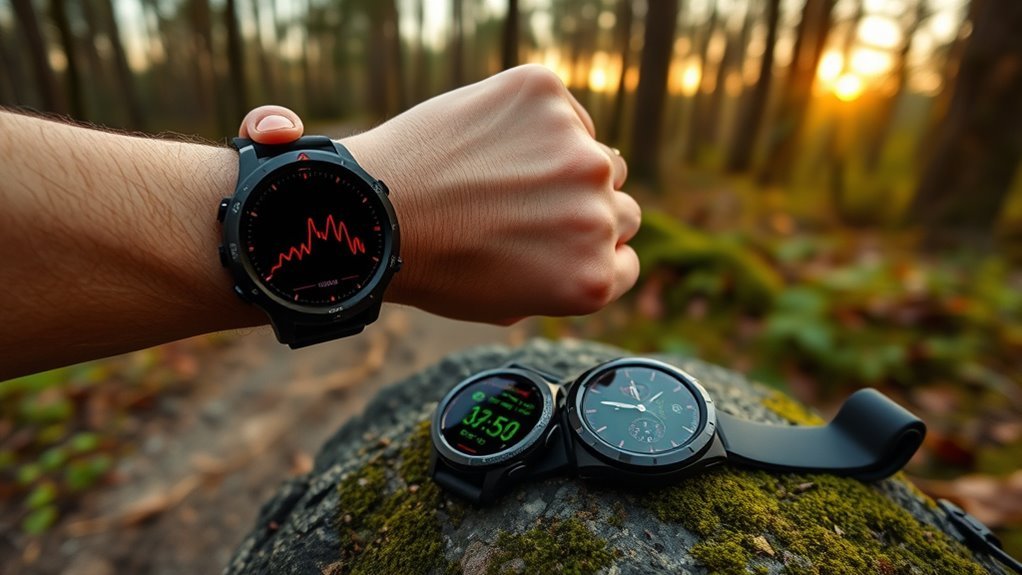
Your Garmin says your heart rate is 185 during an easy jog, yet you feel fine. That kind of reading is frustrating, and it can also skew your training load, recovery time, and VO2 max estimates. Garmin heart rate can be inaccurate because the wrist sensor is sensitive to fit, motion, skin contact, temperature, and sweat. The good news is that most bad readings come from a few problems you can fix.
Quick Answer
Garmin heart rate is often wrong because wrist optical sensors read blood flow through the skin, and that signal gets distorted by a loose fit, hard arm movement, cold skin, sweat, or a dirty sensor. Wear the watch snug above the wrist bone, keep the sensor clean, update the firmware, and use a chest strap for intense workouts.
Key Takeaways
- Wrist sensors estimate your pulse from blood flow under the skin, so a loose fit and hard arm movement can throw them off.
- Cadence lock happens when the watch reports your step or pedal rate instead of your pulse.
- Wear the watch above the wrist bone, snug but comfortable, and keep the sensor clean and dry.
- Warm up for 5 to 10 minutes before you start, and warm up indoors first in cold weather.
- Update the firmware, then restart the watch if readings look odd after an update.
- For intervals, sprints, cycling, and strength work, an ECG chest strap is the most reliable fix.
At a Glance
| Time Required | 5 to 10 minutes for the fit, cleaning, and update fixes; 2 to 3 minutes to pair a chest strap |
| Difficulty | Easy |
| Tools Needed | Soft cloth, the Garmin Connect app or Garmin Express for updates, and an optional chest strap or optical armband |
| Cost | Free for the fixes above; a chest strap costs roughly $20 to $70 |
Why Is My Garmin Heart Rate Wrong?
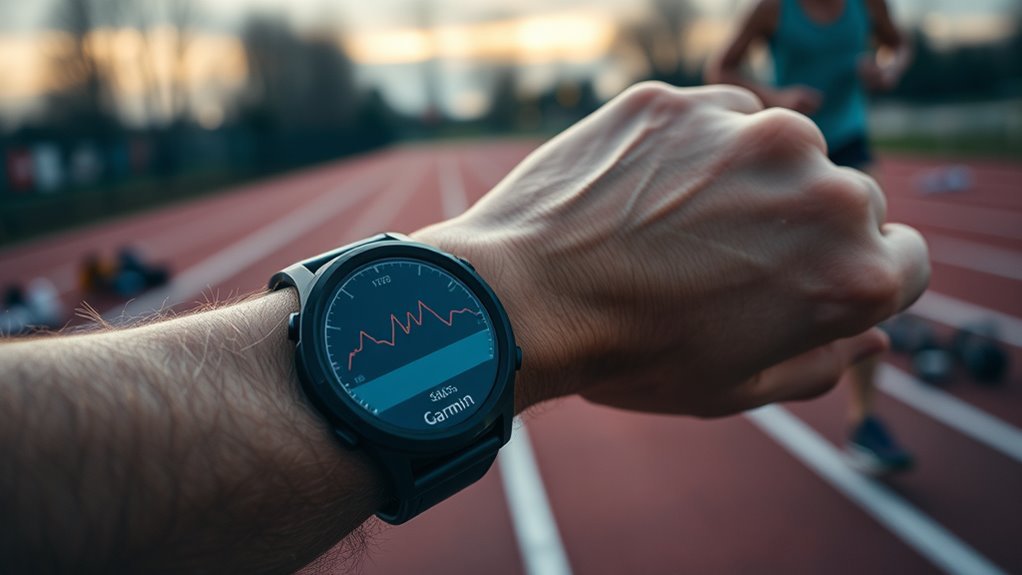
Your Garmin measures pulse with an optical sensor. LED lights shine into the skin, and the sensor watches how the returning light changes as blood flow rises and falls with each heartbeat. This works well at rest. During hard exercise it gets harder, because arm movement, flexing muscles, and a shifting watch all add noise. One recent study of wrist and arm sensors found accuracy was highest at rest and dropped as movement increased.
Several things can distort the signal:
- Fit and placement: if the watch sits too high, too low, or rotates during motion, the signal degrades.
- Cadence lock: during running or cycling, the sensor can pick up your step or pedal rhythm instead of your pulse.
- Cold, sweat, and grime: cold skin, sweat, lotion, and dirt can weaken or block the light signal.
- Software: Garmin’s own forums include reports of high heart rate after specific updates on certain models. Garmin has shipped fixes in later releases.
- Skin and ink: skin tone and dark tattoos can also affect how well optical sensors read.
In a 50-person study, a chest strap matched an ECG almost perfectly (0.996), while a wrist-worn Garmin Forerunner 235 scored 0.81. A score of 1.0 means perfect agreement.
That study used an older watch, so newer sensors may do better. Still, the basic limit remains: light-based sensing is more easily disturbed than an electrical signal. For hard efforts, an external chest strap stays the more reliable choice.
Signs Your Garmin Heart Rate Is Wrong
Bad data often looks obvious once you know what to check:
- Your heart rate moves in step with your cadence, such as 175 bpm at an easy pace.
- The number jumps by dozens of beats in a few seconds, or spikes to an unrealistic level early in a workout.
- The reading stays flat or is slow to rise when you speed up.
- The number doesn’t match how hard the effort feels.
Pro Tip: Stop for a moment, find your pulse, count the beats for 15 seconds, and multiply by four. If the watch is far off from that number, you have a sensor problem, not a fitness problem.
How to Fix Inaccurate Garmin Heart Rate
Three habits fix most problems: place the watch correctly for the activity, keep it snug, and keep the sensor clean. If wrist data still looks off during hard sessions, add an external sensor.
Proper Watch Placement
Garmin’s own guidance is to wear the watch above your wrist bone, snug but comfortable. Beyond that, the best spot depends on what you’re doing.
Many runners report steadier readings with less lag when they wear the watch on the underside of the wrist. Cyclists often move it to the top of the wrist, about two finger widths (roughly an inch) from the wrist bone, because the underside can press against the handlebars.
- Test a few placements and keep the one that gives the steadiest signal.
- Clean the sensor regularly to keep the light path clear.
- Check your position whenever data looks erratic or delayed.
Tighten the Strap
A loose band lets the sensor slide and lets outside light leak in. That is why readings drift most during intervals, sprints, and other high-effort work. Garmin says the watch should be snug but comfortable, so the sensor stays pressed against your skin without cutting off circulation.
If your heart rate looks wrong in the first few minutes of a workout, tighten the band one notch and see whether it settles. Loosen it again after you finish. If readings suddenly lag, spike, or flatten out, check the fit first.
Clean the Sensor and Warm Up
Garmin also recommends warming up for 5 to 10 minutes and getting a heart rate reading before you start. In cold weather, warm up indoors first. On several models, Garmin also suggests rinsing the watch with fresh water after workouts.
Before you head out, wipe the sensor on the back of the watch with a soft, damp cloth and dry it. Sweat, sunscreen, lotion, and dirt can leave a film that blocks light. On many models, wait until the heart rate icon is solid before you press start.
Use an External Heart Rate Sensor
If the wrist still can’t keep up, use an external sensor. A chest strap such as the Polar H9 or Magene H64 can connect to your Garmin over ANT+ or Bluetooth and supply the heart rate data in place of the wrist sensor.
An optical armband is another option. The same recent study found that sensors worn on the forearm or upper arm tracked closer to a chest strap than wrist-worn devices did in several tests.
- Better real-time accuracy when effort changes quickly
- Less lag under intensity
- More stable readings outdoors
How to Wear Your Garmin for Better Readings
The best fit changes with the activity. Use this quick guide:
Running is the hardest case for a wrist sensor, since arm swing and cadence are exactly what confuses it. If yours struggles on every run, our picks for running watches with the newer optical sensor are worth a look.
- Running: wear the watch snug on the underside of the wrist or just above the wrist bone. Watch your first few minutes for cadence lock.
- Cycling: move it to the top of the wrist, about two finger widths above the wrist bone. Gripping the bars tightly can also affect blood flow at the wrist, so try not to rest your wrist on the bars.
- Strength training and HIIT: these are the hardest cases for wrist sensors. A 2025 deadlift study with Garmin Instinct watches found limited accuracy at higher intensities, with error near 28% for the inner-wrist position, and recommended a chest strap.
- Cold weather: warm up indoors, and cover your wrist with a sleeve or glove so blood keeps flowing to the skin under the sensor.
Whatever the activity, sweat, dirt, and a loose fit will hurt the signal. Small placement changes often produce steadier readings without any new gear.
Use a Chest Strap for Accurate Heart Rate
Chest straps such as the Polar H9 or Fitcent CL820W read the heart’s electrical signal instead of light. That makes them faster and more consistent than wrist sensors during hard efforts. Polar says its ECG straps aren’t affected by temperature, water, sweat, or skin pigmentation.
Straps differ more than people expect on comfort and battery life, and an uncomfortable one gets left in a drawer. Our comparison of heart rate chest straps from Garmin, Polar and Wahoo covers which pair cleanly with which watches.
Chest Strap Accuracy
In the 50-person study mentioned earlier, the Polar chest strap agreed with ECG far better than any wrist-worn watch. Straps also respond faster when your effort changes, which cuts lag during sprints and intervals.
- Faster response during intense movement
- Close agreement with ECG in research
- Budget straps often cost about $20 to $40, and the Polar H9 lists at $69.90
Note: The Garmin watch in that study is an older model, and newer wrist sensors may perform better. Wrist sensors still work well for resting and steady effort. Straps matter most when intensity changes quickly.
Better Workout Readings
Once a strap is paired, your Garmin typically uses its data instead of the wrist reading. That gives you cleaner numbers for pacing, recovery, and training zones, especially in running and cycling, where wrist readings tend to drift.
Straps can misread too. Dry electrodes, a low battery, or a loose strap can all cause bad data, so check those first if a strap reading looks strange.
Pro Tip: Moisten the electrode pads on the strap with water before you put it on. Dry pads are a common cause of spikes and dropouts in the first minutes.
How to Pair a Chest Strap With Your Garmin
- Put the strap on, snug against your chest, with the pads moistened. A strap doesn’t send data until you wear it.
- Bring the watch within 3 m (10 ft.) of the strap, and stay about 10 m (33 ft.) away from other wireless sensors while pairing.
- On your watch, open Settings and go to Sensors & Accessories > Add New. The exact menu path varies a little by model.
- Select Search All (or Search All Sensors), then choose your strap when it appears.
- Start an activity and confirm the heart rate now follows the strap.
Garmin’s owner’s manual lists the same pairing steps.
Troubleshoot Garmin Heart Rate Problems
If readings still look wrong, work through these steps in order. They go from the easiest fix to the most involved.
- Update the firmware through the Garmin Connect app or Garmin Express before you judge the sensor.
- Restart the watch to clear temporary glitches that can follow an update or an unusual workout.
- Clean and dry the sensor and your wrist, and remove any lotion or sunscreen.
- Reposition and tighten: place the watch above the wrist bone and tighten it one notch.
- Warm up for 5 to 10 minutes, indoors first if it’s cold.
- Check the setting: make sure wrist heart rate is turned on for the activity you’re recording.
- Compare with a chest strap on the same workout. If the strap looks right and the watch doesn’t, the problem is the wrist sensor or the fit.
Cold air reduces blood flow at the wrist and weakens the optical signal, so covering the wrist before you start can help.
Warning: Garmin wrist readings are for fitness tracking, not for diagnosing a heart condition. If you feel dizzy, faint, or have chest pain or unusual palpitations, stop exercising and get medical help no matter what the watch shows.
When Garmin Heart Rate Still Fails
Even with a perfect fit, optical sensors have limits. They can be slow to catch up when your effort changes suddenly, and some users see spikes to unrealistic numbers early in a workout before the reading settles. Poor fit and placement are common triggers. Cold weather and lots of gripping or arm flexing make the problem worse.
Software can play a part too. Some firmware releases have caused heart rate problems on specific models, and Garmin has fixed some of them in later updates. Keep your watch updated, check the release notes or Garmin forum for your model, and use a chest strap while you wait for a fix.
If you need trustworthy data for pacing, recovery, or training zones, an external strap like the Polar H9 or Fitcent CL820W generally delivers cleaner heart rate data, especially during dynamic movement.
Frequently Asked Questions
How to make Garmin heart rate more accurate?
Wear the watch snug above the wrist bone, keep the sensor clean and dry, warm up for 5 to 10 minutes, and update the firmware. For intervals, cycling, or strength work, pair a chest strap or an optical armband.
How to fix Garmin heart rate sensor?
Update the firmware and restart the watch. Then clean the sensor, remove lotion or sunscreen, move the watch above the wrist bone, and tighten the band one notch. If readings are still off, compare with a chest strap. If the strap is right and the watch is wrong, contact Garmin support.
Can Garmin misread heart rate?
Yes. A loose fit, motion, cadence lock, cold skin, sweat, dark tattoos, and software bugs can all skew wrist readings, especially during intervals, cycling, and strength training. Comparing the watch with a chest strap will show how big the gap is.
How to recalibrate heart rate on Garmin?
You can’t calibrate the optical sensor by hand. What helps is fixing the fit, cleaning the sensor, warming up, updating the firmware, and restarting the watch. You can also set your max heart rate and zones in your Garmin settings so zones match your body, but that changes the zones, not the raw reading.
Is a chest strap better than the Garmin wrist sensor?
For hard or fast-changing efforts, usually yes. A chest strap reads the heart’s electrical signal, and in one 50-person study it matched an ECG far better than a wrist-worn Garmin. Wrist sensors do fine at rest and during steady effort.
Can I use a Polar chest strap with my Garmin watch?
Yes, as long as the strap uses ANT+ or Bluetooth. The Polar H9 supports both. Pair it from your watch under Sensors & Accessories > Add New.
Why is my Garmin heart rate too high during easy runs?
Often it’s cadence lock. Compare your heart rate with your cadence, and if they match, reposition the watch, tighten it, or use a chest strap. Heat, dehydration, caffeine, or illness can also raise your real heart rate.
When should I worry about a heart rate reading?
Wrist readings are meant for fitness tracking, not diagnosis. If you feel dizzy, faint, or have chest pain or unusual palpitations, stop and seek medical help regardless of the watch. If you see odd readings often, check with a doctor.
Conclusion
Garmin heart rate data is useful, but it isn’t perfect. The wrist sensor is convenient and works well for resting and steady effort, while a chest strap gives you the precision for hard training. A proper fit, a clean sensor, a warm-up, and current firmware fix many problems. Motion, tattoos, cold, and cadence lock can still distort results. Treat wrist data as a good guide to trends, and reach for a chest strap when accuracy matters most.
Sources
- Garmin fēnix 8 Owner’s Manual: Tips for Erratic Heart Rate Data — backs up fit, warm-up, and cold-weather guidance
- Garmin Forerunner 265 Owner’s Manual: Pairing Your Wireless Sensors — backs up the chest strap pairing steps
- Polar H9 Heart Rate Sensor — backs up ECG measurement, ANT+ and Bluetooth support, and the $69.90 price
- Variable Accuracy of Wearable Heart Rate Monitors during Aerobic Exercise (Med Sci Sports Exerc, 2017) — backs up the chest strap versus wrist accuracy comparison
- Accuracy of arm-based PPG heart rate monitors compared with a chest strap (PMC) — backs up accuracy dropping with movement and better results on the forearm or upper arm
- Resistance exercise intensity and wrist position on Garmin heart rate validity (Western Kentucky University, 2025) — backs up limited wrist accuracy during strength training

