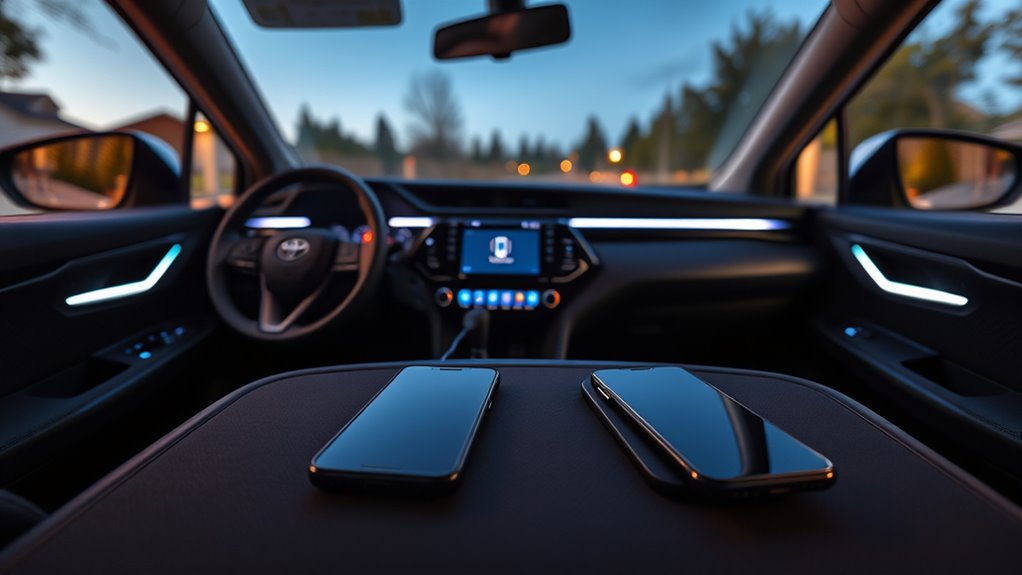
The 2026 Toyota RAV4 can pair multiple phones, but it allows only one active connection at a time for calls, media, Android Auto, or Apple CarPlay. This is a Bluetooth and infotainment design limit, not usually a fault. A second phone must be disconnected before it can take over. Android Auto may also show skipping or control glitches from software instability. Further details explain switching steps, wireless issues, and fixes.
Key Takeaways
- The 2026 Toyota RAV4 supports multiple paired phones, but only one phone can be actively connected at a time.
- To use a second phone, you must disconnect the current phone and select the other one manually.
- Bluetooth, Android Auto, and Apple CarPlay are designed for single active-device use in the RAV4.
- Android Auto may also have software and wireless stability issues, making dual-phone use even less reliable.
- Check device compatibility and the owner’s manual, since Toyota and Google may improve multi-device support in future updates.
Why 2026 RAV4 Android Auto Issues Happen?
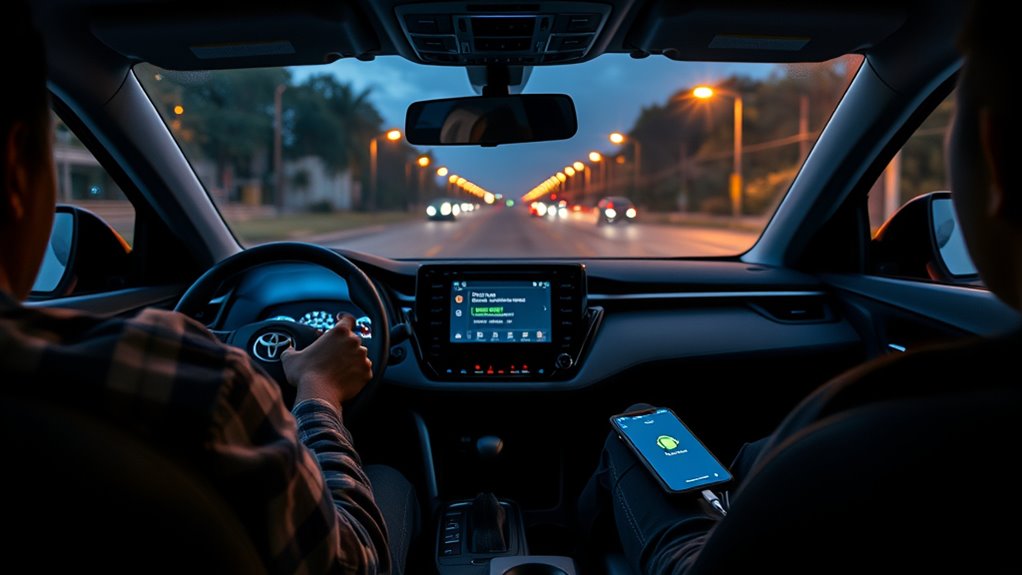
2026 Toyota RAV4 Android Auto issues appear to stem from a combination of software compatibility and wireless connection instability, with reported glitches most often affecting song skipping through steering wheel controls.
Reports indicate that the fault can surface on Samsung Galaxy devices and other Android phones, suggesting a broader integration problem rather than a single handset defect.
Reports suggest the issue affects Samsung Galaxy and other Android phones, pointing to a broader compatibility problem.
In many cases, the wireless link seems to drop or lag enough to disrupt media commands. A wired connection has resolved some cases, which points to transport-layer instability as the next one likely failure point.
Google and Toyota are actively investigating the behavior, but no final fix has been announced. User feedback remains important because it helps isolate the little bit of code or radio behavior that breaks control handoff.
Until updates arrive, the system may function unevenly, limiting smooth, independent use of connected devices and leaving drivers dependent on workarounds.
How RAV4 Bluetooth Handles Two Phones
The RAV4’s Bluetooth system can store multiple paired phones, but it supports only one active connection at a time for calls and media playback. This design reflects standard Bluetooth limitations rather than a fault in the vehicle.
The system remembers previously paired devices, so a driver does not need to repeat pairing each time. However, only one phone can claim the active link, which can create connection confusion when two devices are present.
The infotainment interface is the control point for selecting the connected phone. For reliable performance, device compatibility matters; both phones should meet the RAV4’s Bluetooth specifications. If a phone is incompatible, audio, contacts, or call functions may behave inconsistently.
The result is a system that supports flexibility without permitting simultaneous dual-phone use. That structure keeps operation predictable while preserving user choice and straightforward reconnection.
How to Switch Between Two Phones
Switching between two phones in the 2026 Toyota RAV4 requires each device to be paired in advance through Bluetooth or the relevant phone interface.
Because the system typically allows only one active phone for Android Auto or Apple CarPlay at a time, the current connection must be disconnected before selecting the second phone.
Once the new device is enabled and chosen from the Bluetooth menu, the RAV4 establishes the active connection.
Pairing Both Phones
Pairing both phones in a 2026 Toyota RAV4 generally requires managing Bluetooth one device at a time, since the system typically supports only one active phone connection.
These Bluetooth limitations define the process, not user error. Each phone should be checked for Device compatibility before pairing, because unsupported profiles can block registration or stable use.
In the infotainment menu, complete pairing for the first phone, then repeat the setup for the second so both remain saved.
Effective Connection management means keeping both devices listed in memory, even though only one can connect actively. When access is needed, the vehicle must release the current link before another phone can be selected.
For exact steps, consult the owner’s manual and follow its Bluetooth guidance.
Switching Active Phone
Moving from one handset to the other in a 2026 Toyota RAV4 usually requires ending the current Bluetooth session before selecting the second phone in the vehicle’s settings menu.
The infotainment system generally supports only one active phone, reflecting clear Bluetooth limitations. After disconnecting the first device, the driver can open the Bluetooth menu, choose the alternate handset, and complete pairing if needed.
For better connection stability, previously paired devices should be deleted when switching access often, reducing conflicts in the list.
Device compatibility also matters; both phones should match the system requirements and run current software.
This process preserves control without unnecessary dependency on a single handset, letting the user move between devices with minimal friction and a cleaner, more autonomous workflow.
Why Android Auto Skips Songs?
Android Auto song-skipping in the 2026 Toyota RAV4 appears to stem from a software and connectivity issue rather than a vehicle-specific audio fault.
Reports indicate that steering wheel controls can trigger song skipping across multiple tracks, with Samsung Galaxy devices affected most often, though other Android phones are not immune.
The pattern suggests audio latency or command-handling errors inside Android Auto, not the RAV4’s speakers or head unit. Device compatibility also appears inconsistent, since Apple CarPlay has not shown the same behavior.
Troubleshooting steps such as clearing cache, uninstalling app updates, or reverting to an earlier version may reduce the problem for some users.
Google and Toyota are investigating the glitch, and forthcoming software updates are expected to improve stability.
For drivers seeking dependable control, the present issue reflects a software limitation that restricts seamless media freedom until patches arrive.
Wireless vs. Wired Android Auto
Although the 2026 Toyota RAV4 supports Android Auto, it generally permits only one phone at a time, regardless of whether the connection is wireless or USB-based. This limitation applies to all Android Auto sessions, so no second handset can join the interface concurrently.
Wireless Android Auto offers convenience and a cleaner cabin, but its wireless performance can be inconsistent. In crowded environments, nearby devices may increase dropout risk, reducing connection reliability and causing brief interruptions. Many users thus prefer a USB link, which provides wired stability and typically restores smoother media control, including fewer skipped songs.
The tradeoff is physical tethering, which reduces mobility but improves consistency. For drivers seeking technological independence without needless friction, the practical choice is often wired Android Auto. In the 2026 RAV4, the decision is less about preference than about whether reliable access matters more than cable-free convenience.
How to Fix Android Auto in Your RAV4
Android Auto issues in the 2026 RAV4 can often be addressed by clearing the app cache and data on the paired phone, then reconnecting the device.
If steering wheel controls cause song skipping or the wireless link is unstable, a wired USB connection may provide a more reliable signal.
Persistent faults should prompt checks for Google or Toyota updates, and uninstalling recent Android Auto updates can help identify software-related regressions.
Troubleshoot Android Auto
If Android Auto is acting up in a 2026 Toyota RAV4, the first troubleshooting step is to clear the app’s cache and data or uninstall recent updates to restore normal function. This addresses common software faults without surrendering control to the dealer. | Step | Action |
| — | — |
|---|---|
| 1 | Clear cache |
| 2 | Clear data |
| 3 | Uninstall updates |
| 4 | Test wired USB |
| 5 | Note errors |
Wireless drops often indicate unstable connectivity, so a wired link is a practical connectivity solution. Only one phone is supported at a time, so dual-device use is not available. Some Samsung Galaxy users report steering-wheel skipping; when that occurs, contacting Google support is the next rational move. Android Auto features should remain stable after these checks, and user feedback continues to shape future fixes.
Update And Reconnect
Revitalizing Android Auto and reconnecting the phone is often the most direct way to restore normal operation in a 2026 Toyota RAV4.
The update process should begin by clearing Android Auto cache and data, then removing recent app updates if glitches remain. After that, the phone should be paired again, preferably through a wired cable, since wired use generally improves connection stability.
Because the RAV4 supports only one phone at a time, any extra device must be disconnected before testing.
Google’s regular software releases may improve device compatibility, so monitoring new versions is essential.
If the issue persists, Google support should be contacted with clear feedback about the fault. This approach reduces dependence on unstable links and gives users more control over the system.
Why Apple CarPlay Works Better?
Apple CarPlay tends to work better in the 2026 Toyota RAV4 because it delivers more consistent connectivity and fewer operational glitches than Android Auto. This advantage is visible in daily use, where the user experience remains stable, the interface design is direct, and connectivity reliability is higher. Drivers seeking freedom from constant resets often prefer it.
| Factor | Apple CarPlay | Android Auto |
|---|---|---|
| Stability | High | Lower |
| Song skipping | Rare | Reported |
| Disconnects | Minimal | Frequent |
| Troubleshooting | Limited | More needed |
| Driver preference | Strong | Mixed |
Many RAV4 owners have shifted to Apple CarPlay to avoid interruptions and preserve control over navigation, calls, and media. Its smoother integration reduces friction and supports a cleaner in-vehicle workflow. For drivers, that means less dependence on repeated pairing steps and more time using the system as intended.
What Toyota and Google Have Found
Toyota and Google have found that the 2026 Toyota RAV4 does not currently support simultaneous Android Auto connections for two phones, which can leave one device unable to access Android Auto features while the other is active.
Their review points to connectivity challenges in the Android Auto stack, particularly where multi-device functionality is expected but not yet reliably delivered. The result is a constrained in-cabin experience for drivers who rely on separate personal and work phones.
User feedback has consistently described this limit as frustrating, especially when quick switching is not enough to meet daily needs.
Toyota and Google are examining how the system handles paired devices, with the goal of improving connection stability and broader performance.
Current findings suggest the issue is less about hardware than about software behavior and device management.
For users seeking greater freedom from single-phone lock-in, the evidence shows a clear gap between present capability and desired use.
What Updates to Watch For
Attention now shifts from the current limitation to the software changes most likely to alter it. The 2026 Toyota RAV4 presently permits only one active phone for Android Auto or Apple CarPlay, so any change will depend on software improvements from Toyota and Google.
Google has already been addressing Android Auto faults, and future releases may extend multi-device connectivity, reducing the need for drivers to choose one handset over another. Consumer user feedback remains important because it directs developers toward the features that matter most, including dual-phone access and smoother handoff between devices.
Monitoring connectivity updates from both companies is consequently the most practical way to detect progress. If Toyota or Google issues revised firmware or app updates, they may improve integration, stability, and overall performance with connected devices.
For users seeking freedom from a single-phone lock, these updates represent the clearest path toward broader functionality and a more open cabin experience.
Frequently Asked Questions
Can Two Phones Be Connected to Toyota Bluetooth?
Yes, two phones can be paired through Toyota Bluetooth, but active use is limited by Bluetooth limitations. Multi device connectivity exists, yet only one phone connects for calls and audio, with occasional phone pairing issues.
Can I Have Two Phones Connected to Carplay Simultaneously?
No. CarPlay limitations permit only one active phone at a time in the RAV4, despite Dual phone compatibility for pairing. Connection troubleshooting requires disconnecting the current device before switching, preserving a streamlined, user-controlled interface.
Can Two People Use the Toyota App for the Same Car?
No; the Toyota app is built like a single-key fortress, granting one primary account per vehicle. Shared access is possible through invitations, but app features and phone compatibility require separate accounts and coordinated control.
How Much Does Toyota Remote Connect Cost per Month?
Toyota Remote Connect typically costs about $8 per month after the trial. Subscription pricing varies by model and region. Remote connect features include app compatibility for remote start, locking, location, health reports, and alerts.
Conclusion
In the 2026 Toyota RAV4, dual-phone use is limited by how Bluetooth and Android Auto prioritize one active media session at a time. A second phone may stay paired for calls, but not share full control of navigation or playback. When skips, drops, or connection conflicts occur, they usually reflect pairing logic rather than hardware failure. Toyota and Google continue refining updates, but for now, seamless two-phone switching remains a bit of a digital tug-of-war.

