
Charging your Toyota RAV4 Prime varies significantly depending on your model year and trim level. For most owners, Level 1 charging (standard home outlet) takes about 12 hours, while Level 2 charging cuts that time to between 2.5 and 4.5 hours. As of 2026, select high-end trims may now offer DC Fast Charging capabilities, a feature previously unavailable on this vehicle.
Key Takeaways
- Level 1 (120V): Takes approximately 12 hours for a full charge; works with any standard household outlet.
- Level 2 (240V): Charges in 2.5 to 4.5 hours depending on your onboard charger (3.3 kW vs. 6.6 kW).
- DC Fast Charging: Only available on specific 2026+ trims (e.g., XSE/Woodland with CCS1 ports). Older models and standard trims cannot use DC fast chargers.
- Connector Type: Most RAV4 Primes use the J1772 connector. Only verify your port before attempting to use a fast charger.
- Best Practice: Use Level 2 for daily efficiency and save DC Fast Charging (if supported) for urgent road trip stops.
Charging Methods for the Toyota RAV4 Prime
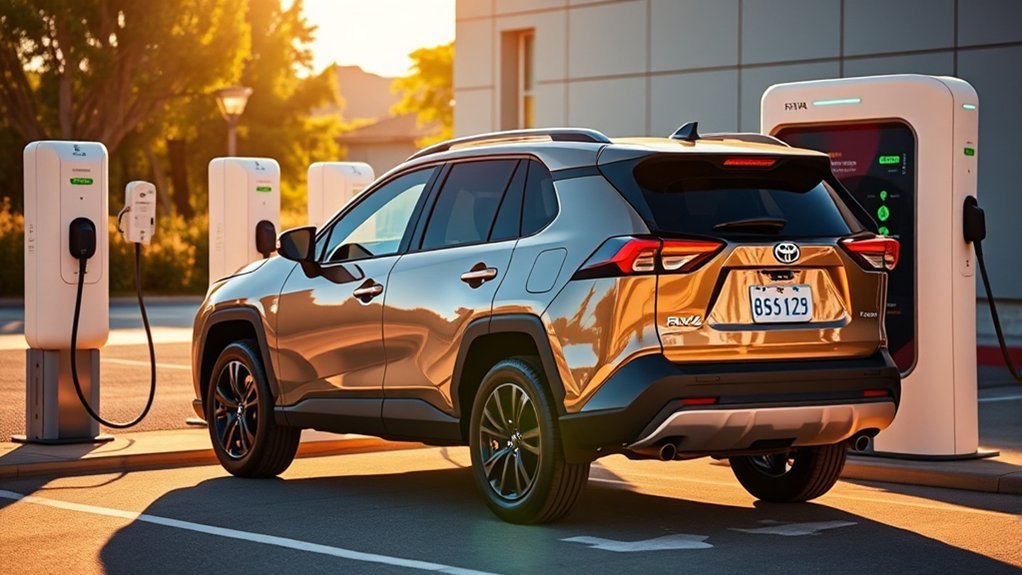
When charging your Toyota RAV4 Prime, it is essential to identify which ports your specific vehicle supports. Historically, the RAV4 Prime was exclusively a Level 1 and Level 2 vehicle. However, the 2026 model year introduced changes for specific trims.
You can charge using a standard Level 1 (120V) cable provided with the car, which is slow but sufficient for overnight use. For faster speeds, a Level 2 (240V) wall-mounted charger is the industry standard for home owners.
Important: Do not attempt to plug a standard RAV4 Prime (SE or older models) into a DC Fast Charger (Tesla Supercharger or Electrify America CCS) unless you are certain your specific 2026+ model has the CCS1 combo port. Most models are limited to AC charging only.
How Charging Times Differ: Level 1 vs. Level 2
Understanding the difference between Level 1 and Level 2 charging is key for optimizing your battery management. The speed depends heavily on your vehicle’s onboard charger, which typically comes in 3.3 kW or 6.6 kW configurations (with some 2026 models potentially offering 11 kW).
- Level 1 (120V): Delivers roughly 1.4 kW. This trickle charge takes about 12 hours to fill the 18.1 kWh battery.
- Level 2 (240V) with 3.3 kW Onboard Charger: Takes approximately 4.5 hours.
- Level 2 (240V) with 6.6 kW Onboard Charger: Takes approximately 2.5 hours.
What to Expect When Charging With a Standard Outlet
If you opt to charge your Toyota RAV4 Prime using a standard 120-volt outlet, be prepared for longer wait times. This method is perfect for those with low daily mileage (under 40 miles), allowing for convenient overnight charging without the need for specialized electrical work.
The Level 1 cable connects seamlessly to any standard three-pronged outlet. While slow, it is the most accessible form of charging and requires zero upfront investment.
| Charging Method | Est. Time (Empty to Full) | Ideal Scenario |
|---|---|---|
| Level 1 (120V) | ~12 Hours | Overnight home parking |
| Level 2 (240V) | 2.5 – 4.5 Hours | Daily commuting / Public stations |
| DC Fast Charge* | 30 – 45 Mins (80%) | Road trips (Select 2026+ Trims Only) |
*Note: DC Fast Charging is not available on most pre-2026 models. Check your owner’s manual.
Faster Options for Home Charging: Level 2

For those looking to reduce charging times considerably, Level 2 charging is the most efficient solution. Utilizing a 240-volt outlet (similar to a dryer outlet), it maximizes the capacity of your onboard charger.
Most public charging stations (ChargePoint, Blink, Volta) found at grocery stores and offices are Level 2. They use the J1772 connector, which is standard on all RAV4 Prime models.
Can You Use DC Fast Charging?
This is the most common point of confusion for RAV4 Prime owners.
For models produced between 2021 and 2025: No. These vehicles utilize a J1772 port which only supports AC charging. You cannot plug them into a DC Fast Charging station (Level 3). The plug simply will not fit.
For select 2026 models (e.g., XSE/Woodland): Toyota has reportedly introduced CCS1 ports on specific high-level trims. If your vehicle is equipped with this port, you can recharge from 10% to 80% in approximately 30 to 45 minutes. This feature is intended for long-distance travel, allowing for quick top-ups.
Cost Considerations
Charging costs vary by location and provider. As of 2026, home charging typically costs between $0.12 and $0.25 per kWh (national average), meaning a full charge at home costs roughly $2.50 to $4.50.
Public DC Fast Charging (if your vehicle supports it) is significantly more expensive, often ranging from $0.35 to $0.60 per kWh. Frequent use of fast charging can also accelerate battery degradation, so it is best reserved for urgent needs.
Tips for Optimizing Charging for Your RAV4 Prime
Enhancing your charging routine can improve both convenience and battery longevity:
- Know Your Onboard Charger: Check your window sticker. If you have the 6.6 kW charger (standard on XSE Premium), a Level 2 station is much more valuable than if you have the 3.3 kW base charger.
- Schedule Charging: Use the vehicle’s dashboard or app to schedule charging during off-peak hours to save on electricity rates.
- Cable Management: If using the provided cable outside, ensure the control box is supported and not dangling from the outlet to prevent wear.
- Public Etiquette: Once your vehicle is fully charged at a public station, move it immediately to avoid “idle fees” and let others charge.
Frequently Asked Questions
Can I use a regular extension cord for Level 1 charging?
It is strongly discouraged. Most household extension cords are not rated for the continuous high amperage required by EV charging, creating a significant fire hazard. If you absolutely must, use a heavy-duty, outdoor-rated 10-gauge cord specifically designed for high-load appliances, but plugging directly into the wall is always safer.
What happens if I leave the car plugged in after it’s full?
Nothing bad will happen. The RAV4 Prime has an advanced battery management system (BMS) that cuts off power once the battery is full. It is perfectly safe to leave it plugged in overnight.
Can I use Tesla Superchargers?
Generally, no. Most RAV4 Primes cannot use Tesla Superchargers because they are incompatible with the connector. However, you can use Tesla Destination Chargers (Level 2) if you have a “Tesla to J1772” adapter. Some newer “Magic Dock” Superchargers may support CCS-equipped 2026 models, but this is rare.
How does temperature affect charging times?
Extreme cold can significantly slow down charging speeds and reduce your overall electric range (often by 20-30%). The vehicle’s thermal management system uses some power to warm the battery, which extends the charging session.
Can I charge while driving?
You cannot plug in while driving, but the RAV4 Prime does have a “Charge Mode.” By holding the HV/EV button, the gas engine will run harder to recharge the battery while you drive. This is inefficient for daily use but useful if you want to save electric range for a specific low-speed zone at the end of your trip.
Conclusion
Whether you rely on the simplicity of a standard 120V outlet or the speed of a Level 2 wallbox, keeping your Toyota RAV4 Prime charged is the best way to maximize its efficiency and performance. While standard models rely on widely available AC charging, new 2026 trims may offer even more flexibility with fast charging options. Always check your specific vehicle’s manual to ensure you are using the correct equipment.
