Quick Answer
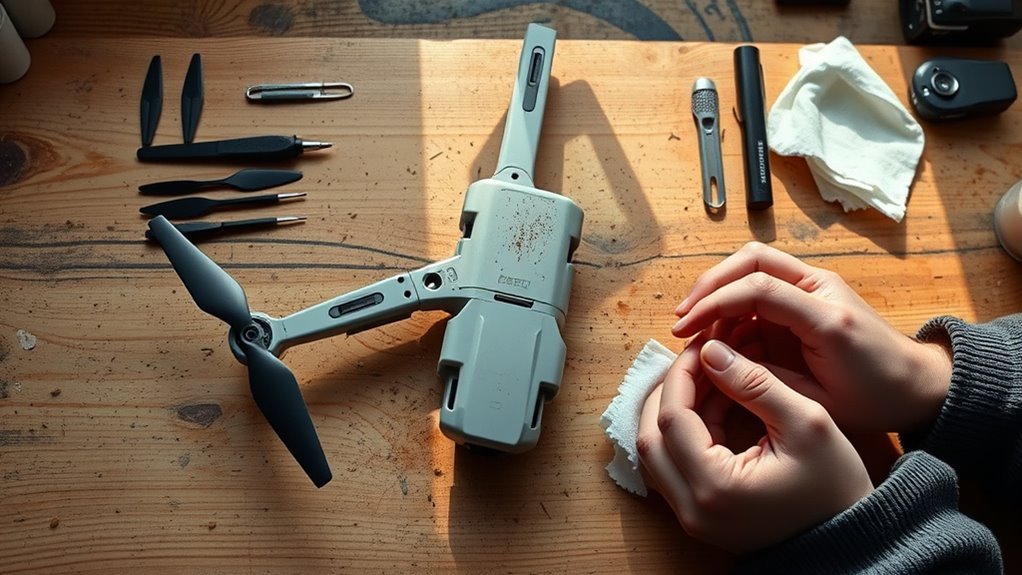
Do not fly a crashed drone until the battery, frame, propellers, motors, wiring, sensors, controller link, camera, and gimbal all pass inspection. Ground it for repair if you find structural damage, a rough motor, damaged wiring, battery swelling or leakage, water exposure, or an unresolved warning. Test-fly only after every applicable check passes.
At a Glance
| Difficulty | Basic visual and mechanical inspection; structural, electrical, battery, or sensor damage may require professional service. |
| Tools Needed | Good lighting, the correct manufacturer app and manual, and model-correct replacement parts if damage is found. |
Drone Crash Inspection: Is It Safe to Fly Again?
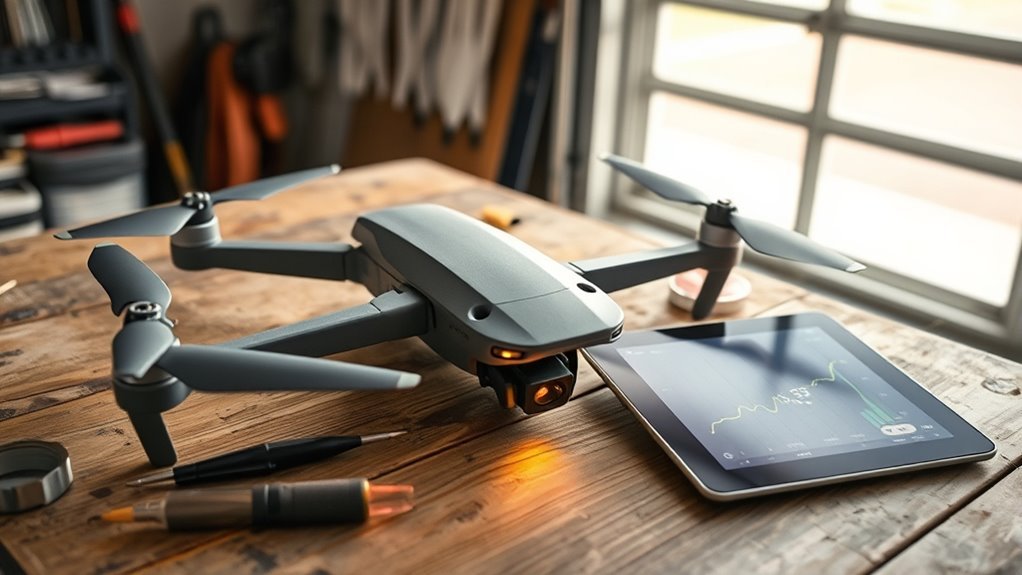
A drone is safe to fly again only when you have ruled out damage that could affect structure, propulsion, power, control, or navigation. A normal startup or a brief hover does not prove that hidden crash damage is harmless.
For DJI camera drones, DJI’s collision and dropping guidance warns that impact can damage structural parts or internal electronics and recommends sending the aircraft for diagnosis when collision damage is involved. That is the safer choice for a hard impact, a visibly damaged airframe, or unexplained behavior after the crash.
Warning: Do not power on or charge a drone with a swollen, leaking, punctured, smoking, unusually hot, or visibly damaged lithium battery. Keep people and flammable materials away and follow the manufacturer’s handling guidance.
If the impact was minor and the aircraft shows no damage, work through the inspection in order. Stop as soon as you find a defect you cannot confidently clear.
| Finding | What to Do |
|---|---|
| Cracked or bent frame, arm, motor mount, or landing gear | Keep the drone grounded for repair or diagnosis. |
| Damaged, swollen, leaking, or deformed battery | Do not charge or reuse it; follow manufacturer and local hazardous-battery guidance. |
| Rough motor, loose wiring, exposed conductor, or burned connector | Do not run the motors; arrange repair. |
| No visible damage, smooth motors, normal battery, and no unresolved warnings | Continue with controlled system checks before considering a low-risk test flight. |
Inspect the Frame, Arms, and Landing Gear
Start with the parts that carry load and absorb impact. A small crack or twist can change motor alignment, vibration, or landing stability even if the drone still powers on.
Place the aircraft on a level surface with the battery removed. Compare both sides, check body seams, and gently test folding arms or landing gear for looseness without forcing them.
Frame Cracks And Warping
Look closely for hairline cracks, white stress marks in plastic, split seams, dents, twisting, or a body that no longer sits level. Pay special attention around arm roots, hinges, motor mounts, battery latches, and the camera or gimbal area.
DJI’s Mavic Series Repair Manual uses visual inspection to identify cracked, misshapen, or structurally damaged modules and directs replacement of defective parts. If a crack opens when the arm is lightly loaded, the aircraft should not fly.
Photograph any damage before repair. That gives you a record for support, insurance, or later comparison if a symptom returns.
Arms And Gear Damage
Each arm should lock or sit in its normal position without new play, bending, or movement around the hinge. Landing gear should be straight and firmly attached so the aircraft rests normally during takeoff and landing.
- Check each arm for cracks, bends, loose hinges, or changed gaps at the body.
- Inspect motor mounts and visible fasteners for movement or missing hardware.
- Check landing gear for fractures, deformation, or looseness.
- Compare left and right sides for obvious alignment differences.
- Record defects and use the model’s repair instructions or an authorized service path.
Do not tighten fasteners beyond the manufacturer’s specified method or torque. Over-tightening can damage plastic mounts or threads just as surely as leaving them loose.
Check Propellers, Motors, and Gimbals
Propellers and motors are flight-critical, so treat any uncertainty conservatively. A blade can look almost normal yet be warped, while a motor can spin but still have impact damage or debris inside.
Inspect every propeller for cracks, chips, wear, bending, corrosion, loose screws, or hub damage. DJI says damaged or misshapen propellers should be replaced; its propeller installation guidance also stresses correct attachment for the specific model.
With the battery removed and the propellers off, turn each motor gently by hand. Compare the feel of all motors. Grinding, binding, a rough spot, unusual side play, visible shaft damage, or debris that cannot be safely removed is a reason to stop and seek service.
Inspect the gimbal without forcing it. Look for a bent arm, torn damper, cracked mount, damaged ribbon cable, obstructed movement, or a camera that sits crooked. If the gimbal is physically intact but the app reports a calibration warning, follow the model-specific calibration procedure rather than pushing the mechanism by hand.
Pro Tip: Compare all four motors by feel. A difference between motors is often easier to notice than deciding whether one motor feels “normal” in isolation.
Test the Battery and Power Connections
Battery damage is the highest-priority electrical risk after a crash. Inspect the pack and its contacts before reconnecting it, and do not use a powered test to “see if the battery is okay” when there is visible damage.
Check the battery shell, latch, terminals, and surrounding compartment for swelling, cracks, punctures, dents, leakage, unusual odor, heat damage, or a fit that has changed. DJI states that swollen or cracked batteries should not be used.
Battery Health Check
If the battery has no visible crash damage, use the manufacturer’s app, charger, or built-in battery information to check for abnormal warnings and health data available for your model. Follow the model’s limits rather than improvising a load test on an impact-exposed smart battery.
- Do not charge or reuse a battery that is swollen, leaking, punctured, deformed, or unusually hot.
- Do not press a swollen battery flat, puncture it, or open the case.
- If the app reports a battery error after the crash, keep the aircraft grounded until the cause is identified.
- When disposing of a damaged lithium-ion battery in the United States, the EPA advises against household trash or curbside recycling and recommends an appropriate battery or hazardous-waste collection route.
Power Connector Inspection
Inspect the battery contacts and visible power connections for dirt, moisture, bending, crushed pins, discoloration, melted plastic, corrosion, or looseness. A damaged contact can cause intermittent power loss even if the drone starts normally on the bench.
Clean only as the manufacturer permits. If a connector is burned, cracked, pushed out of position, or electrically suspect, do not keep reconnecting the battery to test it.
Note: If the crash involved a hard impact, water, salt, smoke, battery damage, exposed wiring, or internal parts you cannot inspect, use the manufacturer or a qualified repair service instead of relying on a home test flight.
Check Flight Logs for Impact Warnings
Flight logs can help explain what happened before impact, but they do not certify the drone as safe. Use them to identify warnings, disconnects, motor or sensor errors, unusual battery behavior, and the sequence of events around the crash.
Save the record before resetting the aircraft or clearing app data. Note the exact aircraft and controller model, battery used, warning messages, flight mode, last known position, and what you observed immediately before impact.
- Review app warnings and fault messages from the crash flight.
- Note the time and order of warnings instead of reading each message in isolation.
- Compare the recorded behavior with the physical damage you found.
- If support asks for logs, export or upload them using the manufacturer’s official process.
A clean-looking log does not overrule physical damage. If the airframe, battery, motor, wiring, or sensor mount is damaged, keep the drone grounded regardless of what the log shows.
Recalibrate Sensors and Navigation Systems
Do not automatically recalibrate every sensor just because the drone crashed. First confirm the aircraft is physically sound; then calibrate only when the app, user manual, or manufacturer guidance calls for it.
For DJI camera drones, the IMU calibration guide is intended for IMU data errors or calibration prompts. DJI’s compass calibration guide likewise directs calibration when the app requires it or under specified conditions.
Calibration cannot straighten a bent arm, fix a loose motor mount, repair a damaged sensor bracket, reconnect a torn cable, or make a bad battery safe. If calibration fails repeatedly or the aircraft still reports sensor errors, stop and arrange diagnosis.
Also avoid assuming a firmware update will repair impact damage. Install required or recommended firmware only through the manufacturer’s normal process, and treat any continuing hardware symptom as a hardware problem until proven otherwise.
Check the Camera, Signal, and Radio Link
The controller link and live video feed must be stable before any test flight. A crash can disturb antennas, cables, camera mounts, or controller hardware even when the aircraft starts normally.
- Inspect the camera lens, housing, mount, dampers, and visible cables for cracks or displacement.
- Power on only after the unpowered inspection passes and the battery is known to be safe.
- Confirm the controller links normally and that stick inputs are recognized correctly while the aircraft remains safely secured.
- Check the live view for dropouts, severe distortion, gimbal errors, or unexplained lag.
- Read every warning shown by the flight app and resolve it before takeoff.
For U.S. Part 107 operations, the FAA says the remote pilot is responsible for a preflight inspection that includes checking the communications link between the control station and the drone. The FAA’s Part 107 overview also requires the aircraft to be in a condition for safe operation before flight.
When Should a Crashed Drone Stay Grounded?
Keep the drone grounded whenever you cannot show that its structure, propulsion, battery, controls, and sensors are serviceable. A cautious hover is a final functional check, not a substitute for repair.
- Any crack, bend, loose arm, damaged hinge, or shifted motor mount
- A propeller with chips, cracks, warping, damaged fasteners, or uncertain condition
- A motor that binds, grinds, wobbles, overheats, or behaves differently from the others
- Swollen, punctured, leaking, dented, unusually hot, or deformed battery
- Burned, exposed, loose, or crushed wiring or connectors
- Water or salt exposure
- Damaged gimbal, sensor mount, camera cable, or antenna
- Repeated IMU, compass, motor, battery, gimbal, or communication warnings
- Any post-crash behavior you cannot explain
For a DJI camera drone that sustained a real collision or drop, the manufacturer’s own guidance favors professional diagnosis because internal electronic damage may not be visible.
Perform a Low-Risk Test Flight
A low-risk test flight comes last. Attempt it only when the inspection is complete, damaged parts have been correctly replaced, the battery is safe, startup is normal, and no unresolved warning remains.
- Choose an open area away from people, vehicles, buildings, trees, and other obstacles.
- Confirm the battery is seated correctly, the propellers are installed for the exact model, and the controller link is stable.
- Wait for the aircraft’s normal readiness indications and required positioning or navigation status.
- Lift only to a low hover and keep the drone close.
- Use small control inputs and watch for drift, vibration, yaw, lag, unusual sound, warning messages, camera shake, or signal loss.
- Land immediately if anything looks or sounds abnormal.
Do not use the first post-crash flight to test maximum speed, long range, high altitude, aggressive braking, or automated missions. If the aircraft cannot hold a normal hover and respond predictably, it is not ready for regular use.
Key Takeaways
- Inspect the drone unpowered before reconnecting the battery; a successful startup does not clear hidden structural or electrical damage.
- Replace damaged propellers and ground the aircraft for cracks, rough motors, loose wiring, damaged sensor mounts, or unexplained warnings.
- Never reuse a swollen, leaking, punctured, or otherwise damaged lithium battery.
- Calibrate IMU or compass systems only when the manufacturer’s app or manual calls for it; calibration is not a repair.
- Use a low, close hover only as the final check after every earlier inspection step passes.
Frequently Asked Questions
Can I Fly My Drone After a Crash if It Looks Fine?
Not yet. A normal-looking shell can hide a bent motor shaft, stressed arm, loose connector, damaged sensor mount, or battery problem. Complete the unpowered inspection, resolve every warning, and use a controlled low hover only after all applicable checks pass.
Should I Replace the Propellers After a Drone Crash?
Replace any propeller that is cracked, chipped, warped, misshapen, loose, or otherwise damaged. Inspect every blade and mounting point, not only the propeller that hit something. Use the exact replacement and installation method specified for your model.
How Can I Tell if a Drone Motor Was Damaged?
With the battery disconnected and propeller removed, compare the motor with the others by gently turning it by hand. Grinding, binding, rough spots, new side play, shaft damage, debris, or a loose mount means the drone should stay grounded until the motor system is diagnosed.
Should I Calibrate the IMU or Compass Immediately After a Crash?
No. Inspect the frame, motors, propellers, battery, wiring, and sensor mounts first. If the aircraft is physically sound, follow the app or manual only when it asks for IMU or compass calibration. Calibration cannot correct bent or broken hardware.
What Should I Do With a Swollen Drone Battery?
Do not charge, fly, puncture, compress, or keep using a swollen battery. Follow the battery manufacturer’s handling instructions and local disposal rules. In the United States, EPA guidance says lithium-ion batteries should not go in household trash or curbside recycling.
Do I Need to Report a Drone Crash to the FAA?
For U.S. Part 107 operations, the FAA requires a report within 10 days if the crash causes serious injury, loss of consciousness, or more than $500 in damage to property other than the drone. Other operations and countries can have different reporting rules.
Conclusion
A crashed drone should return to the air only after evidence supports that decision. Inspect the structure, propulsion, battery, wiring, sensors, camera, and control link first; use calibration only when required; and keep the aircraft grounded whenever a defect or warning remains. A short low hover is the final check, not the first one.
Sources
- DJI: Aircraft Damage Due to Collision or Dropping: collision risks and repair recommendation.
- DJI: Mavic Series Repair Manual: structural, motor, controller, battery, and accessory inspection guidance.
- DJI: Attaching and Detaching Propellers: damaged-propeller replacement guidance.
- DJI: Swollen Battery Guidance: do not use swollen or cracked batteries.
- DJI: IMU Calibration Guide: when and how DJI IMU calibration is used.
- DJI: Compass Calibration Guide: conditions and prompts for compass calibration.
- FAA: Small Unmanned Aircraft Systems Regulations (Part 107): preflight safety and accident-reporting requirements.
- U.S. EPA: Lithium-Ion Battery Questions: handling and disposal of damaged or swollen lithium-ion batteries.

