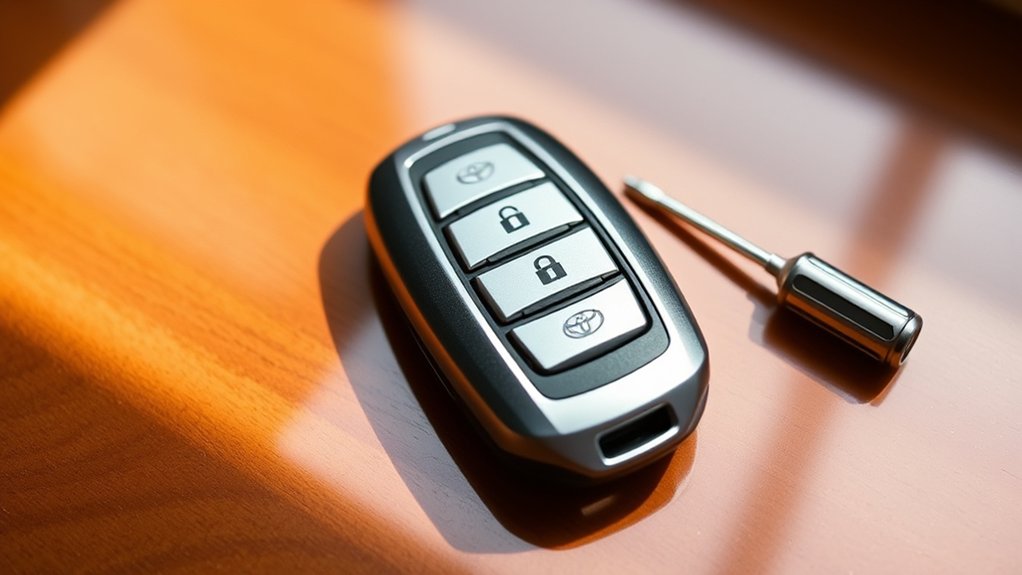
Replacing a Toyota RAV4 key fob battery is usually a simple DIY job, but the first step is making sure you have the correct battery for your exact key fob. Many RAV4 smart keys use a CR2032 lithium coin cell, while older keys and some RAV4 variants can use a different size. Check the number printed on the old battery or your model-year owner’s manual before buying a replacement.
Quick Answer
Remove the mechanical key, carefully open the Toyota RAV4 key fob at its notch or seam, note the old battery’s size and polarity, install the same battery type in the same orientation, snap the case closed, reinstall the mechanical key, and test the lock and unlock buttons near the vehicle.
Key Takeaways
- Do not assume every RAV4 key fob uses a CR2032. Confirm the code printed on the old battery or check the owner’s manual for your model year.
- A mechanical key or small flathead screwdriver can usually be used to separate the fob case.
- Note the old battery’s polarity before removing it and install the replacement in the same orientation.
- After reassembly, test the buttons and operating range before assuming the repair is complete.
- Keep new and used coin batteries away from children and dispose of them through an appropriate battery-recycling or household hazardous-waste program.
At a Glance
| Time Required | About 5–10 minutes |
| Difficulty | Easy |
| Tools Needed | Mechanical key or small flathead screwdriver, soft cloth or tape, and the correct replacement coin battery |
| Cost | Usually just the cost of one replacement coin-cell battery |
Warning: Button and coin batteries can cause severe internal injuries if swallowed. Keep both new and used batteries away from children and pets. If you believe a coin battery has been swallowed, seek emergency medical help immediately.
Check Your RAV4 Key Fob Battery Type First
Before opening the package on a replacement battery, identify the battery used by your particular RAV4 key. CR2032 is common, but it is not universal across every RAV4 year, key design, and powertrain.
The safest method is to open the fob and read the battery code stamped directly on the old cell. You can also check the owner’s manual for your exact model year through Toyota’s official Manuals and Warranties portal.
Toyota’s published RAV4 information also shows why checking matters: different RAV4 generations and variants have used different coin-cell sizes. Never force a similar-looking battery into the holder simply because its diameter appears close.
Note: CR2032, CR2016, CR1632, and CR2450 cells may all look broadly similar, but their dimensions differ. Install only the battery type specified for your fob.
Step-by-Step Guide to Replacing Your RAV4 Key Fob Battery
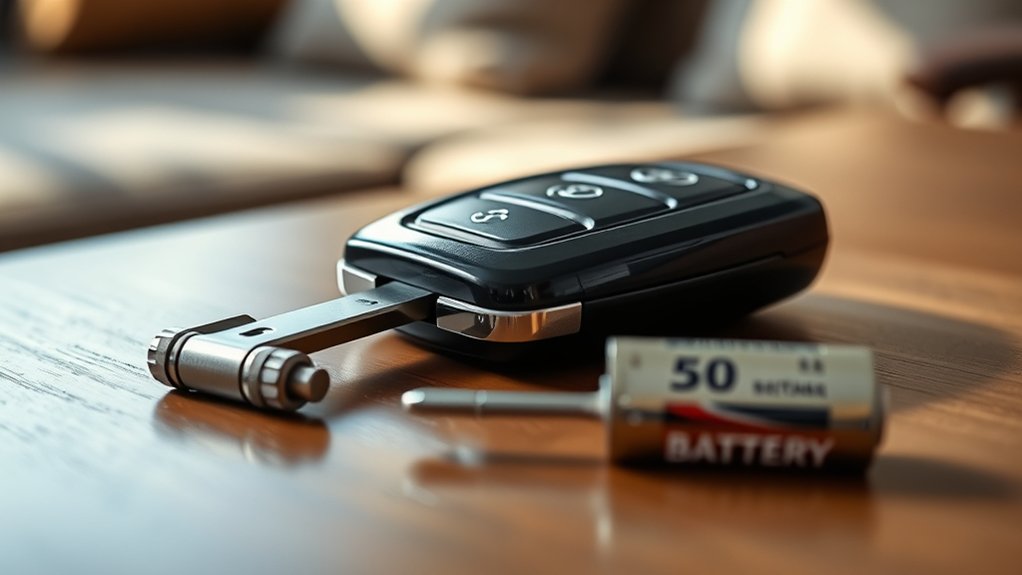
Replacing the battery in a Toyota RAV4 key fob is usually straightforward once you have confirmed the correct replacement cell. Work over a clean table so the mechanical key, battery, and small internal parts cannot fall between seats or disappear onto the floor.
- Remove the mechanical key. Find the release lever or button on the fob and slide or pull the mechanical key out.
- Locate the opening notch. Look along the fob seam for the small slot intended for separating the case.
- Open the case gently. Insert the mechanical key or a small flathead screwdriver into the notch and twist lightly until the two halves begin to separate.
- Note the old battery. Read the battery number and observe which side faces upward before removing it.
- Remove the depleted cell. Lift it carefully with a small non-damaging tool or your fingertip where accessible.
- Install the replacement. Use exactly the same battery type and match the original polarity or the polarity symbol molded into the holder.
- Reassemble the fob. Align the tabs and edges and press the two halves together until the case closes evenly.
- Return the mechanical key. Slide it back into its storage slot until it locks in place.
- Test the fob. Try the lock, unlock, panic, and power-back-door buttons that your particular fob provides.
The battery number printed on the old cell is more reliable than assuming every Toyota RAV4 key uses the same battery.
Necessary Tools for Replacing Your RAV4 Key Fob Battery
You need only a few items:
- The correct replacement battery: Verify the code on the old cell or in the model-specific owner’s manual.
- Mechanical key: On many RAV4 smart keys, the emergency key can also help separate the case.
- Small flathead screwdriver: Useful when the mechanical key is too thick for the opening notch or when lifting the old battery.
- Soft cloth or non-metallic tape: Wrap the screwdriver tip if necessary to reduce the chance of scratching the key-fob housing.
- Clean workspace: A clear tabletop makes it easier to keep track of the key, battery, and fob components.
Pro Tip: Photograph the open fob before removing the old battery. The photo gives you a quick reference for battery orientation and the position of any internal module if something shifts while the case is open.
Opening Your Key Fob: A Quick Guide
Most RAV4 smart-key fobs store a mechanical emergency key inside the housing. Release that key first, then inspect the edge of the fob for the designated opening notch or seam.
Locate and Remove the Mechanical Key
Press or slide the release control and pull the mechanical key straight out. Do not force it. Depending on the fob design, the release control may be on the side or rear of the housing.
The mechanical key is useful for more than manually unlocking the door. On many Toyota fobs, its tip fits the case-opening notch and can be twisted gently to start separating the shell.
Pry Open the Key Fob Carefully
Insert the mechanical key or a small flat-tip screwdriver into the opening notch. Apply gentle twisting pressure rather than driving the tool deep into the case. Once a small gap appears, work around the seam with your fingers until the halves separate.
| Step | Action | Why It Matters |
|---|---|---|
| 1 | Remove mechanical key | Provides access to the opening area |
| 2 | Find the case notch | Prevents prying at the wrong location |
| 3 | Protect screwdriver tip if used | Reduces cosmetic damage |
| 4 | Twist gently | Separates the case without excessive force |
| 5 | Lift the cover carefully | Helps keep internal components in place |
If the case does not open with light pressure, stop and confirm that you are using the correct notch. Excessive force can crack the housing, damage retaining tabs, or disturb the internal electronics.
Removing the Old Battery
Once the fob is open, locate the coin-cell battery and inspect it before touching anything else.
Identify the Battery and Its Polarity
Read the code stamped on the old battery. If it says CR2032, replace it with a CR2032. If it displays another code, use that specified size instead unless your Toyota owner’s manual says otherwise.
Also note which side faces upward. Many Toyota electronic keys place the positive (+) side upward, but you should follow the battery-holder markings and the orientation of the original cell rather than relying on a universal assumption.
Remove the Depleted Battery
Gently lift the battery from its holder. Avoid scraping the circuit board, bending metal contacts, or using enough force to distort the battery retaining clips.
On some fob designs, the electronic-key module can remain attached to the removed cover. If that happens, handle the module by its edges and reposition it carefully rather than pulling on components.
Warning: As soon as the old coin battery is removed, place it somewhere children cannot reach. Do not leave a loose coin battery on a table, countertop, cup holder, or floor.
How to Install the New Battery
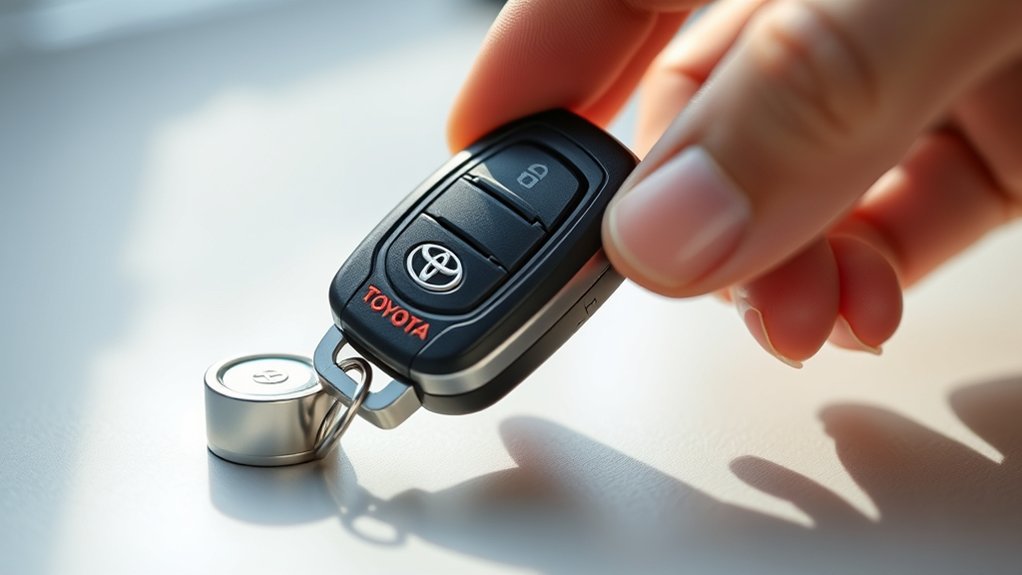
Hold the new battery by its edges and place it into the holder using the same orientation as the cell you removed. For a fob that specifies a CR2032, use a genuine CR2032-size 3-volt lithium coin cell; do not substitute a thinner or thicker battery simply because it has the same diameter.
- Check the battery code one more time.
- Match the positive and negative orientation shown inside the holder or observed before removal.
- Slide or press the battery beneath the retaining tabs without bending them.
- Make sure the battery sits flat and does not rock or protrude from the holder.
- Check that no packing film, sticker, or insulating tab remains on the new battery.
A CR2032 is a lithium coin cell, not a rechargeable lithium-ion battery. Standard CR2032 cells have a nominal voltage of 3 volts.
Reassembling Your Key Fob for a Secure Fit
Before closing the housing, check that the internal module and battery are sitting in their proper positions. Align the tabs and grooves on the two halves of the fob and press around the perimeter until the case snaps together evenly.
Do not accept a visible gap between the halves. A gap can mean the battery, module, or case tabs are misaligned. Open the fob again and correct the alignment rather than squeezing harder.
Finally, return the mechanical key to its storage slot and make sure it locks securely into place.
Testing Your Key Fob After Battery Replacement
Test the fob before putting your tools away. Start a few feet from the RAV4 and use the functions provided by your key.
- Press lock and unlock. Confirm that the vehicle responds normally.
- Check the indicator light if your fob has one. An illuminated indicator can show that the fob is receiving battery power, although vehicle response is the more useful functional test.
- Check operating range. Toyota identifies reduced key operating range as a possible sign of battery depletion on applicable RAV4 models.
- Try the other remote functions. Test the panic button and power-back-door control if your fob is equipped with them.
What If the RAV4 Key Fob Still Does Not Work?
A fresh battery does not automatically prove that the key fob itself is healthy. If the remote still does not work, check the simple causes first:
- Confirm that the replacement battery number exactly matches the required size.
- Open the fob and recheck battery polarity.
- Make sure the cell is fully seated under its retaining contacts.
- Inspect the battery contacts for bending, dirt, or obvious corrosion.
- Try a fresh battery from a sealed package in case the first replacement cell was weak.
- Move away from strong sources of radio or electrical interference and test again.
- Try your spare key, if available. If the spare works normally, the issue is more likely isolated to the first fob.
Replacing the battery normally does not erase the programming that identifies the key to the vehicle. If the fob still fails after the battery and installation have been checked, consult your model-year Toyota owner’s manual or a Toyota dealer rather than repeatedly opening the housing.
Signs Your RAV4 Key Fob Battery Is Getting Low
You do not need to replace a working battery on an exact calendar schedule. Battery life varies with the fob design, storage conditions, usage, temperature, and how frequently the smart-key electronics communicate with the vehicle.
Common warning signs include:
- The lock or unlock buttons respond inconsistently.
- You need to press a button more than once.
- The remote works only when you are closer to the vehicle.
- The smart-key or wireless remote functions stop working normally.
- The key’s indicator light, if equipped, becomes weak or does not illuminate.
- Your RAV4 displays a low-key-battery warning on models equipped with that feature.
Toyota has documented reduced detection or operational range as one symptom of key-battery depletion, so a noticeable loss of range is a good reason to inspect the battery.
Responsible Disposal of Old Batteries
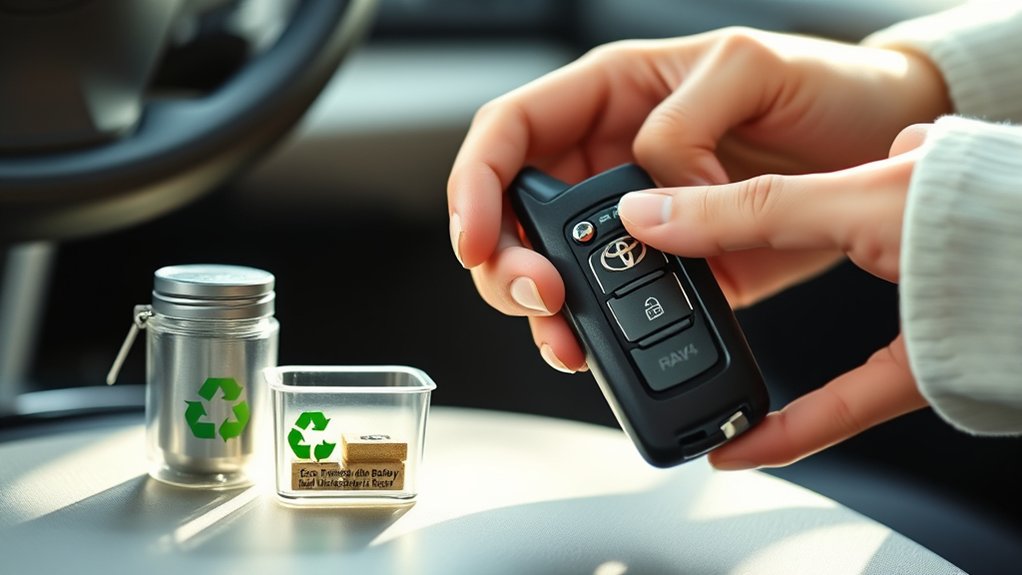
Used CR-series batteries are small, but they still need careful handling. A standard CR2032 is a non-rechargeable lithium coin battery rather than a lithium-ion rechargeable cell.
The U.S. Environmental Protection Agency recommends using appropriate battery recyclers, participating retailers, or household hazardous-waste collection programs for lithium and button/coin batteries rather than putting them into ordinary municipal recycling.
For safer storage and transport, cover the battery terminals with non-conductive tape or place each used battery in its own plastic bag. This helps prevent the battery from contacting other metal objects.
| Method | Where to Look | Good Practice |
|---|---|---|
| Battery recycler | Dedicated battery collection location | Tape or isolate the terminals first |
| Retail take-back | Participating electronics or battery retailers | Confirm the location accepts lithium coin batteries |
| Household hazardous waste | Local government collection program | Follow local preparation requirements |
Disposal requirements vary by location, so check your local waste authority’s rules. Do not leave used coin batteries loose where children can reach them.
Frequently Asked Questions
What battery does a Toyota RAV4 key fob use?
Many RAV4 smart-key fobs use a CR2032 lithium coin cell, but the correct battery can vary by model year, fob design, and RAV4 variant. Check the number stamped on the battery already inside your key or consult the owner’s manual for your exact vehicle before purchasing a replacement.
How often should I replace my RAV4 key fob battery?
Replace the battery when the fob shows symptoms such as reduced operating range, intermittent button response, a weak indicator light, or a low-key-battery message on equipped vehicles. Battery life varies, so an exact replacement interval does not apply to every RAV4.
Can I use a different battery type for my key fob?
Use the same battery type specified for your fob. Similar-looking CR-series batteries can have different diameters or thicknesses. An incorrect cell may not fit properly or maintain reliable electrical contact.
What symptoms indicate a low RAV4 key fob battery?
Common signs include shorter operating range, delayed or inconsistent lock and unlock response, needing to press buttons more than once, smart-key functions not operating normally, or a low-key-battery warning on equipped RAV4 models.
Will replacing the battery reset my key fob settings?
A normal battery replacement generally does not erase the key’s vehicle programming. If the fob does not work afterward, first confirm the battery type, orientation, seating, and contact before assuming the key needs programming or replacement.
Can I change the battery without using the mechanical key?
Often, yes. A properly sized small flathead screwdriver can usually open the designated notch. However, many RAV4 smart-key fobs are designed so the removable mechanical key conveniently helps separate the housing.
Why does my RAV4 key fob still have poor range after installing a new battery?
Recheck the battery size and polarity, make sure the cell is firmly seated, inspect the contacts, and try another fresh battery. Radio interference or a fault in the fob or vehicle’s smart-key system can also cause poor range, so persistent problems may require model-specific troubleshooting.
Conclusion
Changing a Toyota RAV4 key fob battery is usually a quick job: verify the correct battery type, remove the mechanical key, open the case gently, match the old battery’s polarity, install the replacement, reassemble the housing, and test the remote.
The most important detail is compatibility. Do not assume CR2032 fits every RAV4 key. Check the old battery or your exact owner’s manual first, and keep loose coin batteries safely away from children during and after the repair.
Sources
- Toyota Manuals and Warranties — official owner’s-manual lookup for model-specific key and battery instructions.
- Toyota RAV4 Electronic-Key Battery FAQ — documents battery-size differences among RAV4 generations and variants.
- Toyota 2019 RAV4 Owner’s Manual — Key Information — supports key-battery lifespan and low-battery symptoms such as reduced operating range.
- U.S. Consumer Product Safety Commission — Button Cell and Coin Batteries — supports ingestion-hazard and child-safety guidance.
- U.S. Environmental Protection Agency — Used Household Batteries — supports recycling, terminal isolation, and disposal guidance.
- Energizer CR2032 Product Datasheet — supports CR2032 chemistry and 3-volt specification.

1 thought on “How to Change the Remote Battery on a Toyota RAV4: Fob Types and Steps”