
Replacing a Toyota RAV4 key fob battery is usually a quick job, but the correct battery and opening method depend on the model year and key design. Before buying a replacement, check the code printed on the old battery or consult the owner’s manual for your exact RAV4.
Quick Answer
To replace a Toyota RAV4 key fob battery, remove the mechanical key, open the case at its pry slot, swap in the exact battery type printed on the old cell or listed in your owner’s manual, close the case, and test the buttons. Many newer smart keys use CR2032, but some older remotes use CR2016.
Key Takeaways
- Confirm the battery code on the old cell or in your model-year owner’s manual before purchasing a replacement.
- Use the mechanical key or a small flat-tip screwdriver only at the fob’s designated opening slot.
- Match the original polarity and avoid bending the battery contacts or touching the circuit board.
- A normal battery change should not require reprogramming the key.
- Keep new and used coin batteries away from children, isolate used-cell terminals, and recycle them according to local rules.
At a Glance
| Time Required | About 5 to 10 minutes |
| Difficulty | Easy |
| Tools Needed | Mechanical key, optional small flat-tip screwdriver, clean dry cloth, and the exact replacement battery |
| Cost | Low; the amount varies by battery brand, seller, and pack size |
Warning: Coin batteries can cause severe internal burns if swallowed. Keep the replacement and removed battery away from children and pets. If someone may have swallowed a battery, seek emergency medical help immediately and contact Poison Help in the United States at 1-800-222-1222.
Confirm the Correct RAV4 Key Fob Battery
Do not assume that every Toyota RAV4 remote uses the same battery. Toyota specifies a CR2032 lithium battery for many newer electronic keys, including the key described in the 2021 RAV4 Hybrid owner’s manual. Some earlier RAV4 remotes without a smart-key system use a CR2016 instead.
The safest method is to open the fob and read the code stamped on the old coin battery. You can also check the wireless-remote or electronic-key section of the owner’s manual for your model year.
- CR2032: Common in many newer RAV4 smart keys.
- CR2016: Used in some older or non-smart-key RAV4 remotes.
- Other design: Stop and consult your manual if the case, battery holder, or opening method does not match this guide.
Note: Coin batteries with similar diameters are not automatically interchangeable. Their thickness and capacity can differ, even when both cells appear to fit inside the holder.
How to Open the Key Fob
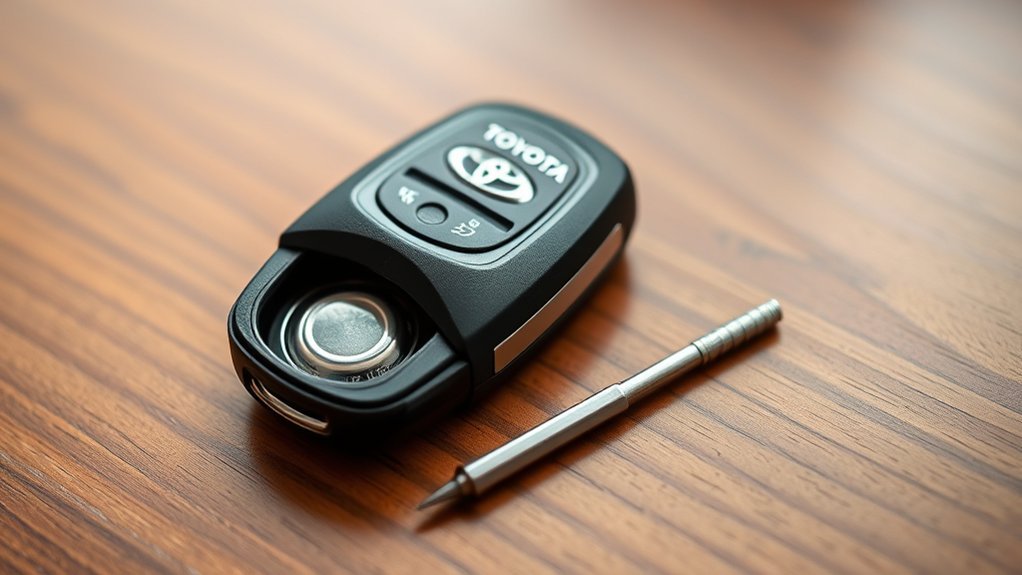
For a RAV4 Smart Key With a Mechanical Key
- Place the fob on a clean, dry surface with the buttons facing away from the work area.
- Slide or press the release latch and pull out the mechanical key.
- Find the small opening slot near the mechanical-key compartment.
- Insert the tip of the mechanical key or a small flat-tip screwdriver into that slot.
- Turn the tool gently instead of forcing it deeper into the seam.
- Lift the two halves apart while keeping the buttons and internal module in position.
Use only the designated slot. Prying along a random edge can mark the case, damage a sealing surface, or break a retaining clip.
For an Older Traditional Remote Key
Some older RAV4 transmitters open with a coin, screwdriver, or retaining screw and may contain a removable transmitter module. Follow the layout shown in the owner’s manual rather than forcing the case apart like a newer smart key.
Pro Tip: If you use a screwdriver, cover its tip with one thin layer of nonconductive tape. This can reduce cosmetic scratches, but the tool must still fit fully into the opening slot.
Removing the Old Battery Safely
Before lifting the battery, look at its printed code and orientation. Taking a quick photo can help you install the replacement correctly.
- Hold the fob by its plastic edges.
- Lift the exposed edge of the battery with the mechanical key, a small flat tool, or a plastic pick.
- Remove the cell without bending the metal contacts beneath or beside it.
- Do not touch, loosen, or move the circuit board and other internal parts.
- Keep moisture, grease, dust, and metal objects away from the open fob.
After removal, cover the old battery’s faces or terminals with nonconductive tape. The U.S. Consumer Product Safety Commission recommends securing loose used cells promptly and taking them to an appropriate battery-collection location.
Installing the Key Fob Battery Correctly
Use dry hands and hold the new battery by its edge. Match the battery code and polarity to the old cell, the holder markings, or the model-year owner’s manual. Many RAV4 electronic-key designs place the positive side upward, but the markings in your fob take priority.
| Step | Action | What to Check |
|---|---|---|
| 1 | Compare the new and old battery codes. | The full designation must match. |
| 2 | Match the original polarity. | Follow the plus and minus markings. |
| 3 | Slide one edge under the retaining contact. | Do not bend or flatten the contact. |
| 4 | Press the opposite edge gently into place. | The battery should sit flat and secure. |
Do not force a cell that sits too high, shifts inside the holder, or prevents the case from closing. Recheck the battery designation before continuing.
Closing the Key Fob After Battery Replacement
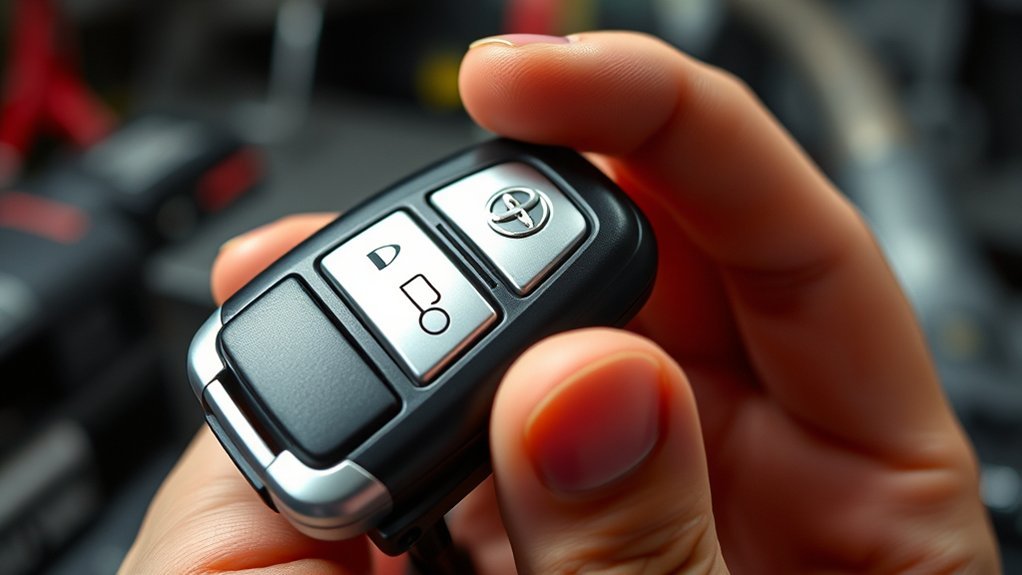
- Check that the battery, rubber button pad, and internal module remain in their original positions.
- Align the two case halves without pinching the seal or button pad.
- Press around the outside edge until each retaining clip closes.
- Inspect the entire seam for a gap, raised corner, or uneven edge.
- Reinsert the mechanical key until its latch locks.
Do not continue squeezing if the case resists closure. Open it again and check for an incorrectly seated battery or displaced internal part.
Test the RAV4 Key Fob
Stand near the vehicle and test the key before putting away your tools.
- Press Lock and confirm that the vehicle responds.
- Press Unlock and test the doors.
- Check the key’s indicator light if your fob has one.
- Start the vehicle or confirm that the smart-key system recognizes the key.
- Test the remote again from a normal operating distance.
A standard battery replacement should not normally require key programming. Toyota’s documented battery-replacement procedure ends with closing and testing the key, not registering it again.
Using the RAV4 When the Key Battery Is Dead
A depleted remote battery does not necessarily leave you locked out. Remove the mechanical key and use it in the driver-door lock according to your owner’s manual.
On compatible RAV4 models with push-button start, Toyota instructs the driver to place the transmission in Park, depress the brake, and touch the Toyota-emblem side of the electronic key to the engine or power switch. After the vehicle detects the key, press the switch as directed. The exact timing and display messages can vary, so follow your model-year manual.
These emergency steps are temporary. Replace the fob battery as soon as practical.
Best Practices for Key Fob Maintenance
- Keep it dry: Do not soak the fob or clean it with a dripping cloth. Use a dry microfiber cloth, or a barely damp exterior cloth followed by immediate drying.
- Avoid high heat: Do not leave the fob on a hot dashboard or near another strong heat source.
- Protect it from impacts: Repeated drops can damage the case, battery contacts, buttons, or circuit board.
- Keep the case closed: Replace a cracked shell or damaged seal before moisture and dirt enter the fob.
- Watch for warning signs: Reduced range, intermittent button response, a dim indicator, or a dashboard low-key-battery message can indicate a weakening battery.
- Keep a spare key usable: Test the second key periodically instead of discovering that both batteries are weak at the same time.
There is no single replacement interval that applies to every owner. Replace the battery when symptoms appear rather than relying only on a fixed number of years.
Finding Replacement Batteries Online
Buy the exact battery designation shown on the old cell or specified by Toyota. Choose a reputable battery manufacturer or seller, inspect the package for damage, and look for child-resistant packaging and clear safety labeling.
Avoid substituting a battery merely because it has the same diameter. A different thickness can prevent the case from closing or create unreliable contact.
Note: The CPSC has recalled some CR2032 products sold online because their packaging did not meet federal child-safety requirements. Check the CPSC recall database before using an unfamiliar product or seller.
Keep unused batteries in their original packaging until needed. Store them in a secure location that children and pets cannot access.
Common Issues After Key Fob Battery Replacement
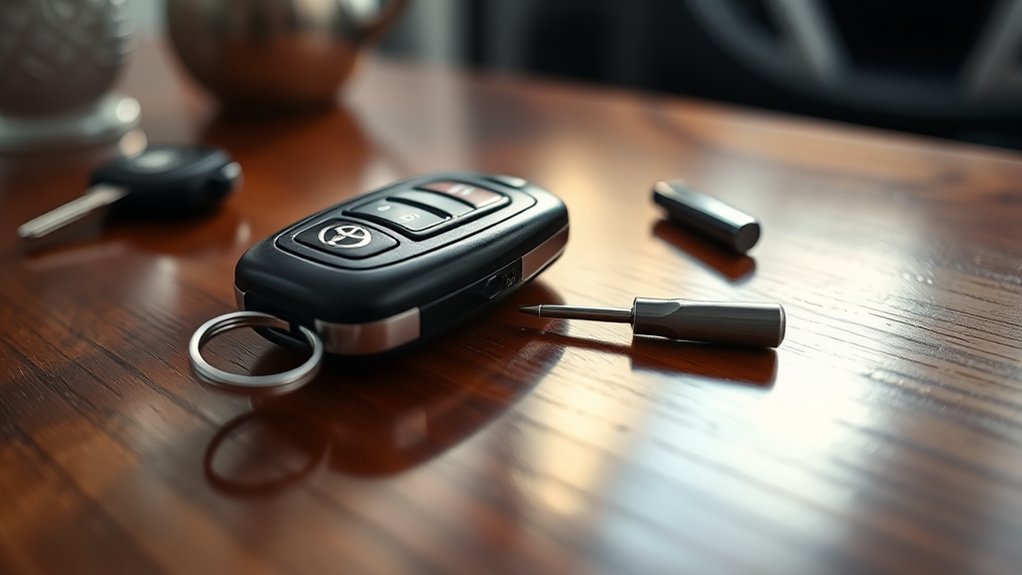
If the key still does not work, reopen the fob and check the simple causes before assuming it needs programming.
- Wrong battery code: Compare the complete code on the new battery with the old one.
- Reversed polarity: Match the holder markings and original orientation.
- Battery not seated: Confirm that the cell lies flat beneath the retaining contact.
- Weak replacement battery: Try a fresh cell from intact packaging.
- Bent or dirty contact: Look for a contact that no longer presses against the battery. Do not bend it aggressively or scrape the electronics.
- Case not fully closed: Check for an uneven seam or displaced button pad.
- Radio interference: Move away from strong transmitters, charging equipment, large electronics, or another key stored directly beside the fob.
- Weak vehicle battery: If several electrical features behave abnormally or neither key works, the RAV4’s 12-volt battery may need inspection.
- Physical or liquid damage: A cracked board, corroded contact, damaged button, or water exposure may require professional repair or replacement.
If both keys fail after these checks, or the vehicle does not recognize a known registered key, consult the model-year owner’s manual or a Toyota dealer.
Related Guides
Frequently Asked Questions
Which battery does a Toyota RAV4 key fob use?
Many newer RAV4 smart keys use a CR2032 lithium coin battery. Some older remotes, including certain versions without a smart-key system, use CR2016. Check the code on the old battery or your exact model-year owner’s manual before purchasing one.
How often should I replace my RAV4 key fob battery?
Replace it when the remote’s range drops, button response becomes intermittent, the indicator becomes weak, or the vehicle displays a low-key-battery warning. Battery life varies with use, storage conditions, temperature, and battery quality.
Can I use any CR2032 battery brand?
You can use a reputable CR2032 brand when CR2032 is the size specified for your key. Keep the complete battery designation the same, choose intact child-resistant packaging, and check current product recalls before using an unfamiliar brand.
Will a weak battery affect key fob performance?
Yes. A weak battery can reduce operating range, cause intermittent locking or unlocking, prevent passive-entry recognition, or trigger a low-key-battery warning. However, similar symptoms can also come from interference, damaged contacts, or a problem with the vehicle.
Does the RAV4 key fob need reprogramming after a battery change?
A routine battery replacement should not normally erase the key’s registration. If the key stops working, first check the battery code, polarity, seating, contacts, case closure, and battery freshness before seeking programming or dealer service.
What should I do if the key fob still does not work?
Try another fresh battery of the specified type, inspect the contacts, close the case fully, move away from possible radio interference, and test the spare key. If neither key works or the fob shows physical or liquid damage, consult your owner’s manual or a Toyota dealer.
Is a damaged Toyota key fob covered by warranty?
Coverage depends on the vehicle’s warranty, the fob’s purchase history, the failed component, the cause of damage, and regional terms. Check your warranty guide or ask a Toyota dealer. Do not rely on a universal one-year coverage rule.
Conclusion
Replacing a Toyota RAV4 key fob battery is straightforward once you confirm the correct cell and opening method. Match the battery code and polarity, protect the internal contacts, close the case evenly, and test the key near the vehicle. If it remains unresponsive, work through the battery, contact, interference, spare-key, and vehicle-battery checks before considering key replacement or dealer diagnosis.
Sources
- Toyota 2021 RAV4 Hybrid Owner’s Manual: Wireless Remote Control and Electronic-Key Battery — CR2032 specification and replacement guidance for the covered electronic key.
- Toyota RAV4 Owner’s Manual OM42836U — model-specific battery differences, including CR2016 use for certain non-smart-key versions.
- Toyota 2019 RAV4 Smart-Key System Instructions — smart-key operation and guidance when the electronic-key battery is depleted.
- U.S. Consumer Product Safety Commission: Button Cell and Coin Batteries — ingestion hazards, child safety, terminal isolation, and disposal precautions.
- U.S. Environmental Protection Agency: Used Household Batteries — recycling and local waste-management guidance.
- CPSC Junpower CR2032 Recall, July 2, 2026 — recent example of noncompliant child-resistant coin-battery packaging.

