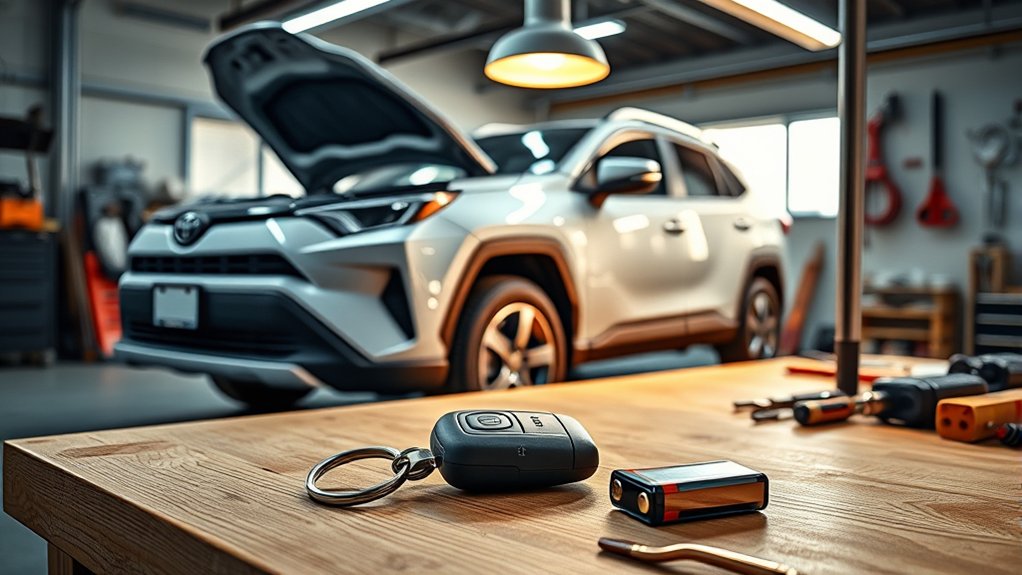
A weak Toyota RAV4 key fob battery can reduce the remote’s range, cause intermittent button response, or trigger a low-battery message. You usually don’t need to replace it on a fixed schedule. Instead, watch for these symptoms, confirm the battery type for your model year, and replace the cell before the fob stops responding.
Quick Answer
A Toyota RAV4 key fob battery often works for years, but no single lifespan applies to every model or driver. Replace it when the remote range drops, buttons respond inconsistently, or the vehicle displays a low-key-battery warning. Confirm the battery code printed on the old cell or in your model-specific owner’s manual.
Key Takeaways
- Toyota does not use one universal key-fob battery replacement interval for every RAV4.
- Reduced range, delayed response, and a low-battery message are common warning signs.
- Many recent RAV4 Smart Keys use a CR2032, but you should verify the code before buying a replacement.
- A normal battery change usually does not erase the fob’s registration or require reprogramming.
- Keep new and used coin batteries away from children and pets.
What to Know About Your Toyota RAV4 Key Fob Battery Lifespan
Your Toyota RAV4 key fob battery does not have a guaranteed service interval. Its lifespan depends on the key design, how often you use the buttons, passive-entry activity, battery quality, storage conditions, and temperature.
A Smart Key may consume power while listening and responding to the vehicle’s proximity system. A traditional button-only remote generally communicates when you press a button, although its design and power use still vary by model year.
Instead of replacing the battery every six months, monitor the fob’s performance. A battery can remain usable well beyond a year, while a damaged, old, or poorly stored cell may fail much sooner.
Key-fob battery life depends more on the fob, battery, environment, and usage than on a fixed calendar schedule.
Toyota provides manuals for specific years and models through its Manuals and Warranties portal. Use that resource when your RAV4’s procedure differs from the common steps below.
How to Identify a Dying Key Fob Battery
A weakening battery usually causes gradual changes rather than an immediate failure. You may notice one or more of these symptoms:
- The lock, unlock, liftgate, or panic button works only after several presses.
- You must stand closer to the RAV4 than usual.
- Passive entry works inconsistently at the door handle.
- The vehicle displays a low-key-battery or key-not-detected message.
- The indicator light on the fob appears weak or does not illuminate when expected.
- One key works normally while the other key does not.
Testing your spare key can help narrow down the cause. If the spare works normally, the first fob may have a weak battery, dirty contacts, worn buttons, water damage, or an internal fault.
Note: A “key not detected” message does not always prove the battery is dead. Radio interference, a damaged fob, incorrect battery installation, or a problem with the vehicle’s Smart Key system can cause a similar warning.
How to Extend Your Key Fob Battery Life
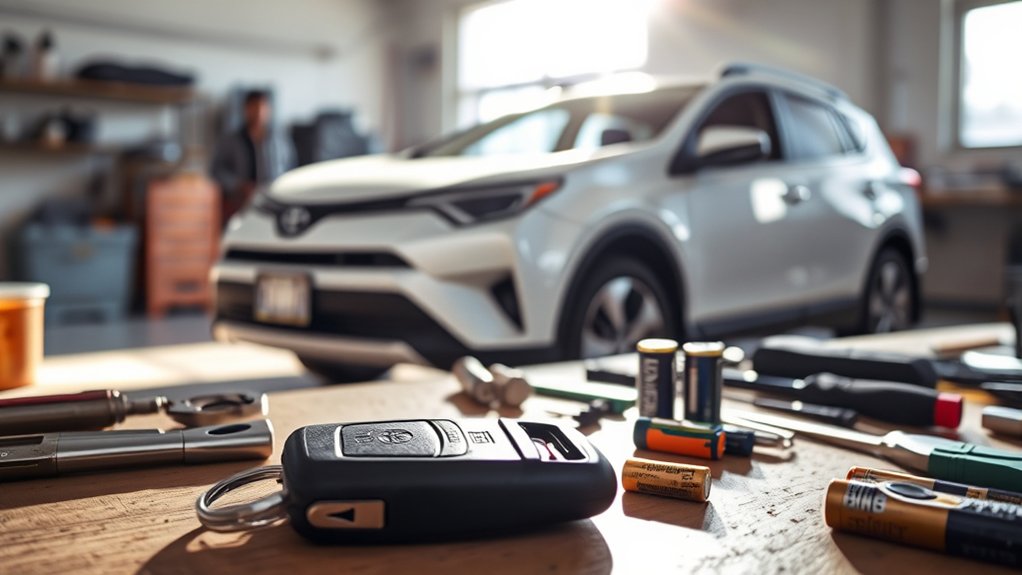
You cannot stop a coin battery from aging, but sensible storage and careful handling can prevent avoidable drain or damage.
Store the Fob Properly
Keep the fob in a cool, dry location. Do not leave it for long periods on a hot dashboard, near a heater, in direct sunlight, or in a damp area.
Avoid storing a Smart Key immediately beside the parked vehicle. The exact communication range varies, so a fixed distance such as 30 feet is not reliable for every home or RAV4.
Some Toyota Smart Keys include a battery-saving mode for an unused spare. Check the owner’s manual for your exact model year before using any button sequence because the feature and instructions may differ.
A Faraday pouch may help reduce relay-theft exposure when used correctly, but it should not be described as a guaranteed battery-life solution. Test the pouch periodically to make sure the vehicle cannot detect the enclosed key.
Use the Correct, Fresh Battery
Read the code printed on the old battery before purchasing a new one. Many recent RAV4 Smart Keys use a CR2032, but older or differently designed remotes may use another size.
Choose a sealed battery from a reputable retailer and check the package date when available. Avoid loose, damaged, leaking, or corroded cells.
A standard CR2032 is a 3-volt, non-rechargeable lithium coin battery. The Energizer CR2032 product datasheet lists its electrical and safety specifications, but those figures do not guarantee a specific lifespan inside a RAV4 key fob.
Pro Tip: Photograph the old battery before removing it. The picture records the battery code and polarity if you become unsure during installation.
Replace Your Key Fob Battery in Simple Steps
At a Glance
| Time Required | About 5 to 10 minutes |
| Difficulty | Easy |
| Tools Needed | Mechanical key, small flat screwdriver or plastic pry tool, and a soft cloth |
| Cost | The cost of one correctly sized coin-cell battery |
Warning: Keep new and used coin batteries away from children and pets. A swallowed coin battery can cause severe internal burns quickly. Seek immediate medical help after any suspected ingestion. Do not wait for symptoms.
- Confirm the battery type. Check your owner’s manual or read the code on the installed battery. Do not assume every RAV4 fob uses a CR2032.
- Remove the mechanical key. Slide or press the release on the fob and pull out the metal emergency key.
- Open the casing. Insert the mechanical key, a small flat screwdriver, or a plastic pry tool into the designated notch. Twist gently. Wrap a metal tool with a soft cloth if needed to reduce scratches.
- Note the battery orientation. Look for the positive symbol before lifting out the old cell. Avoid bending the small contact tabs.
- Install the new battery. Place the correct battery in the same orientation as the old one. On many modern RAV4 Smart Keys, the positive side faces upward, but you should copy the original position.
- Close the fob. Align the casing halves and press around the edges until every clip snaps into place.
- Reinstall the mechanical key. Slide it back into the fob until it locks.
- Test every function. Check lock, unlock, liftgate, panic, passive entry, and starting operation where equipped.
Dispose of the old battery according to local requirements. The U.S. Environmental Protection Agency’s household battery guidance can help you identify suitable recycling or disposal options.
Does a Toyota RAV4 Key Fob Need a Reset After Battery Replacement?
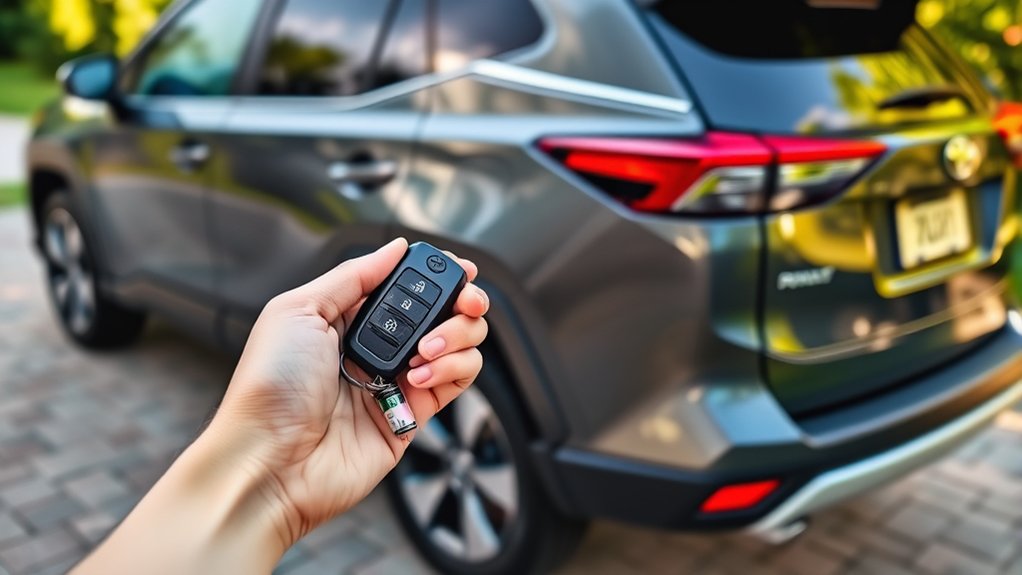
A routine battery replacement normally does not erase the key’s registration to the vehicle. Once you install the correct battery with the correct polarity, the fob should work without an ignition-cycling or reprogramming procedure.
Avoid generic instructions that tell you to switch the ignition on and off repeatedly or press buttons in an unexplained sequence. Programming procedures depend on the vehicle generation, key type, and market, and many modern RAV4 keys require diagnostic equipment if registration is actually lost.
If the fob does not work after replacement, check these items in order:
- Confirm that the battery code matches the old cell.
- Verify that the positive and negative sides are oriented correctly.
- Make sure the battery sits flat beneath the retaining contacts.
- Check for a protective sticker or film on the new battery.
- Inspect the contacts for dirt, corrosion, or accidental bending.
- Press the casing together completely so it does not hold the battery away from the contacts.
- Try a second fresh battery from a sealed package.
- Test your spare key to determine whether the issue affects one fob or the vehicle.
If neither key works, or the fob has water, impact, or circuit-board damage, contact a Toyota dealer or qualified automotive locksmith. A replacement key or damaged electronic key may need registration, but a simple battery change should not.
Essential Maintenance Tips for Your Toyota RAV4 Key Fob
Simple inspections can help you catch battery or casing problems before the remote stops working.
Use a Symptom-Based Replacement Schedule
Do not replace the battery automatically every six months. Instead, replace it when you notice reduced range, inconsistent operation, a low-battery warning, or weak indicator-light response.
You may also replace an aging battery before a long trip if the fob has already shown symptoms. Keep a tested spare key available rather than relying on an arbitrary calendar interval.
Follow Proper Storage Practices
Store the fob in a dry place where its buttons cannot be pressed by coins, tools, or other objects. Avoid leaving it in a hot vehicle or any area where children can reach it.
For a spare Smart Key that you rarely use, check whether your RAV4 manual provides a battery-saving mode. Follow only the directions for your exact year and key design.
Clean and Inspect the Fob Carefully
Wipe the outside with a soft, slightly damp cloth, then dry it. Do not soak the fob or spray cleaner into its seams.
When the casing is open, remove loose dust with a dry, lint-free cloth. Avoid scraping the circuit board or flooding the battery contacts with alcohol or other liquid.
Inspect the casing for cracks, loose buttons, damaged clips, or a missing seal. A new battery will not correct physical or water damage.
Toyota RAV4 Key Fob Battery Care Checklist
- Confirm the battery code before opening a new package.
- Replace the battery when performance declines instead of every six months.
- Keep the fob dry and away from prolonged heat.
- Prevent objects in a pocket or bag from holding a button down.
- Test the spare key periodically.
- Use battery-saving mode for an unused spare only when your manual supports it.
- Keep loose coin batteries away from children and pets.
- Recycle or dispose of used cells according to local rules.
Frequently Asked Questions
Can I use any battery type in my Toyota RAV4 key fob?
No. Match the code printed on the old battery or listed in the owner’s manual. Many recent RAV4 Smart Keys use a CR2032, but another model year or remote design may use a different cell.
How do extreme temperatures affect key-fob battery life?
Heat can accelerate battery aging, while cold conditions can temporarily reduce output and make a weak battery appear unreliable. Store the fob in a dry, temperature-controlled location whenever possible.
Is it safe to store the key fob near electronic devices?
Normal household electronics usually do not damage the fob. Strong radio interference can temporarily affect communication, so move away from the suspected source if the vehicle does not detect the key.
What signs mean my key-fob battery needs immediate replacement?
Replace it promptly when the remote works only at close range, requires repeated presses, operates intermittently, or triggers a low-battery warning. If a new battery does not solve the problem, inspect the fob for physical or electronic damage.
Can I recharge a CR2032 key-fob battery?
No. A standard CR2032 is a non-rechargeable lithium coin cell. Replace it with the same specified type. Do not substitute a similarly sized rechargeable cell because its voltage and charging characteristics may not match the fob.
Can I unlock or start my RAV4 if the key-fob battery dies?
Most Smart Keys contain a mechanical emergency key that can unlock the driver’s door. Many push-button-start RAV4 models also provide a backup recognition method that involves holding a specific side of the electronic key near the engine switch. Check your model-year manual for the exact procedure.
Why does only one button fail after I install a new battery?
A single failed button usually points to a worn switch, damaged rubber pad, contamination, or circuit-board damage rather than the battery. A dealer or automotive locksmith can inspect the fob and advise whether it can be repaired.
Conclusion
Your Toyota RAV4 key fob battery should be replaced when the remote shows declining range, inconsistent response, or a low-battery warning. You do not need a universal six-month schedule, an exact storage distance, or a generic reset ritual.
Confirm the battery code, copy the original polarity, keep coin cells away from children, and test every function after closing the case. If a correctly installed fresh battery does not restore operation, the fob or vehicle may need professional diagnosis.
Sources
- Toyota Manuals and Warranties — model-specific owner’s manuals and vehicle instructions
- Energizer CR2032 Product Datasheet — CR2032 specifications, operating limits, and ingestion warning
- U.S. Consumer Product Safety Commission: Button Cell and Coin Battery Safety — coin-battery ingestion prevention
- U.S. Environmental Protection Agency: Used Household Batteries — battery recycling and disposal guidance

