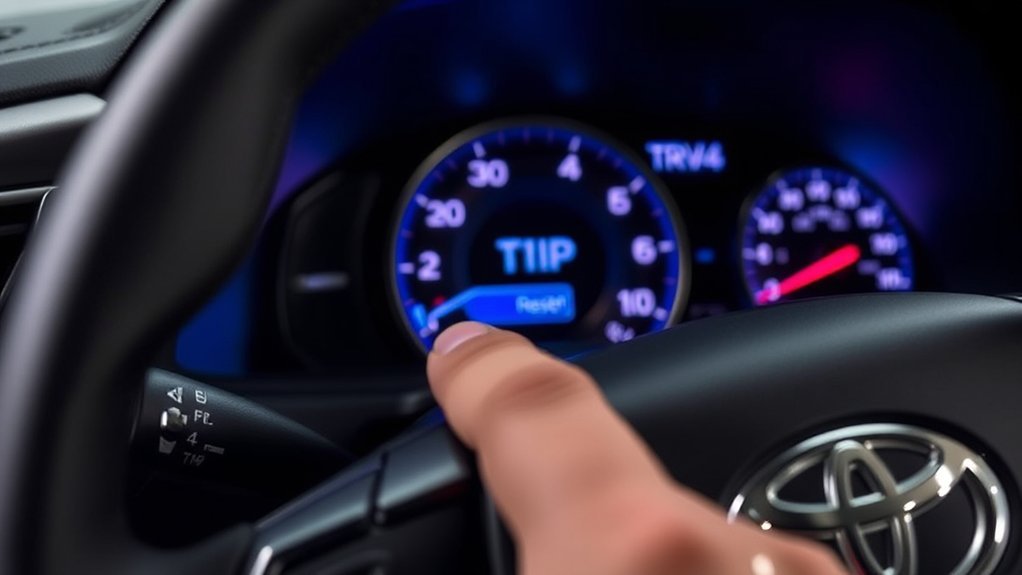
Trip A is a resettable distance counter that helps you track miles between fuel stops, on a road trip, or during any driving period you choose. The correct reset control varies on some older Toyota RAV4 models, but recent RAV4s use a dedicated ODO/TRIP switch rather than an arrow-menu confirmation.
Quick Answer
On most recent U.S.-market Toyota RAV4s, turn the vehicle on, press the ODO/TRIP switch until Trip A appears, then press and hold the same switch until the reading returns to 0.0. The switch is usually on the lower dashboard to the left of the steering wheel. Older clusters may use a TRIP, DISP, or reset button.
Key Takeaways
- Park the RAV4 and turn it on so the instrument cluster is active.
- Briefly press ODO/TRIP until the display shows Trip A.
- Press and hold the same switch until Trip A returns to 0.0.
- Resetting Trip A does not erase the main odometer or automatically reset the maintenance reminder.
- Trip A records distance. Average fuel economy and other MID data are separate displays with their own reset options.
At a Glance
| Time Required | About 30 seconds to 1 minute |
| Difficulty | Easy |
| Tools Needed | None |
| Cost | $0 |
Warning: Park in a safe place before searching for the switch, reading menus, or troubleshooting the display. Dashboard adjustments can take your eyes and attention away from the road.
How to Reset Trip A in Your RAV4
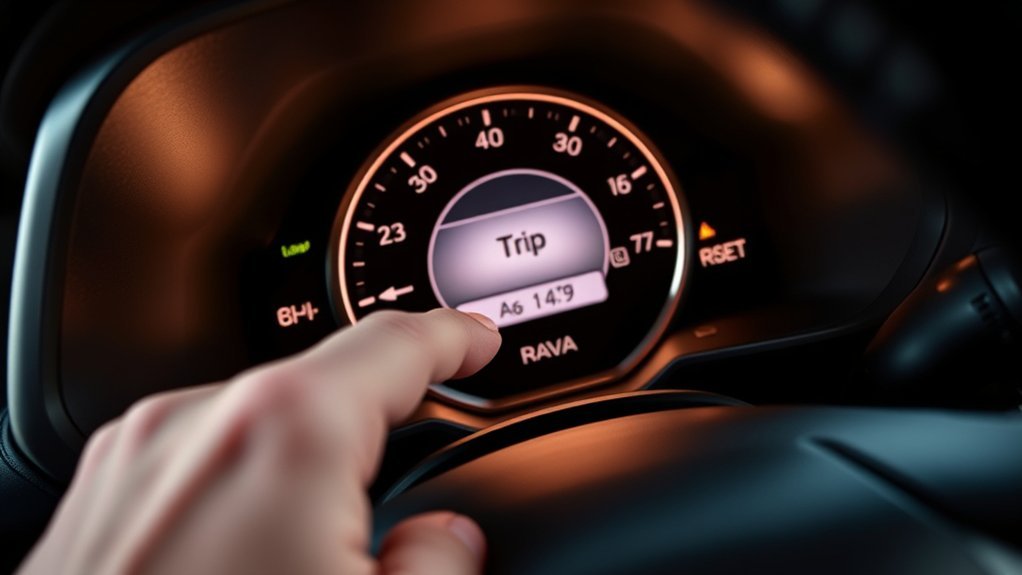
On recent RAV4 models, Toyota uses an ODO/TRIP switch to move between the odometer, Trip A, and Trip B. Once Trip A is visible, holding that same switch resets the distance.
The current 2026 Toyota RAV4 Owner’s Manual describes this short-press and long-press sequence. The 2024 RAV4 Owner’s Manual gives the same basic instructions.
You do not need to open a settings menu, wait for brackets, or release the switch to approve a confirmation prompt. The reset is complete when the Trip A reading changes to 0.0.
Finding the Trip A Display and Reset Switch
Look at the lower dashboard to the left of the steering wheel first. On recent U.S.-market RAV4s, the switch is commonly labeled ODO/TRIP. Toyota’s 2024 RAV4 Quick Reference Guide shows this location separately from the steering-wheel MID controls.
- Brief press: Cycles through the odometer, Trip A, and Trip B.
- Press and hold: Resets the trip meter currently shown.
- Trip A label: Confirms that you are about to reset Trip A rather than Trip B.
- 0.0 reading: Confirms that the reset was successful.
Some older RAV4 instrument clusters use a button labeled DISP, TRIP, or a small trip-reset knob near the gauges. For example, Toyota’s 2015 RAV4 Quick Reference Guide describes using DISP to scroll through odometer and trip information. Check the manual for your exact model year if you do not see ODO/TRIP.
Pro Tip: Use Trip A for the distance traveled on the current tank of fuel and Trip B for a longer period, such as a road trip or the distance between service visits.
Step-by-Step Guide to Resetting Trip A
- Park the vehicle. Set the parking brake and turn the RAV4 on so the instrument cluster is active.
- Find the trip control. Look for ODO/TRIP on the lower driver-side dashboard or the trip-control button used by your model year.
- Select Trip A. Briefly press the button until “Trip A” appears on the instrument display.
- Reset the reading. Press and hold the same button. Continue holding until the displayed distance changes to 0.0.
- Release the button. Trip A will begin counting upward again when you drive.
Note: The steering-wheel OK button can reset certain selected MID information on some clusters. Do not confuse those resettable widgets with the separate Trip A distance meter. Use the control specified in your exact owner’s manual if your cluster has no ODO/TRIP switch.
Troubleshooting Trip A Reset Issues
If Trip A does not return to zero, check the simple causes before assuming that the instrument cluster has failed.
- Trip A is not displayed: Briefly press the trip switch until Trip A, not the odometer or Trip B, appears.
- You tapped instead of holding: A short press changes the display. A sustained press resets the selected trip meter.
- The cluster is off: Turn the vehicle on so the instrument display is active, then try again while parked.
- You are holding the wrong control: The steering-wheel arrows and OK button operate MID menus. Recent RAV4 trip meters normally use ODO/TRIP.
- You cannot find the switch: Check the lower left dashboard, gauge-cluster area, or the owner’s manual for your exact year and trim.
- The switch is physically stuck: Do not pry it with a screwdriver or another tool. Wipe around it with a clean, dry microfiber cloth. Have a Toyota dealer or qualified repair shop inspect it if it remains stuck.
- The entire display is blank or unresponsive: If other gauges or warning displays also fail, stop troubleshooting the button and have the electrical or instrument-cluster problem diagnosed.
Toyota’s own trip-meter support guidance recommends following the reset instructions for the specific vehicle. That matters because button names and locations have changed across RAV4 generations.
What Trip A, Trip B, and the Odometer Measure
The RAV4’s odometer and trip meters all record distance, but they serve different purposes.
| Display | What It Shows | Can You Reset It? |
|---|---|---|
| Odometer | The total distance the vehicle has traveled. | No, not through the Trip A control. |
| Trip A | Distance traveled since Trip A was last reset. | Yes. |
| Trip B | A second, independently tracked distance. | Yes. |
| Average Fuel Economy | An estimated average MPG or fuel-consumption value calculated by the vehicle. | Often, but the reset method varies by display and setting. |
| Distance to Empty | An estimated remaining driving range based on available fuel and recent conditions. | It updates automatically rather than acting as a trip meter. |
Trip A and Trip B record distance independently. Resetting one does not reset the other or erase the vehicle’s total odometer reading.
Resetting Trip B Made Easy
Trip B uses the same basic reset procedure as Trip A:
- Briefly press ODO/TRIP until Trip B appears.
- Press and hold the switch while Trip B is displayed.
- Release the switch when the reading returns to 0.0.
You might use Trip A for each tank of fuel and leave Trip B running for a longer journey. Because the two counters are independent, resetting Trip B will not change Trip A.
Tips for Tracking Fuel Economy in Your RAV4
Trip A records distance, not the amount of fuel used. However, you can use it to calculate real-world fuel economy between fill-ups.
- Fill the fuel tank and reset Trip A to 0.0.
- Drive normally until the next fill-up.
- Record the Trip A distance before resetting it again.
- Record the number of gallons needed to refill the tank.
- Divide the miles shown on Trip A by the gallons added. The result is your calculated MPG.
For example, if Trip A shows 320 miles and the RAV4 takes 10 gallons to refill, the calculated fuel economy is 32 MPG.
The dashboard’s average fuel-economy display is separate. Depending on the cluster, it may calculate data for the current trip, since the last reset, or since refueling. Use the steering-wheel MID controls and the instructions in your owner’s manual when you want to reset that value.
Note: Small differences between the dashboard MPG estimate and a fill-up calculation are normal because fuel-pump shutoff points, idling, temperature, driving conditions, and rounding can affect the numbers.
Using the RAV4 Multi-Information Display
The multi-information display, or MID, can show driving information, fuel-economy data, vehicle messages, audio information, and settings. Its steering-wheel controls are useful, but they should not be confused with the ODO/TRIP switch used for the main trip meters on recent models.
Personalizing Display Settings
Use the directional controls on the steering wheel to move through available MID pages and settings. Depending on the model and cluster, you may be able to choose which driving-information items or widgets appear.
- Select the driving-information display you use most often.
- Choose fuel-economy or vehicle-information widgets when available.
- Use a brief press of OK to select an item.
- Use a long press only when the screen specifically indicates that the selected MID item can be reset.
Navigating Fuel Economy Metrics
Fuel-economy labels and reset behavior vary by model year, but these are the common types of information you may see:
| Metric | Meaning | Useful For |
|---|---|---|
| Average Fuel Economy | Estimated average efficiency over the display’s selected period. | Comparing overall driving efficiency. |
| Instant Fuel Economy | A rapidly changing estimate based on current driving. | Seeing how acceleration, speed, and hills affect consumption. |
| Distance to Empty | An estimate of how far the vehicle may travel on the remaining fuel. | Planning a fuel stop without treating the estimate as a guarantee. |
| Trip A or Trip B | Resettable distance traveled. | Tracking tank mileage, routes, or road-trip distance. |
Utilizing Trip Meters Effectively
- Reset Trip A immediately after refueling if you use it for tank mileage.
- Use Trip B for a separate interval so you do not lose your Trip A record.
- Write down the reading before resetting it when you need a permanent record.
- Remember that disconnecting or servicing electrical components may affect some stored display information, depending on the vehicle.
- Use the exact manual for your model year when the control layout differs from the examples above.
Frequently Asked Questions
Can I reset Trip A while driving?
The switch may work while the vehicle is moving, but you should reset it while safely parked. Looking for controls or watching the display can distract you from traffic and road conditions.
Will resetting Trip A affect my fuel-economy data?
Resetting Trip A clears its distance reading. It does not automatically reset every fuel-economy display. Average fuel-economy behavior varies by model, cluster, and selected calculation period, so check the corresponding MID setting.
How do I switch between Trip A and Trip B?
Briefly press the ODO/TRIP switch to cycle through the odometer, Trip A, and Trip B. Do not hold the switch unless you intend to reset the trip meter currently displayed.
Is a Trip A reset permanent or temporary?
The previous Trip A distance is cleared when you reset it. The display remains at zero until the vehicle begins moving, then it counts new distance until you reset it again.
Does resetting Trip A reset the vehicle odometer?
No. The odometer records the vehicle’s total distance and is separate from the resettable Trip A and Trip B counters.
Does resetting Trip A clear the maintenance reminder?
No. A normal Trip A reset only clears the trip distance. Maintenance reminders use a separate reset procedure that varies by model year and should be performed after the required service is completed.
Conclusion
To reset Trip A on a recent Toyota RAV4, display Trip A with the ODO/TRIP switch and hold that switch until the reading returns to 0.0. If your RAV4 uses a different control, such as DISP, follow the instructions for its model year. Reset the meter while parked, and remember that Trip A tracks distance rather than fuel use, total odometer mileage, or maintenance status.
Sources
- Toyota 2026 RAV4 Owner’s Manual — current Trip A, Trip B, odometer, and ODO/TRIP reset instructions.
- Toyota 2024 RAV4 Owner’s Manual — trip-meter definitions and reset procedure for different instrument displays.
- Toyota 2024 RAV4 Quick Reference Guide — ODO/TRIP switch location and MID control layout.
- Toyota 2015 RAV4 Quick Reference Guide — example of an older DISP-based instrument-cluster layout.
- National Highway Traffic Safety Administration: Distracted Driving — guidance on keeping full attention on driving.

