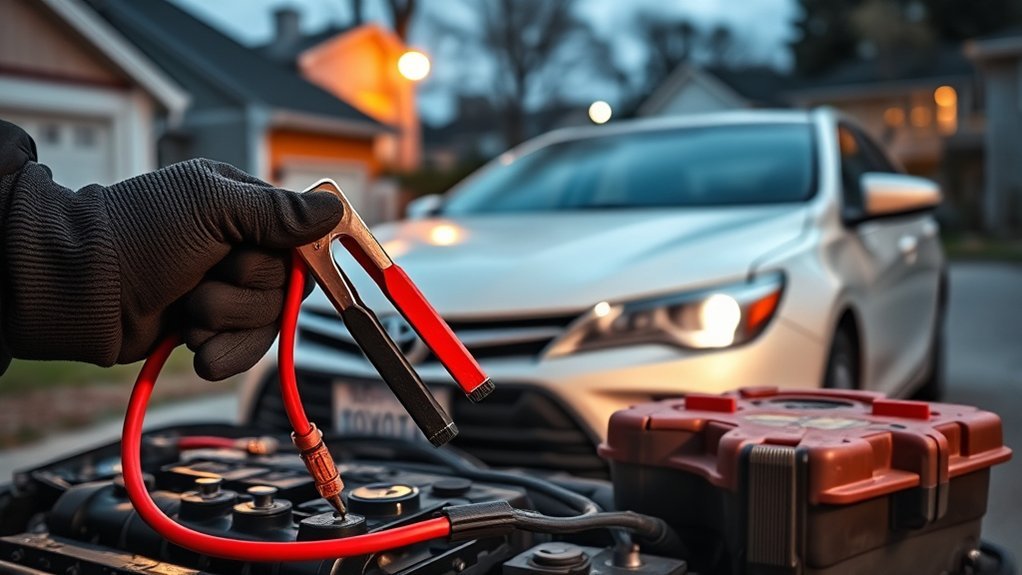
If your Toyota Camry’s battery keeps dying, do not assume the battery itself is always the problem. A worn battery is common, but repeated failure can also come from loose terminals, an alternator or charging-system fault, a light that stays on, an aftermarket accessory, or an electronic module that does not enter sleep mode. A few structured tests can help you identify the real cause before you replace parts unnecessarily.
Quick Answer
A Camry battery that repeatedly dies usually has one of four problems: the battery cannot hold a charge, the charging system is not replenishing it, a connection is loose or corroded, or an electrical device keeps drawing power after shutdown. Test the battery and charging system before checking for a parasitic draw.
Key Takeaways
- A new battery can still die if the alternator, cables, lights, or aftermarket wiring are faulty.
- The dashboard battery symbol normally warns about the charging system; it does not directly measure battery capacity.
- A parasitic-draw test must be performed after the Camry’s electronic modules have had time to enter sleep mode.
- A stable key-off draw above the vehicle’s model-specific limit requires circuit testing, but 50 milliamps is not a universal Toyota specification.
- Use a battery maintainer during long storage instead of relying on occasional idling.
At a Glance
| Time Required | 20–90 minutes, plus charging time if the battery is discharged |
| Difficulty | Beginner for inspection and voltage checks; intermediate for parasitic-draw testing |
| Tools Needed | Digital multimeter or DC clamp meter, battery charger, terminal brush, gloves, eye protection, and the correct Camry owner’s manual |
| Cost | $0 for basic inspection; approximately $20–$250 or more if a charger, battery, wiring repair, or professional diagnosis is needed |
Note: A Camry Hybrid also uses a 12-volt auxiliary battery. That battery powers control systems and allows the high-voltage system to start. A discharged 12-volt battery can therefore prevent a hybrid Camry from entering READY mode even when the traction battery is charged.
Signs Your Camry’s Battery Is Dying
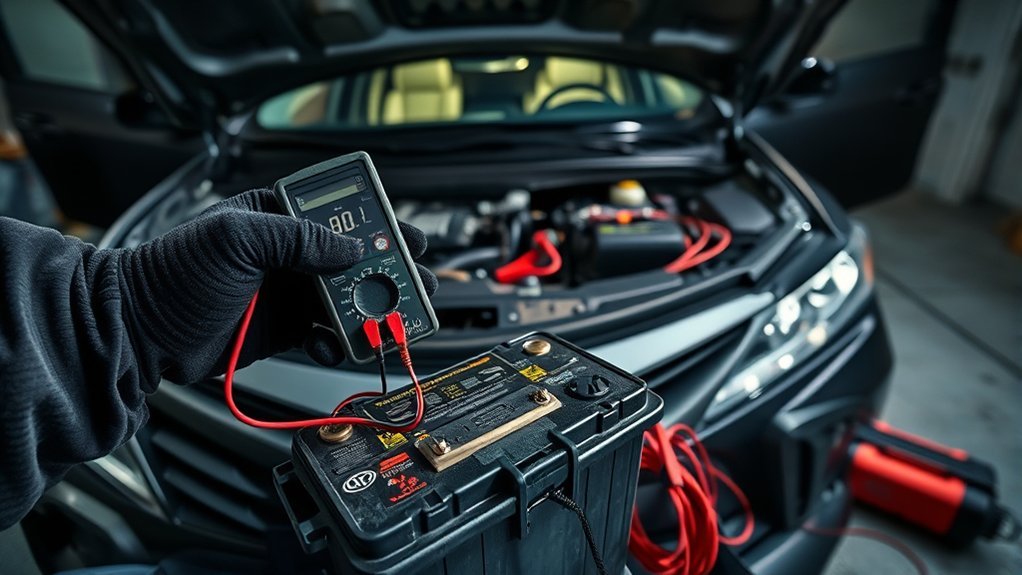
A weak battery often gives you warning before it fails completely. Watch for these symptoms:
- Slow engine cranking: The starter turns more slowly than normal, especially in cold weather.
- Clicking without starting: You hear rapid clicks or one heavy click when you press the start button or turn the key.
- Intermittent no-start condition: The Camry starts after a jump but fails again after sitting.
- Dim or unstable lighting: Headlights, interior lights, or dashboard displays dim sharply during starting.
- Electrical resets: The clock, radio presets, windows, or other settings reset after a low-voltage event.
- Repeated jump-starts: The battery needs another boost soon after it was charged.
- Visible corrosion or loose terminals: White, green, or blue residue appears around the battery connections.
The battery-shaped warning symbol needs special attention. It usually means the vehicle’s charging system is not operating normally. Possible causes include the alternator, drive belt, wiring, voltage control, or a poor connection. It is not a direct battery-health gauge.
Warning: Stop using or charging a battery that is swollen, cracked, leaking, unusually hot, frozen, or producing a strong rotten-egg odor. Keep sparks and flames away, ventilate the area, and have the battery handled professionally. Follow the jump-start procedure in your exact Toyota owner’s manual.
Common Causes of Battery Drain in Toyota Camry
A battery can become discharged because it is defective, because it is not being recharged, or because something continues using electricity after the Camry is parked. The most common possibilities include:
- An old or internally damaged battery: A battery can show acceptable voltage with no load yet lose voltage quickly when the starter demands current. Heat, deep discharge, vibration, and age shorten its life.
- A charging-system fault: A weak alternator, slipping belt, damaged cable, failed fuse, poor ground, or leaking alternator diode can leave the battery undercharged.
- Loose or corroded connections: Resistance at the battery terminals, engine ground, body ground, starter cable, or fuse-box connection can interfere with both starting and charging.
- A light that remains on: Trunk, glove-box, vanity-mirror, dome, map, or door lights can drain a battery if a switch or latch does not operate correctly.
- An electronic module that stays awake: A door-latch fault, communication fault, connected device, or control-module problem can prevent the vehicle network from entering its low-power sleep state.
- Short-trip use: Repeated short journeys may use more starting and accessory power than the charging system has time to replace, particularly in cold weather.
- Long periods of storage: Normal memory, security, and communication loads continue to use a small amount of power while the vehicle is parked.
- Aftermarket equipment: Dashcams, remote starters, alarms, trackers, audio amplifiers, lighting, and OBD-II devices can create a drain when installed or configured incorrectly.
Modern vehicles normally use some current after shutdown. The exact acceptable key-off draw varies by Camry year, trim, factory equipment, and how long the modules take to sleep. A reading of roughly 20–50 milliamps is often used as a general screening range after sleep, but it should not replace Toyota’s model-specific service information.
Identifying Signs of Battery Drain in Your Camry
The timing of the failure can help narrow the cause.
Signs the Battery Itself May Be Weak
- The battery is several years old or has been deeply discharged more than once.
- It loses voltage soon after being fully charged.
- It fails a professional load or conductance test.
- The engine cranks slowly even after the terminals are cleaned and tightened.
- The case is damaged, swollen, or leaking.
Signs the Charging System May Be at Fault
- The battery or charging-system warning appears while driving.
- The vehicle starts after charging but loses power again during normal use.
- Lighting changes noticeably with engine speed.
- You hear belt noise or see a loose, damaged, or missing drive belt on a gasoline model.
- Voltage remains too low while the engine or hybrid system is operating.
Signs of a Parasitic Draw
- The battery tests good but dies after the Camry sits overnight or for several days.
- The problem began after an alarm, stereo, dashcam, tracker, remote starter, or lighting accessory was installed.
- A trunk, glove-box, vanity, or interior light remains warm or illuminated after shutdown.
- A relay clicks repeatedly after the car is locked.
- A key-off current reading remains high after every module should have entered sleep mode.
How to Interpret Resting Voltage
Charge the battery first, switch the vehicle off, and allow surface charge to settle before relying on a voltage reading. For a conventional 12-volt lead-acid battery at moderate temperature:
- About 12.6–12.8 volts: Generally indicates a well-charged battery.
- About 12.4 volts: Usually indicates a partial charge rather than a fully charged battery.
- About 12.2 volts: The battery is substantially discharged and should be charged before further testing.
- Near or below 12.0 volts: The battery is deeply discharged or may be damaged.
These are general reference values. Temperature, battery design, recent charging, and electrical loads affect the reading. Voltage alone cannot prove that a battery has enough capacity to crank the engine. A load or conductance test is more useful after the battery has been fully charged. Cadex provides additional background on estimating battery state of charge from voltage.
Effective Strategies to Resolve Battery Drain in Your Camry
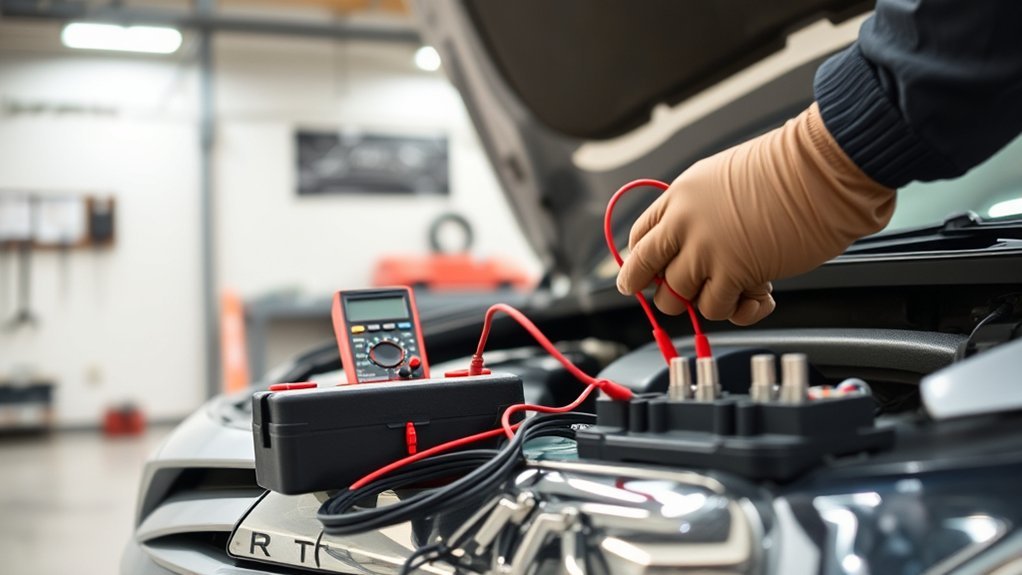
Use the following order so that a discharged or defective battery does not create misleading test results.
1. Fully Charge and Test the Battery
Charge the battery with a charger suited to its type. Do not rely on a short drive to recover a deeply discharged battery. After charging, have it load-tested or conductance-tested. Replace it if it cannot hold adequate capacity, has an internal fault, or shows physical damage.
2. Inspect the Battery Cables and Grounds
With the vehicle off, check that the terminals are tight and free of heavy corrosion. Inspect the positive cable, negative cable, engine ground, body ground, and nearby fuse connections. Clean corrosion with the correct protective equipment and repair damaged cables rather than tightening a cracked or distorted terminal.
3. Test the Charging System
Measure voltage with the gasoline engine running or the hybrid system in READY mode. Many properly operating systems spend time in the mid-13-volt to mid-14-volt range, but smart charging can vary output according to battery condition, temperature, and electrical load. Compare the result with the service information for your exact model year.
If the charging warning remains illuminated, output stays abnormally low, voltage rises excessively, or the battery repeatedly discharges while driving, have the alternator or DC-to-DC charging system tested. A technician can also check for AC ripple or diode leakage that may not be obvious from a basic voltage test.
4. Check Simple Loads Before Connecting an Ammeter
- Remove chargers and devices from power outlets.
- Unplug anything connected to the OBD-II port.
- Disable dashcam parking mode temporarily.
- Check the trunk, glove box, vanity mirrors, map lights, and dome lights.
- Confirm that every door, the hood, and the trunk latch correctly.
- Listen for relays, pumps, fans, or modules that continue operating.
5. Prepare the Vehicle for a Parasitic-Draw Test
Turn off all accessories, remove the key, lock the vehicle if required, and keep the smart key far enough away that it does not repeatedly communicate with the car. Arrange access to the fuse boxes without reopening doors or unlatching panels during the test. You may need to close door-latch switches manually so the vehicle believes every opening is shut.
Wait for the electronic modules to enter sleep mode. Depending on the model and equipment, this can take 20–45 minutes or longer. Opening a door, pressing a remote button, or moving certain devices can wake the network and temporarily increase current.
Warning: When measuring current with a multimeter connected in series, use the fused high-current input first and follow the meter manufacturer’s instructions. Never crank the engine, place a hybrid in READY mode, operate high-current equipment, or connect a charger while the meter is in series. Doing so can blow the meter fuse, damage the meter, create a short circuit, or cause injury.
6. Measure the Key-Off Current
A low-current DC clamp meter is often the safest option because it can measure around a battery cable without disconnecting the circuit. If you use a standard multimeter in series, connect it correctly between the disconnected negative battery cable and the negative terminal while maintaining module memory whenever possible.
Observe the reading as the vehicle sleeps. Brief current spikes may be normal. The concern is a stable draw that remains above the specification for your exact Camry after sufficient sleep time. As a general guide, a reading around 20–50 milliamps may be reasonable on many vehicles, while a steady draw of 100–200 milliamps or more deserves investigation. Factory service information takes priority over these general numbers.
7. Isolate the Circuit
If the draw remains high, remove and reinstall one fuse at a time while watching the meter. A large drop identifies the circuit that contains the load. Because one fuse may power several modules, use the fuse description and wiring diagram to inspect every component on that circuit.
Pulling fuses can wake modules or erase learned settings, so allow the vehicle to settle again when necessary. Professionals may use a voltage-drop test across installed fuses to avoid repeatedly disturbing the network.
8. Verify the Repair
After repairing the light, switch, relay, module, cable, charging component, or accessory wiring, fully charge the battery and repeat the key-off test. Then allow the Camry to sit for the same period that previously caused the no-start condition. A repair is not confirmed until the battery retains charge under the original conditions.
Pro Tip: Write down the battery voltage, charging voltage, sleep current, weather, and how long the Camry sat before each failure. A simple pattern can reveal whether the problem is related to storage time, cold weather, a specific accessory, or a charging fault.
How to Prevent Future Battery Drain
- Keep connections clean and tight: Inspect the battery terminals and grounds during routine service.
- Avoid repeated deep discharge: Starting batteries are not designed to be completely drained and recharged repeatedly.
- Take adequate drives: Longer drives may help restore energy used during starting, but they cannot repair a weak battery or faulty charging system.
- Use a smart battery maintainer: Connect an appropriate maintainer if the Camry will sit for weeks, following the battery and vehicle instructions.
- Remove unnecessary plug-in devices: Unplug OBD-II adapters, USB accessories, and other devices during storage unless they are specifically designed for low-power operation.
- Configure dashcams correctly: Use a proper low-voltage cutoff for parking mode.
- Test the battery before extreme seasons: Cold can expose lost capacity, while prolonged heat accelerates internal aging.
- Store the smart key sensibly: On smart-key-equipped Camrys, keeping the fob farther from the parked vehicle may be a useful test, but it is not a substitute for measuring current draw.
Do not depend on occasional idling as your main charging method. Idle output may be limited while climate control, lights, defrosters, fans, or heated equipment consume power. A charger or maintainer is more predictable for a stored or deeply discharged battery.
Common Aftermarket Accessories That Cause Battery Drain
Aftermarket equipment does not automatically cause a dead battery. Problems usually occur when the device is connected to constant power unnecessarily, lacks a low-voltage cutoff, has a stuck relay, or prevents a factory module from sleeping.
- Remote starters: A poorly integrated module can remain awake, communicate repeatedly with the vehicle, or energize a circuit after shutdown.
- Audio systems: An amplifier may stay on if its remote trigger wire is connected incorrectly. Large systems can also expose an already weak charging system.
- LED light bars and HID conversions: The lights themselves may use less steady-state power than conventional bulbs, but incorrect wiring, relay faults, control modules, or lights that remain on can drain the battery.
- Alarm systems: Faulty sensors, sirens, or communication modules may trigger repeatedly or prevent sleep mode.
- Dashcams: Parking mode can discharge the battery if the hardwire kit has no effective low-voltage cutoff.
- GPS trackers and telematics devices: Some devices wake frequently to transmit data.
- OBD-II adapters: A scan tool, insurance monitor, performance display, or Bluetooth adapter may remain powered with the ignition off.
- USB chargers and power adapters: Some continue drawing current even when no phone is connected.
If the problem started soon after an accessory installation, disconnect that equipment safely and repeat the sleep-current test. Do not simply install a larger battery to hide faulty wiring.
When Should You Get Professional Help for Battery Problems?

Professional diagnosis is appropriate when:
- The battery repeatedly dies even after it passes a battery test.
- The charging-system warning appears while driving.
- The Camry loses electrical power while the engine is running or the hybrid is in READY mode.
- The key-off draw remains high but pulling accessible fuses does not identify the circuit.
- A circuit contains several modules or communication-network components.
- The alternator has excessive AC ripple or suspected diode leakage.
- The battery cables become hot or show evidence of voltage drop.
- You see melted wiring, damaged fuse-box components, or previous wiring modifications.
- The battery is swollen, leaking, frozen, or producing a strong sulfur odor.
- A “SMART KEY SYSTEM MALFUNCTION” or another electrical warning returns after voltage has been restored.
A technician can use a battery analyzer, current clamp, oscilloscope, scan tool, wiring diagrams, and module data to identify faults that a basic fuse-pulling test may miss. This is particularly useful when a communication module wakes intermittently rather than drawing current continuously.
How Weather Affects Battery Performance
Weather affects both the battery’s available power and the amount of energy the vehicle needs.
- Cold weather: Low temperature slows the battery’s chemical reactions and reduces available starting power. At the same time, thick engine oil and electrical heating loads increase demand.
- High heat: Heat accelerates corrosion, water loss in serviceable designs, and internal battery aging. A battery damaged during summer may fail when temperatures fall.
- Long storage: Normal self-discharge combines with the Camry’s memory, security, and communication loads.
- Repeated short winter trips: Defrosters, lights, heated equipment, and blower motors may consume much of the alternator’s output before the battery fully recovers from starting.
Cadex explains that battery performance and available capacity change with temperature in its guide to battery discharge at high and low temperatures. Test an aging battery before severe heat or cold rather than waiting for the first no-start morning.
Frequently Asked Questions
Why does my Toyota Camry battery keep dying?
The most likely causes are a weak battery, poor cable connections, a charging-system problem, a light or accessory that stays on, or an electronic module that fails to sleep. Charge and test the battery first, then test charging output and key-off current.
Is there a Toyota Camry battery recall?
There is no single battery recall that applies to every Toyota Camry. Recall eligibility depends on the model year, production details, country, and VIN. Check the 17-digit VIN through the official Toyota recall lookup and the NHTSA recall database. Also ask a Toyota dealer about applicable service campaigns or technical information.
What can drain my Camry battery while the car is off?
Common sources include trunk or glove-box lights, a faulty door-latch switch, dashcam parking mode, an OBD-II device, a tracker, an audio amplifier, alarm wiring, a stuck relay, alternator diode leakage, or a module that remains awake.
How do I know whether the battery or alternator is bad?
A battery that fails a load test after being fully charged is likely defective. A battery that tests well but receives inadequate charging voltage may point to the alternator, DC-to-DC converter on a hybrid, wiring, belt, fuse, or ground. Test both systems before replacing either component.
How much parasitic draw is normal on a Toyota Camry?
There is no universal value for every Camry. The reading must be taken after all modules enter sleep mode and compared with information for the exact model year. Roughly 20–50 milliamps is a common general screening range, but factory equipment and connected services can affect the result.
How long can a Camry sit before its battery dies?
A healthy, fully charged battery may start the vehicle after several weeks, but there is no guaranteed storage period. Battery age, temperature, connected services, key-off draw, and state of charge all matter. Use a compatible smart maintainer when the vehicle will remain parked for an extended period.
What is the most common Toyota Camry electrical problem?
There is no single electrical problem shared by every Camry generation. For a repeated dead-battery complaint, weak batteries, poor terminal connections, charging faults, lights left on, and aftermarket accessories are practical first checks. Model-year-specific service information is needed before calling any one fault the most common.
Conclusion
If your Toyota Camry’s battery keeps dying, begin with a fully charged battery and test its capacity before searching for a drain. Next, inspect the cables and grounds, verify charging-system operation, and check whether the vehicle reaches a normal sleep state after shutdown. This order prevents a weak battery or charging fault from being mistaken for a parasitic draw.
Do not continue jump-starting a battery that is swollen, leaking, overheating, or repeatedly failing. When the drain is intermittent, the warning light stays on, or the affected circuit contains several electronic modules, professional testing is the safest and fastest path to a reliable repair.
Sources
- Toyota Manuals and Warranties — model-year-specific operating, battery, warning-light, and jump-start guidance.
- Toyota Safety Recall and Service Campaign Lookup — VIN- and license-plate-based Toyota recall information.
- National Highway Traffic Safety Administration Recall Lookup — official U.S. recall and vehicle-safety database.
- Cadex Battery University: Measuring State of Charge — lead-acid battery voltage and state-of-charge background.
- Cadex Battery University: Discharging at High and Low Temperatures — temperature effects on battery performance.
- Cho, Kim, and Shin: Who Killed My Parked Car? — research on parked-vehicle network wake-up and battery-drain behavior.

