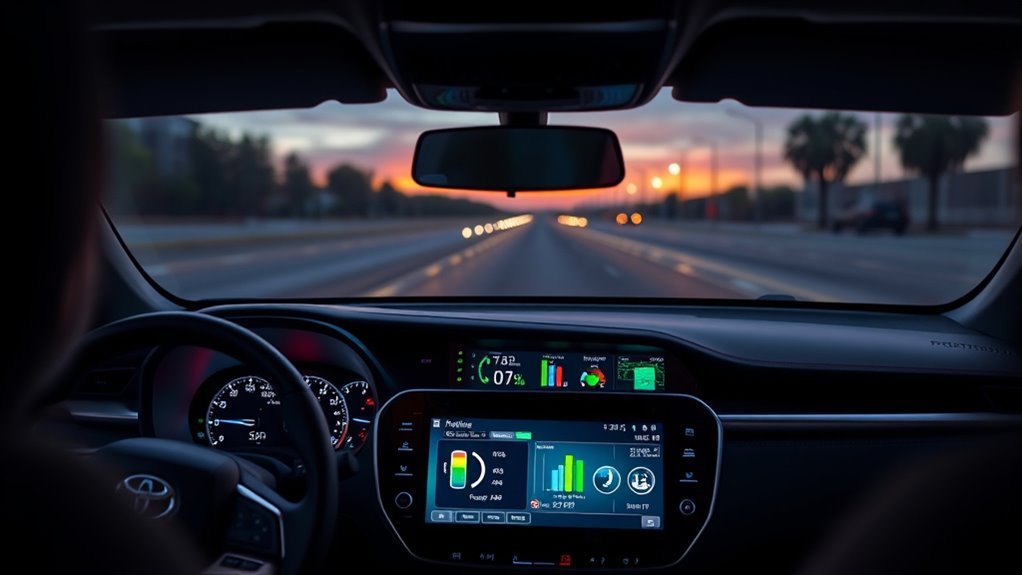
The 2021 Toyota RAV4 MPG screen helps you understand fuel use, driving range, and how your driving habits affect efficiency. On Hybrid models, the display can also show power moving between the gasoline engine, electric motors, and hybrid battery. Knowing where to find these readings makes it easier to track mileage and understand what the vehicle is doing during everyday driving.
Quick Answer
The 2021 Toyota RAV4 displays current MPG, average fuel economy, and estimated driving range through its multi-information display. Use the steering-wheel controls to view these readings. On Hybrid models, the energy monitor also shows engine operation, electric-motor assistance, battery charging, and regenerative braking. Additional fuel history appears on the multimedia screen.
Key Takeaways
- The 2021 RAV4 Hybrid Limited has EPA-estimated fuel economy of 41 MPG city, 38 MPG highway, and 40 MPG combined.
- The dashboard display provides current MPG, average MPG, and estimated miles remaining before refueling.
- The center multimedia screen offers trip information, fuel-consumption history, and hybrid energy information.
- The Hybrid System Indicator helps drivers recognize economical acceleration, engine operation, and regenerative charging.
- Average MPG can be tracked after starting, after refueling, or since a manual reset, depending on the selected setting.
- Driver-assistance messages may appear on the multi-information display, but warning indicators and MPG readings serve different purposes.
What Does the 2021 Toyota RAV4 MPG Screen Show?
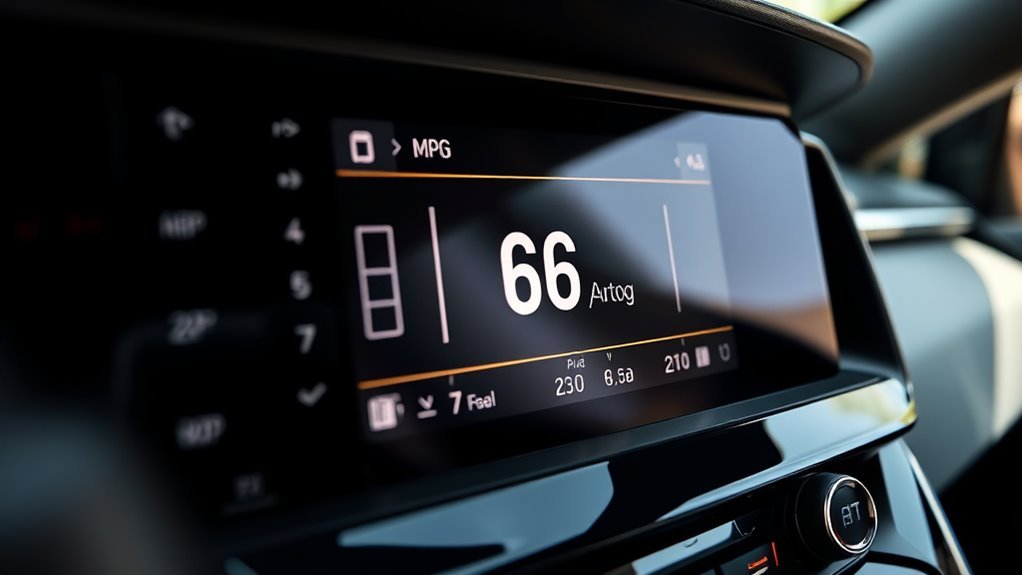
The RAV4 MPG screen provides several readings that help you monitor fuel efficiency. These include instantaneous fuel economy, average MPG, and estimated driving range.
The information appears mainly through the multi-information display, or MID, behind the steering wheel. The center multimedia screen provides additional fuel-consumption and history information.
The main readings include:
- Current fuel economy: Shows how efficiently the vehicle is using fuel at that moment.
- Average fuel economy: Measures fuel efficiency across a selected driving period.
- Distance to empty: Estimates how far you can drive with the remaining gasoline.
- Trip information: Shows recent fuel-use patterns, driving time, and average speed.
- Fuel history: Lets you compare recorded fuel-consumption results.
- Energy monitor: On Hybrid models, shows how the engine, electric motors, and battery work together.
The fuel gauge is separate from the MPG calculation. It indicates the approximate quantity of gasoline remaining in the tank.
The distance-to-empty estimate uses past consumption patterns. It can change after highway driving, heavy traffic, or a change in driving habits. Toyota advises using these values as estimates rather than guarantees.
The Toyota instrument-cluster guide explains the fuel gauge, Hybrid System Indicator, and dashboard information displays.
How to Read MPG and Energy Data
Reading the RAV4 MPG screen starts with understanding the difference between current MPG and average MPG. Current MPG changes with driving conditions, while average MPG gives a more useful picture of overall fuel efficiency.
For example, current MPG may rise while coasting and drop during hard acceleration. The average changes more slowly because it reflects fuel use across a longer period.
| Metric | What it means | Practical reading |
|---|---|---|
| Average MPG | Fuel economy over a selected period | Compare with the 41/38 MPG city/highway ratings |
| Instantaneous MPG | Fuel economy at that moment | Shows the effect of acceleration and coasting |
| Energy screen | Engine, motor, and battery operation | Shows propulsion and energy recovery |
| Distance to empty | Estimated remaining driving range | Helps plan fuel stops |
How to View MPG on the Dashboard
The steering-wheel controls let you move through the multi-information display without using the center touchscreen. The 2021 Limited Hybrid has a 7-inch MID, while other configurations may differ.
- Turn on the vehicle and confirm the instrument display is active.
- Use the directional controls on the steering wheel to select the driving-information screen, identified by a leaf-style icon.
- Move through the available information until the Fuel Economy display appears.
- Read the current MPG, selected average MPG, and estimated remaining range.
- Use the Settings screen when you want to change which average fuel-economy reading is displayed.
The selected fuel-economy average may represent the period since a reset, since starting, or since refueling. This is why two RAV4 owners can see different average MPG values even when driving similar routes.
How to View Fuel History on the Multimedia Screen
The center multimedia screen provides a more detailed look at fuel consumption. The exact path depends on the vehicle’s audio and connected-services configuration.
- Park the vehicle safely.
- Press the MENU button on the multimedia system.
- Select Info.
- On systems that require it, select ECO.
- Choose Trip Information to see recent fuel consumption or History to review previous records.
The trip screen can show fuel use over the previous 15 minutes, current consumption, elapsed driving time, average speed, and estimated range.
The History screen lets you compare current and earlier fuel-economy results. Depending on the multimedia system, records may be organized by daily averages or numbered trips.
Toyota’s 2021 RAV4 Hybrid multimedia menu guide identifies the energy-monitor and consumption-screen functions.
Warning: Avoid changing dashboard settings or studying detailed MPG charts while driving. Stop in a safe location before navigating menus. Keep your attention on the road rather than trying to improve a displayed fuel-economy number.
How Hybrid Synergy Drive Shows Up on Screen
The 2021 RAV4 Hybrid uses Toyota’s hybrid powertrain to combine gasoline-engine power with electric-motor assistance. Its energy monitor makes these changes visible through vehicle graphics and power-flow indicators.
These features belong to the Hybrid model. A gasoline-only 2021 RAV4 can display fuel economy but does not have the same hybrid battery and electric-motor energy-flow information.
Hybrid Power Flow
The hybrid power-flow display shows which components are supplying or recovering energy. Arrows and highlighted components change as the vehicle accelerates, cruises, slows, or stops.
| Component | Screen cue | What it means |
|---|---|---|
| Gasoline engine | Engine activity and power-flow arrows | The engine is supplying power or supporting hybrid operation |
| Electric motors | Power-flow indicators | Electric power is helping move the vehicle |
| Hybrid battery | Battery-level graphic | Shows stored electrical energy |
| Regenerative braking | Arrows toward the battery | Energy is being recovered during deceleration |
| Fuel economy | Changing MPG value | Shows the efficiency result of driving conditions |
During light acceleration, the electric motors may provide propulsion without the gasoline engine running. When more power is required, the gasoline engine can start automatically.
Electric assistance is not limited to low-speed driving. The hybrid system adjusts engine and motor operation based on speed, battery charge, temperature, and driver demand.
The arrows illustrate energy movement, not an exact measurement of each component’s power output.
Energy Monitor Display
The Energy Monitor provides a visual overview of hybrid-system operation. You can use it to understand when the vehicle is using electric power, gasoline power, or a combination of both.
The monitor is especially useful when comparing these driving situations:
- Starting from a stop: Electric propulsion may move the vehicle before the gasoline engine starts.
- Gentle acceleration: The system balances engine and motor power according to demand.
- Strong acceleration: The gasoline engine and electric motors can work together.
- Steady cruising: The system selects an efficient combination of available power sources.
- Slowing down: Regenerative braking can return some movement energy to the hybrid battery.
The Hybrid System Indicator in the instrument cluster also provides driving feedback.
Its Charge area indicates regeneration. The Hybrid Eco and Eco areas show more economical operating conditions, while the Power area indicates higher power demand.
These readings help you understand driving behavior without needing to interpret complex mechanical information.
Regen Braking Feedback
Regenerative braking converts some of the vehicle’s movement energy into electricity when you slow down. The recovered electricity is stored in the hybrid battery for later use.
The RAV4 provides visual feedback through the Hybrid System Indicator and energy-monitor display.
| Screen cue | Function |
|---|---|
| Charge area | Indicates regenerative charging activity |
| Power-flow arrows | Show energy moving toward the battery |
| Regenerated-energy history | Shows energy recovered over the recent driving period |
| Battery-level graphic | Shows the hybrid battery’s approximate stored charge |
The fuel-consumption screen can also show regenerated energy during the previous 15 minutes. Toyota represents this recovered energy with symbols in the display.
However, regenerative braking does not recover all energy lost during stopping. Some energy is still dissipated through braking and other losses.
For better efficiency, anticipate traffic and slow gradually when conditions permit. Avoid unnecessary braking, but never delay braking simply to increase energy recovery.
Why City MPG Beats Highway MPG
The 2021 RAV4 Limited Hybrid has a higher EPA city fuel-economy rating than its highway rating. Electric-motor assistance, regenerative braking, and reduced engine operation help explain this advantage.
Toyota lists 41 MPG city, 38 MPG highway, and 40 MPG combined for the 2021 RAV4 Hybrid.
These figures come from standardized testing. Actual results vary with traffic, speed, terrain, temperature, vehicle condition, and driving habits.
The official 2021 Toyota RAV4 Hybrid specifications confirm these EPA-estimated ratings.
City MPG Advantages
City driving gives the hybrid system frequent opportunities to use electric propulsion and recover energy while slowing down.
This helps explain why the RAV4 Hybrid performs well during urban trips, especially when traffic allows smooth acceleration and predictable stops.
- Electric assistance: The motors can reduce the gasoline engine’s workload during low-speed movement.
- Engine stop-start operation: The engine can shut off when gasoline power is unnecessary.
- Regenerative braking: The system recovers part of the energy that conventional braking would waste.
However, extremely heavy traffic does not always improve mileage. Long delays, repeated acceleration, and climate-control demand can increase energy use.
The 41 MPG city rating is a useful benchmark, not a promise for every urban journey.
Highway MPG Drop
Highway fuel economy is generally lower because maintaining higher speeds requires more energy. Aerodynamic resistance rises as speed increases, and the gasoline engine may operate for longer periods.
Regenerative braking also contributes less during steady highway cruising because the vehicle slows down less often.
This helps explain the RAV4 Hybrid’s 38 MPG highway rating compared with its 41 MPG city rating.
Highway mileage is still influenced by driving conditions. Strong headwinds, hills, heavy cargo, and rapid speed changes can reduce the average.
A steady, reasonable highway speed is usually more helpful than repeatedly accelerating and slowing down.
Driving Habits That Improve Fuel Economy
Improving fuel economy in the RAV4 Hybrid does not require constantly watching the energy monitor. The most useful approach is to drive smoothly and keep the vehicle properly maintained.
These habits can help you get closer to the vehicle’s EPA-estimated efficiency:
- Accelerate smoothly. Avoid sudden throttle inputs that create unnecessary power demand.
- Look ahead. Anticipate traffic lights and slowing vehicles so you can reduce speed gradually.
- Maintain consistent highway speeds. Avoid repeated acceleration when traffic conditions allow steady travel.
- Use Eco drive mode when appropriate. This mode provides a smoother accelerator response and limits some climate-control demand to support efficiency.
- Maintain proper tire pressure. Underinflated tires increase rolling resistance and can reduce fuel economy.
- Follow the maintenance schedule. Use the specified engine oil and keep the vehicle in good mechanical condition.
- Remove unnecessary cargo. Carrying extra weight requires more energy, especially during acceleration.
- Use climate controls sensibly. Heating, cooling, and defogging can affect fuel use, but visibility and comfort remain important.
The vehicle’s MPG readings can help you evaluate the results. Compare several similar journeys rather than judging efficiency from a single acceleration or short trip.
The hybrid battery is managed automatically. You do not need to keep it at a particular displayed charge level to achieve good fuel economy.
Pro Tip: Set the dashboard to show Tank Average MPG when comparing fuel economy between fill-ups. Use Total Average for longer-term trends. Keeping these measurements separate makes changes in efficiency easier to understand.
What Safety Alerts Appear on the Display?
The RAV4’s multi-information display also presents warning messages and driver-assistance information. These are separate from the MPG and hybrid energy-monitor functions.
The 2021 RAV4 Hybrid may display information related to several safety systems, depending on equipment and operating conditions.
- Pre-Collision System (PCS): Provides warnings when the system identifies a possible collision risk.
- Lane Departure Alert and Lane Tracing Assist: Help the driver recognize lane-related conditions and system activity.
- Road Sign Assist: Displays certain recognized traffic signs, including speed-limit information, when equipped.
- Low fuel warning: Alerts the driver when the remaining gasoline level becomes low.
- System warning messages: Identify certain malfunctions, operating restrictions, or conditions needing attention.
Rear Cross Traffic Alert, when equipped, uses the outside mirror indicators and an audible warning to alert the driver to approaching traffic while reversing. Related information can also appear on the multimedia display.
The available digital rearview mirror is a separate visibility feature. It should not be confused with the MPG screen or the multi-information display’s warning functions.
Toyota’s 2021 RAV4 Hybrid warning-light guide explains the meaning of instrument-cluster indicators.
Driver-assistance features have limitations and cannot replace attentive driving. If a serious warning appears, follow the message and the instructions in the owner’s manual.
How to Use Hybrid and EV Mode
The 2021 RAV4 Hybrid normally manages gasoline and electric power automatically. You can also request EV drive mode for brief, low-speed driving when operating conditions allow it.
EV drive mode uses the hybrid battery and electric motor rather than the gasoline engine. It is intended for limited driving situations, not long-distance electric travel.
How to Activate EV Drive Mode
- Start the RAV4 Hybrid normally and make sure the READY indicator is illuminated.
- Locate the EV drive mode switch near the gear selector.
- Press the EV switch to request electric-only driving.
- Check the instrument display for the EV drive mode indicator or a message explaining why the mode is unavailable.
- Use gentle accelerator input while the mode is active.
The vehicle may refuse EV mode if the hybrid battery charge is too low, the system is too hot or cold, the engine is warming up, or driving conditions require more power.
High vehicle speed, strong acceleration, steep hills, and windshield defogger operation can also prevent or end EV drive mode.
If the gasoline engine starts, the system is responding to vehicle operating needs. This does not automatically indicate a fault.
EV Indicator vs. EV Drive Mode
The EV indicator and EV drive mode are related but different.
The EV indicator shows that the vehicle is operating under electric propulsion conditions. It can illuminate during normal hybrid driving without the driver pressing the EV button.
EV drive mode, however, is a driver-requested operating mode that prioritizes electric propulsion when permitted.
You do not need to activate EV mode at every traffic light. Normal hybrid operation already manages when the gasoline engine should start or stop.
The official 2021 Toyota RAV4 Hybrid owner’s manual covers EV mode operation, restrictions, and hybrid driving tips.
How to Track Fuel Use Each Day
Daily fuel tracking helps you see whether changes in driving habits are improving MPG. The best approach combines the RAV4’s dashboard averages with actual fuel-purchase records.
Start by choosing the measurement that matches your goal.
- Trip Average: Useful for comparing individual journeys.
- Tank Average: Helpful for monitoring efficiency between refueling stops.
- Total Average: Useful for tracking performance over a longer period since the last reset.
How to Reset Average MPG
The reset procedure depends on the selected average and display configuration. The RAV4 allows a manually reset average as well as averages associated with starting and refueling.
- Stop the vehicle safely and display the Fuel Economy screen.
- Select the average fuel-economy setting that supports manual resetting.
- Follow the display prompt to press and hold OK on the steering-wheel controls.
- Begin the trip and let the display calculate a new average.
The average-after-start reading resets when the hybrid system stops. The tank-based reading is associated with refueling, so resetting every available value manually is unnecessary.
Resetting the displayed average changes the fuel-economy calculation. It does not change the vehicle’s actual fuel consumption.
How to Calculate Real MPG
The dashboard provides estimates, but you can also calculate fuel economy from actual mileage and gasoline purchases.
- Fill the fuel tank and record the odometer reading.
- Drive normally until the next fill-up.
- Refill the tank and record the gallons purchased.
- Subtract the previous odometer reading from the new reading.
- Divide the miles traveled by the gallons purchased.
MPG = Miles driven ÷ Gallons of gasoline used
For example, if you travel 300 miles and use 7.5 gallons, your calculated fuel economy is 40 MPG.
Measurements from several fill-ups usually provide a more reliable long-term comparison than a single tank because pump shutoff levels and driving conditions vary.
You can also keep a simple mileage log with the date, distance traveled, gallons purchased, dashboard MPG, and driving conditions.
Why Your MPG Reading May Be Lower Than Expected
A lower-than-expected reading does not automatically mean the hybrid system is malfunctioning. Short trips, cold temperatures, high speeds, traffic delays, and heavy climate-control use can all affect fuel economy.
Before assuming something is wrong, compare the vehicle’s MPG across similar routes and conditions.
If fuel economy drops sharply and remains unusually low, check tire pressure, maintenance condition, and any warning lights. A Toyota service technician can investigate mechanical or hybrid-system problems when necessary.
Frequently Asked Questions
How to See Gas Mileage on Toyota RAV4?
Use the steering-wheel directional controls to open the driving-information screen on the multi-information display. Select Fuel Economy to view current MPG, average MPG, and estimated driving range. You can also use the multimedia screen to review trip information and fuel-consumption history.
What’s the Most Common Problem With a Toyota RAV4?
There is no single verified problem that applies to every Toyota RAV4 model year. Problems vary by engine, generation, equipment, and maintenance history. Older RAV4 models have had oil-consumption concerns, but that should not be treated as the leading problem for every 2021 RAV4 Hybrid.
How Do I Change the Display Settings on My RAV4?
Use the steering-wheel controls to open the Settings menu on the multi-information display. You can change available fuel-economy display settings and other instrument options. For multimedia brightness and related adjustments, use the Setup menu on the center touchscreen.
Which Toyota RAV4 Gets the Best Gas Mileage?
Among conventional gasoline and hybrid 2021 RAV4 models, the RAV4 Hybrid delivers the stronger EPA fuel-economy ratings. Its hybrid trims are rated at 41 MPG city, 38 MPG highway, and 40 MPG combined. The RAV4 Prime is a separate plug-in hybrid with electric-driving capability.
How Do I Reset Average MPG on a 2021 RAV4?
Open the Fuel Economy display and select the manually reset average. Press and hold OK on the steering-wheel controls when the reset prompt appears. Other averages may reset automatically after starting the vehicle or refueling, depending on the selected display setting.
Does the Gas-Only RAV4 Have an Energy Monitor?
The gasoline-only 2021 RAV4 has fuel-economy information but does not have the Hybrid model’s electric-motor and battery power-flow display. Its screen can still show current MPG, average fuel economy, driving range, and fuel-consumption information. Display options depend on the vehicle’s equipment.
Conclusion
The 2021 Toyota RAV4 MPG screen is a useful tool for understanding fuel consumption, estimating driving range, and tracking changes in efficiency. On Hybrid models, the energy monitor adds helpful information about engine operation, electric assistance, and regenerative braking.
For everyday use, focus on average MPG rather than short-term changes in the current reading. Choose the appropriate trip or tank average, compare results across similar drives, and use smooth driving habits to improve long-term efficiency.
Sources
- Toyota USA Newsroom — 2021 RAV4 Hybrid: Official EPA-estimated city, highway, and combined MPG ratings.
- Toyota Owners — 2021 RAV4 Hybrid Gauges and Meters: Instrument-cluster information, fuel gauge, Hybrid System Indicator, and regeneration display.
- Toyota Owners — 2021 RAV4 Hybrid Menu Screen: Multimedia menu operation and access to energy-monitor and consumption information.
- Toyota Owners — Warning Lights and Indicators: Safety indicators, operating-status indicators, and warning information.
- Toyota Owners — 2021 RAV4 Hybrid Manuals: Owner’s manual, driving-information controls, EV drive mode, fuel-consumption screens, and hybrid operation.
- Toyota — Safety Recall and Service Campaign Lookup: Official vehicle-specific recall and service-campaign information.

