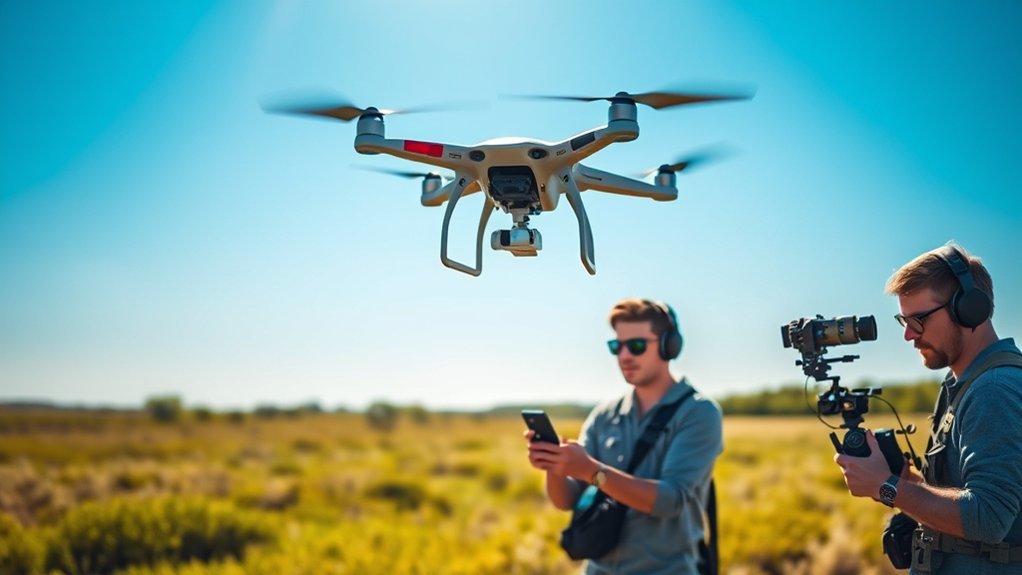
A dual-operator drone filming setup splits two demanding jobs between two people: the pilot manages aircraft position, navigation, and flight safety, while the camera operator manages the gimbal, framing, exposure, and shot timing. The arrangement is most useful when the aircraft and camera must move independently, the subject is moving, or a production needs precise and repeatable aerial cinematography.
Last updated: September 11, 2026 — reviewed against current U.S. Part 107 text and DJI Inspire 3 dual-control documentation.
Quick Answer
A dual-operator drone setup separates flight control from camera control. The pilot keeps the aircraft safely positioned and manages the flight, while the camera operator concentrates on gimbal movement, framing, exposure, focus behavior where supported, and shot timing. It is most valuable for complex tracking, orbit, reveal, parallax, vehicle, action, and cinema shots that require the drone and camera to move independently.
Key Takeaways
- The pilot’s main job is safe aircraft control, obstacle awareness, positioning, airspace awareness, and compliance.
- The camera operator focuses on gimbal movement, framing, exposure, composition, and creative shot timing.
- Clear callouts, countdowns, and an explicit aircraft-control handoff procedure help both operators move in sync.
- Dual operation is most useful when aircraft movement and camera movement must be controlled independently.
- For U.S. Part 107 work, the remote pilot in command remains responsible for the operation, and anyone manipulating aircraft flight controls must meet the requirements of 14 CFR §107.12.
Dual-Operator Drone Filming at a Glance
| Question | Practical Answer |
|---|---|
| Pilot role | Fly, navigate, maintain situational awareness, manage airspace and obstacles, and make final safety decisions. |
| Camera operator role | Control framing, gimbal movement, composition, exposure, and shot timing. |
| Best use | Tracking, orbit, reveal, parallax, vehicles, action, narrative work, and other shots where camera direction differs from aircraft direction. |
| Hardware requirement | A drone/controller system that supports the intended two-person workflow, including the needed video feeds and gimbal or camera control. |
| U.S. legal baseline | Designate the remote pilot in command, follow Part 107 when it applies, maintain required visual line of sight, and confirm airspace authorization and other operating restrictions before flight. |
Understanding Dual-Operator Mode

Dual-operator mode separates flight control from camera control. The drone pilot manages the aircraft’s movement, altitude, route, speed, and safety. A dedicated camera operator, often called a drone camera operator, gimbal operator, or aerial cinematographer, controls the camera angle, gimbal movement, framing, and supported camera settings.
This is different from a dual-camera drone. A dual-camera drone has two onboard cameras, while a dual-operator setup describes two people sharing different operating roles.
This split makes complex shots easier. One operator can fly a smooth path around a subject while the other pans, tilts, or tracks the camera independently. Shots such as orbit moves, vehicle tracking, crane-style reveals, and 360-degree pans can therefore be managed without one person simultaneously handling every flight and framing input.
Dual operation also reduces workload. Instead of one person trying to fly safely and frame perfectly at the same time, each operator can concentrate on a narrower task. That can improve situational awareness, shot consistency, and creative control during demanding aerial shoots.
One documented example is the DJI Inspire 3. DJI states that its dual-control mode allows two remote controllers to receive live feeds and maintain independent control links. DJI also documents separate gimbal-camera control assignment between linked controllers. This is one example of a true professional two-controller workflow, not a claim that every drone supports the same functions.
Note: Not every drone supports full dual-operator control. Some models support separate aircraft and gimbal control, while others provide only limited secondary-camera functions. Check the exact aircraft, controller, firmware, and gimbal documentation before planning a two-person shoot.
Roles and Responsibilities of the Pilot

The pilot’s primary responsibility is the aircraft. In U.S. Part 107 operations, the designated remote pilot in command, or RPIC, is directly responsible for and has final authority over the small UAS operation.
You manage the flight plan, battery status, airspace awareness, launch area, landing zone, wind conditions, obstacles, and emergency decisions. The camera operator can request a movement, but creative requests do not override flight safety.
This role demands continuous situational awareness. You should know where the aircraft is, where it is going, what is around it, how much energy and space are available for the next maneuver, and how you will recover or land if conditions change.
Flight Control Management
Flight control management covers the aircraft’s altitude, heading, speed, distance, position, and return path. It also includes staying inside the legal and operational limits that apply to the mission.
For U.S. operations under 14 CFR Part 107, §107.51 generally limits a small UAS to 400 feet above ground level. The rule also allows operation above 400 feet AGL when the aircraft remains within a 400-foot radius of a structure and no more than 400 feet above that structure’s immediate uppermost limit. Controlled-airspace authorization and other operating restrictions may still apply.
Part 107 also requires the necessary visual line of sight during the operation. The remote pilot in command, person manipulating the flight controls, and visual observer when one is used must work within the requirements of §107.31 and §107.33.
Good flight control improves the image as well. Smooth acceleration, steady speed, predictable arcs, and gentle corrections make it easier for the camera operator to maintain composition without fighting abrupt aircraft movement.
Safety and Navigation Duties
The pilot’s safety work begins before takeoff. Check the aircraft, propellers, batteries, controller connection, warnings, navigation status, weather, nearby people, obstacles, airspace, and landing options.
During flight, your attention stays on navigation and risk. Watch for trees, buildings, cables, birds, vehicles, people, terrain, other aircraft, and changing wind. Keep enough distance and energy available for braking, turning, climbing, returning, or landing.
For Part 107 operations, §107.19 makes the RPIC the final authority over the operation. If a requested shot becomes unsafe, the pilot should stop the move, reposition, hold, return, or land rather than continue for the sake of the image.
Warning: Do not let camera pressure override flight safety. If the aircraft is too close to people, power lines, buildings, traffic, wildlife, other aircraft, or restricted airspace, stop the shot and reset the plan.
Roles and Responsibilities of the Camera Operator
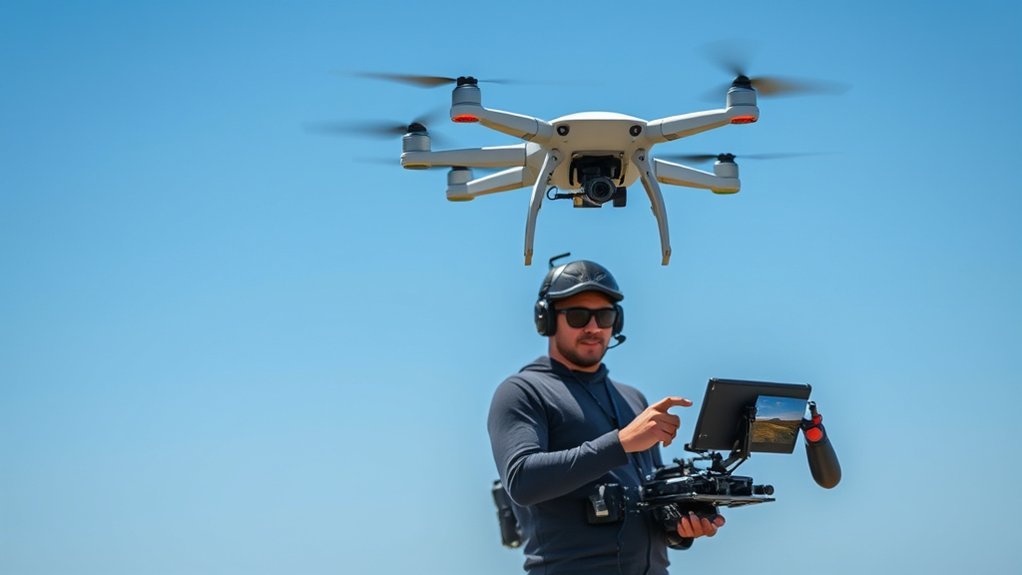
The camera operator is responsible for what the audience sees. You manage camera angle, gimbal tilt, pan movement, composition, subject placement, and supported exposure or focus adjustments while the pilot concentrates on the aircraft.
Your job is not simply to point the camera. You shape the shot by deciding when to reveal the subject, how quickly to pan or tilt, when to hold framing, and how the subject should move through the frame.
Strong camera operation depends on anticipation. You need to understand the pilot’s planned movement, predict where the subject will be, and make small corrections before the frame drifts or the move feels late.
[Amazon Products Picked for You]

Engineered for DJI O4 video transmission with an integrated antenna design, it is lighter than its predecessor and boasts a longer operating time. The control sticks are extended by 2 mm, catering to single and dual-fingered control.

Next-gen Processor - RC 2 features 6nm, 8-core processing with significantly improved CPU and GPU performance, delivering a smoother system and better overall in-app experience.

Easy USB-C to HDMI Connection for your controller
Camera Control Techniques
In a dual-operator drone setup, the camera operator can use independent gimbal movement to create controlled tilts, pans, subject tracking, orbit framing, top-down reveals, and parallax movement while the pilot concentrates on the aircraft path.
You may also adjust supported camera settings when conditions change. For example, a change in the aircraft’s orientation can alter brightness, reflections, or the balance between sky and ground, requiring an exposure or framing correction.
The strongest results usually come from smooth inputs and small corrections rather than constant aggressive movement. The gimbal move should complement the aircraft path instead of competing with it.
Real-Time Adjustments
Real-time adjustments can save a shot when light, subject movement, reflections, shadows, or background clutter change during a pass.
Depending on the camera system, the camera operator may adjust gimbal tilt, pan direction, focus behavior, white balance, exposure, or framing while the pilot maintains the planned aircraft path.
Basic piloting knowledge also helps the camera operator. Understanding how the aircraft accelerates, brakes, turns, and drifts in wind makes it easier to anticipate where the frame will move rather than reacting after the subject is already out of position.
Communication With Pilot
Communication with the pilot is one of the camera operator’s most important skills. The pilot needs to know what shot you want, the required direction and speed, when the camera is ready, and when the move should stop or reset.
Use short commands. Examples include “hold speed,” “tilt down in three,” “start orbit,” “slow climb,” “camera ready,” “reset,” and “abort.” Short, agreed phrases are easier to process than long explanations while the aircraft is moving.
Both operators should agree on commands before takeoff. The aircraft-safety command should always take priority over a creative command.
When Should You Use a Dual-Operator Drone Setup?
Use dual operation when separating aircraft movement from camera movement gives the crew a meaningful advantage. The setup earns its extra complexity when the pilot must concentrate on a demanding flight path while another person simultaneously controls composition.
| Situation | Dual Operator? | Why |
|---|---|---|
| Fast vehicle or boat tracking | Usually valuable | The pilot can match speed and manage terrain or obstacles while the camera operator maintains framing. |
| Complex orbit with changing camera angle | Usually valuable | Aircraft position and gimbal direction can be controlled as separate movements. |
| Narrative reveal with exact timing | Often valuable | One operator controls the reveal path while the other times the camera movement. |
| Simple static landscape pass | Often unnecessary | One pilot may be able to fly and frame the shot without meaningful workload reduction from a second operator. |
| Automated repeatable shot in a simple environment | Depends on production needs | Automation may reduce workload, but safety, legal responsibility, monitoring, and framing still require human judgment. |
The goal is not to use two people simply because the equipment allows it. Use two operators when the second role produces better control, safer workload distribution, or more reliable shot execution.
Benefits of Dual-Operator Setup
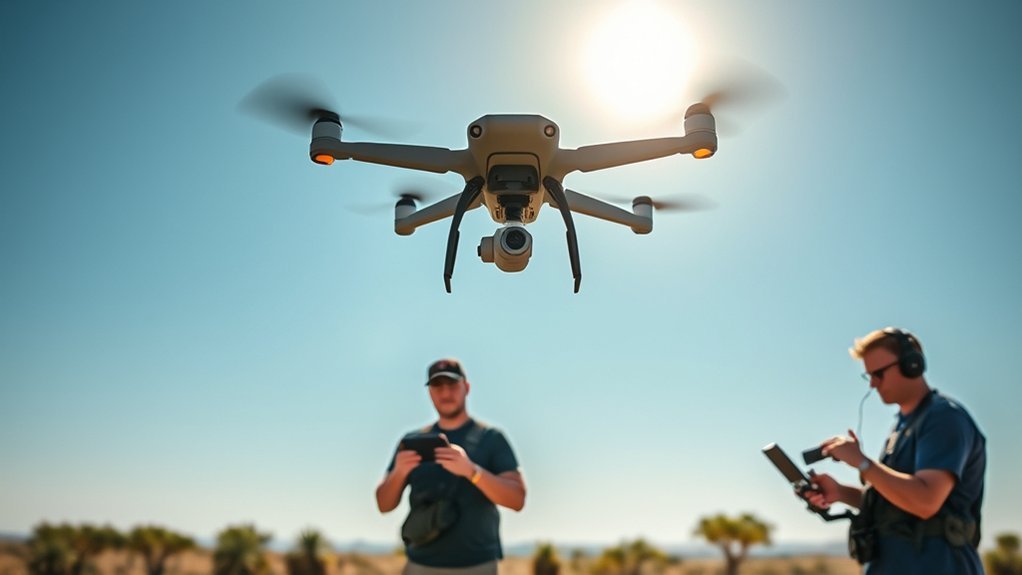
A dual-operator setup gives each person a clear job. The pilot concentrates on aircraft control and the operating environment, while the camera operator concentrates on the image. That division can reduce task saturation during demanding shots.
The setup is especially useful when the drone and camera need to move in different directions. The aircraft might fly forward while the camera pans sideways, tilts downward, or tracks a moving subject through the frame.
It can also improve repeatability. The camera operator can repeat a specific gimbal move while the pilot repeats the flight path, giving a production team multiple controlled takes without asking one person to reproduce every input simultaneously.
When flight control and camera control are split between two trained people, the team can devote separate attention to aircraft safety and visual composition instead of forcing one operator to manage both at once.
For commercial productions, good coordination can also reduce wasted takes. The benefit comes from a rehearsed workflow, not merely adding a second controller.
Communication and Coordination Techniques
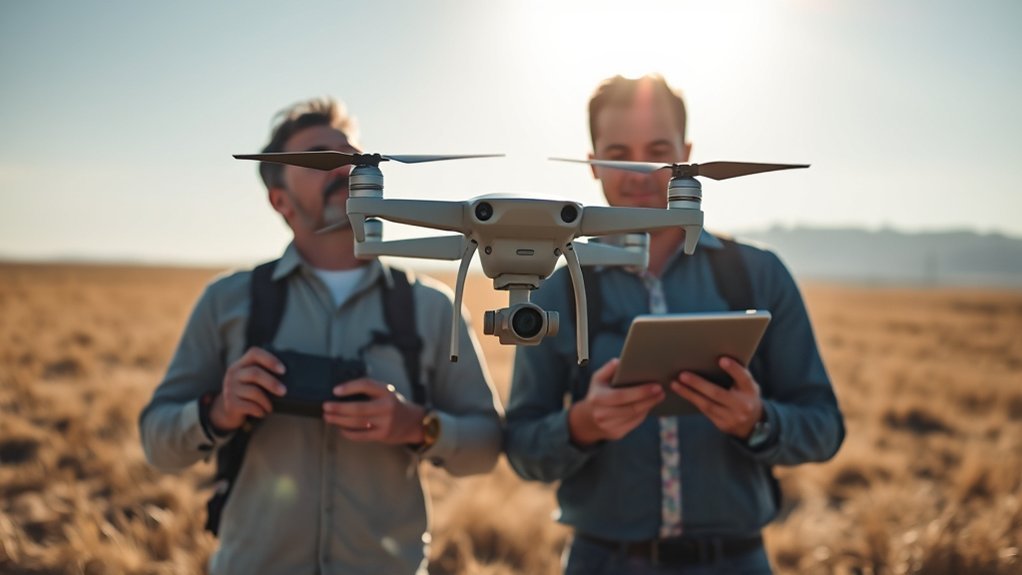
Clear communication turns two separate operators into one coordinated crew. Before takeoff, agree on the shot goal, aircraft path, camera move, start point, end point, emergency command, aircraft-control authority, and landing plan.
Countdowns help synchronize movement. The pilot might call, “moving forward in 3, 2, 1,” while the camera operator calls, “tilting down in 3, 2, 1.” The same rhythm makes the relationship between aircraft movement and gimbal movement easier to repeat.
Build a shared vocabulary for climb, descend, hold, reset, pan, tilt, orbit, push in, pull back, abort, camera ready, and landing. Use the same words every time instead of inventing new phrases during the shot.
[Amazon Products Picked for You]

DJI RC-N1(RC231) remote controller(Includes 2 Sticks. Excludes RC cables)
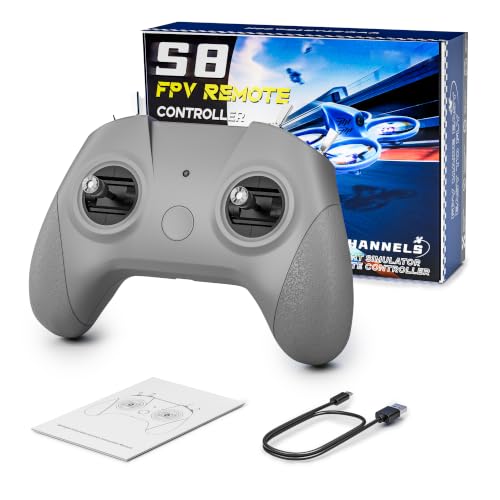
【Real FPV Training Feel】The FLYDrone S8 Pro simulator controller is designed for beginner FPV pilots who want to practice before flying a real drone. The Mode 2 layout and non-centering throttle help build throttle control, stick coordination, and real FPV muscle memory in simulator training
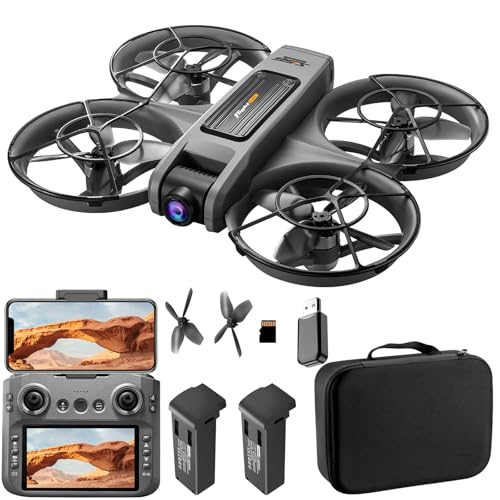
Upgraded Large-Screen Remote Controller: The enhanced version comes with a 5-inch large-screen remote controller, offering a clear and intuitive view of the drone’s real-time feed, status, and flight data, making operation more convenient and immersive.
Use a Closed-Loop Aircraft-Control Handoff
If your dual-controller system allows either linked controller to obtain aircraft control, never assume a transfer has happened. Use a verbal confirmation procedure.
- Request: “Request aircraft control.”
- Release: The current pilot confirms, “Control released.”
- Acceptance: The receiving operator confirms, “I have aircraft.”
- Verification: Confirm the controller or app shows the expected control state before making a maneuver.
This is an operational coordination method, not a substitute for the aircraft manufacturer’s control-transfer instructions or applicable aviation rules. On systems such as DJI Inspire 3, follow the documented controller-assignment procedure.
Pro Tip: Rehearse the shot once without recording. A dry run lets the pilot verify the flight path while the camera operator checks framing, timing, and whether both operators are using the same commands.
Real-World Practice Scenarios
Practice should resemble the coordination demands of a real filming day without adding unnecessary risk. Start in a suitable open area with simple moves, then add subject movement and more complex camera work only after both operators are comfortable with their roles.
One useful drill is a straight tracking shot. The pilot flies parallel to a slow-moving subject while the camera operator keeps the subject in the same part of the frame. This teaches speed matching, spacing, and framing discipline.
Another drill is an orbit. The pilot circles a fixed subject while the camera operator keeps the camera centered. Small changes in aircraft speed or radius quickly show both operators how movement affects composition.
You can also practice a reveal. The pilot rises or moves laterally from behind a foreground object while the camera operator holds or changes the gimbal angle so the subject appears at the planned moment.
Regular practice builds a shared mental model. The pilot learns how much aircraft movement the camera operator can absorb smoothly, and the camera operator learns how the pilot accelerates, turns, and corrects the aircraft.
[Amazon Products Picked for You]

【2K Ultra HD Adjustable Camera Drone】Capture stunning aerial moments with the Loiley drone’s 2K Ultra HD camera, featuring a 90° remotely adjustable lens. Shoot crisp photos and smooth videos from sky-high perspectives, and connect your smartphone for real-time panoramic viewing. Instantly share your adventures on social media with a single tap—perfect for travel, family events, and scenic explorations.

【Under 0.55lb Mid-sized Drone, No FAA Registration】Designed with a unique material composition, the N11 PRO is a remarkably valuable mid-sized GPS drone (not mini ones). Its weight is kept under 0.55lb, eliminating the need for FAA registration. This drone provides a perfect solution for hassle-free flying in the States without FAA, making it ideal for capturing stunning footage on the go.

【Under 0.55lb Mid-sized Drone, No FAA Registration】Designed with a unique material composition, the N11 PRO is a remarkably valuable mid-sized GPS drone (not mini ones). Its weight is kept under 0.55lb, eliminating the need for FAA registration. This drone provides a perfect solution for hassle-free flying in the States without FAA, making it ideal for capturing stunning footage on the go.
Challenges in Dual-Operator Filming
Dual-operator filming can improve control, but it also creates a coordination system that must be managed. Two people need to make decisions quickly without giving conflicting commands or assuming the other person understands an unstated plan.
Miscommunication is a common failure point. A pilot may begin a move before the camera is ready, or the camera operator may change direction while the pilot expects the previous framing plan. Standard commands, rehearsals, and closed-loop confirmations reduce that risk.
| Challenge | Solution | Importance |
|---|---|---|
| Communication gaps | Use short commands and countdowns | Reduces missed timing and conflicting inputs |
| Aircraft-control ambiguity | Use a confirmed control-handoff procedure | Prevents either operator from assuming the wrong control state |
| Situational awareness | Rehearse in suitable real-world conditions | Improves reaction time and crew coordination |
| Equipment limitations | Verify controller, feed, and gimbal capabilities before the shoot | Prevents unrealistic shot planning |
| Environmental factors | Plan for wind, glare, obstacles, people, and landing options | Protects the flight and footage quality |
Equipment can also create limits. Some drones do not offer true independent camera control, while some systems restrict which controller owns the aircraft or gimbal at a given moment. Test the exact configuration before the production day.
Equipment Considerations for Dual Operators
For a dual-operator drone setup, the key equipment question is not simply whether a second controller exists. The system must support the actual division of work your crew needs.
Check whether the aircraft supports two compatible controllers, whether both operators receive the necessary live feeds, how aircraft control is transferred, how gimbal-camera control is assigned, and whether both controllers must use specific firmware or app versions.
Gimbal capability matters as well. A stabilized gimbal can keep footage smooth, but a two-person cinematography workflow also depends on the available pan, tilt, roll, focus, lens, and camera-control functions of the specific system.
DJI’s official Inspire 3 documentation, for example, describes a dual-control mode using linked DJI RC Plus controllers and separate gimbal-camera control assignment. It also documents independent control links so the pilot and gimbal operator can work from different positions on set.
For heavier cinema cameras, productions may use purpose-built heavy-lift aircraft. Those systems introduce additional payload, crew, maintenance, insurance, regulatory, and risk-management considerations, so do not assume a workflow that is safe for a smaller integrated camera drone transfers directly to a heavy-lift platform.
Backup equipment is useful on production shoots. Depending on the system, this may include batteries, compatible propellers, approved storage media, cables, controller power, charging equipment, and a tested contingency aircraft.
Dual-Operator Compatibility Checklist
- Does the aircraft officially support the intended two-controller workflow?
- Can the pilot see the flight-oriented feed needed for navigation?
- Can the camera operator see and control the gimbal-camera feed?
- How is aircraft control transferred or locked between controllers?
- How is gimbal or camera control assigned?
- Are both controllers, apps, aircraft, and accessories on compatible firmware?
- What happens if one controller loses its link?
- Can the RPIC immediately direct or regain the aircraft as required for the operation?
Pre-Flight Workflow for Two-Person Drone Crews
A two-person drone crew should confirm both creative and aviation responsibilities before every shoot. For U.S. Part 107 operations, §107.49 requires the remote pilot in command to assess the operating environment and ensure participating crew members understand operating conditions, emergency procedures, contingency procedures, roles, responsibilities, and potential hazards.
- Designate the RPIC: Confirm who is the remote pilot in command and therefore has final operational authority.
- Confirm aircraft-control authority: Decide who may manipulate flight controls and how any permitted handoff will be performed.
- Confirm visual-observer use: If a visual observer is part of the operation, define that role and communication method before takeoff.
- Confirm the shot list: Review each planned shot, movement, subject, and framing goal.
- Check the location: Identify people, buildings, trees, wires, traffic, wildlife, water, terrain, and safe landing zones.
- Review legal limits: Confirm applicable altitude rules, airspace authorization, temporary restrictions, operations-over-people requirements, property access, and other relevant rules.
- Inspect the aircraft: Check propellers, battery locks, camera mount, gimbal movement, sensors, control links, and warnings.
- Set camera basics: Confirm resolution, frame rate, shutter approach, white balance, storage, focus behavior, and exposure plan.
- Agree on commands: Review words for start, stop, hold, reset, abort, climb, descend, pan, tilt, return, camera ready, and landing.
- Test controller roles: Verify which controller currently owns aircraft control and which owns the gimbal or camera before launch.
- Plan contingencies: Decide what to do for low battery, lost signal, unexpected people, wind changes, other aircraft, an unsafe obstacle, or a controller problem.
Best Shots for Dual-Operator Drone Filming
Shots benefit most from dual operation when the aircraft path and camera direction must be managed as separate movements.
Tracking shots work well because the pilot can match the subject’s speed and manage spacing while the camera operator keeps the subject framed. This is useful for cars, boats, runners, cyclists, and controlled action scenes.
Orbit shots also benefit from two people. The pilot manages the aircraft’s radius, speed, and altitude while the camera operator maintains the intended subject position or gradually changes the angle.
Reveal shots can become easier to time because the pilot handles the aircraft’s movement around or above the foreground while the camera operator controls the exact moment and direction of the reveal.
Parallax shots are another strong use case. The aircraft moves laterally while the camera remains trained on the subject, creating relative motion between foreground, subject, and background.
Long-lens or precision framing can also benefit from separating jobs because small aircraft movements have a larger visible effect on a tight composition. Whether a particular lens or camera configuration is appropriate depends on the aircraft and manufacturer-approved setup.
Future of Dual-Operator Drone Filming
Automation is already helping drone crews with subject tracking, repeatable flight paths, positioning, and obstacle awareness, but those features do not remove the need for clear operational responsibility.
Professional systems may continue to improve controller interfaces, transmission, automated tracking, positioning, and gimbal-control tools. DJI Inspire 3 already combines dual control with features intended for professional production workflows, illustrating how manufacturer automation and a two-person crew can coexist.
Artificial intelligence and automated tracking may reduce some repetitive framing work, but the crew still has to decide whether a flight is safe, whether a shot serves the story, and when an automated behavior should be changed or stopped.
Automation can support aerial filming, but it does not replace the pilot’s responsibility for the aircraft or the creative judgment required to design and time a complex shot.
Training therefore remains important. A strong team needs both aircraft-management skills and visual communication skills, plus a shared procedure for commands, emergencies, and control handoff.
Related Drone Filming Guides
- Cinematic Drone Shots: A Step-by-Step Starter Playbook
- Drone Storyboards & Shot Lists: Free Template Download
- Drone Camera Settings: ISO, Shutter Speed & ND Filters
- Drone Stabilization: Gimbal Vs Electronic
Related Guides
Frequently Asked Questions
What is the difference between a drone operator and a drone pilot?
A drone pilot is the person flying or responsible for the aircraft. “Drone operator” can be used more broadly for the person or organization conducting the operation. In a dual-operator filming crew, one person commonly handles aircraft flight while another handles the gimbal and camera. For U.S. Part 107 operations, the legally important role is the designated remote pilot in command.
What is a dual-camera drone?
A dual-camera drone has two onboard cameras, such as different focal lengths or imaging types. That is different from a dual-operator drone setup, which describes two people dividing flight and camera responsibilities.
What is the 400-foot rule for drones?
Under U.S. Part 107, a small UAS generally cannot fly higher than 400 feet above ground level. Section 107.51 allows an exception when the aircraft is within a 400-foot radius of a structure and no more than 400 feet above that structure’s immediate uppermost limit. Other airspace authorizations and operating restrictions may still apply.
Does a dual-operator drone require two controllers?
A true two-controller workflow requires an aircraft and controller system that supports it, but not every drone does. DJI Inspire 3 is one documented example: DJI says its dual-control mode supports two linked remote controllers with live feeds and independent control links. Always check the exact manufacturer documentation for your aircraft.
Does the camera operator need a Part 107 certificate?
Not automatically just because the person operates the camera or gimbal. Under U.S. Part 107, the remote pilot in command must meet the certification requirements. A person who manipulates the aircraft’s flight controls must either hold the required remote pilot certificate or operate under the direct supervision conditions described in §107.12. If the second operator only handles camera or gimbal functions and does not manipulate the aircraft’s flight controls, that is a different role. Confirm the rules that apply to your exact operation.
Who has final authority during a dual-operator drone flight?
For a U.S. Part 107 operation, the designated remote pilot in command is directly responsible for and has final authority over the small UAS operation. A camera operator can request a movement, but the RPIC should stop or change the shot whenever safety or regulatory compliance requires it.
Conclusion
Dual-operator drone filming works best when the two roles are genuinely separated. The pilot manages the aircraft and operating environment, while the camera operator concentrates on framing, gimbal movement, exposure, and visual timing.
The biggest advantage appears when the drone and camera need to move independently. The biggest risk is unclear responsibility, especially if a two-controller system allows aircraft control to change hands.
Start with a simple workflow: designate the pilot or RPIC, confirm controller roles, agree on commands, rehearse the aircraft-control handoff, and practice a basic tracking or orbit shot in an appropriate environment. Review both the footage and the crew communication after each flight before moving to more complex shots.
Sources
- Federal Aviation Administration UAS — U.S. drone safety, certification, airspace, and operating guidance.
- 14 CFR Part 107 — current U.S. small unmanned aircraft operating rules, including RPIC responsibility, visual line of sight, crew coordination, preflight duties, and operating limitations.
- DJI Inspire 3 FAQ — official manufacturer documentation for Inspire 3 dual-control operation.
- DJI Inspire 3 Support — controller linking, gimbal-camera control, and dual-control workflow documentation.
