
Yes, the Toyota RAV4 Hybrid does have remote start, but its availability depends on the trim, the specific audio package, and your Remote Connect subscription status. The Limited model usually comes with remote start enabled standard, while the XSE and XLE hybrids often require the Audio Plus (or Premium Audio) upgrade. It is important to note that for most models, the key fob remote start will only work if you have an active trial or paid subscription to Toyota Remote Connect.
RAV4 Hybrid Trims That Support Remote Start
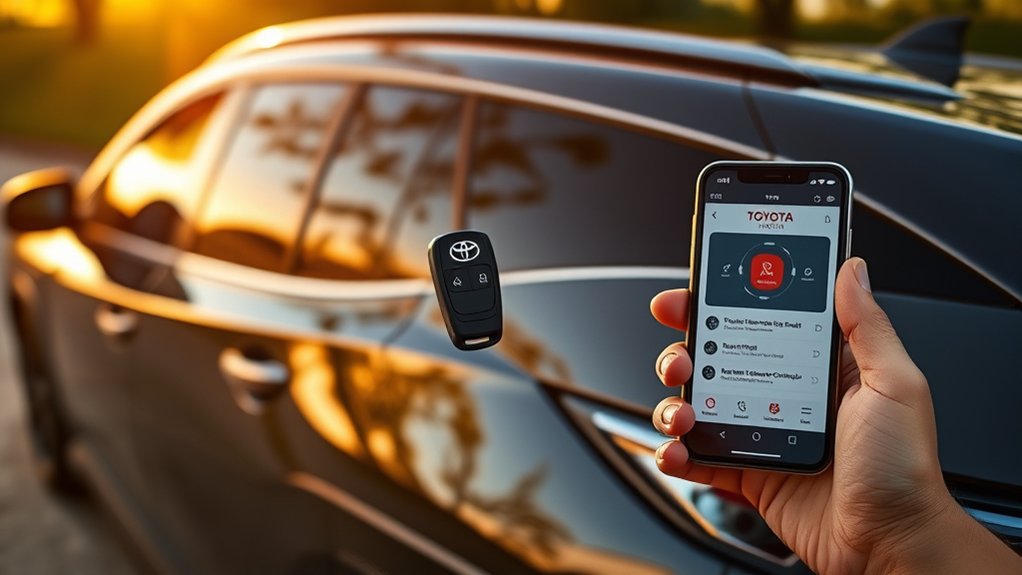
When considering the Toyota RAV4 Hybrid, knowing which trims support remote start is crucial.
The RAV4 Limited model stands out, typically offering remote start functionality as a standard feature because it includes the high-end audio package. This feature lets you warm up your cabin or cool it down before you enter.
For the RAV4 XSE and XLE hybrids, the Audio Plus (or Premium Audio on newer models) package is often required to enable remote start. Without this specific package, the vehicle may lack the necessary hardware for factory remote start.
The base RAV4 LE hybrid typically does not support factory remote start unless a specific package was added at the factory, though aftermarket solutions are a popular alternative for LE owners.
It’s essential to check the specific window sticker or vehicle settings, as functionality is tied to the audio multimedia system and active connected services.
How the Audio Plus / Premium Audio Upgrade Affects Remote Start
The Audio Plus (or Premium Audio) upgrade is the key hardware requirement for remote start in most Toyota RAV4 Hybrids.
On trims like the XLE hybrid and XSE hybrid, this upgrade replaces the standard screen with a larger touchscreen (8-inch or 10.5-inch depending on the year) and includes the “Remote Connect” hardware module.
Understanding these requirements saves you from buying a model that lacks the hardware for this feature.
Audio Plus Features Explained
For those looking to enhance their Toyota RAV4 experience, the Audio Plus / Premium Audio upgrade is essential.
This upgrade brings a larger touchscreen and, most importantly, the Data Communication Module (DCM) required for remote services. The standard base audio system on lower trims often lacks this connectivity.
If you choose the XLE or XSE hybrid models, opting for this package is significant. Without it, you cannot use the Toyota App or the key fob to remotely start the car.
Trim Level Requirements
The specific audio system greatly impacts your Toyota RAV4’s remote start capabilities. Here is the breakdown of requirements for the most common configurations.
| Trim Level | Remote Start Capability |
|---|---|
| RAV4 XSE Hybrid | Requires Audio Plus / Premium Audio Pkg |
| RAV4 Limited | Standard (Active Subscription Required) |
| RAV4 XLE Premium | Requires Audio Plus / Premium Audio Pkg |
| RAV4 LE & XLE Gas | Not standard (Aftermarket often required) |
For the RAV4 XSE Hybrid and XLE Premium, ensure the vehicle has the upgraded touchscreen to guarantee remote start hardware is present.
How to Use Your Key Fob for Remote Start
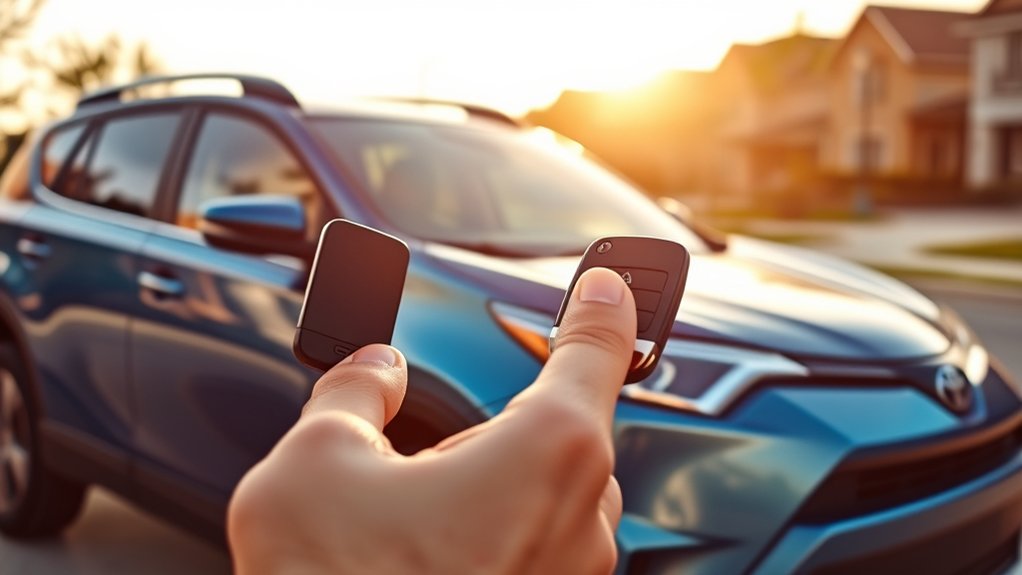
Using your key fob for remote start in the Toyota RAV4 Hybrid is simple, provided your Remote Connect subscription or trial is active.
The sequence is specific: Press the lock button twice, then press and hold a third time.
Key Fob Procedure Steps
To start your Toyota RAV4 Hybrid remotely with your key fob, follow these exact steps:
1. Press the Lock button.
2. Press the Lock button again (within 1 second).
3. Press and HOLD the Lock button for 3 seconds.
The hazard lights will flash, and the engine will start. Note: The engine will automatically shut off after 10 minutes or when you unlock the door.
Model Compatibility Overview
Even with the correct steps, compatibility depends on your hardware and subscription.
The RAV4 XSE and Limited models generally support this feature out of the box. However, Toyota’s “Remote Connect” service usually comes with a trial period (e.g., 1 year or 3 years).
Important: If your trial has expired, the key fob remote start method may stop working until you renew the subscription via the Toyota app. This applies even if you are using the physical key fob.
Troubleshooting Remote Start Issues
If you encounter issues with the remote start feature on your Toyota RAV4 Hybrid, check these common problems:
1. **Subscription Status:** Open your Toyota App and check if “Remote Connect” is active. If the trial expired, the fob will not start the car.
2. **Door Status:** Ensure all doors, the hood, and the trunk are fully closed and locked.
3. **Fuel Level:** Remote start will not work if the fuel level is extremely low.
4. **Battery:** Check your key fob battery.
Testing these factors will usually resolve the issue. If you are in an LE model, double-check that you actually have the factory system installed, as many do not.
Testing Your Remote Start Feature: What to Look For
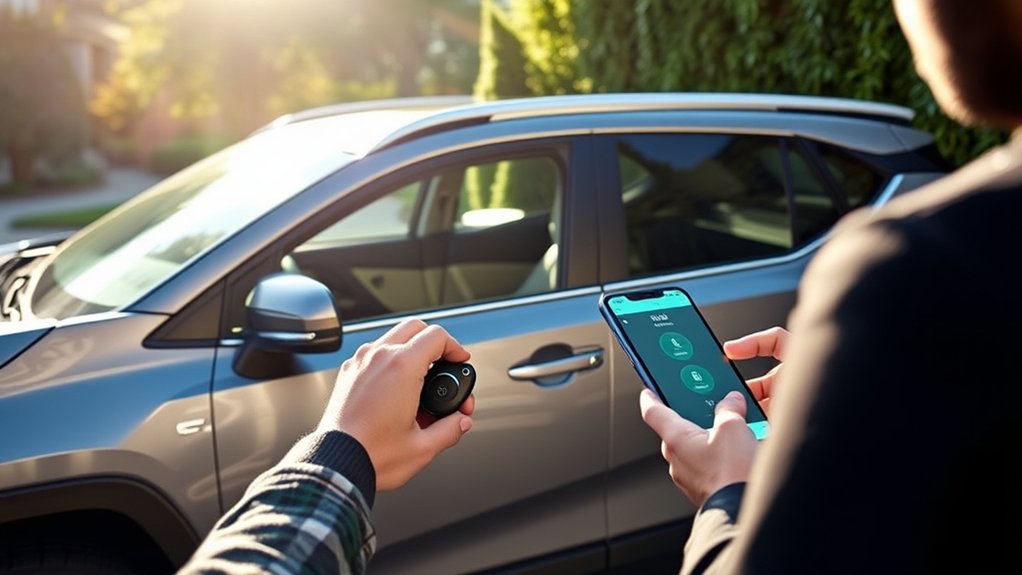
To verify your Toyota RAV4’s remote start feature, stand within range (about 80 feet) and perform the Lock-Lock-Hold sequence.
Watch the turn signal lights. They should flash several times before the engine engages. If the lights flash but the car does not start, check your dashboard for warnings or check your app for subscription alerts.
For used car buyers: Always ask the seller to demonstrate this feature, as it confirms the vehicle has the necessary Audio Plus / Premium Audio hardware.
Community Insights: Share Your Remote Start Experiences
Many RAV4 owners use the remote start functionality daily. Community feedback highlights that the RAV4 Limited model offers the most consistent experience due to its standard equipment.
However, a common discussion point among owners is the subscription requirement. Many owners are surprised when the feature stops working after their 1-year trial ends. Checking forums and owner groups can help you understand the specific trial periods for your model year.
What You Need to Know About Remote Start in the RAV4 Hybrid
Remote start in the RAV4 Hybrid is a fantastic convenience feature, but it is complex due to the mix of hardware packages and software subscriptions.
To summarize:
* **Hardware:** You generally need the Audio Plus or Premium Audio package (Large Screen).
* **Software:** You need an active Remote Connect trial or subscription.
* **Trim:** Standard on Limited; Optional on XLE/XSE; Rare on LE.
Related Guides
Frequently Asked Questions
Can I Install Remote Start on a Non-Supported RAV4 Hybrid Model?
Yes. If your RAV4 (such as an LE trim) did not come with factory remote start, you can install a reliable aftermarket kit. These kits often use your existing key fob (Lock-Lock-Hold) and do not require a monthly subscription.
Does Remote Start Affect My Hybrid’s Fuel Efficiency?
Yes, idling the car to warm it up uses fuel (or battery charge), which will slightly lower your MPG. However, for many drivers, the comfort of a climate-controlled cabin is worth the small cost.
Is Remote Start Available in Older RAV4 Hybrid Models?
2019 and newer RAV4 Hybrids (Gen 5) introduced the connected services remote start. Older models (2018 and prior) generally require an aftermarket installation to get this feature.
Are There Any Safety Concerns With Using Remote Start?
The system is designed to be safe. The doors remain locked while the engine runs, and the car will shut off as soon as a door is opened or if the brake pedal is pressed without the key inside.
How Far Can I Be From My RAV4 Hybrid to Use Remote Start?
If using the **Key Fob**, the range is about 80 feet. If you are using the **Toyota App** (via Remote Connect), you can start the car from virtually anywhere as long as both your phone and the car have a cellular signal.
Conclusion
To sum up, the Toyota RAV4 Hybrid offers a convenient remote start feature, provided you have the right trim and subscription. Whether you use the app for long-range starting or the key fob for quick access, it ensures your vehicle is ready when you are. Just remember to check your Remote Connect status if the feature suddenly stops working!
