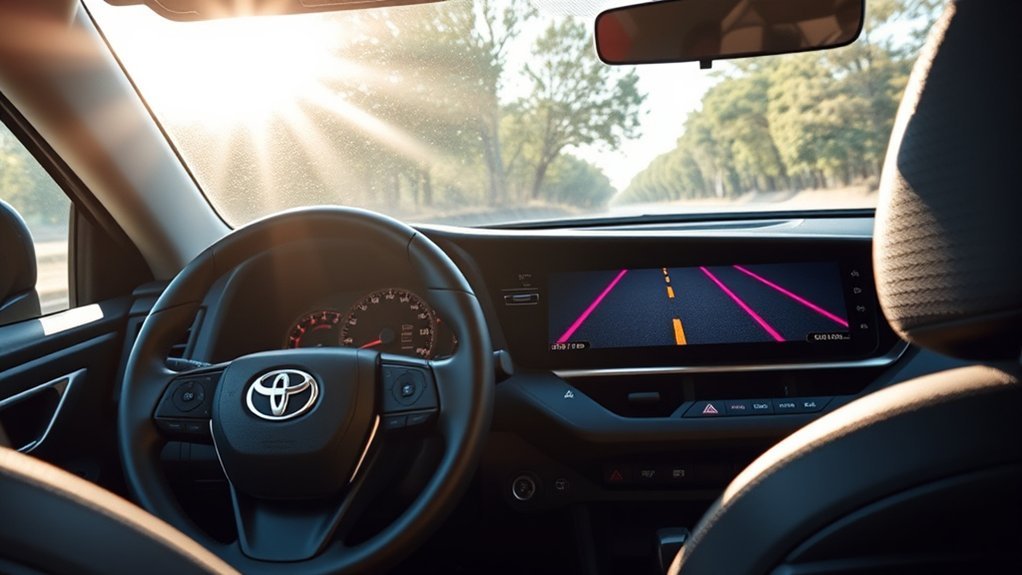
Toyota RAV4 Lane Tracing Assist can reduce the steering effort needed to stay near the center of a clearly marked lane, but it only provides lane-centering support when Dynamic Radar Cruise Control is operating and the system can identify the lane or a suitable vehicle ahead. The driver must remain attentive, keep control of the steering wheel, and be ready to intervene.
Quick Answer
Press the Lane Tracing Assist button on the right side of the steering wheel to turn the system on. For active lane centering, also engage full-speed-range Dynamic Radar Cruise Control. Use the steering-wheel controls and Multi-Information Display to adjust Lane Departure Alert timing, lane centering, and Sway Warning settings.
Key Takeaways
- Lane centering works with full-speed-range Dynamic Radar Cruise Control; turning on LTA alone does not guarantee continuous centering.
- The High and Standard sensitivity choices change Lane Departure Alert timing, not the strength of the lane-centering steering.
- Sway Warning detects repeated swaying or inattentive steering patterns; it is different from the warning for crossing a lane line.
- Faded markings, glare, rain, snow, road construction, sharp curves, and a blocked windshield camera can temporarily limit operation.
- The system is a driver aid, not autonomous driving. Keep your hands on the wheel and your attention on the road.
At a Glance
| Time Required | About 1–3 minutes |
| Difficulty | Easy |
| Tools Needed | Steering-wheel LTA switch and Multi-Information Display controls |
| Cost | No cost; Toyota Safety Sense 2.5 is standard on 2025 U.S.-spec RAV4 models |
Note: These instructions apply to the 2025 U.S.-spec Toyota RAV4 generation. The redesigned 2026 RAV4 uses Toyota Safety Sense 4.0 and a different display configuration, so its menus and system behavior may differ. Always confirm the instructions in the manual selected for your exact model year and vehicle.
What Is Lane Tracing Assist in the Toyota RAV4?

Lane Tracing Assist, commonly shortened to LTA, is one of the driver-assistance features included in the 2025 RAV4’s standard Toyota Safety Sense 2.5 package.
When full-speed-range Dynamic Radar Cruise Control is operating, LTA can use visible lane markings and information about a preceding vehicle to provide gentle steering assistance. Its purpose is to help the driver maintain a suitable position within the current lane, particularly during highway driving.
LTA does not drive the RAV4 by itself. It cannot reliably handle every curve, lane split, construction zone, road edge, or weather condition. The driver remains responsible for steering, braking, choosing a safe speed, watching surrounding traffic, and obeying road laws.
Warning: Never treat Lane Tracing Assist as a hands-free or autonomous-driving system. Keep your hands on the steering wheel, watch the road continuously, and take immediate control whenever the vehicle’s path, traffic, or road conditions require it.
How Does Lane Tracing Assist Work?
The RAV4 uses a forward-facing camera near the top of the windshield and radar mounted toward the front of the vehicle. When operating conditions are met, the system processes visible lane markings, road boundaries, and information about vehicles ahead.
Several related features work together, but they do different jobs:
| Feature | What It Does | Main Requirement |
|---|---|---|
| Lane Tracing Assist | Coordinates the lane-support functions and can help follow the detected lane or vehicle path. | System switched on and recognition conditions satisfied. |
| Lane centering | Applies ongoing gentle steering assistance to help keep the vehicle near the center of its lane. | Full-speed-range DRCC must be operating. |
| Lane Departure Alert | Warns when the RAV4 appears to leave a detected lane unintentionally. | Usually operates above approximately 32 mph when a lane or road edge is detected. |
| Steering Assist | May provide a brief corrective steering input after an unintended departure is detected. | LDA operating conditions must be met. |
| Sway Warning | Looks for repeated swaying or steering behavior that may suggest reduced attention. | Sway Warning enabled and its operating conditions met. |
Lane centering can become temporarily unavailable even while the LTA indicator remains on. For example, the system may be switched on but waiting because DRCC is not active, lane lines cannot be recognized, or another operating condition is not satisfied.
How to Activate and Deactivate Lane Tracing Assist While Driving

The dedicated LTA switch is on the right side of the steering wheel. You can use it to switch the LTA system on or off without opening the settings menu.
- Start the RAV4 and check the instrument cluster. Make sure no camera, radar, steering, or Toyota Safety Sense malfunction warning is displayed.
- Press the LTA switch. The LTA indicator should appear in the Multi-Information Display.
- For lane centering, activate full-speed-range DRCC. Set a suitable cruising speed and confirm that the system recognizes the lane or a preceding vehicle.
- Check the steering-assist display. Detected lane lines and the steering-assist indicator show whether assistance is available or operating.
- Press the LTA switch again to turn the system off. On this RAV4 generation, switching off LTA also disables the associated Lane Departure Alert functions.
| Display State | Typical Meaning | What to Do |
|---|---|---|
| LTA indicator visible | The LTA system is switched on. | Do not assume lane centering is active; check the lane and steering-assist graphics. |
| Solid lane lines | The system has detected the lane markers or road edge. | Continue steering and monitoring the road. |
| Outlined or dim lane lines | Lane markers are not detected or assistance is temporarily unavailable. | Steer manually and wait for detection to return. |
| Steering-assist indicator active | Steering support is currently being provided. | Keep a light but secure grip and remain ready to override it. |
| Lane line flashing orange | The vehicle is departing toward that side. | Correct the vehicle’s path after checking surrounding traffic. |
Pro Tip: Test LTA for the first time on a dry, clearly marked, lightly traveled road. That makes it easier to learn the indicator states without relying on the system in a difficult situation.
Accessing Lane Tracing Assist Settings on the 12.3-Inch Display
The 12.3-inch digital gauge cluster is an instrument-panel display, not the center multimedia touchscreen. Use the directional and OK buttons on the steering wheel to open its settings.
Navigating the Settings Menu
- Park the vehicle in a safe place before changing detailed settings.
- Use the steering-wheel arrow buttons to select the gear-shaped settings icon in the Multi-Information Display.
- Scroll to LTA.
- Press and hold OK to open the LTA customization screen.
- Select the setting you want to change, such as Sensitivity, Sway Warning, Sway Sensitivity, or Lane Center.
- Press OK to change or confirm the selection.
- Use the Back button to return to the previous screen.
The exact icon layout can vary with the selected gauge-cluster theme, but the settings remain inside the MID’s driver-assistance menu.
Adjusting Sensitivity Options
The setting labeled Sensitivity changes the timing of Lane Departure Alert:
- High: Designed to warn approximately before the front tire crosses the detected lane marker.
- Standard: Designed to warn approximately when the front tire crosses the detected lane marker.
This selection does not make lane-centering steering stronger or weaker. It changes when the departure warning is expected to occur.
Sway Warning has separate controls. You can switch the warning on or off and adjust its sensitivity independently.
Accessing Lane Tracing Assist Settings on the 7-Inch Display
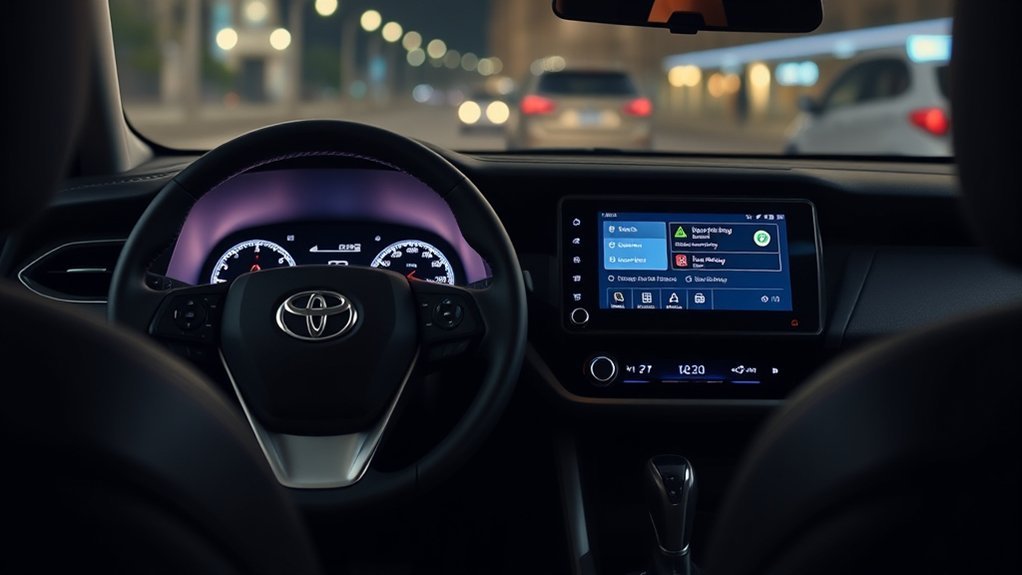
The 7-inch Multi-Information Display uses the same general LTA options as the 12.3-inch cluster, although the graphics and menu layout are more compact.
Navigating Display Settings
- Use the steering-wheel arrow buttons to move to the gear-shaped settings tab.
- Press OK to enter the menu.
- Scroll to LTA.
- Press and hold OK to open the detailed settings.
- Use the up and down buttons to highlight the desired option.
- Press OK to change it, then use Back to exit.
Make detailed menu changes while parked. The dedicated LTA switch remains the quickest way to turn the system on or off.
Adjusting Sensitivity Levels
Select Sensitivity to choose between High and Standard Lane Departure Alert timing. Choose High if you prefer an earlier warning near the lane boundary. Choose Standard if you prefer the alert closer to the point where the front tire reaches the detected line.
For Sway Warning, select Sway Sensitivity and choose the available level that best matches your preference. A more sensitive setting can produce alerts sooner or more often, but it does not improve the camera’s ability to see poor lane markings.
Activating Lane Tracing Assist
Press the LTA switch on the steering wheel to activate the system. The indicator confirms that LTA is switched on, but active lane centering also requires full-speed-range DRCC and suitable recognition conditions.
If the LTA symbol is visible but you do not feel steering support, check whether DRCC is operating and whether the lane lines in the MID are shown as detected.
How to Adjust Lane Tracing Assist Sensitivity
The phrase “LTA sensitivity” can be misleading because the RAV4 provides more than one adjustable warning setting. Use the following process to change the correct option:
- Open the gear-shaped settings menu in the Multi-Information Display.
- Select LTA and press and hold OK.
- Select Sensitivity to adjust Lane Departure Alert timing.
- Choose High for an earlier warning or Standard for the normal warning timing.
- Select Sway Sensitivity separately if you want to change how readily the Sway Warning responds.
- Select Lane Center if you want to enable or disable the DRCC-linked lane-centering function without changing the other alerts.
- Press OK to confirm each change.
Note: Alert sensitivity does not control steering force. If the RAV4 seems to steer too late, wander, or move from side to side, changing the alert-timing setting may not correct that behavior.
Lane Tracing Assist Sway Warnings Explained
Sway Warning is designed to detect patterns such as repeated lane movement, gentle swaying, or changes in steering behavior that may suggest reduced driver attention. When the system identifies a qualifying pattern, it can sound a buzzer and display a warning or rest suggestion in the Multi-Information Display.
This is different from Lane Departure Alert. LDA responds when the vehicle appears likely to cross a detected lane boundary unintentionally. Sway Warning evaluates a pattern over time rather than one isolated movement.
You can turn Sway Warning off or change its sensitivity through the LTA settings menu. Even at the most responsive available setting, it may not warn in every case. Road shape, lane width, speed, steering input, and the quality of the detected markings all affect operation.
When Lane Tracing Assist May Not Work as Expected
LTA may reduce assistance, cancel temporarily, or misread the available path when the camera or radar cannot build a reliable view of the road. Common conditions include:
- Faded, missing, temporary, double, or conflicting lane markings
- Construction zones, lane merges, exits, toll areas, and intersections
- Sharp curves, steep rises, dips, or roads with unusual banking
- Snow, standing water, dirt, shadows, glare, fog, or heavy rain
- A dirty, fogged, iced, damaged, or obstructed windshield near the camera
- Bright light shining directly into the camera
- Following another vehicle too closely to see the lane clearly
- Very wide, narrow, or poorly defined lanes
- Worn tires, incorrect tire pressure, strong crosswinds, or an uneven road surface
- Recent windshield, wheel-alignment, suspension, steering, or collision repairs that require inspection or calibration
When a condition improves, the function may restore itself automatically. Continue steering manually rather than waiting for assistance to return.
Toyota RAV4 Lane Tracing Assist Troubleshooting
If LTA is switched on but the RAV4 is not centering, work through these checks in order:
- Confirm DRCC is active. Lane centering does not operate when full-speed-range Dynamic Radar Cruise Control is not operating.
- Check the MID lane graphics. Outlined or dim lane lines usually mean the system is not detecting the lane or is temporarily unavailable.
- Verify Lane Center is enabled. Open the LTA settings and confirm the Lane Center option has not been switched off.
- Clean the windshield camera area. Remove dirt, condensation, ice, stickers, mounts, or objects that block the camera’s view.
- Inspect the front radar area. Snow, mud, damage, or accessories near the grille can interfere with radar operation.
- Try a clearer road. Test on a straight, dry road with bright, continuous lane markings.
- Check for warning messages. Follow any instructions shown in the MID rather than repeatedly cycling the switch.
- Restart only after stopping safely. Turning the vehicle off and back on may clear a temporary software state, but it will not correct blocked sensors, damage, or calibration problems.
- Arrange professional inspection when necessary. Have a Toyota service department inspect the system if warnings remain, the windshield was replaced, the vehicle was in a collision, or steering behavior is consistently abnormal.
Warning: Do not test whether LTA will recover by releasing the steering wheel or allowing the RAV4 to approach another lane. Maintain control and troubleshoot only when it is safe to do so.
Tips for Maximizing Lane Tracing Assist Benefits
- Use it in suitable conditions. Clearly marked highways generally provide better recognition than construction zones or narrow local roads.
- Set DRCC before expecting lane centering. The LTA switch alone does not activate continuous lane-centering support.
- Keep the camera area clean. Clean the windshield normally without attaching stickers, dash-camera mounts, or decorations in front of the camera.
- Use the turn signal for intentional lane changes. Signaling helps prevent an intended movement from being treated as an unintended departure.
- Watch the indicator graphics. They tell you more than the main LTA icon about whether the lane is detected and steering assistance is operating.
- Choose alert timing for comfort, not dependence. High may warn earlier; Standard may feel less intrusive. Neither setting makes the vehicle autonomous.
- Maintain tires and alignment. Correct tire pressure, even tread, and proper alignment help the RAV4 track predictably.
- Override the system whenever needed. Normal steering input takes priority when you need to avoid an obstacle, give another road user space, or choose a safer path.
An IIHS study associated lane-departure warning systems with 11% fewer relevant crashes after controlling for driver demographics and 21% fewer relevant injury crashes. Those results apply to lane-departure warning technology generally and should not be treated as a Toyota LTA-specific guarantee.
Key Differences Between Lane Tracing Assist and Lane Departure Alert
Lane Tracing Assist and Lane Departure Alert share sensors and controls, but their purposes are different.
Lane Tracing Assist with lane centering provides more continuous steering support to help the RAV4 follow the current lane while full-speed-range DRCC is operating.
Lane Departure Alert watches for an unintended departure from a detected lane or road edge. It can warn the driver and, when conditions allow, provide a brief corrective steering input.
In practical terms, LTA lane centering tries to support a stable path through the middle of the lane, while LDA responds when the vehicle approaches or crosses a boundary. Sway Warning is a third function that looks for repeated movement patterns associated with reduced attention.
The same steering-wheel switch controls the LTA system and its associated lane-departure functions on this RAV4 generation. Inside the MID menu, you can customize Lane Center, LDA alert timing, Sway Warning, and Sway Sensitivity separately.
Frequently Asked Questions
Is Lane Tracing Assist available on all 2025 Toyota RAV4 models?
Yes. Toyota Safety Sense 2.5 is standard on the 2025 U.S.-spec RAV4 lineup, and the package includes Lane Tracing Assist. Equipment can differ by model year, country, and vehicle specification, so owners of earlier or non-U.S. models should check their manual.
Can Lane Tracing Assist work in adverse weather?
It may provide assistance in light weather when the sensors and lane markings remain clear, but rain, snow, fog, glare, standing water, and covered markings can reduce or stop recognition. Steer manually whenever visibility or road conditions are poor.
How does Lane Tracing Assist affect fuel efficiency?
LTA is designed for driving support, not fuel savings. Any indirect effect from smoother steering would normally be too small and inconsistent to promise a measurable fuel-economy improvement. Speed, acceleration, tire pressure, weather, traffic, and climate-control use have much greater effects.
Will Lane Tracing Assist function at all speeds?
No single speed range applies to every LTA-related function. Lane Departure Alert generally requires speeds above approximately 32 mph, while lane centering follows the operating conditions of full-speed-range DRCC. Sensor recognition, lane visibility, road shape, and other conditions also determine whether assistance is available.
Is there a way to turn Lane Tracing Assist off completely?
Yes. Press the LTA switch on the steering wheel to turn the LTA system and associated Lane Departure Alert functions off. You can also leave LTA enabled while switching Lane Center or Sway Warning off individually through the Multi-Information Display settings.
Why is the LTA light on when the RAV4 is not steering?
The light can show that the system is switched on even when lane centering is standing by. Confirm that DRCC is operating, Lane Center is enabled, and the display shows detected lane lines or a trackable preceding vehicle.
Can I take my hands off the wheel while LTA is operating?
No. The 2025 RAV4’s Lane Tracing Assist is a hands-on driver-assistance system. Keep control of the wheel, monitor traffic continuously, and respond immediately to prompts or changing road conditions.
Conclusion
Toyota RAV4 Lane Tracing Assist is most useful when its limits are understood. Switch LTA on with the steering-wheel button, activate full-speed-range Dynamic Radar Cruise Control when you want lane-centering assistance, and confirm the system’s status through the MID lane and steering indicators.
Use High or Standard to adjust Lane Departure Alert timing, manage Sway Warning separately, and do not expect a menu setting to overcome poor markings or difficult weather. Above all, treat every steering input as assistance rather than control: keep your hands on the wheel, stay alert, and steer manually whenever the safest path differs from the one the system detects.
Sources
- Toyota USA Newsroom: 2025 Toyota RAV4 — confirms Toyota Safety Sense 2.5 and the 7-inch and 12.3-inch instrument-display availability.
- Toyota Safety Sense Overview — explains the relationship between Lane Tracing Assist, Dynamic Radar Cruise Control, and Lane Departure Alert.
- Toyota 2025 RAV4 Manuals and Warranties — official location for model-specific owner documentation.
- Toyota RAV4 Quick Reference Guide — documents the controls, display states, High and Standard LDA sensitivity, Sway Warning, and DRCC-linked lane centering for this RAV4 generation.
- Insurance Institute for Highway Safety: Lane Departure Warning Crash Study — supports the qualified lane-departure safety statistics.

