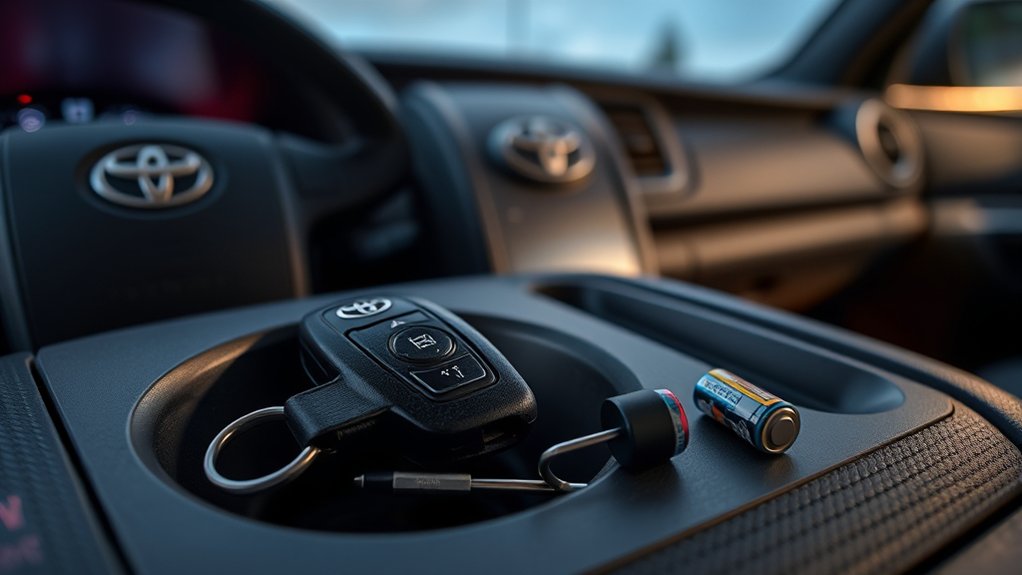
A Toyota Tacoma key fob that suddenly stops locking, unlocking, or starting the truck usually has a simple cause. A weak coin-cell battery, incorrect battery installation, signal interference, physical damage, or a weak truck battery can all produce similar symptoms. Test the problem in a set order before buying a new fob or paying for programming.
Last updated: July 13, 2026
Quick Answer
Start with the spare fob, then replace the coin-cell battery with the exact type printed on the old battery or listed in your Tacoma owner’s manual. Check polarity, case fit, interference, and the truck’s 12-volt battery. A normal battery change usually does not require reprogramming; new or replacement fobs often do.
Key Takeaways
- Match the replacement battery to the number printed on the old cell or specified in the exact model-year manual.
- A routine battery replacement normally does not erase the fob’s registration.
- One failing fob usually points to the fob; multiple failing fobs may indicate interference, low vehicle voltage, or a truck-side fault.
- Smart-key models have a mechanical key and a backup starting method for a depleted fob battery.
- Keep removed coin cells away from children and recycle them according to local battery rules.
At a Glance
| Time Required | 10 to 30 minutes for basic testing and battery replacement |
| Difficulty | Easy for battery replacement; moderate for diagnosis |
| Tools Needed | Small flathead screwdriver, taped coin or plastic pry tool, correct coin-cell battery, and dry lint-free cloth |
| Cost | Usually limited to the replacement battery; professional programming or vehicle diagnosis costs extra |
Common Toyota Tacoma Key Fob Symptoms
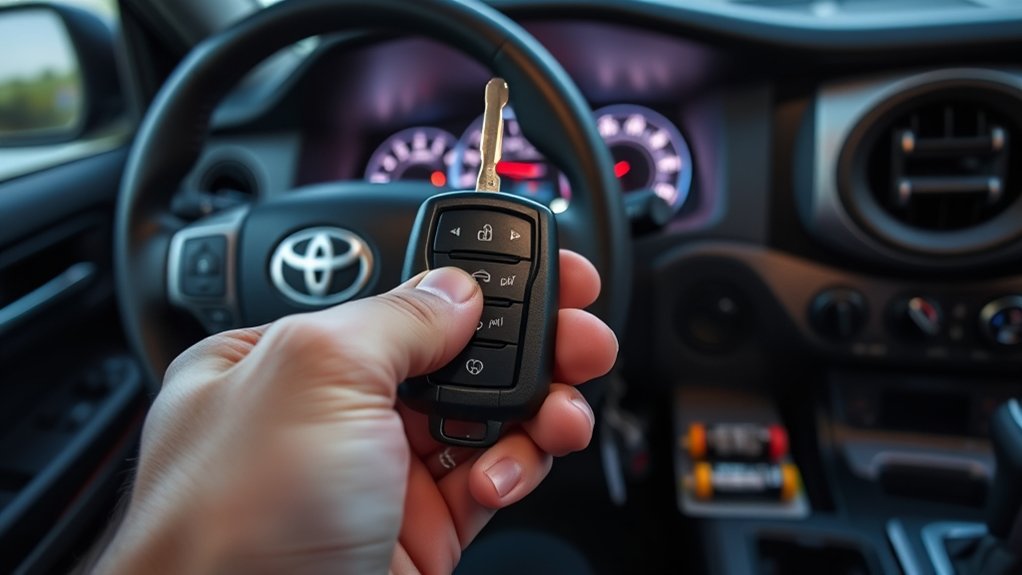
Your Tacoma may use a conventional remote key, a smart key with push-button start, or another model-specific design. The battery, emergency procedure, and programming requirements can differ between these systems.
Start by matching the symptom to its most likely causes:
| Symptom | Likely Causes | First Check |
|---|---|---|
| Range has gradually decreased | Weak fob battery or interference | Install the correct fresh battery and retest in an open area |
| Buttons do not work, but the spare fob works | Dead battery, worn button, damaged case, or internal fob fault | Inspect and replace the battery in the affected fob |
| Neither registered fob works | Weak truck battery, interference, disabled system, fuse, lock-system fault, or receiver problem | Check the interior lock switch and the truck’s 12-volt battery |
| Remote works only after several presses | Weak battery, worn button pad, or cracked solder joint | Replace the battery, then inspect the housing and buttons |
| Smart key is not detected for starting | Weak fob battery, interference, weak vehicle battery, or smart-key system fault | Try the backup start method and test the spare fob |
Pro Tip: Test the spare registered fob before opening anything. If the spare works normally, the problem probably sits inside the first fob. If both fail in the same place and at the same time, check the truck and its surroundings.
How to Check and Replace Your Key Fob Battery
Do not choose a replacement battery by vehicle name alone. Open the fob and read the code stamped on the old battery, then confirm it in the owner’s manual for your exact model year and key type.
For example, the 2022 Toyota Tacoma Owner’s Manual specifies a CR2016 battery for vehicles without a smart-key system and a CR2032 battery for vehicles with a smart-key system. Other model years or fob designs may differ. Use Toyota’s model-specific manuals portal when your fob does not match those examples.
Warning: A removed coin-cell battery can cause severe injury if swallowed. Keep the old and new batteries away from children and pets. Do not leave either battery loose on a table, floor, seat, or workbench.
Step 1: Identify the Fob and Battery
Photograph both sides of the fob before opening it. Remove the mechanical key first if your smart key has one. Read the battery number after opening the case and buy the same type from a reliable source.
Step 2: Open the Case Carefully
Place the buttons face down so the button pad and internal pieces stay in position. Use the mechanical key, a taped coin, a plastic pry tool, or the tool specified in your manual. Work around the intended seam without forcing the case.
Avoid pushing a screwdriver deep into the housing. It can scratch the circuit board, dislodge a component, or bend the battery contacts.
Step 3: Note the Battery Orientation
Before removing the battery, note which side faces upward. In Toyota’s 2022 Tacoma instructions, the positive side faces up for the covered remote and smart-key designs. Follow your own fob’s markings if they differ.
Step 4: Remove the Old Battery
Lift the cell from its edge without bending the retaining tabs. Do not scrape the circuit board or touch several components with a metal tool at once.
If you see loose dust, use a dry lint-free swab or soft brush. Heavy green or white corrosion, rust, or liquid residue usually calls for professional fob repair rather than additional liquid cleaner.
Step 5: Install and Test the New Battery
Insert the same battery type in the correct orientation. Make sure it sits flat under the retaining clips. Reassemble the case, reinstall the mechanical key, and test lock, unlock, panic, tailgate, and remote-start buttons that apply to your Tacoma.
Test the fob from a few feet away before checking its full range. If it works only when you squeeze the housing, the battery may not sit firmly or the case may be damaged.
Note: Replacing a depleted coin-cell battery normally does not erase a registered Tacoma key. You should not need to perform a programming sequence after a routine battery change.
Dispose of the Old Battery Safely
Cover the terminals with nonconductive tape or place the battery in a separate plastic bag. The U.S. Environmental Protection Agency recommends taking lithium coin cells to an appropriate battery recycler, participating retailer, or household hazardous-waste program instead of placing them loose in household trash or municipal recycling.
Do You Need to Reprogram the Key Fob?
A fresh battery and a newly registered key are different issues. A battery supplies power to a fob that the truck already recognizes. Programming or registration teaches the vehicle to recognize a replacement or additional key.
You may need key registration when:
- You bought a new replacement fob or transponder key.
- A used fob must be cleared and registered, if the hardware supports reuse.
- The vehicle lost key registration after a security-system or control-module repair.
- You are replacing a lost key and want the missing key removed from the vehicle’s memory.
- A qualified diagnostic test confirms a registration problem.
Do not use a generic door-opening and ignition-cycling sequence unless Toyota documentation for your exact year and key type provides it. Procedures that work on an older conventional remote may not work on a newer Tacoma smart key.
Late-model key registration may require Toyota-compatible diagnostic equipment, security authorization, or a qualified automotive locksmith. Bring every working key when arranging programming because the technician may need to verify or register all keys during the same visit.
Troubleshooting Tacoma Key Fob Problems in Order
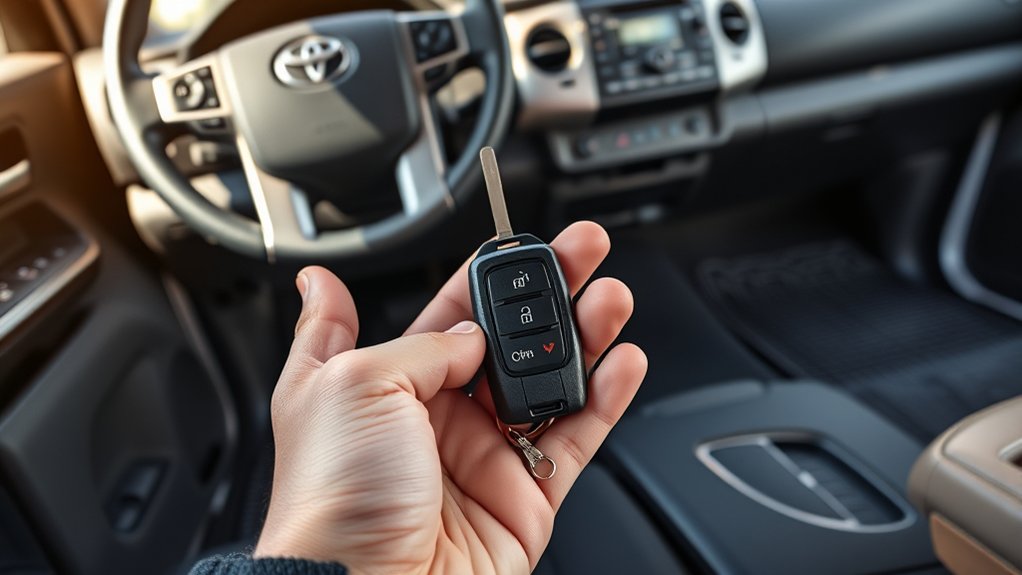
Follow this order to avoid replacing a working fob or paying for unnecessary programming.
1. Test the Spare Fob
Use the spare in the same location. One working fob strongly points to a battery, button, case, or circuit-board problem in the other fob.
If both fobs fail, move several yards away and test again. A problem that disappears after moving may come from local radio interference rather than the truck.
2. Check the Truck’s Interior Door-Lock Switch
Use the lock switch inside the cab. If the locks operate normally from the switch but not from either fob, focus on wireless communication, key registration, or the vehicle receiver.
If the interior switch also fails, the issue may involve the truck battery, a fuse, lock actuators, wiring, or the body-control system.
3. Check the Tacoma’s 12-Volt Battery
A weak truck battery can create smart-key, locking, lighting, and starting symptoms. Look for slow cranking, dim interior lights, clicking, repeated warning messages, or a horn that sounds weak.
Do not assume the fob has failed when the truck shows several low-voltage symptoms at once. Test or charge the 12-volt battery first.
4. Recheck the Coin Cell
Confirm that the battery code matches the old cell, the positive and negative sides face correctly, and the cell sits beneath the contacts. Remove any insulating sticker from a new battery before installation.
Check that the case closes fully and the rubber button pad aligns with the switches. A shifted pad can make one button fail while others continue to work.
5. Inspect for Physical or Water Damage
Look for a cracked shell, missing button cover, loose key blade, bent battery tab, or signs that the fob was dropped or crushed. Moisture can corrode the circuit board and create intermittent operation long after the fob becomes dry.
If the fob was submerged, remove the battery and avoid repeated button presses. A key specialist may be able to transfer an undamaged board or transponder into a new shell.
6. Try the Emergency Entry and Start Procedure
On a Tacoma smart-key model, remove the mechanical key from the fob and use it to unlock the driver’s door. The alarm may sound until the truck recognizes the electronic key.
For the 2022 Tacoma smart-key system, Toyota instructs you to place the transmission in Park, press the brake, touch the Toyota-emblem side of the electronic key to the engine switch, and then press the engine switch. Treat this as a temporary method and confirm the procedure in your exact model-year manual.
7. Arrange Professional Diagnosis
Contact a Toyota dealer or qualified automotive locksmith when:
- Both registered fobs fail after you rule out interference and low vehicle voltage.
- The interior door-lock switch also behaves incorrectly.
- The fob has severe corrosion or circuit-board damage.
- A new fob requires registration.
- The truck displays a persistent smart-key or security warning.
- The backup start method does not work.
A technician can test the fob’s radio output, inspect vehicle fault codes, verify registered keys, and diagnose the receiver or body-control system without guessing.
How to Resolve Key Fob Interference
Smart-key and remote-entry systems use radio communication. Nearby devices, metal objects, chargers, other electronic keys, and some buildings can reduce range or interrupt detection.
A fob that works normally after you move the truck or walk away from nearby electronics probably has an interference problem, not an erased key registration.
Use this controlled test:
- Move away from large antennas, security gates, power equipment, and dense electronic installations.
- Separate the fob from your phone, tablet, laptop, charger, wireless device, and other vehicle keys.
- Remove the fob from a metal bag, foil-lined pouch, or crowded key organizer.
- Hold the fob by itself and test it close to the driver’s door.
- Test the spare fob under the same conditions.
- Repeat the test at another location.
Do not remove dashboard, headliner, or windshield trim to search for a receiver. Antenna and receiver locations differ by model and equipment. Vehicle-side inspection belongs to a technician with the correct wiring information and diagnostic tools.
When to Replace Your Key Fob
Replace or professionally repair the fob only after confirming the battery type, polarity, case fit, and vehicle operation. A new shell may solve physical damage without replacing the registered electronics.
Signs of Key Fob Failure
- Only one fob fails while the spare works normally.
- A verified fresh battery does not improve range or button response.
- The case is cracked, warped, or unable to hold the battery securely.
- One or more buttons remain unresponsive because the button pad or internal switch has failed.
- The circuit board has corrosion, broken components, or visible liquid damage.
- The fob works only when squeezed, twisted, or held in a certain position.
- A key specialist confirms that the fob transmits no usable signal.
Do not replace the entire key solely because the plastic housing is worn. A qualified locksmith may be able to move the original electronics and transponder into a compatible replacement shell.
Battery Replacement Isn’t Working
When a new battery does not restore operation, check these points before buying another fob:
- Compare the replacement battery code with the removed battery.
- Confirm that the cell is not upside down.
- Check the battery’s expiration date and protective packaging.
- Make sure the retaining contacts touch the battery without being bent.
- Confirm that the circuit-board and button-pad pieces returned to their original positions.
- Close the case completely and test it away from interference.
- Try the spare fob and check the truck’s 12-volt battery.
A coin cell can show acceptable unloaded voltage and still perform poorly under use. Trying another fresh battery from a different package can rule out a defective or depleted replacement.
Multiple Fobs Malfunctioning Together
Two fobs failing together makes simultaneous battery failure less likely, though it remains possible if both batteries are old. Check the truck’s systems before replacing both keys.
Confirm that:
- The interior lock switch operates the doors.
- The truck’s 12-volt battery has adequate voltage.
- The fobs fail in more than one location.
- No recent repair disabled or disturbed the smart-key system.
- The vehicle starts with the backup recognition procedure, when equipped.
- Relevant fuses have not failed.
If both fobs remain unresponsive after these checks, arrange professional testing of the vehicle receiver, antennas, body-control system, and registered-key data.
Maintenance Tips to Prevent Key Fob Problems
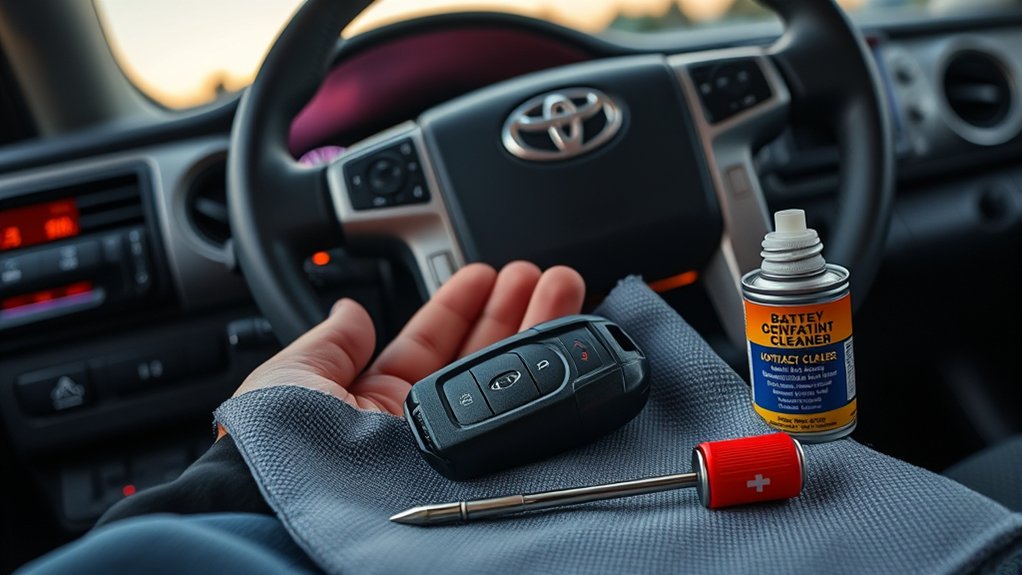
Simple handling habits can extend the life of your Tacoma key fob:
- Replace the battery when range decreases, the indicator light stops working, or the truck displays a low-key-battery warning.
- Use the exact battery type and avoid mixing loose coin cells in a drawer or console.
- Keep the fob dry and remove it from clothing before washing.
- Use a protective cover if the fob is regularly dropped or carried with tools.
- Do not store a smart key directly beside a phone, computer, induction appliance, or battery charger for long periods.
- Keep a working spare key in a secure location outside the truck.
- Test the spare several times a year so you discover a weak battery before an emergency.
- Keep the mechanical key blade accessible and learn where the concealed door-key slot is located.
Toyota states that the standard battery life for the smart-key type covered by its 2022 Tacoma manual is approximately one to two years. Actual life can vary with storage conditions, temperature, signal activity, and use, so replace the battery based on symptoms rather than a rigid schedule.
Frequently Asked Questions
Why is my Toyota Tacoma key fob suddenly not working?
A depleted coin cell is the most common starting point, but incorrect battery orientation, interference, water damage, a worn button, or a weak truck battery can produce the same symptom. Test the spare fob and interior door-lock switch before blaming the receiver.
Do you have to reprogram a Toyota key fob after changing the battery?
No, a routine coin-cell battery replacement normally does not erase a registered key. Programming may be required when adding a new fob, replacing a lost key, or repairing the vehicle’s security or key-registration system.
Why does my Tacoma key fob still not work with a new battery?
Check the battery number, polarity, contact pressure, button-pad alignment, and case closure. Then test another fresh battery, move away from electronic interference, try the spare fob, and inspect the truck’s 12-volt battery.
Why is my Tacoma remote lock not working?
The fob battery may be weak, the button may be damaged, or radio interference may block the signal. If neither fob works, test the interior lock switch and truck battery. A failed fuse, receiver, antenna, actuator, or body-control circuit may require professional diagnosis.
Can I start my Tacoma when the smart-key battery is dead?
Equipped Tacoma models provide a backup recognition method. On the 2022 Tacoma, press the brake, touch the Toyota-emblem side of the electronic key to the engine switch, and press the switch. Check your exact owner’s manual because the procedure can differ by year.
How can I tell whether the fob or the truck is faulty?
Compare both registered fobs. One working fob points to a problem in the other fob. If both fail, check for interference, test the interior lock switch, inspect the truck’s 12-volt battery, and have the vehicle system diagnosed if the problem remains.
Conclusion
Start with the easiest checks when your Toyota Tacoma key fob stops working. Test the spare, identify the exact battery, verify its orientation, and move away from possible interference. Check the truck’s 12-volt battery and interior lock switch when both fobs fail.
A normal battery replacement should not require reprogramming. Reserve key registration and receiver diagnosis for confirmed replacement-key or vehicle-side problems. Keep the mechanical key available, learn the backup start procedure for your model, and store used coin cells safely until you can recycle them.
Sources
- 2022 Toyota Tacoma Owner’s Manual — battery types, replacement steps, battery life, interference, mechanical-key entry, and emergency starting
- Toyota Tacoma Manuals and Warranties — access to model-specific Toyota owner documentation
- Toyota Technical Information System: Tacoma Owner’s Manual — official Toyota service-information reference
- U.S. Environmental Protection Agency: Used Household Batteries — coin-cell handling, terminal protection, and recycling guidance
