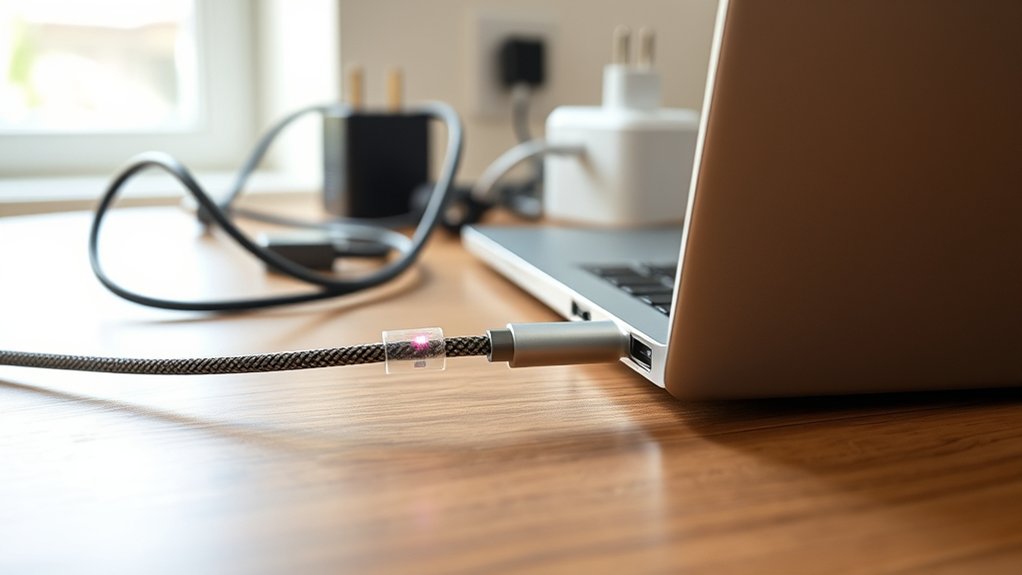
A laptop can charge through USB-C only if its USB-C port supports Power Delivery, since some ports handle data or video only. Buyers should confirm the laptop’s required wattage, usually 45W to 100W, and choose a PD charger and cable rated for that load. Certified cables and adapters help prevent heat, voltage drop, and unstable charging. USB-A is generally too weak for laptops. A few simple checks can prevent costly mistakes and charging problems.
Can Your Laptop Charge Through USB-C?
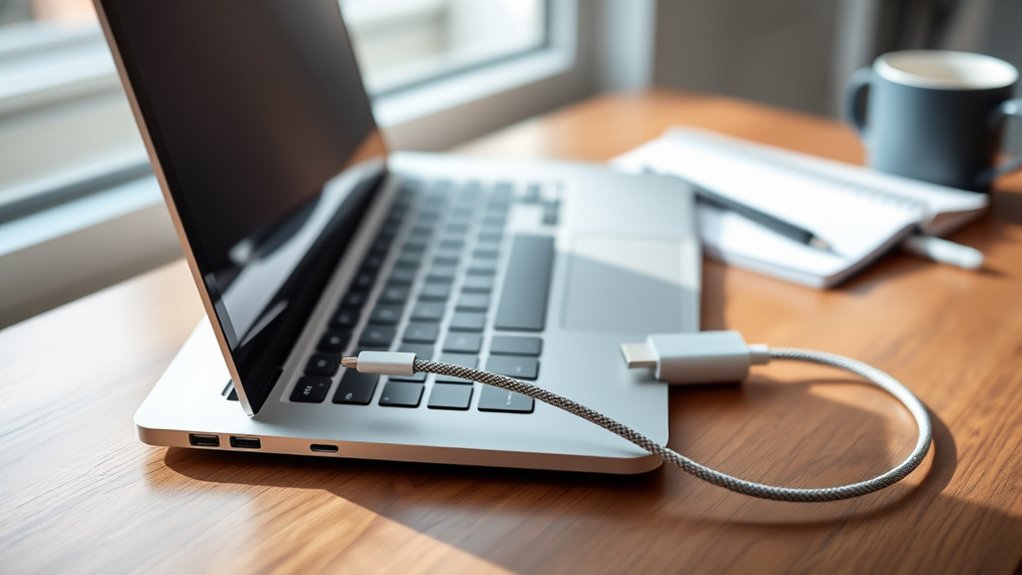
Whether a laptop can charge through USB-C depends on one key factor: support for USB Power Delivery. Without that standard, a USB-C port may handle data or video only, leaving users asking, “can this charge my laptop?” The practical answer comes from laptop specifications, not assumptions. Many manufacturers mark compatible ports with a lightning bolt icon, but the user manual remains the more reliable source of truth.
USB-C charging offers useful freedom because one charger can often serve a laptop, phone, and tablet. Still, compatibility is not enough; wattage matters. Most laptops need between 45W and 100W, depending on model and workload, so the charger must meet or exceed that requirement. A weak adapter may charge slowly or fail under use.
Cable quality also matters. A high-capacity USB-C cable helps guarantee stable power delivery, while a low-grade cable can limit performance and create unnecessary dependence on proprietary chargers and accessories.
See If Your USB-C Port Accepts Charging
The next step is to confirm that the specific USB-C port on the laptop is designed to accept power. A quick visual check often helps: many manufacturers place a lightning bolt symbol or a Power Delivery label beside the USB-C port to indicate charging capability. If no marking appears, the port should not be assumed to handle input power.
A more reliable method is to review the laptop’s specifications in the user manual or on the manufacturer’s website. This reveals whether the port supports power delivery and whether it provides enough wattage for charging.
Some USB-C ports exist only for data transfer or display output. Cable choice also matters, because a cable without the required specifications may limit charging even when the port supports it.
Older laptops deserve extra scrutiny, since a USB-C port alone does not guarantee compatibility. Careful verification prevents false assumptions and gives the buyer more control and freedom.
Match the USB-C Charger to Your Laptop
Once the port’s charging capability has been confirmed, the next step is to pair the laptop with a USB-C charger that meets its power requirements. A practical check begins with the laptop’s wattage, which for many models falls between 45W and 100W. The charger should match or exceed that figure, while also supporting Power Delivery for proper voltage negotiation and stable charging freedom. Input voltage and amperage listed in the laptop’s specifications should also align for full compatibility.
| Checkpoint | Why it matters |
|---|---|
| Wattage match | Prevents slow charging or power shortfall |
| PD support | Enables safe voltage communication |
A final filter is safety. Certified chargers reduce the risk of heat, instability, or long-term battery stress. Even with the right USB-C charger, reliable results also depend on a high-quality USB-C cable rated for higher wattage. This approach gives buyers more control and fewer charging limits over time.
Choose a USB-C Cable for Laptop Charging
Choosing a USB-C cable for laptop charging requires checking wattage support, Power Delivery compatibility, and safety ratings.
A suitable cable should be rated for the laptop’s required voltage and amperage, since low-capacity cables can cause slow charging, charging failure, or added risk.
In practice, cables from reputable brands that clearly state laptop-charging support tend to provide more reliable performance and safer operation.
USB-C Cable Wattage
Most laptops require a USB-C cable rated for at least 45W, while higher-performance and gaming models may need 100W or more for proper charging. This makes the USB-C cable’s wattage capacity a critical checkpoint before purchase. A cable built for phones or light accessories may limit charging methods, reduce speed, or fail entirely under laptop demand.
Liberation from unreliable charging starts with reading specifications carefully.
- Confirm the stated wattage capacity on the cable packaging or listing.
- Choose high-quality cables designed for USB Power Delivery operation.
- Match voltage and amperage requirements with the laptop manufacturer’s specifications.
Higher wattage support matters because not all USB-C cables handle sustained laptop power safely. Verifying ratings helps avoid weak performance, inconsistent charging, and preventable compatibility issues.
Careful selection gives users more freedom and confidence daily.
Power Delivery Support
Wattage ratings are only part of the picture, because a laptop charging cable also needs USB-C Power Delivery support to negotiate and deliver the required power safely. A proper USB-C cable with power delivery can typically handle up to 100W, which covers most laptops and supports stable operation.
Not every USB-C cable is built for higher power levels. Cables designed for PD are better equipped to carry the needed current, while basic versions may restrict charging speeds or fail to supply enough wattage. A 5A cable is generally the better choice for demanding devices.
Compatibility also matters: the laptop, charger, and cable should all support matching voltage and current profiles. This alignment gives users more freedom to charge efficiently, avoid bottlenecks, and maintain consistent performance across different setups and daily tasks.
Cable Safety Ratings
A safe USB-C cable for laptop charging should meet the Power Delivery standard and carry recognized safety certifications such as UL or CE. These cable safety ratings indicate the USB-C cable is built for higher power levels and lower risk of overheating or electrical faults when charging laptops.
Not every cable supports laptop demands, since many are intended for phones.
- Verify UL or CE marks before purchase.
- Prefer cables labeled for laptop use and Power Delivery.
- Choose 20 AWG when possible, and avoid unnecessary length.
A lower gauge wire handles more current efficiently, which supports stable charging laptops need. Length also matters: longer cables can introduce voltage drop and reduce performance.
Careful selection gives buyers more freedom from unreliable charging, weak cables, and avoidable safety compromises every day.
Use USB-C PD Adapters for Barrel-Charge Laptops
Consider a USB-C PD adapter when a laptop uses a barrel charging port but the available power source is USB-C. USB-C PD adapters can bridge that gap, converting USB-C power delivery into a barrel connector that matches the laptop’s input. This gives users more freedom to rely on modern chargers and power banks instead of proprietary bricks.
Selection requires careful attention to compatibility. The adapter must match the laptop’s power needs, especially output voltage and wattage, which often fall between 45W and 100W. Many laptops expect 19V or 20V, so a mismatch can interrupt charging or risk hardware stress.
Quality models are built for higher power levels without overheating, helping maintain stable, efficient operation. Safety certifications also matter, since they indicate protection against electrical faults that could damage the battery or system.
In practical terms, the right adapter expands charging options while respecting the technical limits of the device and preserving long-term reliability.
Don’t Expect USB-A to Charge a Laptop
USB-A ports are generally limited to about 4.5W to 12W, far below the 45W or more that most laptops need to charge or even maintain battery level.
Even if a USB-A connection fits physically, its older standard lacks the voltage and power delivery capability required, so charging is often extremely slow or does not work at all.
This is why USB-C to USB-C charging is the practical standard, since it can negotiate and deliver the higher wattage laptops require.
USB-A Power Limits
Most USB-A ports deliver only about 4.5W to 12W, while laptop charging typically starts around 45W and often climbs much higher. That gap defines the core power limits of USB-A ports: they provide insufficient power for reliable laptop charging, especially for modern laptops built around higher energy demands.
Gaming systems may draw 60W to 180W, making USB-A functionally irrelevant for this job.
- Typical USB-A output falls far below laptop needs.
- Older connectors cannot support the demands of modern laptops.
- Slow or ineffective charging risks stress on both charger and device.
For anyone seeking freedom from weak, outdated charging options, USB-A should be viewed as a legacy connector, not a practical solution.
In real-world use, it may barely maintain battery level, and often fails entirely.
Voltage And Wattage Mismatch
Even when a USB-A port appears to fit the task, its voltage and wattage profile does not align with what a laptop expects. Most USB-A connections deliver only 4.5W to 12W, while laptops usually need at least 45W to operate and charge your laptop reliably.
Gaming systems may demand 60W to 180W, creating an immediate mismatch.
The problem is not only wattage but also voltage. USB-A typically cannot supply the roughly 19V to 20V many laptops require, so charging may stall or fail entirely. Under load, the battery can still drain even while connected.
For dependable results and freedom from guesswork, users should compare manufacturer specifications and choose compatible power adapters. A charger supporting USB-C power delivery and meeting or exceeding the laptop’s required voltage and wattage is the practical standard.
Why USB-C Works
Look at the underlying power standard and the reason becomes clear: USB-C works for laptop charging because it supports USB Power Delivery, a protocol built to negotiate higher voltage and wattage with compatible devices.
- USB-A usually supplies 4.5W to 12W only.
- Laptops commonly need 45W and about 19–20V.
- USB-C ports can deliver up to 100W safely.
That difference matters. USB-A is limited to roughly 5V, so it cannot charge a laptop that expects higher power levels to run and replenish the battery.
By contrast, USB-C with power delivery lets the charger and laptop agree on the right profile for efficient, safe operation. The reversible connector adds convenience, but the real advantage is capability.
For users seeking fewer charger restrictions, USB-C creates more freedom across modern devices and travel setups today.
Avoid Low-Watt Chargers and Wrong Cables
A common cause of USB-C charging problems is using a charger or cable that cannot deliver enough power for the laptop. Basic models often need at least 45W, while gaming or performance systems may require 65W, 90W, or up to 100W. A low-watt charger, especially one below 30W, may connect successfully yet still charge slowly or allow battery drain during active use.
The cable matters just as much as the charger. Not all USB-C cables support high power delivery, and inadequate wattage handling can limit charging or create excess heat.
Before buying, the user should verify the laptop’s requirements and compare them with the specifications printed on the charger and cable packaging. Matching power delivery standards protects freedom from weak performance, wasted money, and avoidable hardware stress.
The wrong charger or cables can cause inadequate charging, overheating, and in some cases long-term damage to the battery or charging port over time.
Troubleshoot a Laptop That Won’t Charge by USB-C
Several checks can isolate why a laptop will not charge through USB-C. A practical troubleshoot sequence begins with the charger. The adapter must match the laptop’s wattage needs, often 45W to 100W; anything lower may supply power too slowly or not at all.
- Confirm the USB-C port supports Power Delivery, since some ports transfer data only.
- Inspect the cable for frays, bent connectors, or low-spec construction; use a quality USB-C to USB-C cable rated for the required power.
- Test the wall outlet with another device to rule out a dead socket or unstable current.
If those basics pass, attention should shift to the laptop’s battery health. System settings can reveal whether the battery is failing, draining unusually fast, or no longer holding a charge.
This method frees the buyer from guesswork and isolates whether the fault lies with the charger, port, cable, outlet, or the battery itself before replacing expensive hardware components.
Frequently Asked Questions
Is It Safe to Charge a Laptop Through USB-C?
Yes, it is generally safe to charge a laptop through USB-C when USB C compatibility, Power delivery, and Cable quality meet specifications. Device safety depends on correct wattage, while Charging speed varies by charger and laptop.
Can Any USB-C Be Used to Charge a Laptop?
No; not every USB-C cable or port can charge a laptop. USB C compatibility, Power delivery, Cable quality, Charging speed, and Device limitations determine whether charging works safely, efficiently, and with greater user freedom overall.
Should I Charge My Laptop When I First Get It?
Yes—before anything else, it should receive its first charge to 100%. That small step quietly shapes battery lifespan, charging habits, power settings, and laptop performance, giving the user more freedom and fewer problems later.
How Do I Know Which Charger to Buy for My Laptop?
One determines the right charger by checking laptop compatibility, required charger wattage, voltage, and power delivery support. Charging speed depends on cable quality. Brand recommendations should align with manufacturer specifications, ensuring safe, reliable, liberating everyday use.
Conclusion
Before buying, a shopper should confirm two coincidences: the laptop’s USB-C port must support charging, and the charger, cable, and wattage must all match that requirement. It is often the same simple mismatch—wrong port, wrong cable, wrong power—that causes most charging failures. Even when a laptop uses a barrel connector, USB-C PD adapters may still help. In practice, careful specification matching matters more than the USB-C label printed on the device or packaging alone.

