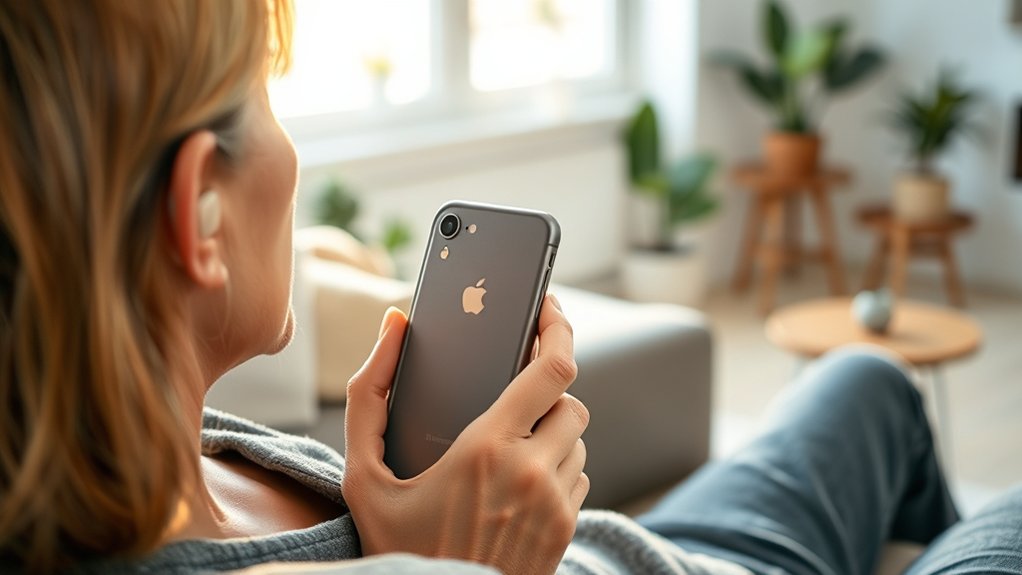
Phonak hearing aids, including models like Lumity and Audeo L90-R, are compatible with iPhones, allowing for direct audio streaming. User experiences show improved connectivity with newer iPhone models, but issues can arise with older versions. Proper pairing methods, such as ensuring Bluetooth is activated and restarting devices, are essential for peak performance. Firmware updates can enhance functionalities and resolve common problems. To explore additional insights and features, further investigation is recommended.
Understanding iPhone Compatibility With Phonak Hearing Aids
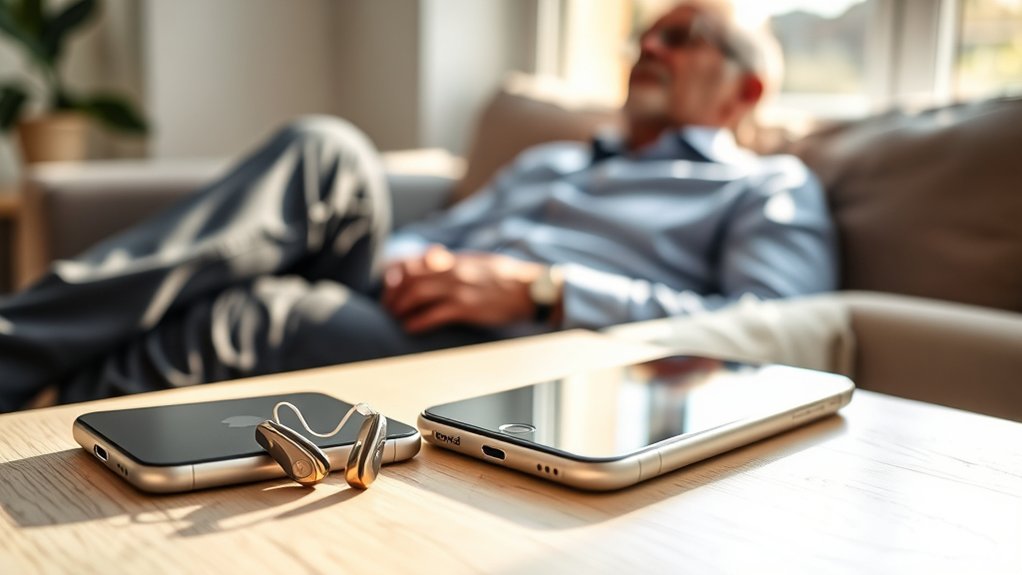
Understanding the compatibility between iPhones and Phonak hearing aids is essential for users seeking seamless audio experiences. Phonak hearing aids, including models like Lumity and Audeo L90-R, are engineered for broad compatibility with iPhones, although users have reported inconsistent connectivity, particularly with newer models such as the iPhone 16.
To enhance pairing success, it is vital that both the iPhone and hearing aids are updated to their latest firmware. Additionally, initiating the connection with the right hearing aid first, typically the right side, can improve Bluetooth pairing outcomes.
Phonak’s “Made for All” technology further extends accessibility, allowing these hearing aids to connect with a range of devices beyond iPhones. Community feedback highlights that newer iPhone models, including the iPhone 15 and 17, exhibit enhanced functionality with Phonak hearing aids, making them a favorable option for users seeking reliable audio integration.
Key Features of Phonak Hearing Aids for iPhone Users
Phonak hearing aids provide seamless Bluetooth connectivity, facilitating direct streaming from iPhones without additional accessories.
This integration allows users to customize audio settings through the myPhonak app, enhancing their listening experience.
Additionally, the ability to manage multiple Bluetooth connections guarantees flexibility for users with various devices.
Seamless Bluetooth Connectivity
Seamless Bluetooth connectivity is a hallmark feature of modern hearing aids, particularly for users of Apple devices. Phonak hearing aids, including the Lumity and Audeo series, provide effortless pairing with iPhones, enabling calls and audio streaming without additional accessories.
The myPhonak app enhances this experience through personalized adjustments and auto-pairing capabilities, ensuring quick and reliable connections. These devices support simultaneous connections to multiple Bluetooth devices, remembering up to eight while maintaining active links to two at once.
Users have noted successful pairing with newer iPhone models, such as the iPhone 15 and 17, demonstrating enhanced compatibility. For ideal Bluetooth hearing, it is advisable to connect one hearing aid first and allow the connection to stabilize before adding others.
Customizable Audio Settings
The integration of customizable audio settings in Phonak hearing aids enhances the overall listening experience for iPhone users. Through the myPhonak app, individuals can adjust sound profiles to match personal preferences and varying environments.
Features like Adaptive Sound Processing automatically modify audio settings based on surroundings, optimizing clarity in diverse situations. Users can fine-tune treble and bass levels and adjust volume for distinct listening programs, facilitating a tailored audio experience.
The app also allows the creation of multiple sound profiles, enabling seamless shifts between settings for activities such as phone calls, music streaming, or watching TV.
With direct streaming capabilities from iPhone, Phonak guarantees a liberated audio experience without the necessity for additional devices.
How to Successfully Pair Your Phonak Hearing Aids With an iPhone
Pairing Phonak hearing aids with an iPhone is a straightforward process that enhances the user experience by enabling direct audio streaming and phone calls. To begin, verify Bluetooth is activated in the iPhone’s settings. Restart the hearing aids by placing them in the charger for 10 seconds or pressing the lower button until the indicator changes from red to green. Once in pairing mode, look for the hearing aid name, typically R-Phonak or L-Phonak, in the Bluetooth list and select it to establish a connection. A successful pairing will be confirmed by a beep from the hearing aids.
| Step | Description |
|---|---|
| Enable Bluetooth | Activate in iPhone settings. |
| Activate Pairing Mode | Restart hearing aids and wait 3 minutes. |
| Confirm Connection | Listen for a beep to verify pairing. |
This process guarantees seamless connectivity and functionality.
Common Pairing Issues and Solutions
Maneuvering common pairing issues between Phonak hearing aids and an iPhone can greatly enhance user experience.
To guarantee successful connection, users must first confirm that the iPhone’s Bluetooth is enabled and that the hearing aids are in pairing mode, which typically lasts three minutes after restart. For rechargeable models, a brief placement in the charger or a button method can initiate a restart, while replaceable battery models require opening and closing the battery doors for five seconds.
It is essential to select the correct hearing aid from the Bluetooth list, identified as R-Phonak or L-Phonak, indicated by a beep.
Users frequently encounter common pairing issues when multiple Bluetooth devices are active; managing these connections can notably improve reliability.
Additionally, compatibility concerns with newer iPhone models warrant verification of user experiences and updates to guarantee ideal pairing before making a purchase.
User Experiences: Success Stories and Challenges
While many users have successfully paired Phonak hearing aids with newer iPhone models, experiences in the broader community reveal a spectrum of challenges and triumphs. Users report seamless connectivity with iPhone 15 and 17, highlighting improved compatibility.
Conversely, challenges often arise with older models, where outdated Bluetooth profiles hinder performance. A systematic approach to pairing—such as ensuring the hearing aid is powered on first—has proven beneficial in mitigating connectivity issues.
However, despite successful pairing, some users encounter audio distortion in noisy environments, leading to frustration. Community forums serve as valuable resources, where users share troubleshooting tips and personal success stories, fostering a supportive environment.
These user experiences illustrate that while technology offers liberation for many, maneuvering through the complexities of pairing can still present significant challenges.
Things to Consider Before Upgrading Your iPhone
Upgrading to a new iPhone can considerably enhance the user experience, but several essential factors must be considered, particularly for those using Phonak hearing aids.
First, compatibility with the latest iPhone models, such as the iPhone 16 or 17, is important, as they generally offer favorable pairing experiences with Phonak devices. Users should also investigate any known Bluetooth connectivity issues associated with specific iPhone versions, especially when older hearing aids are involved.
Furthermore, ensuring that hearing aids are updated to the latest firmware is critical for peak performance.
The pairing process can vary by model, so understanding the correct connection order and settings is significant for successful integration.
Finally, engaging with user communities or support resources can provide valuable insights into real-world compatibility experiences, aiding informed decision-making before upgrading to a new iPhone.
The myPhonak App: Enhancing Your Connectivity Experience
The myPhonak app considerably enhances the connectivity experience for users of Phonak hearing aids by offering a range of customizable features directly accessible from an iPhone. This powerful tool empowers users to optimize their auditory experience with ease and efficiency.
- Customize volume and program preferences effortlessly.
- Utilize auto-pairing functionality for seamless audio streaming.
- Receive firmware updates and troubleshooting support directly through the app.
- Make real-time adjustments to sound profiles based on environmental conditions.
- Monitor battery life and receive alerts for low battery status.
Through the myPhonak app, users gain control over their hearing aids, ensuring they remain tailored to their unique listening needs.
This integration not only fosters a more personalized experience but also promotes proactive management of hearing aid performance, liberating users from common connectivity challenges.
Alternative Hearing Aids That Work Well With iPhones
Exploring alternative hearing aids compatible with iPhones reveals a diverse selection of devices engineered for ideal connectivity and user experience.
Significantly, Made for iPhone (MFi) hearing aids like the Starkey Livio AI and Oticon Opn S provide seamless integration, featuring direct streaming capabilities and access to dedicated apps.
Made for iPhone hearing aids like Starkey Livio AI and Oticon Opn S ensure seamless integration and direct streaming capabilities.
Additionally, modern Bluetooth-compatible options such as the Phonak Paradise and ReSound ONE guarantee broad connectivity with iPhones, enhancing user satisfaction.
Reports indicate that users experience smooth pairing with iPhone models 15 and 17, emphasizing the importance of adhering to proper protocols.
Moreover, rechargeable hearing aids like the Signia Pure Charge&Go allow multi-device connectivity, enabling effortless shifts between audio sources, including iPhones.
These features collectively offer a liberating auditory experience, empowering individuals to enjoy high-quality sound and enhanced control over their hearing environments.
Staying Updated: Importance of Firmware and Software Updates
Maintaining compatibility between Phonak hearing aids and iPhones is heavily influenced by firmware and software updates. These updates are essential for ensuring peak performance and seamless connectivity. Users should prioritize staying informed about the latest versions for both devices to enhance their audio experience.
- Firmware updates can introduce new features and fix existing bugs.
- Regular software updates for iPhones can address Bluetooth connection issues.
- Ensuring both devices run the latest versions minimizes pairing problems.
- Updates help maintain high audio quality during streaming.
- Staying informed about updates from Phonak and Apple prevents compatibility issues with newer smartphone models.
Frequently Asked Questions
What Is the Best Phone for Someone Using a Phonak Hearing Aid?
The best phone for someone using a Phonak hearing aid is the iPhone 15 or 17, ensuring excellent hearing aid compatibility. These models provide seamless connectivity, enhancing the user experience for calls and audio streaming.
What iPhone Settings Affect Hearing Aid Use?
iPhone settings impacting hearing aid use include Accessibility Features, Bluetooth toggling, and software updates. Ensuring these elements are optimized allows users to experience enhanced auditory freedom and seamless connectivity with their Phonak devices.
Which Phonak Model Is Considered the Best?
The Phonak Lumity is often regarded as the best model, excelling in speech clarity in noisy environments. Model comparison reveals its advanced features enhance communication, catering to users seeking peak performance and liberation in their auditory experiences.
How to Connect Phonak to a New iPhone?
To connect Phonak hearing aids to a new iPhone, enable Bluetooth compatibility in settings, restart the hearing aids to enter pairing mode, select them from the Bluetooth list, and confirm successful connection with an audio beep.
Conclusion
In the domain of hearing enhancement, Phonak hearing aids stand as a bridge to the auditory world for iPhone users. By understanding compatibility, pairing techniques, and leveraging the myPhonak app, users can access a symphony of connectivity. As technology evolves, staying updated with firmware guarantees seamless integration, transforming daily interactions into vibrant conversations. With careful consideration, users can navigate their auditory journey, harmonizing their iPhone experience with the clarity that Phonak offers.
