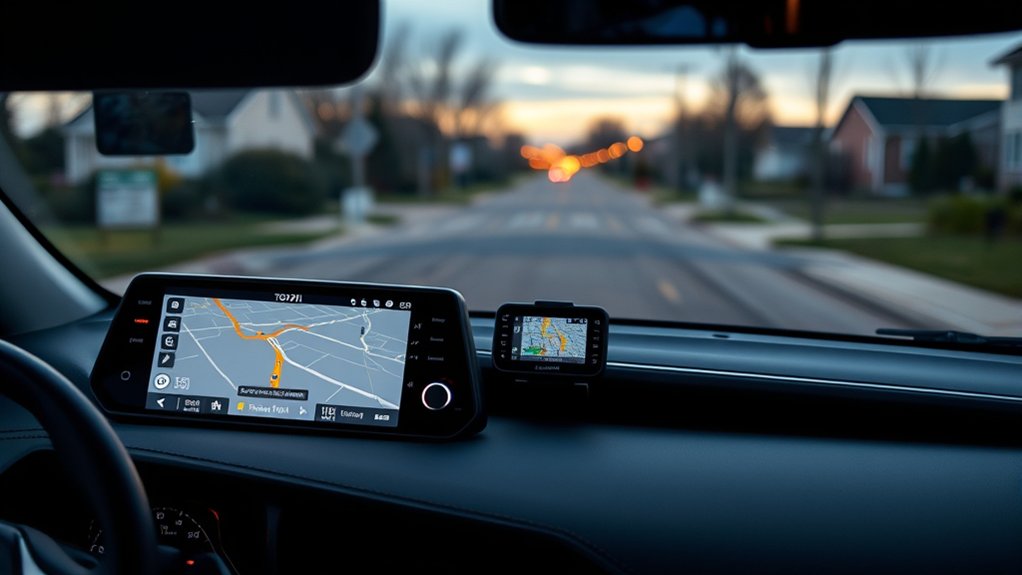
A Garmin GPS can be used in a 2023 Toyota RAV4, but it does not connect directly to the factory multimedia system for route syncing, traffic, or on-screen integration. It functions as a separate navigator with its own mount and power source. The RAV4 instead supports navigation mainly through Drive Connect or wired Apple CarPlay and Android Auto. Verifying the installed multimedia version helps confirm available options and prevents setup errors before exploring the best navigation path.
Can Garmin GPS Connect to a 2023 RAV4?
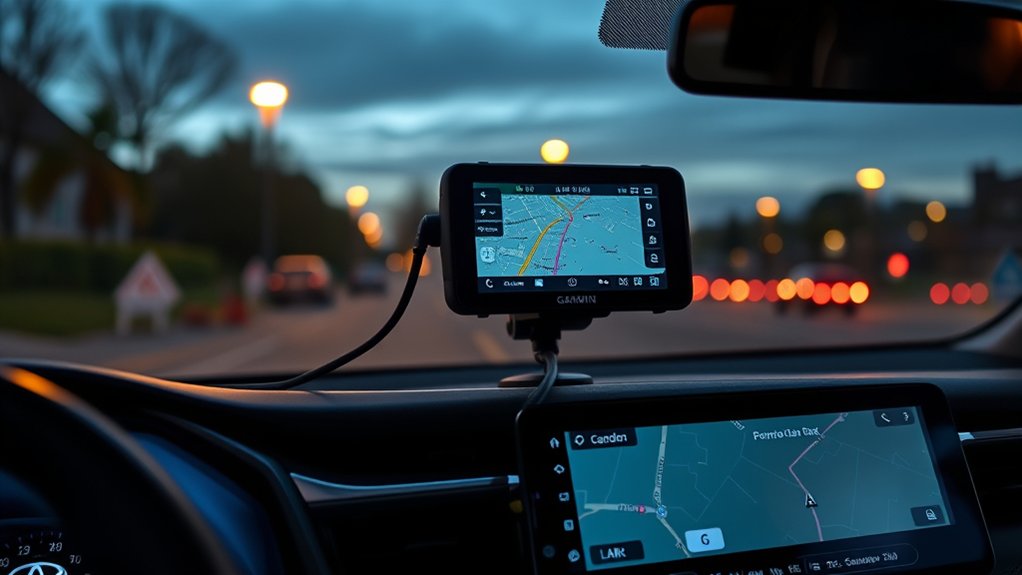
While a Garmin GPS device can be used in a 2023 Toyota RAV4, it does not directly connect to or integrate with the vehicle’s multimedia system.
Diagnostic review shows the platform is designed around smartphone projection, primarily Apple CarPlay and Android Auto, not native support for external Garmin GPS hardware. As a consequence, the vehicle neither mirrors Garmin mapping nor syncs routes, traffic data, or interface controls through the center display.
Operationally, a Garmin GPS remains a standalone navigator. It can be mounted in the cabin and powered independently, giving drivers a self-contained path outside Toyota’s software restrictions. This applies equally to the standard model and the RAV4 Hybrid.
However, no dedicated pairing feature exists, so functionality stays limited compared with compatible phone-based navigation apps. Update procedures are also separate: Garmin devices require Garmin Express on a computer rather than any update channel within the vehicle.
The system thus permits use, but not connection, synchronization, or deeper integration.
Which 2023 RAV4 System Do You Have?
System identification is the first diagnostic step, since the 2023 RAV4 uses multiple multimedia configurations with different connectivity behavior.
It must be determined whether navigation is provided by factory cloud-based services, smartphone apps through Android Auto or Apple CarPlay, or both.
Drive Connect subscription status should also be verified, because Garmin GPS compatibility may vary by installed system and active features.
Identify Multimedia Version
Before troubleshooting Garmin connectivity, the vehicle’s multimedia version should be verified through the settings menu under system information or by checking the owner’s manual. This step isolates whether the 2023 Toyota RAV uses the updated multimedia platform with cloud-based navigation, expanded connectivity, and app-linked vehicle controls.
Trim level can signal likely equipment, but confirmation must come from system data. A hybrid SUV such as the Hybrid XLE may carry features like real-time traffic updates, remote functions through a mobile app, and broader third-party compatibility.
However, capability varies by installed multimedia version, not badge alone. Accurate identification gives the driver freedom from guesswork and prevents wasted setup attempts. For Garmin use, the installed system version determines whether GPS-related integration options are limited, supported, or unavailable on the vehicle.
Factory Nav Or Apps
Once the multimedia version is confirmed, the next diagnostic step is to determine whether the 2023 Toyota RAV4 is operating through Toyota’s factory navigation or through smartphone-based apps such as Google Maps or Waze via Apple CarPlay or Android Auto.
This distinction governs Garmin expectations, because direct Garmin integration is not supported. The system is designed around internal software and connected phone platforms.
- Factory navigation uses Toyota’s interface and may deliver cloud-based traffic data.
- App-based navigation bypasses built-in routing, emphasizing App compatibility and familiar phone ecosystems.
- User preferences often favor third-party tools for flexibility, cost control, and perceived navigation accuracy.
The larger display and updated interface support either path, but diagnosis requires identifying which environment is actively generating routes before evaluating limitations, workflow, and practical freedom.
Drive Connect Status
A critical checkpoint is the vehicle’s Drive Connect status, because the 2023 Toyota RAV4’s updated multimedia platform separates basic onboard functions from subscription-based navigation services. This distinction determines whether the system operates as a standard interface or as a cloud-enabled navigation hub with expanded control layers.
Diagnosis begins with Subscription verification inside the Toyota account or infotainment menus. If Drive Connect is active, Drive Connect benefits may include real-time traffic, cloud-based route guidance, and certain remote-linked features.
If inactive, navigation capability may be limited to phone-based apps or reduced onboard functions. This status also affects whether Garmin integration is practical, redundant, or restricted by system design.
Identifying the exact multimedia configuration gives the owner cleaner choices, fewer assumptions, and greater independence from unclear dealer explanations and marketing claims.
Do You Need Drive Connect for Navigation?
The 2023 Toyota RAV4’s built-in navigation is commonly constrained without an active Drive Connect subscription, particularly for cloud-based routing and live traffic data.
CarPlay and Android Auto provide a practical alternative by allowing Google Maps or Waze to handle navigation functions without relying on Toyota’s subscription model.
This creates a straightforward cost-benefit comparison between paying for integrated system features and using free, phone-based navigation services.
Built-In Navigation Limits
Two navigation tiers apply in the 2023 Toyota RAV4: basic GPS functions remain available without a subscription, while an active Drive Connect plan is required for premium capability such as cloud-based routing and real-time traffic.
This creates clear subscription limitations. Without Drive Connect, the factory system still locates and guides, but feature depth is reduced and traffic intelligence is absent.
Diagnostic review shows subscription status directly affects route quality and responsiveness. For drivers seeking autonomy, practical navigation alternatives often appear more efficient.
- Basic onboard GPS works, but with restricted functionality.
- Drive Connect enables cloud navigation and live traffic data.
- User experiences frequently favor free apps for consistency.
CarPlay And Android Auto
Because smartphone projection bypasses Toyota’s subscription layer, the 2023 RAV4 can run Google Maps, Waze, and similar apps through Apple CarPlay or Android Auto without requiring Drive Connect for core navigation.
This gives drivers a direct, independent route to mapping, traffic data, and rerouting, separate from Toyota’s native system. CarPlay features make Google Maps especially seamless, while Android Auto commonly supports Waze with stable real-world results.
Diagnostic reports indicate that many owners favor these third-party tools over factory navigation because they are familiar, faster to update, and generally more reliable.
“Hey Toyota” voice behavior may differ by configuration, so command integration is not uniformly guaranteed. Even so, free smartphone navigation remains effective.
For users seeking Garmin alternatives, phone-based projection already supplies a practical escape path inside the RAV4 dashboard environment.
Subscription Cost Tradeoffs
For many 2023 RAV4 owners, the central cost question is whether Drive Connect adds enough navigation value to justify a recurring fee. A technical subscription value analysis shows that navigation remains possible without it through CarPlay, Android Auto, Google Maps, Waze, or Garmin alternatives.
User experience feedback indicates many drivers consider free app-based guidance sufficient, reducing dependence on Toyota’s paid layer.
- Functionality: Drive Connect may reveal added routing features and voice services.
- Expense: Ongoing fees raise total ownership cost beyond the vehicle purchase.
- Necessity: Basic guidance is often available through free third-party tools.
This cost benefit evaluation often favors liberation from subscriptions. Consumer sentiment repeatedly questions fee transparency and whether premium navigation solves problems unavailable through accessible, no-cost platforms already trusted for daily driving by most owners.
What Can Garmin Actually Do in a RAV4?
Several practical functions become available when Garmin is used with a 2023 Toyota RAV4. The system can read navigation data loaded through a prepared microSD card or USB drive, giving the vehicle access to current map files without dependence on factory subscriptions.
Garmin integration benefits include direct use of established Garmin navigation features, stronger mapping accuracy, and greater control over update timing. This arrangement supports drivers who prefer autonomy over locked service models.
Garmin integration gives RAV4 drivers sharper navigation accuracy and full control over updates without relying on restrictive service plans.
Garmin Express extends that utility by letting users manage and install map updates from a computer before transferring them to the RAV4 system. That process keeps route data current and reduces errors caused by outdated points of interest or road layouts.
Garmin’s cloud-based functions also add real-time updates for traffic conditions and road events, improving route decisions beyond static onboard maps. In practical terms, Garmin turns the RAV4 into a more self-directed navigation platform with fewer recurring costs overall.
How Do CarPlay and Android Auto Work in the RAV4?
Garmin-based navigation is only one path available in the 2023 Toyota RAV4, since the vehicle also supports Apple CarPlay and Android Auto for smartphone-based routing and media access. This expands smartphone integration beyond Toyota’s native system, giving drivers more control over navigation apps, media playback, and route data through the central display.
- Connection method: A compatible iPhone or Android device connects by USB, then projects supported apps onto the RAV4 touchscreen.
- Operational behavior: CarPlay setup is typically direct, enabling quick access to preferred navigation apps without dependence on factory navigation menus.
- Voice interaction: Android Auto supports voice control through compatible apps, although interaction conflicts may occur with the RAV4’s “Hey Toyota” assistant.
Both platforms improve driving convenience by supplying real-time traffic updates, recognizable interfaces, and a more liberated workflow.
The result is a diagnostic advantage: less adaptation to unfamiliar software, more immediate use of existing mobile tools while traveling.
Why RAV4 Owners Prefer Waze or Google Maps
Drivers often default to Waze or Google Maps in the 2023 Toyota RAV4 because both platforms deliver faster traffic recalculation, clearer interfaces, and more reliable route guidance than the native system. This pattern reflects practical user preferences centered on control, speed, and reduced dependence on Toyota’s subscription ecosystem.
From a diagnostic standpoint, navigation efficiency improves through real-time congestion data, dynamic rerouting, and simplified visual design. Owners routinely report higher confidence in destination accuracy, especially when comparing everyday performance against the factory interface.
App reliability also shapes adoption. Through CarPlay or Android Auto, setup is straightforward, removing friction that often discourages use of embedded software. Waze further strengthens its position with crowd-sourced hazard alerts, accident reports, and police notifications, functions valued by drivers prioritizing situational awareness.
Google Maps remains favored for broad mapping consistency and predictable guidance. Together, these free platforms offer a more autonomous, less restrictive navigation experience for many RAV4 owners overall.
How Do You Prepare a USB or MicroSD Card?
For owners using Garmin-related map updates instead of phone-based navigation, correct media preparation determines whether the 2023 Toyota RAV4 will recognize the update file at all. The process begins with a USB drive or microSD card rated at 4 GB minimum and formatted correctly for the operating system in use. This removes common permission barriers and device-read errors.
Properly formatted 4 GB USB or microSD media is essential for 2023 Toyota RAV4 Garmin map update recognition.
- Windows formatting: Right-click the USB or microSD icon, choose Format, then select Start. These USB Formatting Tips prevent unreadable media states.
- Mac preparation: Access the RAV4 ignition in accessory mode, then use the vehicle’s settings to format the device. This bypasses several microSD Compatibility Issues tied to Mac file structures.
- Physical orientation and removal: Insert the microSD with metal contacts left on 7-inch systems or right on 9-inch systems. For USB, follow Settings > System > Update.
After preparation, power down and remove the media before later Update Installation Steps.
How Do You Install a Navigation Update in the RAV4?
When the update media has been prepared correctly, installation in the 2023 Toyota RAV4 is straightforward and largely automated. A microSD card or USB drive with at least 4 GB, properly formatted on Mac or Windows, is required before the navigation update process can begin.
The device is inserted into the designated slot, with orientation verified against the system version to prevent device compatibility issues.
The vehicle is then placed in accessory mode, and the navigation menu is used to generate the required update structure on the inserted media. After that preparation step, the device is reconnected to the vehicle if needed.
The system displays a caution prompt; once accepted, installation starts automatically. Completion typically requires no more than three minutes.
Because user interface differences exist between software revisions, menu labels may vary slightly, but the sequence remains constant. This controlled procedure reduces dependency on external tools and preserves operator autonomy.
Frequently Asked Questions
How Do I Get GPS in My Toyota RAV4?
To get GPS in a Toyota RAV4, one uses built-in navigation or Apple CarPlay/Android Auto. GPS options comparison highlights Navigation system features; Bluetooth connectivity issues may affect pairing. This approach maximizes route control and independence.
What Year Is Rav 4 to Stay Away From?
Avoid 2016, 2017, and 2019 first; these years show notable RAV4 reliability concerns and Common RAV4 issues. The 2020 model also warrants scrutiny. Applying RAV4 maintenance tips and service-history checks supports more liberated ownership decisions.
How to Update Toyota RAV4 Navigation System for Free?
As the saying goes, where there’s a will, there’s a way: free RAV4 navigation updates use prepared USB/microSD media and Garmin Express, applying GPS update methods, Toyota software options, and Navigation system benefits efficiently.
What Navigation App Is Compatible With the Toyota RAV4?
Compatible apps include Google Maps and Waze via Apple CarPlay or Android Auto. Analysis indicates Garmin compatibility is limited, so users seeking liberation often prefer these GPS alternatives for stronger navigation features, traffic data, and usability.
Conclusion
In most cases, a Garmin GPS does not directly integrate into the 2023 Toyota RAV4 infotainment system as a native navigation source. The practical diagnostic result is that the vehicle works best with Apple CarPlay or Android Auto, while Garmin remains a separate device. This matters because roughly 85% of new smartphone users already rely on app-based navigation, reinforcing why Waze and Google Maps are typically the more functional, lower-friction solution for current RAV4 owners.

