
Yes—but only on a RAV4 that uses a conventional programmed ignition key. On Smart Key models with Push Button Start, the removable metal key can unlock the driver’s door but cannot authorize the vehicle to start or drive by itself. If the registered electronic key is present and only its coin-cell battery is dead, Toyota provides an emergency recognition procedure at the start or power switch.
Last updated: September 19, 2026
Quick Answer
On a Smart Key-equipped RAV4, the mechanical blade is for manual door access and cannot start the vehicle by itself. With a registered electronic key whose battery is depleted, press the brake, touch the Toyota-emblem side of the key to the start or power switch, and follow the vehicle’s prompt to start. A conventional keyed RAV4 can start with its correctly cut and programmed ignition key.
Key Takeaways
- The metal blade inside a Smart Key normally unlocks the driver’s door but does not bypass the engine immobilizer.
- A registered fob with a dead coin-cell battery may still start the vehicle through Toyota’s emergency recognition procedure.
- Key equipment changes by model year and grade: older RAV4s may use a conventional programmed ignition key, while Toyota lists Smart Key with Push Button Start as standard convenience equipment on the 2026 U.S. RAV4.
- A completely lost, damaged, or unregistered key normally requires professional replacement and registration.
- A dead vehicle 12-volt battery is a different problem from a dead key-fob battery.
At a Glance
| Time Required | Usually only a few minutes for emergency recognition; battery-replacement time varies by key design |
| Difficulty | Easy if the registered fob is present; professional service is usually needed when every programmed key is lost |
| Tools Needed | Registered Smart Key, mechanical key, matching replacement coin-cell battery, and a small flat tool if replacing the battery |
| Cost | Low for a replacement coin-cell battery; replacement-key and programming costs vary by year, key type, provider, and location |
Can You Start a Push-Button RAV4 With Only the Mechanical Key?
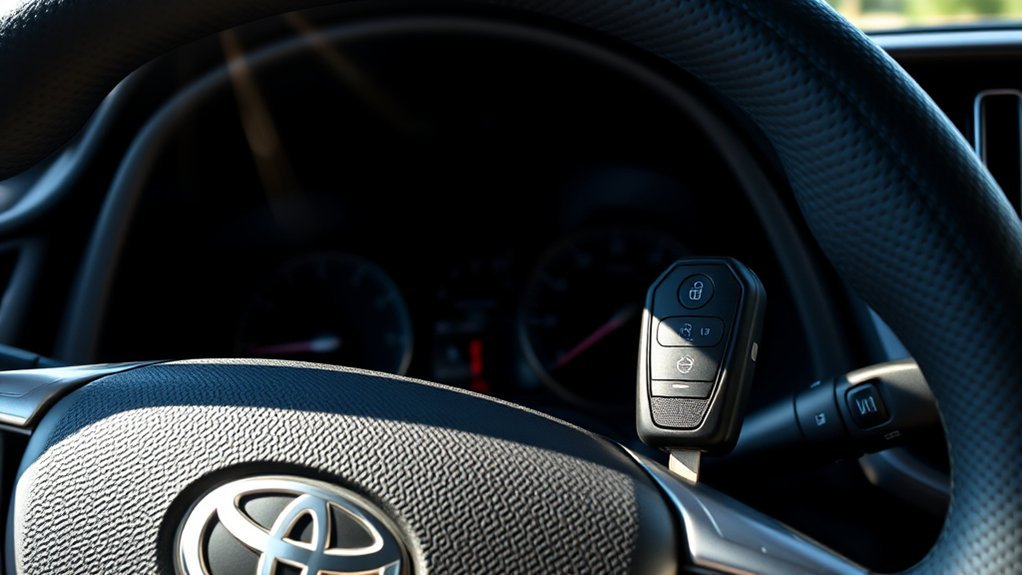
A RAV4 equipped with Push Button Start uses an electronic key and an engine immobilizer. The vehicle checks for a registered key before allowing the engine or hybrid system to start. A plain metal blade has no electronic identity, so inserting it into the door lock does not authorize the vehicle to drive.
The mechanical blade provides physical entry. The registered electronic key provides starting authorization.
This does not mean a weak fob battery always leaves you stranded. The passive security component inside a registered electronic key may still be detected at very close range, even when the fob buttons and normal proximity functions no longer work.
Toyota’s RAV4 owner information describes an emergency method that uses the registered electronic key at the engine or power switch when the Smart Key does not operate normally. The exact prompts, button labels, and sequence can vary by generation, so use the owner’s manual for your model year.
Warning: Do not force the ignition, dismantle the steering column, or use online “immobilizer bypass” instructions. These actions can damage control modules, create a theft risk, and make professional repair more expensive.
Which RAV4 Key System Do You Have?
RAV4 key equipment varies by year, market, and trim. Before troubleshooting, look at the dashboard and the key you normally use.
| Key system | How to recognize it | Can the key start the RAV4? |
| Smart Key with Push Button Start | The dashboard has an ENGINE START STOP or POWER button. A small metal key slides out of the fob. | The metal blade alone cannot start it. The registered electronic fob must be present, although the emergency recognition method may work when its battery is dead. |
| Conventional ignition with transponder key | The steering column or dashboard has a key cylinder that you turn to start the engine. | Yes, if it is the correctly cut and programmed ignition key. A plain unprogrammed copy may unlock the door but fail to start the engine. |
Toyota’s 2023 RAV4 comparison material states that Smart Key was offered on all grades except LE and LE Hybrid, while Toyota’s 2026 RAV4 launch information lists Smart Key with Push Button Start among the current model’s standard convenience features. That model-year change is why you should identify the exact key system before following any starting procedure.
How Do You Start a RAV4 When the Key-Fob Battery Is Dead?
Use this procedure only when you still have the registered electronic key and believe its replaceable battery is weak or depleted.
- Remove the mechanical key from the fob and use it to unlock the driver’s door if the remote buttons do not work.
- Sit in the driver’s seat, set the parking brake, and make sure the transmission is in Park.
- Press and hold the brake pedal.
- Hold the Toyota-emblem side of the electronic key directly against the ENGINE START STOP or POWER switch.
- Wait for the vehicle to recognize the key. You may hear a buzzer or see an instruction on the display.
- While continuing to press the brake, press the engine or power switch firmly.
If the gasoline engine starts, or a hybrid reaches its normal READY state, the emergency recognition step has worked. Keep the registered electronic key with you. After you switch the vehicle off, you may need to repeat the same recognition procedure until the key battery is replaced.
Note: Button labels, recognition timing, and display instructions differ between model years. Stop and consult your owner’s manual if your RAV4 gives different directions.
If the procedure fails, try the spare registered key. Move phones, other electronic keys, metal objects, and radio transmitters away from the fob because interference can affect Smart Key detection. Toyota also notes that low key batteries and strong radio signals can interfere with normal Smart Key operation.
What to Do When Your Key Fob Is Lost
A missing fob is different from a dead fob battery. The emergency emblem-to-switch procedure cannot work when the registered electronic key is not physically present.
- Check for your spare key. Test it before arranging towing or replacement service.
- Gather your documents. Have your photo identification, VIN, registration, title, or other ownership documents ready.
- Contact a Toyota dealer. Ask what keys fit your exact VIN and whether the vehicle must be brought to the service department.
- Contact a qualified automotive locksmith. Ask whether the locksmith can cut and register a key for your exact RAV4 year and key system at the vehicle’s location.
- Ask about removing the lost key from registration. A Toyota dealer or qualified automotive locksmith can tell you what re-registration or key-erasure procedure applies to your exact RAV4 security system.
- Arrange towing if required. Towing may be necessary when no registered key remains and mobile programming is unavailable.
Before arranging replacement service, have the 17-digit VIN, identification, and ownership documents available. Toyota’s replacement-key support page provides current contact guidance, while Toyota owner materials also note that dealers and certain registered locksmiths can obtain key-code information and perform immobilizer-related key service.
Pro Tip: Keep your spare key and key-number plate in separate secure locations. Do not store the spare fob inside the vehicle.
What Does the RAV4 Key Fob Do During Starting?
On a Push Button Start model, the electronic key communicates with the vehicle’s Smart Key and immobilizer systems. Its main starting-related functions include:
- Providing a registered electronic identity to the immobilizer.
- Allowing the engine or hybrid system to start when the key is detected.
- Operating remote lock, unlock, panic, and available liftgate functions.
- Supporting proximity-based door access on equipped trims.
- Preventing an unregistered key or plain metal copy from starting the vehicle.
The replaceable coin-cell battery powers normal remote and proximity operation. The key’s security identity is a separate function, which is why close-contact emergency detection may still work after the coin-cell battery loses power.
How Can You Access a RAV4 Without a Working Key Fob?
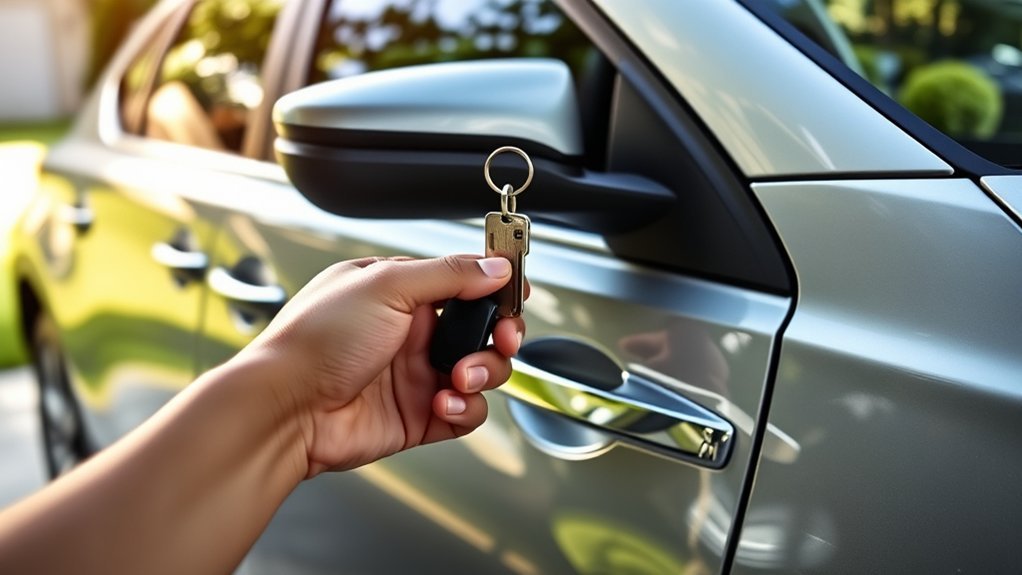
If the remote buttons or proximity sensors stop working, remove the mechanical key from the Smart Key. Toyota’s 2024 RAV4 Quick Reference Guide confirms that the mechanical key can be used for manual door locking and unlocking.
The key cylinder may be visible on the driver’s door, or it may sit behind a small protective cover. Avoid forcing the cover or turning the key with excessive pressure. Check the owner’s manual for the correct removal method.
Do not assume your RAV4 has a factory numeric keypad. Toyota’s factory materials focus on remote keyless entry, Smart Key access, and mechanical-key entry. A keypad found on a particular vehicle may be an aftermarket system and should be operated according to its installer’s instructions.
Do not confuse Toyota app remote commands with Digital Key. Remote lock, unlock, and remote start do not by themselves authorize normal driving. On supported 2026 RAV4 configurations, Toyota lists Digital Key capability, which can allow a compatible smartphone to function as a key after the required setup and service activation. Follow the VIN-specific Toyota instructions if your vehicle has Digital Key.
Is It a Dead Key-Fob Battery or a Dead 12-Volt Battery?
A weak fob battery and a discharged vehicle battery can produce different symptoms.
| Symptom | Likely issue | Next step |
| Remote buttons fail, but interior lights and dashboard work | Weak fob battery or radio interference | Use the mechanical key and try the emergency Smart Key recognition procedure. |
| “Key not detected” appears | Weak battery, poor fob position, interference, damaged key, or unregistered key | Touch the fob to the start switch, remove nearby electronics, and test the spare key. |
| No interior lights, locks, dashboard, or electrical response | Discharged vehicle 12-volt battery or electrical fault | Follow the model-specific jump-start procedure or request roadside assistance. |
| Spare key works normally, but the main key does not | Problem with the main fob | Replace its battery and have the fob inspected if it remains unresponsive. |
| Neither registered key works | Vehicle battery, Smart Key system, immobilizer, or key-registration fault | Check the 12-volt battery and contact a Toyota dealer or qualified technician. |
When Should You Replace the RAV4 Key-Fob Battery?
Replace the fob battery when remote range drops, the buttons become inconsistent, or the vehicle displays a key-battery warning. Battery size and case design can vary, so confirm the required coin-cell number in your owner’s manual or on the battery removed from the fob.
- Work over a clean table so small parts cannot fall into the carpet or between seats.
- Slide the release lever and remove the mechanical key.
- Use the mechanical key tip or a small flat tool at the designated case slot. Wrap a metal tool with tape to reduce scratches.
- Open the case gently without bending the circuit board or battery contacts.
- Note the old battery’s model number and polarity before removing it.
- Install a fresh battery of the same type and orientation.
- Close the case fully, reinstall the mechanical key, and test the lock and unlock buttons.
- Confirm that the RAV4 recognizes the key before relying on it for a trip.
A fixed replacement schedule is not necessary for every owner. Battery life changes with usage, storage conditions, temperature, transmitter activity, and fob design. Keep a matching spare coin cell available rather than waiting for complete failure.
Caution: Keep coin-cell batteries away from children and pets. The U.S. Consumer Product Safety Commission warns that swallowed button or coin batteries can cause severe internal burns and require immediate medical attention.
Related Guides
Frequently Asked Questions
Can I unlock my RAV4 without a working key fob?
Yes. On Smart Key models, remove the mechanical key from the fob and use it in the driver’s door lock. The mechanical key provides entry but does not authorize push-button starting by itself.
What happens if my RAV4 key-fob battery is dead?
The remote buttons and proximity entry may stop working. You may still be able to start the RAV4 by pressing the brake and holding the Toyota-emblem side of the registered electronic key against the start or power switch.
Can the mechanical key start a Push Button Start RAV4?
No. The removable metal blade can operate the door lock, but the vehicle still needs to detect the registered electronic portion of the Smart Key before it will start.
Can I program a new RAV4 key fob myself?
Do not assume that you can. Registering a modern Smart Key commonly requires compatible diagnostic equipment, vehicle-security access, and the correct fob. A Toyota dealer or qualified automotive locksmith should confirm the procedure for your exact year and trim.
Is it expensive to replace a RAV4 key fob?
The total depends on the model year, key type, whether an existing key remains, cutting requirements, programming labor, and the service provider. Ask for an itemized quote that identifies the key, emergency blade, programming, and mobile or towing charges.
How long does a RAV4 key-fob battery last?
There is no single lifespan for every RAV4 fob. Usage, storage, temperature, distance from the vehicle, and battery quality all matter. Replace the battery when range decreases, operation becomes unreliable, or the vehicle displays a low-key-battery warning.
Do I have to tow my RAV4 if every key is lost?
Not always. A qualified automotive locksmith may be able to provide mobile key cutting and registration for some RAV4 models. Towing may still be required when mobile service is unavailable or the vehicle must be connected to dealer equipment.
Can a 2026 RAV4 use a phone instead of the physical key?
Some 2026 RAV4 configurations list Digital Key capability. When the feature is supported, set up, and active, a compatible smartphone can perform key functions. Digital Key is separate from ordinary Toyota app remote lock, unlock, and remote-start commands, so confirm availability for your VIN.
Conclusion
You cannot start a Push Button Start RAV4 with only the removable metal key blade. You still need registered electronic authorization—normally the Smart Key, or Digital Key on supported newer vehicles. A dead fob battery is different from a missing fob: when the registered electronic key is present, Toyota’s emergency recognition procedure can allow the vehicle to start even when the fob’s replaceable battery is depleted.
RAV4 models with a conventional ignition cylinder follow different rules because their programmed ignition key both turns the lock and supplies immobilizer authorization. Check your model-year owner’s manual before arranging replacement service. If every programmed key is lost, contact a Toyota dealer or qualified automotive locksmith with your VIN, identification, and proof of ownership.
Sources
- Toyota 2026 RAV4 launch information — current U.S. Smart Key with Push Button Start context.
- Toyota 2026 RAV4 brochure — Smart Key and Digital Key capability details.
- Toyota 2024 RAV4 Quick Reference Guide — mechanical-key door access and normal Smart Key operation.
- Toyota RAV4 Owner’s Manual — emergency starting when the electronic key does not operate normally.
- Toyota 2023 RAV4 comparison — historical grade differences in Smart Key availability.
- Toyota Replacement-Key Support — current replacement-key support entry point.
- U.S. Consumer Product Safety Commission: Button Cell and Coin Batteries — ingestion hazard guidance.
