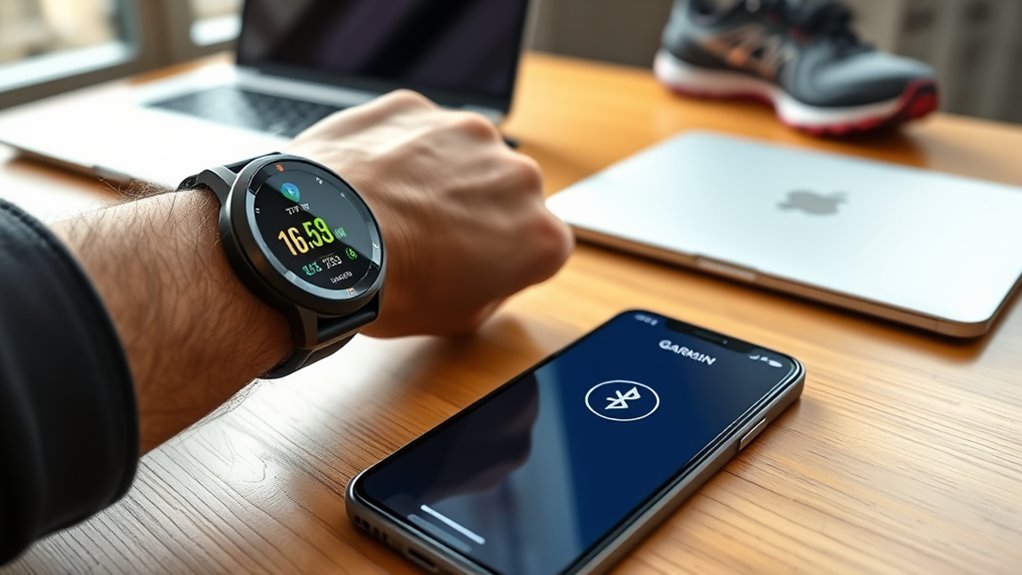
Yes, a Garmin watch can work well with an iPhone through the Garmin Connect app. You can sync workouts and health data, receive supported phone notifications, record GPS activities, and use many Garmin training features. However, iPhone integration varies by Garmin model, and some functions—especially text replies, calling, Siri, and phone-free connectivity—have specific limitations.
Quick Answer
Garmin watches work with compatible iPhones through Garmin Connect. You can sync fitness data, receive notifications, use GPS, and share supported data with Apple Health. Direct replies to iPhone text notifications are not supported, while calling and Siri access depend on the Garmin model and its hardware.
Key Takeaways
- Garmin watches pair with iPhone through the Garmin Connect app rather than by starting the setup only in iPhone Bluetooth settings.
- Garmin Connect currently requires iOS 18.2 or later, although Garmin can change its minimum OS requirement.
- Fitness, heart-rate, sleep, training, and GPS features vary by watch but generally work independently of whether you use iPhone or Android.
- iPhone notifications can appear on compatible Garmin watches, but direct text-message replies are not available through iOS.
- Some Garmin watches with a built-in speaker and microphone can make or take calls through a connected iPhone and can access Siri.
- Garmin Connect can send supported data to Apple Health, while Garmin Connect does not pull Apple Health or Apple Watch data back into Garmin.
Does a Garmin Watch Work With iPhone?
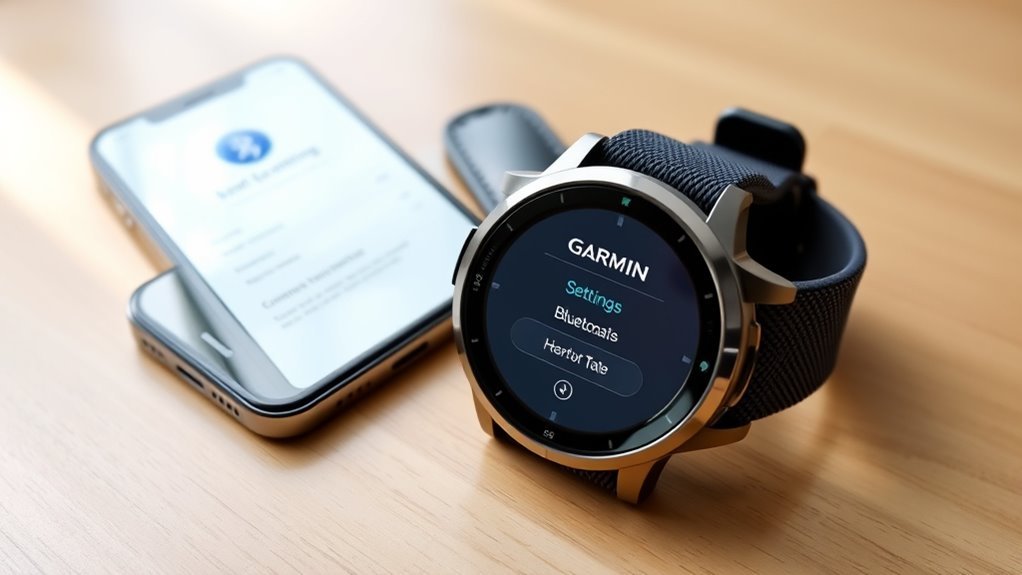
Yes. A compatible Garmin watch works with an iPhone by pairing through Garmin Connect over Bluetooth. Garmin currently lists iOS 18.2 or higher as the minimum Apple operating-system requirement for Garmin Connect.
Once paired, the watch can sync supported fitness and health information to Garmin Connect and receive compatible phone notifications. Features such as heart-rate monitoring, sleep tracking, activity recording, training metrics, onboard GPS, maps, music, payments, calling, and voice assistance depend on the exact Garmin model.
Most Garmin watches with their own GPS receiver can record outdoor GPS activities without the iPhone nearby. A smaller group of Garmin devices uses Connected GPS and depends on a paired phone for GPS data. Phone-dependent functions such as live notifications, phone calls through the iPhone, Siri, weather updates, and some connected safety features normally require an active phone connection.
Note: “Works with iPhone” does not mean every Garmin watch has the same features. Check the owner’s manual for your exact model if calling, voice assistant, onboard music, maps, Garmin Pay, or independent connectivity is important to you.
iPhone Requirements for Garmin Connect
Before pairing, make sure the iPhone and Garmin watch meet the basic requirements:
- A Garmin device supported by Garmin Connect.
- An iPhone running a currently supported version of iOS. Garmin lists iOS 18.2 or later at the time of this update.
- The latest available Garmin Connect app.
- Bluetooth enabled on the iPhone.
- A Garmin account.
- Internet access for downloading the app, signing in, and completing account-based setup.
Garmin warns that using an unsupported operating-system version can cause app functionality to stop working. If Garmin raises the minimum iOS version later, an older iPhone may eventually lose compatibility even if it previously worked.
How to Pair Garmin Connect With iPhone
Warning: Do not start by pairing the Garmin watch only from the iPhone’s Bluetooth settings. Garmin instructs users to add the watch through the Garmin Connect app so the device is registered and paired correctly.
Garmin’s current pairing process is straightforward. Download Garmin Connect from the App Store, sign in or create a Garmin account, and then pair the watch through Garmin Connect.
| Step | Action |
|---|---|
| 1 | Open Garmin Connect and select More > Garmin Devices > Add Device. |
| 2 | On iPhone, select Find Nearby Accessories if Garmin Connect displays that option. |
| 3 | Put the Garmin watch in pairing mode. The menu name varies by model but is commonly under Phone, Connectivity, or Bluetooth settings. |
| 4 | Select the detected watch in Garmin Connect and confirm the pairing code shown on the watch and iPhone. |
| 5 | Follow the remaining prompts and grant the Bluetooth, notification, location, and other permissions required for the features you want to use. |
After setup, Garmin Connect should perform an initial sync. Keep the iPhone and watch close together until that process finishes.
Garmin Features That Work on iPhone
Once a Garmin watch is paired with an iPhone, most core fitness and training functions work normally. The exact metrics available depend on the sensors and software included with the Garmin model.
| Feature | Typical iPhone behavior |
|---|---|
| Activity and workout tracking | Recorded on the watch and synced to Garmin Connect. |
| Heart rate, sleep and wellness data | Supported metrics sync to Garmin Connect when available on the watch. |
| GPS activities | Most watches with built-in GPS can record without the phone; Connected GPS models need the phone. |
| Calls, texts and app notifications | Supported notifications can appear on the watch when iPhone notification permissions are configured correctly. |
| Apple Health | Garmin Connect can send selected supported data to Apple Health after permission is granted. |
| Calls and Siri | Available only on compatible Garmin watches with the required speaker, microphone, and phone-assistant features. |
iPhone Notifications on Garmin
Garmin watches can display supported calls, texts, calendar alerts, and app notifications from an iPhone. Garmin’s iOS notification guidance explains that notification behavior depends on both iPhone settings and the Garmin model.
For an app notification to appear correctly, open Settings > Notifications on the iPhone, select the app, and make sure notifications are allowed. Garmin also instructs iPhone users to enable Notification Center for apps they want mirrored to the Garmin watch and to use an appropriate Show Previews setting.
Notification filtering can also vary by Garmin model. Some newer models provide additional app-notification controls directly on the watch.
Does Garmin Connect Sync With Apple Health?
Yes. Garmin Connect can share supported Garmin data with Apple Health. According to Garmin’s Apple Health documentation, supported categories can include active energy, body measurements, floors climbed, heart rate, sleep, steps, walking and running distance, water, weight, and workouts.
To connect the services, open Garmin Connect and go to More > Settings > Connected Apps > Apple Health, then select the categories you want to share and approve the requested permissions.
There are several important limitations:
- Garmin Connect sends supported data to Apple Health but does not pull Apple Health or Apple Watch data back into Garmin Connect.
- The GPS track associated with a Garmin workout is not written to Apple Health.
- Garmin says Garmin Connect must be open in the foreground for the transfer to Apple Health to complete.
- If the same metric comes from several devices or apps, Apple Health’s data-source priority can determine which value is displayed.
Pro Tip: If Garmin data appears in Garmin Connect but not in Apple Health, open Garmin Connect and perform a fresh device sync, then check the Connect permissions and data-source priority inside Apple Health.
What Garmin Can’t Do Well on iPhone
Garmin does not provide the same level of iPhone integration as Apple Watch. The biggest differences involve interactive messaging and model-dependent communication features.
| Feature | iPhone result |
|---|---|
| Reply directly to a text notification | Not supported through iOS. Garmin’s direct notification-reply feature is available with supported Android phones, not iPhones. |
| See an incoming call | Supported on compatible models while connected to the iPhone. |
| Accept or decline a call | Available on many compatible models. On watches without a speaker and microphone, accepting the call answers it on the iPhone rather than providing watch audio. |
| Talk through the Garmin watch | Available on compatible Garmin watches with a built-in speaker and microphone while connected to the phone. |
| Use Siri | Supported on compatible Garmin phone-assistant watches when Siri is enabled on the connected iPhone. |
Can a Garmin Watch Answer iPhone Calls?
It depends on the watch. Garmin explains that a watch without a speaker and microphone can display an incoming call and let you accept or decline it. If you accept, however, you use the iPhone for the conversation.
Compatible Garmin watches with a built-in speaker and microphone can make and take calls through a Bluetooth-connected smartphone. This is still connected-phone calling rather than independent cellular calling unless the Garmin model separately supports its own communication service.
Can Garmin Use Siri With an iPhone?
Some Garmin watches can. Garmin lists Siri among the supported smartphone assistants for compatible phone-assistant watches. The feature requires a supported watch, an active Bluetooth connection to the iPhone, and the correct Siri settings.
Garmin recommends enabling Siri and allowing Siri while the iPhone is locked. See Garmin’s phone-assistant setup instructions for current model and configuration details.
What Works When the iPhone Is Not Nearby?
A Garmin watch does not become useless when you leave the iPhone behind. Many core watch functions operate independently and sync later.
On a Garmin watch with built-in GPS, you can typically record a run, walk, ride, hike, or other supported outdoor activity without carrying the iPhone. Health and fitness sensors on the watch can also continue recording supported data.
Phone-dependent features are different. Without a Bluetooth connection to the iPhone, you may lose live phone notifications, standard connected-phone calls, phone-assistant access, current weather updates, immediate Garmin Connect syncing, and features that require the phone’s internet connection.
Exceptions exist. Some Garmin models have additional independent connectivity such as LTE or inReach-related services, and those models may support communication features without the phone when the required service and subscription are active.
Garmin vs Apple Watch for iPhone Users
For an iPhone owner, the best choice depends on which type of functionality matters most.
Fit is part of this decision too, and the Apple Watch is often chosen simply because it is the smaller option. Garmin has an answer there, which we cover in our Lily comparison.
| Priority | Garmin | Apple Watch |
|---|---|---|
| Sports and training | Extensive running, cycling, outdoor, recovery, navigation, and training features on supported models. | Strong fitness tracking with deep integration into Apple’s health and app ecosystem. |
| Battery life | Many current models are rated for multiple days, with some designed for much longer smartwatch use. | Battery life varies by Apple Watch model and power mode and generally requires more frequent charging than long-runtime Garmin models. |
| Messaging | Can display iPhone texts but cannot directly reply through Garmin’s standard iOS notification system. | Provides deeper two-way Messages integration. |
| Siri and Apple services | Siri is available only on compatible Garmin phone-assistant models and works through the connected iPhone. | Siri and Apple services are built directly into the Apple Watch ecosystem. |
Garmin is therefore well suited to iPhone users who place more weight on training tools, outdoor features, and longer battery intervals. Apple Watch provides tighter integration with Messages, Siri, calling, Apple apps, and other iPhone services.
Fix Garmin and iPhone Sync Issues
If a Garmin watch stops syncing or connecting to an iPhone, start with the simple checks before deleting the pairing.
- Confirm Bluetooth is on. Keep the iPhone and Garmin watch close together.
- Open Garmin Connect. Check whether the watch appears under More > Garmin Devices and attempt a manual sync.
- Check Garmin Connect permissions. Bluetooth, notifications, location, and other permissions can affect connected features.
- Review iPhone notification settings. If syncing works but alerts do not, confirm Allow Notifications, Notification Center, and Show Previews settings for the affected app.
- Restart both devices. Power off the iPhone and Garmin watch, then turn them back on.
- Update software. Install current Garmin Connect, iOS, and Garmin watch software where available.
- Check for an old phone pairing. A watch that remains associated with another phone can cause pairing problems.
- Remove and re-pair only if needed. Remove the watch through Garmin Connect and, when necessary, choose Forget This Device for the Garmin entry in iPhone Settings > Bluetooth. Then put the watch back into pairing mode and add it again through Garmin Connect.
Note: If workouts sync to Garmin Connect but do not appear in Apple Health, that is usually an Apple Health integration issue rather than a Bluetooth-pairing failure. Check Apple Health permissions, open Garmin Connect in the foreground, sync again, and review Apple Health data-source priority.
Frequently Asked Questions
Is an Apple Watch or Garmin Better?
It depends on your priorities. Garmin emphasizes sports, training, outdoor features, and long battery intervals across many models. Apple Watch offers deeper integration with iPhone messaging, Siri, Apple apps, and other Apple services. Compare the exact Garmin and Apple Watch models rather than assuming every watch has the same features.
Can You Answer iPhone Calls on a Garmin Watch?
Yes, on compatible models. Watches without a speaker and microphone can often accept or decline a call, but the conversation takes place on the iPhone. Compatible Garmin watches with a built-in speaker and microphone can make and take connected-phone calls through Bluetooth.
Is Garmin Worth It With an iPhone?
A Garmin can work very well with an iPhone if your priorities are fitness tracking, sports features, GPS activities, outdoor use, or longer battery intervals. It is less suitable if your main priority is deep two-way interaction with iPhone Messages and other Apple-specific services.
Is There a Monthly Fee for Garmin Connect?
No subscription is required for Garmin Connect’s core features and existing standard data. Garmin also offers the optional paid Garmin Connect+ service for additional premium features such as expanded insights and other enhanced tools. Connect+ pricing can vary by region and may change over time.
Does Garmin Connect Sync With Apple Health?
Yes. Garmin Connect can send supported categories such as workouts, steps, sleep, heart rate, distance, weight, and other data to Apple Health after you grant permission. Garmin Connect does not pull Apple Health or Apple Watch data back into Garmin Connect.
Does Garmin GPS Work Without an iPhone?
Most Garmin watches with a built-in GPS receiver can record outdoor GPS activities without the iPhone nearby. Some Garmin devices instead use Connected GPS and require a paired phone for location data, so check the specifications for your exact model.
Conclusion
A Garmin watch and iPhone are a practical combination when fitness, training, GPS tracking, and battery life matter more than deep Apple ecosystem integration. Garmin Connect handles pairing and synchronization, supported notifications reach the watch, and selected Garmin data can be shared with Apple Health.
The main limitations are straightforward: direct replies to iPhone text notifications are unavailable, and calling and Siri support depend on the Garmin model. Check the exact watch hardware and Garmin’s current iOS requirements before buying if those communication features are important to you.
Sources
- Garmin Connect App Compatibility Requirements — current iOS requirements for Garmin Connect.
- Garmin: Pairing Your Watch to the Garmin Connect App — official iPhone pairing procedure.
- Garmin: Interacting With Notifications on a Garmin Watch — iOS notification actions and text-reply limits.
- Garmin: Making and Taking Phone Calls — differences between watches with and without a speaker and microphone.
- Garmin: Sharing Garmin Connect Data With Apple Health — supported Apple Health data and synchronization limitations.
- Garmin: Garmin Connect+ Announcement — optional premium Garmin Connect+ features and confirmation that existing Garmin Connect features remain available without the premium plan.

