Yes, many Garmin watches can handle text messaging, but what “texting” means depends on your watch, phone, and connection. Android users can reply to normal phone text notifications on many compatible Garmin watches. iPhone users can view standard text notifications but generally cannot reply to them directly from the watch. Garmin Messenger provides a separate two-way messaging option on supported models, and newer watches with built-in inReach can even message without a nearby phone.
Quick Answer
You can text from many Garmin watches, but the method varies. Android supports replies to regular phone texts on compatible watches, while iPhone does not support direct replies to normal SMS/iMessage notifications. Garmin Messenger works separately on compatible watches, and select watches with built-in inReach support phone-free messaging with an active plan.
Key Takeaways
- Many Garmin watches can display text notifications from both iPhone and Android.
- Replying to normal SMS/text notifications from the watch is supported on compatible Android setups, but Garmin says this reply function is not available through iOS.
- Garmin Messenger is separate from your phone’s normal Messages or SMS app and supports two-way conversations on compatible Garmin watches.
- Most Garmin Messenger-compatible watches still use the paired phone’s Wi-Fi or cellular data connection.
- Select Garmin watches with built-in inReach can send messages without a nearby phone when an active inReach plan and supported LTE or satellite connection are available.
Note: Garmin has several different messaging systems. A reply to an Android SMS notification, a Garmin Messenger conversation, a voice-assistant command, and an inReach satellite message are not the same feature. This distinction explains many of the apparent iPhone-versus-Android differences.
Deal tip: Comparing watches before you buy? See Garmin, Apple Watch and Galaxy Watch picks in our October Prime Day smartwatch deals for Prime Big Deal Days.
Can You Text From a Garmin Watch?
Yes. Depending on the model and phone, a Garmin watch may let you read incoming text notifications, send a quick reply, type a response, use your phone’s voice assistant, or exchange messages through Garmin Messenger.
The easiest way to understand Garmin texting is to separate it into four types:
- Smart notifications: The watch mirrors calls, texts, and app notifications from a paired iPhone or Android phone.
- Replies to regular phone texts: Many compatible Garmin watches can reply to SMS/text notifications when paired with Android. Garmin states that replying to normal text messages from the watch is not available through iOS.
- Garmin Messenger: Select watches can run the Garmin Messenger feature and exchange two-way messages while using the paired phone’s Wi-Fi or cellular data connection.
- Built-in inReach messaging: Select newer Garmin watches include their own inReach LTE and satellite connectivity, allowing supported messaging without a nearby phone when an active inReach subscription is enabled.
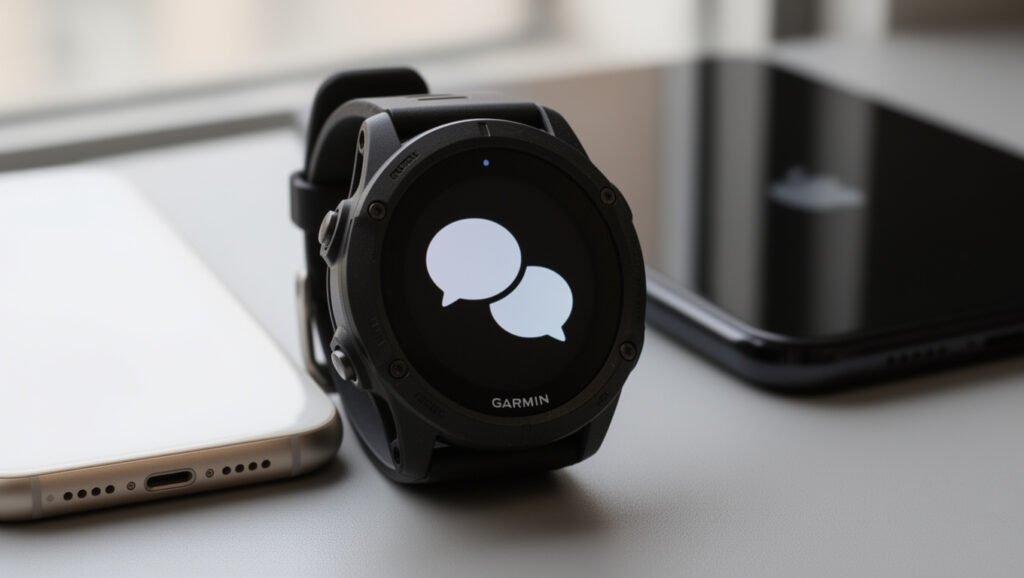
Garmin’s notification support documentation confirms that Android and iOS have different reply capabilities, while Garmin’s Garmin Messenger watch guide explains the separate Messenger system.
The biggest difference is simple: Android can support replies to ordinary phone texts from many Garmin watches, while Garmin Messenger is a separate service that can work with compatible watches on either phone platform.
Garmin Texting on iPhone vs Android
Both iPhone and Android can send notifications to a compatible Garmin watch, but Android generally allows more interaction with normal phone text messages.
| Feature | iPhone | Android |
| View normal text notifications | Yes, on compatible watches | Yes, on compatible watches |
| Reply directly to normal SMS/text notifications | No through the standard iOS notification reply system | Yes on supported watches |
| Preset/custom text replies | Not for normal iOS text replies | Available on many compatible watches |
| Garmin Messenger two-way messaging | Yes on compatible watches | Yes on compatible watches |
| Phone voice assistant | Available on select watches and compatible phones | Available on select watches and compatible phones |
| Phone-free inReach messaging | Depends on the watch, inReach plan, and coverage rather than phone OS | Depends on the watch, inReach plan, and coverage rather than phone OS |
iPhone Messaging Limits
An iPhone can send its Messages notifications to a compatible Garmin watch, allowing you to read incoming texts from your wrist. However, Garmin states that replying to normal text/SMS messages from the watch is not available through iOS.
That limitation should not be confused with Garmin Messenger. On a compatible watch, Garmin Messenger can provide its own two-way conversation system while connected to the Garmin Messenger app on the iPhone.
- Standard iPhone text notifications can appear on the watch when notification permissions are configured correctly.
- Direct watch replies to those standard iOS text notifications are not supported by Garmin.
- Compatible Garmin watches can still use Garmin Messenger for separate two-way conversations.
- Select watches with microphone and speaker support may also interact with the phone’s voice assistant, depending on model and phone compatibility.
This means an iPhone owner should check exactly which type of messaging a Garmin product supports rather than assuming “texting” always means replying to Apple’s Messages app.
Android Texting Features
Android generally provides the most flexible experience for ordinary phone texts. Garmin says many compatible watches can reply to incoming text messages when paired with an Android phone.
Depending on the watch, the reply may be a built-in preset, a customized response saved through Garmin Connect, or text entered with an on-watch keyboard. Garmin maintains the current model list in its Android text-response compatibility guide.
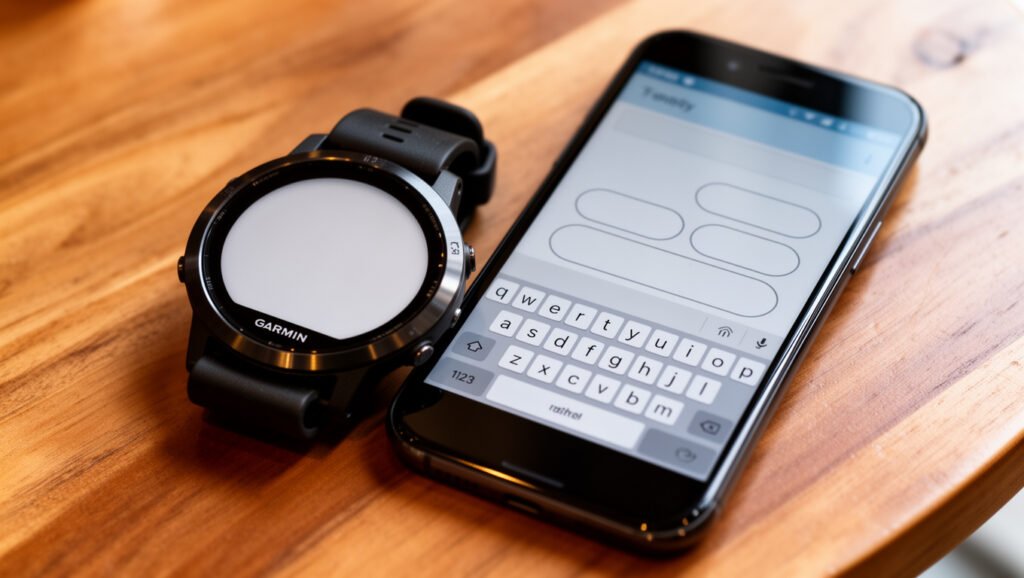
Android users can also use Garmin Messenger on compatible watches. That is separate from the Android SMS-reply feature and uses the Garmin Messenger system rather than simply sending a standard text reply from the notification.
Pro Tip: If replying to normal phone texts is a priority, check Garmin’s Android text-response compatibility list for the exact watch model. Some watches support only preset replies, while others provide an on-watch keyboard.
Which Garmin Watches Let You Text?
There is no single answer for an entire Garmin family because individual models support different messaging features. A Forerunner, fēnix, Venu, vívoactive, Instinct, or quatix watch may support smart notifications, Garmin Messenger, Android text replies, a keyboard, a voice assistant, built-in inReach, or only some of those functions.
Garmin’s current Messenger compatibility documentation includes numerous models across families such as Approach, D2, Descent, Enduro, epix, fēnix, Forerunner, Instinct, MARQ, quatix, tactix, vívoactive, and Venu. Because Garmin adds models through new releases and software updates, the official compatibility page is more reliable than a permanent static list.
Compatible Garmin watches can keep messages accessible from your wrist, but the exact reply method depends on the model and connection.
- Smart-notification watches: display incoming phone texts and app alerts.
- Android reply-compatible watches: can send preset, customized, or typed responses to ordinary texts depending on the model.
- Garmin Messenger-compatible watches: can exchange Messenger conversations through a connected phone.
- Built-in-inReach watches: can provide supported phone-free messaging when an inReach plan and suitable LTE or satellite coverage are available.
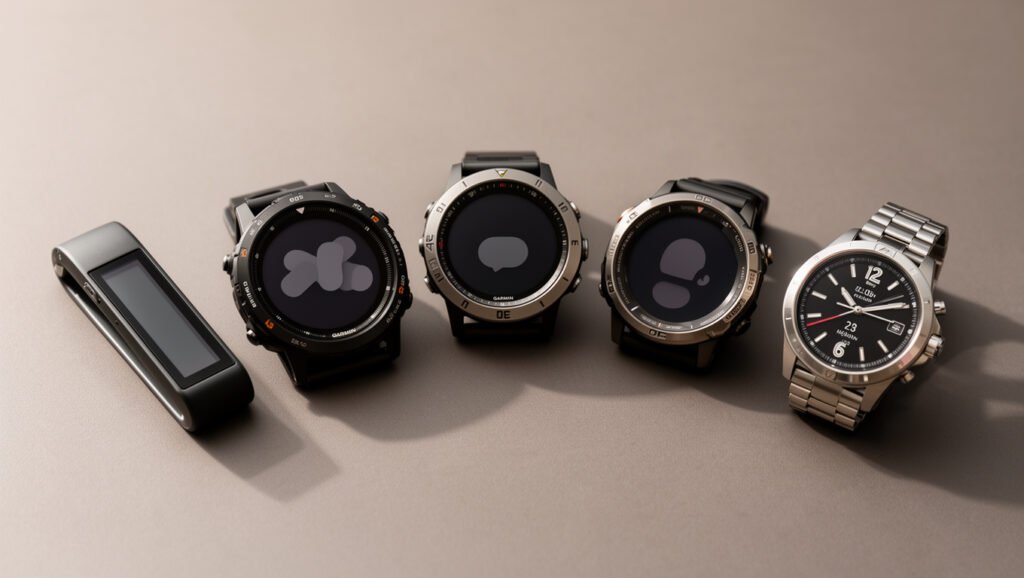
As of September 2026, Garmin’s support documentation lists watches including the D2 Mach 2 Pro, fēnix 8 Pro, fēnix 9 Pro inReach series, and quatix 8 Pro as models with built-in inReach LTE and satellite connectivity. Garmin can change this list as new products are released, so confirm the exact model before buying.
How Garmin Voice Texting Works
Voice-related messaging on Garmin watches also comes in more than one form.
On watches with a microphone and speaker, such as supported Venu and other compatible models, the watch can act as an interface to the voice assistant on the paired smartphone. A command such as “send a text message” is passed to the phone’s assistant, so the phone still handles the communication.
This should not be confused with a Garmin Messenger voice message. Garmin Messenger supports voice-message features in specific hardware and connection configurations, including certain inReach products and compatible watches with built-in inReach. Voice-note availability is therefore model-specific rather than a standard feature across every Garmin watch that displays texts.
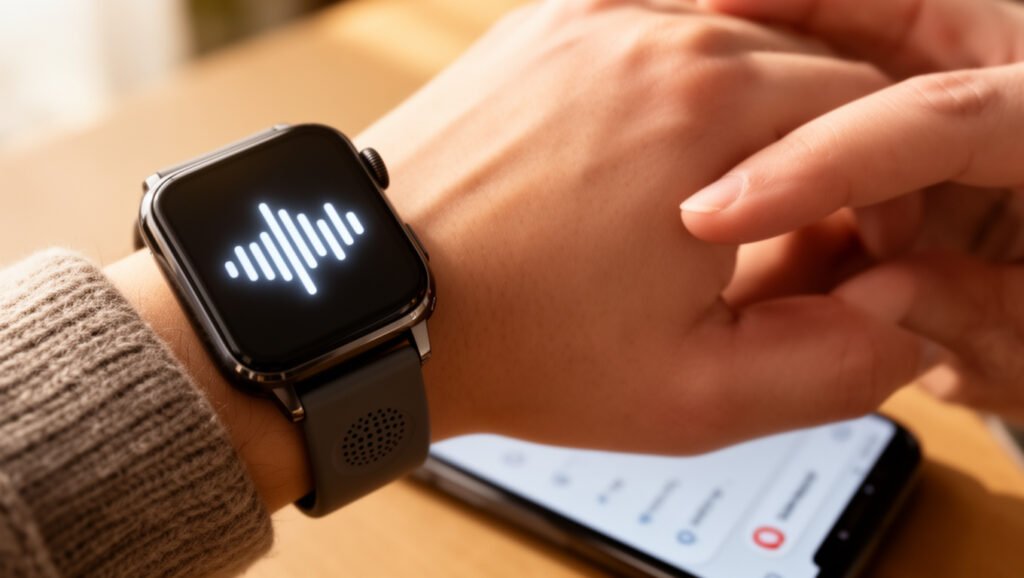
For ordinary voice-assistant use, the watch normally needs to stay connected to the compatible smartphone through Bluetooth. Phone operating-system permissions and the assistant’s capabilities can also affect what commands work.
Set Up Texting on Your Garmin Watch
Setup depends on whether you want ordinary phone notifications or Garmin Messenger.
Set Up Normal Text Notifications
- Pair the Garmin watch with your smartphone through the Garmin Connect app.
- Allow Garmin Connect and the watch to access the required Bluetooth and notification permissions.
- Enable smart notifications for calls and texts on the watch.
- On iPhone, confirm that Messages notifications are enabled in Notification Center and that previews are allowed as needed.
- On Android, enable the relevant app notifications in Garmin Connect and configure text responses if your watch supports them.
Set Up Garmin Messenger
- Confirm that your exact watch appears on Garmin’s current Messenger compatibility list.
- Update the watch to the latest available software.
- Pair the watch with the smartphone in Garmin Connect.
- Install and set up the Garmin Messenger app on the phone.
- Add or pair the compatible watch inside Garmin Messenger as instructed by Garmin.
- Test a Messenger conversation before relying on it away from home.
For most compatible watches without built-in inReach service, Garmin Messenger uses the connected phone’s cellular data or Wi-Fi connection. A satellite subscription is not required simply to use Garmin Messenger over the internet.
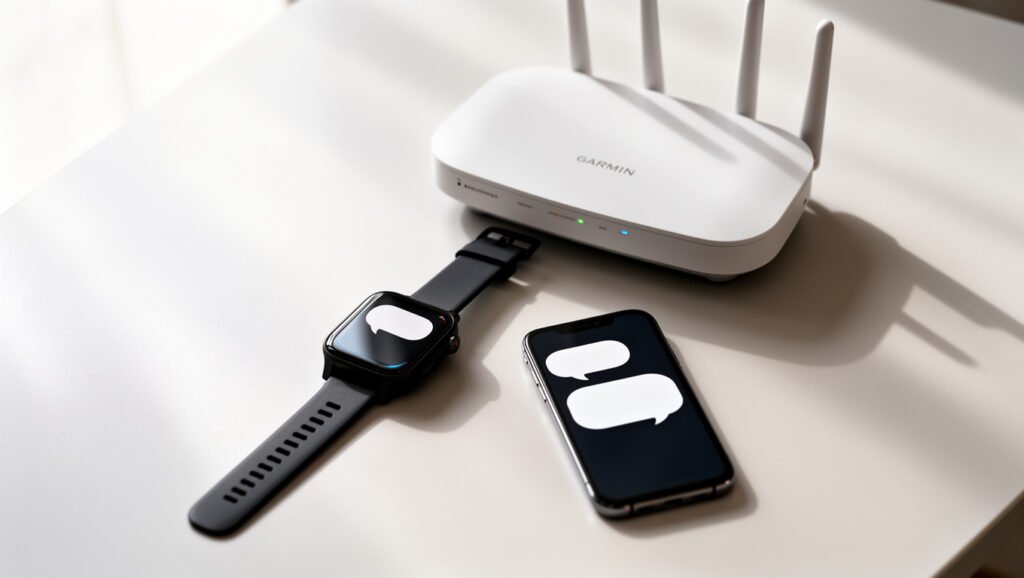
Most Garmin watches still depend on the paired phone for internet connectivity; phone-free LTE or satellite messaging is limited to watches specifically equipped with built-in inReach technology.
Why iPhone Users Have More Limits
The main iPhone limitation applies to replies to ordinary text-message notifications. Garmin’s support documentation states that responding to those text messages directly from a watch is not available through iOS.
That does not mean Garmin watches are unable to display iPhone messages. With the proper iOS notification settings, calls, texts, and other supported notifications can still appear on the watch.
It also does not prevent a compatible Garmin watch from using Garmin Messenger. Garmin Messenger runs as its own messaging system, so both iPhone and Android users can participate in Messenger conversations when their devices meet the requirements.
Likewise, selected watches can access the paired phone’s voice assistant. Whether a spoken command can send a message depends on the watch, phone, assistant, permissions, and current connection.
Android remains more flexible for direct interaction with ordinary phone text notifications because Garmin supports text replies on many Android-paired watches.
Fix Garmin Texting Problems Fast
If messages stop appearing or replies fail, start by identifying which messaging system is affected. Troubleshooting normal phone notifications is different from troubleshooting Garmin Messenger or inReach service.
The fastest troubleshooting step is to identify whether you are fixing a phone notification, an Android SMS reply, Garmin Messenger, or an inReach connection.
- Check Bluetooth: Confirm that the watch is connected to the phone in Garmin Connect.
- Check phone notification permissions: Make sure text or app notifications are allowed to reach the Garmin device.
- Update software: Install available updates for the watch, Garmin Connect, and Garmin Messenger if you use it.
- Confirm compatibility: A watch that displays a message notification does not automatically support replying to it.
- Restart the watch and phone: This can restore a stalled Bluetooth or notification connection.
- For Garmin Messenger: Confirm the watch is paired in Messenger and that the connected phone has Wi-Fi or cellular data.
- For built-in inReach: Confirm that the inReach plan is active and that LTE or satellite service is available in your region.
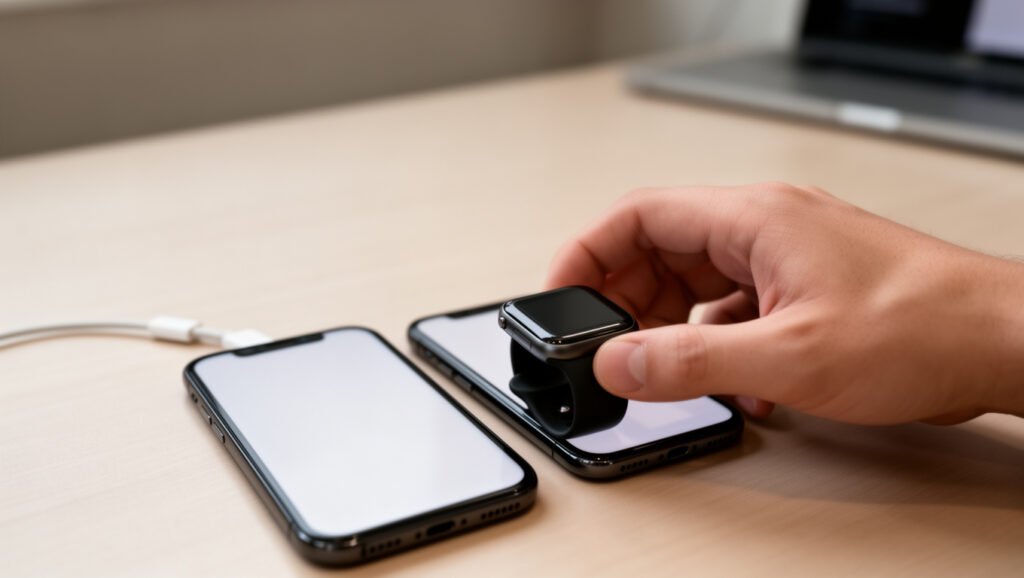
If Android text replies are missing, check the Garmin Connect text-response settings for the exact watch. If you are using an iPhone and can see a normal SMS notification but do not see a reply button, that behavior is expected because Garmin does not provide direct iOS text replies through the standard notification system.
Other Garmin Features That Keep You Connected
Garmin watches can provide useful communication features even when full texting is not available. These may include smart notifications, phone-call controls, voice-assistant access, Assistance, incident detection, LiveTrack, Garmin Messenger, and—in select watches—built-in inReach connectivity.
Voice Assistant Access
Compatible Garmin watches with the necessary microphone and speaker hardware can connect to the voice assistant on a paired smartphone. This may allow commands such as sending a text, placing a call, or asking a question without first picking up the phone.
The watch does not replace the phone in this setup. The paired smartphone and its voice-assistant service perform the requested action.
- Use spoken commands without typing on the watch.
- Start a call through the connected phone on supported models.
- Ask the phone’s assistant for information.
- Send a message when the phone’s assistant, operating system, and watch combination support the command.
Smart Notifications And Safety
Smart notifications can display calls, texts, calendar alerts, and supported app notifications directly on the wrist. This is useful even on watches that cannot reply to a particular type of message.
Garmin also offers safety features such as Assistance, incident detection, and LiveTrack on compatible products. On many watches, these features rely on a connected smartphone and should not be confused with inReach satellite SOS.
Interactive Garmin Response SOS requires compatible inReach capability and service. Watches with built-in inReach can provide supported SOS functionality when an active inReach subscription and an appropriate connection are available.
Warning: Do not assume a standard Garmin watch or internet-only Garmin Messenger connection provides satellite emergency coverage. Interactive Garmin Response SOS requires compatible inReach hardware/service, and coverage and availability vary by location.
Do You Need Your Phone or a Subscription?
| Messaging Method | Phone Needed? | inReach Subscription Needed? |
| Smart notifications | Yes, normally connected by Bluetooth | No |
| Android SMS/text reply | Yes; the phone sends the message | No |
| Garmin Messenger on a normal compatible watch | Yes, for the phone’s internet connection | No for internet messaging |
| Built-in inReach LTE/satellite messaging | No after initial setup when supported coverage is available | Yes |
Garmin explains that watches with built-in inReach use LTE-M and satellite connectivity for Garmin services. The LTE connection does not give the watch a conventional cellular phone number and does not turn it into a traditional SMS phone. Garmin instead supplies messaging, calling, LiveTrack, and SOS services over the data connection.
Messaging support is one of the clearer dividing lines in the range, and the budget models mostly leave it out. Our picks under $300 note which of them handle replies at all.
Garmin Messenger Group Messages, Long Texts, Photos, and Voice Notes
The Garmin Messenger app supports more than simple one-to-one texts, but these capabilities should not be confused with normal SMS notification replies.
Group messaging: Garmin Messenger supports group message threads. Garmin’s current documentation explains that Messenger users in a group can see and reply within the conversation. How non-Messenger SMS recipients receive and reply to messages can differ.
Long messages: Garmin states that Garmin Messenger used without a paired inReach device can handle messages up to 1,600 characters. Satellite-device limits vary. Many standard inReach communicators use 160-character messages, while compatible Plus products can support messages up to 1,600 characters.
Voice messages: Garmin supports 30-second voice messages in compatible Messenger/inReach configurations. This does not mean every Messenger-compatible Garmin smartwatch can record voice notes directly from the wrist.
Photo sharing: Garmin Messenger supports photo messaging in supported configurations. Satellite photo transmission requires compatible hardware designed for that feature, while internet-based Messenger capabilities depend on the device and connection being used.
Frequently Asked Questions
Can I Make Phone Calls With My Garmin Watch Without Using My Phone?
Most Garmin watches with calling features still require a paired smartphone. Select watches with built-in inReach can make supported Garmin Messenger voice calls over LTE without a nearby phone when an active inReach plan and coverage are available. These are Garmin data-based calls rather than conventional cellular calls from a normal phone number.
Can You Message People on Garmin?
Yes. Compatible watches can use Garmin Messenger for two-way conversations. Android-paired Garmin watches may also reply to ordinary phone text notifications when the exact model supports that feature. Garmin Messenger additionally supports group conversations and other features in compatible configurations.
Can a Garmin Watch Be Used as a Phone?
Usually not as a complete replacement for a smartphone. Most Garmin watches depend on a paired phone for calls, notifications, and data. Watches with built-in inReach can provide phone-free Garmin messaging, supported voice calls, LiveTrack, and SOS through LTE or satellite service, but Garmin says their LTE connection does not provide a traditional phone number, normal carrier voice service, or standard SMS.
Which Garmin Can Send Messages?
Many current Garmin families contain models that support message notifications, Android replies, Garmin Messenger, or a combination of these features. Garmin Messenger compatibility spans models from families including fēnix, Forerunner, Venu, vívoactive, Instinct, Enduro, tactix, quatix, and others. Built-in inReach phone-free messaging is limited to specific newer models, so check Garmin’s live compatibility list for the exact watch.
Can a Garmin Watch Reply to iPhone Text Messages?
Not through the standard iOS text-notification reply system. Garmin says text-message replies from the watch are not available through iOS. You can still read enabled iPhone text notifications on a compatible Garmin watch, and supported watches can use the separate Garmin Messenger system.
Can a Garmin Watch Reply to Android Text Messages?
Yes, many Garmin watches can reply to ordinary text messages when paired with Android. The exact option depends on the model: some use preset replies, some allow customized responses, and newer compatible watches may provide an on-watch keyboard.
Does Garmin Messenger Require a Subscription?
Not for ordinary internet messaging through a connected phone’s Wi-Fi or cellular data. An active inReach service plan is required when using supported inReach LTE or satellite features, including phone-free connectivity and interactive satellite SOS.
Conclusion
Garmin watches can support texting, but there is an important difference between seeing a notification and actually replying to a message. Android offers the broadest support for replying to ordinary phone texts from compatible Garmin watches. iPhone users can receive normal text notifications but cannot use Garmin’s standard watch-reply function for those iOS messages.
Garmin Messenger adds a separate two-way messaging system for compatible watches on both platforms. Most of those watches still rely on a paired phone for internet connectivity, while newer watches with built-in inReach can provide supported phone-free LTE or satellite messaging with an active plan.
Before buying a Garmin primarily for communication, check the exact model for the feature you need: Android SMS replies, an on-watch keyboard, Garmin Messenger, voice-assistant access, or built-in inReach. Those capabilities are not interchangeable.
Sources
- Garmin Support — Getting Started With the Garmin Messenger App and a Garmin Watch — compatible watches and paired-phone Messenger requirements.
- Garmin Support — Options for Interacting With Notifications — iPhone and Android text-notification differences.
- Garmin Support — Customizing Android Text Responses — Android presets, custom replies, keyboards, and compatible models.
- Garmin Support — Watches With Built-in inReach Technology — current built-in-inReach models and subscription requirements.
- Garmin — Smartwatch inReach Feature Requirements — phone-free LTE/satellite messaging, calls, and limitations of LTE-M service.
- Garmin Support — Character Limits of inReach Text Messages — 160- and 1,600-character messaging limits by configuration.

