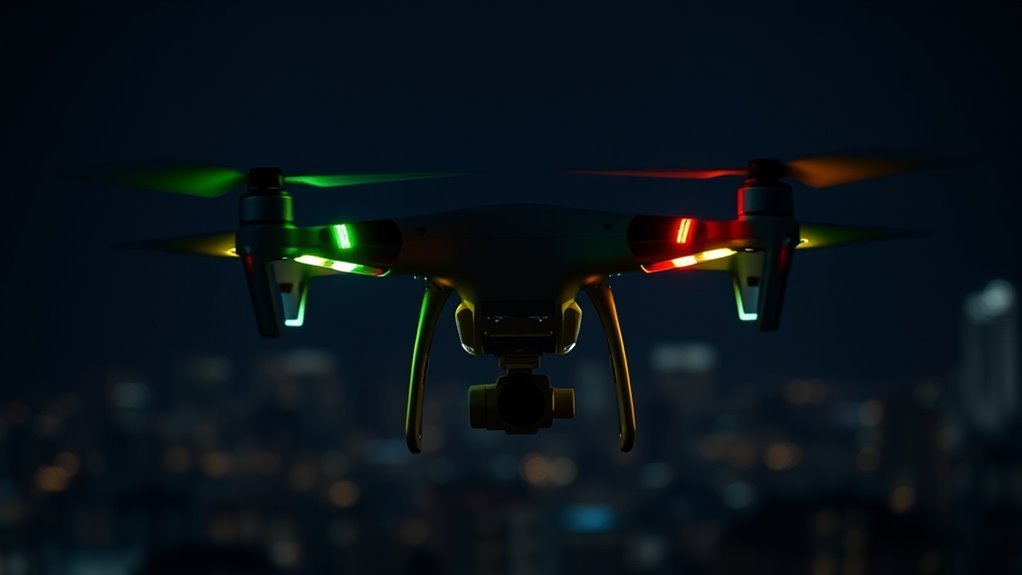
DJI drone lights meaning depends on which LED you are looking at, its flash rate, and the aircraft model. A green flash on a DJI Mini 2 status indicator does not mean the same thing as a blue Mini 2 front LED. The safest way to read the lights is to identify the indicator first, then match its exact pattern to the model’s documentation.
Quick Answer
On DJI aircraft such as the Mini 2 and Avata, slow green generally means positioning is available, fast yellow means the controller signal is lost, slow red warns of low battery, fast red means critically low battery, and solid red means a critical error. Always match the pattern to your exact model.
Last checked: October 5, 2026. Dates and figures were verified against official sources.
Key Takeaways
- Color alone is not enough. Flash speed and the specific LED matter just as much.
- DJI Mini 2 has both a front LED and a separate aircraft status indicator, so blue and white front-light codes should not be confused with flight warnings.
- Built-in status or navigation LEDs should not automatically be treated as FAA-compliant anti-collision lights for Part 107 night operations.
- Battery LEDs have their own codes. Four solid LEDs and four rapidly flashing LEDs can mean very different things.
What DJI Drone Status Lights Mean
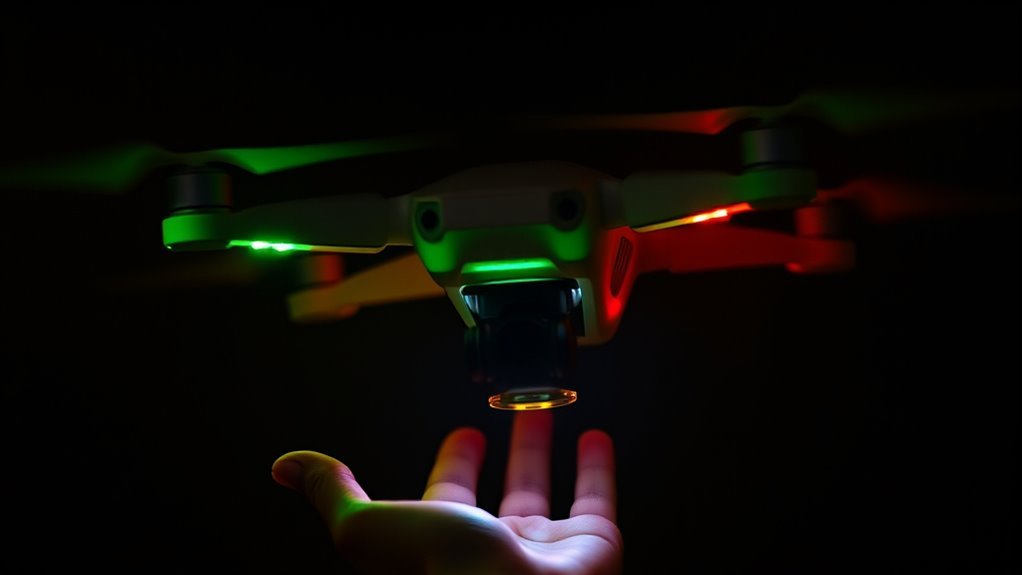
DJI drone lights are a visual status system, but you first need to know which light you are reading. An aircraft may have flight-status indicators, front or orientation LEDs, battery-level LEDs, controller LEDs, and charging-hub indicators. They are not interchangeable.
DJI’s current aircraft status indicator guide shows a common pattern across many camera drones: slow green for GNSS positioning, fast yellow for a lost controller signal, slow red for low battery, fast red for critically low battery, solid red for a critical error, and alternating red/yellow when compass calibration is required.
That does not mean every green, blue, white, or red LED on every DJI product carries those meanings. The Mini 2, for example, has a separate front LED whose blue patterns relate to QuickTransfer and Wi-Fi functions rather than normal aircraft positioning.
Note: Before troubleshooting by color, identify whether you are looking at the aircraft status indicator, front LED, battery LEDs, controller light, or charging hub. The same color can have a different meaning on each component.
How to Read DJI Flashing Light Patterns
Read a DJI light by combining color, flash rate, and location. On supported aircraft, a slow flash can describe a normal flight condition while a fast flash of the same or another color may indicate a warning that needs immediate attention.
The following patterns are among the most useful to recognize on the Mini 2 and Avata aircraft status indicators.
| Pattern | Meaning |
|---|---|
| Slow green blink | Positioning is available: GPS/GNSS or supported vision positioning |
| Fast yellow blink | Remote controller or control-device signal lost |
| Slow red blink | Low battery warning |
| Fast red blink | Critically low battery |
| Solid red | Critical error |
Other patterns matter too. Slow yellow on the Mini 2 means GPS and the Downward Vision System are unavailable, placing the aircraft in ATTI mode. On Avata, slow yellow means GNSS and vision positioning are unavailable. Alternating red and yellow indicates that compass calibration is required on both models.
Do not interpret “flashing green” simply as “ready to take off.” DJI distinguishes slow green, repeated double-green flashes, and fast green flashes on models that support those states.
What Green, Red, White, and Blue Mean
There is no universal DJI rule saying one color always means one thing. The function of the LED matters first. Green and red commonly appear on aircraft status indicators, while blue and white may belong to a separate orientation, transfer, controller, or charging system.
- Green: On many DJI aircraft status indicators, slow green means GNSS positioning is enabled. A repeated double-green pattern can mean vision positioning is active on supported models.
- Red: Slow red commonly warns of low battery, fast red signals critically low battery, and solid red indicates a critical error. Some red blinking patterns can also indicate a sensor or IMU problem.
- White: White may be used for orientation or another model-specific function. On the Mini 2 front LED, pulsing white is the normal powered-on default, while solid white when the aircraft is powered off indicates charging is complete.
- Blue: Blue is not a universal DJI flight warning. On the Mini 2 front LED, blue is associated with QuickTransfer and the switch between Wi-Fi and the aircraft’s normal video-transmission mode.
This is why copying a light code from another DJI model can lead you to the wrong diagnosis.
When DJI Lights Signal a Problem
Fast yellow, red warning patterns, and solid red are the main signs that you should stop treating the LEDs as ordinary status information. First read any warning shown in DJI Fly or your goggles, then respond to the exact condition rather than guessing from color alone.
A fast yellow blink means the aircraft has lost its controller or control-device signal on the Mini 2 and Avata. A slow red blink indicates low battery, while a fast red blink indicates a critically low battery.
A solid red aircraft status indicator means a critical error. Alternating red and yellow means compass calibration is required. On the Mini 2, a separate periodic red pattern can indicate an IMU or sensor-related problem, so solid and flashing red should not be treated as the same warning.
Warning: If the aircraft shows a critical battery warning, lost-control warning, or critical-error light during flight, prioritize a safe recovery or landing and follow the aircraft/app warning. Do not continue flying simply to test whether the light clears.
If the warning remains after landing and restarting, check the app message and the manual before attempting another flight. Calibration should be performed when DJI specifically calls for it, not as a universal fix for every warning light.
What Unusual DJI Light Patterns Mean
Some DJI light patterns look unusual because they belong to a secondary LED rather than the aircraft flight-status indicator. The Mini 2 front LED is a good example: it can show blue, white, and red patterns related to QuickTransfer, charging, and Find My Drone.
Those front-light codes should not be mixed with the Mini 2’s tail-mounted aircraft status indicator.
| Pattern | Meaning |
|---|---|
| Solid blue on Mini 2 front LED | QuickTransfer Wi-Fi connection established |
| Slow blue blink on Mini 2 front LED | Switching between Wi-Fi/QuickTransfer and normal transmission mode |
| Solid white while Mini 2 is powered off | Charging complete |
The distinction is important because a blue Mini 2 front light is not evidence of an obstacle-avoidance warning, and a white front light is not automatically an FAA anti-collision light.
DJI Light Differences by Drone Model
DJI models share several aircraft-status patterns, but their additional LEDs and functions vary. The Mini 2 has a separate front LED and tail status indicator, while the original Avata uses a top-mounted aircraft status indicator.
For that reason, use model-specific documentation whenever a light is not part of DJI’s common aircraft-status pattern.
Mini 2 Light Patterns
The DJI Mini 2 uses two different lighting systems that are easy to confuse: a front LED and an aircraft status indicator. DJI’s official Mini 2 download page and user manual document both.
The aircraft status indicator communicates flight-control status. Its main patterns include:
- Alternating red, yellow, green, blue, and purple during startup self-tests.
- Slow purple while warming up.
- Slow green when GPS is enabled.
- Repeated double-green flashes when the Downward Vision System is enabled.
- Slow yellow when GPS and the Downward Vision System are unavailable and ATTI mode is active.
- Fast green during braking.
- Fast yellow when the remote-controller signal is lost.
- Slow red for low battery.
- Fast red for critically low battery.
- Red warning flashes for an IMU-related error.
- Solid red for a critical error.
- Alternating red and yellow when compass calibration is required.
The front LED has a different job. It normally pulses white when powered on. Its blue patterns relate to QuickTransfer: slow blue while switching modes, pulsing blue while waiting for a mobile connection, solid blue when connected, and fast blue while downloading at high speed.
When the Mini 2 is powered off and charging, the front LED pulses white. It becomes solid white when charging is complete.
Avata Light Signals
The original DJI Avata has a top-mounted aircraft status indicator. Its official Avata user manual lists red, yellow, and green aircraft-status patterns rather than a blue obstacle-warning code.
Its normal and warning states are straightforward:
- Red, yellow, and green alternating: startup and self-diagnostic tests.
- Slow green: GNSS or vision positioning is available.
- Slow yellow: GNSS and vision positioning are unavailable.
- Fast yellow: control-device signal lost.
- Slow red: low battery.
- Fast red: critically low battery.
- Red warning blink: IMU error.
- Solid red: critical error.
- Alternating red and yellow: compass calibration required.
This illustrates why model names matter. A blue LED code from a Mini 2 front light, controller, charging accessory, or another DJI product should not be carried over to Avata’s aircraft status indicator.
Night Flying Lights and FAA Rules
In the United States, the FAA treats anti-collision lighting separately from ordinary drone status or navigation LEDs. For Part 107 night operations, the aircraft must have anti-collision lighting visible for at least three statute miles with a flash rate sufficient to avoid a collision.
The FAA does not specify a general Part 107 requirement of 40–100 flashes per minute. Its current Part 107 night-operations guidance uses a performance standard: three-statute-mile visibility and a flash rate sufficient for collision avoidance.
FAA Night Light Rules
Part 107 pilots can conduct routine night operations when the applicable pilot-training and aircraft-lighting requirements are met. The remote pilot must have completed the updated initial knowledge test or recurrent training that covers night operations.
The aircraft must carry anti-collision lighting that is visible for at least three statute miles. The remote pilot may reduce its intensity when operating conditions make that safer, but the required lighting cannot simply be treated as optional during the night operation.
Recreational flying follows a different framework. The FAA’s current recreational and night-flying guidance says recreational pilots must follow an FAA-recognized Community Based Organization’s safety guidelines, including its night procedures and lighting requirements.
A recreational pilot does not need a Part 107 Remote Pilot Certificate simply because the flight takes place at night. The usual recreational requirements, visual-line-of-sight rules, airspace restrictions, and authorization requirements still apply.
Visible Colors And Signals
Navigation lights and anti-collision lights serve different purposes. Navigation or orientation lights help you judge the drone’s direction, while anti-collision lighting is meant to make the aircraft conspicuous to other pilots.
The FAA’s Safety Briefing guidance on drone lights explains that drone navigation lights are often red and green, while anti-collision lights use a flashing or strobe pattern and are intended to improve conspicuity.
Do not assume a factory status LED is automatically adequate for Part 107 night compliance. A light may be bright enough for you to see the aircraft nearby without being designed or documented for the required three-statute-mile visibility.
Safe Night Flying Tips
Before a night flight, verify both the aircraft’s condition and the lighting you depend on. Status LEDs can help you diagnose the drone, but they do not replace airspace awareness or visual line of sight.
- Confirm that the anti-collision light is operating before takeoff.
- Make sure added lighting is securely mounted and does not block sensors, vents, propellers, or the camera.
- Check how the additional light affects your ability to judge aircraft orientation.
- Confirm battery condition because an accessory light may add weight or consume power.
- Keep the drone within visual line of sight and continue scanning for other aircraft.
- Read any red, yellow, or app warning before launching into darkness.
If the built-in LEDs are difficult to see at your intended distance, that is a practical warning that you should not rely on them as your only night-flight visibility system.
How to Tell a Drone From a Plane?
You usually cannot identify a distant aircraft with certainty from its lights alone. Movement, apparent altitude, sound, lighting arrangement, and tracking data can provide clues, but each has exceptions.
| Indicator | Observation |
|---|---|
| Lights | Airplanes commonly use standardized red, green, white, and anti-collision lights; drones may use several similar colors. |
| Motion | Multirotor drones can hover and change direction sharply; airplanes normally continue along a flight path. |
| Sound | Nearby multirotors often make a higher-pitched rotor sound, while manned aircraft may produce propeller, turbine, or helicopter noise. |
| Tracking | Absence from a consumer flight-tracking app does not prove an object is a drone. |
Aircraft lighting is especially easy to misread at night because distance and viewing angle can hide one or more lights. A hovering or sharply repositioning object is more suggestive of a multirotor drone, but perspective can also make a distant aircraft appear nearly stationary.
Tracking data needs care as well. FAA Remote ID allows applicable drones to broadcast identification and location information through radio-frequency technologies such as Wi-Fi or Bluetooth. That is not the same system as ADS-B data used by many aircraft-tracking services.
Therefore, “it is not on my flight tracker” is not a reliable identification test by itself.
Where to Find DJI Light Codes
The best source for an unfamiliar DJI light code is the documentation for the exact aircraft or accessory showing the light. Search the manual for terms such as Aircraft Status Indicator, Front LED, Battery Level LEDs, or Status LED.
Do not assume every DJI manual puts the table on pages 12 and 13. The location changes by model and manual version. More importantly, confirm whether the light belongs to the aircraft, controller, battery, or charging hub before using the table.
Battery warnings deserve particular care. DJI’s Intelligent Flight Battery LED guide shows that individual flashing LEDs can indicate overcurrent, abnormal voltage, charging-temperature problems, or battery damage.
For example, four LEDs that are solid after charging can indicate a full charge on applicable systems. Four LEDs blinking three times per second, however, are identified by DJI as a damaged-battery warning on supported Intelligent Flight Batteries. The motion of the LEDs matters as much as the number illuminated.
Frequently Asked Questions
What Color Lights Are on DJI Drones?
DJI drones can use red, green, yellow, white, blue, purple, and combinations of those colors depending on the model and indicator. Aircraft status lights commonly use green, yellow, and red, while separate front LEDs, controllers, batteries, and charging accessories may use other colors for different functions.
Why Is My DJI Drone Blinking Yellow?
A fast yellow aircraft-status blink commonly means the remote-controller signal has been lost, while a slow yellow blink can mean GNSS and vision positioning are unavailable on models such as the Mini 2 and Avata. Check the flash speed and your exact model before deciding what the warning means.
What Does a Solid Red Light Mean on a DJI Drone?
A solid red aircraft status indicator means a critical error on many DJI camera drones, including the Mini 2 and Avata. Land or keep the aircraft grounded, read the warning shown in DJI Fly or the goggles, and resolve the reported problem before attempting another flight.
My DJI Battery Is Flashing Four LEDs. What Does This Mean?
Four flashing LEDs do not automatically mean the battery is fully charged. On supported DJI Intelligent Flight Batteries, four LEDs blinking three times per second indicate battery damage, while four solid LEDs can indicate a completed charge. Check whether the LEDs are solid, sequential, or flashing rapidly.
Are DJI Built-In Lights Enough for FAA Night Flying?
Do not assume DJI’s built-in status or orientation lights satisfy the Part 107 night-light requirement. Part 107 requires anti-collision lighting visible for at least three statute miles with a flash rate sufficient to avoid a collision, so the lighting used must actually meet that performance requirement.
Can You Explain What DJI Warning Zones Are and How They Work?
DJI FlySafe zones provide location-based airspace guidance and warnings, but they do not replace aviation law or official airspace authorization. The behavior can vary by region, aircraft, and software, so a warning, restriction, or lack of an app warning should never be treated as legal permission to fly.
What Drone Blinks Red and Green?
Red-and-green flashing alone cannot identify a particular drone or condition because manufacturers use different light codes. DJI aircraft can also show multicolor startup sequences or model-specific orientation lights. Identify the model and the physical LED first, then compare the exact sequence with its manual.
Conclusion
Drone status lights are useful only when you read the color, flash rate, LED location, and model together. On DJI aircraft, slow green, fast yellow, red battery warnings, and solid red are especially important patterns to recognize, but front LEDs and battery lights use different codes. When a pattern is unfamiliar, identify the exact indicator and confirm it against DJI documentation before flying again.
Sources
- DJI Aircraft Status Indicator Pattern Description: common aircraft-status patterns and indicator locations.
- DJI Mini 2 Download Center: Mini 2 user manual and model-specific LED documentation.
- DJI Avata Download Center: Avata user manual and aircraft-status documentation.
- DJI Intelligent Flight Battery Level LEDs Descriptions: battery charging and error-light patterns.
- FAA Operations Over People and Night Operations: Part 107 night training and anti-collision-light requirements.
- FAA Getting Started: recreational and Part 107 night-flight guidance.
- FAA Safety Briefing: Not All Drone Lights Are the Same: navigation versus anti-collision lighting.
- FAA Remote Identification of Drones: how Remote ID broadcasts identification and location information.

