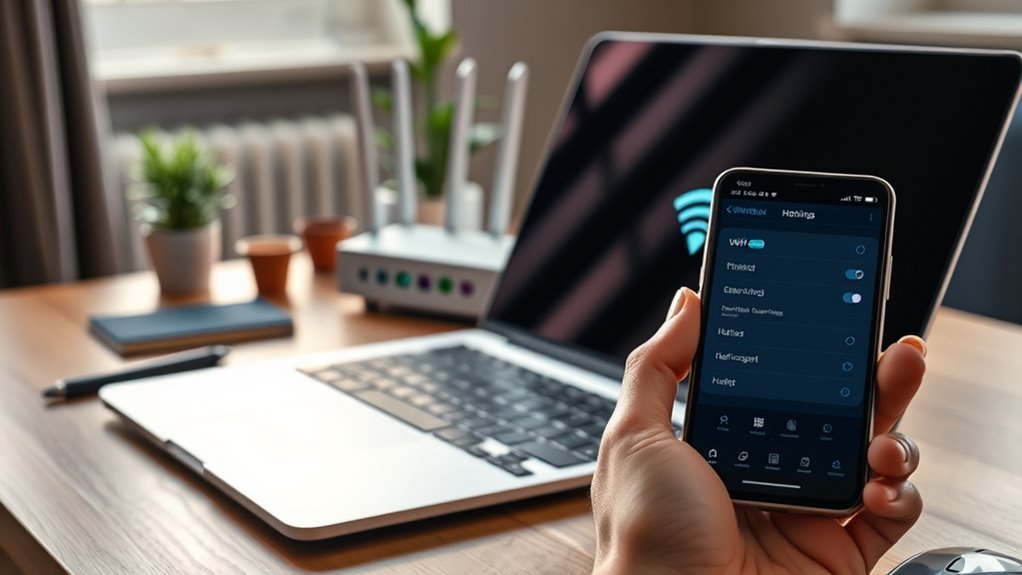
The easiest way to connect a laptop to a network without RJ45 is Wi-Fi. If you want a wired link and your laptop has no Ethernet port, plug in a USB-C or USB-A to Ethernet adapter, or use a USB-C or Thunderbolt dock. If there is no router nearby, share your phone’s internet with a hotspot or USB tethering.
Key Takeaways
- Wi-Fi needs no cable. On Windows 11, use Settings > Network & internet > Wi-Fi. On a Mac, use the Wi-Fi icon in the menu bar.
- For a wired link, use a USB to Ethernet adapter or a dock, then a normal Ethernet cable.
- No router? Use your phone’s hotspot or USB tethering. Bluetooth tethering is slow, so use it last.
- For faster Wi-Fi, you need a Wi-Fi 6E or Wi-Fi 7 router and a laptop that supports it.
- Choose WPA3 or WPA2 security. Do not use WEP or an open network.
Connect a Laptop to a Network Without RJ45 Using Wi-Fi
Wi-Fi is built into almost every laptop, so try it first.
Windows 11
- Click the network icon at the right end of the taskbar.
- Click the arrow next to Wi-Fi to see the available networks. You can also open Settings > Network & internet > Wi-Fi.
- Pick your network, click Connect, and enter the password.
Mac (macOS Sequoia or Tahoe)
- Click the Wi-Fi icon in the menu bar. You can also open System Settings > Wi-Fi.
- Choose your network and enter the password.
Wi-Fi 6E, Wi-Fi 7 and Security
Wi-Fi 6E adds the 6 GHz band, and Wi-Fi 7 is newer and faster again. You only get these speeds if both your router and your laptop support them. If one of them does not, the connection falls back to an older standard. Check your laptop’s specs before you buy a new router.
For security, join networks that use WPA3 or WPA2. WEP is broken and easy to attack, and an open network has no protection at all.
Use a USB to Ethernet Adapter
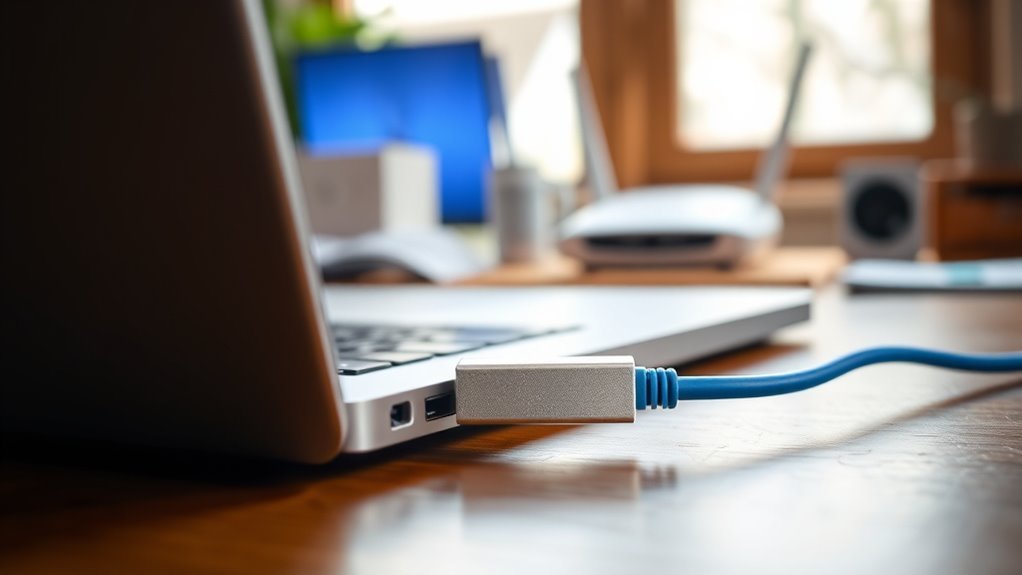
A USB to Ethernet adapter gives your laptop a wired port through a USB-A or USB-C socket. Plug it in, then connect an Ethernet cable from the adapter to your router, switch or wall socket.
- Match the plug. Buy a USB-C adapter for a USB-C port, or a USB-A adapter for a USB-A port.
- Use a fast USB port. A USB 3.0 or newer port, or USB-C, handles Gigabit speed. USB 2.0 tops out at 480 Mbps, which can slow a Gigabit link.
- Check the speed. Gigabit (1 Gbps) adapters are common. 2.5 Gbps adapters also exist, but they only run at that speed if your router or switch port is 2.5 Gbps too.
- Check the USB-C port. It must carry data. A charge-only port will not work.
Most adapters work as soon as you plug them in on Windows 11 and macOS. If yours does not, install the driver from the adapter maker’s website.
Use a USB-C or Thunderbolt Dock
Many USB-C and Thunderbolt docks include an Ethernet port, plus extra USB ports and video outputs. A dock is a good choice if you already use a monitor or other accessories at a desk. Connect the dock to the laptop with one cable, then plug the Ethernet cable into the dock.
Choose the Right Ethernet Cable
Any standard Ethernet cable works with an adapter or dock. For most homes, Cat5e or Cat6 is enough.
| Cable | Typical speed | Maximum length |
|---|---|---|
| Cat5e | 1 Gbps | 100 m |
| Cat6 | 1 Gbps (10 Gbps over short runs) | 100 m (55 m at 10 Gbps) |
| Cat6a | 10 Gbps | 100 m |
| Cat8 | 25 to 40 Gbps | 30 m |
Cat8 is thicker and stiffer, and it is made for data centers. You do not need it for a laptop. Choose a slim or flat cable if you have to run it through a tight space.
Set Up Ethernet on Your Laptop
- Plug the adapter or dock into the laptop.
- Plug one end of the Ethernet cable into the adapter or dock, and the other end into the router, switch or wall socket.
- Check the connection. On Windows 11, open Settings > Network & internet. It should show Ethernet as Connected. On a Mac, open System Settings > Network. The adapter should appear in the list with a green status dot.
Fix USB Ethernet Adapter Problems
- Check that the cable clicks in at both ends and has no damage.
- Try a different USB port. Then try the adapter on another computer to see whether it is faulty.
- On Windows 11, open Device Manager and expand Network adapters. If the adapter shows a warning, right-click it, choose Uninstall device, tick the option to remove the driver, and restart. Windows reinstalls the driver.
- Still stuck? Open Settings > Network & internet > Advanced network settings > Network reset, then choose Reset now. This reinstalls your network adapters and may remove saved VPN settings.
- On a Mac, restart it, then check System Settings > Network. If the adapter is missing, install the maker’s driver.
Share Your Phone’s Internet
If there is no router, your phone can share its mobile data. Your carrier may limit tethering or charge extra for it, so check first.
Wi-Fi Hotspot
- Android: Swipe down from the top of the screen, touch and hold Hotspot, then turn on Wi-Fi hotspot.
- iPhone: Open Settings > Personal Hotspot and turn on Allow Others to Join.
Then join the phone’s network from your laptop, just like any other Wi-Fi network.
USB Tethering
- Android: Connect the phone to the laptop with a USB cable. Swipe down, touch and hold Hotspot, then turn on USB tethering. Google notes that a Mac cannot use USB tethering with an Android phone, so use the Wi-Fi hotspot on a Mac.
- iPhone: Turn on Allow Others to Join, then connect the cable. If your iPhone asks Trust This Computer, tap Trust. A Windows PC needs the Apple Devices app or iTunes installed.
Bluetooth Tethering
Pair the phone with the laptop first. On Android, turn on Bluetooth tethering from the same Hotspot menu. On an iPhone, turn on Allow Others to Join and keep Bluetooth on. This method is slower than Wi-Fi or USB, so use it only if the other two fail.
Wi-Fi Direct is different. It links two devices directly, but it does not give your laptop internet access.
When to Use a MoCA Adapter Instead
Use MoCA if your Wi-Fi is weak, you cannot run new Ethernet cable, and your home already has coaxial (TV) cable in the walls. MoCA adapters send a network signal over that coax. You need one adapter near the router and one near the laptop, and each has an Ethernet port. MoCA 2.5 adapters are rated at up to 2.5 Gbps. A point-of-entry (POE) filter, where the coax enters your home, stops the signal leaving the house. Powerline adapters, which use your electrical wiring instead, are another option, but speed depends on the wiring.
Then connect the laptop to the MoCA adapter with a USB to Ethernet adapter and a cable, as above.
Frequently Asked Questions
How to Connect a Laptop to the Internet Without an Ethernet Cable?
Use Wi-Fi. If there is no Wi-Fi, use your phone’s hotspot or USB tethering. Bluetooth tethering also works, but it is slow.
What if My Laptop Has No Ethernet Port?
Add one. A USB-C or USB-A to Ethernet adapter, or a dock with an Ethernet port, gives you a standard wired connection.
What Is the Fastest Way to Connect Without an Ethernet Port?
A wired USB 3.0 or USB-C Ethernet adapter is the most stable choice. A 2.5 Gbps adapter can be faster if your router also supports 2.5 Gbps. A good Wi-Fi 6E or Wi-Fi 7 connection can also be fast, but only when both the router and the laptop support it.
What Are Some Alternatives if My Laptop Doesn’t Have an Ethernet Port?
In order of ease: Wi-Fi, a USB Ethernet adapter, a dock, a phone hotspot, USB tethering, a MoCA or powerline adapter, and Bluetooth tethering.
Conclusion
Start with Wi-Fi. If you need a steadier link, add a USB Ethernet adapter or a dock. If there is no router, use your phone’s hotspot. If the adapter does not work, try another port and check the driver.

