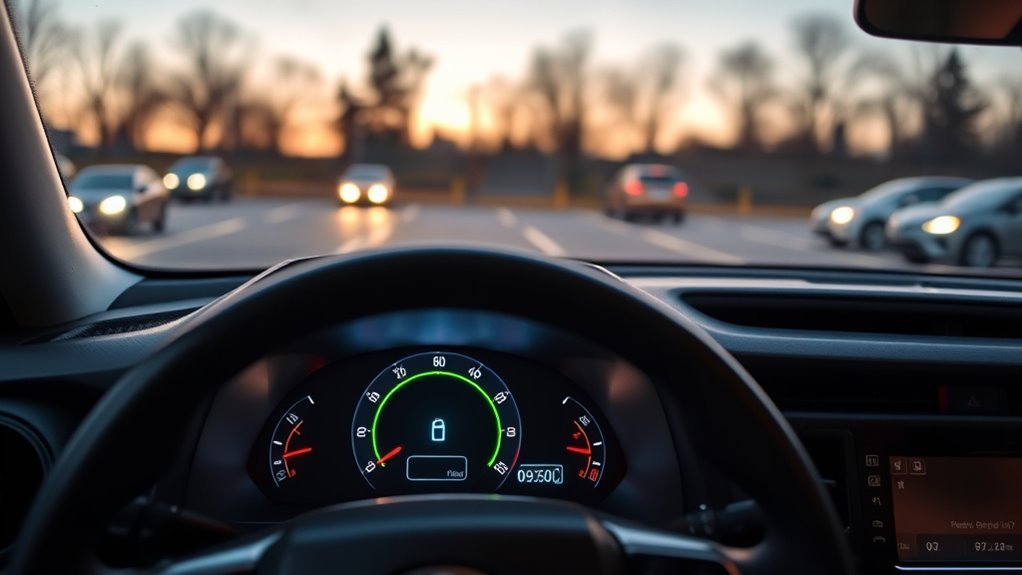
On a 2026 Toyota RAV4 Hybrid, the high-voltage traction battery is monitored through the 12.3-inch digital gauge cluster and its hybrid energy information. The battery meter is useful for seeing whether charge is relatively low or high, but it should not be treated as a precise percentage gauge. The hybrid system automatically manages charging and discharging while you drive.
Quick Answer
Use the 2026 RAV4 Hybrid’s digital gauge cluster to view the Hybrid Energy Monitor and battery charge information. The segmented battery graphic shows the traction battery’s general charge level; it is not documented as eight equal 12.5% increments. Normal changes in the displayed level are part of everyday hybrid operation.
Key Takeaways
- The 2026 RAV4 has a standard customizable 12.3-inch digital gauge cluster.
- Use the battery charge meter or Hybrid Energy Monitor to judge the traction battery’s general charge level.
- Do not convert the display’s segments into exact percentages such as “5/8 = 62.5%”; Toyota does not define the gauge that way.
- A RAV4 Hybrid normally lets the vehicle manage its traction battery automatically, so the driver does not need to keep it manually between 20% and 80%.
- Changing charge levels during acceleration, braking, hills and traffic are normal. Warning messages or abnormal vehicle behavior matter more than one unusual-looking segment.
- The RAV4 Hybrid traction battery and the vehicle’s 12-volt battery are different systems and should not be diagnosed from the same gauge.
At a Glance
| Time Required | About 1–3 minutes to select or check the display |
| Difficulty | Easy |
| Tools Needed | None; use the steering-wheel meter controls and digital gauge cluster |
| Cost | $0 unless diagnosis or repair is required |
Where Is the RAV4 Hybrid Battery Charge Display?
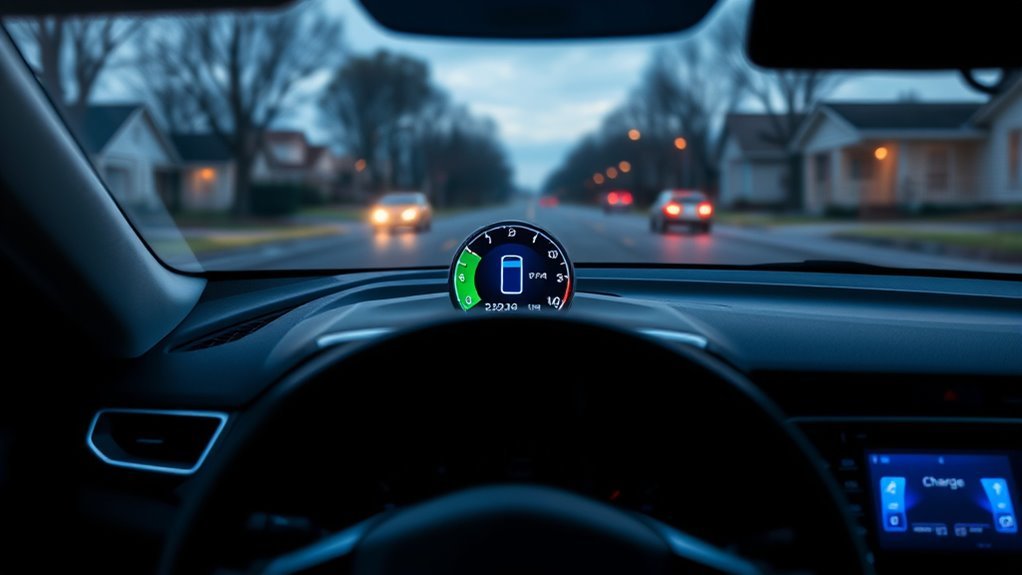
The 2026 RAV4 uses a standard 12.3-inch customizable digital gauge cluster. Toyota lists hybrid information among the data available to the driver, and the cluster is designed so displayed information can be customized.
The most useful view for this topic is the Hybrid Energy Monitor or battery charge information. It shows the state of the high-voltage traction battery together with information about how energy is moving through the hybrid system.
For current vehicle-specific instructions, use the 2026 Toyota RAV4 owner’s documentation. Toyota also confirms the standard 12.3-inch customizable cluster on its 2026 RAV4 model page.
Warning: Change or rearrange instrument-cluster information only while the RAV4 is safely stopped. Do not look continuously at the gauge or operate display controls while driving.
What Do the Battery Bars and Percentage Mean?
The RAV4 Hybrid’s battery graphic is best understood as a relative charge-level indicator. More illuminated segments mean the traction battery contains more usable charge; fewer illuminated segments mean the system is operating at a lower charge level.
What the display does not provide is a reason to assume that every visible segment equals exactly one-eighth of the battery’s physical capacity. For that reason, a reading showing five of eight visible levels should not automatically be reported as “62.5%.”
Treat the RAV4 Hybrid battery meter as a status gauge, not as a laboratory measurement of the battery pack’s exact state of charge.
The distinction matters because a hybrid’s battery-management system controls charging and discharging within a protected operating range. The driver normally does not have access to the full physical capacity of the pack, nor does the driver need to manage the regular RAV4 Hybrid like a phone or a battery-electric vehicle.
Note: The regular RAV4 Hybrid is an HEV. It does not need to be plugged in for routine charging. The gasoline engine, regenerative braking and hybrid control system manage the traction battery during normal driving. The RAV4 Plug-in Hybrid is a different version with a larger externally rechargeable battery.
How Do You Add Battery Charge Information to the Display?
The 2026 RAV4’s gauge cluster is customizable. The exact menu wording can depend on the vehicle’s software and selected cluster layout, so the owner’s manual should take priority over instructions written for a 2025 or older RAV4.
- Park the vehicle safely. Leave the hybrid system operating if the owner’s instructions require it while changing display settings.
- Use the meter-control buttons on the steering wheel to enter the digital cluster’s display-selection or customization area.
- Move between the available content areas and look for the Hybrid Energy Monitor, hybrid information, or battery charge information.
- Select or enable the desired item for the content area you want to use.
- Return to the normal gauge view and confirm that the hybrid information is visible.
Toyota has used similar steering-wheel meter controls on recent RAV4 Hybrid digital clusters, but owners should follow the 2026 manual for the exact sequence on the all-new model.
Pro Tip: If you cannot find a numeric traction-battery percentage, that does not by itself indicate a problem. Use the battery charge meter and Hybrid Energy Monitor provided by the vehicle rather than assuming an exact percentage field must be available.
Why Does the RAV4 Hybrid Battery Level Change So Often?
A changing battery level is normal in a RAV4 Hybrid. The vehicle continually decides whether to use the gasoline engine, electric motor, regenerative braking, or a combination of them.
- Acceleration: the traction battery may supply electrical power to help move the vehicle.
- Braking and deceleration: regenerative braking can recover energy and send it back to the traction battery.
- Cruising: the system may use engine power, electric power, or both depending on conditions.
- Long descents: regenerative braking can raise the displayed battery level noticeably.
- Climbing hills or repeated acceleration: the displayed level may fall more quickly.
- Low-speed EV operation: electric-only operation may be available only when conditions such as battery charge, temperature and power demand allow it.
The gauge therefore does not need to remain “full.” Leaving room for additional regenerative energy is part of how a hybrid can recover energy during braking and downhill driving.
Why Does the Battery Indicator Look Wrong?
An unusual-looking battery symbol does not automatically mean the traction battery or battery-management system has failed. First determine whether the symptom is simply the normal battery graphic, a display problem, or an actual hybrid-system warning.
| Observation | Likely Meaning | What to Do |
|---|---|---|
| One or more battery segments appear dark or empty | Often simply the way the current charge level is represented | Watch whether the level changes normally during driving and regeneration |
| Battery level rises and falls in traffic, on hills, or during braking | Normal hybrid-system operation | No repair is normally needed if there are no warnings or drivability problems |
| A dot or dark spot stays in exactly the same physical location on unrelated cluster screens | Possible display/pixel artifact rather than a battery-state indicator | Compare several cluster screens; document the spot if it remains fixed |
| Hybrid warning message, master warning, repeated low-battery warning, or abnormal performance | Possible system condition that requires diagnosis | Follow the displayed warning and arrange Toyota service if the condition persists |
A single graphical detail should therefore not be labeled a “calibration fault” without diagnostic evidence. Toyota’s warning messages and actual vehicle behavior provide more useful clues than the shape of one segment.
What Should You Do If the Display Still Seems Off?
If the RAV4 Hybrid battery charge display still appears wrong, use a simple troubleshooting sequence rather than immediately trying a battery or BMS reset.
- Park safely and check the cluster for any warning message or warning light.
- Open another instrument-cluster screen. If the suspicious dot or mark stays in the exact same physical location, it may be related to the display rather than battery charge.
- Return to the Hybrid Energy Monitor and verify that the battery indication changes during normal driving, braking and regeneration.
- Review the display customization. Make sure the intended hybrid information is selected for the active content area.
- Power the vehicle off normally and restart it. A normal vehicle restart is different from disconnecting the 12-volt battery or attempting an undocumented battery-management reset.
- Check the owner’s manual for the exact warning. Follow Toyota’s stated procedure when a warning message is present.
- Have the vehicle inspected if a warning persists, the hybrid system behaves abnormally, the battery display never responds normally, or the cluster itself appears defective.
Warning: Do not disconnect the 12-volt battery, disturb high-voltage hybrid components, or attempt an undocumented “BMS recalibration” just to correct an odd-looking gauge. High-voltage hybrid-system service should be left to qualified technicians.
Hybrid Battery vs. 12-Volt Battery: Do Not Mix Them Up
The RAV4 Hybrid contains more than one battery system, and the dashboard’s hybrid charge meter does not tell you the condition of every battery in the vehicle.
The high-voltage traction battery stores energy for the electric drive system. Its status is what the Hybrid Energy Monitor and battery charge information describe. Toyota’s hybrid controls manage that battery automatically.
The 12-volt battery powers low-voltage electronics and helps the vehicle’s control systems start up. A weak 12-volt battery can cause symptoms such as failure to enter READY mode or unusual electrical behavior even when the traction-battery graphic appears normal.
If the concern is a weak 12-volt battery, use the correct 12-volt battery testing procedure rather than trying to interpret the hybrid traction-battery meter.
RAV4 Hybrid vs. RAV4 Plug-in Hybrid Battery Information
The regular RAV4 Hybrid (HEV) and RAV4 Plug-in Hybrid (PHEV) should not be treated as the same vehicle when discussing battery charge.
The HEV has a smaller traction battery that is automatically charged and discharged through normal hybrid operation. The PHEV has a much larger battery that can also be charged from an external electrical source and therefore provides battery and charging information related to plug-in use.
For 2026, Toyota lists separate HEV and PHEV powertrains in the RAV4 lineup. Current PHEV specifications should be checked on Toyota’s 2026 RAV4 Plug-in Hybrid page rather than applying older RAV4 Prime specifications to the new model.
Frequently Asked Questions
How Many kWh Does It Take to Fully Charge a RAV4 Prime?
It depends on the model year, and battery capacity is not the same as electricity drawn from the wall. Toyota specifies an 18.1-kWh lithium-ion battery for the 2024 RAV4 Prime. Toyota renamed the model RAV4 Plug-in Hybrid for 2025, when it used an 18.5-kWh pack. Toyota’s current 2026 comparison information lists a 22.70-kWh maximum battery capacity for the 2026 RAV4 Plug-in Hybrid. Actual wall energy for a charge can be higher than energy stored in the battery because charging is not 100% efficient.
How Do You Check the Battery Level on a RAV4 Hybrid?
Use the digital gauge cluster and select the Hybrid Energy Monitor or battery charge information. The graphic provides a general indication of traction-battery charge. Do not assume that each visible segment represents an exact equal percentage of the battery’s total physical capacity.
How Can I Tell How Much My RAV4 Hybrid Battery Is Charged?
Use the traction-battery level shown by the Hybrid Energy Monitor as a relative gauge. For a regular RAV4 Hybrid, there is normally no need to calculate an exact state-of-charge percentage because the hybrid control system automatically keeps the traction battery within its intended operating range.
Is a 20-Minute Drive Enough to Charge a Car Battery?
There is no universal 20-minute rule. The RAV4 Hybrid’s high-voltage traction battery is continuously managed during driving, so it does not need a special 20-minute recharge drive. If the question concerns a weak 12-volt battery, a 20-minute drive may not fully recharge a deeply discharged or deteriorated battery; its condition should be tested separately.
Should I Keep a RAV4 Hybrid Battery Between 20% and 80%?
Not as a routine task on the normal RAV4 Hybrid. The HEV automatically manages traction-battery charging and discharging, and the driver does not normally plug it in or choose a target state of charge. Follow Toyota’s operating and maintenance instructions rather than trying to hold the dashboard gauge inside a manually selected percentage range.
Why Is My RAV4 Hybrid Battery Gauge Not Full?
That is usually normal. The hybrid system repeatedly uses and recovers electrical energy as conditions change. A battery that is not displayed as completely full still leaves room to accept regenerative energy during braking and downhill driving. Investigate further when the vehicle shows an actual hybrid-system warning or behaves abnormally.
Conclusion
The RAV4 Hybrid battery charge display is best used as a quick picture of the traction battery’s current status, not as an exact percentage meter. On the 2026 RAV4, the customizable 12.3-inch digital cluster can show hybrid energy information while the vehicle automatically manages battery charging and discharging.
Normal movement in the gauge is expected as the RAV4 accelerates, regenerates energy and changes operating conditions. An empty-looking segment alone does not prove a calibration problem. Pay closer attention to actual warning messages, persistent display defects and abnormal hybrid-system behavior. If those appear, follow the owner’s manual and have the vehicle inspected rather than attempting an undocumented battery reset.
Sources
- Toyota — 2026 RAV4 — current model, hybrid/PHEV distinction and standard 12.3-inch customizable digital gauge cluster.
- Toyota Owners — 2026 RAV4 Owner’s Manual — vehicle-specific operating and instrument information.
- Toyota USA Newsroom — 2026 RAV4 — sixth-generation hybrid powertrain and 2026 equipment information.
- Toyota — 2026 RAV4 Plug-in Hybrid Comparison — current PHEV battery specification.
- Toyota USA Newsroom — 2025 RAV4 Plug-in Hybrid — Prime-to-Plug-in-Hybrid naming change and 2025 battery information.
- Toyota USA Newsroom — 2024 RAV4 Prime — 18.1-kWh battery specification for the 2024 Prime.

