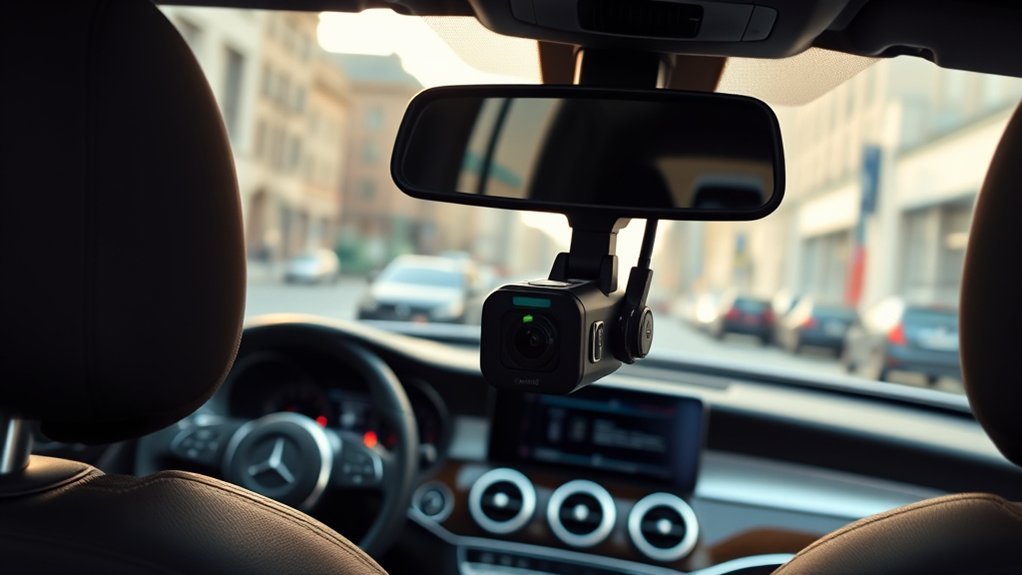
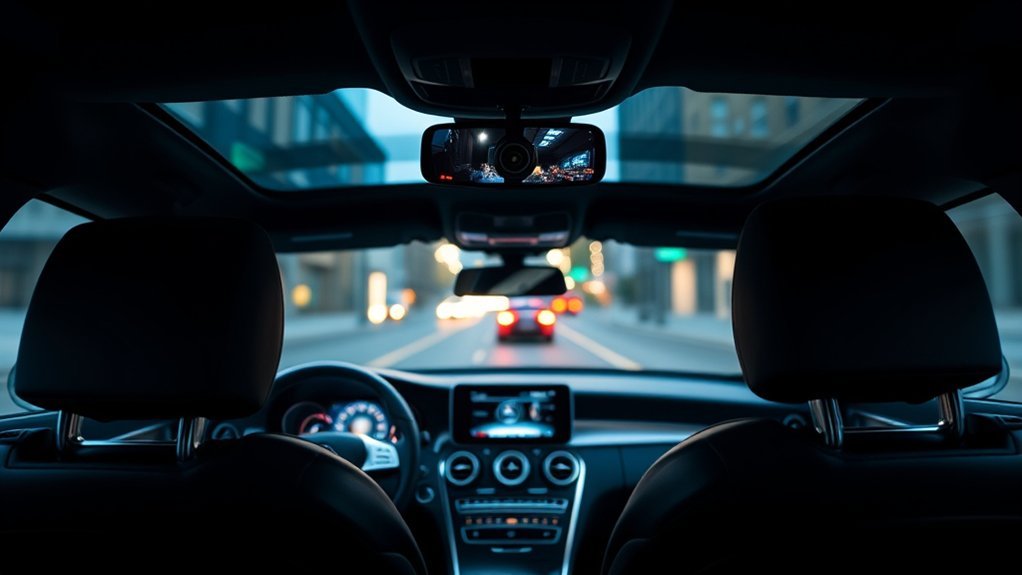
The Mercedes C-Class saloon doesn’t come with a dedicated dash cam. You have two routes: Mercedes’ optional Dashcam digital extra (on eligible cars), which records the front view through the existing windscreen camera, or an aftermarket front-and-rear dash cam that adds rear coverage, GPS and parking mode.
For most owners an aftermarket dual-channel camera, hardwired with a fuse tap, gives better protection. Here is how the two compare and how to fit one properly.
Mercedes C-Class Saloon Dash Cam Options
| Feature | Mercedes Dashcam digital extra | Aftermarket dual-channel dash cam |
|---|---|---|
| Hardware | Uses the car’s existing front camera | Separate front and rear cameras |
| Coverage | Front only | Front and rear (some add a cabin camera) |
| Storage | USB stick in the car’s USB port | microSD card in the camera |
| Parking mode | Not offered, per owner reports | Yes, with hardwire kit |
| GPS speed/location | Check eligibility details | Common (built-in or GPS mount) |
| Availability | Only for eligible models and markets | Fits any C-Class |
The Mercedes Dashcam Digital Extra
Mercedes sells a Dashcam feature through the Mercedes me Store in several countries. It records through the existing front camera and saves footage to a USB stick, so nothing is added to the windscreen.
Points to check before buying:
- Eligibility: it depends on your model series and MBUX version. Check in the Mercedes me Store with your car linked.
- USB stick: owners on MBClub UK report recording problems when the stick is full or unreliable; a dealer note quoted there requires FAT32 or exFAT formatting.
- Manual start: in some markets recording must be started manually after each ignition cycle.
- No rear or parked recording.
Best Aftermarket Dash Cam for a C-Class
Look for front and rear recording, GPS, a capacitor (better than a battery in hot cars), and buffered parking mode.
- VIOFO A229 Ultra: 4K front and 4K rear with Sony STARVIS 2 sensors, per VIOFO’s listing. A strong choice if you want the sharpest number plates.
- VIOFO A329S: 4K front at up to 60fps with a 2K rear and Wi-Fi 6, per retailer listings.
- Other brands: BlackVue, Thinkware and Nextbase all sell dual-channel models; compare rear resolution, parking mode and app quality.
Specs and bundles change, so check the current listing and price before buying.
How to Install a Dash Cam in a Mercedes C-Class
- Position the front camera behind or beside the rear-view mirror, clear of the driver-assistance camera housing and within the wiper sweep.
- Route the cable along the headlining and down the A-pillar trim, keeping it behind (not in front of) the curtain airbag.
- Hardwire to the fuse box with a fuse tap: one feed for ignition power and one constant feed for parking mode. Don’t cut factory wiring.
- Set the low-voltage cut-off on the hardwire kit so parking mode never flattens the battery.
- Run the rear cable through the headlining to the rear window, leaving slack where it passes trim joints.
- Format the card in the camera and check the date, time and GPS.
If you are not confident around airbags and fuse boxes, use a professional installer.
Warranty and Insurance
- A dash cam does not automatically void your Mercedes warranty, but damage caused by poor wiring may not be covered.
- Keep the installer’s invoice, and ask your dealer if you are unsure.
- Some UK insurers offer a discount for a dash cam; ask yours rather than assuming.
Making other changes to your Mercedes? See our guides to phone holders for the E-Class W213, legal phone mount placement in the UK and S-Class air suspension parts.
FAQ
Does the Mercedes C-Class saloon have a built-in dash cam?
Not as a dedicated dash cam. Mercedes offers an optional Dashcam digital extra for some models and markets that records through the existing front camera. Check the Mercedes me Store with your car to see whether yours is eligible.
Is the Mercedes Dashcam digital extra worth it?
It is tidy and needs no extra hardware, but it records the front view only, saves to a USB stick and owners on UK forums report it has no parking mode. If you want rear coverage or parked protection, an aftermarket dual-channel camera does more.
What is a good aftermarket dash cam for a C-Class?
A front-and-rear unit with GPS and a hardwired parking mode suits most owners. The VIOFO A229 Ultra (4K front and rear) and VIOFO A329S (4K front, 2K rear) are well-known examples.
Will fitting a dash cam void my Mercedes warranty?
Fitting an accessory does not automatically void the whole warranty, but a fault caused by poor wiring may not be covered. Use a fuse-tap hardwire kit or a professional installer, and ask your dealer if unsure.
Where should I mount a dash cam in a C-Class?
Behind or beside the rear-view mirror, clear of the driver-assistance camera housing and out of the driver’s view of the road. Keep it within the wiper sweep so the lens has a clear view in rain.
Do I need a hardwire kit for parking mode?
Yes. Parking mode needs constant power, usually from a hardwire kit or dedicated battery pack. Choose one with a low-voltage cut-off so the car battery is not drained.

