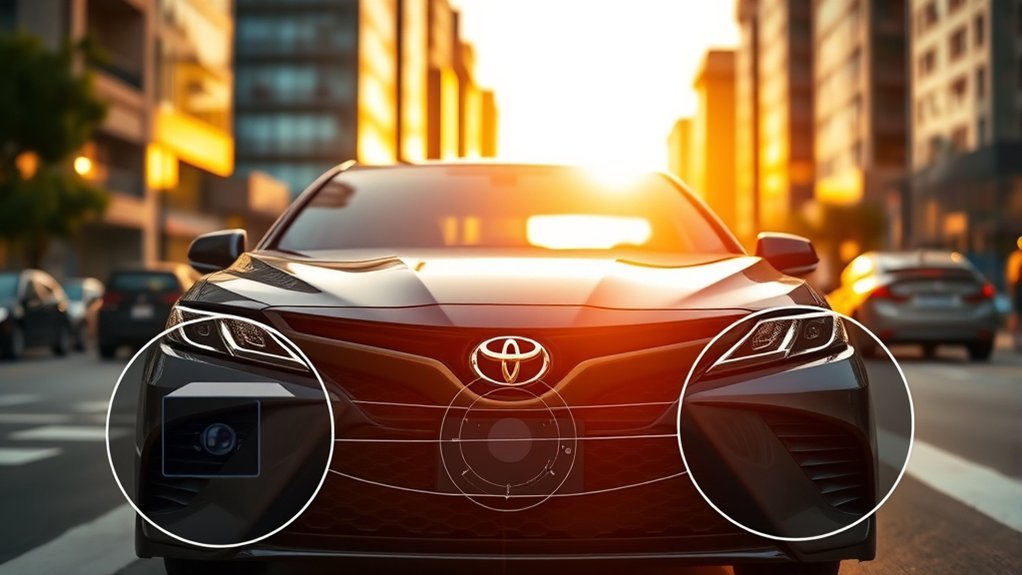
The Toyota Camry Pre-Collision System (PCS) is a forward-collision warning and automatic-braking aid within Toyota Safety Sense. Using a forward-facing camera and radar, it can warn about certain frontal collision risks, add braking support, and automatically brake in some situations. What it can detect depends on the Camry’s model year: newer systems add broader pedestrian, bicyclist, motorcyclist, intersection, and steering-assistance capabilities. PCS is a backup safety layer, not a substitute for attentive driving or normal braking.
Last updated: September 19, 2026. Toyota source check covers U.S.-market Camry safety documentation from 2018 through 2026.
Quick Answer
Toyota Camry PCS uses a forward-facing camera and radar to identify certain frontal collision risks. It can warn the driver and may add braking assistance or apply automatic emergency braking. It can reduce the severity of some crashes or avoid them, but it cannot detect every hazard or replace attentive driving.
Key Takeaways
- PCS is designed to assist the driver; it is not autonomous driving and does not guarantee that a collision will be avoided.
- The system normally uses a windshield-mounted camera and a forward radar sensor to monitor certain hazards ahead.
- Capabilities differ among TSS-P, TSS 2.5+, and TSS 3.0 Camrys, so model year matters.
- Dirty, blocked, damaged, or misaligned sensors can reduce performance or make PCS temporarily unavailable.
- Use the owner’s manual for your exact Camry to confirm detected targets, operating ranges, settings, and warning messages.
Warning: Never depend on PCS to brake for you and never create a hazard to test it. Watch the road, maintain a safe following distance, and be prepared to brake or steer at all times. The system may not recognize every vehicle, person, cyclist, motorcyclist, animal, object, or road situation.
What Is the Toyota Camry Pre-Collision System?
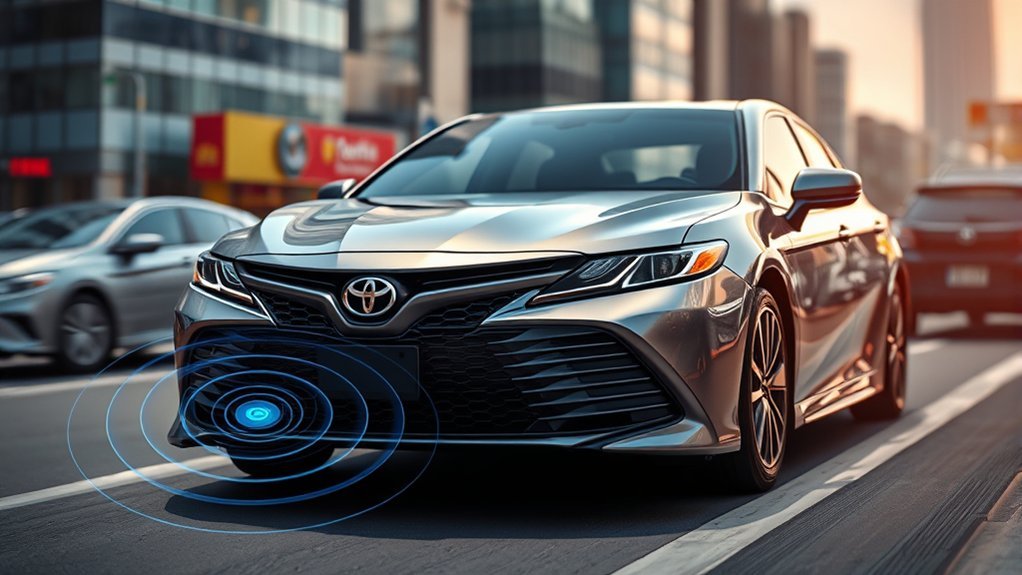
The Toyota Camry Pre-Collision System is part of Toyota Safety Sense. It is designed to recognize certain frontal collision risks and help the driver respond sooner.
On an equipped Camry, the system may provide:
- Forward-collision warning: visual and audible alerts when PCS determines that a frontal collision risk is developing.
- Pre-collision Brake Assist: added braking force on versions that support it when you press the brake pedal but the system determines that more braking may be needed.
- Automatic emergency braking: automatic brake application when the risk becomes more urgent and the driver has not responded sufficiently.
- Additional functions on newer versions: certain Camrys may support bicyclist or motorcyclist detection, intersection assistance, or emergency steering assistance under specified conditions.
PCS is different from adaptive cruise control. Dynamic Radar Cruise Control manages following distance while cruise control is operating, whereas PCS is an emergency driver-assistance feature intended to respond to certain potential collisions. It is also different from rear parking assistance or rear cross-traffic braking, which use other sensors and operate in different situations.
PCS is a backup layer, not a substitute for looking ahead, controlling your speed, and leaving enough room to stop.
How Does the PCS Detect Potential Collisions?
The Camry’s PCS typically combines information from a forward-facing camera and millimeter-wave radar. The system compares the position, movement, distance, and relative speed of recognized road users or vehicles to estimate whether a frontal collision may occur.
Camera and Radar Sensor Overview
The forward-facing camera is normally mounted near the top center of the windshield, behind or close to the rearview mirror. It helps identify the shape and movement of certain vehicles and road users.
The radar sensor faces forward through the grille, emblem, or another front-end location, depending on model year. Radar helps estimate distance and relative speed. Using both technologies allows the system to compare visual recognition with distance and motion data.
The sensors must have a usable view. Mud, ice, snow, condensation, stickers, windshield tint near the camera, front-end accessories, collision damage, or incorrect sensor alignment may interfere with detection.
How PCS Assesses Collision Risk
PCS continuously evaluates the road ahead while its operating conditions are met. A warning is not based only on the physical distance to an object. The system can also consider factors such as:
- Your Camry’s speed.
- The speed and movement of a recognized target.
- How rapidly the distance between the Camry and the target is closing.
- The estimated time remaining before a possible impact.
- Whether the driver has already braked, accelerated, or steered.
- Whether camera and radar information is clear enough for the system to respond.
A vehicle moving away at nearly the same speed may not create the same warning as a stationary or rapidly slowing vehicle at a similar distance. A person or cyclist crossing the road can also present a different detection problem from a vehicle traveling in the same lane.
What Can the System Detect?
Detection capability depends on the Toyota Safety Sense generation fitted to the Camry:
- TSS-P: generally described as detecting certain vehicles and pedestrians under specified conditions.
- TSS 2.5+: expanded PCS capability can include certain vehicles, pedestrians, and bicyclists, along with functions such as intersection support and emergency steering assistance on applicable vehicles.
- TSS 3.0: Toyota describes PCS as being designed to detect certain vehicles, pedestrians, bicyclists, and motorcyclists under specified conditions.
Note: A system being designed to detect a type of road user does not mean it will detect that road user in every position, at every speed, or in every lighting and weather condition.
Types of Alerts From the Pre-Collision System
PCS can use several responses as a potential collision becomes more urgent. The exact sequence and strength of intervention vary by model year, system generation, target, speed, and driving conditions.
Visual and Audible Warning Alerts
The first noticeable response is normally a message or graphic in the instrument display accompanied by a warning tone. The alert tells you to look ahead and take immediate control of the situation.
Do not wait for automatic braking after receiving an alert. Check the road, brake firmly when appropriate, and steer only when you can do so safely.
Pre-Collision Brake Assist
On versions equipped with pre-collision Brake Assist, PCS may increase braking force when you press the brake pedal but the system determines that your input may not be enough for the detected risk.
Brake Assist does not remove the need to press the pedal. Your braking action remains important, and the available stopping distance still depends on speed, tire condition, road surface, vehicle load, and other factors.
Automatic Braking Activation
If the system determines that a collision risk is sufficiently high, it may apply the brakes automatically. This may happen when the driver has not responded or when the driver’s response is not enough to address the detected risk.
Automatic braking may:
- Avoid some collisions when conditions and available distance allow.
- Reduce impact speed when a complete stop is not possible.
- Release or change braking force when the detected conditions change.
It should never be described as a guaranteed stop. Even full system activation may not prevent contact.
How Does Automatic Braking Work?
Automatic emergency braking uses the collision-risk estimate produced from the forward camera, radar, and vehicle data. When PCS decides that intervention is needed, it commands the braking system to slow the Camry.
A typical response can be summarized as follows:
- Detection: The camera and radar identify a supported target and track its position and movement.
- Risk calculation: PCS estimates whether the Camry is closing on the target in a way that could lead to a collision.
- Driver warning: The system displays a warning and sounds an alert.
- Braking support: If you brake, an applicable version may add braking force.
- Automatic braking: If the danger becomes more urgent, the system may apply the brakes automatically.
The available braking response is still limited by physics. Wet pavement, snow, ice, gravel, worn tires, excessive speed, a heavy vehicle load, a steep grade, or a very late target appearance can increase stopping distance.
Which Toyota Camry Models Have the Pre-Collision System?
PCS availability and capability depend on the country, model year, trim, production date, and option package. The following table is a practical guide for typical U.S.-market Camrys, not a substitute for checking the vehicle itself.
| Typical U.S. model years | System guidance | What to verify |
| 2017 and older | PCS availability can vary by year, trim, market, or option package. | Confirm using the VIN, original equipment list, dashboard settings, and owner’s manual. |
| 2018–2020 | The redesigned 2018–2020 U.S. Camry uses Toyota Safety Sense P (TSS-P), including PCS with Pedestrian Detection, as standard equipment. | Check the manual for detected targets, speed ranges, warning timing, and limitations. |
| 2021–2024 | U.S. Camrys from 2021–2024 use Toyota Safety Sense 2.5+, which expands PCS capability with daytime bicyclist detection, low-light pedestrian detection, intersection support, and Emergency Steering Assist under specified conditions. | Verify intersection support, bicyclist detection, emergency steering assistance, and model-specific conditions. |
| 2025–2026 | The current-generation 2025–2026 U.S. Camry uses Toyota Safety Sense 3.0. | Check the current manual for supported targets, intersection functions, operating ranges, settings, and software-specific behavior. |
To confirm whether your Camry has PCS:
- Open the driver-assistance or vehicle-settings menu in the instrument display and look for “PCS” or “Pre-Collision System.”
- Check the Toyota Safety Sense section of the owner’s manual.
- Review the original window sticker or factory equipment record.
- Ask a Toyota dealer to check the VIN when the vehicle’s history or equipment is uncertain.
Toyota provides model-year manuals through its manuals and warranties portal.
Benefits of the Pre-Collision System for Drivers and Pedestrians
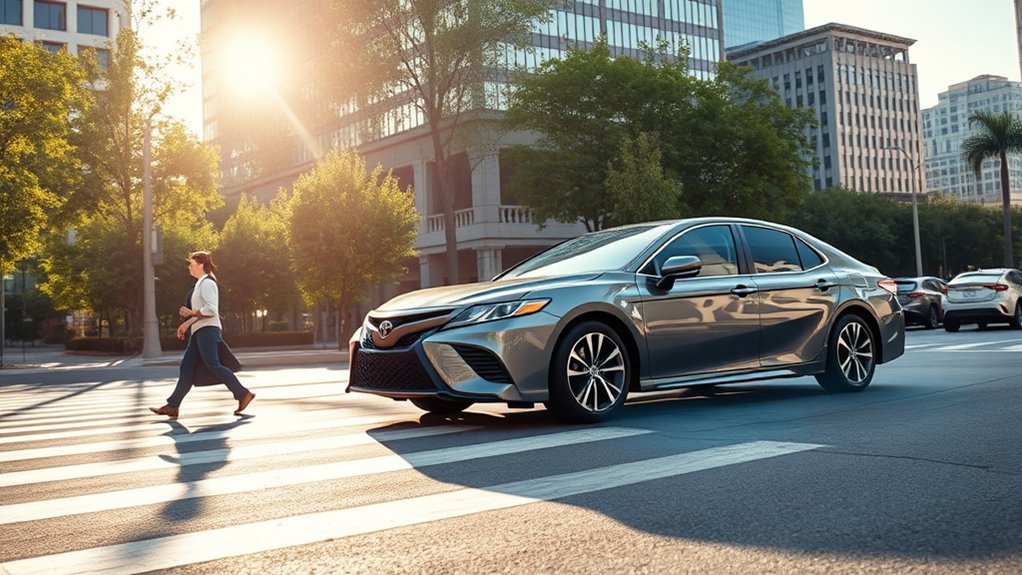
PCS can provide valuable extra response time when a supported hazard develops ahead. A timely warning may help an attentive driver begin braking sooner, while automatic braking can reduce speed when the driver reacts late or does not provide enough braking force.
Potential benefits include:
- Earlier awareness of a rapidly slowing or stopped vehicle.
- Additional braking support during an emergency response.
- Reduced impact speed when a crash cannot be completely avoided.
- Detection of certain vulnerable road users on supported system versions.
- Assistance in some intersection or emergency-steering situations on newer Camrys.
An IIHS study of passenger vehicles found that forward-collision warning combined with automatic emergency braking was associated with a 50% reduction in police-reported rear-end striking crashes and a 56% reduction in rear-end striking crashes with injuries. These are broad real-world AEB findings, not Camry-specific guarantees.
PCS is most useful when it supplements safe driving habits. It cannot compensate for tailgating, excessive speed, distraction, poor tires, or reduced traction.
How to Activate and Customize the Pre-Collision System
PCS is normally designed to be available by default on an equipped Camry, but menu names and setting behavior vary by model year. Use the steering-wheel controls and multi-information display while the vehicle is safely parked.
- Turn the ignition on or place the hybrid system in READY while remaining parked.
- Use the steering-wheel arrow controls to open the settings or gear-icon menu in the instrument display.
- Open the driver-assistance, Toyota Safety Sense, or PCS menu.
- Confirm that PCS is enabled.
- Select the available warning-timing setting, such as early, middle, or late, when your model provides that option.
- Exit the menu and confirm that no PCS malfunction or unavailable message remains displayed.
Pro Tip: The adjustable setting commonly changes when the forward-collision warning is issued. It should not be interpreted as an increase in camera range, radar range, tire grip, or maximum braking power.
Turning PCS off removes an important safety aid. Disable it only when the owner’s manual identifies a legitimate reason, and restore normal operation as soon as that condition ends. Depending on model year, the system may automatically turn back on during a later ignition cycle or may retain a setting. For model-year-specific menu steps, see how to temporarily disable the Toyota Camry Pre-Collision System.
Toyota Camry PCS Limitations
PCS cannot reliably respond to every possible hazard. Detection or braking may be delayed, reduced, unavailable, or inappropriate when the system cannot clearly understand the scene.
Common limitations include:
- Heavy rain, snow, fog, spray, dust, smoke, or poor visibility.
- Low sun, glare, bright reflections, darkness, or rapidly changing light.
- Ice, snow, mud, insects, stickers, or accessories blocking a sensor area.
- A cracked, replaced, fogged, tinted, or dirty windshield near the camera.
- A misaligned camera or radar sensor following a collision or repair.
- A vehicle cutting abruptly into the Camry’s path.
- A target partly hidden by another vehicle, building, curve, crest, or roadside object.
- Small, unusually shaped, low, narrow, stationary, or nonreflective objects.
- Pedestrians or riders in unusual positions, moving unpredictably, or obscured by clothing or objects.
- Sharp curves, steep hills, uneven roads, construction zones, or lane geometry the system cannot interpret.
- Towing, overloading, modified suspension, nonstandard wheel alignment, or front-end accessories.
- Very high closing speed or too little remaining stopping distance.
The system can also warn or brake when the driver does not consider intervention necessary. Examples may include passing close to a roadside object, entering a curve, approaching a vehicle that is turning away, driving near metal structures, or encountering an object whose movement is difficult to predict.
How to Care for the PCS Camera and Radar
Keeping the sensor areas clean and correctly aligned helps PCS operate as designed.
- Keep the windshield clean inside and outside near the forward-facing camera.
- Remove snow, ice, mud, insects, and heavy debris from the front emblem, grille, and radar area without scratching or striking the components.
- Do not place stickers, electronic devices, dash-camera mounts, reflective objects, or unauthorized tint in the camera’s viewing area.
- Do not paint, wrap, cover, drill, or attach accessories over the radar area.
- Use the correct windshield and repair procedures when replacing glass near the camera.
- Have sensor alignment checked after windshield replacement, front bumper or grille work, collision repairs, suspension changes, or significant wheel-alignment work when required by the repair procedure.
Note: A windshield or bumper can appear correctly installed while a camera or radar sensor is still outside its required alignment. Calibration should be completed with the correct Toyota-compatible equipment and procedures.
Troubleshooting a PCS Warning or “Unavailable” Message
A PCS warning can indicate a temporary operating condition, disabled setting, obstructed sensor, calibration problem, or malfunction. The exact wording matters.
- PCS OFF: the feature has been deliberately disabled; confirm the model-year-specific off message or indicator in the instrument display.
- Temporarily unavailable: the camera or radar may be blocked, visibility may be poor, or the system may be outside a usable operating condition.
- Malfunction or persistent warning: the message remains or repeatedly returns after temporary conditions and sensor obstructions have cleared; inspection may be needed.
When PCS Is Temporarily Unavailable
- Park in a safe location.
- Read the complete message in the instrument display.
- Inspect the windshield camera area and the front radar area for snow, ice, dirt, condensation, or an accessory blocking the view.
- Clean only the accessible exterior surfaces using normal vehicle-care methods.
- Allow heavy fogging, frost, extreme heat, or severe weather conditions to clear.
- Restart the vehicle when it is safe to do so.
Temporary messages may disappear after the sensors regain a clear view or return to a normal operating temperature. Continue driving manually and cautiously while PCS is unavailable.
When the Warning Persists
Arrange an inspection when:
- The PCS warning light or malfunction message remains after the vehicle and sensors are clean.
- The warning returns repeatedly in normal weather.
- The windshield, camera, grille, emblem, radar, or front bumper was recently replaced or repaired.
- The vehicle was involved in a collision, even if front-end damage appears minor.
- PCS warnings occur with battery, braking, stability-control, or other electrical warnings.
- The system activates unexpectedly on a recurring basis.
Do not attempt to aim the camera or radar by bending brackets, moving the emblem, loosening sensors, or making improvised adjustments.
Frequently Asked Questions
How does the Toyota Camry Pre-Collision System work?
PCS uses a forward-facing camera, radar, and vehicle data to estimate certain frontal collision risks. It can issue visual and audible warnings, support braking on applicable versions, and apply automatic emergency braking under specified conditions.
What does PCS mean on a Toyota Camry?
PCS means Pre-Collision System. It is the forward-collision warning and braking-assistance component of Toyota Safety Sense. A PCS warning light or message can also indicate that the feature is switched off, temporarily unavailable, obstructed, or malfunctioning.
At what speed does Toyota Camry PCS work?
There is no single operating-speed answer that applies to every Camry. Warning and braking ranges vary by Toyota Safety Sense generation, target type, relative speed, road conditions, lighting, and other factors. Check the Pre-Collision System section of the owner’s manual for the exact model year.
Will Toyota PCS stop the Camry before a crash?
It may avoid some collisions when detection, traction, speed, and available distance allow, but it does not guarantee a complete stop. In many situations, its main benefit may be reducing the Camry’s speed before impact.
Why does my Camry say the Pre-Collision System is unavailable?
Common causes include snow, ice, dirt, fogging, severe weather, glare, extreme sensor temperature, a blocked camera or radar, sensor misalignment, or a system fault. Clean the accessible sensor areas, allow temporary conditions to clear, and seek service if the message persists.
Can I adjust Toyota Camry PCS sensitivity?
Many equipped Camrys allow the driver to adjust pre-collision warning timing through the instrument-display settings. This changes when the alert appears; it does not increase the physical sensor range, available tire traction, or maximum braking ability.
Does a new windshield require PCS camera calibration?
Calibration may be required after windshield replacement or work near the forward-facing camera. The repair facility should follow the applicable Toyota procedure and confirm that the camera and related systems are correctly aligned before returning the vehicle to normal use.
Conclusion
The Toyota Camry Pre-Collision System can provide an important warning and braking-assistance layer when a supported frontal hazard develops. Newer Toyota Safety Sense generations recognize more types of road users and may include additional intersection or steering assistance, but every version has operating limits.
Keep the camera and radar areas clean, investigate persistent warning messages, and arrange proper calibration after relevant repairs. Most importantly, continue to watch the road, maintain a safe following distance, and brake or steer whenever necessary. PCS may help avoid some collisions or reduce their severity, but the driver remains responsible for controlling the vehicle.
Sources
- Toyota Safety Hub and Toyota Safety Sense overview — TSS 3.0 PCS functions, detected road users, warnings, braking, and limitations.
- Toyota Manuals and Warranties — model-year-specific PCS operating conditions, settings, warnings, and precautions.
- Toyota: All-New 2018 Camry Launch — confirms standard TSS-P and PCS with Pedestrian Detection on the 2018 U.S. Camry.
- Toyota: 2021 Camry Safety Update — confirms TSS 2.5+ and expanded PCS capabilities including bicyclist detection, intersection support, and Emergency Steering Assist.
- Toyota: 2024 Camry — confirms TSS 2.5+ remained standard for the 2024 U.S. Camry.
- Toyota: Next-Generation Camry — confirms TSS 3.0 and PCS detection of certain vehicles, pedestrians, bicyclists, and motorcyclists for the current-generation Camry.
- Insurance Institute for Highway Safety: Front Crash Prevention Study — real-world rear-end crash reductions associated with forward-collision warning and automatic emergency braking.
- National Highway Traffic Safety Administration: Driver Assistance Technologies — federal definitions of forward-collision warning and automatic emergency braking plus driver-responsibility guidance.

