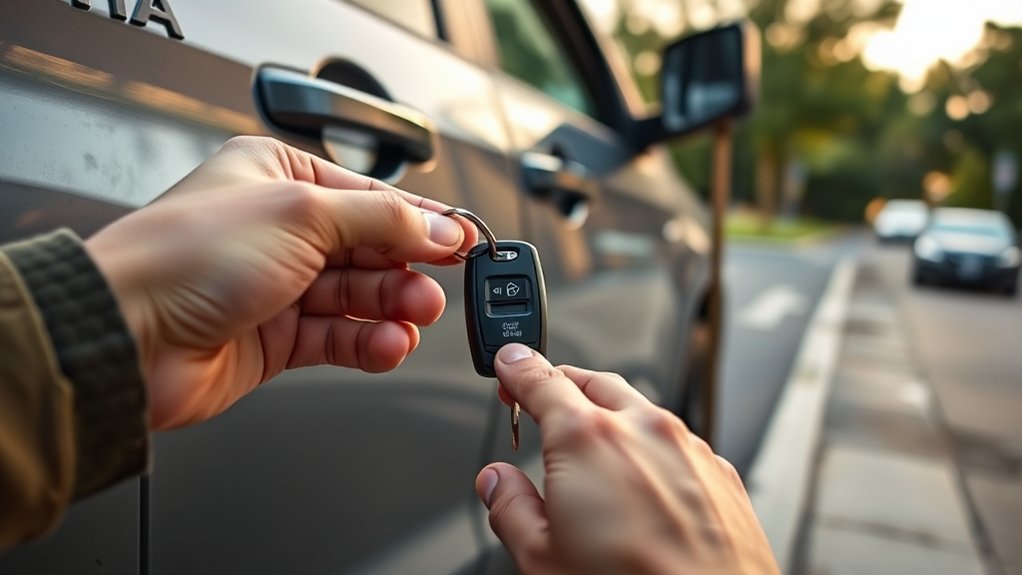
If your Toyota Tundra Smart Key battery dies, you can usually still unlock and start the truck. Remove the mechanical key from the fob and use it in the driver-door lock. On an equipped push-button-start Tundra, press the brake, touch the Toyota-emblem side of the complete registered fob directly to the engine switch, wait for the truck to recognize it, and press the switch. If the cabin lights and displays are also dead, the problem may be the truck’s 12-volt battery instead of the key-fob battery.
Last updated: September 19, 2026
Quick Answer
Release the mechanical key from your Toyota Tundra key fob and use it in the driver-door lock. For a push-button-start model, keep the complete registered fob with you, press the brake, touch the Toyota-emblem side of the fob directly to the ENGINE START STOP switch, and press the switch after the truck detects the key. This emergency start method does not help if the Tundra’s 12-volt vehicle battery is discharged.
Key Takeaways
- The mechanical key inside an equipped Smart Key fob works without power from the fob battery.
- Use the driver-door lock cylinder shown in the owner’s manual for your exact Tundra model year. Stop before prying trim if you cannot positively identify it.
- For an emergency push-button start, Toyota’s procedure is to place the Toyota-emblem side of the registered electronic key directly against the engine switch.
- A dead fob battery and a discharged 12-volt truck battery are different problems and require different solutions.
- Toyota’s 2025 Tundra manual specifies a CR2450 battery for the electronic key; other model years or replacement fobs may differ.
- Do not force a stiff key, pry painted trim, or attempt to bypass the immobilizer or Smart Key system.
At a Glance
| Emergency Door Entry | Remove the mechanical key from the fob and use the driver-door lock cylinder specified for your model year. |
| Emergency Push-Button Start | With the transmission in Park and the brake depressed, touch the Toyota-emblem side of the registered fob to the engine switch, wait for detection, then press the switch. |
| If the Truck Has No 12-Volt Power | The mechanical key may still provide entry, but the truck battery must be properly jump-started, charged, tested, or serviced before the vehicle can operate normally. |
| 2025 Electronic-Key Battery | CR2450 according to Toyota’s 2025 Tundra owner’s manual. Do not assume the same cell applies to every model year or replacement fob. |
How Do You Unlock a Toyota Tundra With a Dead Key Fob?
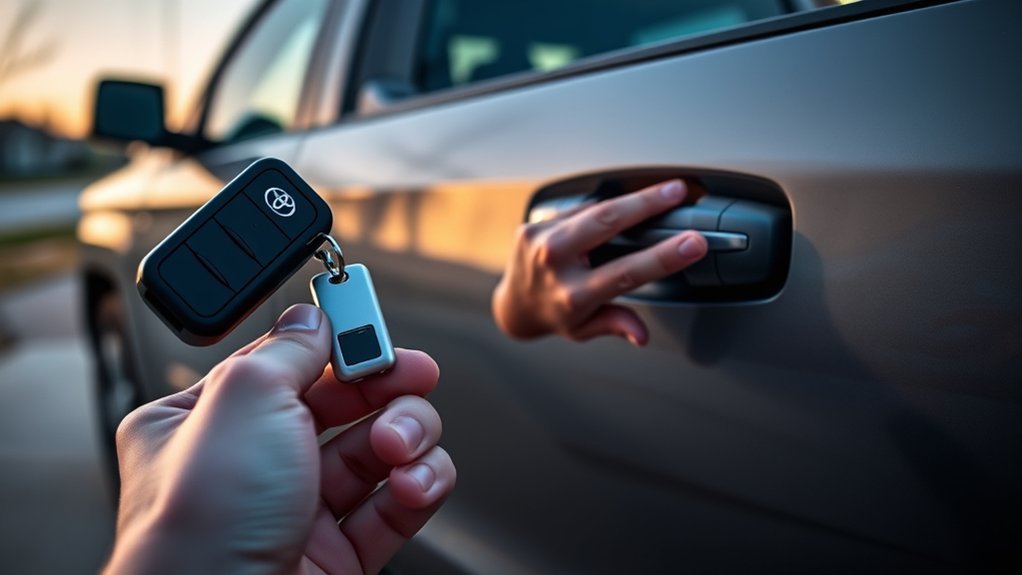
The emergency method below applies primarily to a Tundra equipped with a removable mechanical key and Smart Key system. A Tundra with a traditional ignition key does not use the push-button emergency-start procedure. Use its mechanical ignition key according to the model-year owner’s manual.
For a Smart Key truck, remove the mechanical key and use the driver-door lock cylinder identified in the instructions for your exact model year. Toyota’s 2025 Tundra documentation confirms that a mechanical key can be used when the electronic key does not operate normally. Check the Toyota Tundra owner’s manual portal if the door hardware on your truck differs from the description below.
Warning: Do not force the mechanical key, push tools into the door, or pry painted trim with a screwdriver. If you cannot positively identify the lock cylinder or the key will not turn with gentle pressure, stop and check the model-year manual or contact a qualified automotive locksmith.
How Do You Use the Tundra’s Mechanical Key?
- Find the release control. Look for the mechanical-key release on the Smart Key fob.
- Remove the mechanical key. Operate the release while pulling the metal key blade from the fob.
- Locate the driver-door lock cylinder. Use the lock location shown for your exact model year. Do not treat an unidentified trim seam as a key opening.
- Insert the correct key fully. Use the mechanical key supplied for that truck rather than a similar-looking Toyota key.
- Turn the key gently. On the 2025 Tundra, Toyota states that turning the mechanical key unlocks the driver’s door and turning it again unlocks the other doors. Follow your own model-year instructions when they differ.
- Open the door. If the vehicle’s alarm system was already armed, mechanical unlocking may trigger the alarm.
Note: On a 2025 Tundra, an alarm may be triggered when a door is mechanically unlocked while the alarm system is set. That does not by itself mean the lock or Smart Key has failed. Continue with the authorized electronic-key starting procedure or follow the alarm instructions in your model-year manual.
How Do You Start a Push-Button Tundra With a Dead Key Fob?
A depleted electronic-key battery can disable normal remote locking, unlocking, and passive Smart Key operation. Toyota provides a close-range backup recognition procedure that uses the complete registered electronic key at the engine switch. The removable metal blade alone cannot perform this electronic authorization step.
- Sit in the driver’s seat with the complete registered electronic key, not only the removable metal blade.
- Confirm that the transmission is in Park.
- Press and hold the brake pedal.
- Touch the Toyota-emblem side of the electronic key directly against the ENGINE START STOP switch.
- Wait for key detection. On the 2025 procedure, a buzzer sounds when the electronic key is detected and the engine-switch state changes.
- Keep the brake firmly depressed and confirm the Smart Key/start indication shown by the truck.
- Press the engine switch shortly and firmly to start the truck.
Keep the electronic key at the specified detection point while completing the sequence rather than repeatedly moving it around the cabin or pressing its remote buttons. If a known registered key is still not detected, move to the troubleshooting checks below instead of repeatedly pressing START.
Pro Tip: Practice removing the mechanical key and locating the driver-door lock before an emergency. You can learn the layout without turning the lock or disassembling the fob.
Is the Key Fob Battery Dead or Is the Tundra’s 12-Volt Battery Dead?
A dead key-fob battery can disable remote entry while the truck still has normal electrical power. A discharged 12-volt truck battery can prevent the locks, lights, displays, and starting system from operating even when the electronic key itself is working.
Signs the Key Fob Battery May Be the Problem
- The doors do not respond to the fob buttons, but the truck otherwise has normal electrical power.
- Passive entry becomes intermittent or works only at unusually close range.
- The mechanical key unlocks the driver’s door.
- The interior lights, instrument displays, horn, and other electrical systems operate normally.
- The truck starts when the complete registered electronic key is presented directly to the engine switch.
Signs the Tundra’s 12-Volt Battery May Be Discharged
- The interior lights and instrument panel remain dark or unusually dim.
- The power locks do not operate from the interior switch.
- The engine switch does not illuminate or respond normally.
- You hear rapid clicking or notice other low-voltage symptoms.
- Neither the primary fob nor a known-good spare changes the truck’s lack of electrical power.
The mechanical key may still unlock the driver’s door when the truck’s 12-volt battery is discharged, but the emergency electronic-key recognition procedure cannot supply electrical power to the truck. A discharged vehicle battery needs proper jump-starting, charging, testing, replacement, or roadside service as appropriate.
Why Does My Tundra Say Key Not Detected?
A “Key Not Detected” or similar Smart Key problem does not always prove that the coin-cell battery is dead. A weak or incorrectly installed replacement battery, poor battery contact, damage to the fob, radio interference, a vehicle-side electrical problem, or another Smart Key condition can produce similar symptoms. First confirm that the truck itself has normal 12-volt power. Then try a known-good registered spare key, if available, and test the original key directly at the engine switch using the model-year emergency procedure. If you recently replaced the coin cell, recheck its exact type, polarity, seating, and contacts before considering programming or replacement.
If the emergency-start procedure works but normal remote functions remain unreliable, use the dedicated Toyota Tundra key fob not working troubleshooting guide to separate a fob problem from a vehicle-side problem.
What Should You Do If You Still Can’t Access Your Tundra?
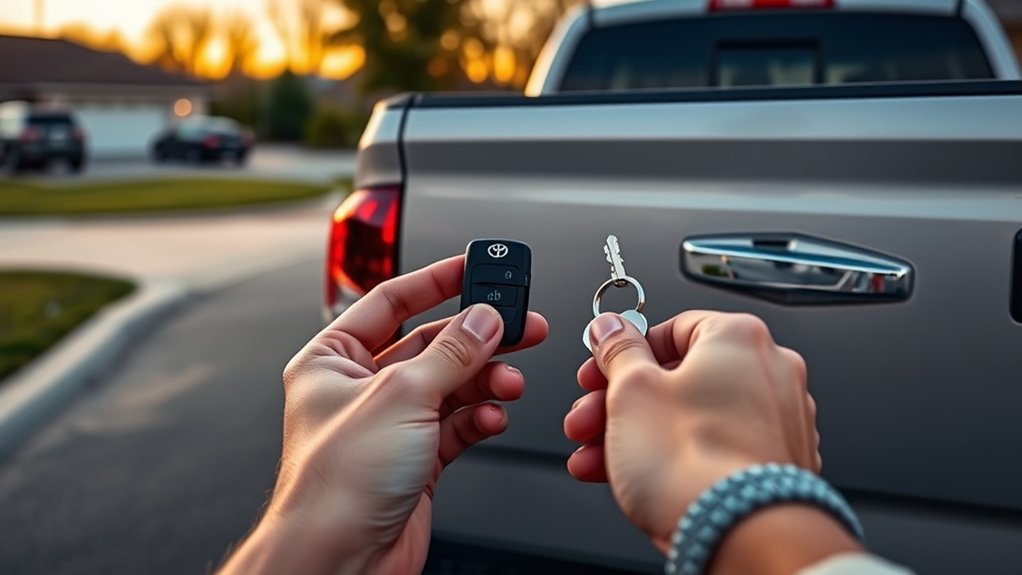
If the mechanical key does not unlock the door, stop before applying more force. Work through these checks:
- Confirm that you have the correct mechanical key. A key from another Toyota should not be treated as interchangeable.
- Insert the blade completely. If it will not seat normally, stop rather than forcing it.
- Confirm the lock location. Use the model-year manual if the cylinder is not obvious.
- Avoid excessive twisting. A key that will not turn with normal pressure can be bent or broken by added force.
- Inspect the blade. A visibly bent, damaged, or badly worn key needs professional attention.
- Consider lock damage. A damaged or previously replaced door cylinder may require an automotive locksmith.
If the emergency mechanical key is missing, do not wedge the door, pick the lock, or pry the handle. If your compatible Tundra is already enrolled in an active Toyota Remote Connect service and the vehicle has the required connectivity, the Toyota app may offer remote door lock/unlock. Toyota describes current Remote Connect functions through the Toyota app and Connected Services. Availability depends on the vehicle, equipment, service status, and connectivity. Otherwise, contact roadside assistance, a qualified automotive locksmith, or a Toyota dealer.
What Battery Does a Toyota Tundra Key Fob Use?
The correct battery depends on the Tundra’s model year and electronic-key design. For the 2025 Toyota Tundra electronic key, Toyota specifies a CR2450. Do not assume that CR2450 applies to every older Tundra, traditional remote, aftermarket fob, or replacement electronic key. Check the code on the installed battery and verify it against the owner’s manual for your exact truck.
For a fuller model-year and fob-type walkthrough, see the dedicated guide to replace a Toyota Tundra key fob battery.
- Remove the mechanical key from the electronic-key fob.
- Open the fob only at the designated separation point described by the model-year instructions.
- Record the old battery’s type and orientation before removing it.
- For a 2025 Tundra electronic key, install the specified CR2450 with the positive terminal facing upward as directed by Toyota. For another model year or fob design, follow its specified battery type and orientation.
- Close the case evenly without pinching or displacing internal components.
- Reinsert the mechanical key.
- Test lock, unlock, and starting functions near the truck.
Coin-Battery Warning: Keep new and used coin/button batteries away from children. These batteries can cause severe internal injury if swallowed or inserted into the body. If swallowing or insertion is suspected, seek emergency medical help immediately rather than waiting for symptoms.
Toyota’s owner replacement procedure for the electronic-key battery does not include a new key-registration step. If the same registered fob stops working after battery replacement, first verify the correct battery, polarity, seating, contacts, and case assembly. Registration becomes a separate issue when a replacement electronic key or other authorized-key change is involved.
How Can You Keep the Tundra Key Fob Reliable?
- Replace the electronic-key battery when operating range becomes noticeably shorter or the truck reports a low-key-battery condition.
- Keep the fob dry and avoid prolonged exposure to extreme heat.
- Do not store it where other objects can hold its buttons down.
- Keep the mechanical key with the electronic key unless you have a specific secure reason to separate them.
- Test a registered spare electronic key periodically so you know whether it still operates normally.
- Keep the model-year emergency-entry and starting procedure available offline or in the truck’s documentation.
A spare mechanical blade is not equivalent to the complete registered electronic key on a push-button-start truck. The blade can provide mechanical door access when it matches the lock, but the vehicle still requires an authorized electronic key for the Smart Key starting procedure.
When Should You Get Professional Help for a Tundra Key Problem?
Contact a qualified automotive locksmith or Toyota dealer when:
- The mechanical key is missing, bent, or broken.
- The correct mechanical key enters the lock but will not turn with gentle pressure.
- The electronic-key case, circuit board, or battery contacts are visibly damaged.
- A correctly installed replacement battery does not restore operation.
- A known-good registered spare electronic key also fails.
- The truck recognizes neither registered key at the engine switch despite normal vehicle electrical power.
- You need a new key cut, registered, or removed from the vehicle’s authorized-key list.
- The truck has no electrical power and needs 12-volt battery or charging-system service.
Toyota describes roadside support through its maintenance and assistance programs, but eligibility, duration, services, and exclusions can vary. Check your active coverage through ToyotaCare and Maintenance Plans. For key registration or vehicle-specific diagnosis, use the official Toyota dealer locator.
Frequently Asked Questions
How do you unlock a Toyota Tundra without working key fob buttons?
Remove the mechanical key from the electronic-key fob and use the driver-door lock cylinder specified for your model year. If you cannot positively identify the lock cylinder, check the owner’s manual instead of prying trim.
Can you start a Toyota Tundra with a dead key fob battery?
On an equipped push-button-start Tundra, press the brake, touch the Toyota-emblem side of the complete registered electronic key directly to the engine switch, wait for key detection, and press the switch. Follow the owner’s manual for your exact model year.
Will manually unlocking the Tundra set off the alarm?
It can. On a 2025 Tundra, mechanically unlocking a door while the alarm system is already set may trigger the alarm. Continue with the authorized electronic-key procedure or follow the model-year alarm instructions.
How do you unlock a Tundra with a dead truck battery?
Use the correct mechanical key in the driver-door lock. The electronic locks may not work because the truck has no 12-volt power. After entering, the vehicle battery must be safely jump-started, charged, tested, replaced, or serviced as appropriate.
What should you do if you have no mechanical key?
If a compatible Tundra is already enrolled in working Toyota Remote Connect service, the Toyota app may provide remote door unlock. Otherwise, contact roadside assistance, a qualified automotive locksmith, or a Toyota dealer. Do not wedge the door, pick the lock, or pry the handle.
Does a new key fob battery require reprogramming?
Toyota’s normal electronic-key battery-replacement procedure does not include re-registering the same key. If it still fails afterward, verify the battery type, polarity, seating, contacts, and case assembly before assuming that key registration is required.
What battery does a 2025 Toyota Tundra key fob use?
Toyota’s 2025 Tundra owner’s manual specifies a CR2450 battery for the electronic key. Other Tundra model years and replacement fobs may use a different battery, so verify the old battery code and model-year instructions before buying one.
Why does my Tundra say Key Not Detected after I replaced the battery?
Recheck the exact battery type, polarity, seating, contacts, and fob assembly. Then confirm that the truck has normal 12-volt power and try a known-good registered spare key if available. Interference, fob damage, or a vehicle-side Smart Key problem can also cause detection failures.
Conclusion
If your Toyota Tundra key fob battery dies, use the mechanical key for driver-door entry and, on an equipped push-button-start truck, use the complete registered electronic key directly at the engine switch. If the truck has no normal interior electrical power, troubleshoot the 12-volt vehicle battery rather than treating the problem as a fob-battery failure. For a 2025 Tundra electronic key, Toyota specifies a CR2450 replacement battery. Stop and get professional help if the correct mechanical key will not turn, the electronic key is damaged, or a known registered key remains undetected despite normal vehicle power.
Sources
- Toyota Tundra Manuals and Warranties — 2025 Tundra owner documentation used for mechanical-key, emergency-start, alarm, and electronic-key-battery guidance.
- Toyota Manuals and Warranties Portal — official model-year manual selection for other Tundra configurations and years.
- Toyota App and Connected Services — official information about compatible Remote Connect functions, including remote door lock/unlock.
- ToyotaCare and Maintenance Plans — roadside-assistance and coverage information.
- Toyota Dealer Locator — dealer assistance for key diagnosis, replacement, and registration.