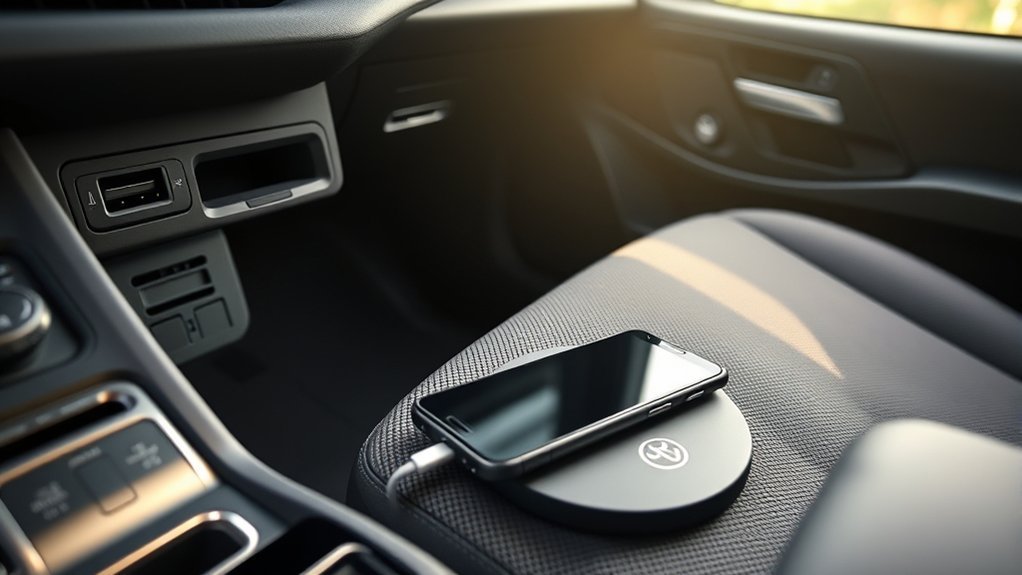
You have three main options to charge your phone in a Toyota RAV4. You can use the USB ports, plug into the 12V socket, or use the built-in wireless charging pad. Each method offers different speeds and benefits. Knowing how to use them correctly will keep your devices powered safely on the road.
Key Takeaways
- USB Ports: Best for everyday charging and connecting to Apple CarPlay or Android Auto.
- Wireless Pad: Convenient for Qi-enabled phones. Press the power button on the console to turn it on.
- 12V Socket: Offers the fastest charge times when paired with a high-wattage USB car adapter.
- Safety First: Keep metal objects away from the wireless pad to prevent overheating and system errors.
How to Use USB Ports for Charging in Your RAV4
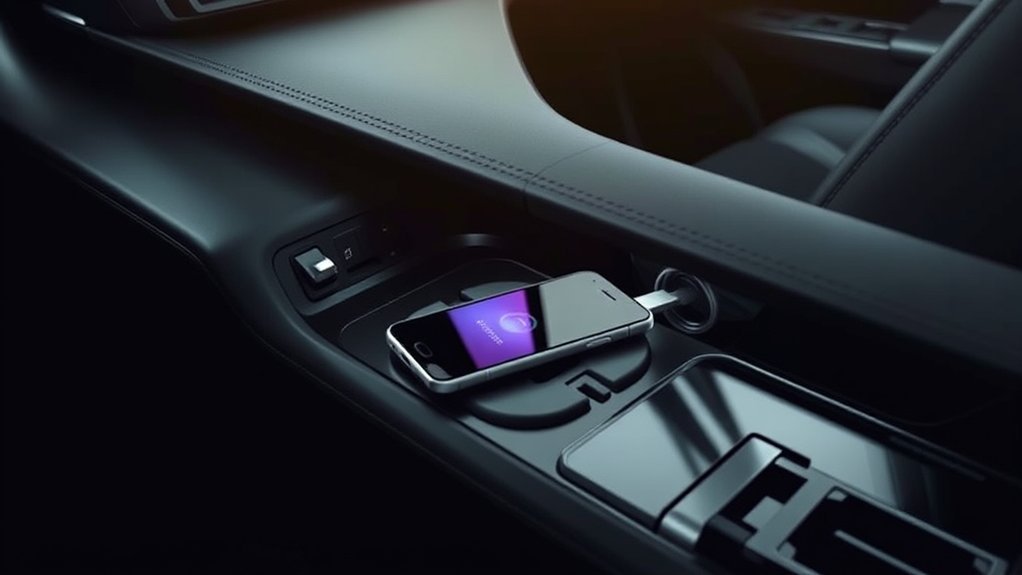
Using the USB ports is the most common way to charge devices in a Toyota RAV4. The vehicle features multiple ports located in the front dashboard and inside the center console area.
Simply connect your charging cable to the port and plug your phone in. Using a high-quality cable ensures you get the best possible charging speeds and stable data transfers.
[Amazon Products Picked for You]
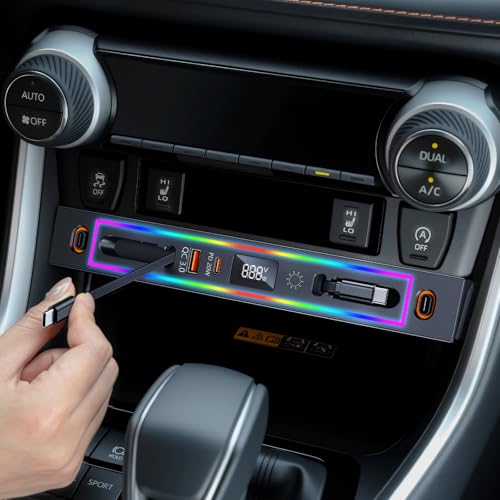
【 - 8 Colors RGB Lighting Design - 】 Our RAV4 USB hub is specially equipped with a ring of dazzling RGB light strips for colorful lighting effects. These lights instantly add a unique glow to your car and create a unique driving atmosphere. Whether you are driving at night or parking during the day, it makes charging more convenient and attracts the attention of people around you, showing your personality and taste

Main Specifications: USB 2.0 fast data transmission and device charge power, 12V-30V input, 1.2 A 5V output, 9.84 inches / 25 cm car extension cable; USB socket extender replacement fits the hole of (1.34 " x 0.91 " ) 34 x 23 mm
Data vs. Charge-Only Ports
It helps to know the difference between your RAV4’s ports. The main USB port located directly under the climate controls is usually the data port. You must use this specific port to connect your phone for Apple CarPlay or Android Auto. The other ports inside the center armrest or in the rear passenger area are strictly designed for charging.
How to Operate the Wireless Charging Pad
Many RAV4 trim levels feature a Qi wireless charging pad. It is located in the center console tray just ahead of the gear shifter.
To use it, place your compatible smartphone flat on the tray. You must press the wireless charger switch to turn the pad on. Check your Toyota owner’s manual to confirm your specific trim includes this feature.
[Amazon Products Picked for You]
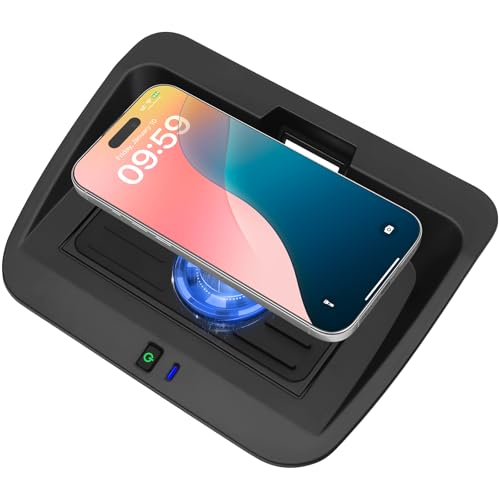
Compatible Models: This Car Wireless Charger is customized for Toyota RAV4 2019 2020 2021 2022 2023 2024 2025. Fits for the original car center console. For Toyota RAV4 LE, LE Hybrid, XLE, XLE Hybrid, XLE Premium, Adventure, TRD Off-Road, XSE Hybrid, Limited, Limited Hybrid, Prime SE, Prime XSE

FITS PERFECTLY - State-of-the-art 3D laser scanning technology ensures the wireless charger cover & center console storage protective mat perfect custom fit for toyota rav4 2026. Please check the right vehicle model carefully before purchase.

Fitment:The center console wireless charger is compatible with 2019 2020 2021 2022 2023 2024 2025 Toyota RAV4 LE, LE Hybrid, XLE, XLE Hybrid, XLE Premium, Adventure, TRD Off-Road, XSE Hybrid, Limited, Limited Hybrid, Prime SE, Prime XSE. It is designed according to the original vehicle, and perfectly fits its body.Note: It is only suitable for iPhone 12 and above models, not other brands of phones.If the phone is charging while connected to carplay (connected to Bluetooth, etc.), it will cause the phone to heat up and the charging power will drop.
Activating The Charger
Turning on the wireless charging pad only takes a second. First, open the cover on the center console tray (if your model has one) and press the power switch. Place your mobile device face up in the center of the tray.
Keep metal objects away from the charging area. Coins or keys left on the pad will heat up, cause interference, and stop the charger from working.
Monitoring Charging Status
You can check the indicator lights next to the pad to see if your phone is charging correctly.
| Indicator Color | Meaning |
|---|---|
| Amber | Charging in progress |
| Green | Charging complete (varies by phone) |
| Flashing Amber | Object detected or phone misaligned |
Some phones, like iPhones, may not trigger the green light even when they reach 100%. This is normal. If the light flashes amber, remove your phone, clear the tray, and center the device again.
Charging Your Toyota RAV4 With the 12V Socket
The 12V socket looks like a traditional cigarette lighter. It is generally found in the front console area.
This socket is perfect for fast charging. You just need to insert a compatible USB car adapter. A high-quality USB-C power delivery adapter plugged into this socket will usually charge your phone faster than the built-in USB ports.
Locate The 12V Socket
The 12V socket is located in the lower dash or center console area, making it easy to reach from both front seats.
This socket delivers robust power to smartphones, tablets, and even small laptops. Just verify your car adapter is rated safely for your specific device to prevent any charging issues.
Connect Your Device Safely
Follow these steps to safely use the 12V outlet:
- Check Compatibility: Confirm your car adapter matches your device’s power requirements.
- Plug in Securely: Push your adapter firmly into the 12V socket. Connect your phone using a snug, undamaged cable.
- Provide Power: Keep the vehicle running or in accessory mode. The socket will not work if the car is entirely turned off.
- Avoid Overloading: Do not plug heavy-duty power splitters into the socket, as this can blow a fuse.
Monitor Charging Status Effectively
To make sure your phone is charging, check the battery icon on your phone screen. Many 12V car adapters also feature their own LED light to confirm they are receiving power from the car.
If your device is not charging, test the 12V socket with a different adapter to see if the socket itself is the problem.
Best Practices for Wireless Charging in Your RAV4
Wireless charging is highly convenient, but it can be picky. Follow these tips for the best results:
- Check Device Compatibility: Confirm your smartphone actually supports Qi wireless charging.
- Remove Thick Cases: Bulky phone cases or wallet cases block the wireless signal.
- Clear the Tray: Place your phone directly on the pad. Remove any loose items that might obstruct the connection.
- Center the Phone: The charging coils need to align properly. If your phone slides around while driving, charging might pause.
Fixing Device Charging Issues
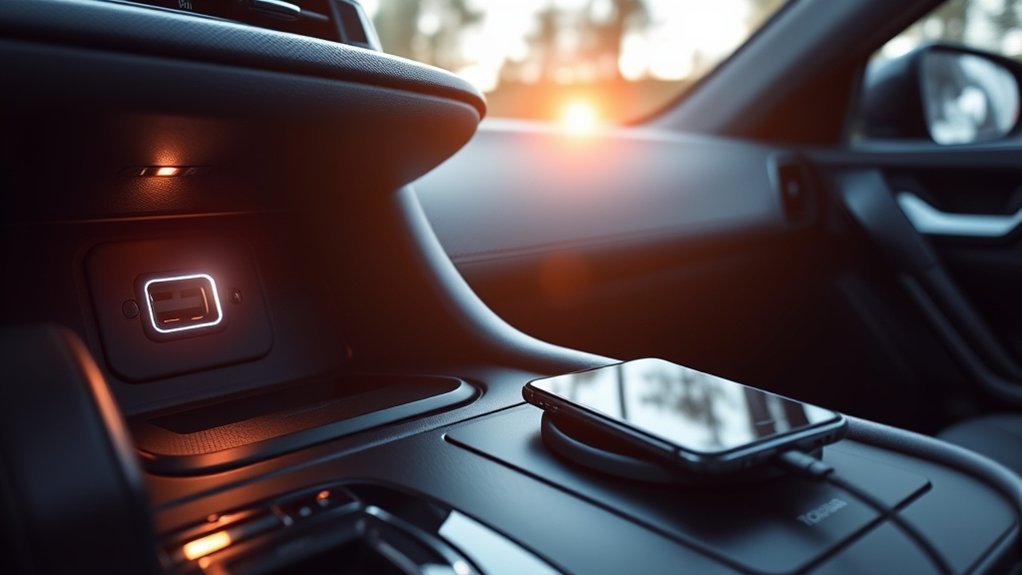
If your phone refuses to charge, you can usually fix it with a few simple steps.
Start with the basics. Check your charging cable first. A damaged or frayed cord is the most common reason a phone stops charging via USB.
If the wireless pad is flashing an amber light, pick up your phone. Wipe the pad clear of any dust or debris and set the phone back down squarely in the center.
Clean your ports occasionally. Dust and pocket lint can build up inside your phone’s charging port and block the physical connection.
Safety Precautions When Charging Devices
Keep safety in mind when plugging devices into your vehicle to prevent damage to your phone or your RAV4.
- Remove Metal Objects: Always make sure no metal items rest on the wireless pad. They will absorb the heat and can cause burns or melt nearby plastic.
- Monitor Temperature: Avoid leaving your phone plugged in a hot car. Extreme cabin heat causes irreversible battery damage.
- Turn Off Unused Pads: Turn off the wireless charger switch if you are using the tray simply to hold loose items.
- Follow the Manual: Adhere to the safety guidelines outlined in your Toyota Owner’s Manual.
Which Charging Method Works Best for You?
Your ideal method depends on what you need during your drive.
| Charging Method | Speed | Best For |
|---|---|---|
| Wireless | Slow to Moderate | Qi-enabled smartphones and avoiding cable clutter |
| USB | Moderate | Apple CarPlay, Android Auto, and standard charging |
| 12V Socket | Fastest | Rapidly charging a low battery using an adapter |
If you prefer convenience, the wireless charging system is the easiest option. For rapid charging on a short commute, the 12V socket with a dedicated fast adapter is best. The built-in USB ports hit the sweet spot for charging while using navigation apps.
[Amazon Products Picked for You]

【Custom Fit】The Phone Mount is specially designed for 2019-2025 Toyota RAV4 (LE/SE/XLE Premium/Adventure/Prime SE), 2019-2025 Toyota RAV4 Hybrid (LE/SE/XLE/XLE Premium Woodland Edition) (7/8 inch screen only). Not for 2019-2025 RAV4 Hybrid XSE, RAV4 limited Hybrid,Premium XL,XLE (9/10.5/12.3-inch), Prime XSE (7/8-inch). Please verify the touchscreen size before purchasing

[Compatible Model] : The center console wireless charger is compatible with 2019 - 2025 Toyota RAV4 LE, LE Hybrid, XLE, XLE Hybrid, XLE Premium, Adventure, TRD Off-Road, XSE Hybrid, Limited, Limited Hybrid, Prime SE, Prime XSE. It is designed according to the original vehicle, and perfectly fits its body

[Patented Custom Design] Expertly engineered through extensive research and testing, this wireless charger is tailor-made for a seamless and perfect fit in your Toyota RAV4 (LE/XLE/TRD/HYBRID/XSE/SE/XSE) 2019-2025 models.
Troubleshooting Common Charging Issues in Your RAV4?
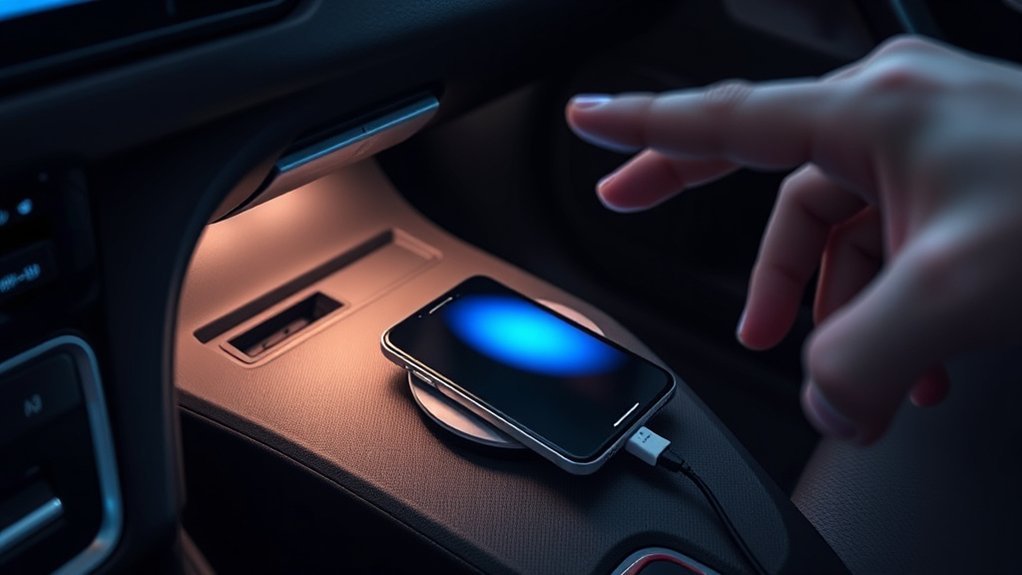
If basic fixes do not work, you might have a deeper electrical issue. Try these troubleshooting steps to isolate the problem:
- Test Different Devices: Plug a different phone or tablet into the RAV4 to see if the issue is with the car or your specific device.
- Test All Ports: Check both the USB ports and the 12-volt socket. If one works but the other does not, the port itself may be faulty.
- Inspect the Fuses: If multiple ports and the 12V socket are completely dead, a blown fuse is likely the culprit. Check the fuse box diagram in your manual.
- Check Connections: If a built-in USB port feels loose or charging cuts in and out, the wire harness behind the dashboard may need professional inspection.
Frequently Asked Questions
Can I Charge Multiple Devices at Once in My RAV4?
Yes. You can use the front USB ports, the wireless pad, and the rear passenger USB ports simultaneously. Charging speeds may drop slightly if multiple heavy-draw devices are plugged in at once.
Is It Safe to Use Third-Party Chargers in My RAV4?
It is safe as long as you buy reputable brands. Low-quality, unbranded chargers can overheat, damage your phone’s battery, or blow a fuse in the vehicle’s electrical system.
Does Charging My Phone in the Car Drain the Car Battery?
It only drains the battery if you charge your phone while the engine is turned off. When the engine is running, the alternator powers your electronics without depleting the car battery.
Can I Charge My Phone While the Engine Is Off?
Yes, but you must put the car in accessory mode. The RAV4 cuts power to the USB ports and the 12V socket when the vehicle is completely turned off to protect the battery.
What Type of USB Cable Is Compatible With My RAV4?
Older RAV4 models primarily feature standard USB-A ports, while newer models include USB-C ports. Check your specific interior to determine which cable connector you need.
Conclusion
The Toyota RAV4 makes it simple to keep your phone charged on the go. The wireless pad is great for a clutter-free cabin, while the USB ports and 12V socket provide reliable, faster power. Choose the method that best fits your devices, use high-quality cables, and you will always reach your destination with a full battery.
