As an Amazon Associate I earn from qualifying purchases.
You can charge your phone in a Toyota RAV4 three ways: the built-in USB ports, the 12V power outlet with a car adapter, or the Qi wireless charging pad on trims that have one. Each one works a little differently depending on your model year. Here is how to use each method, which one is fastest, and what to do when your phone refuses to charge.
Quick Answer
Plug a cable into any RAV4 USB port. You can also press the wireless pad’s power switch and set a Qi-compatible phone on it, or use a USB-C car adapter in the 12V outlet. The car must be in ACC, ON or READY mode. On 2026 models, the high-power front USB-C port is the quickest built-in option.
Key Takeaways
- USB ports: Every recent RAV4 has them. Most 2019 to 2022 models use USB-A, while newer models use USB-C, and the 2026 RAV4 offers up to five USB-C ports.
- Wireless pad: Works with Qi-enabled phones. Press the power switch first; an orange light means charging, and a flashing orange light means there is a problem.
- 12V outlet: Paired with a good USB-C Power Delivery adapter, it often charges faster than the older built-in USB-A ports.
- Power mode: The ports only work in ACC, ON or READY mode. On hybrids, only READY mode keeps the 12V battery topped up while you charge.
- Safety first: Keep coins, keys and other metal off the wireless pad to prevent overheating and charging errors.
How to Use USB Ports for Charging in Your RAV4
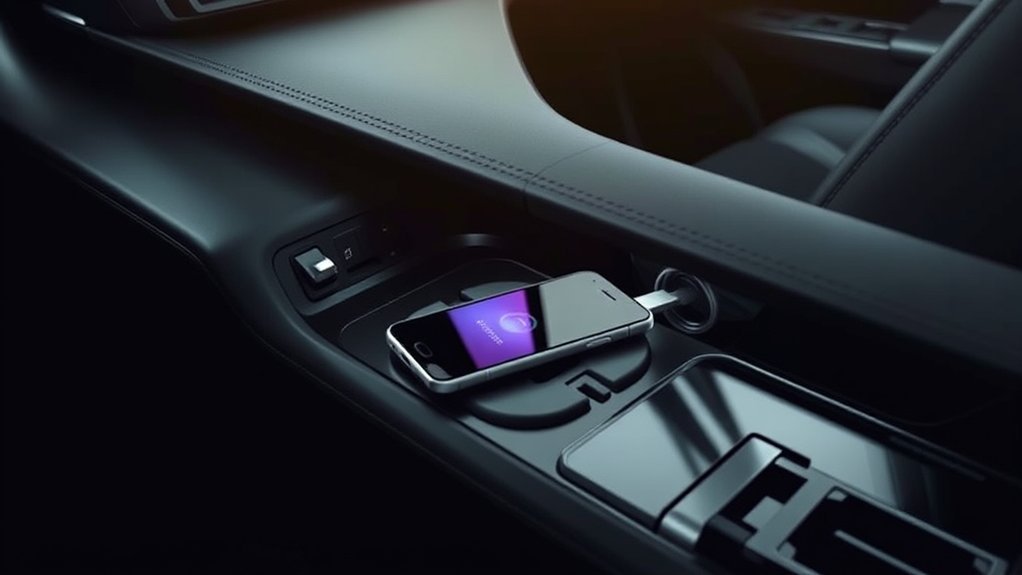
The USB ports are the easiest way to charge your phone in a Toyota RAV4. Plug your cable into a port, connect your phone, and it starts charging as soon as the car is in ACC, ON or READY mode.
Ports usually sit at the front of the center console, inside the armrest storage bin, and at the back of the console for rear passengers. On the 2019 RAV4, XLE and higher trims had five ports, while the base LE had one. A good-quality cable gives you the best charging speed and a stable data connection.
Data vs. Charge-Only Ports
Not every port does the same job. On most 2019 to 2025 RAV4s, the front main USB port (marked with a phone or media icon) is the data port. Use it to connect your phone for wired Apple CarPlay or Android Auto. The ports in the armrest and the rear are for charging only.
On the all-hybrid 2026 RAV4, the media port sits in the center console. Wireless CarPlay and Android Auto come standard, so you can use any USB-C port purely for charging.
Which USB Port Type Does Your RAV4 Have?
Your cable depends on the model year. Most 2019 to 2022 RAV4s have rectangular USB-A ports. Toyota began switching the RAV4 to USB-C with its 2023 update; Toyota Australia confirmed the USB-C switch, with one USB-A port kept.
The 2026 RAV4 has up to five USB-C ports, including a high-power front media port for faster charging, according to Toyota’s 2026 RAV4 page. Dealer window stickers list 45W front ports on some trims and 15W ports on others. Edmunds’ 2026 RAV4 tech review found that the two front USB-C ports charged an iPhone 15 quickly.
How to Operate the Wireless Charging Pad
Many RAV4 trims have a Qi wireless charging pad in the center console tray, just ahead of the gear shifter. To use it, turn the pad on with its power switch, then place your Qi-compatible phone flat and centered on the tray.
On the 2026 RAV4, higher trims such as the Limited and XSE add dual wireless pads, so two phones can charge at once. Check your Toyota owner’s manual to confirm your specific trim includes this feature.
Activating The Charger
Turning on the wireless charging pad takes a second. Open the tray cover if your model has one, and press the wireless charger power switch. Then place your phone face up in the center of the tray.
The car remembers whether the pad was on or off, even after you shut the car down. Keep metal objects away from the charging area. Coins or keys left on the pad heat up, cause interference, and stop the charger from working.
Monitoring Charging Status
The indicator light next to the pad tells you what the charger is doing. These are the colors Toyota wireless chargers use:
| Indicator Color | Meaning |
|---|---|
| Off | Wireless charger is switched off |
| Green (no phone on the pad) | Charger is on and ready |
| Orange (amber) | Charging in progress |
| Green (phone on the pad) | Charging complete (varies by phone) |
| Flashing orange | Error: metal object detected, phone misaligned, or charger too hot |
Some phones, including iPhones, may never trigger the green light, even at 100%. This is normal, so check the battery icon on your phone instead. If the light flashes orange, pick up your phone, clear the tray, and center the device again.
Charging Your Toyota RAV4 With the 12V Socket
The 12V socket looks like an old cigarette lighter. Insert a USB car adapter and plug your phone into it. A high-quality USB-C power delivery adapter in this socket often charges your phone faster than the older built-in USB-A ports.
Locate The 12V Socket
The main 12V socket sits in the lower dash or front center console, within reach of both front seats. Some RAV4s add more outlets. The official 2019 RAV4 Quick Reference Guide lists both 12V DC and 120V AC power outlets, and the 2026 RAV4 offers an available 1,500-watt outlet in the cargo area.
The socket can power smartphones, tablets, and even small laptops. Most 12V car outlets are rated around 10 amps (roughly 120 watts), so check your manual for your RAV4’s exact limit and choose an adapter that matches your device.
Pro Tip: Choose a USB-C Power Delivery (PD) adapter rated for your phone’s fast-charging wattage, such as 20W or more for recent iPhones. A dual-port adapter lets a passenger charge at full speed too.
Connect Your Device Safely
Follow these steps to safely use the 12V outlet:
- Check compatibility: Confirm your car adapter matches your device’s power requirements.
- Plug in securely: Push your adapter firmly into the 12V socket. A loose plug can overheat or blow the fuse. Connect your phone with a snug, undamaged cable.
- Provide power: Keep the car in ACC, ON or READY mode. The socket does not work when the car is completely off.
- Avoid overloading: Do not plug heavy-duty power splitters into the socket, as this can blow a fuse.
Monitor Charging Status Effectively
To confirm your phone is charging, look for the charging symbol on your phone’s battery icon. Many 12V adapters also have their own LED that lights up when they receive power from the car.
If your device isn’t charging, test the socket with a different adapter. That tells you whether the socket or the adapter is the problem.
Best Practices for Wireless Charging in Your RAV4
Wireless charging is convenient, but it can be picky. Follow these tips for the best results:
- Check device compatibility: Confirm your smartphone supports Qi wireless charging.
- Remove thick cases: Bulky or wallet-style cases block the wireless signal.
- Clear the tray: Place your phone directly on the pad, and remove loose items that might block the connection.
- Center the phone: The charging coils need to line up. If your phone slides around while you drive, charging may pause.
- Watch the heat: Wireless charging makes phones warm. If your phone gets hot on a sunny day, switch to a cable until it cools down.
Fixing Device Charging Issues
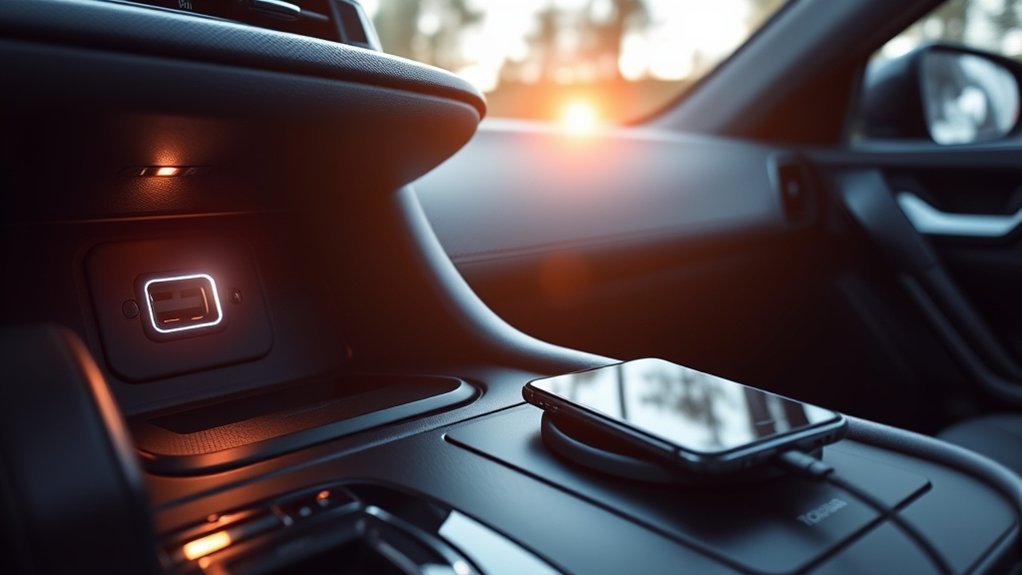
Most charging problems in a RAV4 have a simple fix. Start with the cable, the power mode, and the pad itself before you suspect the car.
Check your charging cable first. A damaged or frayed cord is the most common reason a phone stops charging over USB. Swap in a cable you know works.
Next, make sure the car is in ACC, ON or READY mode. If the wireless pad flashes orange, pick up your phone, wipe the pad clear of dust or debris, and set the phone back down squarely in the center.
Clean your ports occasionally. Dust and pocket lint can build up inside your phone’s charging port and block the physical connection.
Safety Precautions When Charging Devices
A few habits protect both your phone and your RAV4 when you charge on the road.
- Remove metal objects: Never leave metal items on the wireless pad. They absorb heat and can cause burns or melt nearby plastic.
- Monitor temperature: Avoid leaving your phone plugged in inside a hot car. Extreme cabin heat causes permanent battery damage.
- Turn off unused pads: Switch the wireless charger off if you use the tray simply to hold loose items.
- Follow the manual: Follow the safety guidelines in your Toyota owner’s manual.
Warning: In a hybrid RAV4, the gas engine can start on its own in READY mode to recharge the hybrid battery. Never sit in READY mode inside a closed garage or other enclosed space, because exhaust fumes can build up.
Which Charging Method Works Best for You?
The best method depends on your model year and what you need during the drive.
| Charging Method | Speed | Best For |
|---|---|---|
| Wireless | Slowest; usually below wired speeds | Qi-enabled phones, quick top-ups, and a cable-free cabin |
| USB | Moderate on older USB-A ports; faster on newer USB-C ports | Wired Apple CarPlay, Android Auto, and everyday charging |
| 12V Socket | Often fastest with a USB-C PD adapter | Rapidly charging a low battery, especially in older RAV4s |
If you want convenience, the wireless pad is the easiest option. For a quick boost on a short trip in an older RAV4, use the 12V socket with a fast USB-C PD adapter. In a 2026 RAV4, the high-power front USB-C port covers most needs without an adapter.
Troubleshooting Deeper Charging Issues in Your RAV4
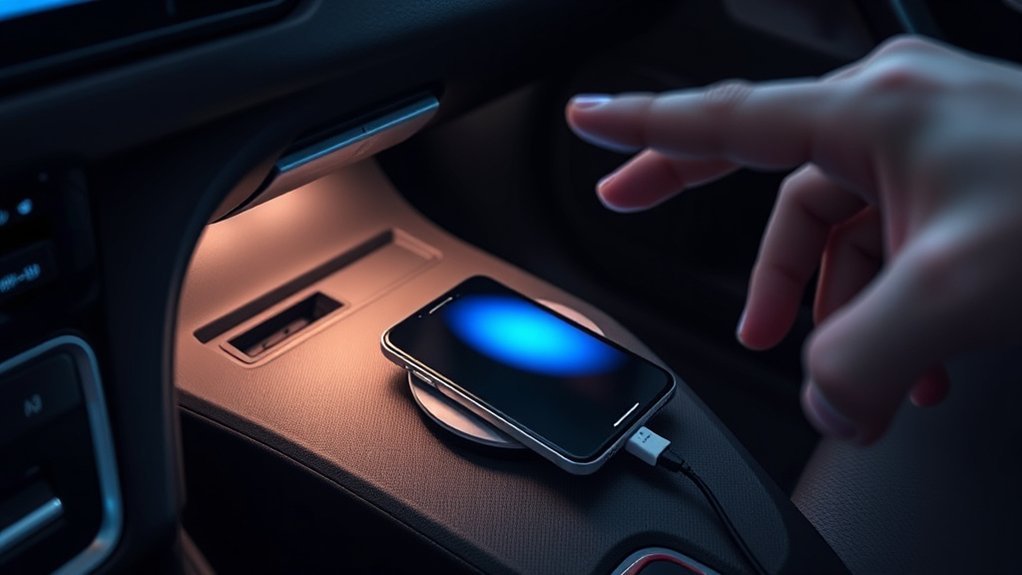
If the basic fixes don’t work, the problem may be electrical. These steps help you isolate it:
- Test different devices: Plug in a different phone or tablet to see whether the problem is the car or your device.
- Test all ports: Check every USB port and the 12V socket. If one works and another doesn’t, the faulty port is likely the issue.
- Inspect the fuses: If several ports and the 12V socket are all dead, a blown fuse is the likely culprit. Find the power outlet fuse (often labeled P/OUTLET) in the fuse box diagram in your manual.
- Check connections: If a built-in USB port feels loose or charging cuts in and out, the wiring behind the dash may need a professional inspection.
A Toyota dealer can diagnose a faulty port or charging pad. On a 2026 RAV4, Toyota’s 2026 RAV4 announcement lists a basic warranty of 36 months or 36,000 miles, which covers defective components.
Frequently Asked Questions
Can I charge multiple devices at once in my RAV4?
Yes. You can use the front USB ports, the rear USB ports, the wireless pad, and the 12V outlet at the same time. Higher trims of the 2026 RAV4 offer up to five USB-C ports and dual wireless pads. Charging speed may drop slightly when several power-hungry devices are plugged in.
Is it safe to use third-party chargers in my RAV4?
Yes, as long as you buy reputable, certified brands. Look for Qi certification on wireless accessories and USB-C Power Delivery support on car adapters. Cheap, unbranded chargers can overheat, damage your phone’s battery, or blow a fuse in the vehicle.
Does charging my phone in the car drain the car battery?
Only when the car is not running. On gas RAV4s, the alternator powers your devices while the engine runs. On hybrid and plug-in hybrid RAV4s, which includes every 2026 model, a DC-DC converter keeps the 12V battery charged in READY mode. Charging in accessory mode for a long time slowly drains the 12V battery on any model.
Can I charge my phone while the engine is off?
Yes, in accessory (ACC) mode. On push-button models, press the power button once without pressing the brake pedal. The USB ports and 12V outlet shut off when the car is fully off. If you plan to sit for a while in a hybrid, READY mode is better for the 12V battery than ACC.
What type of USB cable is compatible with my RAV4?
Most 2019 to 2022 RAV4s use USB-A ports, so you need a USB-A to Lightning or USB-A to USB-C cable. Toyota began switching the RAV4 to USB-C with its 2023 update, and the 2026 RAV4 uses USB-C ports throughout. Check the port shape in your car before you buy a cable.
Does the 2026 Toyota RAV4 have wireless charging?
Yes. Qi wireless charging is available on the 2026 RAV4, and higher trims such as the Limited and XSE add dual wireless pads so two phones can charge at once. Check the window sticker to confirm which setup a specific car has.
Why does my RAV4 wireless charger keep stopping?
The pad stops when it detects metal, when your phone slides off the charging coil, or when the pad or phone gets too hot. A thick or wallet-style case can also block it. Remove the case, clear the tray, center the phone, and let a hot phone cool down before you try again.
Can I charge a laptop in my RAV4?
Often, yes. A USB-C laptop can charge from a high-wattage USB-C Power Delivery adapter in the 12V outlet, as long as the adapter’s output matches what the laptop needs. Some RAV4 trims also have a 120V AC outlet, and the 2026 RAV4 offers an available 1,500-watt outlet in the cargo area.
Conclusion
The Toyota RAV4 gives you several easy ways to keep your phone charged. Use the wireless pad for a clutter-free cabin, the USB ports for CarPlay or Android Auto, and a USB-C PD adapter in the 12V socket when you need the fastest charge in an older model. Check which ports your model year has, pick a quality cable to match, and you’ll arrive with a full battery.
Sources
- Toyota: 2026 RAV4: up to five USB-C ports, dual Qi wireless chargers, and the available 1,500W cargo outlet
- Toyota USA Newsroom: 2026 Toyota RAV4: the hybrid and plug-in hybrid only lineup
- Toyota USA Newsroom: 2026 RAV4 debut release: the 36-month/36,000-mile basic warranty
- Toyota Australia: RAV4 range upgrade: the switch from USB-A to USB-C ports
- Edmunds: 2026 Toyota RAV4 Tech Review: standard wireless CarPlay and Android Auto, front USB-C charging, and wireless pad performance
- Toyota: 2019 RAV4 Quick Reference Guide: 12V DC and 120V AC power outlets and the Qi wireless charger
- Wirecutter: Best USB Car Charger: choosing a USB-C power delivery car adapter

