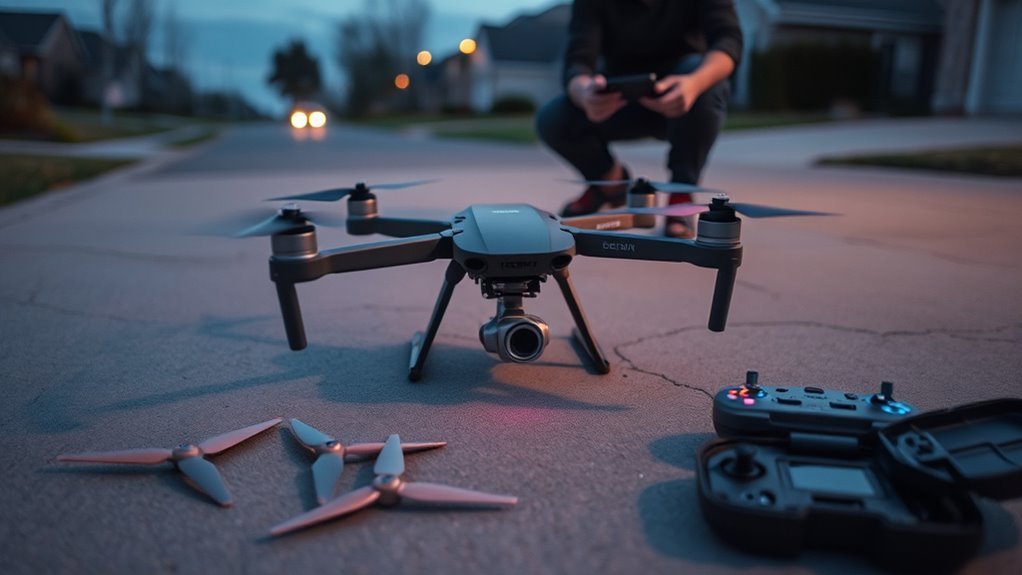
If your drone won’t take off even though the motors spin, the cause is usually wrong or damaged propellers, a weak battery, a damaged motor, or a safety lockout. Check the propellers and battery first, then the motors, wiring, and arming settings. Take the propellers off before you test motors on the bench.
Why Your Drone Won’t Take Off
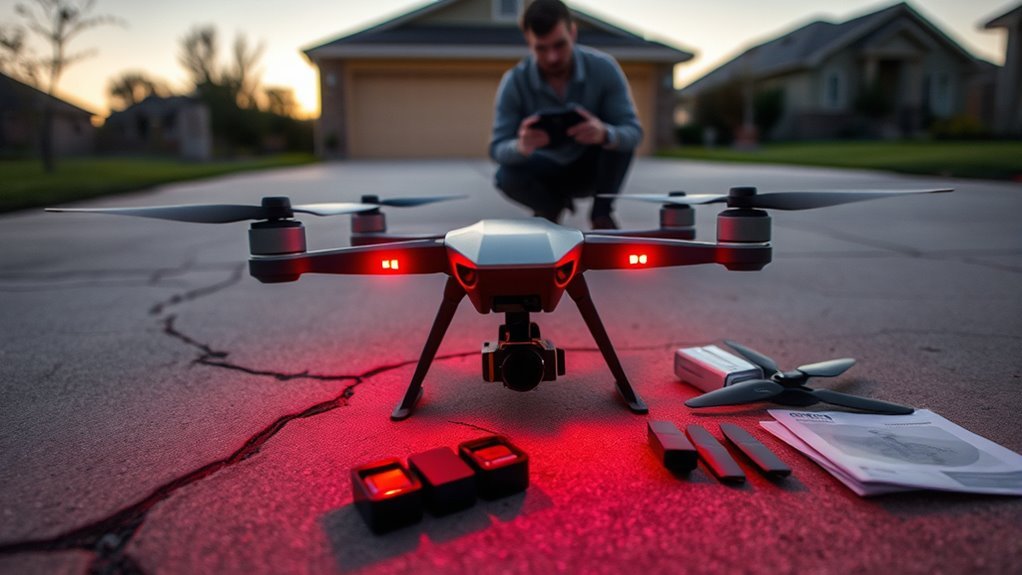
Motors can spin without making enough lift. The usual reasons are:
- wrong, reversed, or damaged propellers
- a battery that cannot deliver enough current
- a motor or ESC damaged in a crash
- too much weight on the frame
- a safety lockout from the flight controller (if the motors do not start at all, this is the likely cause)
Work through the checks in this order: propellers, battery, motors, wiring and ESCs, then arming flags.
Safety: remove the propellers whenever the drone is plugged into a computer, and whenever you test motors on the bench. A motor that starts by surprise can cause deep cuts.
Ready-to-Fly Drones: Check the App Message First
If you own a ready-to-fly drone such as a DJI model, read the message in the app first. It usually names the problem, such as low battery, a compass or IMU error, or a sensor fault. Fix what the message says, then try again.
- Check that the battery is fully charged and not cold. Cold packs deliver less power.
- Check that each propeller sits on the right motor. Marked propellers go on the matching marked motors.
- Remove prop guards, cases, or add-ons that add weight.
- Calibrate the compass or IMU if the app asks you to.
If the app shows no message and the drone still will not lift, continue with the propeller and motor checks below. The Betaflight sections apply to hobby and FPV quads only.
Check Propellers and Spin Direction
Start with the propellers. Wrong or damaged props are the most common reason for a drone that spins but will not lift.
- On a quad, motors next to each other spin in opposite directions. Diagonal motors spin the same way.
- Clockwise and counter-clockwise propellers are not interchangeable. Match each one to its motor using the markings, colours, or diagram from the maker.
- Check that the propellers are the right way up. The maker’s diagram shows which side faces up.
- All four propellers should be the same size and pitch, unless the manual says otherwise.
- Look for cracks, chips, and bent tips. Replace damaged propellers as a full set.
- Make sure each propeller is tight and spins freely by hand.
On a self-built quad, a motor that spins the wrong way is a common fault. With the propellers off, use the Motors tab in Betaflight Configurator to spin each motor. If it turns the wrong way, reverse it in the Motors tab (DShot) or swap any two of its three motor wires.
Inspect Motors for Crash Damage
After a crash, a motor can look fine and still be damaged. Take the propellers off first, then check each motor:
- Spin the motor bell by hand. It should turn smoothly, with no grinding, scraping, or wobble.
- Look for a bent shaft, a cracked bell, loose screws, and a warped mount.
- Clear hair, grass, and grit from the bearing area with compressed air.
- Check that the motor wires are not cut or pinched.
You can also use a multimeter. The three motor wires should read almost the same resistance between each pair, and no wire should connect to the metal motor body. These readings are very low and cheap meters struggle with them, so the swap test in the last section is more reliable.
Test the ESC and Wiring
If one motor will not spin, or the drone lifts unevenly, check the ESCs and the wiring that feeds them.
Check the ESC
An ESC sends a fast three-phase signal to the motor, so a normal multimeter cannot tell you whether it works. Use these checks instead:
- With the propellers off, plug in a charged battery and listen. Each motor and ESC normally plays a short start-up tone. A silent motor has no power or a faulty ESC.
- In Betaflight Configurator, open the Motors tab, tick the safety box, and move each slider with the propellers off. Every motor should spin.
- Swap a faulty motor with a working one. If the fault moves with the motor, replace the motor. If it stays on the same ESC channel, suspect the ESC.
- Look for burn marks, a burnt smell, or cracked chips.
- Check that the motor protocol in Betaflight (such as DShot) is one your ESC supports.
Inspect Wires and Soldering
Check every wire between the battery, the ESCs, and the motors. Look for fraying, cuts, pinched sections, and loose plugs. Check the solder joints on the ESC and motor wires for dull, grainy, or cracked solder and for lifted pads. Gently tug each wire. With the battery unplugged, use the multimeter’s continuity mode to confirm that each wire is connected from end to end.
Fix Battery and Power Problems
A battery can seem charged and still fail under load. The motors then spin weakly and the drone cannot lift.
Check Battery Charge
- A full LiPo cell reads about 4.2 V. That is 12.6 V for a 3S pack and 16.8 V for a 4S pack.
- A cell resting near 3.7 V is mostly empty. Charge it before you fly.
- Measure with a LiPo checker or a multimeter on the balance lead.
- Old or damaged packs can look fine at rest but drop sharply when you add throttle. Test with a pack you know is good.
- On DJI and other smart batteries, read the level in the app. Do not probe the terminals.
Safety: stop using any battery that is swollen, hot, or damaged. Keep it away from anything flammable and take it to a battery recycling point.
Inspect Power Connections
A good battery still fails if the power path is poor. Look at the battery plug, the plug on the drone, the power wires, and the power pads on the board.
- Loose, bent, or corroded connector pins.
- Melted or discoloured plastic on a plug, which points to a poor joint.
- Burnt or lifted power pads on the board.
- Wires that are cut or loose at the solder joints.
Common Betaflight Arming Problems
If the motors do not start at all, the flight controller is probably refusing to arm. This is a safety feature, not a broken part. In Betaflight the usual causes are:
- the throttle stick is above the minimum
- the quad is tilted past the maximum arm angle
- the receiver is not bound, or the radio signal is lost
- the gyro is not detected (NOGYRO)
- the USB cable or Configurator is still connected
- the arm switch is not set up, or it was already on when the quad powered up
The next section shows how to see which one applies to you.
Check Arming Disable Flags
Betaflight tells you what blocks arming. Remove the propellers first, then use one of these:
- CLI: open the CLI tab and type status. The arming flags appear in the last line.
- Setup tab: Configurator shows the active flags, sometimes as numbers.
- OSD: turn on the Warnings element so the flags show in your goggles.
| Flag | Meaning | Fix |
|---|---|---|
| THROTTLE | Throttle is above the minimum | Lower the stick fully; min_check is 1050 by default |
| ANGLE | Quad is tilted too far | Place it level; the default max arm angle is 25 degrees |
| RXLOSS or FAILSAFE | No radio signal | Check binding; watch the channels in the Receiver tab |
| NOGYRO | Gyro not detected | Check the firmware target matches your board; look for damage |
| MSP or CLI | Configurator or CLI is active | Unplug USB and close Configurator |
| ARM switch | Arm switch was on at power-up | Switch ARM off, then on again |
Fix Betaflight Arming Settings
Once you know the flag, fix the setting behind it:
- Modes tab: make sure ARM is mapped to an AUX channel and the range matches your switch.
- Receiver tab: move the sticks and the arm switch, and confirm the bars move as expected.
- Lower the throttle fully. It must sit below the minimum throttle (min_check), which is 1050 by default.
- Place the quad on a level surface. The default maximum arm angle is 25 degrees. Do not disable this safety limit to get around a flag.
- Unplug USB and close Configurator before you try to arm.
If the flags clear and the quad still will not arm, back up your settings and reflash the correct firmware target for your board.
Level the Quad and Calibrate the Gyro
A quad that is not level, or whose sensors are out of calibration, can refuse to arm or climb badly.
Level Surface Check
- Put the quad on a hard, flat surface. Avoid carpet, grass, and foam.
- Check that the frame sits flat, with no tilt in any direction.
- On the Setup tab in Configurator, the 3D model should look level. If it leans, calibrate the accelerometer.
Gyro Calibration Steps
Betaflight calibrates the gyro each time the flight controller powers up. Keep the quad still and untouched for the first few seconds. If it moved, unplug the battery and power up again on a still surface. For the accelerometer, set the quad level and press Calibrate Accelerometer on the Setup tab. Recalibrate after a crash or a hard knock.
Recheck Arm Behavior
Tilt the quad and watch the 3D model on the Setup tab. It should follow smoothly and return to level. Then check the arming flags again. If they are clear, fit the propellers, go to an open area, and test arming and a short, low hover.
Swap Parts or Ask for Help
Swapping parts shows you where the fault is. Replace one thing at a time with a part you know works: a battery, a propeller, a motor, or a plug. If the fault follows the part, you found it. If it stays, the problem is elsewhere.
If you are stuck, ask in a Betaflight or FPV forum. Share the CLI diff all output, your flight controller board and firmware version, the battery voltage, and a short video of the arming attempt. For a ready-to-fly drone, contact the maker’s support. Stop flying a drone that wobbles, smells burnt, or has a motor that runs weakly.
Frequently Asked Questions
My Drone Propellers Spin, but It Won’t Take Off. What Could Be Causing This?
Check the propellers first: wrong motor, upside down, or damaged. Then check the battery, because a pack that looks full can sag under load. Finally, look for crash damage on the motors. If the motors only twitch or do not start, the drone is probably not arming.
Why Is My Drone Unable to Take Off?
The most common reasons are a weak battery, wrong propellers, a damaged motor, or a safety lockout. Extra weight can also stop lift, so remove add-ons you do not need. On a ready-to-fly drone, read the app message. On a Betaflight quad, check the arming flags.
Why Is My Drone Not Lifting Off the Ground?
A drone lifts only when its total thrust is higher than its weight. Thrust drops if the battery is weak, the propellers are damaged or wrong, a motor is failing, or the drone carries too much weight. If it flips over at takeoff instead, suspect a motor spinning the wrong way or a propeller on the wrong motor.
Why Will My Drone Not Arm?
Arming fails when a safety check fails. The usual causes are throttle above the minimum, a tilted quad, no radio signal, a gyro fault, or a USB cable still plugged in. In Betaflight, read the arming flags with the status command to see which one it is.
Conclusion
A drone that spins its motors but will not lift usually has a simple cause. Check the propellers, battery, motors, wiring, and arming flags, in that order. Change one thing at a time, keep the propellers off while you test, and replace only the part that fails.

