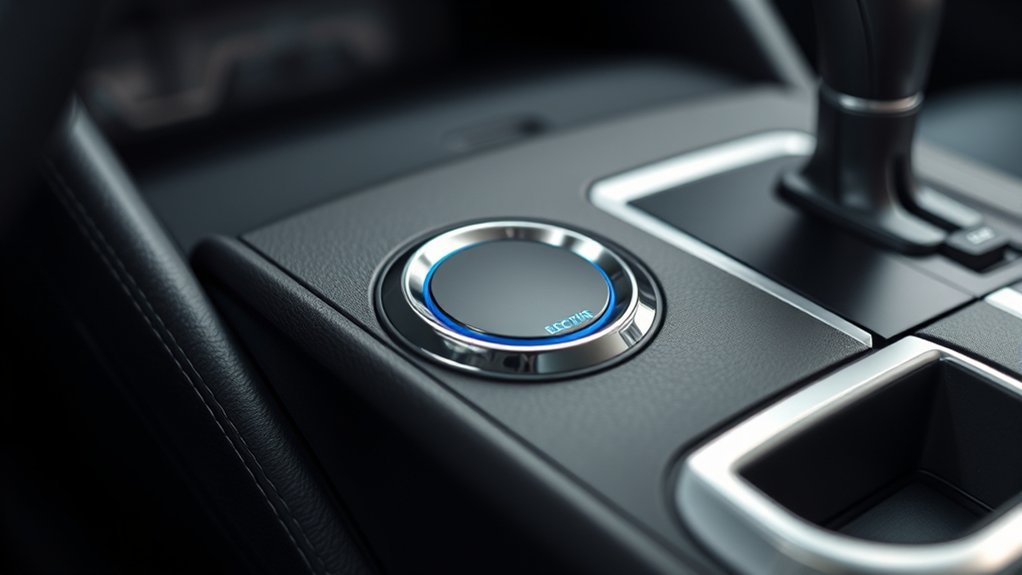
A Toyota Camry electric parking brake replaces a hand lever or foot pedal with a switch near the center console. The basic controls are simple, but automatic mode, Brake Hold, indicator displays, and release conditions can vary by model year, trim, and market. Confirm your equipment in the Toyota owner’s manual for your exact Camry before relying on a universal procedure.
Quick Answer
On a Camry equipped with an electric parking brake, stop the car and keep the brake pedal pressed. Pull up the parking-brake switch to set it; press the switch down to release it manually. Confirm the red parking-brake indicator changes as expected. Automatic mode and Brake Hold vary by model year, so check your manual.
Key Takeaways
- Pull the electric parking-brake switch up to apply the brake and press it down to release it manually.
- For a manual release, keep the vehicle stopped, turn the electrical system on or place the hybrid system in READY, and press the brake pedal.
- In automatic mode, shifting into Park normally applies the parking brake; moving out of Park normally releases it when the required conditions are met.
- Brake Hold is for temporary stops. It is not a substitute for shifting to Park and applying the parking brake before leaving the vehicle.
- Older Camrys may use a foot-operated mechanical parking brake, so always confirm the equipment and instructions for your model year.
At a Glance
| Time Required | About 1–2 minutes to learn and verify |
| Difficulty | Easy |
| Tools Needed | None |
| Cost | No cost |
Note: This guide applies only to Camrys equipped with an electric parking-brake switch. If your car has a parking-brake pedal near the driver’s footwell, follow the mechanical parking-brake instructions in its model-year manual.
How to Use the Electric Parking Brake in Your Toyota Camry
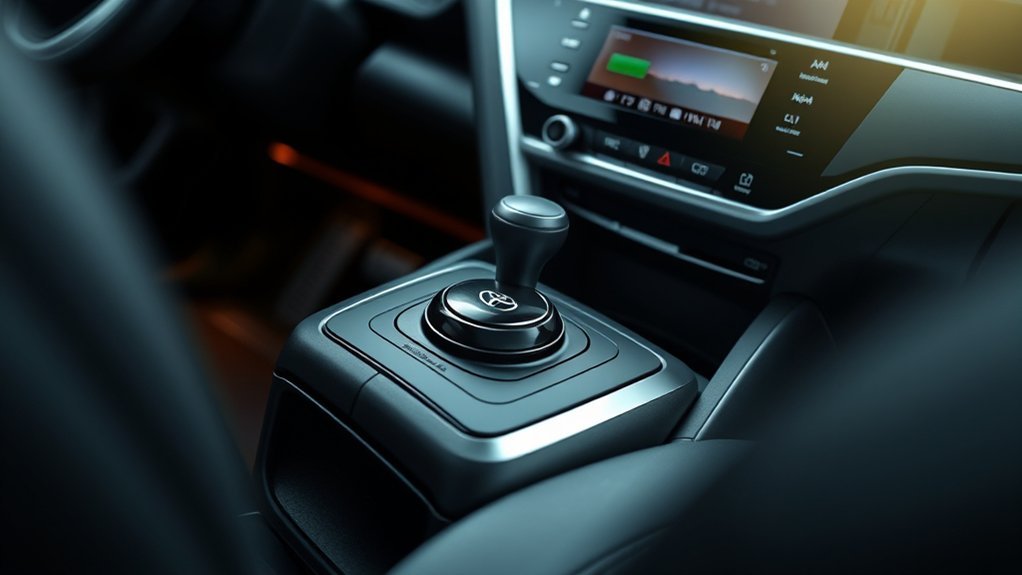
The electric parking-brake switch is normally located on the center console and is marked with a parking-brake symbol. Use it only after confirming that the vehicle is safely stopped.
- Stop the vehicle completely. Keep your right foot firmly on the brake pedal.
- Pull the parking-brake switch up. Hold it briefly until the system applies the brake.
- Check the indicators. The parking-brake switch lamp and the red parking-brake or brake indicator in the instrument display should illuminate. The exact symbol varies by model year.
- Shift to Park. Keep the foot brake pressed until the transmission is in P and the parking brake is confirmed as applied.
- Release the foot brake slowly. Make sure the vehicle remains stationary before turning the car off or leaving it.
Pro Tip: On a hill, keep the foot brake pressed, apply the parking brake, shift to P, and then ease off the foot brake. This lets the parking brake hold the vehicle instead of leaving all of its weight against the transmission’s parking mechanism.
The parking brake secures the Camry when parked; Brake Hold is the convenience feature intended for temporary stops in traffic.
Releasing the Electric Parking Brake
Use the manual-release method whenever you want direct control or the automatic function does not release the brake as expected.
- Sit in the driver’s seat and keep the vehicle stationary.
- Turn the power system on. In a hybrid Camry, confirm that the READY indicator is on when you intend to drive.
- Press and hold the regular brake pedal.
- Press the electric parking-brake switch down.
- Confirm that the parking-brake switch lamp and red parking-brake indicator turn off before moving.
You do not normally need to select Drive or Reverse before manually releasing the brake. The important conditions are that the vehicle is secure, the electrical system is operating, and the foot brake is pressed.
Automatic Drive-Away Release
Many equipped Camrys can release the parking brake automatically as you begin driving. Depending on the model year, the system may require all of the following:
- The driver’s door is closed.
- The driver’s seat belt is fastened.
- A driving position such as D or R is selected.
- The accelerator is pressed normally.
- No parking-brake or brake-system warning is active.
Do not press the accelerator harder simply because the brake has not released. Keep the foot brake applied, return to a safe stationary condition, and release the parking brake manually. Check the instrument display for a message explaining which condition has not been met.
Warning: Do not drive if the parking-brake indicator remains on, the vehicle feels restrained, or a red brake-system warning stays illuminated. Continuing to drive with a brake applied can overheat and damage the braking system.
How to Activate Automatic Parking-Brake Mode
Automatic mode links parking-brake operation to the transmission’s Park position on many newer Camrys. When the mode is active, shifting into P normally applies the parking brake, and moving out of P normally releases it when the foot brake and other required conditions are satisfied.
Turn Automatic Mode On
- Stop the vehicle on a safe, level surface.
- Keep the regular brake pedal pressed.
- With the vehicle’s electrical system on, pull the parking-brake switch up and hold it.
- Release the switch after the multi-information display confirms that automatic mode has been enabled.
- Test the mode while stationary by shifting into P and checking that the parking-brake indicators illuminate.
Turn Automatic Mode Off
Stop the vehicle, keep the brake pedal pressed, and press the parking-brake switch down and hold it until the display confirms that automatic mode has been disabled. After deactivation, apply and release the parking brake manually with the switch.
Note: The confirmation wording and the conditions for changing automatic mode differ among Camry model years. Use the procedure shown in the “Parking brake” section of your exact owner’s manual if no confirmation appears.
How to Use the Toyota Camry Brake Hold Feature
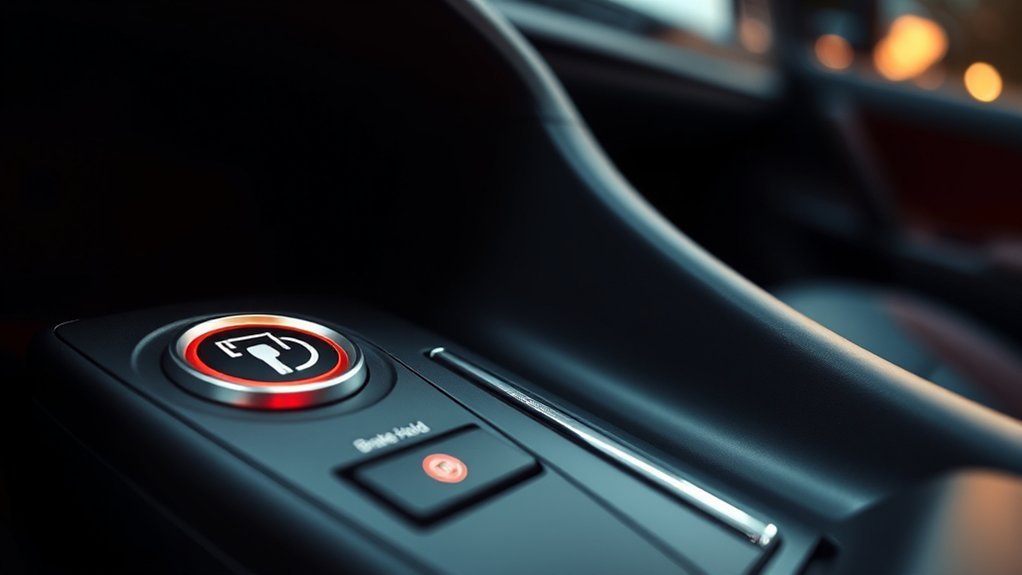
Brake Hold keeps the regular service brakes applied after the Camry comes to a complete stop, allowing the driver to remove a foot from the brake pedal during stop-and-go traffic. It is separate from the electric parking brake.
[Amazon Products Picked for You]


Packag Included: The package includes 4 pieces of brake light switch stoppers, sufficient quantity to meet your daily requirements for usage and replacement, you can also share them with your friends and family.
Activate Brake Hold
- Start the vehicle or place the hybrid system in READY.
- Close the driver’s door and fasten the driver’s seat belt.
- Keep the regular brake pedal pressed.
- Press the HOLD button near the electric parking-brake switch.
- Confirm that the green Brake Hold standby indicator appears.
Let Brake Hold Secure the Vehicle
Bring the Camry to a complete stop with the brake pedal. When the system begins holding the brakes, a yellow or amber HOLD indicator normally illuminates. You may then remove your foot from the brake pedal while remaining seated and attentive.
When a forward driving position is selected, press the accelerator normally to release Brake Hold and move away. Always watch the traffic around you before accelerating.
When Brake Hold Transfers to the Parking Brake
Brake Hold is designed for temporary stops. On applicable Camrys, the electric parking brake may be applied automatically after the vehicle has been held for approximately three minutes or when conditions change, such as:
- The driver’s door is opened.
- The driver’s seat belt is unfastened.
- The vehicle’s power is turned off.
- A system condition prevents Brake Hold from continuing.
When the parking brake takes over, press the regular brake pedal before attempting to release it or drive away.
Warning: Never use Brake Hold to park the vehicle or leave it unattended. Before exiting, shift to P, apply the parking brake, verify the red parking-brake indicator, and turn the vehicle off.
Understanding the Indicator Lights
The original article mixed together the parking-brake and Brake Hold indicators. Although the exact icons and colors can differ, newer Camrys commonly use the following meanings:
- Red parking-brake or brake indicator: The parking brake is applied, or the brake system requires attention. If it remains on after release, stop and check the manual.
- Parking-brake switch lamp: The electric parking brake is applied.
- Green HOLD indicator: Brake Hold is enabled and waiting for the vehicle to stop.
- Yellow or amber HOLD indicator: Brake Hold is actively keeping the vehicle stationary.
- Flashing indicator or warning message: The requested operation was not completed or the system has detected a problem.
If a red brake warning remains on after the parking brake is fully released, do not assume it is only an indicator glitch. It may represent low brake fluid or another hydraulic or electronically controlled brake-system fault. Stop safely and arrange an inspection.
Using the Electric Parking Brake in an Emergency
Warning: Do not operate the electric parking-brake switch while the Camry is moving except in an emergency. It is not a substitute for normal braking and may affect vehicle stability, especially on a slippery road.
If the regular brake pedal cannot slow the vehicle, Toyota’s emergency procedure on equipped models generally allows the driver to pull the parking-brake switch up continuously. The system applies braking while the switch is held.
- Keep firm pressure on the regular brake pedal if any braking remains.
- Hold the steering wheel securely and activate the hazard lights when practical.
- Pull the parking-brake switch up and keep holding it to request emergency deceleration.
- Guide the vehicle toward a safe stopping area.
- After stopping, shift to P, keep the foot brake applied, and request roadside assistance.
Follow the emergency section of the exact model-year manual because the system response and warnings can differ.
[Amazon Products Picked for You]

Fit for Ford Expedition 2003-2014, Excursion 2003-2005, F150 2003-2014 F250 F350 Super Duty 2003-2010, Mustang 2010-2014, Taurus 2002-2015, Flex 2009-2015, Explorer 2002-2015, Explorer Sport Trac 2001-2010, Escape 2008-2012, Focus 2007-2011, Edge 2007-2010.

Comprehensive Package for Convenience: the package includes 2 trailer breakaway cables, providing an immediate replacement option or a spare for future needs, ensuring you're always prepared

Package Content: You will receive 4 trailer breakaway cables, the quantity can meet your usage and replacement needs.
What to Do If Your Electric Parking Brake Isn’t Working
Do not diagnose the electric parking brake from a single indicator color. First identify whether the problem affects manual operation, automatic release, Brake Hold, or the entire brake system.
[Amazon Products Picked for You]

【Intelligent Emergency Brake Release and Reset Tool】Our EPB release tool is equipped with an advanced electronic parking brake emergency drive system with a core processor. Dual-channel forward and reverse bidirectional precise control allows for rapid release or application of the electronic parking brake (EPB), effectively resolving EPB malfunctions. Compared to forced disassembly or violent reset methods, using the EPB release tool significantly reduces repair costs and saves a lot of time.

1.This Yuirote universal car motor diagnostic tool is designed to deliver accurate system detection for most vehicle models, working perfectly as an EPB emergency release tool to quickly read engine fault codes and locate car system problems, ideal for daily vehicle inspection and routine maintenance.

MAINTAIN PEAK PERFORMANCE AND SAFETY ON THE ROAD - Easily find and fix the problem with your vehicle using the INNOVA 5610 bidirectional scan tool. This OBD2 scanner diagnostic tool provides real-time solutions to troubleshoot issues. Access OBD2 and OEM live data with ease, making it an essential car scanner diagnostic tool. Perfect for those seeking reliable car diagnostic scanner and code readers & scan tools for vehicles.
If the Parking Brake Will Not Set
- Stop completely and keep the foot brake pressed.
- Turn the electrical system on and try the switch again.
- Check the instrument display for “Parking Brake Unavailable” or a similar message.
- Make sure the 12-volt battery is not discharged or severely weak.
- If the vehicle cannot be secured, remain with it on level ground and obtain professional assistance.
If the Parking Brake Will Not Release
- Keep the brake pedal firmly pressed.
- Confirm that the vehicle is on or in READY mode.
- Close the driver’s door and fasten the seat belt if attempting automatic release.
- Press the parking-brake switch down for a manual release.
- Do not force the switch repeatedly or apply heavy accelerator pressure.
If the 12-volt battery is discharged while the parking brake is applied, the switch may not have enough electrical power to operate the actuators. Use only the approved jump-start procedure in the Camry manual or contact roadside assistance.
Warning: Do not attempt to retract an electric parking-brake motor manually unless you have the correct Toyota service procedure. Do not tow the car with braked wheels dragging.
If Brake Hold Will Not Activate
Check that the driver’s door is closed, the driver’s seat belt is fastened, the vehicle is on, and no brake-system warning is displayed. Brake Hold normally will not hold the car while it is in P or R. It may also switch off after the vehicle is restarted, requiring the HOLD button to be pressed again.
If a Warning Light or Message Remains
A persistent red brake warning, flashing parking-brake indicator, burning smell, grinding sound, or vehicle that does not roll freely requires prompt service. Check for applicable campaigns with the official Toyota VIN recall lookup or the NHTSA recall database. Recall status is tied to the VIN, not merely the model year.
Frequently Asked Questions
How do you use the Toyota Camry electric parking brake?
Stop the Camry, keep the regular brake pedal pressed, and pull the electric parking-brake switch up. Confirm that the switch lamp and red parking-brake indicator illuminate before releasing the foot brake.
How do you release a Toyota Camry electronic parking brake?
Keep the vehicle stopped, turn the electrical system on or place the hybrid system in READY, press the regular brake pedal, and press the parking-brake switch down. Verify that the red parking-brake indicator turns off before driving.
Why will my Camry parking brake not release automatically?
Automatic release may be blocked if the driver’s door is open, the driver’s seat belt is unfastened, the wrong shift position is selected, the 12-volt battery is weak, or a warning is active. Keep the foot brake pressed and use the manual-release procedure.
What does the green HOLD light mean in a Toyota Camry?
The green HOLD indicator normally means Brake Hold is enabled and ready. When the system is actively holding the stopped vehicle, a yellow or amber HOLD indicator normally appears. Exact symbols may differ by model year.
Can you use the electric parking brake while driving?
Only in an emergency when normal braking is unavailable. On equipped Camrys, pulling and continuously holding the switch requests emergency braking. Do not use it for routine slowing or testing while the vehicle is moving.
Does every Toyota Camry have an electric parking brake?
No. Feature availability depends on model year, market, and equipment. Some older Camrys use a foot-operated mechanical parking brake. Check the controls in your vehicle and the owner’s manual identified by its year or VIN.
Sources
- Toyota 2026 Camry Manuals and Warranties — current model-year operating instructions and feature information.
- Toyota 2025 Camry Manuals and Warranties — model-year-specific parking-brake, Brake Hold, warning, and emergency procedures.
- Toyota Technical Information System — official Toyota service and technical information.
- Toyota Safety Recall Lookup — VIN-based Toyota recall and service-campaign checks.
- National Highway Traffic Safety Administration Recall Lookup — U.S. VIN-based safety recall information.
Conclusion
To use the electric parking brake safely, stop the Camry, keep the brake pedal pressed, pull the switch up to apply the brake, and confirm the red parking-brake indicator. For a manual release, turn the vehicle on, press the foot brake, and press the switch down. Treat automatic mode and Brake Hold as separate features, and follow the exact Toyota manual whenever an indicator, message, or operating condition differs from this general procedure.
