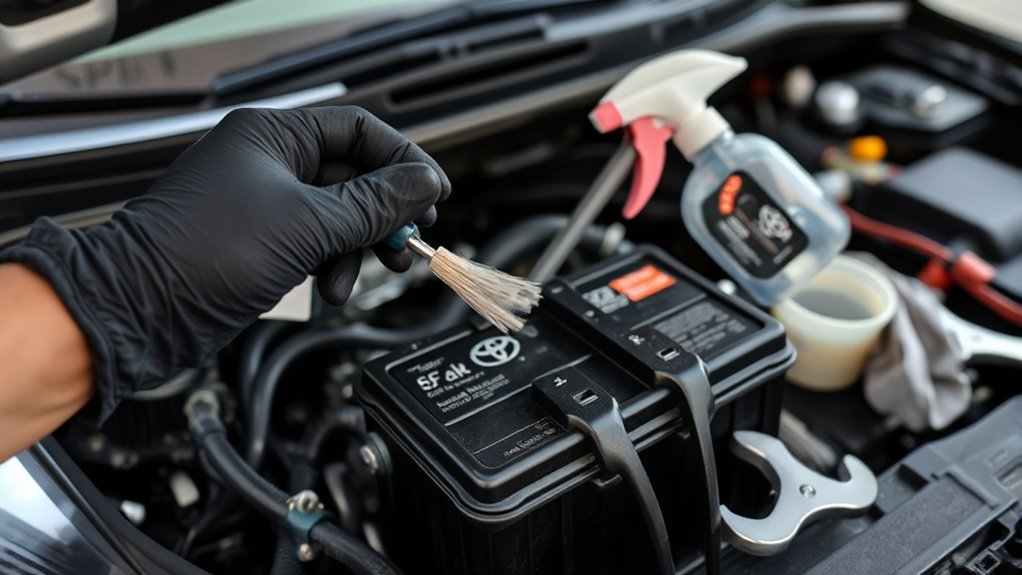
Corrosion around your Toyota Camry’s 12-volt battery terminals can increase electrical resistance, weaken the connection, and contribute to slow starting or charging problems. Light surface buildup is usually manageable at home, but safe cleaning requires the correct cable order, protective equipment, controlled use of baking soda and water, and a careful inspection for battery damage before you begin.
Quick Answer
To clean Toyota Camry 12-volt battery terminals, switch the car off, wear eye protection and gloves, disconnect the negative cable first, then the positive. Neutralize light corrosion with baking soda and water, scrub, wipe, and dry. Reconnect positive first, then negative, and coat only the exposed exterior with battery terminal protectant.
Key Takeaways
- This procedure is for the Camry’s 12-volt battery only, not the hybrid traction battery or orange high-voltage components.
- Do not clean a battery that is cracked, swollen, leaking, unusually hot, frozen, or producing a strong chemical odor.
- Remove the negative cable first and reconnect it last to reduce the chance of an accidental short circuit.
- Apply terminal protectant after the clean metal connection is secure; grease or petroleum jelly does not improve electrical conductivity.
- Rapidly returning corrosion can point to a damaged terminal seal, loose connection, excessive heat, or a charging-system problem that needs testing.
At a Glance
| Time Required | About 20–30 minutes for light corrosion |
| Difficulty | Easy, provided the battery and cables are undamaged |
| Tools Needed | Safety glasses, chemical-resistant gloves, wrench or socket, nylon or terminal brush, baking soda, clean water, towels, and battery terminal protectant |
| Cost | Approximately $0–$20 for basic supplies if you already own a wrench |
Warning: Work in a well-ventilated area with the ignition off, the parking brake set, and the key or smart key away from the vehicle. Keep cigarettes, flames, sparks, jewelry, and loose metal tools away from the battery. Do not lean directly over it. If the case is cracked, swollen, leaking, frozen, unusually hot, or strongly odorous, stop and arrange professional replacement. Do not touch orange high-voltage cables or hybrid traction-battery components. Battery-safety guidance from OSHA emphasizes ventilation and avoiding flames and sparks around gassing batteries.
Why Do Battery Terminals Corrode in a Toyota Camry?
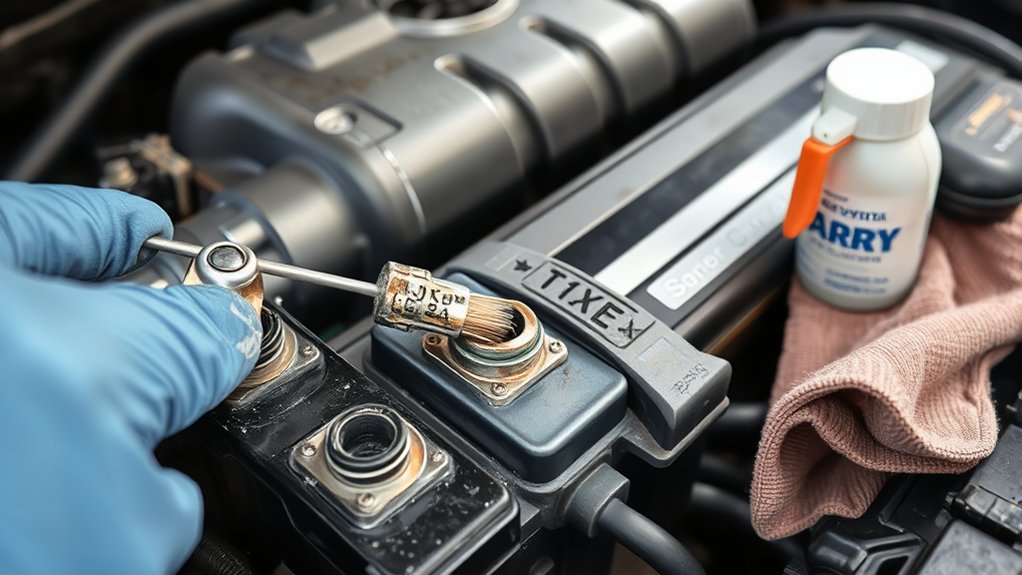
Toyota Camry battery-terminal corrosion forms when gases, moisture, electrolyte residue, and exposed metals react around the battery posts and cable clamps. Heat and repeated charging can increase battery gassing, while a damaged terminal seal or case can allow electrolyte to reach external metal parts.
The deposit may appear white, blue, or green depending on the metals involved. Its color or location does not, by itself, prove that the battery is leaking or failing. Corrosion can occur at either terminal, and light buildup may be limited to the outside of an otherwise serviceable battery.
Heavy corrosion, wetness around a post, a damaged case, or buildup that returns soon after cleaning deserves closer attention. The battery, cable ends, and charging system should be tested rather than repeatedly cleaned without finding the cause. As Interstate Batteries explains, corrosion alone does not automatically mean the battery is bad, but it can interfere with starting and charging connections and may point to a larger problem.
Battery-terminal corrosion is a symptom to inspect—not automatic proof that the battery has failed.
What You Need to Clean Camry Battery Terminals
- Safety glasses or splash-resistant goggles
- Chemical-resistant gloves, such as nitrile gloves
- A correctly sized wrench or socket for the terminal clamps
- A nylon detail brush, disposable toothbrush, or battery-terminal brush
- Baking soda
- Clean water
- A small nonmetallic cup or container
- Disposable towels or clean rags
- Battery terminal protectant spray or corrosion-resistant terminal grease
- An optional vehicle-compatible memory saver, used only according to its instructions
Do not use the cleaning brush later for household or personal use. Avoid placing tools across the battery, where they could contact both terminals or a terminal and grounded metal.
Before You Start
Confirm That You Are Working on the 12-Volt Battery
This guide applies only to the low-voltage 12-volt battery and its ordinary cable terminals. Battery location, access panels, reset procedures, and tightening requirements differ by model year and powertrain. Use Toyota’s manual and warranty portal to select the owner’s manual for your exact Camry.
On a hybrid Camry, do not disturb the traction battery, service plug, orange high-voltage cables, inverter connections, or other high-voltage components.
Inspect the Battery Before Disconnecting It
Do not continue with a normal DIY cleaning if you find any of the following:
- A cracked, swollen, distorted, or visibly leaking battery case
- Wet electrolyte around a terminal, vent, or seam
- A strong rotten-egg or sharp chemical odor
- A battery that feels unusually hot
- A loose or broken battery post
- Frayed cable strands, split insulation, a broken clamp, or a clamp that cannot tighten securely
- Corrosion so severe that the cable end or post is partly eaten away
Arrange professional inspection or replacement instead. Do not intentionally smell a battery to check for a fault.
Prepare the Vehicle
- Park on a level surface in an open garage or outdoor area.
- Shift into Park, set the parking brake, and switch the vehicle completely off.
- Turn off lights and accessories.
- Keep the smart key away from the vehicle so systems are less likely to wake unexpectedly.
- Allow the engine compartment and battery area to cool.
- Remove rings, bracelets, watches, necklaces, and other conductive jewelry.
Note: Disconnecting the 12-volt battery may reset the clock, radio presets, automatic-window functions, trip data, or learned settings on some Camry model years. A compatible memory saver may preserve certain settings, but use one only when the product and your owner’s manual confirm that it is appropriate.
Step-by-Step Guide to Cleaning Battery Terminals
1. Put on Protective Equipment
Wear safety glasses and gloves before touching the battery, clamps, cables, or corrosion. Keep clean water nearby for immediate rinsing if residue contacts your skin.
2. Disconnect the Negative Cable First
Identify the negative terminal by the minus symbol (−) and usually a black cable. Loosen the clamp without allowing the wrench to contact the positive terminal. Lift the clamp from the post and move it far enough away that it cannot spring back into contact.
3. Disconnect the Positive Cable
Identify the positive terminal by the plus symbol (+) and usually a red cover or cable. Loosen and remove its clamp, then isolate it from the battery post and surrounding metal.
Removing the negative connection first reduces the chance that a tool touching grounded body metal will complete a short circuit while you work on the positive terminal.
4. Prepare the Cleaning Mixture
In a small nonmetallic container, mix baking soda with enough clean water to create a loose paste or concentrated solution. Prepare it away from the battery instead of mixing it on top of the case.
5. Apply the Mixture Carefully
Apply a small amount to the corroded post and cable clamp. Bubbling or foaming can occur as the alkaline mixture neutralizes acidic residue. Keep the solution out of battery vents, filler openings, electrical connectors, fuse boxes, and surrounding wiring.
6. Scrub the Posts and Clamps
Use a nylon brush or battery-terminal brush to loosen corrosion from the outside and inside of each clamp and from the battery posts. Work gently enough to avoid damaging the soft metal posts or cable ends. Replace a disposable toothbrush after the job.
7. Remove the Residue and Dry the Area
Wipe away loosened material with disposable towels. Use a damp cloth or a small, controlled amount of clean water to remove the remaining baking-soda residue. Do not flood the battery area or hose residue onto the driveway. Keep liquid away from vent openings.
Dry the battery case, posts, clamps, and nearby surfaces completely. A wet connection can encourage new corrosion and interfere with inspection.
8. Reconnect the Positive Cable First
Place the positive clamp fully down on the positive post. Tighten it to the specification or method given in the owner’s manual. The clamp should not rotate by hand, but overtightening can damage a post or clamp.
9. Reconnect the Negative Cable Last
Install and tighten the negative clamp after the positive connection is secure. Confirm that both cables are routed correctly, neither clamp can twist, and the positive protective cover is returned to its original position.
10. Apply Terminal Protectant
Apply a light, even coating of battery terminal protectant to the exposed exterior of the connected posts and clamps. Do not use a protective coating to hide dirt, compensate for a loose clamp, or replace direct clean metal-to-metal contact.
Pro Tip: Take a clear photo of the battery, cable routing, terminal covers, and hold-down hardware before disconnecting anything. The photo provides a quick reference if a cable shifts while you are cleaning.
How to Prevent Battery Corrosion
- Inspect the terminals regularly: Look at the battery during routine under-hood checks and before periods of very hot or cold weather. Clean new buildup before it becomes thick enough to hide damage.
- Keep the battery top clean and dry: Dirt and moisture can hold residue against the case and hardware.
- Keep the battery secured: A loose battery can vibrate, strain the cables, and damage the case or terminal seals. Confirm that the factory hold-down is present and secure.
- Maintain tight, undamaged connections: A clamp should be fully seated and unable to rotate. Replace cracked, stretched, or badly corroded cable ends instead of overtightening them.
- Use a dedicated protectant: After the connection is clean and tight, apply a light exterior coating of terminal protectant or corrosion-resistant grease.
- Investigate rapid recurrence: If substantial corrosion returns within weeks or a few months, have the 12-volt battery and charging system tested.
A fixed cleaning schedule is less important than the condition of the terminals. Checking every few months is reasonable, while cleaning is needed when visible buildup appears. A Camry exposed to heat, humidity, road salt, short trips, or an aging battery may need inspection more often.
Should You Use Vaseline?
A very thin film of petroleum jelly can form a temporary moisture barrier on the exposed exterior of an already connected terminal. It does not improve conductivity, repair a loose connection, or replace proper cleaning. A purpose-made battery terminal protectant generally provides a more durable and heat-resistant coating.
Should You Use WD-40?
Standard WD-40 may displace moisture temporarily, but it is not the preferred long-term battery terminal coating and can attract grime if excess product remains. Use a dedicated battery terminal protectant instead. A WD-40-branded electrical contact cleaner is a different product; follow its label and allow it to dry completely before reconnecting electrical parts.
Essential Tips for Maintaining Battery Health
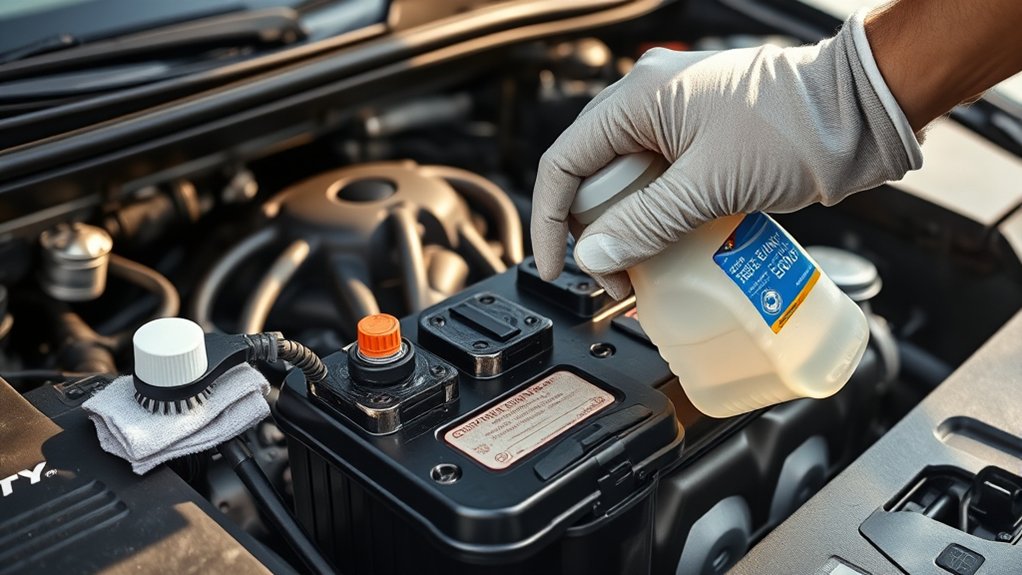
Clean terminals can restore a poor external connection, but cleaning cannot repair an internally worn, deeply discharged, shorted, or physically damaged battery. Watch how the Camry behaves after the work is complete.
- Request a battery test if starting remains slow, interior lights dim during startup, or the vehicle repeatedly needs a jump.
- Request a charging-system test if corrosion returns quickly, the battery becomes hot, warning lights appear, or there is a strong odor.
- Inspect the cables for swelling under the insulation, stiff sections, exposed copper, or green corrosion traveling into the wire.
- Do not open a sealed or maintenance-free battery or add baking soda, additives, acid, or tap water to it.
- Follow the owner’s manual for jump-start points, battery access, replacement type, reset procedures, and model-specific cautions.
On a hybrid Camry, the 12-volt battery activates computers and control systems, while the separate traction battery supplies high-voltage propulsion power. A no-start condition can still be caused by a weak 12-volt battery even though the vehicle does not use it like a conventional starter battery.
Troubleshooting After Cleaning
The Camry Does Not Power On or Start
Confirm that the positive and negative clamps are on the correct posts, fully seated, and tight enough that they cannot rotate. Check that the positive terminal cover is not trapped under the clamp. If the connections are secure, the battery may be discharged or internally weak and should be tested.
The Clamp Will Not Tighten
Do not force the fastener until it breaks or crushes the battery post. A stretched, cracked, or badly corroded clamp or cable end needs proper replacement. Do not wedge coins, screws, foil, or random pieces of metal between the post and clamp.
Corrosion Returns Quickly
Rapid recurrence may be caused by a damaged terminal seal, electrolyte seepage, a loose connection, excess heat, repeated deep discharge, or improper charging voltage. Have the battery, cable voltage drop, and charging system checked by a qualified technician.
Warning Lights or Settings Changed
Some settings may reset when the 12-volt battery is disconnected. Follow the owner’s manual for clock, window, steering, idle, or other initialization procedures. If warning lights remain after the prescribed procedure and a normal drive cycle, arrange a diagnostic scan rather than clearing them repeatedly.
Warning Signs the Battery Needs Professional Service or Replacement
Stop cleaning and arrange professional inspection if you notice any of these conditions:
- A swollen, cracked, distorted, or leaking case
- Wetness or fresh residue emerging from a battery seam or terminal seal
- A strong rotten-egg or sharp chemical odor
- A battery that is unusually hot
- A loose, tilted, or damaged battery post
- Severe corrosion that has weakened the clamp or cable strands
- Repeated slow starting, electrical resets, or jump-starts
- Substantial corrosion that returns soon after a proper cleaning
If electrolyte contacts your skin, remove contaminated material and begin flushing the area with plenty of clean water. If it enters your eyes, immediately flush continuously with clean, gently flowing water and obtain emergency medical help. The Canadian Centre for Occupational Health and Safety provides detailed lead-acid battery exposure and first-aid guidance.
Return an old lead-acid automotive battery to a battery retailer or an appropriate household hazardous-waste program. Do not place it in household trash or municipal recycling. The U.S. Environmental Protection Agency provides current battery-handling and recycling guidance.
Related Guides
Frequently Asked Questions
What can I put on battery terminals to keep them from corroding?
After the posts and clamps are clean, dry, securely connected, and tightened correctly, apply a light exterior coating of dedicated battery terminal protectant or corrosion-resistant terminal grease. The coating helps block moisture and residue but should not be used to hide a dirty or loose connection.
Will WD-40 keep battery terminals from corroding?
Standard WD-40 can displace moisture temporarily, but it is not the best durable terminal coating and excess product may hold grime. A purpose-made battery terminal protectant is the better choice. Electrical contact cleaner sold under the WD-40 brand is a separate product and should be used only according to its label.
Why do my car battery terminals keep corroding?
Recurring corrosion can result from battery venting, heat, moisture, a damaged terminal seal, electrolyte seepage, a loose connection, repeated deep discharge, or a charging-system problem. If heavy buildup returns soon after cleaning, have the battery and charging voltage tested.
Can you put Vaseline on battery terminals to keep them from corroding?
Yes, a very thin film can be applied to the exposed exterior after the terminal is clean, connected, and tight. Petroleum jelly acts as a moisture barrier; it does not improve conductivity or repair a poor connection. Dedicated battery terminal protectant is usually more durable under engine-compartment heat.
How often should Toyota Camry battery terminals be cleaned?
Inspect them during routine vehicle checks and at least every few months. Clean them when visible buildup appears rather than waiting for a fixed date. If corrosion is recurring, inspection and testing are more useful than repeatedly cleaning it on a schedule.
Can I clean battery terminals without disconnecting them?
You may be able to wipe light residue from the outside, but corrosion often forms between the post and clamp where it cannot be removed properly while connected. For a complete cleaning, follow the owner’s manual, disconnect negative first and positive second, then reconnect positive first and negative last.
Does terminal corrosion mean the battery is bad?
Not necessarily. Light surface corrosion can occur on a battery that still tests well. Heavy or rapidly recurring corrosion, leakage, swelling, heat, starting trouble, or damaged cables are reasons to have the battery and charging system tested.
Which battery terminal should be disconnected first?
For the normal negative-ground 12-volt service procedure, disconnect the negative terminal first and the positive terminal second. Reconnect in reverse order: positive first and negative last. Always confirm the procedure in the owner’s manual for your exact Camry model year.
Conclusion
Keeping your Toyota Camry’s 12-volt battery terminals clean can reduce connection-related starting and charging problems, but the process must begin with a safety inspection. Disconnect the negative cable first, clean only an undamaged battery, reconnect the positive cable first, and protect the exterior of the finished connection. If corrosion returns quickly or the battery is swollen, leaking, hot, or damaged, stop cleaning and have the battery and charging system professionally tested.
Sources
- Toyota Manuals and Warranties — model-specific owner’s manuals, battery locations, procedures, and vehicle cautions
- Interstate Batteries: How to Clean Car Battery Corrosion Safely — cleaning procedure, protective equipment, corrosion causes, protectants, and reconnection guidance
- Occupational Safety and Health Administration: 29 CFR 1910.178 — ventilation and spark, flame, and metal-tool precautions around storage batteries
- Canadian Centre for Occupational Health and Safety: Lead-Acid Battery Safety — sulfuric-acid hazards, protective equipment, ventilation, and exposure response
- U.S. Environmental Protection Agency: Used Household Batteries — handling and recycling guidance for automotive lead-acid batteries

