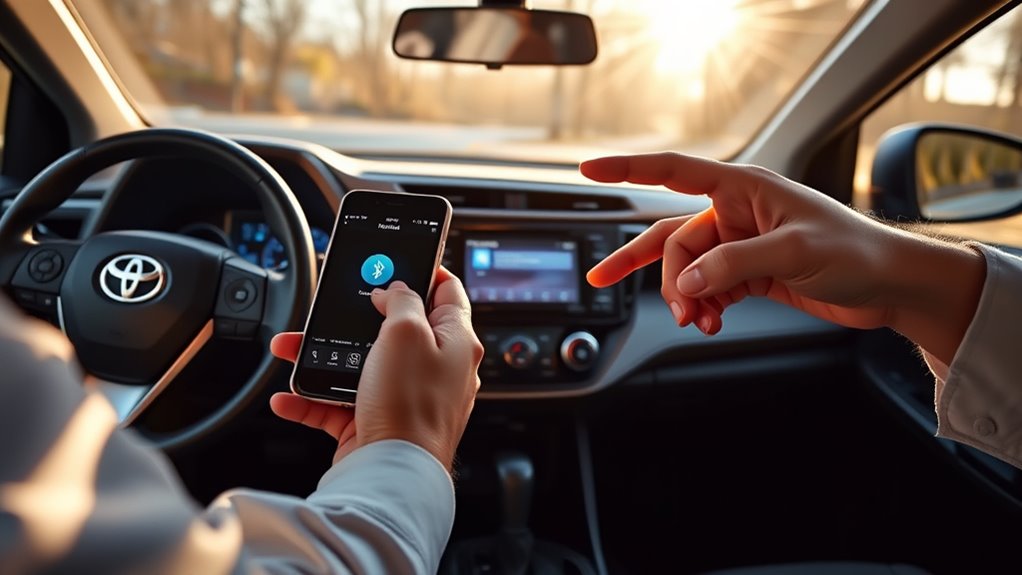
To share iPhone contacts with a Toyota RAV4, pair your phone over Bluetooth, then turn on Sync Contacts for the car in your iPhone’s Bluetooth settings. The RAV4 then copies your phone book to its screen. This works on RAV4s with Bluetooth hands-free calling. Apple CarPlay is a second option, but only on 2019 and newer models. A 2015 RAV4 has no CarPlay.
Last checked: October 2026
Can a Toyota RAV4 Sync iPhone Contacts?
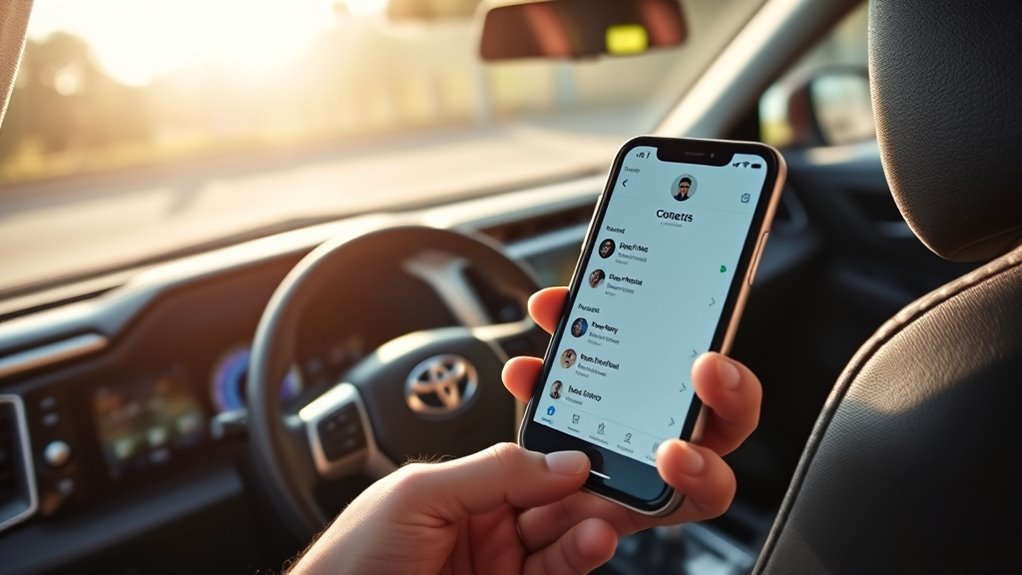
Yes. Contacts travel from the iPhone to the RAV4 over Bluetooth. Toyota’s manuals call the Bluetooth feature that does this PBAP (Phone Book Access Profile). The phone must also support the hands-free profile (HFP), and iPhones do.
What you can use depends on the model year:
| Model years | Screen | Contacts over Bluetooth | Apple CarPlay |
|---|---|---|---|
| 2013–2018 | Entune audio | Yes | No |
| 2019–2022 | Entune 3.0 | Yes | Yes |
| 2023 and newer | Toyota Audio Multimedia | Yes | Yes |
Some cars in the middle years may have either screen. Follow the menu your car actually shows. On a 2015 RAV4, Bluetooth is the only way to copy contacts to the car.
Before You Start
- Park the car and turn on the audio system.
- Turn on Bluetooth on your iPhone (Settings > Bluetooth).
- If you tried to pair before and it failed, delete the old pairing on both the iPhone and the car. Deleting a phone from the car also deletes its contacts from the car, so you will sync them again.
- The RAV4 remembers up to 5 Bluetooth devices. Delete one you no longer use if the list is full.
How to Share iPhone Contacts With a Toyota RAV4 (2013–2018)
These steps fit 2013–2018 RAV4s with an Entune audio screen, including a 2015 RAV4. Menu names vary a little by trim.
- On the RAV4 screen, press the APPS button and choose Phone. Choose Yes when it asks to register a phone. You can also go to Setup > Bluetooth and add a device.
- On the iPhone, open Settings > Bluetooth and tap the RAV4 in the list.
- If a code appears, check that it matches on both screens, then confirm. Phones that support Secure Simple Pairing do not need a PIN.
- When the iPhone asks to share contacts, tap Allow. Toyota’s Entune pairing guide says to turn on both Show Notifications and Sync Contacts.
- If no prompt appeared, open Settings > Bluetooth, tap the (i) next to the RAV4’s name, and switch on Sync Contacts.
- On the RAV4, open Phone and look at the phone book. Give it a moment to transfer.
Tip: On these Entune systems, do not connect the iPhone by Bluetooth and by USB at the same time. Toyota’s manual warns that the system may become unstable.
Steps for 2019 and Newer Models
2019–2022: Entune 3.0
Find the Bluetooth settings in the screen’s settings menu and add a new device. Then follow steps 2 to 6 above on the iPhone.
You can also use Apple CarPlay. Plug the iPhone into the car’s USB port and accept the prompts on the car screen and on the iPhone. Some newer systems also connect wirelessly. If yours does, Bluetooth and Wi-Fi must both be on. With CarPlay, the Phone app and Siri read contacts straight from the iPhone.
2023 and Newer: Toyota Audio Multimedia
- Open the main menu (or Settings), choose Bluetooth & Devices, then Add another device and Search for devices.
- Pick your iPhone in the list. Check that the passcode matches on both screens and confirm.
- Go back to Bluetooth & Devices, select your iPhone, and turn on Sync contacts. The phone book transfer starts when you switch it on.
- On the iPhone, tap Allow if it asks to share contacts.
Toyota notes that favorites may not transfer, depending on the phone. Switching Sync contacts off deletes the phone book and favorites from the car. If CarPlay is connected by USB, USB audio and iPod playback cannot be used at the same time.
iPhone Settings That Control Contact Sharing
- Settings > Bluetooth > (i) next to your car > Sync Contacts. This is the switch that most often blocks contacts. This is the path on iOS 18. Apple moves menu items between versions, so look for the (i) next to the car’s name.
- Settings > General > CarPlay. Tap your car, then Forget This Car, to reset CarPlay and set it up again.
- Siri. CarPlay needs Siri turned on.
- Settings > Screen Time > Content & Privacy Restrictions. Make sure CarPlay is allowed.
Fix CarPlay and Bluetooth Issues
| Problem | What to try |
|---|---|
| Phone book is empty | Turn on Sync Contacts for the car on the iPhone (or Sync contacts on the car screen). |
| Phone pairs but no contacts arrive | Forget the car on the iPhone, delete the phone on the car, pair again, and tap Allow when asked. |
| Pairing fails | Restart the iPhone and the car. Delete an old device if 5 are saved. |
| Screen freezes or acts oddly (2013–2018) | Unplug the USB cable and use Bluetooth only. |
| CarPlay will not start | Try another USB cable or port. Check that Siri is on and CarPlay is allowed in Screen Time. Use Forget This Car and set it up again. |
Toyota’s manuals do not list a maximum number of contacts. If the problem stays, ask a Toyota dealer whether your audio system has a software update.
Use iPhone Contacts Safely While Driving
Set up Bluetooth before you drive. Once contacts are synced, call from the car screen or with Siri instead of holding the phone. Laws on phone use while driving differ by place, so check yours.
Frequently Asked Questions
Does a 2015 Toyota RAV4 have Apple CarPlay?
No. Apple lists CarPlay for the RAV4 from the 2019 model year. A 2015 RAV4 works with your iPhone over Bluetooth only.
Why won’t my iPhone contacts show in my RAV4?
The most common cause is that Sync Contacts is off for the car. Turn it on under Settings > Bluetooth > (i) next to the RAV4. If it still fails, forget the pairing on both sides and pair again.
How many phones can I pair?
The RAV4 can remember 5 Bluetooth devices. On newer Toyota Audio Multimedia systems, 2 of them can be used as hands-free phones at once.
How do I remove my contacts from the car?
Delete your phone from the car’s Bluetooth list. Toyota’s manual says the contact data is deleted at the same time. On newer systems you can also switch Sync contacts off.
Conclusion
Pair the iPhone over Bluetooth and switch on Sync Contacts. That is all a 2013–2018 RAV4 needs. On 2019 and newer models you can also use CarPlay. If contacts do not appear, check the Sync Contacts switch first.

