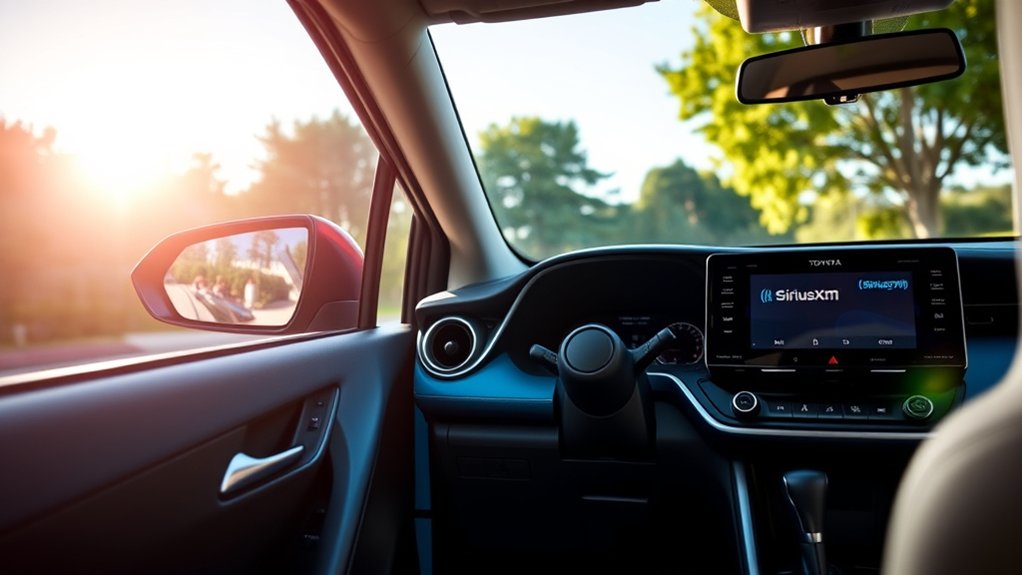
The 2025 U.S.-market Toyota RAV4 includes SiriusXM capability through Toyota Audio Multimedia, along with a three-month trial subscription. The radio hardware, trial access, and any later paid plan are separate pieces, so a RAV4 can have SiriusXM built in even when the trial has expired. Older model years, used vehicles, and vehicles sold outside the United States may differ.
Quick Answer
Yes. Toyota lists SiriusXM with a three-month trial as part of the 2025 RAV4’s multimedia offering in the United States. To confirm it in a specific vehicle, open the Audio menu, select SiriusXM, and tune to channel 0. If a Radio ID appears, the vehicle has a compatible receiver.
Key Takeaways
- Toyota’s 2025 RAV4 multimedia offering includes SiriusXM and a three-month trial subscription.
- Channel 0 normally displays the Radio ID, but the ID length can vary by radio; do not assume it is always 12 characters.
- A signal refresh is different from buying or transferring a subscription. Refreshing only sends existing authorization to the radio.
- Built-in satellite listening does not use your phone’s cellular data. Streaming through the SiriusXM app does.
- Older RAV4s and vehicles from other markets should be checked individually by audio menu, window sticker, owner documentation, or Radio ID.
At a Glance
| Time Required | About 5–15 minutes |
| Difficulty | Easy |
| Tools Needed | Your RAV4, the Radio ID or VIN, and an internet-connected phone or computer |
| Cost | No charge to check or refresh; the included trial is temporary, and paid-plan prices vary |
Does the 2025 Toyota RAV4 Have SiriusXM?
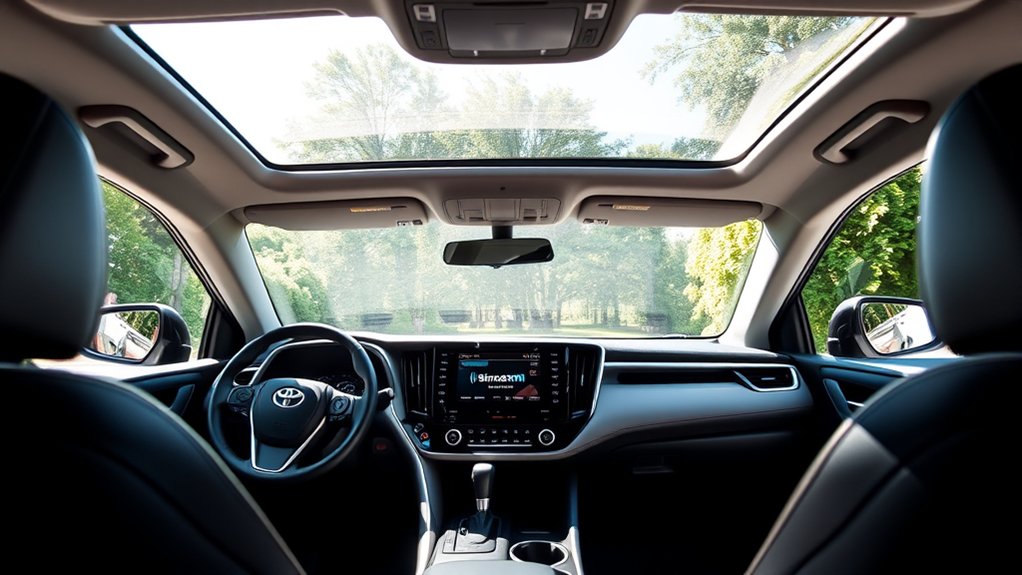
Yes. Toyota’s official 2025 RAV4 product release lists SiriusXM with a three-month trial subscription as part of the vehicle’s audio offering. It is available through the Toyota Audio Multimedia system alongside HD Radio, USB audio, wireless Apple CarPlay, and wireless Android Auto.
The included trial is not the same as permanent free service. The receiver remains in the vehicle after the trial ends, but most SiriusXM programming requires an active trial or paid subscription. A used 2025 RAV4 may therefore show SiriusXM in the Audio menu even though its original trial has expired.
| Vehicle situation | What to expect |
|---|---|
| New 2025 U.S. RAV4 | Built-in SiriusXM capability with a three-month trial listed by Toyota. |
| Used 2025 RAV4 | The receiver should still be present, but the original trial may be over and account status may need to be updated. |
| Older RAV4 | Availability varies by model year, trim, market, and installed head unit. Check the Audio menu, original window sticker, or owner documentation. |
| No built-in SiriusXM source | You can still stream the SiriusXM app through Apple CarPlay, Android Auto, Bluetooth, or a compatible aftermarket receiver. |
Note: Toyota’s published trial information applies to the 2025 RAV4 sold in the United States. Equipment and subscription offers can differ in Canada, Puerto Rico, Hawaii, other territories, and international markets.
How to Confirm SiriusXM Availability in Your RAV4
You do not need to call SiriusXM just to determine whether the receiver is installed. Check the vehicle itself first:
- Start the vehicle and allow the Toyota Audio Multimedia system to load.
- Open the Audio or Sources menu. Look for “SiriusXM,” “SXM,” or “Satellite.”
- Select SiriusXM. If the radio displays channels, a preview screen, or a subscription message, the compatible receiver is present.
- Tune to channel 0. A displayed Radio ID confirms that the radio can be identified by SiriusXM.
- Check the vehicle paperwork if the source is missing. The original window sticker, dealer build sheet, or owner documentation can confirm the installed audio equipment.
Channel 0 identifies the receiver; it does not confirm that a paid channel package is active. To check subscription status, select a regular channel or sign in to the SiriusXM account associated with the vehicle.
Channel 0 confirms the radio’s identity, not the subscription’s status.
Steps to Activate or Refresh SiriusXM in Your 2025 Toyota RAV4
A new RAV4’s included trial may already be playing. Before purchasing a plan or contacting support, select SiriusXM and test several regular channels. If the radio shows a subscription or authorization message instead, use the following process.
- Park outdoors. Choose an open area with a clear view of the sky, away from garages, metal roofs, dense tree cover, and tall structures.
- Turn on the vehicle and select SiriusXM. Leave the multimedia system on while the authorization is sent.
- Find the Radio ID. Tune to channel 0 and copy the ID exactly as shown.
- Request a signal refresh. Use the official SiriusXM refresh page. A refresh updates an existing trial or subscription on that receiver; it does not create a new paid plan.
- Allow the radio time to update. Keep the vehicle outdoors with SiriusXM selected and test the channels again after the refresh is sent.
- Transfer or add service if needed. When replacing another vehicle, use SiriusXM’s transfer process rather than buying a second plan by mistake.
Warning: Complete account setup and troubleshooting while safely parked. Do not enter a Radio ID, browse account screens, or restart the multimedia system while driving.
Finding Your Unique Radio ID
Your Radio ID—also called an ESN or RID—is the identifier SiriusXM uses to connect the receiver to a trial or subscription. According to SiriusXM’s official Radio ID instructions, most radios display it when tuned to channel 0.
- Select SiriusXM as the audio source.
- Tune directly to channel 0.
- Copy the Radio ID exactly as it appears on the screen.
- If channel 0 does not display an ID, check the SiriusXM or subscription-information area in the multimedia settings, then use the VIN or contact support if the account process allows it.
Do not rely on a fixed character count. SiriusXM radios can use different ID formats, and the official help page gives examples of both 8-character and 12-character IDs for different systems. The correct value is the one displayed by your RAV4.
Pro Tip: Take a private photo of the Radio ID screen or save it in your account records. Avoid posting the ID publicly because it identifies the receiver tied to your subscription.
Using Your Radio ID for Activation, Refresh, or Transfer
The Radio ID is useful for several account tasks, but those tasks are not interchangeable. Use the right process for the result you need:
| Task | Information commonly used | Best next step |
|---|---|---|
| Refresh an active trial or plan | Radio ID | Send an online refresh signal while the vehicle is outdoors. |
| Transfer a paid plan from another vehicle | New Radio ID, ESN, or VIN; existing account details | Use the official SiriusXM transfer service. |
| Add another vehicle | Radio ID, ESN, or VIN | Add the vehicle in the account center or contact SiriusXM about available multi-radio pricing. |
| Continue after the trial | Radio ID and account/payment details | Choose a current plan after reviewing the price, channel lineup, renewal terms, taxes, and fees. |
If you sold or traded an old vehicle, remove it from your account or complete the transfer so you are not paying for a radio you no longer use. SiriusXM states that a transfer or new-vehicle link can be handled with the new vehicle’s Radio ID, ESN, or VIN.
How to Troubleshoot SiriusXM Activation and Reception Issues
Use the message on the screen to narrow down the cause. Most problems fall into one of the following groups:
No SiriusXM Source Appears
Check the Audio or Sources menu again after the multimedia system finishes loading. If SiriusXM never appears, verify the original window sticker or build information. The vehicle may have a different market specification, an aftermarket head unit, or an audio system that does not include the receiver.
Channel 0 Works, but Regular Channels Do Not
This usually points to an inactive, expired, or not-yet-updated subscription rather than missing hardware. Copy the Radio ID, confirm the account or trial status, and send a refresh signal while the vehicle is outdoors.
The Screen Says “Acquiring Signal” or “No Signal”
Move the RAV4 into an open area. Garages, tunnels, parking structures, heavy tree cover, mountains, and tall buildings can block the satellite signal. If the message continues in several open locations, inspect whether other audio functions work normally and contact Toyota or SiriusXM support.
The App Works, but the Built-In Radio Does Not
The app and the built-in receiver use different delivery methods. The app streams over Wi-Fi or cellular data, while the vehicle radio receives satellite programming through its installed antenna. A working app does not prove that the in-car receiver is authorized or receiving a clear satellite signal.
The Built-In Radio Works, but the App Does Not
Confirm that the plan includes app access, that you are using the correct SiriusXM login, and that the phone has internet connectivity. Reinstalling the app will not fix an expired in-car subscription, and refreshing the vehicle radio will not repair a phone-login problem.
Only Some Channels Are Missing
Channel availability depends on the selected plan, the radio, family-friendly settings, and lineup changes. Review the current package in your account before assuming the receiver has failed.
Note: Weak cellular service does not normally prevent the built-in satellite channels from activating. Cellular or Wi-Fi connectivity matters for the SiriusXM app and other internet-based streaming features.
How to Keep Your SiriusXM Subscription Going
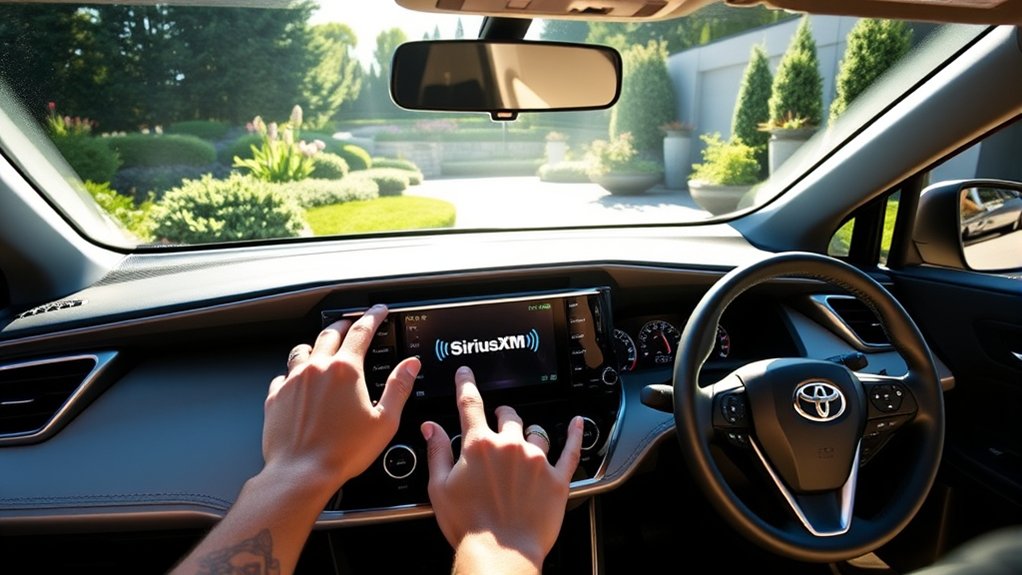
Before the trial ends, sign in to your SiriusXM account and review the expiration date, available plans, channel lineup, promotional term, regular renewal price, taxes, and fees. Do not assume that a price shown in an old article or dealership handout is still current.
- Continuing service: Choose a plan that includes the channels and app access you actually use.
- Changing vehicles: Transfer the existing plan or link the new RAV4 instead of opening an unnecessary duplicate subscription.
- Multiple vehicles: Ask SiriusXM whether the account qualifies for current multi-radio pricing.
- Payment and renewal: Keep the billing method current and read the renewal terms before accepting an offer.
- Cancellation: Follow the method required by the company that bills you.
For subscriptions billed directly by SiriusXM, the company’s manage-or-cancel instructions list the Online Account Center, chat, and phone support. If Apple, Google Play, Roku, a wireless carrier, or another provider bills the subscription, cancel through that provider instead. Uninstalling the app does not cancel service.
Listen to SiriusXM on Different Devices
Many in-car SiriusXM plans also include app listening, although access depends on the specific plan or trial. SiriusXM’s official ways-to-listen guide supports streaming on phones, tablets, computers, compatible smart speakers, smart displays, smart TVs, and other connected devices.
You can also play the SiriusXM app through the RAV4 using wireless Apple CarPlay, wireless Android Auto, Bluetooth, or USB where supported. This is useful if an older RAV4 does not have a built-in satellite receiver.
App streaming requires internet access and can use mobile data when Wi-Fi is unavailable. The built-in satellite receiver does not use your phone’s data plan for ordinary satellite channels.
SiriusXM states that its U.S. service is available in the 50 states, the District of Columbia, and Puerto Rico. Canadian residents use SiriusXM Canada. Service is not generally offered in other countries, so international travelers should confirm local availability instead of assuming the U.S. subscription will work abroad.
Frequently Asked Questions About SiriusXM in the Toyota RAV4
These quick checks cover the most common setup questions:
- How do I check whether SiriusXM is installed? Look for SiriusXM in the Audio menu and tune to channel 0. A Radio ID confirms the receiver is present.
- What comes with a new 2025 RAV4? Toyota lists a three-month SiriusXM trial with the 2025 RAV4 multimedia offering in the United States.
- How do I activate it? First test the included trial. If channels are unavailable, confirm the Radio ID and request a refresh or update the subscription through SiriusXM.
- Can I transfer an existing plan? Yes. SiriusXM accepts the new vehicle’s Radio ID, ESN, or VIN during the transfer process.
- What if my RAV4 has no satellite source? Use the SiriusXM app through CarPlay, Android Auto, Bluetooth, or a compatible aftermarket receiver.
Frequently Asked Questions
Can I use SiriusXM in my RAV4 without a subscription?
The receiver can remain visible and channel 0 can display the Radio ID, but the regular SiriusXM lineup requires an active trial or paid subscription. Streaming through the app also requires a qualifying plan.
Is there a free SiriusXM trial in the 2025 Toyota RAV4?
Yes. Toyota lists a three-month SiriusXM trial as part of the 2025 U.S.-market RAV4’s multimedia offering. A used vehicle’s original trial may already have expired, so check the account and radio status.
Does every Toyota RAV4 have SiriusXM?
The 2025 U.S. RAV4 multimedia offering includes SiriusXM, but older model years, trims, markets, and replacement head units can differ. Confirm a specific vehicle by checking its Audio menu, channel 0, window sticker, or build information.
Can I access SiriusXM internationally in my RAV4?
SiriusXM says its U.S. service is available in the 50 states, the District of Columbia, and Puerto Rico, while Canadian service is provided by SiriusXM Canada. Do not expect the U.S. satellite or app service to work in other countries without confirming availability.
What SiriusXM channels are available in my RAV4?
Available channels depend on the subscription package, radio, family-friendly settings, and current lineup. Plans can include music, news, sports, talk, comedy, podcasts, and other programming, but the exact list changes over time.
How do I cancel my SiriusXM subscription?
For a direct-billed SiriusXM subscription, use the Online Account Center, chat, or the phone option listed by SiriusXM. If another provider bills you, such as Apple or Google Play, cancel through that provider. Removing the app does not cancel billing.
Does built-in SiriusXM use cellular data?
Ordinary built-in satellite channels use the vehicle’s satellite receiver and antenna, not your phone’s data plan. The SiriusXM app and other streaming features require Wi-Fi or cellular internet access.
Conclusion
The 2025 Toyota RAV4 does include SiriusXM capability and a three-month trial in the United States. Confirm the receiver through the Audio menu and channel 0, then use the Radio ID to refresh, transfer, or continue service as needed. Keep satellite-radio issues separate from app-streaming issues, because the built-in receiver uses a satellite signal while the app depends on internet access.
Sources
- Toyota USA Newsroom: 2025 Toyota RAV4 — confirms the multimedia system and SiriusXM three-month trial.
- SiriusXM: Find Your Radio ID — explains channel 0 and Radio ID identification.
- SiriusXM: Request a Radio Signal — official signal-refresh process.
- SiriusXM: New Car Transfer Service — explains transfers, vehicle linking, and use of the Radio ID, ESN, or VIN.
- SiriusXM: Manage or Cancel Service — provides cancellation methods for direct and third-party billing.
- SiriusXM: Ways to Listen — covers app-supported devices, in-car streaming, and service regions.
