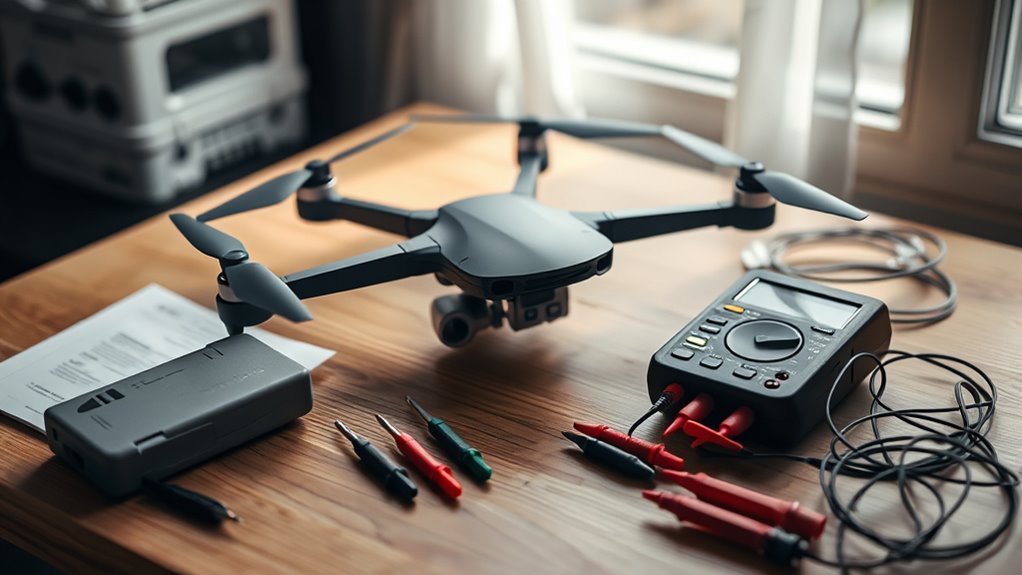
If your drone battery is not charging, do not assume the battery is dead. The fault may be as simple as a bad charger, cable, charging hub, dirty connection, or battery temperature outside its charging range. A deeply discharged smart battery may also enter hibernation or another protection state, while swelling, repeated cell errors, or abnormal heat can point to a battery that should no longer be used.
Quick Answer
Start by checking the battery for physical damage, then let it reach a normal charging temperature. Use the charger, cable, hub, or in-aircraft charging method approved for your exact drone. If the LEDs show an error or the battery remains unresponsive after the manufacturer-approved wake-up procedure, stop troubleshooting and have the battery serviced or replaced.
Why Your Drone Battery Won’t Charge
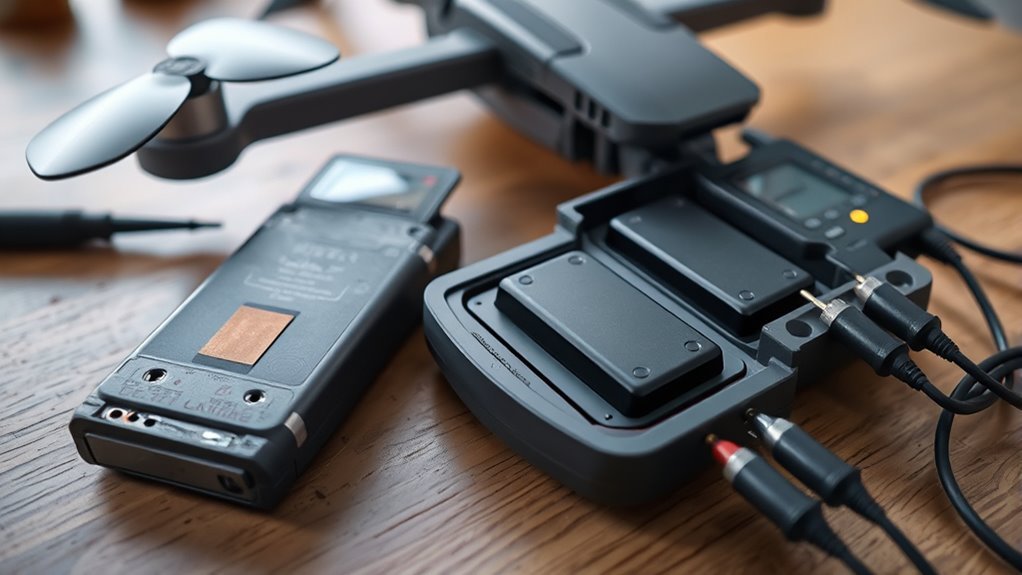
A drone battery can refuse to charge because the problem is in the battery, the charging equipment, or the charging conditions. Common causes include an incompatible or faulty charger, a damaged cable or hub, excessive battery temperature, long-term over-discharge, hibernation, or an internal battery fault.
DJI’s current battery charging-failure guidance specifically lists charging-device faults, hibernation or over-discharge, battery damage, abnormal charging current or voltage, and unsuitable temperature among the causes of a no-charge condition.
| Symptom | Possible Cause | First Check |
|---|---|---|
| No LEDs or response | Power source, charger, hibernation, over-discharge, or battery damage | Use the approved charging method and inspect the battery |
| LEDs blink abnormally | Charging voltage/current, temperature, communication, or internal fault | Decode the pattern using the model’s manual or support page |
| Charges through one method but not another | Charging hub, cable, adapter, or aircraft charging-port fault | Cross-test another manufacturer-approved charging method |
| Battery is swollen or cracked | Physical or internal cell damage | Stop using and charging it |
The important point is that these causes require different fixes. Trying to force charge into a damaged pack can turn a simple charging problem into a safety hazard.
Hibernation Mode and Low-Voltage Recovery
Hibernation is a battery-management state used by some smart drone batteries after shipping, prolonged storage, or deep discharge. There is no universal cell-voltage threshold or single wake-up sequence that applies to every drone battery.
DJI states in its Intelligent Flight Battery maintenance guidance that a depleted battery stored for an extended period can enter hibernation and that recharging is the way to bring it out. DJI also warns that prolonged over-discharge can permanently damage battery cells.
Some new smart batteries also arrive in a protected state. For example, Skydio says its X10 batteries must be charged before first use and specifies the supported charging equipment in its X10 battery charging instructions.
This is why you should not rely on online “jump-start” procedures that bypass a battery-management system, apply voltage directly to terminals, or switch a hobby charger to an unrelated chemistry mode. Use the wake-up method documented for your exact battery.
Warning: Do not puncture, open, jump-start, short, or bypass the protection circuitry of a smart lithium battery. DJI states that swollen or cracked batteries should not be used.
Battery Cell Errors and Damage
A battery can show a healthy-looking overall percentage yet still have an internal cell, communication, or protection-system problem. Smart batteries monitor these conditions and may block charging or flight rather than continue operating with an unsafe pack.
If your drone app provides battery information, check it before attempting more charging cycles. DJI, for example, provides battery-voltage and cycle information in supported apps, while its battery-error guidance notes that some faults can result from communication problems between the battery and aircraft.
Pay particular attention to repeated error messages, unexplained rapid discharge, abnormal heating, physical deformation, or charging that repeatedly stops. These are stronger warning signs than a single low state-of-charge reading.
For a conventional FPV LiPo or LiHV pack with a balance connector, cell monitoring is handled differently from a proprietary DJI- or Skydio-style smart battery. Use a charger specifically designed for that battery chemistry and cell count. Do not apply FPV balance-charging procedures to a sealed smart battery unless its manufacturer explicitly permits them.
Charging Fixes That Work
Troubleshoot a drone battery from the safest and easiest cause to the more serious ones. This prevents unnecessary battery replacement while avoiding risky attempts to override built-in protection.
- Inspect the battery first. Do not charge it if the housing is swollen, cracked, badly deformed, or otherwise physically damaged.
- Let the battery reach a suitable temperature. A pack that is hot after flight or very cold may temporarily refuse to charge. Let it return naturally to an acceptable charging temperature before trying again.
- Confirm the correct charger and cable. Charger requirements vary by model. Some drones support USB Power Delivery, while others require a dedicated charger or hub. DJI’s aircraft battery charging guide lists the supported charging methods for its current camera-drone families.
- Check the charging connections. Power everything off, reseat the battery, and inspect the charging contacts and ports for loose fit, bent parts, or debris. Never scrape contacts with a metal object.
- Cross-test the charging path. If your model supports more than one charging method, test another approved method. A battery that charges directly but not through its hub points more strongly to the hub or its power supply.
- Read the LED pattern. Smart-battery LEDs can distinguish temperature protection, excessive charging current or voltage, communication faults, and other errors. For DJI batteries, compare the pattern with the official Intelligent Flight Battery LED descriptions.
- Check the drone app. If the battery powers on, install it and look for a battery, communication, firmware, or cell warning. Record the exact message before contacting support.
- Use only the documented hibernation procedure. If the battery was stored for a long time or is new and shipped in hibernation, connect it using the charging method specified for that model and allow the battery-management system to handle activation.
For many DJI camera-drone batteries, DJI’s general troubleshooting guidance cites 5–40°C as a common charging-temperature range. That is not a universal specification, so use your battery’s own manual when it gives a different range.
Pro Tip: If you own two compatible batteries, a known-good battery can help isolate the fault. If both fail on the same charger or hub, investigate the charging equipment before assuming both batteries are defective.
When to Replace a Drone Battery
Replace or professionally service a drone battery when its physical condition, repeated errors, or declining performance make reliable operation doubtful. Do not use a universal cycle number as the only replacement rule because battery-life recommendations vary by manufacturer and model.
DJI describes cycle count as one indicator of battery condition and explains in its battery cycle-count guidance that performance naturally declines as cycles accumulate. It also states that reaching a warranty-related cycle figure does not automatically make a battery unusable.
Other manufacturers may publish a specific model limit. Skydio’s current X10 maintenance schedule, for example, recommends battery replacement at 300 cycles while noting that an undamaged, properly stored battery may remain usable beyond that point.
Use these practical replacement signs instead of relying on age alone:
- Permanent swelling, cracking, or deformation.
- A battery-damage or cell-error warning that returns after approved troubleshooting.
- Charging failure with more than one known-good, compatible charging method.
- Abnormal heating during ordinary charging or storage.
- A major loss of usable flight time compared with the battery’s earlier performance.
- Unstable battery readings or rapid self-discharge that makes flight reliability uncertain.
If a smart battery reports an internal fault, do not try to open or rebuild the pack. Manufacturer service or replacement is the safer next step.
Frequently Asked Questions
How to Get Drone Battery Out of Hibernation Mode?
Use the charging method specified by the battery manufacturer. Many smart batteries leave hibernation when connected to their approved charger, but the exact procedure differs by model. If the battery stays unresponsive, do not bypass its protection circuit or apply voltage directly to its terminals.
What Is the Lifespan of a Drone Battery?
There is no single lifespan that applies to every drone battery. Battery chemistry, temperature, storage, discharge depth, cycle count, and the manufacturer’s design all affect usable life. Follow the replacement criteria for your exact model and retire a battery earlier if it develops physical damage or unreliable performance.
Can You Fix a Lithium Battery That Won’t Charge?
Sometimes the cause is external and can be corrected by changing the approved charger, cable, hub, charging temperature, or connection. A smart battery in hibernation may also recover through its documented charging procedure. A swollen, damaged, persistently overheating, or internally faulty battery should not be repaired with DIY cell-level methods.
How to Revive a Dead DJI Battery?
Connect the DJI battery using the charging method approved for that specific drone and check its LEDs for a protection or charging error. DJI states that a depleted battery stored for a long period may enter hibernation and can be brought out by recharging. If approved charging does not restore it, have the battery inspected rather than bypassing its battery-management system.
Why Is My DJI Battery Blinking but Not Charging?
A blinking DJI battery can indicate a charging-protection condition rather than normal charging. Depending on the LED pattern, DJI lists causes such as excessive charging current or voltage, unsuitable battery temperature, communication faults, or battery damage. Match the exact blink pattern to DJI’s guidance for your battery.
Can I Charge a Swollen Drone Battery?
No, you should not charge or fly with a battery that remains swollen or is cracked or otherwise physically damaged. Stop using the pack and follow the manufacturer’s service, replacement, and disposal instructions. Continuing to charge a damaged lithium battery creates an unnecessary safety risk.
Conclusion
A drone battery that will not charge is not automatically a dead battery. Rule out physical damage, temperature, the charger, cable, hub, contacts, and model-specific hibernation behavior before replacing it. If the battery remains swollen, reports recurring internal errors, becomes abnormally hot, or cannot charge through a known-good approved setup, stop using it and arrange service or replacement rather than forcing recovery.
Sources
- DJI Aircraft Battery Charging Failure: charging-failure causes, cross-testing, temperature, and battery-condition checks.
- DJI Battery Routine Maintenance Guide: over-discharge, storage, hibernation, and maintenance guidance.
- Skydio X10 Battery Charging and Maintenance: supported charging equipment and battery handling.
- DJI Swollen Battery Guidance: advice not to use swollen or cracked batteries.
- DJI Aircraft Battery Charging Guide: model-specific chargers, hubs, USB charging, and supported charging methods.
- DJI Intelligent Flight Battery LED Descriptions: charging-protection LED patterns and recommended actions.
- DJI Intelligent Flight Battery Cycle Count: cycle-count meaning and replacement considerations.
- Skydio X10 Maintenance Guidance: model-specific battery-cycle replacement recommendation and storage guidance.

