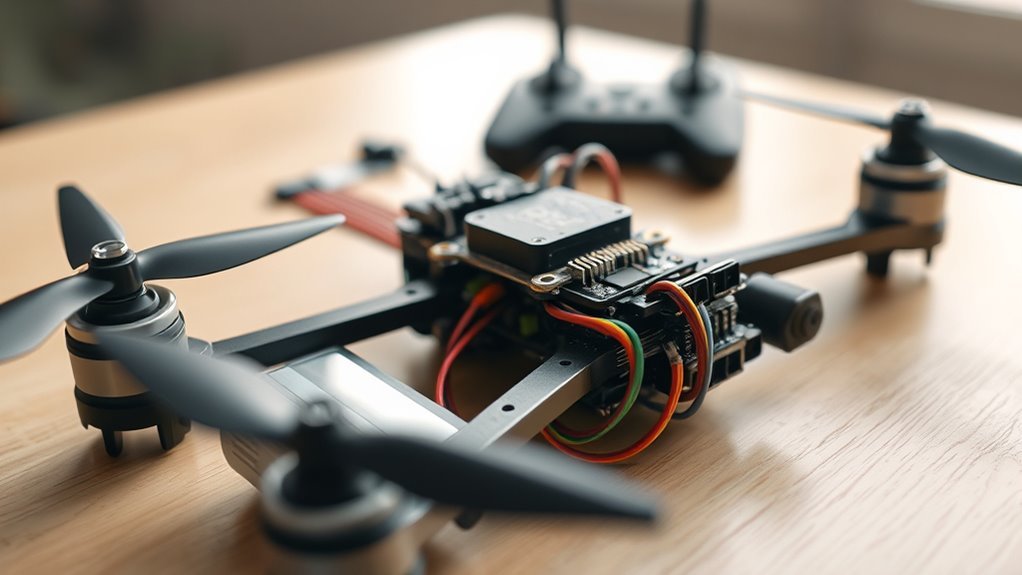
Drone beep codes can tell you a lot, but there is no single universal code chart that works for every drone. The first job is identifying what is making the sound: the ESC and motors, a flight-controller buzzer, the battery system, or the remote controller. Once you know the source, the pattern becomes much easier to diagnose.
Quick Answer
Normal startup beeps usually mean the ESCs and flight controller are initializing. Persistent or repeating beeps can instead indicate low battery voltage, receiver loss, an arming block, missing ESC communication, or a controller warning. Do not decode a drone by beep count alone; first identify the sound source and then use that firmware or manufacturer’s code system.
Key Takeaways
- ESC motor tones, Betaflight buzzer tones, and remote-controller alarms are separate systems and can mean different things.
- In Betaflight, three buzzer beeps just after power-up indicate that gyro calibration completed successfully.
- A failed Betaflight arming attempt can produce five attention beeps followed by a coded long-and-short sequence.
- Modern DShot ESCs do not require traditional throttle-range calibration.
- Any unexpected heating, smoke-stopper trip, burning smell, or damaged wiring is a reason to disconnect power before further testing.
Drone Beep Codes Explained
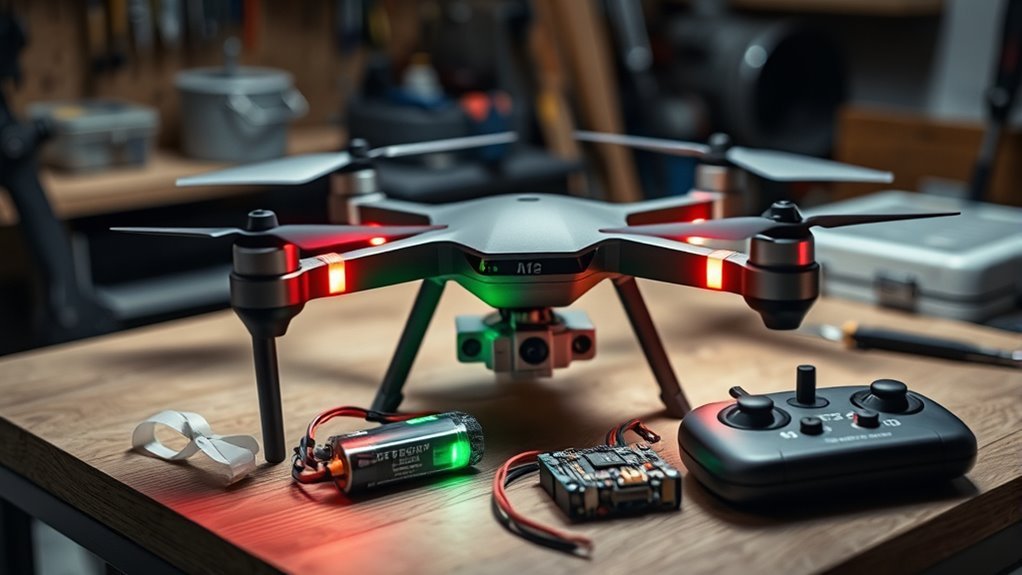
A drone may produce sounds from several different components, so the same number of beeps does not have one universal meaning. Start by deciding whether the noise comes from the motors, a dedicated buzzer, or the remote controller.
ESCs can generate tones through a brushless motor’s windings. A flight controller can also drive a separate buzzer for battery, failsafe, calibration, and arming warnings. Betaflight documents these functions in its official buzzer reference.
Remote controllers have their own alarms. Their beeps may represent a low controller battery, a lost aircraft link, linking mode, stick position, or another manufacturer-specific condition.
This distinction prevents one of the most common troubleshooting mistakes: hearing three tones from the motors and assuming they mean the same thing as three tones from the flight-controller buzzer.
ESC Startup Beeps and Arming Codes
ESC startup beeps normally show that the ESC has powered up and is progressing through initialization. The exact melody and meaning depend on ESC firmware such as BLHeli_S, Bluejay, BLHeli_32, AM32, or a proprietary manufacturer firmware.
ESC tones and flight-controller buzzer codes are different diagnostic systems, even when they happen during the same startup sequence.
With many brushless drone ESCs, the motors themselves act as speakers. If all four motors play the first part of a startup melody but the expected later tones never arrive, the ESCs may have power while the control signal from the flight controller is missing or startup has not completed.
If only one motor stays silent while the others produce the expected startup tones, inspect that motor, its three phase connections, the corresponding ESC channel, and the ESC’s power path.
Do not automatically recalibrate throttle endpoints on a modern Betaflight build using DShot. Betaflight’s DShot documentation explains that the digital protocol does not suffer from oscillator drift and therefore does not need traditional throttle calibration. Calibration remains relevant to some older analog ESC protocols and should follow that ESC’s own instructions.
Battery Beeps and Low-Voltage Warnings
Battery-related beeping usually means the flight controller or another monitoring device has detected voltage below a configured warning level. On a flying drone, a genuine low or critical battery alarm should be treated as a reason to land promptly and safely.
Betaflight can monitor main-battery voltage and trigger different low and critical battery buzzer alerts. Its battery-monitoring documentation also makes clear that the warning thresholds are configurable, so there is no reliable universal rule such as “three beeps always means low voltage.”
If a newly connected battery immediately produces an unexpected warning, verify the pack voltage and confirm that Betaflight has detected the correct cell count. Also check that the configured voltage reading agrees reasonably with a trusted meter.
A battery warning during flight is different from the ESC melody heard when the pack is first connected. Pay attention to when the sound begins, whether it repeats, and whether it comes from the motors or a separate buzzer.
Betaflight Beep Codes
Betaflight uses its buzzer for several clearly defined events, including gyro calibration, receiver loss, failsafe, low battery, arming and disarming, GPS status, and failed arming attempts. These patterns are more useful than generic internet beep charts because they are tied to the flight-controller firmware.
One particularly useful code is heard after an unsuccessful arming attempt. According to Betaflight’s Arming Sequence and Safety documentation, the buzzer starts with five short attention beeps. It then uses long and short beeps to encode the active arming-disable flag.
Calculate the flag number as (5 × number of long beeps) + number of short beeps. For example, one long beep followed by two short beeps equals code 7. Two long beeps and no short beeps equals code 10.
The exact flag number can change between older Betaflight releases, so match the code to the firmware version installed on your flight controller. You can also connect to Betaflight and enter status in the CLI to see the active arming-disable flags directly.
Why Your Drone Keeps Beeping on Power-Up?
A drone that keeps beeping after the normal startup sequence is usually waiting for something, warning about a condition, or failing to complete initialization. The most useful clue is where startup stops and which component continues making the sound.
If you have just built or repaired the drone, do not repeatedly reconnect the battery until you have checked polarity, solder joints, and exposed conductors. A persistent sound accompanied by unusual heat or a smoke-stopper trip is a power problem first and a beep-code problem second.
Boot Beeps And Startup
Normal boot sounds may include both ESC-generated motor tones and later flight-controller buzzer tones. Hearing some but not all of the usual sequence can help narrow the fault.
On Betaflight, three buzzer beeps immediately after powering the flight controller indicate that gyro calibration has completed. Keep the aircraft still during this process. If the craft moves significantly, Betaflight can restart calibration and delay those confirmation beeps.
If ESC tones occur but the flight controller never finishes booting, inspect the flight-controller power supply, USB behavior, regulator output, and visible LEDs. If the flight controller boots but the final ESC-related tones are missing, investigate the ESC signal path and motor protocol instead.
Smoke Stopper And Power Draw
A smoke stopper protects a newly built or repaired drone by interrupting or limiting power when current draw exceeds its design threshold. A trip does not identify a specific ESC or VTX fault by itself; it tells you that the electrical load exceeded what the device allowed.
For example, the VIFLY ShortSaver V2 has selectable 1A and 2A thresholds. VIFLY states that it cuts power on a short circuit or over-current condition. A healthy larger build can therefore exceed the lower setting during startup, but you should inspect for shorts before assuming a trip is harmless.
Do not treat removing a smoke stopper as the first troubleshooting step. Check solder bridges, battery polarity, damaged insulation, incorrect peripheral voltage, and unexpected heating before applying unrestricted battery power.
Fix Beeps Caused by ESC or VTX Load
If the startup sequence changes when a VTX or another peripheral is connected, isolate the load instead of guessing from the sound. Disconnect battery power before changing wiring, then retest one section at a time.
| Check | Action |
|---|---|
| VTX power | Disconnect VTX power and repeat the protected startup test |
| Smoke stopper | Confirm its documented current threshold and whether it is tripping |
| ESC signal | Verify the configured motor protocol and ESC signal connections |
| Power rails | Check the peripheral is connected to the correct voltage output |
| Beep source | Determine whether the motors, FC buzzer, or controller produces the sound |
If removing VTX power allows startup to complete normally, inspect the VTX wiring and required input voltage before reconnecting it. The cause may be the VTX itself, a damaged cable, a solder bridge, or a regulator that cannot support the combined load.
If the VTX makes no difference, return to the ESC and flight-controller path. With a DShot build, confirm that the selected motor protocol is supported and that the FC is actually sending valid outputs to each ESC.
When Beeps Point to Wiring or Short Issues
Beeping alone does not prove that a drone has a short circuit. Wiring becomes the leading suspect when the abnormal sound appears after soldering or a crash and is accompanied by a smoke-stopper trip, abnormal heat, intermittent power, missing ESC startup tones, or visible damage.
Disconnect the battery before inspection. Check battery leads, connector polarity, solder bridges, loose wire strands, crushed insulation, damaged motor wires, and pads that could contact the carbon-fiber frame.
Warning: Disconnect power immediately if a component becomes unusually hot, a smoke stopper repeatedly trips, you smell overheated electronics, or wiring shows signs of a short. Do not keep reconnecting the battery to see whether the problem clears itself.
A single silent motor can also be useful evidence. Because many ESCs create their startup tones through the motor windings, a disconnected motor phase or failed ESC output may prevent that motor from producing the same tones as the others.
After correcting any wiring problem, perform the first power-up through a suitable smoke stopper again. Only move to unrestricted power when the electrical checks and protected startup behave normally.
How to Diagnose Drone Beeps Step by Step
The fastest way to diagnose drone beep codes is to record the sequence, identify the component producing it, and then check power, signal, and firmware status in that order. Avoid changing several settings at once because that makes the original cause harder to find.
Warning: Remove the propellers before bench testing motors or troubleshooting an arming problem. Betaflight’s official setup guidance specifically requires propellers to be removed for motor tests.
- Record the sound. Count the tones, note long versus short beeps, and record whether the pattern repeats.
- Locate the source. Decide whether the noise comes from the motors, an FC buzzer, goggles, or the remote controller.
- Check battery voltage and polarity. Confirm the pack is appropriate for the build and connected correctly.
- Watch the startup sequence. Note whether every motor makes the same ESC tones and whether the flight controller finishes initialization.
- Check the receiver link. Confirm the radio is connected and receiver inputs move correctly in the flight-controller software.
- Read the actual arming flag. On Betaflight, use the OSD warning or the CLI status command instead of relying only on sound.
- Isolate added loads. With power disconnected, temporarily remove the VTX or another suspect peripheral from its power rail and repeat the protected test.
- Inspect wiring. Look for loose motor phases, solder bridges, damaged insulation, incorrect voltage connections, and overheated components.
Betaflight’s official setup guide also recommends verifying motor protocol, motor direction, receiver setup, OSD warnings, and failsafe before flight.
Identify Beep Pattern
Do not begin by assigning a meaning to the number of beeps. First record when the pattern occurs and which device creates it. That context often matters more than the raw beep count.
| Pattern | Likely Meaning | Action |
|---|---|---|
| Normal motor startup melody | ESC initialization | Compare all motors and ESC firmware behavior |
| 3 FC buzzer beeps after power-up | Betaflight gyro calibration completed | Keep the craft still until calibration finishes |
| 5 attention beeps, then long/short tones | Betaflight arming-disable code | Decode the flag or use CLI status |
| Repeating battery buzzer | Configured low or critical battery warning | Land safely and verify battery voltage |
| One motor silent while others beep | Possible motor, phase-wire, ESC, or power-path issue | Inspect that motor and ESC channel |
This approach avoids misleading rules such as “three beeps always means low battery.” Three beeps from a Betaflight buzzer after power-up have a documented meaning, while three motor-generated tones may belong to an entirely different ESC startup sequence.
Check Power And Signal
Once you know the sound source, verify power and control signals. A drone can have enough power for an ESC to make its early tones while still lacking the flight-controller signal needed to complete normal initialization.
Measure the battery if a low-voltage warning is suspected. Then confirm that the receiver is bound, the flight controller sees stick movement, and the throttle channel reaches its normal low position.
For Betaflight arming problems, the OSD or CLI is usually more precise than listening alone. Common arming flags include RXLOSS, THROTTLE, ANGLE, CALIB, MSP, and RPMFILTER.
Do not recalibrate a DShot ESC just because the drone beeps. If the build uses an older analog motor protocol, follow the exact ESC manufacturer’s calibration procedure instead.
Isolate ESC And VTX
Isolation testing helps determine whether a peripheral is preventing a clean startup. Always disconnect the battery before unplugging the VTX, receiver, GPS, or another powered device.
Start with the minimum known-good configuration you can safely test. If the drone powers normally with the VTX disconnected but the smoke stopper trips or startup stalls after the VTX is restored, inspect that VTX power circuit before continuing.
If the problem remains without the VTX, focus on the FC-to-ESC path. Verify the ESC connector, motor signal wires, ground reference, selected motor protocol, and whether all ESCs are recognized.
Record the result after each change. Reconnecting everything at once removes the main benefit of isolation testing.
Betaflight Beep Pattern Chart
Betaflight’s arming-disable beep sequence is the most useful true “code” in this article. After a failed arming attempt, listen for five short attention beeps, then count the long and short tones that follow.
Use (5 × long beeps) + short beeps to calculate the code. The current Betaflight documentation lists the following 4.2+ arming-disable codes. Older firmware can use different numbers, so verify the installed version before replacing hardware.
| Code | Flag | What It Means |
|---|---|---|
| 1 | NOGYRO | Gyroscope not detected |
| 2 | FAILSAFE | Failsafe is active |
| 3 | RXLOSS | No valid receiver signal |
| 4 | NOT_DISARMED | Receiver recovered while arm switch remains on |
| 5 | BOXFAILSAFE | Failsafe switch is active |
| 6 | RUNAWAY | Runaway Takeoff Prevention triggered |
| 7 | CRASH | Crash Recovery triggered |
| 8 | THROTTLE | Throttle is above the arming threshold |
| 9 | ANGLE | Craft exceeds the configured arming angle |
| 10 | BOOTGRACE | Arming attempted too soon after power-up |
| 11 | NOPREARM | Required prearm condition is not satisfied |
| 12 | LOAD | System load is too high |
| 13 | CALIB | Sensor calibration is still running |
| 14 | CLI | CLI is active |
| 15 | CMS | Configuration menu is active |
| 16 | BST | A supported telemetry device is preventing arming |
| 17 | MSP | An MSP/configurator connection is active |
| 18 | PARALYZE | Paralyze mode is active |
| 19 | GPS | Required GPS satellite fix has not been reached |
| 20 | RESCUE_SW | GPS Rescue switch is in an unsafe position |
| 21 | RPMFILTER | Required bidirectional DShot RPM telemetry is not working |
| 22 | REBOOT_REQD | A reboot is required after a settings change |
| 23 | DSHOT_BBANG | Bitbang DShot is not operating correctly |
| 24 | NO_ACC_CAL | Accelerometer calibration is required |
| 25 | MOTOR_PROTO | ESC/motor protocol is not configured |
| 26 | ARMSWITCH | Arm switch is in an unsafe position |
For most pilots, reading the warning in the OSD or running status in the CLI is faster than manually decoding the tone. The audio code is especially useful when you are at the field without a convenient screen or USB connection.
Frequently Asked Questions
What Does ESC Mean on a Drone?
ESC means Electronic Speed Controller. On a brushless drone, each ESC converts flight-controller commands into controlled electrical power for a motor. Many drones combine four ESC channels on one 4-in-1 board. ESC firmware can also create motor-generated startup tones and respond to digital commands such as DShot beeper commands.
Why Is My Drone Controller Beeping?
A drone controller can beep for low battery, linking, lost connection, uncentered controls, Return-to-Home activity, or another model-specific warning. Do not use ESC beep charts to diagnose the controller. Check its status LEDs or screen at the same time, then match the combination to the controller manufacturer’s documentation.
How to Fix ESC Error DJI?
For a DJI camera drone, follow the warning shown in the DJI app rather than using Betaflight-style ESC calibration. Power the aircraft off, inspect the propellers and motors, make sure each motor turns normally, and apply supported firmware or app updates when prompted. If the motor or ESC fault remains, use DJI service support.
Can a Drone Fly Without ESC?
A modern brushless multirotor needs electronic motor-control circuitry for every motor, normally separate ESCs or an integrated 4-in-1 ESC. Without that control, its brushless motors cannot produce commanded thrust. Small brushed drones may use integrated motor-driver circuits instead of the brushless ESC hardware commonly found in FPV and camera drones.
DJI’s remote-controller indicator guide confirms that DJI controller alarms can accompany conditions such as linking, prolonged aircraft disconnection, low controller battery, and other status warnings. For aircraft that will not start or take off, DJI’s camera-drone takeoff troubleshooting guide directs users to inspect propellers, motors, warnings, and supported software before requesting repair.
Conclusion
Drone beep codes are useful only after you identify their source. Separate ESC motor tones from Betaflight buzzer alerts and controller alarms, then use the matching documentation, OSD warning, or CLI status instead of guessing from beep count. If startup behavior changes after wiring work or a component becomes hot, disconnect power and solve the electrical fault before attempting flight.
Sources
- Betaflight Buzzer: buzzer functions, gyro-calibration tones, battery alarms, receiver-loss alerts, and other tone sequences.
- Betaflight Arming Sequence and Safety: arming-disable beep formula and code table.
- Betaflight Battery Monitoring: battery-warning behavior and configurable voltage thresholds.
- Betaflight DShot: digital ESC communication and why traditional throttle calibration is unnecessary with DShot.
- Betaflight Setup Guide: motor-protocol configuration, propeller-off bench testing, OSD warnings, and final safety checks.
- VIFLY ShortSaver V2: 1A/2A protection thresholds and smoke-stopper behavior.
- DJI Remote Controller Status LEDs and Battery Indicators: DJI controller connection, battery, linking, and alarm indications.
- DJI Camera Drone Takeoff Troubleshooting: motor, propeller, software, and repair checks for aircraft that will not take off.

