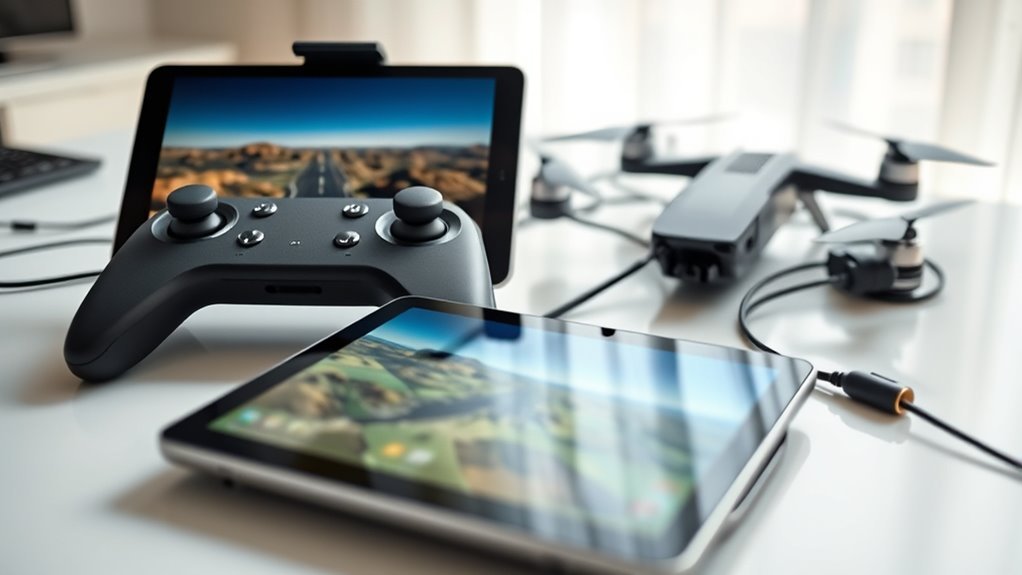
An FPV drone simulator lets you practice flying a quadcopter on a Windows computer before risking real equipment. The right choice depends on your experience, controller, PC performance, and whether you want to race or fly freestyle. Flight physics matter more than impressive graphics when your goal is to build control skills that carry over to a real drone.
Quick Answer
Liftoff offers a useful mix of training, customization, and freestyle flying. VelociDrone suits pilots focused on racing and precise control, while DRL Simulator provides guided beginner lessons. FPV Freerider offers an inexpensive starting point. Choose software that supports your radio controller, runs smoothly on your PC, and provides the flight modes you intend to use.
Last checked: September 26, 2026. Prices and key specifications were verified against official sources.
Best FPV Drone Simulators for Windows
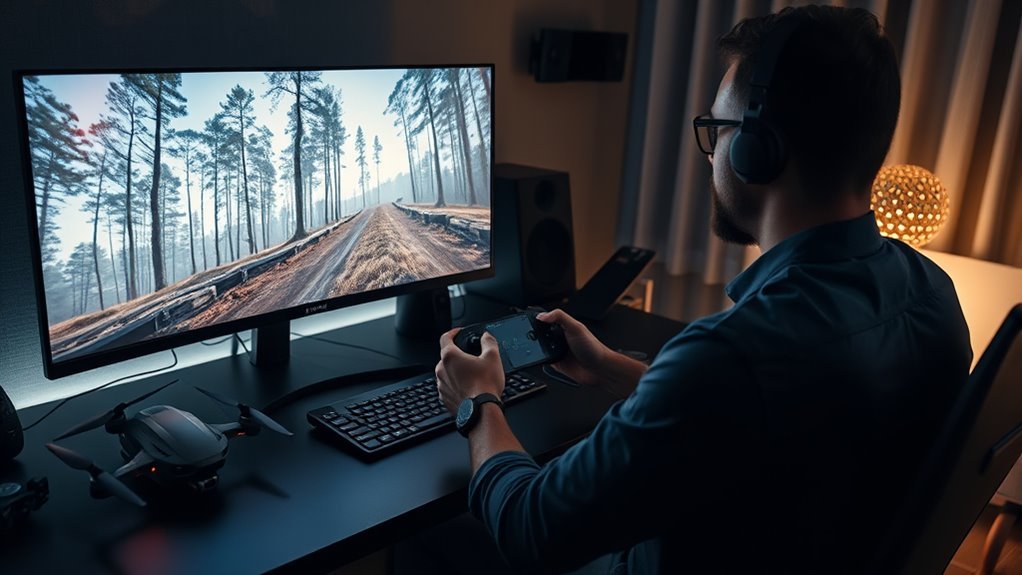
Windows users can choose from several FPV simulators, each with a different training focus. Some emphasize racing physics and track accuracy, while others provide guided lessons, open environments, or detailed drone customization.
The following comparison highlights the practical differences.
| Simulator | Main Strength | Who It Suits |
|---|---|---|
| Liftoff | Custom drones, training, racing, and freestyle | Beginners and developing pilots |
| VelociDrone | Racing physics, track editing, and multiplayer | Racing-focused pilots |
| DRL Simulator | Interactive lessons and racing practice | Beginners who prefer guided learning |
| FPV Freerider | Simple setup and inexpensive practice | Budget-conscious learners |
| FPV SkyDive | Free-to-play racing and freestyle practice | Pilots exploring FPV before purchasing software |
| TRYP FPV | Large environments and cinematic scenarios | Freestyle and cinematic pilots |
| Uncrashed | Detailed environments and freestyle practice | Pilots who enjoy exploring and practicing tricks |
Liftoff: Training and Customization
Liftoff combines realistic flight dynamics with customizable drones, shared tracks, and multiplayer flying.
You can practice basic controls, change drone components, and develop your skills across different environments. Its range of features makes it suitable for beginners who want software they can continue using as their skills improve.
The official Windows requirements list 8 GB RAM, a compatible graphics card, and 25 GB of storage as minimum specifications.
VelociDrone: Racing and Precision
VelociDrone emphasizes realistic racing physics, accurate track layouts, and repeatable practice.
Its track editor, multiplayer modes, and community-created courses support competitive training. The simulator also offers different aircraft classes, including micro quads.
The official base license costs £16.99. Optional content packs require the base license and cost extra.
Its listed minimum hardware includes 4 GB RAM and Intel HD 530 graphics, although more capable hardware can improve performance.
DRL Simulator: Guided Beginner Training
The Drone Racing League Simulator includes interactive tutorials covering basic FPV controls and maneuvers.
Its lessons give new pilots a clear learning path before they attempt faster courses. Replays also help users examine racing lines and identify mistakes.
This approach is useful if you prefer completing specific exercises instead of learning through unrestricted free flight.
FPV Freerider: Affordable Practice
FPV Freerider provides straightforward quadcopter training with self-leveling and Acro modes.
The official full version is listed at $5.99 or more. A free demo includes one environment, allowing you to test controller compatibility before purchasing.
The full version includes six environments, customizable flight settings, and a procedural racetrack generator.
Other Simulators Worth Comparing
FPV SkyDive provides a free starting point with racing, freestyle, controller calibration, and Flight School activities. Its official Steam listing identifies it as free-to-play, with optional paid content.
TRYP FPV emphasizes large environments, camera scenarios, racing, and drone customization. Its listed minimum specifications include 8 GB RAM and a GTX 960 or RX 460 graphics card.
Uncrashed offers detailed environments, customizable drones, racing, and freestyle opportunities. Its Steam listing recommends a radio controller and states that compatible Windows-recognized gamepads can also work.
For a first simulator, prioritize dependable control response and a suitable learning environment over visual detail alone.
Why Buy a Simulator Before Your Drone?
A simulator lets you develop basic control skills without damaging a physical drone. Virtual crashes do not require replacement propellers, motors, frames, or other repairs.
That makes simulation particularly valuable when learning manual FPV flight.
You can repeat difficult maneuvers, experiment with control settings, and practice recovering from mistakes. There is no need to wait for suitable weather or risk losing equipment during an early training session.
Simulation also helps you understand how throttle, yaw, pitch, and roll interact.
For example, moving the throttle changes motor power, while pitch controls forward or backward tilt. Coordinated inputs allow the drone to turn while maintaining the desired flight path.
These movements can feel unnatural at first, especially when flying from the camera’s viewpoint rather than watching the aircraft directly.
Repeated practice helps make them familiar.
However, even realistic software cannot reproduce every real-world condition. Wind, video interference, battery behavior, and differences between aircraft still affect actual flight.
Use simulation to build control habits, not as proof that your first real flight will be risk-free.
Choose the Right Simulator for Your Skill Level
The most useful simulator matches your current ability and the type of drone you intend to fly. Beginners need clear feedback and manageable exercises, while experienced pilots often benefit from detailed tuning and specialized courses.
For Complete Beginners
Start with software that explains the controls and allows repeated practice without pressure.
DRL Simulator provides structured tutorials, while Liftoff and FPV SkyDive offer opportunities to develop basic skills before moving into more demanding flying.
FPV Freerider is another option when you want a simple environment without spending much on software.
Focus first on takeoff, throttle control, gentle turns, and maintaining a predictable flight path.
For Intermediate and Advanced Pilots
Once basic control feels natural, choose environments that match your goals.
- Racing: Use VelociDrone or another racing-focused simulator to practice gates, corners, and consistent lap times.
- Freestyle: Use Liftoff, Uncrashed, or TRYP FPV to practice movement around obstacles and controlled maneuvers.
- Micro drones: Choose software with suitable micro-quad models rather than assuming a large racing drone behaves the same way.
- Cinematic flying: Practice smooth direction changes, steady throttle, and controlled camera movement.
FPV Air 2 is another established racing simulator mentioned in older comparisons. However, its present availability and compatibility should be confirmed before treating it as a new-purchase option.
Whichever simulator you choose, repeat the same exercises until your control becomes consistent before increasing the difficulty.
Check Controller Compatibility First
Controller compatibility should be confirmed before buying a simulator. A radio that connects to a computer is not automatically guaranteed to work with every flight simulation program.
Most FPV simulators use a compatible USB radio or another controller recognized by the computer as a joystick or gamepad.
Check these points before purchasing:
- Confirm that your radio supports a suitable USB simulator or joystick connection.
- Check whether Windows recognizes the controller.
- Verify that the simulator supports the controller or its input method.
- Confirm that all four main control axes respond correctly.
- Check whether switches can be assigned to functions such as arming and resetting.
Controller support can vary by radio model, firmware, and software version. Some radios also require a particular USB mode or configuration.
Where a free demo is available, use it to check compatibility before purchasing the full program.
How to Calibrate Your Radio
Calibration tells the simulator which stick movement controls each flight axis. Incorrect calibration can cause reversed steering, limited throttle travel, or unexpected movement.
- Connect the radio to your Windows computer using a compatible USB cable.
- Confirm that Windows detects its joystick input.
- Open the simulator’s controller configuration or calibration screen.
- Move each stick through its full range when prompted.
- Assign throttle, yaw, pitch, and roll to the correct axes.
- Check that the controls move in the expected directions.
- Save the configuration and test it in an open virtual environment.
If the simulator detects the controller but ignores stick movement, reconnect it and repeat calibration. Also check for conflicting controller settings or input software.
Do not begin difficult maneuvers until all four axes respond correctly.
Use a Radio, Not a Keyboard
A proper FPV radio provides proportional stick movement, which is essential for learning realistic drone control. Keyboard keys generally provide digital inputs rather than the fine analog movements used during actual FPV flight.
A gamepad can work for introductory practice, but a radio similar to the one you intend to fly with offers a more consistent training experience.
Proper Stick Control
Proper stick control means making small, deliberate movements instead of reacting with large corrections.
Most FPV pilots use a Mode 2 radio layout:
- Left stick up and down: throttle.
- Left stick left and right: yaw.
- Right stick up and down: pitch.
- Right stick left and right: roll.
Other radio modes exist, so use the layout that matches your actual equipment.
Throttle determines motor power. Pitch and roll control the drone’s tilt, while yaw rotates its heading.
In manual flight, these inputs work together. A turn may require coordinated roll, yaw, pitch, and throttle adjustments rather than a single stick movement.
Practice making gradual corrections instead of repeatedly moving the sticks to their limits.
Build Muscle Memory
Muscle memory develops through repeated movements using a consistent controller layout. Training with the same radio you plan to use outdoors helps maintain familiar stick positions and movement ranges.
Begin with simple exercises:
- Practice increasing and reducing throttle smoothly.
- Fly straight while maintaining a consistent height.
- Make gentle turns in both directions.
- Practice stopping unwanted drift.
- Repeat the same course until your movements become predictable.
Do not measure progress only by flying faster or completing tricks.
Consistent control and accurate recovery are more useful early training goals.
Compare Physics, Maps, and Training Modes
Flight physics, training environments, and available modes determine how useful a simulator will be after the first few sessions. A realistic-looking environment is less valuable if the aircraft responds poorly or the controls feel inconsistent.
Compare these features before choosing software.
Physics Realism
Realistic physics help a simulator reproduce the way a drone accelerates, turns, loses speed, and responds to control inputs.
Important behaviors include:
- Inertia: The drone continues moving after a control input changes.
- Throttle response: Motor power affects acceleration and altitude.
- Propwash: Turbulent airflow can disturb the aircraft during certain maneuvers.
- Drag: Air resistance affects movement and speed.
- Angular response: Pitch, roll, and yaw react to stick input.
Liftoff and VelociDrone provide detailed flight models intended to reproduce FPV behavior.
However, no simulator can guarantee that every real drone will feel identical. Aircraft weight, propellers, motors, tuning, and environmental conditions all influence actual handling.
Look for a flight model that behaves consistently and allows meaningful configuration.
Maps and Training
Maps should support the flying skills you want to develop.
Open environments are useful for basic orientation and throttle control. Racing tracks introduce gates, corners, line selection, and lap-time practice.
Freestyle maps offer obstacles and structures around which you can develop more complex movements.
Structured lessons are especially useful for beginners because they provide a progression instead of leaving the pilot to invent every exercise.
Community-created courses can extend a simulator’s usefulness after the included environments become familiar.
Some platforms also let you customize drone components, camera settings, and flight behavior.
These features help you understand how different configurations affect handling.
Check Your Computer’s Performance
A simulator must run smoothly enough for you to respond to movement without noticeable delays.
Low frame rates and inconsistent controller response can make flying harder and interfere with practice.
Compare the official minimum specifications with your processor, graphics hardware, RAM, and available storage.
For example, VelociDrone lists 4 GB RAM as its minimum, while Liftoff and TRYP FPV list 8 GB RAM.
Storage needs also differ. VelociDrone lists 37 GB of installed storage and 55 GB during installation, while Liftoff and TRYP FPV list 25 GB of available space.
Reducing graphics settings may improve performance when your computer meets the minimum requirements but struggles with demanding scenes.
Set Up Realistic FPV Practice Settings
Realistic simulator settings help make virtual practice more useful when you eventually fly a physical drone. Match the control layout and aircraft behavior as closely as the software allows.
Do not change every setting immediately. Start with a stable profile and adjust individual values only when you understand their effect.
- Select a suitable drone: Choose a virtual aircraft similar in size and purpose to the one you intend to fly.
- Set the flight mode: Use the same type of mode you plan to practice with your real drone.
- Match controller rates: Adjust the relationship between stick movement and rotation speed.
- Set camera angle: Choose an angle appropriate for your intended flying style.
- Adjust aircraft characteristics: Where supported, configure weight, thrust, and other relevant properties.
- Test the profile: Fly in an open environment and make small control adjustments.
Rates affect how quickly the drone rotates in response to stick movement. Expo changes how sensitive the controls feel around the center of the sticks.
If your real aircraft uses particular rates, matching them in the simulator can make the controller feel more familiar.
Some software also provides PID-related tuning. PID settings influence how the flight controller responds to errors between requested and actual movement.
Only use these settings where the simulator supports them, and avoid assuming identical numbers will produce identical real-world flight.
Environmental features such as wind and obstacles can make later practice more demanding.
Start with predictable conditions, then introduce additional challenges as your control improves.
Practice the Skills New Pilots Need
Beginner FPV training should follow a clear sequence. Learn basic control before attempting fast racing lines, flips, or complicated freestyle movements.
The following exercises build progressively on earlier skills.
1. Learn Throttle Control
Practice raising the drone smoothly and controlling its height.
In manual flight, throttle requires constant attention because the aircraft does not automatically maintain altitude.
Try making small adjustments instead of repeatedly moving between very low and very high throttle.
2. Practice Straight Flight
Fly toward a clear point in the environment while keeping the aircraft under control.
Concentrate on maintaining a predictable path and avoiding unnecessary stick movements.
3. Learn Coordinated Turns
Practice wide turns before attempting tight corners.
Combine roll, yaw, pitch, and throttle as needed to guide the aircraft through a smooth path.
Repeat turns in both directions so your control does not depend on one preferred side.
4. Practice Recovery
Learn to recognize excessive speed, unwanted drift, and poor positioning before they become difficult to correct.
Use the simulator’s reset function after a virtual crash, then repeat the maneuver more carefully.
Understanding what caused the mistake is more useful than simply completing another attempt.
5. Introduce Obstacles and Courses
Once basic movement becomes consistent, practice passing through gates or following a simple route.
Concentrate on clean lines and controlled speed before attempting faster laps.
Later, experiment with freestyle maneuvers, more difficult environments, and advanced flight settings.
6. Prepare for Real-World Flying
Simulator skills should be combined with preparation for the actual aircraft.
Understand your drone’s arming procedure, flight modes, failsafe behavior, battery warnings, and emergency controls before operating it.
Warning: Simulator practice does not replace real-world safety procedures or legal requirements. Keep people clear of your flying area, follow applicable airspace rules, and use a suitable visual observer when required for FPV operations.
For US recreational flights, the Federal Aviation Administration’s recreational drone guidance explains TRUST, registration, visual line of sight, airspace authorization, and Remote ID requirements.
Pick Your First Simulator and Start Flying
Your first simulator should make regular practice easy rather than introduce unnecessary complexity. Choose software that works with your computer and controller, then develop a consistent training routine.
Use this final checklist before purchasing:
- Identify whether your main goal is basic flight, racing, freestyle, or cinematic flying.
- Confirm that the simulator supports your Windows computer.
- Verify compatibility with your radio controller.
- Compare the included aircraft, maps, lessons, and customization options.
- Account for any optional content packs.
- Use a demo where available.
- Calibrate your controller before the first practice session.
After setup, begin in an open environment and practice the basic movements described above.
Progress to more demanding courses only when you can control the aircraft consistently.
Joining a simulator community can also help you understand configuration options, solve controller problems, and find additional practice tracks.
Frequently Asked Questions
What Is the Best Drone Simulator for Beginners?
DRL Simulator is a strong beginner option because it includes interactive lessons covering basic FPV controls and maneuvers. Liftoff offers broader customization and long-term training opportunities. FPV SkyDive provides a free-to-play starting point. Choose according to your controller, computer, budget, and preferred learning style.
What Do I Need to Know Before I Buy a Drone?
Before buying a drone, decide how you intend to fly and compare the aircraft, radio, battery life, camera system, and total equipment cost. Beginners may prefer a small Tiny Whoop-style aircraft for learning. US recreational pilots must meet applicable FAA requirements, while non-recreational operations generally fall under Part 107.
What Is the 1:1 Rule for Drones?
The 1:1 rule is a separation guideline used in European drone operations. Under applicable EASA A2 guidance, the horizontal distance from uninvolved people should be at least the drone’s height. Normally, a minimum separation of 30 meters also applies, with a limited low-speed exception. It is not a universal FAA rule or a required distance from the pilot.
Which Drone Simulator Is the Best for Beginners in 2026?
Liftoff is a practical choice for beginners who want training, customization, and different flying environments in one program. DRL Simulator offers a more guided introduction, while FPV Freerider provides a lower-cost option. The most suitable choice depends on your controller, PC specifications, and the type of drone you intend to fly.
Can I Use an FPV Drone Simulator Without a Radio?
Some FPV simulators support standard gamepads, but compatibility varies. A proper radio controller offers more realistic stick movement and a layout closer to actual drone equipment. Liftoff requires a compatible controller rather than keyboard-only flight. If you plan to buy a real FPV drone, using its radio for simulator practice is preferable.
Are Free FPV Drone Simulators Worth Using?
Yes. Free simulators can help beginners learn basic controls and determine whether FPV flying interests them. FPV SkyDive offers free-to-play racing and freestyle activities, while the FPV Freerider demo allows controller testing. Paid software may provide additional aircraft, environments, customization, or specialized training features.
Conclusion
An FPV drone simulator provides a practical way to build flying skills before operating a real quadcopter. Choose software based on physics, controller compatibility, training features, and computer performance rather than graphics alone.
Begin with basic control exercises, use a proper radio where possible, and gradually increase the difficulty. Consistent simulator practice can improve your preparation, but real-world flight still requires suitable equipment, safe conditions, and compliance with local rules.
Sources
- Liftoff Official Steam Listing: Simulator features, controller requirements, and Windows specifications.
- VelociDrone Official Store: Base license pricing, optional content, and system requirements.
- Drone Racing League Simulator: Interactive training and racing features.
- FPV Freerider Official Page: Price, demo availability, controller support, and included environments.
- FPV SkyDive Official Steam Listing: Free-to-play access, training modes, and controller support.
- TRYP FPV Official Steam Listing: Simulator features and computer specifications.
- Uncrashed Official Steam Listing: Controller compatibility and available flight environments.
- Federal Aviation Administration: US recreational drone rules, registration, TRUST, visual line of sight, and Remote ID.
- European Union Aviation Safety Agency: Drone operating categories and the 1:1 separation guideline.

