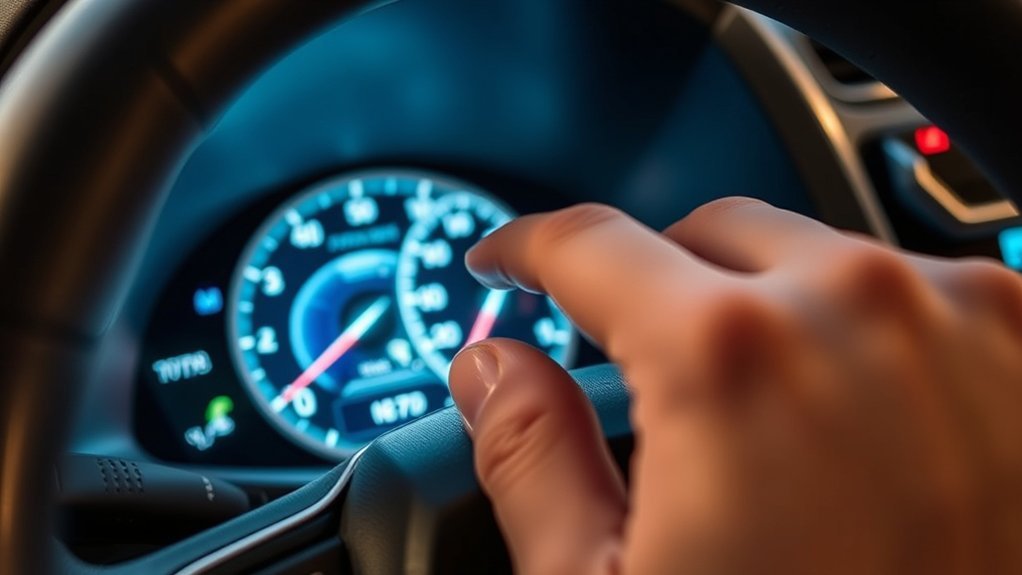
To switch from kilometers to miles in your Toyota RAV4 (2019-2024 models), use the left-side steering wheel controls. Use the arrow buttons to navigate to the Settings (Gear icon), then scroll down to Meter Settings. Select Units to toggle between Imperial and Metric for speed and fuel efficiency. Check that your speedometer now displays miles per hour (MPH) and fuel readings in MPG. There’s more to enhance your driving experience, so keep exploring the possibilities!
Key Takeaways
- Access the menu by using the Left/Right arrow buttons on the steering wheel controls.
- Navigate to the Gear Icon (Settings) tab on the digital display.
- Scroll down and select “Vehicle Settings” or “Meter Settings” by pressing and holding OK.
- Select “Units” and choose miles (MPG) or kilometers (km/L).
- Press the Back button to return to the main speedometer display.
Why Change From KM to Miles in Your Toyota RAV4?
When you drive your Toyota RAV4 in regions that primarily use the imperial system, switching from kilometers to miles is essential for accurate distance readings. This change ensures that your speedometer reflects miles per hour (MPH) instead of kilometers per hour (km/h), helping you avoid speeding tickets in imperial zones.
Understanding this unit measurement difference is vital for adhering to local speed limits, keeping you compliant and safe on the road.
Understanding the difference in unit measurements is crucial for following speed limits and ensuring road safety.
Moreover, changing to miles helps you calculate fuel efficiency in MPG (Miles Per Gallon), which is the standard metric in the US and UK. If your car is set to km/L, it can be difficult to gauge your actual fuel economy without doing mental math.
This switch also aligns with navigation apps set to imperial units, providing consistency between your phone and your dashboard.
Step-by-Step Guide to Accessing Settings
To switch from kilometers to miles, you’ll need to use the steering wheel controls on the left side to navigate the digital Multi-Information Display (MID).
Next, you will find the Gear Icon to enter the customization menu.
Once you’ve made your selection in the “Units” submenu, the speedometer and fuel economy numbers will update instantly.
Accessing Steering Wheel Controls
Accessing the steering wheel controls on your Toyota RAV4 is the first step. You do not need to touch the infotainment (radio) screen for this; it is done entirely on the dashboard screen behind the steering wheel.
Familiarize yourself with the arrow pad on the left side of the steering wheel. Here’s how to proceed:
- Look at the digital display between your gauges.
- Press the Left or Right arrow buttons to cycle through the tabs at the top or bottom of the screen.
- Stop when you highlight the Gear Icon (Settings).
- If you do not see a Gear icon, keep scrolling right until the settings menu appears.
Navigating Meter Settings Menu
Once you are on the Gear Icon tab, you need to find the specific unit setting.
Use the Down arrow to scroll through the list of settings. Depending on your specific RAV4 year (2019-2024), look for an option labeled “Vehicle Settings”, “Meter Settings”, or simply a leaf icon.
Press and hold the OK button to enter this submenu. Inside, scroll down until you see “Units”. Press OK again to open the selection.
Here, you can choose between kilometers (km/L) and miles (MPG). Highlight “Miles” or “MPG” and press OK to select it.
Confirming Your Selections
Once you’ve selected “Miles” or “MPG,” the change is usually instant. You do not need to restart the car.
To verify proper settings validation, follow these steps:
- Press the Back arrow button on the steering wheel to exit the menu.
- Navigate back to your main speedometer screen (usually the “i” or Leaf icon tab).
- Check that the speed reads “MPH” and fuel economy reads “MPG.”
Finally, take a moment to drive and observe that the changes reflect accurately in your digital speedometer.
Comparing Metric and Imperial Units for Fuel Efficiency
When comparing fuel efficiency, it’s important to understand the differences between metric and imperial units.
In metric units, fuel efficiency is typically measured in kilometers per liter (km/L) or liters per 100 kilometers (L/100km). In contrast, imperial units use miles per gallon (MPG). For instance, 10 km/L is roughly equal to 23.5 MPG. Having the car display the unit you are most familiar with is vital for accurate monitoring of your gas consumption.
How Changing Units Affects Your Speedometer?
Changing the unit settings on your Toyota RAV4 directly updates the digital speedometer display. Note that if you have an analog (physical dial) speedometer, the printed numbers obviously won’t change, but the central digital number will switch from km/h to mph.
This adjustment guarantees proper speed calibration for accurate metrics. Here’s what you should know:
- You’ll see real-time updates in your preferred unit without delay.
- Fuel efficiency readings also adjust, shifting from kilometers per liter to miles per gallon.
- The “Range” (Distance to Empty) will also convert to miles.
Impact on Driving Experience
Adjusting the unit settings on your Toyota RAV4 simplifies your driving experience, especially if you cross borders between the US and Canada/Mexico. By switching to the local unit, you eliminate the need to do mental math to figure out your speed.
Moreover, switching to miles per gallon (US) for fuel efficiency gives you clearer insights into your vehicle’s performance if you are used to the US system. Being aware of unit changes is essential for maintaining safety and adhering to speed limits.
Tips for Personalizing Your RAV4 Settings
Personalizing your RAV4 settings can improve your daily commute.
Here are some tips to enhance your driving comfort through personalized settings:
- Adjust unit measurements: Switch between kilometers and miles for clarity.
- Customize the MID: You can change what information (Music, Compass, Fuel Economy) appears on your main dash screen.
- Digital Speedometer: Ensure your dashboard is set to “Digital” rather than “Analog” style in the Meter Type settings for a clearer read-out of your speed.
Exploring Additional Features for Enhanced Usability
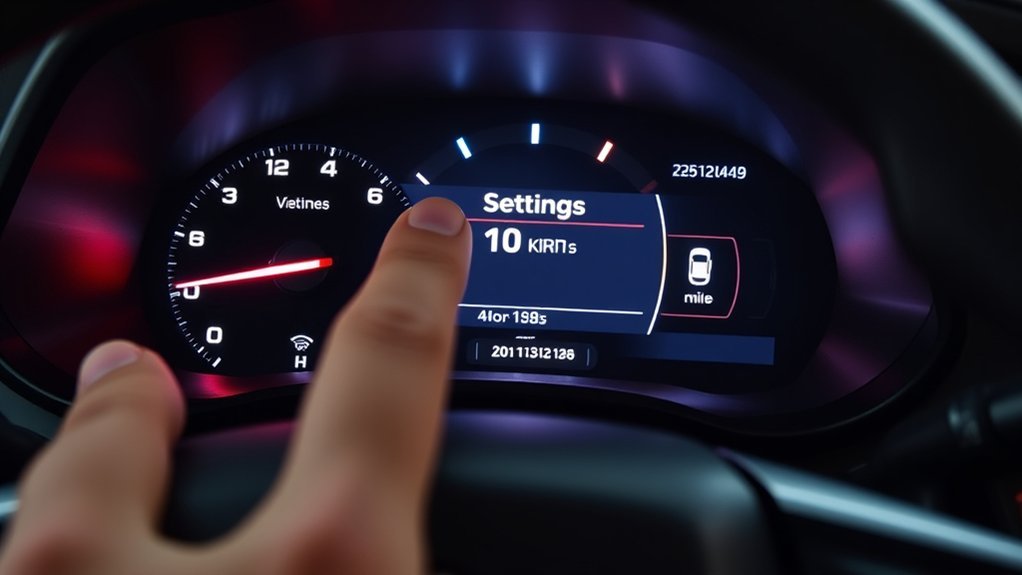
While maneuvering your Toyota RAV4’s features, you’ll discover various tools designed to enhance usability. One notable aspect is the Multi-Information Display (MID) that allows you to easily navigate settings, including unit measurements for distance, language, and safety system sensitivity (like Lane Keep Assist).
By personalizing these settings, you align the vehicle’s displays with your preferences. The digital speedometer automatically adjusts to reflect your chosen units, ensuring accurate speed readings whether you prefer kilometers per hour or miles per hour.
What to Do After Changing Units?
Once you’ve switched the unit settings on your Toyota RAV4 from kilometers to miles, take a brief test drive to confirm the digital number matches the flow of traffic and your expectations.
After changing your Toyota RAV4’s unit settings, ensure the speedometer accurately reflects miles per hour for safe driving.
Here’s what you should do next:
- Verify that fuel efficiency readings are now in MPG.
- Check your “Range” (Distance to Empty); it should now display a lower number (as miles are longer than kilometers).
- Regularly revisit the settings menu if you share the car with a driver who prefers the metric system.
Frequently Asked Questions
Can I Switch Back to Kilometers After Changing to Miles?
Yes, you can easily switch back to kilometers at any time. Just return to the Settings (Gear Icon) menu > Units, and select “km/L” or “km/h”.
Will Changing Units Affect My Odometer Readings?
Yes, the total vehicle mileage (Odometer) will convert. If you have 16,000 kilometers, it will switch to display approximately 10,000 miles. It does not lose data; it just translates the distance.
Can I Customize Other Measurement Units in My RAV4?
Yes. In the same “Units” menu, you can often change the Tire Pressure units (PSI vs Bar) on higher trim levels that display specific tire pressure numbers.
Is There a Reset Option for the Settings After Changing Units?
Yes, at the bottom of the Settings (Gear icon) menu, there is usually a “Factory Reset” or “Default Settings” option that will return all meters to their original state.
Does Changing Units Require Any Special Tools or Software?
No, changing units does not require any tools, OBD2 scanners, or dealer visits. It is a standard user setting available on the steering wheel controls.
Conclusion
To sum up, switching from kilometers to miles in your Toyota RAV4 is a quick process done entirely via the Steering Wheel Arrow Keys and the Settings (Gear) menu. This is essential for drivers crossing borders or those who bought an imported vehicle. By personalizing your settings, you guarantee accurate readings on your speedometer and fuel efficiency displays, ensuring you drive safely and legally.
