The number and type of USB ports in a Toyota RAV4 depend on its model year, trim, installed packages, and sales market. A current 2026 RAV4 can have up to five USB-C ports, while many earlier fifth-generation models use a mix of one media port and several charge-only ports. Checking the port labels and the manual for your exact vehicle is the safest way to confirm its equipment.
Quick Answer
A Toyota RAV4 may have one to five USB ports, depending on the year and trim. The 2026 RAV4 offers up to five USB-C ports. Many equipped 2024–2025 models have one front media port, two charging ports in the console box, and two rear charge-only ports.
Key Takeaways
- The port count is not the same on every RAV4; year, trim, package, and market matter.
- Only the designated media port is intended for wired data or media functions. Ports marked “charge only” do not transfer data.
- A USB-C connector does not automatically guarantee USB Power Delivery or a particular charging speed.
- The 2026 RAV4 can have two 45W front charging ports, two 15W rear charging ports, and one center-console media USB-C port.
- For faster charging in an older RAV4, a reputable USB-C adapter in the 12V accessory outlet is usually safer and simpler than modifying factory wiring.
How Many USB Ports Does a Toyota RAV4 Have?
The most accurate answer is up to five ports, but not every RAV4 includes all five. Toyota has changed the port types and power capabilities over time, and lower trims may have fewer charging ports.
| Model year or generation | Typical U.S.-market arrangement | Important qualification |
| 2026 RAV4 | Up to five USB-C ports: two front charging ports, two rear charging ports, and one center-console media port. | Toyota says “up to five,” so verify the equipment on the selected grade. |
| 2024 RAV4 and RAV4 Hybrid | One front USB Type-A media port, two USB-C charge-only ports in the console box, and two rear USB-C charge-only ports when equipped. | Rear charging ports are equipment-dependent. |
| 2025 fifth-generation RAV4 | The gas XLE adds four USB charging ports to the vehicle’s front media connection, producing a five-port arrangement on that grade. | Do not assume the LE or every hybrid and plug-in grade has the identical layout. |
| 2019–2023 fifth-generation models | One media port plus optional front and rear charge-only ports; equipped models can have up to five total. | Connector types and optional equipment changed during the generation. Check the manual for the exact year. |
Toyota’s 2026 RAV4 information describes up to five USB-C ports throughout the cabin. For the previous generation, Toyota’s 2024 RAV4 and RAV4 Hybrid Quick Reference Guide illustrates the separate media and charge-only connections.
Note: These are U.S.-market examples. Port count, connector type, location, and output can differ in Canada and other markets. Confirm the model year and trim before buying cables or accessories.
Where Are the Toyota RAV4 USB Ports Located?
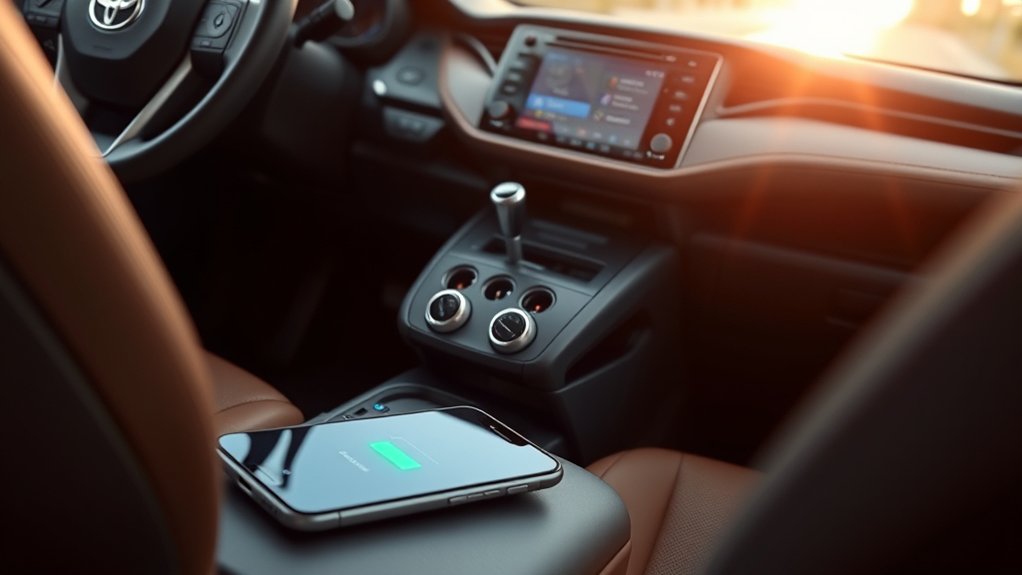
On an equipped fifth-generation RAV4, the five-port arrangement is normally divided among three cabin areas:
- Front dashboard or center stack: The designated media port sits within easy reach of the driver and front passenger. On the 2024 RAV4, this is a USB Type-A connection.
- Inside the center console box: Two USB-C ports are available for charging on equipped models. Toyota labels these ports as charge-only.
- Rear of the center console: Two USB-C charge-only ports may be provided for rear-seat passengers.
The redesigned 2026 RAV4 changes the arrangement to USB-C throughout. Its published configuration includes two front charging ports, two rear charging ports, and a center-console USB-C media port.
Look closely at the symbol beside each port. A port associated with the multimedia or USB symbol is the connection to use for wired media functions. A port labeled “charge only” supplies power but does not provide a data connection to the infotainment system.
Media Ports and Charge-Only Ports Are Not the Same
A common source of confusion is the assumption that every USB socket performs the same functions. In a RAV4, the ports generally fall into two categories:
| Port type | What it does | Best use |
| Media or data port | Supplies power and communicates with the multimedia system when a supported device and data-capable cable are used. | Wired media playback, supported phone integration, USB drives, and basic charging. |
| Charge-only port | Supplies electrical power but does not send phone, music, or app data to the multimedia system. | Charging phones, earbuds, cameras, and other compatible low-power devices. |
Plugging a phone into a rear charge-only port will not start wired Apple CarPlay or Android Auto. Use the designated media port when a wired data connection is required, and use a cable that supports data rather than a charge-only cable.
What Charging Speeds Can You Expect?
Charging speed depends on the specific port, the phone, the cable, the charging protocol, battery temperature, and how much power the phone is using at the same time. The connector shape alone does not reveal the full answer.
For the 2026 RAV4, Toyota publishes clear wattage figures in its official brochure:
- Two front USB-C charging ports: 45W each
- Two rear USB-C charging ports: 15W each
- One center-console USB-C media port: charging and media access
For earlier RAV4s, consult the owner’s manual for the rating of the exact port. Do not assume that a USB-C socket supports the same wattage as the 2026 model or that it supports every version of USB Power Delivery.
USB-C identifies the connector. It does not, by itself, guarantee a particular charging speed, wattage, data rate, or Power Delivery profile.
USB-A vs. USB-C: Which One Charges Faster?

A properly implemented USB-C port can deliver more power than a basic USB-A port, but USB-C is not automatically faster in every situation. The vehicle and phone must support compatible charging profiles, and the cable must safely carry the required power.
For example, a 45W USB-C port in a 2026 RAV4 has substantially more available power than a basic media port in an older vehicle. However, a phone that accepts only 20W will not charge at 45W simply because that is the port’s maximum rating. The phone controls how much compatible power it draws.
USB Power Delivery also requires the source, device, and cable to negotiate an appropriate power level. The USB Implementers Forum treats USB Power Delivery as a power protocol that is separate from the physical USB-C connector.
How to Get the Fastest Reliable Charge in Your RAV4
- Choose the correct port. Use the higher-output charging port when the vehicle provides one. Reserve the media port for data functions when practical.
- Use a short, reputable cable. Damaged conductors, loose plugs, and poorly made cables can reduce charging power or cause repeated disconnections.
- Match the cable to the port. Use USB-C to USB-C for a USB-C charging port unless your device requires another connector. A high-wattage connection may require a cable rated for that level of power.
- Keep the phone cool. Direct sunlight, a hot dashboard, wireless navigation, and a bright screen can make the phone reduce charging speed to control temperature.
- Reduce power use while charging. Navigation, video, hotspot use, gaming, and maximum screen brightness can consume much of the incoming power.
- Check battery-protection settings. Some phones intentionally slow or stop charging near a chosen limit, often 80% or 85%, to reduce long-term battery wear.
Pro Tip: When diagnosing slow charging, test the same phone and cable with the screen off and navigation closed. If the charge rate improves, the vehicle port may be working normally while the phone’s active power use or temperature is limiting the net gain.
Troubleshooting Toyota RAV4 USB Charging Problems
The USB Port Has No Power
- Place the vehicle in the operating mode required by its manual. On many fifth-generation models, the USB charging ports work in ACC, ACCESSORY, ON, or IGNITION ON mode.
- Test another USB port in the vehicle.
- Try a second known-good cable.
- Test a different phone or small device.
- Inspect the port for lint, bent contacts, liquid, or a loose internal connection.
- If every port remains dead, consult the owner’s manual for the relevant fuse information or have the circuit inspected by a Toyota dealer or qualified technician.
Warning: Turn the vehicle off before inspecting a port. Do not insert a pin, screwdriver, paper clip, or other metal object into a USB socket. Metal tools can short the contacts and damage the port or electrical circuit.
The Phone Charges Very Slowly
Slow charging does not always indicate a failed port. Common causes include:
- A cable that supports data but has poor power-carrying capacity
- A loose or worn connector
- The phone becoming hot in direct sunlight
- Navigation, hotspot, music streaming, or a bright screen consuming power
- The battery already being close to its protected charging limit
- An older port that does not support the phone’s preferred fast-charging protocol
- Multiple accessories drawing from a shared vehicle circuit
If the battery percentage rises only when the screen is off, the port may be supplying power but not enough to overcome the device’s active load.
Charging Starts and Stops Repeatedly
Intermittent charging usually points to a cable, plug, or port-contact problem. Gently move the cable near each connector without forcing it. If charging cuts in and out, replace the cable first. A phone case that prevents the plug from seating fully can cause the same symptom.
Also inspect the phone’s charging socket. Pocket lint can prevent a connector from reaching the contacts even when it appears to be inserted.
Wired Apple CarPlay or Android Auto Does Not Connect
Use the designated media port rather than a charge-only port. Then confirm that:
- The cable supports data as well as charging.
- The phone is unlocked during initial setup.
- The requested permissions have been accepted on the phone and multimedia screen.
- Apple CarPlay or Android Auto is enabled in the phone and vehicle settings.
- The phone and multimedia software are current.
Changing the phone to File Transfer mode is not a general fix for slow charging. Data settings are relevant only when troubleshooting a media or phone-integration connection through the media port.
What Charging Cables Work Best?
Select the cable by connector, power requirement, and intended function:
- For a 2026 high-output USB-C port: Use a reputable USB-C cable rated for at least the wattage your phone can accept. A marked 60W USB-C cable is sufficient for a 45W vehicle port.
- For an older USB-A media port: Use a short USB-A data cable approved for the phone. Charge-only cables may power the phone but will not support wired multimedia functions.
- For reliable data: Avoid unmarked bargain cables and unnecessary adapters. Each adapter introduces another possible loose connection or compatibility problem.
- For a dashcam or other continuously powered accessory: Check the accessory’s current requirement and use an appropriate fused power source. Do not assume a factory USB port is designed for every accessory.
The USB-IF explains that compliant USB-C cables may carry markings for their supported data rate and power capacity. Those markings are more useful than judging a cable by thickness or appearance alone.
Safe Aftermarket Charging Options
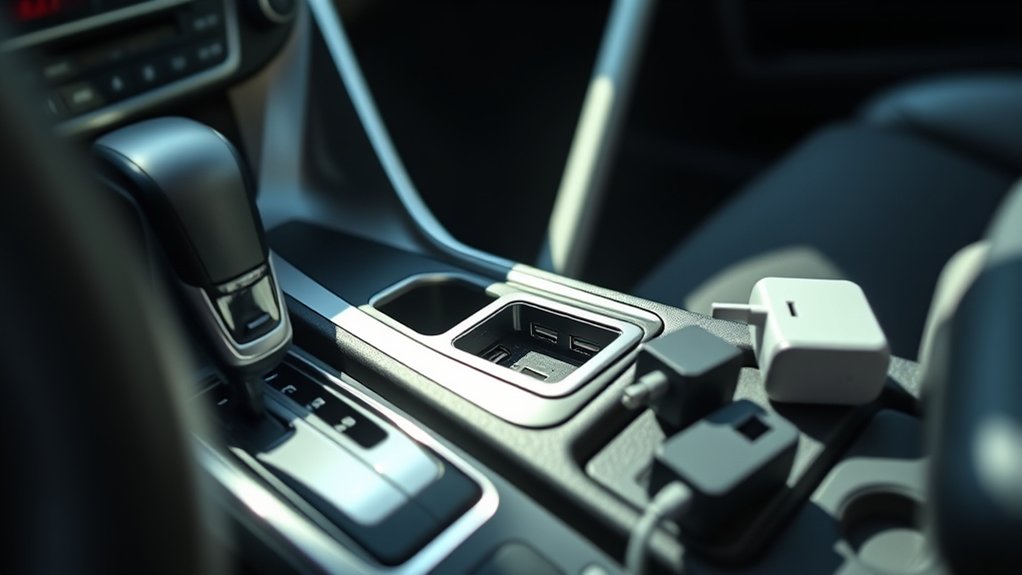
If an older RAV4 charges too slowly for your phone, consider upgrades in this order:
1. Use a USB-C Adapter in the 12V Accessory Outlet
A plug-in 12V USB-C adapter is usually the simplest option. Choose a product from a reputable manufacturer that lists its supported USB Power Delivery profiles and includes over-current, over-voltage, and temperature protection.
Check the outlet rating in the vehicle’s manual and keep the total accessory load within that limit. A low-profile adapter also reduces the chance of it being bumped by a bag or passenger.
2. Add a Compatible Wireless Charging Tray
A vehicle-specific wireless tray can reduce cable clutter, but wireless charging commonly creates more heat than a wired connection. Phone alignment, case thickness, camera bumps, and cabin temperature can reduce performance.
3. Install a Replacement or Hardwired Charging Module
A hardwired USB-C module can provide a cleaner installation, but it should use a properly sized fuse, suitable wire, secure grounding, heat-resistant connections, and a circuit that behaves as intended when the vehicle is off.
Warning: Do not splice into unidentified wiring or install an unfused charging module. Incorrect wiring can drain the 12V battery, overheat conductors, damage electronic modules, or create a fire risk. Use the product instructions and the vehicle wiring information, or have the work completed professionally.
Related Guides
Frequently Asked Questions
Can I charge multiple devices at once with RAV4 USB ports?
Yes. An equipped RAV4 can power several devices at the same time. Charging may slow if the ports share a limited power supply or if several high-demand devices are connected. The exact behavior depends on the model year and electrical design.
Will charging a power bank in my RAV4 be slower?
It may be. A power bank draws only the power supported by its input, cable, and vehicle port. A high-capacity power bank can take many hours to recharge from an older low-output port. Use the power bank manufacturer’s recommended cable and a suitable higher-output port or 12V adapter.
Do all Toyota RAV4 USB ports support data transfer?
No. Only the designated media or data port communicates with the multimedia system. Ports labeled “charge only” supply power but do not support music playback, USB-drive access, or a wired phone-integration connection.
Can I use my phone while it is charging in the RAV4?
The phone can continue operating while connected, but active navigation, streaming, hotspot use, and high screen brightness can slow the net charging rate. Use hands-free controls and do not hold or operate the phone while driving where prohibited or unsafe.
Why does my USB-C phone charge slowly from a USB-C RAV4 port?
USB-C describes the connector, not a guaranteed wattage. The port may not support the phone’s preferred fast-charging protocol, the cable may limit power, or the phone may be reducing its charge rate because of heat, battery-protection settings, or active power use.
Does every Toyota RAV4 have five USB ports?
No. Toyota describes several RAV4 configurations as having up to five ports. Lower trims, older model years, vehicles without rear charging ports, and non-U.S. versions may have fewer or use different connector types.
How can I confirm the USB ports in my specific RAV4?
Check the sockets in the front console, inside the console box, and behind the center console. Then review the USB or power-outlet section of the owner’s manual for the exact model year. The vehicle’s window sticker, build sheet, or Toyota owner account may also identify trim-specific equipment.
Conclusion
A Toyota RAV4 can have up to five USB ports, but the correct count and charging performance depend on the year and equipment. The 2026 RAV4 offers the clearest modern setup, with up to five USB-C ports and published 45W front and 15W rear charging outputs. Earlier models may combine one media port with optional charge-only ports.
For the best results, identify the media port, use a suitable cable, keep the phone cool, and verify the port specifications in the manual for your exact vehicle. When an older factory port is not powerful enough, a reputable adapter in the 12V outlet is generally a simpler and safer upgrade than modifying the vehicle’s wiring.
Sources
- Toyota — 2026 RAV4 — confirms that the current RAV4 offers up to five USB-C ports.
- Toyota — 2026 RAV4 Brochure — lists two 45W front ports, two 15W rear ports, and a center-console media USB-C port.
- Toyota Newsroom — 2025 RAV4 — confirms that the gas XLE adds four USB charging ports.
- Toyota — 2024 RAV4 and RAV4 Hybrid Quick Reference Guide — shows the Type-A media port and the console and rear Type-C charge-only ports.
- Toyota Newsroom — 2021 RAV4 Hybrid — documents that equipped fifth-generation RAV4s could have up to five total USB ports.
- USB Implementers Forum — USB Power Delivery — explains USB Power Delivery capabilities and why connector type alone does not determine charging output.
