
Turn off or reduce Toyota Tundra traction control only for a short, low-speed recovery when the truck is stuck and the system is cutting power before the tires can gain momentum. Keep TRAC and Vehicle Stability Control (VSC) on for normal road driving, including rain, packed snow, ice, curves, towing, and highway travel. The exact switch behavior depends on model year, drivetrain, selected 2WD/4WD mode, trim, and equipment, so use the owner’s manual for your exact Tundra before changing the setting.
Quick Answer
Keep traction control and VSC on for normal driving, including rain, packed snow, ice, curves, towing, and highway travel. Temporarily reduce their intervention only when your Tundra is stuck or needs controlled wheelspin on loose terrain. Re-enable the systems as soon as the truck is moving freely.
Last updated: September 11, 2026 — safety guidance and current Tundra off-road equipment were rechecked against Toyota and 49 CFR 571.126.
Key Takeaways
- Traction control and VSC should be your default settings for public-road driving.
- Temporary reduction may help only when electronic intervention prevents the controlled wheelspin needed to escape snow, mud, sand, or loose gravel.
- Four-wheel drive does not automatically mean traction control should be off.
- Use Multi-Terrain Select, Crawl Control, Downhill Assist Control, or the locking rear differential first when your Tundra is equipped with them.
- Button behavior varies by model year and trim, so follow your exact Toyota owner’s manual.
At a Glance
| Time Required | About 1–2 minutes to assess conditions and select the appropriate mode |
| Difficulty | Easy, but safe throttle control and terrain judgment are essential |
| Tools Needed | Your model-year-specific owner’s manual; shovel and traction boards if recovery is needed |
| Cost | $0 unless recovery equipment or professional assistance is required |
Warning: Never disable VSC for ordinary traffic, highway driving, towing, icy curves, abrupt turns, or steep public-road descents. Do not use a full-size pickup for drifting or donuts on public roads. Turning the systems off removes electronic assistance and increases the skill required to control the truck.
Understanding Traction Control and Its Importance for Your Tundra
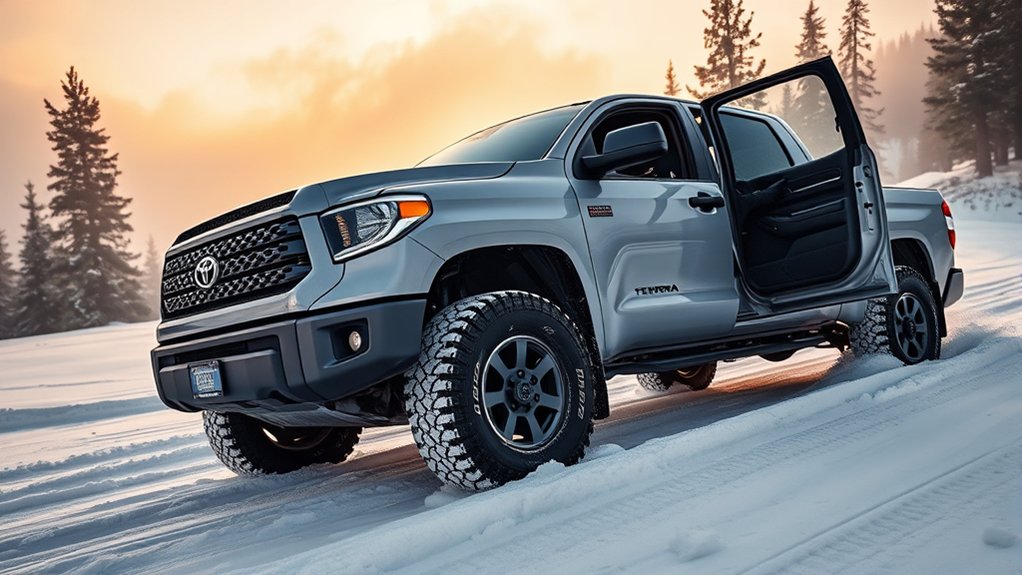
When you drive a Toyota Tundra, several systems can influence traction, braking, and directional stability. They work together, but they do not perform the same job:
- Traction control, or TRAC: Detects excessive drive-wheel spin and may reduce engine torque or apply braking to a spinning wheel.
- Vehicle Stability Control, or VSC: Helps the truck follow the direction you intend by detecting understeer or oversteer and making corrective brake or engine-torque adjustments.
- Antilock Braking System, or ABS: Helps prevent wheel lock during hard braking so you retain more steering control.
- Four-wheel drive: Changes how engine torque is distributed to the axles. It can improve the ability to move but does not replace VSC, shorten every stopping distance, or create grip where the tires have none.
Toyota’s 2026 Tundra Safety Hub lists VSC and TRAC as part of the truck’s Star Safety System. For a deeper system-by-system explanation, see Toyota Tundra Traction Control & VSC Explained.
The federal definition of electronic stability control explains that the system can apply braking at individual wheels and modify engine torque to help limit understeer and oversteer. That is why switching VSC off should be treated as a limited operating choice, not a routine performance upgrade. You can review the requirements in 49 CFR 571.126.
Traction control can limit unwanted wheelspin, while VSC helps manage the direction of the truck. Disabling either system removes assistance; it does not create more tire grip.
You may hear brief buzzing, clicking, or actuator sounds and may feel brake-pedal feedback when traction or stability systems intervene. Persistent grinding, scraping, severe vibration, or a warning light that remains on should not be dismissed as normal system operation.
Note: The function of a short button press, a press-and-hold, and different 2WD, 4HI, or 4LO selections varies among Tundra years and trims. Use Toyota’s owner-manual portal to select your exact truck before changing the system setting.
When Traction Control and VSC Should Stay On
For most driving, leaving both systems enabled is the safest and simplest choice. Keep them on in the following situations:
- Normal city and highway driving: There is no performance benefit that outweighs the loss of electronic assistance.
- Rain, slush, packed snow, or ice: These surfaces can produce sudden wheelspin and sideways movement.
- Curves and evasive maneuvers: VSC is specifically intended to help manage understeer and oversteer.
- Towing or carrying a heavy load: Additional mass can make a loss of control harder to correct.
- Steep paved descents: Use an appropriate gear and controlled braking. Use any manufacturer-provided descent feature only where the owner’s manual allows it rather than disabling stability assistance.
- Driving near traffic, pedestrians, drop-offs, trees, or other hazards: A small slide can have serious consequences.
Traction control may flash its indicator or briefly reduce power on a slippery road. That normally means the system has detected wheelspin and is responding. It is not, by itself, a reason to switch the system off.
When Should You Turn Off Toyota Tundra Traction Control?
Temporary reduction may be useful when the Tundra cannot move because the system repeatedly cuts power or brakes a spinning wheel. The objective is not unlimited tire spin. The objective is to permit only enough controlled spin to regain momentum or reach a firmer surface.
Three-question decision check
- Are you on a public road and still moving? Keep TRAC and VSC on.
- Is the truck actually stuck on a loose surface? Clear the path and select the correct 4WD or terrain feature first.
- Is electronic intervention still preventing the small amount of wheelspin needed to move? Only then consider the manual-approved reduced-intervention setting, and restore normal assistance immediately after recovery.
| Situation | Recommended approach |
| Truck stuck in loose snow or mud | Temporarily reducing intervention may allow gentle rocking or controlled wheelspin after you clear material from around the tires. |
| Deep, loose sand | Use the correct 4WD and terrain mode first. Reduced intervention may help preserve low-speed momentum if the system repeatedly cuts power. |
| Loose gravel climb | Use steady throttle and the appropriate terrain setting. Consider reduced intervention only if the truck cannot climb because power is being cut. |
| Using traction boards | Reduced intervention can help the tires climb onto the boards, but use very light throttle and keep all people clear. |
| Ordinary snow-covered road | Keep TRAC and VSC on. |
| Slippery curve or sharp turn | Keep VSC on and reduce speed before entering the turn. |
Stuck in Loose Snow or Mud
If the drive wheels cannot gain traction and the system keeps reducing power, temporary deactivation may make it easier to rock the truck gently. Clear packed snow or mud from in front of the tires first, straighten the steering wheel when practical, and make small forward-and-reverse movements rather than using full throttle.
Deep Sand or Loose Gravel
Maintaining momentum can matter on deep sand, but uncontrolled wheelspin can dig the tires into the surface. Select the correct 4WD range and terrain mode before reducing electronic intervention. Keep your throttle smooth and stop if the truck begins sinking.
Steep Loose-Surface Climbs
A modest amount of tire slip may be needed on a loose climb. Plan the line before starting, avoid abrupt steering, and use a steady throttle. Do not stop crossways on a steep slope, and do not continue if the tires are throwing material without moving the truck forward.
Closed-Course Motorsport
Experienced drivers in sanctioned, controlled motorsport may use reduced stability intervention for specific exercises. This is separate from vehicle recovery and should never be attempted on public roads, around spectators, or without suitable training and space. This article does not recommend drifting or donuts in a Toyota Tundra.
How to Temporarily Reduce Traction Control Safely
- Stop and assess the area. Check for traffic, people, rocks, drop-offs, buried obstacles, and enough space for the truck to move unexpectedly.
- Inspect the tires and path. Look for a flat or damaged tire, inadequate tread, packed material around the tires, and obstacles beneath the chassis.
- Select the appropriate drive mode. Use 4HI, 4LO, Multi-Terrain Select, Crawl Control, or another feature only as directed by the owner’s manual for the terrain and speed. If you need a refresher on transfer-case choices, see Toyota Tundra 4WD System Explained.
- Try the manufacturer-provided off-road setting first. A terrain mode may alter traction intervention without removing all stability assistance.
- Use the TRAC/VSC control only as specified for your model year. A short press and a press-and-hold can produce different results. Confirm the illuminated dashboard indicator before moving.
- Apply light, steady throttle. Use only enough wheelspin to move. Stop if the tires dig deeper, the truck slides sideways, or you smell overheated rubber or brakes.
- Re-enable the system immediately after recovery. Press the control as directed or restart the truck if the manual specifies that method. Confirm that the off indicator has gone out before returning to normal driving.
Pro Tip: Before touching the TRAC/VSC button, remove loose material from around the tires and place traction boards firmly against the tread. Improving the physical contact surface is often more effective than adding throttle.
When Should You Turn Off VSC—and When Should It Stay On?
VSC is broader than basic traction control. Traction control primarily addresses drive-wheel spin, while VSC also responds to the truck’s direction of travel. You may therefore be able to reduce traction intervention on some Tundras without fully disabling stability assistance.
Full VSC deactivation should be rare. It may be appropriate for a low-speed off-road recovery when the exact owner’s manual permits it and VSC intervention prevents the necessary movement. It is not appropriate simply because the truck is in 4WD or because you want more responsive handling. On some model years, an off-mode selection can also affect other driver-assistance functions, so confirm every illuminated indicator or dashboard message before moving.
- Stuck in snow or mud: Temporary reduction may help if power is repeatedly cut, but use only enough wheelspin to escape.
- Deep off-road sand: Select the correct terrain and 4WD settings first; reduce intervention only if necessary.
- Drifting: Not recommended outside sanctioned closed-course training or motorsport.
- Sharp slippery turns: Keep VSC on. Slow before the turn and make smooth steering inputs.
- Towing: Keep VSC on unless the exact manual instructs otherwise for a specific low-speed recovery.
- Steep descents: Keep stability assistance available and use Downhill Assist Control or low-range gearing when equipped and appropriate.
Federal ESC requirements generally call for a vehicle to return to its default stability mode at the beginning of a new ignition cycle, with defined exceptions for certain four-wheel-drive configurations. Your dashboard indicator and exact Toyota manual remain the best guides for confirming the current state.
How to Off-Road Effectively With Reduced Traction Control
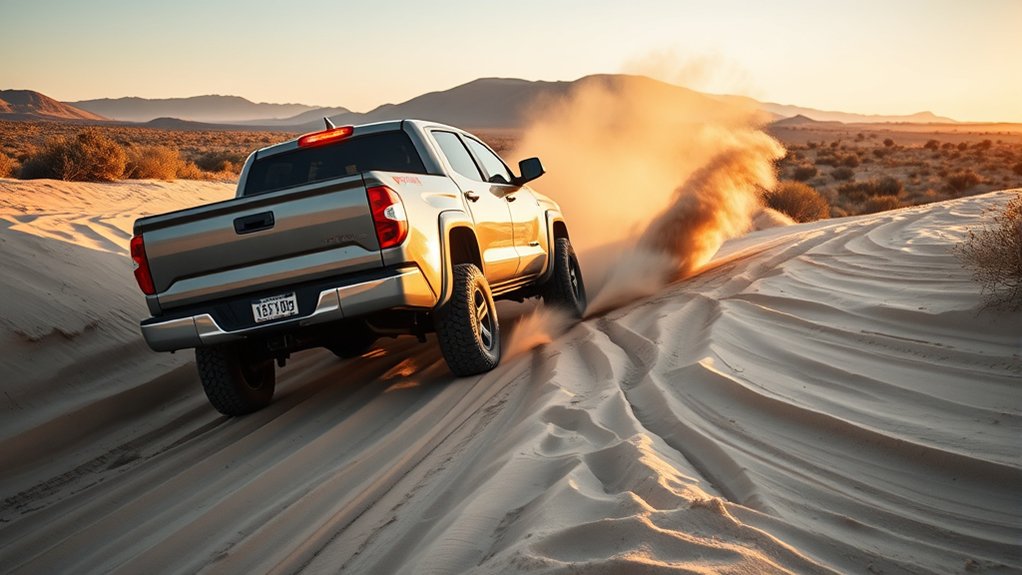
When reduced intervention is genuinely needed, vehicle control depends on smooth inputs and careful observation. Turning a system off does not automatically improve traction; it merely allows more tire slip before the truck intervenes.
Deep Mud and Snow
A small amount of wheelspin can help clear tread blocks or reach firmer material. Excessive spin usually polishes snow, liquefies mud, and digs holes. Begin with light throttle, allow the tires to bite, and stop early if forward progress ends.
Sand
Preserve gradual momentum and avoid abrupt acceleration, braking, or steering. If traction control repeatedly removes power, temporary reduction may help, but spinning the tires rapidly can bury the axles. Follow the terrain-mode and tire-pressure guidance in your exact owner’s manual and tire documentation.
Inclines
Approach a loose climb in the appropriate gear and drive mode. Build only the momentum the terrain requires, keep the wheels pointed along your planned line, and avoid changing throttle suddenly. If the truck stops, do not continue spinning the tires indefinitely.
Declines
Do not treat a descent like a climb. Descents require controlled speed rather than additional wheelspin. Use low-range gearing and Downhill Assist Control when equipped and permitted for the conditions. Avoid locking the wheels or descending diagonally across a steep slope.
Traction Boards
Clear a path, place the boards firmly against the drive tires, and make sure everyone stands well away. Apply the smallest amount of throttle that will pull the tires onto the boards. Traction boards can eject suddenly if the tires spin aggressively.
Tundra Off-Road Systems to Use First
Equipment varies by year and package. Toyota’s 2026 Tundra equipment overview says TRD Pro models and trucks equipped with the TRD Off-Road package include Multi-Terrain Select, Crawl Control, Downhill Assist Control, an electronically locking rear differential, and the Multi-Terrain Monitor. Toyota’s July 21, 2026 preview of the 2027 Tundra also confirms Multi-Terrain Select, Crawl Control, and a locking rear differential for the new Trailhunter package, while noting that full 2027 details are still to come.
- Multi-Terrain Select: Provides adjustable settings that help control wheelspin on different surfaces.
- Crawl Control: Maintains one of five selectable low speeds so the driver can concentrate on steering.
- Downhill Assist Control: Helps limit vehicle speed during difficult descents.
- Electronically locking rear differential: Adds rear-axle traction in applicable 4WD Low operation.
- Multi-Terrain Monitor: Displays camera views around the truck to help identify nearby obstacles.
These features do not appear on every Tundra. Some older models may instead provide Auto LSD, A-TRAC, or different TRAC/VSC switch behavior. Never assume instructions for one generation, trim, or drive mode apply to another.
Top Mistakes to Avoid With Disabled Traction Control
- Using sudden acceleration: A hard throttle input can cause fishtailing, sideways movement, driveline shock, or deeper wheel ruts.
- Disabling VSC for ordinary slippery driving: Snow, ice, rain, and sharp turns are usually reasons to retain stability assistance.
- Assuming 4WD replaces traction control: Four-wheel drive can help the truck move, but it does not guarantee directional stability or short stopping distances.
- Ignoring tire condition: Worn tread, unsuitable tires, damage, or incorrect road pressure can limit grip regardless of the electronic setting.
- Spinning the tires continuously: Prolonged wheelspin can dig the truck deeper, overheat components, damage tires, and throw debris.
- Using excessive steering: Heavily turned tires often provide less forward pull and can make the truck slide sideways.
- Standing near recovery equipment: Keep people away from spinning tires, traction boards, straps, and the vehicle’s intended path.
- Forgetting to re-enable the system: Confirm that the TRAC or VSC-off indicator is extinguished before resuming normal road travel.
Traction-Control Lights, Noises, and Troubleshooting
Flashing Slip Indicator
A flashing slip indicator commonly means the traction or stability system is actively responding to wheelspin or vehicle movement. Reduce throttle and make smooth steering inputs.
Steady TRAC Off or VSC Off Indicator
A steady off indicator generally means the system has been placed in a reduced or disabled mode. Re-enable it before normal driving. The precise indicator wording and reactivation method vary by model year.
Warning Light That Will Not Turn Off
If a warning remains illuminated after you return the system to its normal setting and restart the truck, consult the manual. A persistent warning can indicate a fault that requires diagnosis rather than a selected traction or stability mode.
Buzzing, Clicking, or Pedal Feedback
Brief actuator noise or pedal feedback can occur during traction-control, stability-control, or ABS operation. Persistent grinding, scraping, smoke, a burning smell, or severe vibration is not something to ignore. Stop in a safe place and arrange an inspection.
Frequently Asked Questions
When should you disable traction control on a Toyota Tundra?
Temporarily reduce traction-control intervention only when your Tundra is stuck or cannot maintain low-speed momentum on loose snow, mud, sand, or gravel because the system keeps cutting power. Use the correct 4WD or terrain mode first, apply gentle throttle, and re-enable traction control immediately after recovery.
Should you turn traction control off when using 4WD?
No. Four-wheel drive and traction control have different functions, and they may be designed to operate together. Select the appropriate 4HI, 4LO, terrain, differential, or recovery setting described in your model-year-specific manual. Disable or reduce traction intervention only when a specific low-speed situation requires it.
Should traction control be on or off in snow?
Keep it on while driving normally on snowy or icy roads. Temporary reduction may help only after the truck becomes stuck and the system prevents the controlled wheelspin needed to move. Once the Tundra is free, turn the system back on.
Should traction control remain on most of the time?
Yes. Leaving TRAC and VSC enabled is the appropriate default for public roads, wet or icy weather, curves, towing, highway travel, and normal off-road driving. Temporary deactivation is an exception for specific low-speed recovery conditions.
Does pressing the traction-control button turn off VSC too?
Not necessarily. On some Tundras, a short press and a longer press select different levels of intervention, while 2WD, 4HI, and 4LO may also change the result. Check the dashboard indicators and follow the procedure in the manual for your exact year and trim.
Will traction control or VSC turn back on automatically?
The default stability mode generally returns at a new ignition cycle, although some four-wheel-drive configurations can behave differently. Do not assume the system state. Check that the off indicator has gone out before normal driving.
What should you do if the VSC or traction-control warning stays on?
Return the controls to their normal setting, restart the truck in a safe location, and consult the owner’s manual. If the warning remains on, have the system diagnosed rather than assuming it is only a selected driving mode.
Conclusion
Knowing when to reduce traction-control intervention can help you recover a Toyota Tundra from loose snow, mud, sand, or gravel. However, TRAC and VSC should remain enabled for normal driving, slippery turns, towing, highway speeds, and most off-road travel. Select the proper 4WD or terrain feature first, use only controlled wheelspin, and restore full electronic assistance as soon as the truck is moving freely. Before an off-road or winter trip, save the owner’s-manual pages for your exact model year so you can confirm the correct switch sequence even without cell service.
Sources
- Toyota Manuals and Warranties — model-year-specific operating instructions, controls, indicators, and safety limitations.
- Toyota: 2026 Tundra Safety Hub — current Star Safety System information, including VSC and TRAC.
- Toyota: 2026 Tundra Overview — Multi-Terrain Select, Crawl Control, Downhill Assist Control, locking rear differential, and Multi-Terrain Monitor availability.
- Toyota: 2027 Tundra Preview — July 21, 2026 preview confirming Multi-Terrain Select, Crawl Control, and a locking rear differential for Trailhunter while full 2027 details remain pending.
- Toyota: 2018 Tundra Overview — older-generation Auto LSD, A-TRAC, TRAC, VSC, and 4WD mode context.
- 49 CFR 571.126 — Electronic Stability Control Systems — ESC purpose, system functions, indicators, operating modes, and default reactivation requirements.

