
Drone geofencing helps you understand where your aircraft can fly, where it should warn you, and where you may need extra authorization before takeoff. It uses location data, airspace maps, and flight-control software to create virtual boundaries around airports, restricted areas, event sites, prisons, power plants, and other sensitive locations.
Quick Answer
Drone geofencing uses GPS or other positioning data to compare your drone’s real-time location with virtual airspace boundaries. When the aircraft approaches or crosses a geofence, the app or flight controller may warn you, limit takeoff, stop forward movement, return home, or require authorization, depending on the drone system and local rules.
Key Takeaways
- Geofencing creates virtual flight boundaries, but it does not replace your legal responsibility as the remote pilot.
- A drone may warn you, slow down, stop, return home, land, or block takeoff when it detects a geofence conflict.
- DJI FlySafe zones and official airspace rules are related, but they are not the same system.
- Always check current airspace, Temporary Flight Restrictions, altitude limits, and local rules before each flight.
- Never treat geofence unlocking as permission to fly. You still need any required FAA or local authorization.
At a Glance
| Best For | Drone pilots who want safer, more compliant flights near controlled or sensitive airspace. |
| Difficulty | Beginner to intermediate, depending on airspace type and authorization needs. |
| Tools Needed | Drone app, updated firmware, airspace-checking app, GPS signal, and any required authorization records. |
| Main Risk | Assuming a manufacturer warning or unlock equals legal permission to fly. |
What Is Geofencing in Drones?
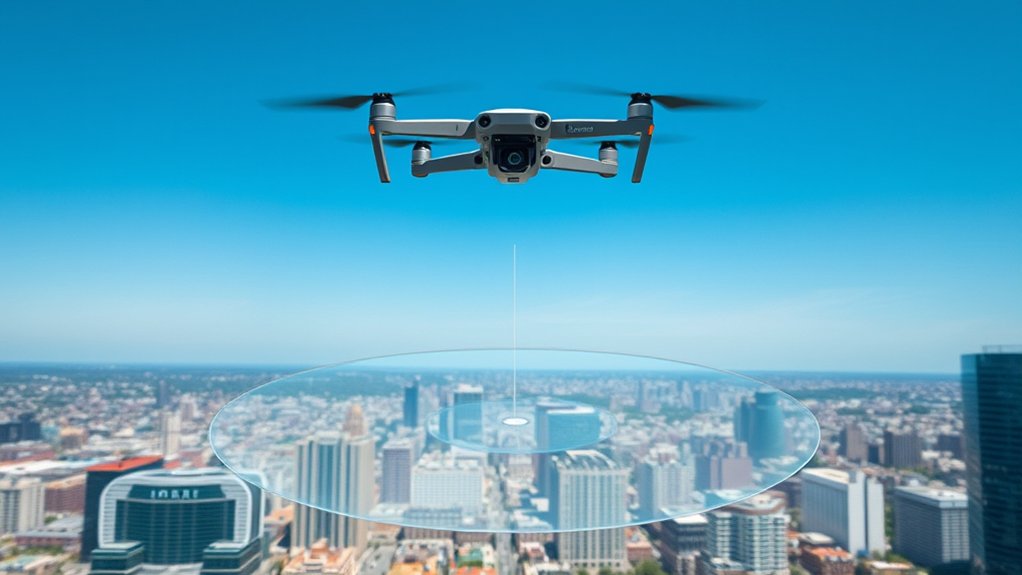
Geofencing in drones uses location data to create virtual boundaries that guide where you can and cannot fly. These boundaries may appear in your flight app as warning zones, authorization zones, restricted zones, altitude zones, or custom mission areas.
Most consumer and commercial drone systems rely on GPS technology, onboard sensors, flight-control software, and airspace databases to compare the drone’s position against mapped locations. When the aircraft gets close to a boundary, the system may show a warning, ask you to confirm responsibility, require an unlock, or limit the flight.
This system supports safety, privacy, and compliance, especially around airports, heliports, stadiums, emergency response scenes, military facilities, prisons, national security sites, and other sensitive areas. It can also help companies keep drones inside approved job sites, inspection corridors, construction zones, and training fields.
By monitoring your drone’s location in real time, geofencing can trigger predefined responses when boundaries are crossed. These responses may include stopping the drone, limiting altitude, redirecting the aircraft, returning to home, landing, or showing a warning that requires pilot action.
You can set up different types of geofences, including circular or polygonal shapes, to meet various operational needs and complexities. This flexibility allows you to customize flight paths while staying aware of FAA drone rules and legal restrictions.
Note: Geofencing is a safety aid, not a legal permission system. Your drone may take off in an area where flight is still restricted, or it may block flight in an area where you can legally fly after getting proper approval.
Geofencing is vital in preventing unintentional infringements into prohibited or controlled airspace. It promotes responsible flying practices and helps you avoid unsafe operations near people, property, aircraft, or emergency activity. By respecting these boundaries, you protect your equipment and contribute to overall airspace safety.
How Does Geofencing in Drones Work?
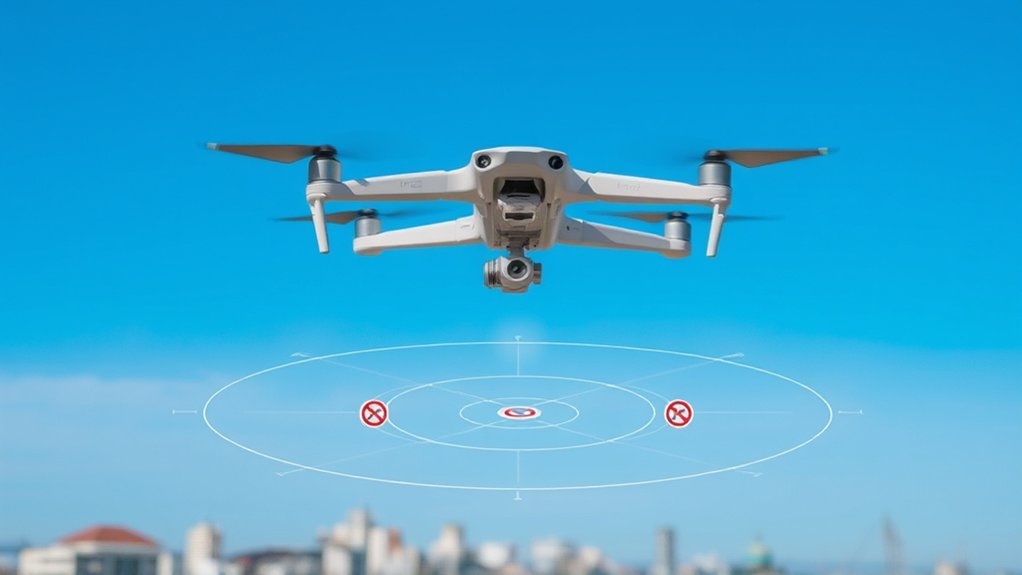
When operating a drone, understanding how geofencing works is essential for maintaining compliance and safety. Geofencing uses GPS technology and digital maps to create virtual boundaries that your drone must respect during flight.
The drone’s GPS receiver constantly monitors its location and compares that position with predefined geofence parameters. The drone app may also use network data, firmware rules, account status, and updated airspace information to decide whether to warn you, unlock a zone, or restrict a flight.
When your drone breaches these boundaries, it can trigger specific actions like stopping, changing direction, returning home, landing, or asking you to confirm responsibility. The exact behavior depends on the settings configured by you, your organization, or the manufacturer.
Geofences can be static circular areas or dynamic polygonal zones, allowing for tailored restrictions. Circular zones work well around a single point, such as a small facility. Polygonal zones work better for irregular areas, such as airports, public events, construction sites, wildlife areas, and disaster-response zones.
Here’s a simplified overview:
| Geofence Type | Description |
|---|---|
| Circular | Fixed radius around a central point |
| Polygonal | Defined by multiple GPS points |
| Static | Unchanging boundaries |
| Dynamic | Adjustable boundaries |
| Response | Actions triggered upon breach |
Components of a Geofence
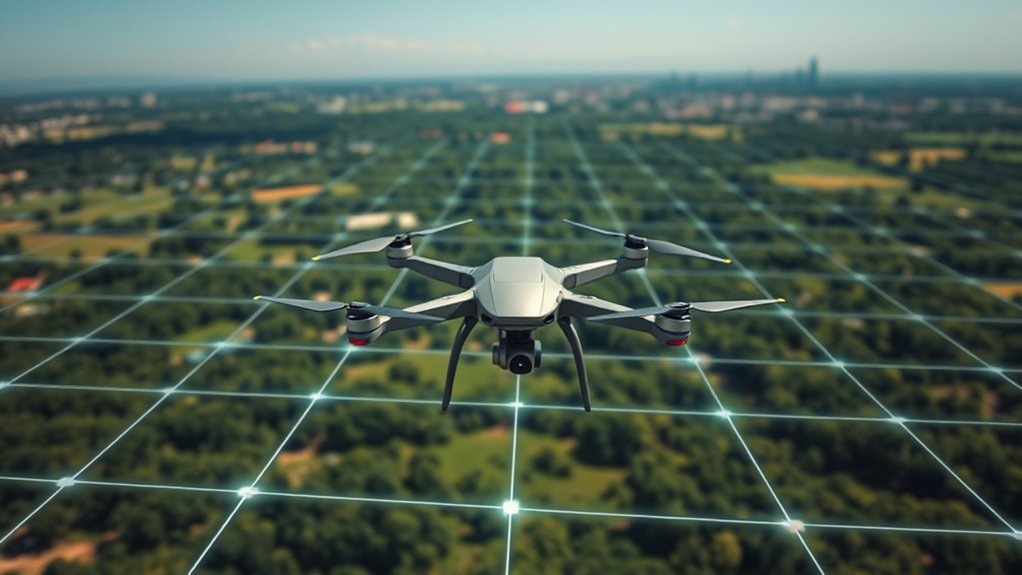
In understanding the components of a geofence, you’ll first encounter geographic reference points, which define the operating boundaries of your drone. Next, the software configuration interface allows you to customize those boundaries, check zone details, and control how the drone responds.
Together, these elements form the backbone of effective geofencing. They allow precise control over drone operations while helping you avoid restricted areas, unsafe routes, and accidental airspace violations.
Geographic Reference Points
At the core of drone geofencing are geographic reference points, which establish the precise boundaries for drone operations. These points help the drone decide whether it is inside, outside, or approaching a controlled area.
Here are key aspects of geographic reference points:
- GPS Coordinates: Specific latitude and longitude points mark boundaries and reference locations.
- Predefined Areas: Designated regions show where flying is permitted, restricted, limited, or requires authorization.
- Geofence Shapes: Circular or polygonal geofences adapt to airports, facilities, events, job sites, and natural terrain.
- Dynamic Management: Specialized software can update reference points, allowing real-time or scheduled adjustments.
The precision of these reference points is critical. Drones continuously compare their GPS location against them to support safe and legal operation. Good management also supports automatic drone responses when crossing or approaching geofence boundaries.
Software Configuration Interface
A robust software configuration interface is essential for effective geofencing in drone operations. This interface allows you to set and modify geographic boundaries using GPS coordinates, map tools, imported airspace data, or predefined zones.
You’ll typically access a user-friendly management dashboard, where you can visualize and adjust geofence parameters, including size, shape, and type. These boundaries may be circular, polygonal, static, dynamic, altitude-based, or mission-specific.
The interface integrates real-time GPS data, ensuring continuous location tracking against the defined geofence boundaries. You can also configure specific responses for your drone when it crosses these boundaries, such as stopping, changing direction, returning home, landing, or sending an alert.
Many geofencing solutions offer alerts and notifications, keeping you informed when you’re approaching or breaching set geofence limits. These warnings improve safety and support FAA compliance in your drone operations.
Airspace Database and Zone Data
A geofence also depends on accurate airspace and zone data. Drone manufacturers, flight-planning tools, and aviation authorities may use different databases, update cycles, and map layers. That means one app may show a warning while another app shows a more detailed authorization requirement.
Common data layers include controlled airspace, airport boundaries, runway protection areas, altitude limits, national security restrictions, Temporary Flight Restrictions, local advisories, and manufacturer-defined safety zones.
Pro Tip: Update your drone app, firmware, and airspace database before important flights. Old zone data can create false warnings, missing warnings, or unlock problems at the launch site.
Types of Geofences
Understanding the types of geofences is essential for effective drone operations because they dictate the areas where drones can safely fly. Different geofence types serve different purposes, from simple safety buffers to complex commercial mission boundaries.
There are several primary types of geofences you should know:
- Circular Geofences: Defined around a central GPS point, these geofences establish exclusion or warning zones around sensitive locations, such as airports, heliports, correctional facilities, or military installations.
- Polygonal Geofences: Created using multiple GPS reference points, these geofences offer greater flexibility in shape and size. They can follow roads, coastlines, construction sites, event spaces, campus borders, or irregular airspace boundaries.
- Static Geofences: These remain fixed and do not change with operational conditions, providing a consistent boundary for routine operations.
- Dynamic Geofences: These adjust based on real-time data, temporary events, emergency response activity, time windows, or updated airspace restrictions.
Both circular and polygonal geofences rely on GPS technology to continuously track the drone’s location. Static and dynamic geofences then determine whether that location is acceptable under the current flight plan, rules, and safety regulations.
Altitude-Based Geofences
Some geofences control altitude rather than only horizontal movement. For example, a zone may allow flight up to a certain height but warn or restrict you above that level. This matters near airports, approach paths, controlled airspace, stadiums, and urban areas.
Altitude-based geofencing can help reduce the chance of conflict with crewed aircraft. However, it still depends on accurate location data, current airspace information, and proper pilot judgment.
Mission-Based Geofences
Commercial teams often use mission-based geofences to keep drones inside a survey area, inspection route, farm field, or public-safety perimeter. These boundaries are usually created by the operator instead of the manufacturer.
This type of geofence can help prevent flyaways, protect nearby property, and keep automated missions within the approved work area. It is especially useful for mapping, infrastructure inspection, security patrols, and training flights.
Advantages of Geofencing for Drones
Geofencing greatly enhances drone operations by establishing clear boundaries that reduce unauthorized access to sensitive areas. This technology improves safety by helping drones avoid hazardous zones, such as airports, military bases, power facilities, stadiums, wildfire areas, and emergency scenes.
By facilitating regulatory compliance with civil aviation authorities, geofencing helps you stay aware of local laws and airspace regulations. It can also reduce the chance of accidental violations, enforcement action, damaged equipment, or conflict with manned aircraft.
Geofencing supports safer drone flights by turning invisible airspace limits into visible warnings, software prompts, and automated safety responses.
Moreover, geofencing can protect privacy by discouraging flights over residential areas, sensitive facilities, and private property. It also supports responsible drone operation by creating exclusion zones around dangerous obstacles like tall buildings, communication towers, natural features, and temporary hazards.
Geofencing also helps organizations standardize safe operations. A company can define approved flight corridors, create job-site limits, restrict launch points, and set maximum altitudes for pilots across a fleet. That reduces confusion and helps new pilots follow the same safety procedures as experienced operators.
Ultimately, implementing geofencing contributes to building trust in drone technology. It shows the public, regulators, clients, and property owners that drone operators take safety and accountability seriously.
Limitations and Risks of Drone Geofencing
Geofencing is useful, but it is not perfect. A drone can only respond to the data and rules available to its flight system. If the map is outdated, the GPS signal is weak, or the pilot misunderstands the zone, the flight can still become unsafe or noncompliant.
Common limitations include:
- Outdated databases: Airspace, event restrictions, and local rules can change faster than your drone’s app updates.
- GPS errors: Tall buildings, trees, mountains, bridges, and signal interference can reduce location accuracy.
- Different map systems: A manufacturer map may not exactly match official aviation data or a third-party planning app.
- Overreliance: Pilots may assume the drone will stop every unsafe flight, which is not always true.
- Unlock confusion: Unlocking a manufacturer zone does not automatically satisfy FAA, airport, landowner, or local requirements.
Warning: Never bypass, disable, or ignore geofencing just to complete a flight. If the area needs authorization, get the correct approval first and keep proof with your flight records.
DJI FlySafe Geo Zones and Regulatory Changes
DJI FlySafe is one of the most familiar geofencing systems for drone pilots. It uses GEO zones to show areas where flight may be limited, warned, or require unlocking. These zones can include airports, controlled airspace, prisons, power plants, national security locations, stadiums, and other sensitive areas.
As of January 13, 2025, DJI implemented significant changes to its FlySafe geo zones in the United States. In many areas previously treated as automatically restricted by DJI, the system shifted toward enhanced warnings and pilot responsibility rather than automatic flight blocking.
The removal of automatic geofencing in some restricted areas places more responsibility on you as the operator. Your drone may allow takeoff after a warning, but the legal requirement to check airspace and obtain authorization still remains.
Here’s what to keep in mind:
- Enhanced Warning Zones may replace some previous Restricted Zones, providing in-app alerts for nearby controlled airspace without always preventing flight.
- Self Unlocking for certain zones may be straightforward, while Custom Unlocking for higher-risk zones may require more documentation and proof of authorization.
- Local airspace rules still apply, even when Enhanced Warning Zones act only as reminders.
- The DJI FlySafe system helps identify zone types, but it does not replace official FAA airspace checks.
DJI’s FlySafe system may display aviation-related data to help pilots make better decisions, but final responsibility remains with the drone operator. This change also reflects a broader shift toward pilot accountability, Remote ID awareness, and better alignment between manufacturer systems and official airspace rules.
Your proactive engagement with these changes is essential for safe and compliant drone operation in 2025 and beyond.
Geofencing vs. FAA Authorization
Geofencing and FAA authorization are often confused, but they are different. Geofencing is a software feature built into your drone system or flight app. FAA authorization is legal permission to operate in specific controlled airspace or under specific conditions.
| Item | What It Means | Why It Matters |
|---|---|---|
| Geofence Warning | Your drone app alerts you about a zone. | It helps you notice potential restrictions. |
| Geofence Unlock | The manufacturer allows the drone to take off or continue. | It does not automatically grant legal permission. |
| FAA Authorization | You receive official approval for controlled airspace or a specific operation. | It may be required before flying legally. |
| Local Permission | A property owner, park, city, or agency allows launch or landing. | Airspace approval does not always cover ground access. |
For example, you may unlock a DJI zone near an airport, but you may still need LAANC authorization or other FAA approval before flying. You may also need permission to launch from private land, a state park, a school campus, or a local government property.
Best Practices for Legal and Safe Drone Operation
With the January 2025 changes to DJI’s FlySafe geo zones, it’s more important than ever to adopt best practices for legal and safe drone operation. Start by checking local airspace regulations using tools such as the FAA’s B4UFLY information page and FAA-approved airspace providers.
Obtain necessary permissions for controlled airspace, Enhanced Warning Zones, Authorization Zones, and Restricted Zones when required. Keep accurate records of approvals, unlock confirmations, LAANC authorizations, waiver documents, and job-site permissions.
| Best Practices | Description |
|---|---|
| Check Regulations | Use official FAA resources and approved airspace tools to verify local airspace rules. |
| Obtain Permissions | Access zones as needed and keep authorization documentation ready. |
| Stay Updated | Regularly update firmware, app data, airspace maps, and your knowledge of regulatory changes. |
Familiarize yourself with airspace classifications, DJI zone types, Remote ID requirements, altitude limits, visual line-of-sight rules, night operation rules, and Temporary Flight Restrictions. Following these guidelines supports Part 107 compliance and improves safety during drone operations in 2025 and beyond.
Preflight Geofence Checklist
Before you launch, run a quick geofence and airspace check. This is especially important when flying near airports, public events, emergency scenes, infrastructure, or unfamiliar locations.
- Update your drone app, firmware, maps, and battery firmware before the flight day when possible.
- Check official airspace, not only the manufacturer’s app.
- Look for controlled airspace, altitude limits, Temporary Flight Restrictions, and local launch rules.
- Confirm whether you need LAANC, a waiver, a DJI unlock, property permission, or client approval.
- Save screenshots, authorization numbers, and unlock confirmations with your flight records.
- Wait for strong GPS lock before takeoff.
- Set a safe return-to-home altitude that does not conflict with local limits.
- Brief your visual observer or crew about boundaries, hazards, and emergency actions.
What to Do If Your Drone Hits a Geofence
If your drone stops, warns you, or refuses to take off because of a geofence, do not force the flight. Pause and identify the reason. The restriction may involve controlled airspace, an airport zone, a temporary event, a firmware database issue, or a missing unlock.
Work through these steps:
- Read the app message carefully. It may name the zone type or required action.
- Check official airspace data. Confirm whether the location needs authorization.
- Review your unlock status. Make sure you are signed in and using the correct controller, drone, and account.
- Move to a safer launch point. A small location change may place you outside the geofence.
- Cancel the flight if needed. Do not fly when you cannot confirm legal and safe conditions.
Frequently Asked Questions
How does geofencing work for drones?
Geofencing for drones uses GPS technology, mapped boundaries, and flight-control software to establish virtual limits. Your drone continuously monitors its position. When it approaches or crosses a predefined limit, it may warn you, stop, change direction, return home, land, or request authorization.
How can I legally fly a drone above 400 feet?
In the United States, most small drone operations are limited to 400 feet above ground level unless a specific rule, waiver, or authorization allows otherwise. Part 107 pilots may also operate within 400 feet of a structure in certain circumstances. Always check FAA rules, controlled airspace, Temporary Flight Restrictions, and waiver requirements before planning a flight above standard limits.
Can I fly my drone in a geo zone?
You may be able to fly in a geo zone, but it depends on the zone type, the airspace, your authorization, and the manufacturer’s unlock process. Some zones only warn you. Others may require Self Unlocking, Custom Unlocking, LAANC authorization, a waiver, or local permission before flight.
How can I bypass DJI geofencing?
You should not bypass DJI geofencing in an unsafe or unauthorized way. Use DJI FlySafe’s official Self Unlocking or Custom Unlocking process when appropriate, and confirm that you also have any required FAA, local, property, or mission-specific permission. An unlock only allows the drone system to operate; it does not guarantee legal permission to fly.
Does geofencing stop all illegal drone flights?
No. Geofencing reduces risk, but it does not stop every illegal or unsafe flight. Some drones have limited geofencing, some maps may be outdated, and some areas require legal checks outside the drone app. The remote pilot remains responsible for the flight.
Is DJI FlySafe the same as FAA approval?
No. DJI FlySafe is a manufacturer geofencing and unlocking system. FAA approval is legal authorization from the aviation authority. You may need both a DJI unlock and FAA authorization for the same flight, depending on the location and operation.
Sources
- FAA UAS Getting Started — general drone rules and pilot responsibilities.
- FAA Unmanned Aircraft Systems — official FAA drone safety and compliance information.
- FAA B4UFLY — airspace awareness tools for drone pilots.
- DJI FlySafe — DJI GEO zones, unlocking, and flight safety guidance.
Conclusion
Drone geofencing works like an invisible safety boundary around your flight. It helps you spot restricted areas, avoid unsafe routes, and respond before a small mistake becomes a serious problem.
Still, geofencing is only one part of responsible flying. You must check current airspace, understand your drone’s warning system, keep your software updated, and secure any required authorization before takeoff.
When you combine geofencing with good planning, clear records, and careful pilot judgment, every flight becomes safer, more predictable, and easier to defend if someone asks whether you operated legally.

