Imagine you’re out on the water, relying on your fish finder to read depth and structure while your GPS/chartplotter guides your route back to the ramp. The right boat electronics can make fishing safer, easier, and more productive, but you do not need every gadget on the market. Start with the essentials, then build a setup that fits your boat, water, and fishing style.
Quick Answer
For most fishing boats, the essential electronics are a GPS/chartplotter, fish finder or depth sounder, VHF radio, engine monitor, and a dependable power setup. A multifunction display can combine many of these tools, while radar, AIS, apps, and trolling motor integration are useful upgrades for specific waters.
Key Takeaways
- A GPS/chartplotter helps you navigate, save waypoints, avoid hazards, and return safely.
- A fish finder or depth sounder shows depth, structure, bottom changes, and possible fish targets.
- A VHF radio gives you a safer communication option than a phone, especially away from shore.
- A multifunction display can combine charts, sonar, engine data, radar, and boat controls in one screen.
- Good wiring, battery capacity, clean connections, and regular updates matter as much as the electronics themselves.
What Boat Electronics Do I Need Onboard?
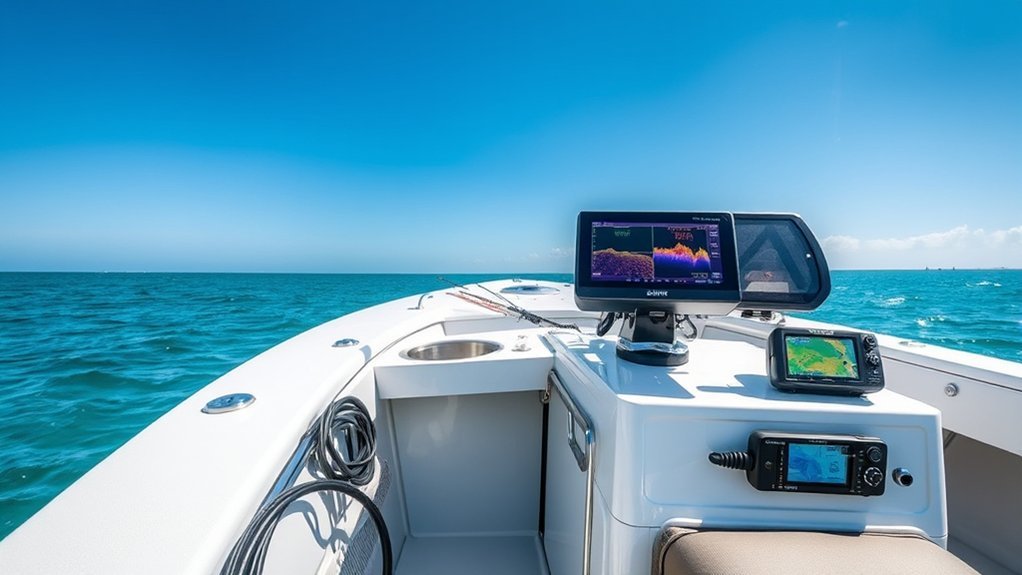
When you’re planning a fishing trip, the most useful electronics are the tools that improve navigation, fish finding, communication, and boat monitoring. For many anglers, that starts with a reliable GPS/chartplotter. It helps you see your position, follow routes, mark productive fishing spots, and avoid shallow water or marked hazards.
Next, add a fish finder or depth sounder. This tool helps you read water depth, bottom changes, bait, structure, and possible fish targets. A basic model can be enough for ponds, rivers, and smaller lakes. Bigger lakes, coastal water, and offshore trips often call for a larger screen, better charts, and more advanced sonar views.
You’ll also want a marine VHF radio for reliable communication. A phone is useful, but it depends on cell coverage and battery life. A VHF radio lets you contact nearby vessels, marinas, bridges, and emergency services on marine channels. Many fixed-mount radios also support Digital Selective Calling when connected to GPS.
Engine monitors help you watch key performance data, such as RPM, fuel level, engine temperature, battery voltage, trim, and warning alerts. On newer boats, that information may appear on a dedicated gauge or directly on a multifunction display.
Warning: Electronics improve safety, but they do not replace basic seamanship. Carry required safety gear, know local rules, check weather before launch, and keep a backup plan if a screen, battery, or transducer fails.
Essential Boat Electronics Priority List
You do not have to buy every screen and sensor at once. Use this simple priority list to match your setup to your fishing needs.
| Must-Have | GPS/chartplotter, fish finder or depth sounder, VHF radio, battery monitor, and basic engine data. |
| Very Useful | Multifunction display, detailed mapping card, trolling motor integration, networking, and NMEA 2000 engine data. |
| Situational Upgrades | Radar, AIS, forward-facing sonar, satellite communicator, autopilot, cameras, and advanced weather overlays. |
Multifunction Displays (MFDs)

Multifunction Displays, often called MFDs, act as the control center for many modern boat electronics. Instead of using separate screens for charts, sonar, engine data, radar, and switching, an MFD can bring those systems together in one place.
For fishing, that matters because you can watch your map and sonar at the same time. You can also mark waypoints, view depth contours, monitor fuel, check alarms, and control some compatible accessories without moving around the boat.
[Amazon Products Picked for You]

Play and control music through your smartphone or MP3 player

MULTIFUNCTION DISPLAY: With GO9 XSE, add GPS navigation, sonar support, radar capability, and system integration to your boat—ideal for sportboats, center consoles, and coastal cruisers

Powerful quad-core processor, plus increased onboard storage for personal data and apps
User Interface Design
As you navigate modern marine electronics, the user interface of a Multifunction Display becomes important. These devices serve as a central hub, integrating control over several systems in a more user-friendly way. MFDs typically feature:
- Touchscreen or keypad controls for simple navigation
- Customizable pages and split-screen modes for better situational awareness
- Control options for compatible systems, such as digital switching, lighting, and pumps
Many MFDs use layouts that feel similar to smartphone apps. That familiar design helps beginners move between charts, sonar, settings, and saved locations with less frustration. A clear interface also matters when the boat is moving, the sun is bright, or you need information quickly.
Customization Options Available
Customizing your MFD can greatly enhance your fishing experience because you can tailor the display to your needs. You can create personalized pages that prioritize the information you use most, such as depth, water temperature, chart view, sonar, engine data, or battery voltage.
You can also split the screen to monitor multiple functions at once. For example, you might run a chart on one side and sonar on the other. Touchscreen controls make navigation simple, while physical buttons can help when your hands are wet or the boat is bouncing.
Many MFDs also support digital switching, which lets you control certain boat systems directly from the display. Depending on the system, that may include lights, livewell pumps, bilge pumps, and accessories. Customizable alerts can warn you about shallow water, engine temperature, low voltage, or depth changes.
Integrating Marine Electronics
Integrating marine electronics into your fishing setup can make your boat easier to manage. Multifunction Displays can connect with compatible devices and show several data streams on one screen. Useful features include:
- Customizable pages: View navigation, sonar, and engine data through split-screen layouts.
- GPS/chartplotter integration: Use mapping and real-time position data for safer trips.
- Digital switching: Control compatible onboard electrical systems from one display.
With the right setup, you can spend less time changing screens and more time reading the water. This is especially helpful when you are following a contour line, holding over structure, or returning through a narrow channel.
Pro Tip: Before buying an MFD, check compatibility with your transducer, engine network, trolling motor, radar, and mapping cards. Matching brands can make setup easier, but compatibility still depends on the exact model.
GPS/Chartplotters
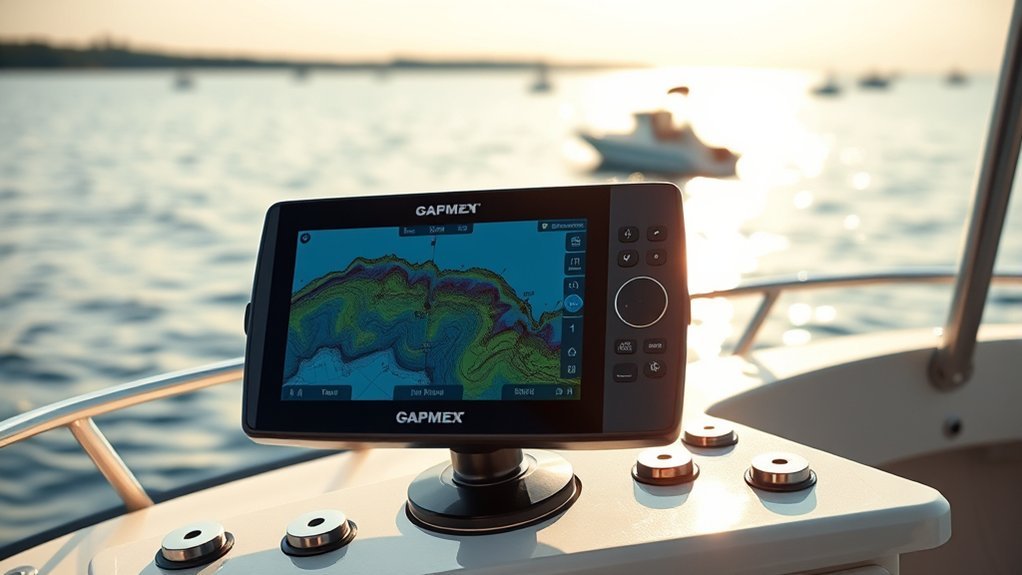
GPS/chartplotters are essential tools for navigating waterways. They combine GPS positioning with electronic charts to show your boat’s location. With features like route planning, breadcrumb trails, and waypoint management, they help you move more efficiently and return safely.
Combination units are what most small-boat owners end up with, since a single screen handling both sonar and charts costs far less than two separate devices. Our comparison of Garmin ECHOMAP chartplotters covers the screen sizes and chart coverage on offer.
For fishing, chartplotters do more than show where you are. They help you save productive spots, mark ramps, follow depth contours, identify creek channels, and repeat successful drifts or trolling passes. Some units also support shaded relief, satellite overlays, lake mapping, and user-created maps.
[Amazon Products Picked for You]

Dual Spectrum CHIRP Sonar: Delivers views of fish arches and fish-holding structure with two ways to search — Wide Mode for maximum coverage and Narrow Mode for detailed scanning; Precise 2D target separation powered by Low-Q transducer

High-Resolution Display: Features a 4.2" Color LCD screen for clear and easy viewing of navigation data

Easy-to-use 9” chartplotter with a bright, sunlight-readable touchscreen display with improved detail, clarity and viewing angle
Essential Navigation Features
When you’re out on the water, reliable navigation tools are essential for safe and efficient boating. A good GPS/chartplotter helps you plot courses, monitor your position, and avoid hazards on high-resolution displays. Important features include:
- Navigational aids: View buoys, markers, channels, and route references.
- Hazard awareness: Identify shallow water, rocks, restricted zones, and underwater hazards when chart data is available.
- User-friendly interface: Use clear menus and readable screens, even if you are new to boating electronics.
Preloaded charts can be helpful, but they may not cover every lake, river, or coastal area you fish. Check chart coverage before buying. Also remember that chart data can be outdated or incomplete, so keep your eyes on the water and use local knowledge.
Integrating With Other Systems
While you’re steering through the water, connecting your GPS/chartplotter with other systems can improve your fishing experience. Modern GPS/chartplotters, including Garmin GPSMAP models and similar units from other brands, can provide high-resolution displays, real-time positioning, saved routes, and waypoint management.
By integrating your chartplotter with sonar systems, you can view depth, structure, and fish marks beside your map. This helps you line up casts, follow breaklines, and understand how fish relate to structure. For improved safety, some models support weather overlays, radar, and Automatic Identification System data, also called AIS.
This type of integration turns your screen into a more complete command center. It helps you plan, fish, and return with more confidence.
Fish Finder or Depth Sounder
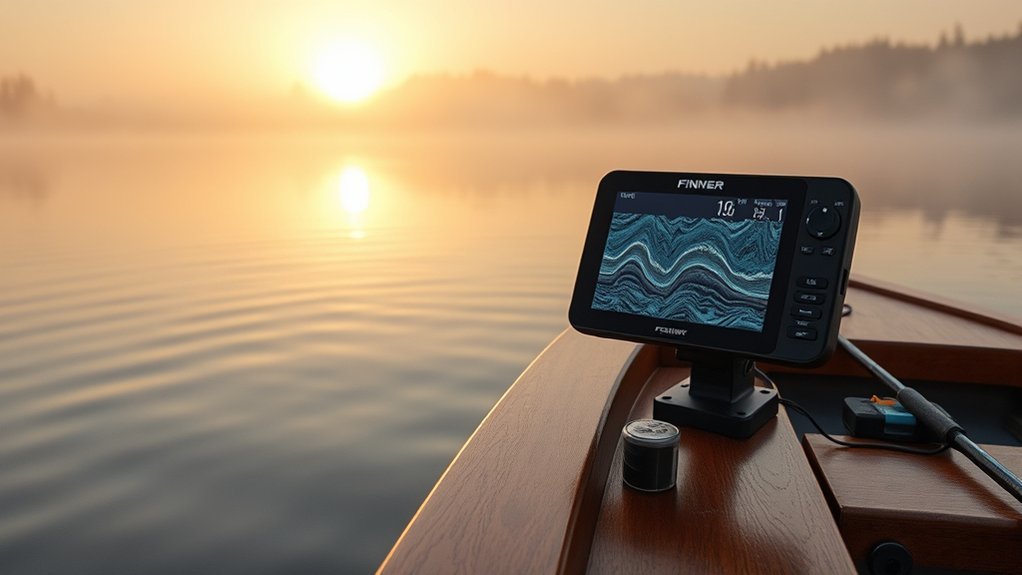
A fish finder, also known as a depth sounder, uses sonar technology to help you read water depth and locate underwater objects. It sends sound pulses from a transducer, then displays the returning signals on a screen. Those returns can show bottom hardness, vegetation, brush, bait, structure, and possible fish.
A fish finder is most useful when you learn to read depth, bottom changes, cover, bait, and fish behavior together instead of chasing every mark on the screen.
Key features of modern fish finders include:
- GPS Integration: Track your position and mark waypoints for future reference.
- Adjustable Settings: Optimize sensitivity, range, frequency, and display settings for changing water conditions.
- Real-Time Visuals: See instant feedback on depth, structure, and fish activity.
Many models also include automatic modes that fine-tune common settings, making them more user-friendly for beginners. As you gain experience, manual settings can help you improve target separation, reduce clutter, and see more useful detail.
Common Sonar Types
Different sonar views help with different fishing jobs. A basic 2D sonar view is useful for depth, bottom reading, and fish arches. Down imaging gives a clearer picture below the boat, which helps you identify brush, rocks, grass, and other structure. Side imaging scans outward to the left and right, making it easier to cover water and find structure away from the boat.
Forward-facing sonar is a more advanced option that can show fish and lure movement in real time. It can be powerful, but it costs more and takes practice. For many beginners, a good 2D sonar and down imaging setup is a better first step.
Transducer Placement and Setup
The transducer is the part of the system that sends and receives sonar signals. If it is mounted poorly, even an expensive fish finder can perform badly. Keep the transducer in clean water flow, away from heavy turbulence, and at the angle recommended for your hull type.
On many small boats, a transom mount works well. Trolling motor mounts are common for bow units. Through-hull and in-hull options can work on larger boats, but installation needs more care. After installation, test the unit at idle and while moving to make sure depth readings stay stable.
Engine Monitors
Engine monitors are essential tools for maintaining better performance on the water. They provide real-time metrics such as engine RPM, fuel level, temperature, trim, voltage, and alarms. These systems help you spot problems early and avoid mechanical trouble during fishing trips.
Many modern engine monitors can integrate into Multifunction Displays. That gives you a centralized interface for checking multiple engine variables while also viewing navigation and sonar data.
| Feature | Description | Benefit |
|---|---|---|
| RPM Display | Shows current engine revolutions | Helps optimize fuel efficiency |
| Fuel Level | Indicates remaining fuel | Prevents running out on water |
| Temperature | Monitors engine temperature | Helps prevent overheating |
| Drive Trim Levels | Tracks boat trim adjustments | Enhances handling and efficiency |
| Rudder Angles | Displays current rudder position | Improves low-speed control and navigation |
Regularly monitoring these metrics can improve your boat’s electrical systems and overall performance. It can also help you catch small problems before they become trip-ending issues.
VHF Radio
When you’re out on the water, a reliable VHF radio is crucial for communication and safety. Marine VHF radios operate in the 156 to 174 MHz range and are designed for short-range communication between vessels, marinas, bridges, and shore stations.
- Fixed-mount VHF radios often offer stronger signal performance and better audio than handheld models.
- NOAA weather broadcasts can help you monitor changing conditions while you are on the water.
- Emergency calling on marine channels can help you reach the Coast Guard or nearby boaters when available in your area.
A fixed-mount radio is best for larger boats, coastal use, and regular open-water trips. A handheld VHF radio works well as a backup or for kayaks, jon boats, and small skiffs. For added safety, choose a radio with GPS and Digital Selective Calling support when possible.
Note: A VHF radio works best when you know the basics before an emergency. Learn how to make a distress call, keep the radio charged, and test your setup before leaving the dock.
Power, Batteries, and Wiring
Your electronics are only as reliable as the power behind them. Fish finders, MFDs, radios, pumps, lights, livewells, and trolling motors can drain batteries faster than many anglers expect. Plan your power system before adding more screens and accessories.
Use marine-grade wiring, proper fuses or breakers, clean terminals, and secure connections. Corrosion, loose grounds, undersized wire, and weak batteries can cause screen flicker, sonar interference, radio noise, and random shutdowns.
- Starting battery: Powers the engine and often basic boat systems.
- House battery: Powers electronics and accessories on larger setups.
- Trolling motor batteries: Run the trolling motor and should usually stay separate from sensitive electronics.
- Battery monitor: Helps you track voltage and avoid draining power too far.
If your electronics shut off when you start the engine, your battery may be weak, the wiring may be undersized, or your electronics may need a dedicated circuit.
Explore Other Boat Electronics
While VHF radios, GPS/chartplotters, fish finders, and engine monitors cover the basics, other boat electronics can enhance your navigation, fishing efforts, and safety. The right upgrades depend on where you fish.
One important option is AIS, or Automatic Identification System. AIS can show nearby commercial vessels and other AIS-equipped boats on compatible displays. It is especially useful in busy channels, fog, coastal areas, and larger bodies of water.
Marine radar can help you see land, boats, rain, and some obstacles in low visibility. It is not necessary for every fishing boat, but it can be valuable for offshore anglers or anyone who runs before sunrise, after dark, or in foggy conditions.
Trolling motor integration is another powerful upgrade. Some systems let you follow depth contours, hold position with spot lock, steer from a remote, or control the motor from a compatible fish finder or MFD.
Fishing apps can also help with mapping, trip planning, weather, logs, and social reports. They are useful tools, but you should not treat a phone app as your only navigation or safety system. Phones can lose service, overheat, get wet, or run out of battery.
Recommended Electronics Brands and Models
Choosing the right electronics for your boat can substantially improve your fishing experience, especially with so many reputable brands and models available. Here are three recommended options to evaluate:
- Garmin Echomap93UHD: A strong option for many anglers who want mapping, sonar, and a user-friendly interface.
- Humminbird Helix series: Known for strong fishing features and compatibility with many Minn Kota trolling motor setups.
- Lowrance models: Offer many choices for freshwater, coastal, and tournament-style anglers, though features can vary by model.
For dual setups, consider pairing a larger console unit with a smaller bow unit. For example, some anglers run a Garmin 93sv at the console with a 73 at the bow to combine navigation, sonar, and casting-focused views. The best pairing depends on screen size, transducer support, networking needs, and your budget.
[Amazon Products Picked for You]
![The Ultimate Fish Finder Guide ★★★★★ [2023]: How to use your fish finder the right way & catch more fish then ever](https://m.media-amazon.com/images/I/41MIJRv1xeL._SL500_.jpg)

Garmin ECHOMAP 53cv UHD2 is a chartplotter that comes with 5” color display

MULTIFUNCTION DISPLAY: With GO9, add GPS navigation, sonar support, radar capability, and much more to your boat: perfect for sportboats, center-consoles, and smaller cruisers
How to Choose Between Brands
Brand choice often comes down to the full ecosystem. If you already have a compatible trolling motor, transducer, radar, or mapping card, staying in that ecosystem can reduce setup problems. Garmin, Humminbird, Lowrance, and Raymarine all offer strong options, but the best choice depends on your boat and fishing style.
Before buying, compare screen brightness, mapping coverage, sonar support, networking, warranty terms, update process, and mounting space. Also check whether the unit includes a transducer or requires one separately.
Fishing Techniques and Strategies
Successful fishing often depends on matching your electronics to fish behavior and the environment. Understanding underwater structures like breaklines, points, ledges, grass edges, creek channels, and drop-offs is key. These areas often attract fish because they offer cover, shade, current breaks, or nearby food.
When you’re out on your fishing boat, using spot locking with a trolling motor can help you hold position over productive structure. This lets you cast accurately without drifting away from the target.
Seasonal changes also affect fish behavior. During warmer months, fish may hold deeper, suspend near bait, or move during low-light periods. During cooler months, they may use different depth zones, feed around wind-blown banks, or gather near structure. A dual-unit setup can improve your efficiency because the console unit helps with navigation while the bow unit helps with casting and boat positioning.
Familiarity with lake maps and depth contours is essential for both safety and fishing success. Use your chartplotter to find likely areas, then use sonar, or an underwater camera drone, to confirm what is actually below the boat.
How to Build a Beginner-Friendly Setup
If you are starting from scratch, keep the setup simple. A clean, reliable system beats a complicated one you do not understand. For a small freshwater fishing boat, one 7-inch or 9-inch fish finder/chartplotter at the console may be enough. Add a bow unit later if you spend more time casting from the front deck.
For coastal or larger-water fishing, prioritize navigation and communication first. A quality chartplotter, fixed-mount VHF radio, depth sounder, and engine data are more important than advanced fishing views. Offshore anglers may also want radar, AIS, EPIRB or satellite communication, and backup navigation.
- Small lakes and ponds: Basic fish finder, GPS, and battery monitor.
- Large freshwater lakes: Chartplotter, sonar, mapping, bow unit, and trolling motor integration.
- Coastal fishing: Chartplotter, VHF radio, depth sounder, engine monitor, weather, and possibly AIS.
- Offshore trips: Add radar, backup communication, redundant power, and emergency signaling gear.
Maintenance and Troubleshooting
Marine electronics live in a rough environment. Sun, vibration, spray, corrosion, and battery issues can all shorten their life. Simple maintenance helps prevent problems.
- Rinse salt and grime from screens, mounts, and exposed hardware with fresh water when appropriate.
- Dry connectors before storage and protect unused ports with covers.
- Inspect wiring, fuses, terminals, and grounds for corrosion or looseness.
- Update software and charts when updates are available from the manufacturer.
- Remove portable displays or cover them when the boat is stored.
If your fish finder shows clutter, check sensitivity, frequency, transducer angle, and water turbulence. If your screen shuts off, check battery voltage and wiring. If GPS is inaccurate, make sure the antenna has a clear view of the sky and the unit has the latest available software.
Related Guides
Frequently Asked Questions
How do I choose the right sonar unit for my needs?
Choose a sonar unit based on your fishing style, boat size, budget, and water depth. For basic fishing, 2D sonar and down imaging may be enough. For covering more water, side imaging helps. For real-time casting, forward-facing sonar is useful but more expensive and harder to learn.
Can I use my smartphone for fishing electronics?
Yes, you can use your smartphone for mapping, weather, fishing logs, and some portable fish finder accessories. However, a phone should not be your only navigation or safety tool because it can lose service, battery power, or visibility in bright sun.
What are the benefits of using a fish finder?
A fish finder helps you see depth, bottom changes, cover, bait, and possible fish. It can save time by showing where fish are likely to hold. It also helps you avoid shallow areas and understand the structure below the boat.
How do I maintain my fishing electronics?
Keep screens clean, protect connectors, inspect wiring, check battery voltage, and update software when needed. After each trip, look for loose mounts, damaged cables, corrosion, and moisture around plugs or power connections.
Are there any apps for fishing electronics?
Yes. Apps can help with mapping, weather, trip planning, tide data, fishing logs, and shared catch reports. Popular options include Fishbrain, Navionics, and brand-specific apps from electronics makers. Use apps as helpful tools, not as your only safety system.
Do I need a multifunction display or separate units?
A multifunction display is best if you want charts, sonar, engine data, radar, and other systems on one screen. Separate units can work well on smaller boats or budget setups. The best choice depends on screen space, cost, and how many systems you want to connect.
Is a VHF radio necessary for freshwater fishing?
A VHF radio may not be necessary on every small pond or protected lake, but it becomes more valuable on large lakes, coastal waters, busy waterways, and areas with limited cell service. A handheld VHF can be a smart backup even on smaller boats.
Conclusion
Incorporating the right electronics into your fishing setup can transform your time on the water. A GPS/chartplotter helps you navigate and save productive areas. A fish finder reveals depth, structure, and possible fish. A VHF radio improves communication and safety, while engine monitors keep you informed about your boat’s performance.
Start with the essentials, then add upgrades that match your fishing style. When your electronics, power system, and boat handling work together, you can fish with more confidence and make better decisions throughout the day.
Sources
- U.S. Coast Guard Navigation Center — marine communication and VHF radio safety information
- NOAA National Weather Service Marine Forecasts — marine weather and forecast information
- Federal Communications Commission Marine Radio Services — marine radio service rules and licensing overview
- U.S. Coast Guard AIS Overview — Automatic Identification System basics
- BoatUS Foundation Navigation Electronics — boating electronics and navigation safety basics