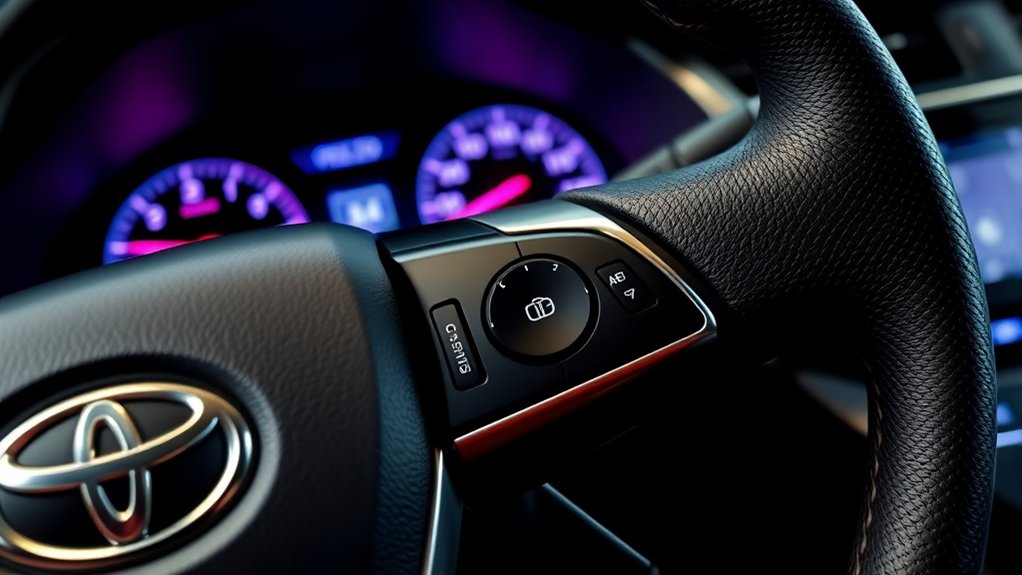
Toyota Camry cruise-control controls vary by model year, trim, market, and installed safety system. Older Camrys commonly use a stalk behind the steering wheel, while newer models use steering-wheel switches and may include Dynamic Radar Cruise Control (DRCC). Identify your controls and check the owner’s manual for your exact Camry before relying on any speed threshold or button sequence.
Quick Answer
Older Toyota Camrys often use a stalk: switch cruise control on, reach a suitable speed, push the stalk down to SET, and use the stalk to adjust or cancel. Newer Camrys use steering-wheel switches and DRCC, so confirm the exact controls and minimum set speed in your model-year owner’s manual.
Key Takeaways
- Older Camrys may have a cruise-control stalk; newer Camrys commonly use buttons on the steering wheel.
- Turning cruise control on does not set a speed. You must reach a permitted speed and press or move the SET control.
- Normal cancellation usually preserves the memorized speed for RESUME; switching the system off clears it.
- Conventional cruise maintains speed, while DRCC can also adjust speed to help preserve a selected following distance.
- Do not treat cruise control as automated driving. Continue steering, monitoring traffic, choosing a safe speed, and braking whenever needed.
At a Glance
| Time Required | About 1–2 minutes after you identify the correct controls |
| Difficulty | Easy, but practice only on a suitable open road |
| Tools Needed | No tools; your model-year Toyota owner’s manual is recommended |
| Cost | $0 |
Warning: Do not use conventional cruise control in heavy traffic, on sharply curving or winding roads, on slippery roads, or on steep hills. Even with DRCC, remain ready to steer and brake immediately. Cruise control is driver assistance, not self-driving technology.
What Is Cruise Control and How Does It Work?
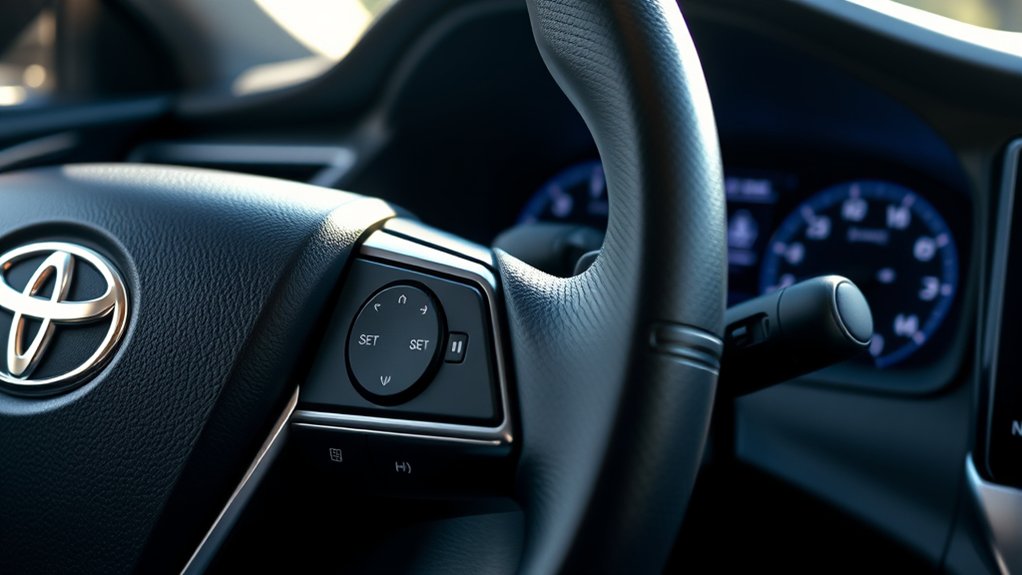
Cruise control reduces the need to hold the accelerator at one fixed position. After you select a permitted speed, the vehicle controls the throttle—and, on some systems, the brakes—to help maintain that speed.
Toyota Camrys can have one of two general systems:
- Conventional cruise control attempts to maintain the selected road speed. It does not automatically preserve the distance from a slower vehicle ahead.
- Dynamic Radar Cruise Control is Toyota’s adaptive system. It can adjust vehicle speed to help maintain a selected following distance from a detected vehicle ahead.
The National Highway Traffic Safety Administration describes adaptive cruise control as a driver-assistance feature that adjusts speed to preserve a preset distance. The driver must still supervise the road, steer, choose a safe speed, and brake whenever necessary.
Note: DRCC does not automatically mean the vehicle will steer for you. Lane Tracing Assist or another lane-centering feature is separate and has its own activation conditions and limitations.
The minimum speed for setting or resuming cruise control is not identical across all Camrys. For example, Toyota’s 2014 Camry documentation specifies approximately 25 mph for its conventional system, while the 2025 Camry quick-reference guide describes setting full-speed-range DRCC at approximately 20 mph or more. Use Toyota’s official manual lookup to verify your vehicle.
How to Properly Activate Cruise Control in Your Camry
Practice the procedure on a dry, open, relatively straight road with light traffic. Do not look down for an extended period while locating a button or reading the display.
- Identify the control layout. Look for either a small cruise-control stalk behind the lower-right side of the steering wheel or cruise-control switches on the steering wheel itself.
- Confirm the system type. A vehicle-to-vehicle distance button or DRCC message indicates an adaptive system. A basic ON/OFF, SET, RES, and CANCEL arrangement may operate conventional cruise control.
- Turn the system on. Press the ON/OFF or cruise-main button. On a stalk-equipped Camry, this may be the button at the end of the stalk.
- Reach a suitable speed. Accelerate normally to the speed you want, provided it is above the model-specific minimum and safe for conditions.
- Set the speed. On many older Camrys, push the stalk down. On newer switch-equipped models, press the SET or SET/− switch.
- Check the display. Confirm that the SET indicator or selected-speed display appears before easing pressure from the accelerator.
You do not need to remove your foot from the accelerator before switching the system on. What matters is reaching a safe, permitted speed and deliberately using the SET control.
Activating the Cruise-Control Indicator
Pressing the cruise-main or ON/OFF control normally illuminates a cruise-control symbol or message. This means the system is available, not necessarily that it is maintaining speed.
After you press SET, a separate SET indicator or selected-speed display should appear. If no SET confirmation appears, continue controlling speed manually and troubleshoot the system instead of assuming it is active.
If you cancel speed control with the brake pedal or CANCEL control, the SET indicator commonly disappears while the main cruise-control indicator remains on. Pressing the main ON/OFF control switches the entire system off.
Setting the Desired Speed
Accelerate or decelerate normally until the speedometer shows the speed you want. Press or move the SET control, then release the accelerator gradually while watching traffic and the vehicle’s response.
Do not assume every Camry uses a 25-mph minimum. The 2014 Toyota Camry Quick Reference Guide describes resumption above 25 mph, while the 2025 Toyota Camry Quick Reference Guide describes setting DRCC at approximately 20 mph or more.
After setting the speed, you can usually press the accelerator temporarily to pass or merge. When you release the accelerator, the vehicle normally returns to the memorized speed unless you canceled the system or set a new speed.
Canceling the Cruise-Control System
To pause cruise control without switching the system completely off, use one of the normal cancellation methods provided for your Camry:
- Press the brake pedal.
- Pull a legacy cruise-control stalk toward you.
- Press a steering-wheel CANCEL switch.
- Press the clutch pedal on a vehicle whose manual lists that action.
After cancellation, control the accelerator manually. The previously selected speed is normally retained so it can be resumed, but certain automatic-cancellation events may erase it or prevent resumption.
To shut down the cruise-control system completely, press the cruise-main or ON/OFF control. This clears the selected speed and prevents an accidental resume command.
Setting and Adjusting Your Speed With Ease
Use the cruise controls only when you can make an adjustment without taking your attention from traffic. A short press or movement usually makes a fine adjustment; holding a control usually produces a larger or continuous change. Exact increments vary by model, system type, and whether the display is set to mph or km/h.
Setting Your Desired Speed
The following table summarizes common control layouts. The markings in your Camry and its owner’s manual take priority.
| Action | Older stalk-equipped Camry | Newer switch-equipped Camry |
|---|---|---|
| Turn the system on | Press the button at the end of the stalk | Press the cruise-main or driving-assist mode switch |
| Set the current speed | Push the stalk down and release it | Press SET or SET/− |
| Increase the set speed | Move the stalk up | Press RES/+ or the marked increase switch |
| Decrease the set speed | Move the stalk down | Press SET/− or the marked decrease switch |
| Cancel temporarily | Pull the stalk toward you or press the brake | Press CANCEL or press the brake |
| Resume the stored speed | Move the stalk up when resumption is permitted | Press RES/+ when resumption is permitted |
Once SET appears, keep monitoring the speedometer. The vehicle may gain speed on a downhill grade, and cruise control cannot make an unsafe selected speed safe.
Incremental Speed Adjustments
On the conventional system documented for the 2014 Camry, a momentary lever movement changes the set speed by approximately 1 mph, while holding the lever produces a continuous adjustment until it is released.
Newer switch-equipped systems may use different short-press and long-press behavior. Some also change the size of the adjustment depending on the operating mode or displayed units. Use the symbols on the switch and the procedure in your exact owner’s manual instead of assuming every press equals 1 mph.
You can also set a substantially different speed by accelerating or slowing manually and pressing SET again when conditions are suitable.
Pro Tip: Make small adjustments while watching the road, then verify the selected speed on the instrument display. Do not repeatedly look down or hold a switch while approaching traffic, a curve, or a lower speed limit.
Continuous Acceleration and Deceleration
Holding an increase or decrease control may change the memorized speed continuously. The vehicle’s exact response depends on the cruise-control design, road grade, powertrain, and traffic ahead.
| Action | Increase Speed | Decrease Speed |
|---|---|---|
| Fine adjustment | Briefly operate RES/+ or move the stalk up | Briefly operate SET/− or move the stalk down |
| Larger adjustment | Hold the increase control and release it at the desired setting | Hold the decrease control and release it at the desired setting |
| Manual method | Accelerate to a safe new speed and press SET | Brake or coast to a safe new speed, then press SET again |
| Confirmation | Check the selected-speed display or speedometer | Check the selected-speed display or speedometer |
| Safety limit | Do not exceed the posted limit or a safe speed for conditions | Do not create a large speed difference for traffic behind you |
A steady selected speed may reduce unnecessary accelerator movement on a level, open road, but cruise control does not guarantee better fuel economy. On rolling or steep terrain, manual speed control may be smoother or more efficient.
How to Cancel and Resume Cruise Control
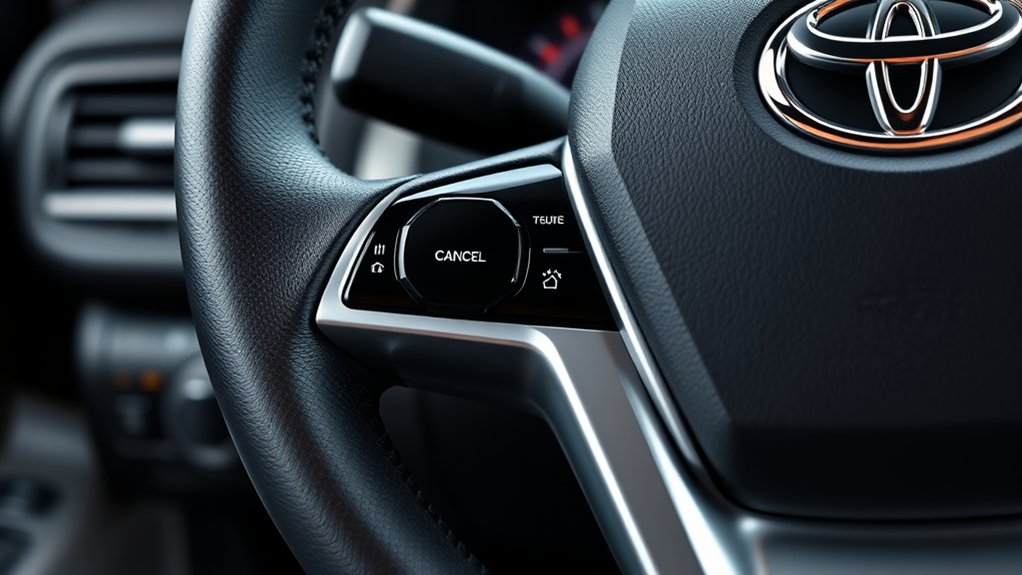
To cancel speed maintenance temporarily, press the brake pedal, use the CANCEL switch, or pull a legacy stalk toward you. The vehicle will stop maintaining the selected speed, but the cruise-control system may remain switched on.
To resume, press RES/+ or move the legacy stalk up after traffic and road conditions become suitable and the vehicle is within the permitted resume range. The car may accelerate toward the memorized speed, so do not resume when that acceleration would be unsafe.
- Cancellation is not the same as switching off. Normal cancellation usually preserves the stored speed.
- The SET indicator normally clears after cancellation. The main cruise indicator may remain illuminated.
- RESUME can cause noticeable acceleration. Check the memorized speed and traffic ahead first.
- Some automatic cancellations prevent resumption. Set a new speed only after identifying and correcting the cause.
On the conventional 2014 Camry system, Toyota states that resumption is available above approximately 25 mph. Newer DRCC systems can have different operating conditions, so follow the model-specific manual.
Safe Ways to Turn Off Cruise Control
Use the brake pedal or CANCEL control when you need immediate manual speed control. Press the main ON/OFF control when you are finished using cruise control or when you do not want an accidental resume command.
Cruise control can manage speed under limited conditions, but the driver remains responsible for steering, braking, following distance, speed limits, and changing road conditions.
Avoid or discontinue cruise control in situations such as:
- Heavy or unpredictable traffic that requires frequent speed changes
- Sharp bends, winding roads, construction zones, or complex merging areas
- Rain, snow, ice, standing water, gravel, or any surface with reduced traction
- Steep uphill or downhill grades where speed may vary substantially
- Poor visibility caused by fog, heavy rain, snow, glare, or darkness
- A blocked, dirty, iced, damaged, or misaligned radar sensor or forward camera
- Any situation in which the system responds unexpectedly or displays a warning
Full-speed-range DRCC may be able to slow or stop behind detected traffic under certain conditions, but it can still have difficulty with vehicles cutting in, unusual vehicle shapes, sharp curves, motorcycles, stationary objects, bad weather, or obscured sensors. Brake manually whenever the system is not slowing early or strongly enough.
Answers to Your Most Common Cruise Control Questions
Why Won’t My Camry Cruise Control Set?
Common causes include the system not being switched on, driving below the permitted setting speed, pressing the brake or clutch, using an unsupported shift position, an active stability-control event, a warning message, or a blocked DRCC sensor. Check the display and owner’s manual before trying again.
Why Did Cruise Control Cancel by Itself?
Depending on the model, automatic cancellation can occur after braking, a large speed reduction, activation of stability or traction control, a system fault, a steep grade, sensor obstruction, or another condition listed in the manual. Continue driving manually and investigate any warning indicator.
Can I Accelerate Without Canceling Cruise Control?
Usually, yes. Pressing the accelerator temporarily allows you to exceed the selected speed. Releasing it normally lets the vehicle return to the memorized setting. Press SET at the new speed when you intend to replace the stored setting.
Does DRCC Always Stop for a Vehicle Ahead?
No. Detection and braking capability are limited by weather, sensor visibility, road shape, the type and position of the vehicle ahead, and other conditions. Never wait for DRCC to react when you can see that braking is necessary.
What Should I Do If the Cruise Indicator Flashes or a Warning Appears?
Cancel the system and control the vehicle manually. Check for a dirty or blocked sensor if the vehicle has DRCC. If the warning remains, the system repeatedly cancels, or the cruise speed cannot be set, arrange an inspection by a qualified Toyota technician.
Frequently Asked Questions
How do I turn on cruise control in a Toyota Camry?
Press the cruise-main or ON/OFF control. On an older Camry, it may be at the end of a stalk behind the steering wheel. On a newer Camry, it may be a steering-wheel button. Turning it on only makes the system available; reach a suitable speed and use SET to begin speed control.
How do I know whether my Camry has conventional cruise control or DRCC?
Look for a vehicle-to-vehicle distance switch, a following-distance display, or Dynamic Radar Cruise Control wording in the instrument display or owner’s manual. Conventional cruise maintains a selected speed; DRCC can also adjust speed to help preserve a selected distance from a detected vehicle ahead.
How do I use cruise control on a 2014 Toyota Camry?
Press the ON/OFF button at the end of the cruise-control stalk, drive above approximately 25 mph, and push the stalk down to SET. Move it up to increase or resume, move it down to decrease, and pull it toward you or press the brake to cancel. Press ON/OFF again when finished.
Can I use Toyota Camry cruise control in rain or snow?
Do not use conventional cruise control on slippery roads. Rain, snow, ice, standing water, and loose surfaces can reduce traction and make automatic speed maintenance unsafe. DRCC sensors can also be affected by bad weather, so disengage the system whenever conditions are uncertain.
Why does pressing the brake cancel cruise control?
Brake-pedal input tells the system that the driver wants direct speed control. Normal cancellation usually stops automatic speed maintenance while preserving the selected speed for a later RESUME command. Pressing the main ON/OFF control clears the setting completely.
Does Toyota Camry cruise control steer the car?
Cruise control by itself manages speed, not steering. A Camry equipped with Lane Tracing Assist may provide limited steering assistance when its operating conditions are satisfied, but the driver must keep control of the steering wheel and monitor the road continuously.
Conclusion
Using cruise control in a Toyota Camry is straightforward once you identify the correct control layout. Switch the system on, reach a safe model-appropriate speed, press SET, and confirm the display. Use CANCEL or the brake to pause control, RESUME only when the stored speed is safe, and the main ON/OFF control when you are finished.
The most important point is that Camry controls and operating thresholds have changed over time. A 2014 stalk-equipped Camry does not operate exactly like a newer model with full-speed-range DRCC. Follow the manual for your model year, remain attentive, and disengage cruise control whenever traffic, traction, visibility, road shape, or system behavior makes manual control safer.
Sources
- Toyota Manuals and Warranties — official model- and year-specific owner’s-manual lookup.
- Toyota Camry Owner’s Manual, OM33B27U — conventional cruise-control operation, adjustment, cancellation, and unsuitable-use conditions.
- 2014 Toyota Camry Quick Reference Guide — stalk controls and the 25-mph resume condition.
- 2025 Toyota Camry Quick Reference Guide — Full-Speed Range Dynamic Radar Cruise Control and newer operating controls.
- NHTSA Driver Assistance Technologies — adaptive-cruise definition and driver-responsibility guidance.

