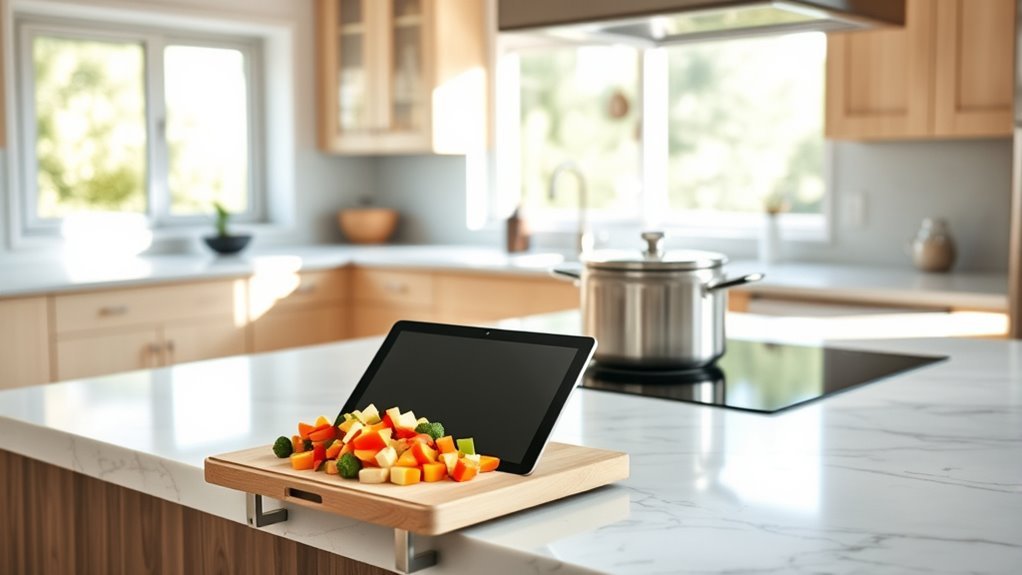
The best device to view recipes in the kitchen depends on whether you value a large readable screen, hands-free control, low cost, or protection from kitchen splashes. For most cooks, a 10- to 11-inch tablet offers the best balance because it can display full recipes, play cooking videos, run timers, save recipe collections, and adjust text size. Smart displays are useful when voice control matters more than app flexibility.
Quick Answer
For most people, the best device for viewing recipes in the kitchen is a 10- to 11-inch tablet. The current 11-inch iPad (A16) offers the strongest all-around mix of screen quality, apps, speed, and voice tools. Choose a Fire HD 10 for lower cost or an Echo Show 8 when hands-free use matters most.
Key Takeaways
- A 10- to 11-inch tablet is the most flexible recipe device for most kitchens because it combines web browsing, recipe apps, videos, timers, and adjustable text.
- The current 11-inch Apple iPad with the A16 chip is the strongest all-around choice if you want a broad app ecosystem and a bright 500-nit display.
- The Fire HD 10 remains a lower-cost option with a 10.1-inch 1080p screen, hands-free Alexa support, and up to 13 hours of stated battery life.
- Samsung’s Galaxy Tab A11+ is a current Android value option, while the Galaxy Tab S10 FE adds an IP68 water- and dust-resistance rating.
- The Echo Show 8 is better for voice-first cooking and glanceable information, but a tablet gives you more control over websites, apps, PDFs, notes, and videos.
- Older dedicated recipe readers such as the Demy and Key Ingredient Recipe Reader should now be treated as legacy hardware rather than primary 2026 recommendations.
What’s the Best Device for Recipes?
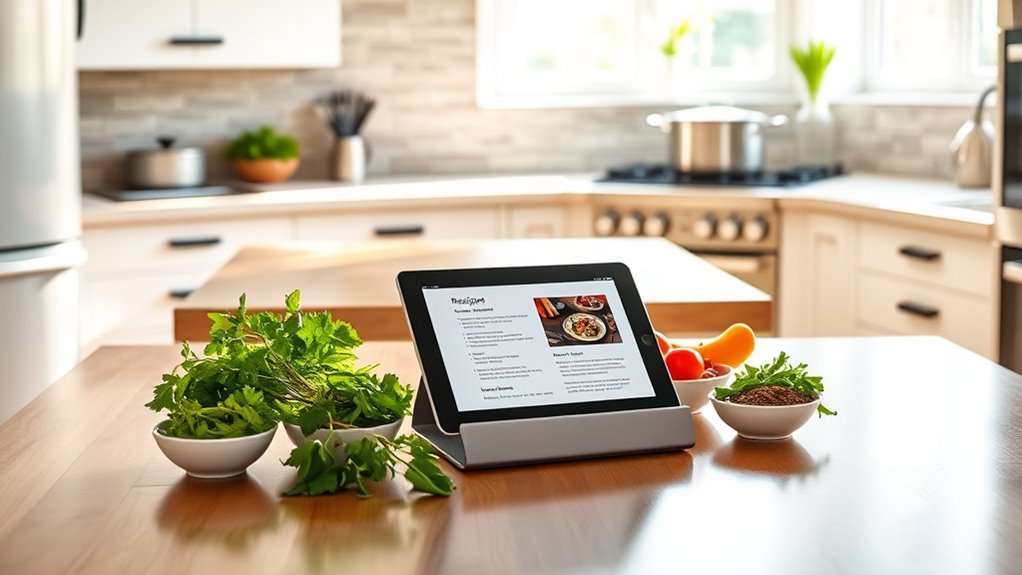
For most cooks, a tablet is the best device for recipes because it can handle full web pages, dedicated recipe apps, saved PDFs, videos, shopping lists, and multiple timers without locking the user into one recipe service.
The current 11-inch Apple iPad with the A16 chip is a strong all-around choice. Apple specifies a 10.86-inch viewable Liquid Retina display, 500-nit brightness, and up to 10 hours of Wi-Fi web browsing or video playback. Those specifications are more than adequate for recipes, meal planning, and cooking videos.
For a lower-cost approach, the Fire HD 10 has a 10.1-inch 1080p display, 3GB of RAM, hands-free Alexa support, and up to 13 hours of stated battery life. Its main trade-off is software flexibility: Fire tablets use Amazon’s Fire OS ecosystem, so cooks who depend on a specific iPadOS or Google Play app should verify app availability first.
Android users should also consider Samsung’s current Galaxy tablets. The Galaxy Tab A11+ provides an 11-inch screen, up to 15 hours of stated video playback, and expandable storage. The Galaxy Tab S10 FE costs more but has an IP68 water- and dust-resistance rating, making it more reassuring around occasional kitchen splashes.
If touching a screen while cooking is the main problem, the current Amazon Echo Show 8 is a better fit. It combines a smart display with Alexa voice control, allowing quick access to timers, reminders, information, and supported recipe experiences while your hands are occupied.
Current Kitchen Recipe Device Comparison
| Device | Best For | Useful Kitchen Features | Main Trade-Off |
|---|---|---|---|
| Apple iPad 11-inch (A16) | Best all-around recipe viewing | 11-inch class display, 500 nits, broad app support, Siri, timers, up to 10-hour stated web/video battery life | No advertised IP water-resistance rating |
| Amazon Fire HD 10 | Lower-cost dedicated kitchen tablet | 10.1-inch 1080p display, Alexa, up to 13-hour stated battery life | More limited app ecosystem than iPadOS or standard Android tablets |
| Samsung Galaxy Tab A11+ | Current Android value option | 11-inch display, expandable storage, up to 15-hour stated video playback | No IP68 rating like the S10 FE |
| Samsung Galaxy Tab S10 FE | Kitchen use where splash resistance matters | 10.9-inch display, IP68 rating, S Pen included | More expensive than basic recipe viewing requires |
| Amazon Echo Show 8 (2025 release) | Hands-free cooking | Alexa+, voice control, timers, reminders, smart-home functions, touch display | Less flexible than a tablet for arbitrary websites, PDFs, and specialized apps |
Why Tablets Beat Smart Speakers
Tablets have an advantage over audio-only smart speakers because recipes are visual. A cook can see the full ingredient list, jump backward or forward, enlarge text, watch a technique video, compare substitutions, and keep several browser tabs or apps available at once.
A larger screen is also easier to read from across the counter than a phone. Adjustable text, browser zoom, accessibility features, and landscape orientation can make long recipes much easier to follow.
Voice assistants still add value. Apple documents hands-free Siri commands for timers and reminders, while Amazon Fire tablets support Alexa. That means a tablet can provide both detailed visual instructions and basic hands-free control rather than forcing the cook to choose one or the other.
For recipe viewing, a large readable screen and flexible software usually matter more than premium processing power.
Best Kitchen Tablets for Every Budget
The Apple iPad 11-inch (A16) is the best fit for cooks who want one tablet for the kitchen and everyday use. Apple currently lists the model from $449 in the U.S. Its 500-nit display, A16 processor, USB-C connection, Safari browser, App Store access, and built-in accessibility tools give it plenty of flexibility for recipes.
The Amazon Fire HD 10 makes more sense when the tablet will spend most of its life on a kitchen stand. Its 10.1-inch Full HD display and long stated battery life are enough for web recipes and cooking videos without paying for high-end hardware.
The Samsung Galaxy Tab A11+ is a current middle-ground Android option. Samsung lists the Wi-Fi model from $299.99 before promotions or trade-ins. It has an 11-inch display, microSD expansion, and up to 15 hours of stated video playback.
For a kitchen where accidental splashes are a serious concern, the Galaxy Tab S10 FE deserves special attention because Samsung gives the tablet an IP68 water- and dust-resistance rating. That rating provides more protection than an unrated tablet, although it is still sensible to keep any electronics away from sinks, hot cookware, steam, and food spills.
A current iPad Pro is unnecessary for recipe viewing alone. Apple’s present iPad Pro uses the M5 chip and a high-end tandem-OLED display, but those capabilities mainly benefit demanding creative or professional work. A standard iPad is usually the more economical kitchen choice.
The Lenovo Yoga 9i also remains capable of displaying recipes and cooking videos, but it is a 14-inch convertible Windows laptop rather than a dedicated kitchen tablet. Its larger body and keyboard take more counter space, so it makes the most sense if you already own one or need a full Windows computer in the kitchen.
How the Demy Compares Today
The Demy was an early dedicated digital recipe reader designed specifically for kitchen use. It appeared in the late 2000s with a 7-inch touchscreen, recipe storage, timers, measurement conversion tools, and a splash-resistant, wipe-clean design.
Those ideas were useful, but the hardware now belongs to an earlier generation of connected recipe products. It depended on computer software and the Key Ingredient ecosystem for syncing recipes, and modern tablets can perform the same basic tasks while also supporting current browsers, video services, cloud storage, accessibility settings, and modern recipe apps.
- Focused interface: the Demy was designed around recipes rather than general apps.
- Kitchen tools: timers and measurement conversion were built into the device.
- Legacy limitations: its small screen, old software workflow, and dependence on an older online ecosystem reduce its usefulness today.
- Modern replacement: a current tablet on a stable stand provides a larger display and much broader software support.
Note: The Demy and Key Ingredient Recipe Reader should be treated as legacy devices. They may still appear secondhand, but they are not appropriate primary recommendations for someone buying a supported recipe device in 2026.
What to Look for in a Kitchen Tablet
A good kitchen tablet should be easy to read without leaning over it, responsive enough to move quickly through long recipes, and simple to operate when your hands are occupied. Screen size, glare, battery life, software availability, durability, and safe placement all matter more in a kitchen than benchmark performance.
Screen Size And Brightness
A screen around 10 to 11 inches is a practical size for most counters. It is large enough to display ingredient lists and instructions without using excessive space beside cutting boards and appliances.
Brightness matters, but there is no universal minimum that guarantees good visibility. Reflections, overhead lights, windows, viewing angle, text size, and display coating can matter as much as the advertised nit rating. Apple’s current base iPad reaches 500 nits, for example, which is appropriate for typical indoor use, but direct glare can still reduce readability.
- Choose a display large enough to read from your normal prep position.
- Check whether overhead lights or windows create strong reflections.
- Use browser zoom or larger system text instead of leaning toward the screen.
- Prefer a stable stand that lets the screen tilt toward your line of sight.
Battery Life And Durability
Current mainstream tablets generally offer enough battery life for normal cooking sessions, but manufacturer estimates use controlled test conditions. Apple rates the current iPad for up to 10 hours of Wi-Fi web browsing or video, Amazon rates the Fire HD 10 for up to 13 hours, and Samsung rates the Galaxy Tab A11+ for up to 15 hours of video playback. Actual endurance varies with brightness, Wi-Fi use, video streaming, age, and background activity.
Durability needs more careful interpretation. A glass screen that can be wiped clean is not automatically water-resistant. Samsung gives the Galaxy Tab S10 FE an IP68 rating, while Apple instructs iPad users to avoid getting moisture into openings.
| Feature | Practical Value |
|---|---|
| Battery life | Reduces the need to run a charging cable through the prep area |
| Stable case or stand | Keeps the screen upright and farther from spills |
| Documented IP rating | Provides defined water/dust protection on supported models |
| Lightweight design | Makes the device easier to move and store after cooking |
Voice Assistants And Apps
Voice control is most useful for simple commands that would otherwise require touching the screen with wet, greasy, or flour-covered hands. Timers, reminders, unit questions, grocery-list additions, and opening supported apps are good examples.
- Apple iPad: Siri can set timers, reminders, and perform supported app actions.
- Fire HD 10: hands-free Alexa provides timers, searches, and other supported commands.
- Samsung tablets: Android and Samsung software provide access to a broad selection of recipe, browser, note, video, and assistant tools.
- Echo Show: Alexa-first operation is useful when voice interaction is more important than full tablet-style app flexibility.
Before buying a tablet for one particular recipe-management app, confirm that the app is available on that operating system. This matters especially with Fire tablets because Fire OS uses Amazon’s ecosystem rather than functioning exactly like a standard Google Play Android tablet.
How to Position a Recipe Device Safely
A good recipe screen should be visible without sitting inside the main cooking or washing zone. A countertop stand, wall shelf, or suitable mount can raise the display and reduce the chance of flour, grease, and water reaching it.
Warning: Keep tablets, smart displays, power adapters, and charging cables away from sinks, standing water, hot burners, open flames, and heavy steam. Apple tells iPad users to avoid moisture in openings, and Amazon specifically warns against using the Echo Show 8 near sinks or other wet locations.
Place the device far enough from the cooktop that hot oil cannot easily splatter onto it. If the tablet must remain plugged in, route the charging cable so it cannot cross a cutting area, sink edge, or walkway.
Pro Tip: Put the tablet on a stable stand at roughly eye level, increase the screen-lock timeout for the cooking session, enlarge the recipe text, and use voice commands for timers. This reduces the number of times you need to touch the device with messy hands.
Can You Use an Old Tablet as a Dedicated Recipe Screen?
An older tablet can be an excellent kitchen recipe display if it still receives security updates, loads modern websites reliably, and has a healthy enough battery to remain useful. Repurposing a device you already own may make more sense than buying premium hardware solely to display recipes.
Before dedicating an old tablet to the kitchen, update its operating system and browser, remove unnecessary apps, increase the text size, organize recipe bookmarks into one folder, and test your preferred recipe or note apps. Avoid using very old hardware that can no longer receive essential software or browser updates.
Which Kitchen Device Should You Buy?
The right device depends on what happens while you cook. Choose a tablet when you frequently browse different websites, save recipes, watch technique videos, edit notes, or use several cooking apps. Choose a smart display when voice commands, timers, music, smart-home control, and quick recipe guidance matter more than unrestricted apps.
The Apple iPad is the strongest general-purpose choice. The Fire HD 10 works well as a lower-cost dedicated recipe screen. The Galaxy Tab A11+ is a current Android alternative, while the Galaxy Tab S10 FE is more attractive where documented splash resistance is valuable.
The Echo Show 8 suits a fixed counter location and voice-first operation. A Lenovo Yoga 9i can certainly display recipes and videos, but its 14-inch convertible-laptop design is usually unnecessary if recipe viewing is the only goal.
Best Kitchen Tablets
For most kitchens, these options cover the useful price and feature ranges without paying for hardware that cooking does not need.
- Apple iPad 11-inch (A16): best all-around combination of display quality, apps, browser support, portability, and built-in accessibility features.
- Amazon Fire HD 10: practical lower-cost choice for web recipes, video, and Alexa commands.
- Samsung Galaxy Tab A11+: current value-oriented Android option with an 11-inch display and expandable storage.
- Samsung Galaxy Tab S10 FE: better choice when an IP68 water- and dust-resistance rating is worth the added cost.
Smart Screens Vs Tablets
Smart displays and tablets solve different kitchen problems. A smart display stays in one place and emphasizes voice interaction. A tablet is portable and gives you far more control over websites, PDFs, saved documents, apps, videos, and notes.
The current Echo Show 8 was redesigned for Alexa+ and supports voice interaction, a touch display, timers, reminders, smart-home features, and other household functions. That makes it convenient when your hands are busy.
A tablet is still the better fit for complex recipes that require frequent scrolling, ingredient comparison, multiple tabs, or detailed video instruction. Unlike older Echo Show generations, the newest model also has stronger hardware and audio, so poor sound quality is no longer a good reason by itself to reject a smart display.
Frequently Asked Questions
What Is the Best Device for Recipes in the Kitchen?
For most cooks, a 10- to 11-inch tablet is the best device because it can show full recipes, videos, PDFs, notes, timers, and recipe apps. The current 11-inch Apple iPad with the A16 chip is the strongest all-around option, while the Fire HD 10 is a useful lower-cost alternative.
How Do You Display Recipes in the Kitchen?
Place a tablet or smart display on a stable stand or suitable mount where it can be read easily but remains away from sinks, burners, steam, and food splashes. Increase the text size and screen-lock timeout, then use voice commands for timers and other simple tasks when your hands are occupied.
Is a Tablet or Echo Show Better for Recipes?
A tablet is better for detailed recipes, web browsing, videos, PDFs, notes, and specialized apps. An Echo Show is better when hands-free voice control, timers, reminders, and a fixed countertop display are the priorities.
Can I Use an Old Tablet as a Kitchen Recipe Display?
Yes. An older tablet can work well if its browser and operating system are still supported, its battery is usable, and your preferred recipe services still run correctly. A spare tablet can be more economical than buying a new premium device solely for recipes.
What Is the Machine That Cooks Everything?
No single appliance literally cooks everything, but multifunction cooking appliances such as the Thermomix TM7 combine many preparation and cooking functions in one machine. The TM7 includes guided recipes and can perform tasks such as chopping, mixing, blending, weighing, grinding, sautéing, steaming, heating, and cooking.
What Does a Thermomix Actually Do?
The current Thermomix TM7 combines food-preparation and cooking functions including weighing, mixing, chopping, grinding, kneading, blending, steaming, heating, stirring, and guided cooking. It is a cooking appliance rather than simply a screen for displaying ordinary web recipes.
Conclusion
For most cooks, a modern 10- to 11-inch tablet is the simplest and most flexible recipe device. The current 11-inch iPad offers the strongest all-around experience, while the Fire HD 10 and Galaxy Tab A11+ provide lower-cost alternatives. The Galaxy Tab S10 FE adds documented IP68 protection, and the Echo Show 8 is worth considering when hands-free voice control matters more than full app flexibility.
Whichever device you choose, kitchen setup matters as much as hardware. Keep the screen visible, use a stable stand, enlarge the text, use voice timers when practical, and keep electronics safely away from water, steam, burners, and hot cookware.
Sources
- Apple — iPad 11-inch (A16) Technical Specifications — display brightness, processor, battery, connectivity, and accessibility specifications.
- Amazon — Fire HD Tablet Specifications — Fire HD 10 generation, screen, memory, battery, and Alexa specifications.
- Samsung — Galaxy Tab A11+ — current model, screen, storage, pricing, and stated battery information.
- Samsung Support — Galaxy Tab S10 FE Specifications — display, IP68 rating, battery, storage, and S Pen information.
- Amazon — Current Echo Show 8 and Alexa+ Generation — current Echo Show hardware, Alexa+ features, and launch information.
- Thermomix USA — Thermomix TM7 — current model, multifunction cooking features, guided cooking, and U.S. pricing.

