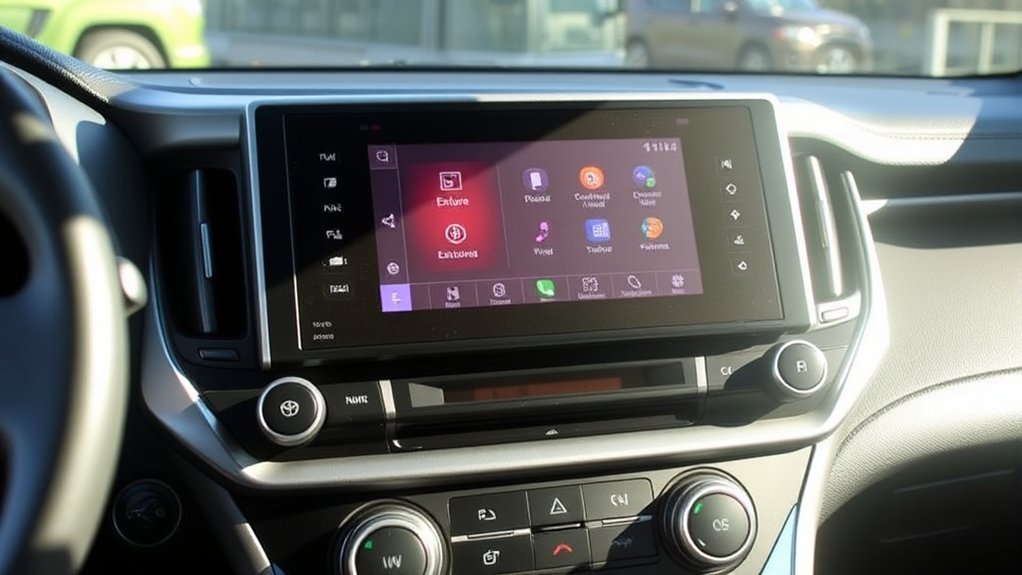
Used-car listings often describe the 2021 Toyota RAV4 LE’s multimedia system as “Entune,” but Toyota’s official U.S. brochure uses a different name. The LE came with Toyota’s standard Audio multimedia system, including a 7-inch touchscreen, six speakers, Bluetooth, smartphone projection, SiriusXM trial access, and connected-service capability.
Quick Answer
The 2021 Toyota RAV4 LE includes Toyota’s standard Audio multimedia system, not a factory unit officially labeled “Entune Audio” in Toyota’s U.S. brochure. It has a 7-inch touchscreen, six speakers, Bluetooth, one USB media port, SiriusXM trial access, and wired Apple CarPlay and Android Auto. Audio Plus and Premium Audio were not listed as LE factory options.
Key Takeaways
- Toyota officially calls the 2021 RAV4 LE system “Audio” or “Audio Multimedia,” although some owners and listings use the Entune name.
- Standard equipment includes a 7-inch touchscreen, six speakers, Bluetooth, SiriusXM trial access, Apple CarPlay, Android Auto, and one USB media port.
- The LE does not list a factory CD player, Audio Plus package, JBL system, or integrated Dynamic Navigation option.
- Apple CarPlay and Android Auto use the vehicle’s USB media port, while Bluetooth handles wireless calls and audio streaming.
- Meaningful sound upgrades for an LE normally involve aftermarket speakers, amplification, or a compatible replacement receiver.
Does the 2021 Toyota RAV4 LE Come Standard With Entune?
Not under that exact name. In its official 2021 RAV4 brochure, Toyota identifies the LE’s factory unit as the Audio multimedia system. The brochure does not call it “Entune Audio” in the LE equipment list.
The Entune name still appears in used-car listings and older Toyota discussions, which explains the confusion. When evaluating a 2021 RAV4 LE, focus on the installed features rather than the marketing label.
| 2021 RAV4 LE multimedia feature | Factory status |
| 7-inch touchscreen | Standard |
| Six-speaker audio system | Standard |
| Bluetooth hands-free calling and audio streaming | Standard |
| Apple CarPlay and Android Auto | Standard through the USB media port |
| Amazon Alexa compatibility | Listed by Toyota for the standard Audio system |
| SiriusXM | Three-month trial when new |
| USB connections | One front USB media port |
| Factory CD player | Not listed |
| Audio Plus or Premium Audio package | Not listed as an LE factory option |
Note: Toyota retired its old App Suite services on or around October 30, 2023. An older listing that mentions Entune or Toyota App Suite should not be interpreted as a promise that those app services still operate.
What Features Does the Standard RAV4 LE Audio System Include?
The LE system covers the core functions most drivers use without requiring a premium factory audio package.
- Touchscreen controls: The 7-inch display manages radio, media, phone, settings, and smartphone-projection functions.
- Six speakers: Toyota’s basic six-speaker arrangement handles radio, calls, streaming audio, and phone-projection sound.
- Bluetooth: You can make hands-free calls and stream music after pairing a compatible phone.
- Apple CarPlay: A compatible iPhone can display supported maps, phone, messaging, and audio apps on the vehicle screen.
- Android Auto: A compatible Android phone can display supported navigation, communication, and media apps.
- USB media: The LE has one front USB media port for charging, media playback, and smartphone projection.
- SiriusXM: Toyota included a three-month All Access trial when the vehicle was sold new.
- Connected Services: Toyota listed Safety Connect and a limited Wi-Fi Connect trial when the vehicle was new. Continued service depended on enrollment, vehicle eligibility, network availability, and subscription status.
The system does not list a built-in CD player. For music stored on discs, your most reliable alternatives are transferring the music to a phone or supported USB storage device. External USB CD players are not guaranteed to work with the factory receiver.
How Does the LE System Compare With Audio Plus and Premium Audio?
Toyota offered several multimedia configurations across the 2021 RAV4 range. Equipment varied by trim and package, so “Premium Audio” did not describe one universal screen size or feature set.
| System | Typical 2021 RAV4 equipment | LE availability |
| Audio | 7-inch touchscreen, six speakers, Bluetooth, USB media, SiriusXM trial, Apple CarPlay, and Android Auto | Standard |
| Audio Plus | An 8-inch or 9-inch screen depending on grade, with additional connected-service capability; some packages included JBL speakers | Not listed as an LE factory package |
| Premium Audio with Dynamic Navigation | Available 8-inch or 9-inch configurations, 11 JBL speakers with subwoofer and amplifier, and a Dynamic Navigation trial on applicable grades | Not listed as an LE factory package |
The LE’s standard system already provides the most useful smartphone functions. Premium factory systems mainly added larger displays on some trims, connected features, JBL hardware, or integrated navigation.
Because Apple CarPlay and Android Auto can provide phone-based navigation, many LE owners do not need factory Dynamic Navigation. However, phone projection depends on a compatible device, a working data cable, and supported apps.
Should You Upgrade the 2021 RAV4 LE Audio System?
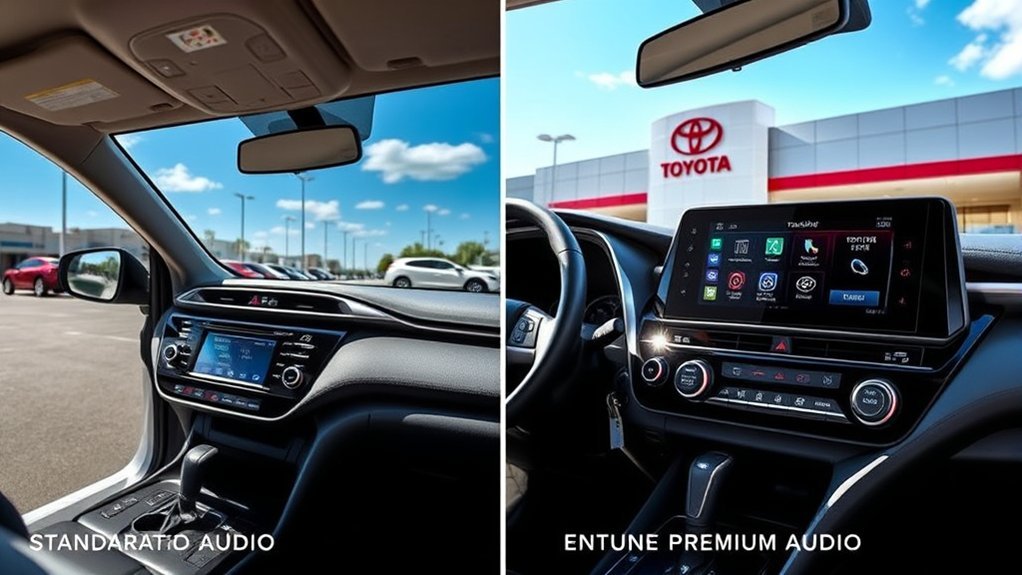
You can improve the LE’s audio system, but Toyota did not list Audio Plus or Premium Audio as factory options for this trim. A factory-style conversion is therefore more involved than activating a hidden menu or installing a software update.
Practical aftermarket upgrades include:
- Replacement speakers: Better door speakers can improve clarity without changing the dashboard receiver.
- Compact amplifier: An amplifier can provide stronger, cleaner output when matched correctly with the factory system.
- Powered subwoofer: A compact under-seat or cargo-area unit can add bass while retaining the original touchscreen.
- Replacement multimedia receiver: A compatible receiver may add a larger screen, wireless smartphone projection, improved equalization, or additional inputs.
A replacement receiver must be compatible with the backup camera, steering-wheel buttons, factory microphone, USB connection, vehicle settings, and any connected features you intend to retain. Installation parts can include a dash kit, wiring interface, antenna adapter, and camera-retention interface.
Pro Tip: Start with speakers if you like the factory touchscreen and only want clearer sound. Consider a replacement receiver when you specifically need a larger display, wireless CarPlay or Android Auto, additional inputs, or more detailed audio controls.
How to Use the 2021 RAV4 LE Multimedia System
Warning: Park the vehicle before pairing a phone, connecting a cable, changing projection settings, or troubleshooting the touchscreen. Do not operate the phone or multimedia controls while driving.
How to Pair a Phone Through Bluetooth
- Turn on Bluetooth in your phone’s settings.
- Press the Menu button on the RAV4 multimedia system.
- Select Setup, followed by Bluetooth.
- Select Add New Device.
- Choose your phone from the device list.
- Confirm that the PIN shown on the phone matches the PIN on the vehicle screen.
- Select Pair and approve contact or notification permissions you want to use.
Bluetooth supports calls and audio streaming. It does not, by itself, launch Apple CarPlay or Android Auto on this 2021 system.
How to Connect Apple CarPlay
- Enable Siri on your compatible iPhone.
- Use a working data cable to connect the phone directly to the RAV4’s USB media port.
- Select Always Enable or Enable Once when the vehicle asks whether to enable Apple CarPlay.
- Press Menu and select Apple CarPlay if the CarPlay screen does not open automatically.
How to Connect Android Auto
- Confirm that Android Auto is available and enabled on your compatible phone.
- Connect the phone directly to the USB media port with a data-capable cable.
- Select On when the vehicle asks whether to enable Android Auto.
- Press Menu and select Android Auto if it does not open automatically.
Toyota’s 2021 Navigation and Multimedia System Owner’s Manual provides the complete connection process and screen illustrations.
Troubleshooting Bluetooth, CarPlay, and Android Auto
Try these checks before replacing the factory system:
- Restart the receiver: Hold the Power/Volume knob for at least three seconds.
- Check projection settings: Confirm that Apple CarPlay or Android Auto is enabled in the system’s projection settings.
- Connect directly: Plug the phone into the vehicle’s USB media port rather than a USB hub or charge-only adapter.
- Replace the cable: Use a short, undamaged data cable. A cable that charges the phone may still fail to transfer data.
- Check phone settings: Enable Siri for CarPlay and confirm Android Auto permissions on an Android phone.
- Remove and pair again: Delete the phone from the vehicle and remove the RAV4 from the phone’s saved Bluetooth devices before reconnecting.
- Update the phone: Install available operating-system and app updates, then restart the phone.
- Check Toyota software: Use Toyota’s Audio Multimedia System Updates portal to see whether an update is available for your vehicle.
If the touchscreen remains blank, repeatedly reboots, loses sound, or cannot recognize any compatible phone or USB cable, have the vehicle inspected by a Toyota dealer or qualified automotive electronics technician.
How to Confirm the Equipment in a Used RAV4
A used vehicle may have dealer-installed or aftermarket hardware that differs from the original factory configuration. Check the following before buying replacement parts or paying for a subscription:
- The original window sticker or build record
- The physical screen size and faceplate buttons
- The number and location of USB ports
- JBL badges on the speaker grilles
- A navigation or map button on the receiver
- The Toyota account associated with the vehicle’s VIN
Frequently Asked Questions
Can I upgrade my RAV4 LE to Entune Premium Audio?
Toyota did not list Audio Plus or Premium Audio as factory options for the 2021 RAV4 LE. You can improve the system with compatible aftermarket speakers, an amplifier, a powered subwoofer, or a replacement multimedia receiver. A factory-style Premium Audio conversion would require hardware, wiring, trim, and vehicle-integration work rather than a simple software activation.
Is the 2021 RAV4 LE multimedia system compatible with every smartphone?
No. Basic Bluetooth works with many phones, but Apple CarPlay and Android Auto require a compatible device, supported software, enabled phone settings, and a working data cable. Available apps and functions can also change as Apple, Google, and app developers update their software.
What RAV4 model years used the Entune name?
Toyota used Entune branding across several earlier RAV4 generations, but names, screens, applications, and connected features changed by year, trim, and market. For the 2021 U.S. RAV4 LE, Toyota’s official brochure labels the standard unit “Audio” rather than “Entune Audio.” Check the manual and original equipment information for the exact vehicle.
Are there subscription fees for the 2021 RAV4 LE audio system?
The basic radio, Bluetooth, USB audio, Apple CarPlay, and Android Auto functions do not require a Toyota multimedia subscription. SiriusXM, Wi-Fi Connect, Safety Connect, and other connected services may require enrollment or payment after an applicable trial. Availability can depend on the vehicle, account, region, and network support.
How do I restart the multimedia system in a 2021 RAV4?
When the system is responding slowly, press and hold the Power/Volume knob for three seconds or more. The receiver should restart. This procedure does not erase all saved settings in the way a full factory-data reset may.
Does the 2021 Toyota RAV4 LE have a CD player?
Toyota does not list a factory CD player for the 2021 RAV4 LE audio system. You can play music through Bluetooth, supported USB media, SiriusXM, Apple CarPlay, or Android Auto. Compatibility with an external USB CD player is not guaranteed.
Conclusion
The 2021 Toyota RAV4 LE comes standard with a useful Toyota Audio multimedia system, although Toyota does not label it “Entune Audio” in the official U.S. brochure. You receive a 7-inch touchscreen, six speakers, Bluetooth, one USB media port, SiriusXM trial access, and wired Apple CarPlay and Android Auto.
The LE does not list a factory CD player, Audio Plus package, JBL system, or Premium Audio upgrade. Keep the factory receiver when its core features meet your needs, or choose compatible aftermarket equipment when you want better sound, a larger screen, wireless phone projection, or additional inputs.
Sources
- Toyota 2021 RAV4 Brochure — factory LE multimedia equipment, packages, trials, screen sizes, speakers, and trim availability
- Toyota 2021 RAV4 Navigation and Multimedia System Owner’s Manual — Apple CarPlay, Android Auto, restart procedure, safety guidance, and troubleshooting
- Toyota 2021 RAV4 Quick Reference Guide — Bluetooth pairing, USB media operation, and steering-wheel phone controls
- Toyota App Suite Retirement Notice — retirement of legacy App Suite services
- Toyota Audio Multimedia System Updates — official firmware-update lookup resource
