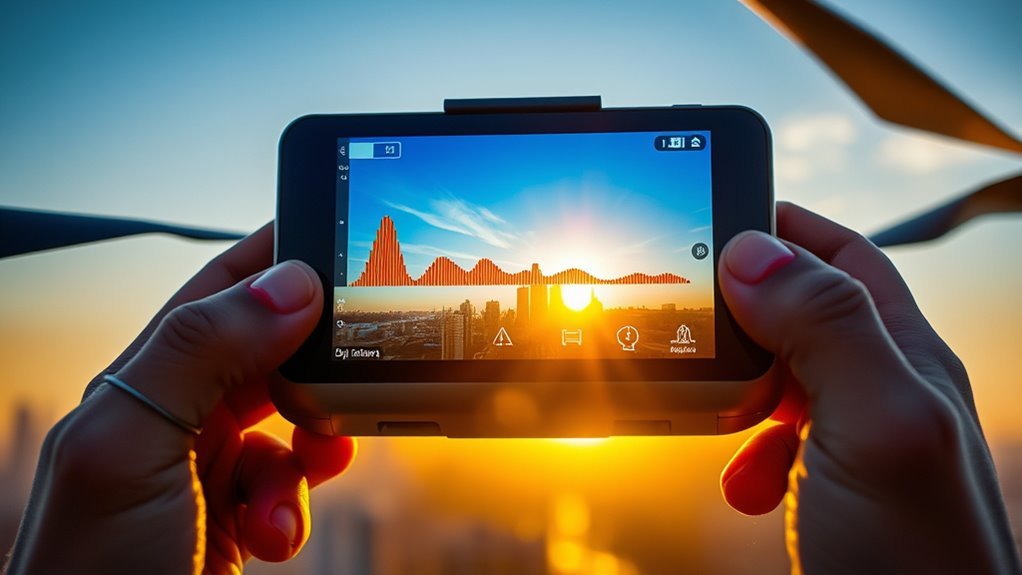
DJI drones provide three exposure aids that serve different purposes. Histograms map brightness distribution and reveal clipping risk. Zebra stripes mark areas that exceed a chosen threshold, usually in highlights. Overexposure warnings add another layer of protection in bright scenes. Each tool can improve manual exposure control, but each has limits. The key question is when to trust them, and when they mislead.
What Do DJI Histograms Show?
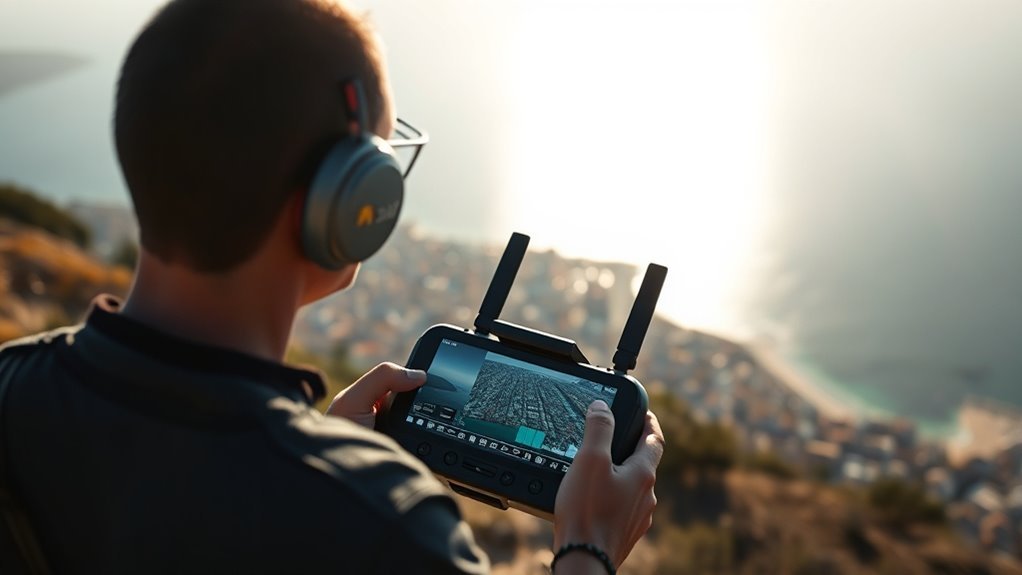
DJI histograms display the distribution of brightness levels across an image in real time, giving users a clear view of exposure during capture.
On DJI systems, the histogram maps shadows at the left edge and highlights at the right, while the vertical scale shows how many pixels occupy each brightness level. This technical readout helps determine whether exposure settings preserve detail or drive clipping at either extreme.
DJI histograms place shadows left and highlights right, revealing pixel distribution and exposure clipping risks at a glance.
A balanced histogram spreads data across the range, signaling ideal brightness and usable contrast. When the graph crowds one side, the image may be too dark or too bright, limiting liberated control over the shot.
Because a histogram summarizes the full frame, it offers more complete guidance than zebra stripes, which mark only specific clipped areas. Used correctly, the DJI histogram supports precise, efficient exposure decisions before recording.
How Do Zebra Stripes Flag Clipping?
Zebra stripes appear as diagonal overlays on the live feed when highlights reach a clipping threshold, typically around 80% brightness, warning that detail in those areas may be lost.
In this mode, zebra stripes function as an overexposure warning by marking clipped highlights directly on the image, giving a precise visual cue without requiring separate analysis.
Compared with histograms, the signal is narrower and faster to read, making it useful when exposure must be corrected in real time.
In the DJI Fly app, the feature can be enabled or disabled as needed.
When stripes cover important subjects, exposure adjustments should follow: lower ISO, increase shutter speed, or add ND filters to reduce light intake.
These controls help restore recoverable highlight detail and maintain image integrity.
When Should You Turn Overexposure Warning On?
The overexposure warning should be enabled whenever the scene contains strong sunlight or other high-intensity highlights that may clip, because the diagonal zebra overlay makes risk areas immediately visible on the live feed.
In bright daylight, the tool gives a fast visual check of highlights and helps the operator respect exposure limits before recording. This is especially useful for beginners, who can use it in Pro mode to guide manual adjustments with less guesswork and more control.
Because the overlay appears only on the monitor, it does not alter recorded media. For cinematic shots, however, it may be switched off when blown highlights are intentional and serve the image.
Used selectively, the overexposure warning supports disciplined camera setup while preserving creative freedom.
How Do You Set Exposure on DJI Drones?
Exposure on DJI drones is set most effectively in manual mode, where shutter speed, ISO, and filtration can be controlled independently.
In manual exposure mode, the shutter speed should generally be set at double the frame rate, such as 1/50s for 25fps, to preserve natural motion. ISO settings should then be raised only as needed; ISO 100 gives the cleanest image, though low light may require slower shutter speed.
In bright scenes, ND filters are essential because they reduce light while preserving the chosen shutter speed. During setup, the live feed should be checked with zebra stripes and histograms, while overexposure warnings confirm clipped highlights. These tools support disciplined exposure settings before takeoff and during flight.
In high-contrast environments, the operator should recheck the image frequently and adjust until tones remain controlled, detail stays usable, and the camera remains free to record the scene with maximum visual freedom.
When Do Histograms and Zebras Mislead You?
Histograms and zebras become unreliable when they are treated as absolute measures rather than diagnostic aids, especially in high-contrast scenes where a bright sky, reflective surfaces, or deep shadows can distort the reading.
Histograms summarize brightness distribution, not highlight detail, so they can mislead users about clipped highlights or safe exposure in complex frames. Zebra stripes and other overexposure warnings are likewise conditional: they may appear on specular reflections or JPEG-derived previews before the sensor’s full dynamic range is exhausted.
Histograms track brightness, not highlight detail; zebras can warn too early on reflections or preview artifacts.
In flat profiles such as D-log, this gap is larger, making exposure adjustments based only on zebras risky. Overreliance can force unnecessary manual adjustments, crush shadows, or mute midtones.
Effective scene assessment requires cross-checking both tools against the subject, the sensor, and the intended grade. Used together, they support liberation from guesswork; used alone, they can mislead users and narrow control.
Frequently Asked Questions
Why Are DJI Drones Getting Banned in the US?
DJI drones are getting banned in the US because lawmakers and agencies view them as a national security and drone privacy risk.
Under US legislation, tech scrutiny targets potential foreign influence, data protection gaps, and possible access to sensitive data or controls.
DJI regulations increasingly reflect public safety concerns, market competition pressures, and user compliance demands.
The result is tighter restrictions, especially where espionage, procurement security, and critical infrastructure are involved.
Can FAA Know You Flew a DJI Drone?
Yes; the FAA can often know a DJI drone flew. In one report, 87% of investigated incidents relied on flight logs or remote identification.
Drone regulations, airspace restrictions, and pilot accountability make detection likely. DJI flight logs can reveal location, altitude, and time, while data privacy limits do not erase safety compliance duties.
Operational limits, maintenance requirements, and user education help pilots remain within lawful freedom and avoid scrutiny.
How to Adjust Exposure on DJI Drone?
He should adjust exposure settings in manual mode, then reduce automatic adjustments by setting shutter speed to about double the frame rate, using ISO control as low as possible.
If the aircraft supports aperture settings, he should tune them for scene brightness. ND filters help preserve dynamic range in strong lighting conditions.
Proper drone calibration and careful post processing tips improve results. The pilot should adapt quickly to changing lighting conditions.
What Are Enhanced Warning Zones on DJI Drones?
Enhanced warning zones are DJI features that display alert regions on the user interface, showing a map-like outline of restricted or hazardous areas; they are not merely decorative.
They improve flight safety by giving real time feedback through visual and audio cues.
In drone technology, pilots can adjust sensitivity in camera settings and app controls, supporting liberated operation, safer filming techniques, and better exposure control.
Photography tips: treat alerts as navigational, not cosmetic.
Conclusion
DJI exposure tools serve opposite yet complementary roles: histograms summarize brightness distribution, while zebra stripes and overexposure warnings isolate clipped highlights in real time. One tool broadens the operator’s view; the others narrow attention to risk. Used together, they support deliberate exposure control, but each can mislead when scenes are high-contrast, backlit, or reflectively bright. The operator should treat them as guides, not verdicts, and confirm settings with the final image preview before capture.

